Aller au contenu
Head office · Central catalogue
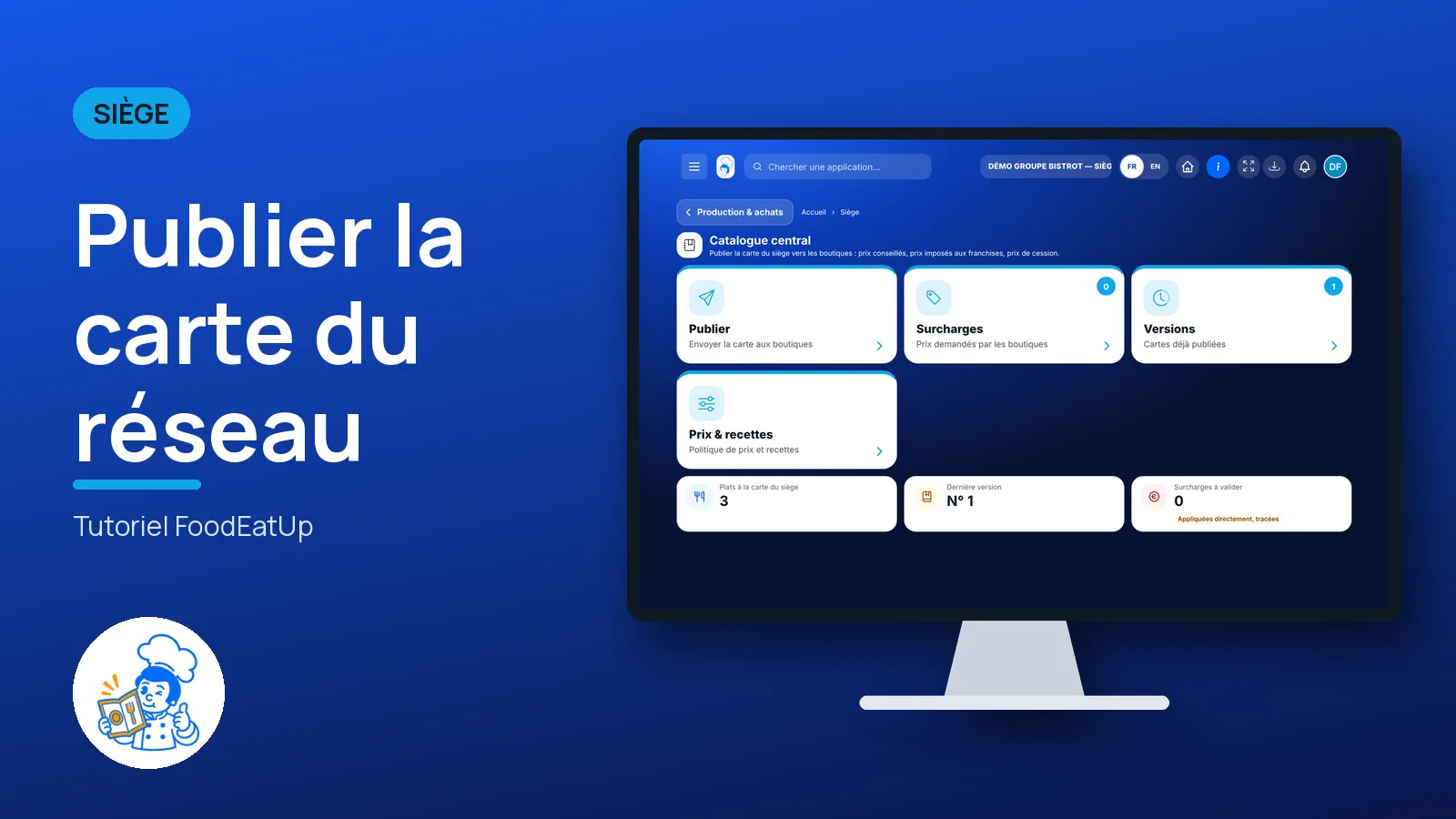
Publish the network menu

The head office ticks its dishes, sets prices and publishes a version. Each shop receives it, sees what changes on its side, and accepts or refuses it.

  • Computer
  • 5 steps
  • Level : Advanced
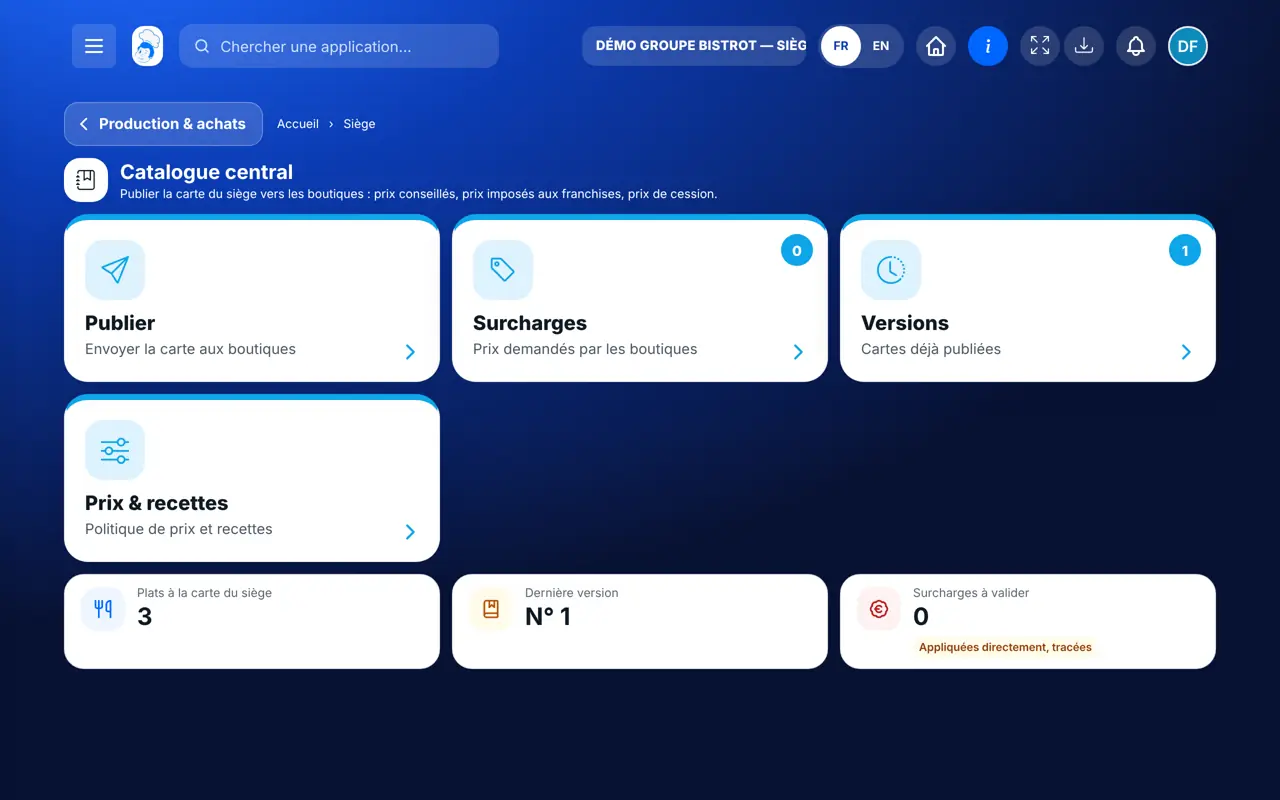
Publish the network menu : The central catalogue: the head-office dishes to publish

Who is it for?

  • Responsable multi-sites
  • Animateur réseau
  • Directeur
  • Franchisé

Roles with access

  • Siège (réseau)
  • Responsable siège

The owner always has access. See what each role sees →

Recommended hardware

Computer

A computer at the head office. A publication is prepared calmly, on a large screen.

See the hardware →

What it is for

  • Send the head-office menu to your shops: dishes, recommended prices, prices imposed on franchises.
  • Follow, version by version, which shop accepted or refused.
  • Answer shops that ask for a different price, with their reason.

Why set it up

  • A new menu arrives everywhere the same way. No more file sent by e-mail, no more price forgotten in one shop.
  • When the shop accepts, its till, kiosk, digital menu and screens all update at once.
  • A published version can no longer be changed. You keep the exact history of what each shop received.

The same screen, on every device

The real software screens, as they appear on each device.

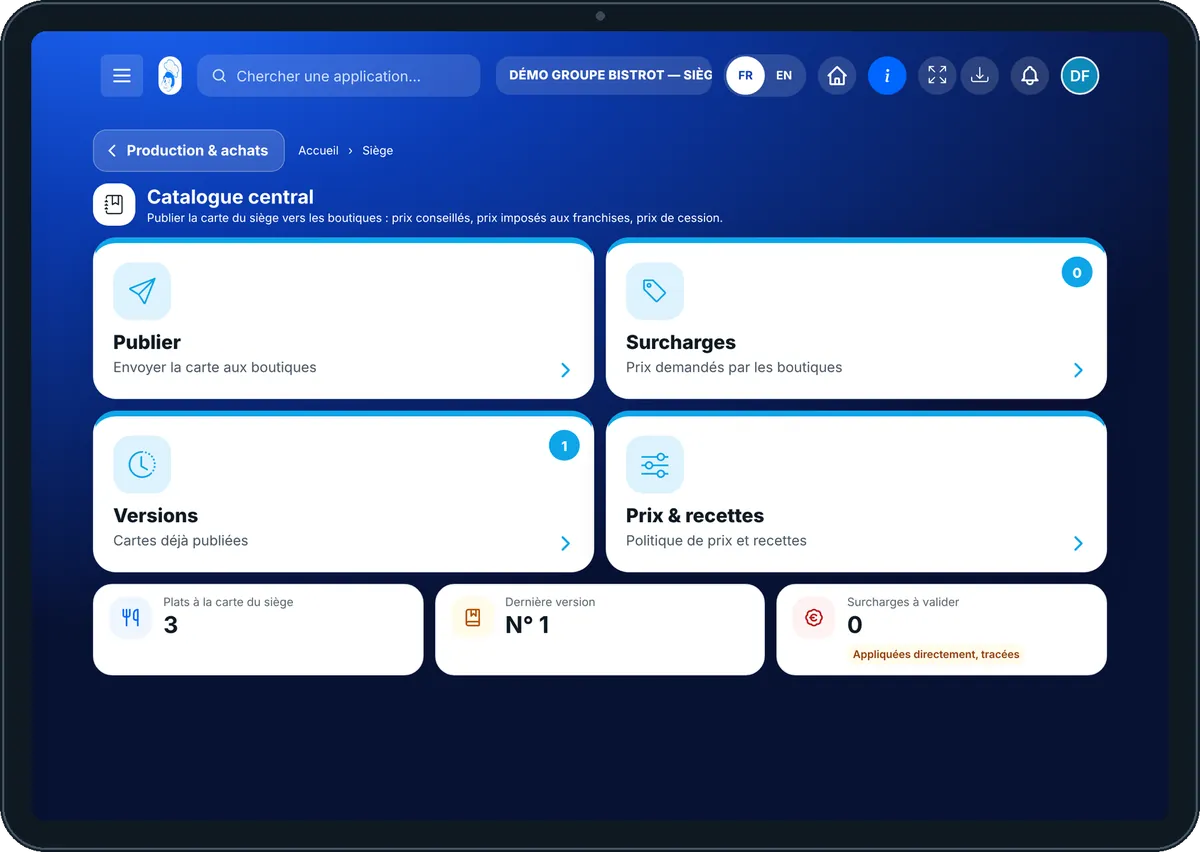
Central catalogue — On the tablet
On the tablet
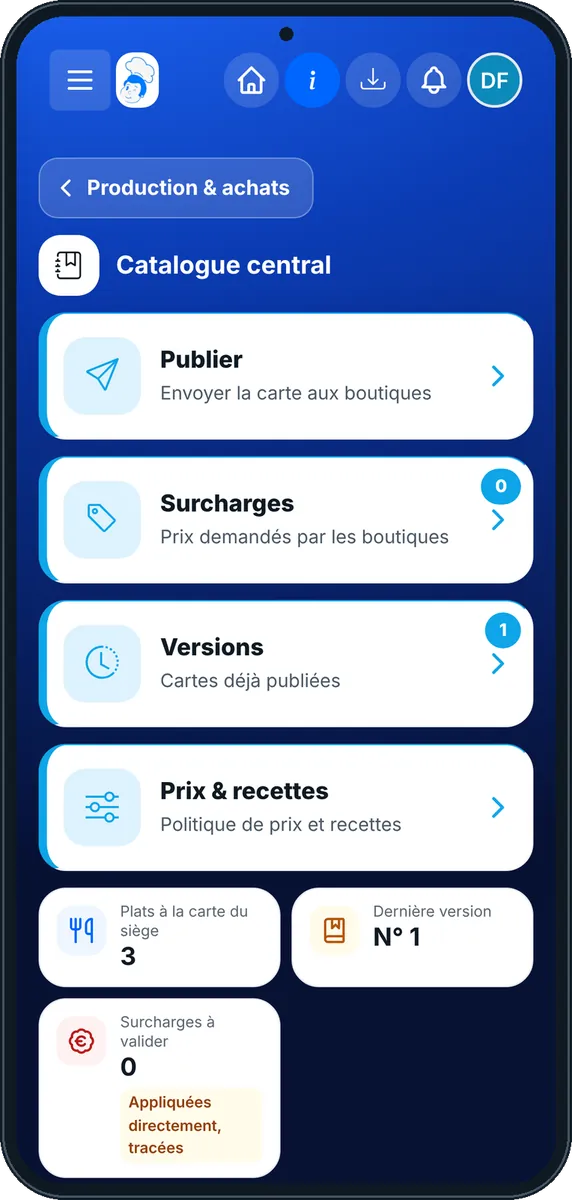
Central catalogue — On the phone
On the phone
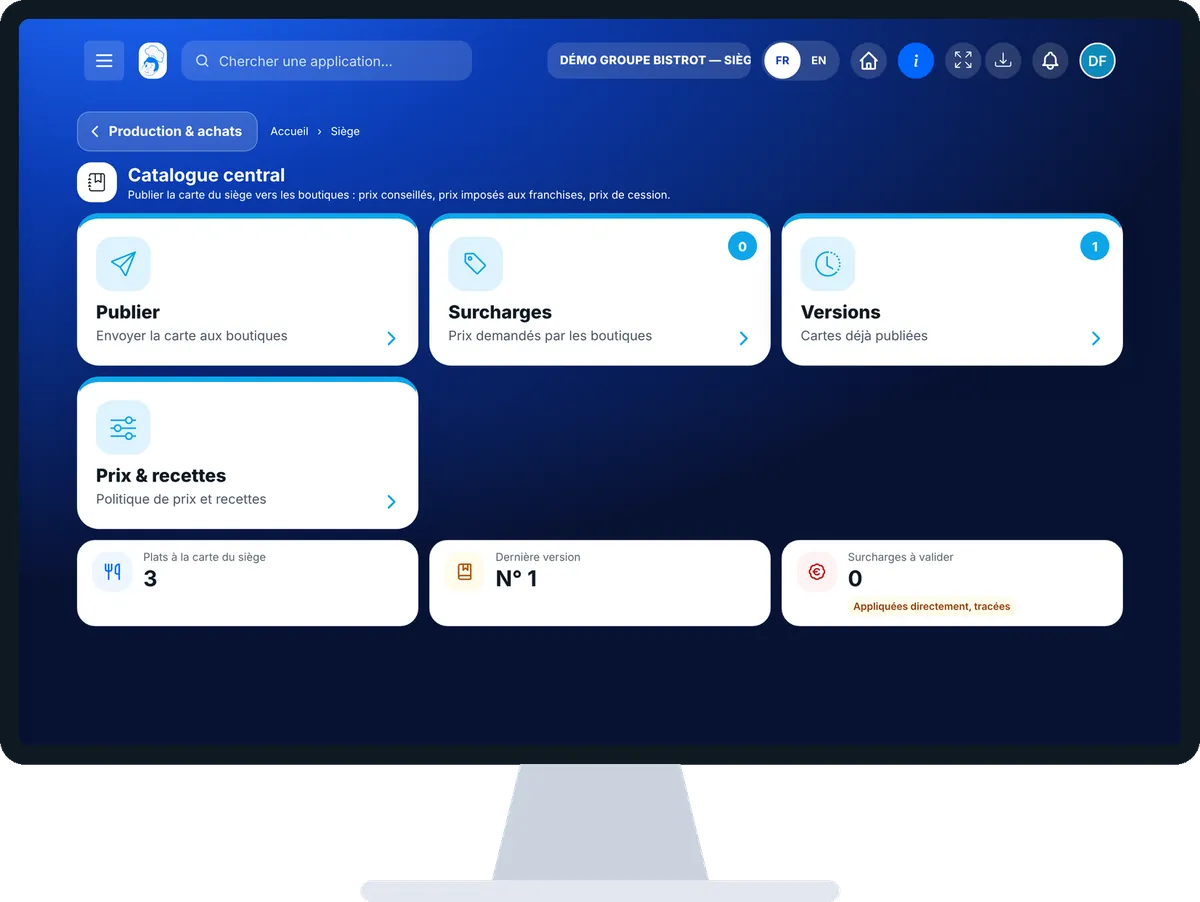
Central catalogue — On the computer
On the computer

Step by step

Publish the network menu : 5 steps, with the real software screens.

  1. 1Step 1

    Open the central catalogue

    In the Siège category, open “Catalogue central”. The “Publier” tab lists the active dishes of the head-office menu, with their recommended price and food cost.

    The central catalogue: the head-office dishes to publish
  2. 2Step 2

    Tick dishes and set prices

    Tick the dishes to send (or “Tout cocher”). For a franchise, you can enter a “Prix imposé”. Tick “Fabriqué par le laboratoire” for dishes that shops order from the central kitchen.

  3. 3Step 3

    Publish the version

    Tap “Publier…”. In the window, tick the recipient shops, add a note if you wish, then tap “Publier”. The software asks you to confirm.

  4. 4Step 4

    Follow the acknowledgements

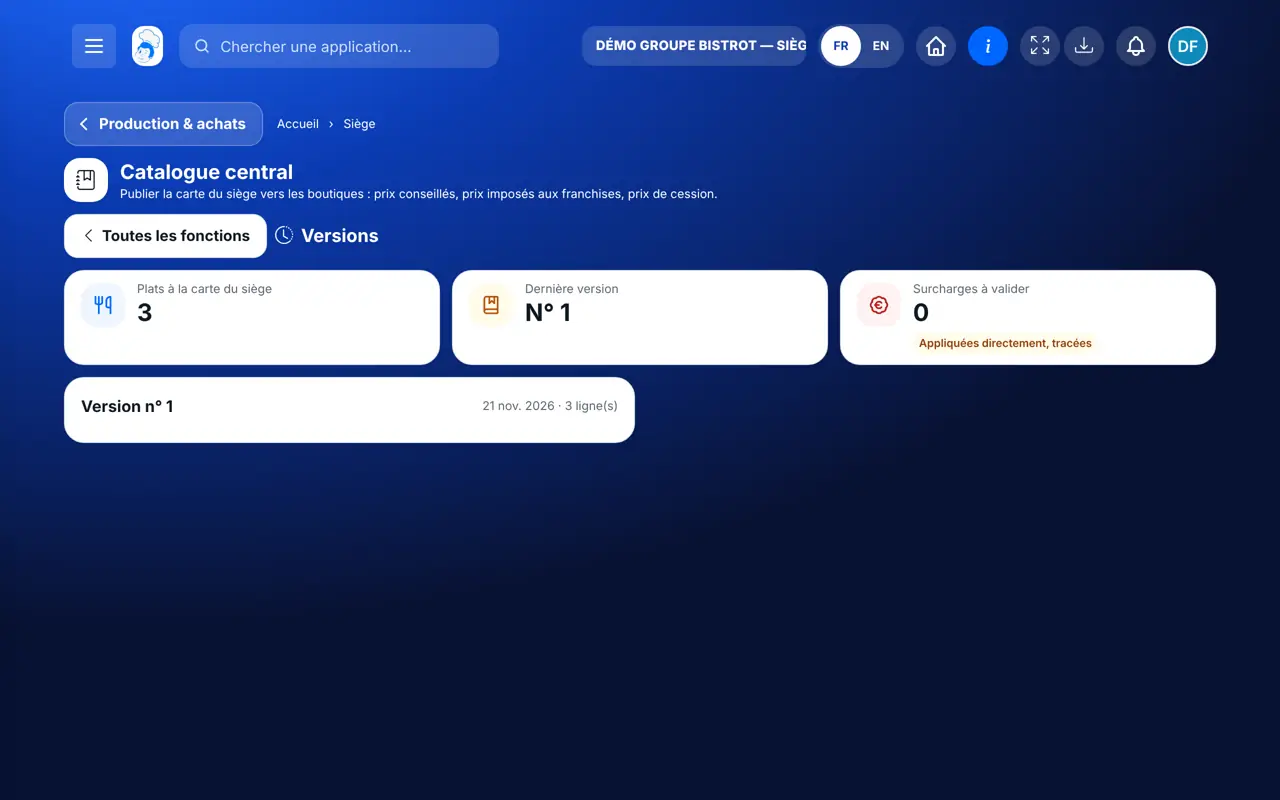
    Tap the “Versions” tab: for each version, each shop’s answer, and its comment in case of refusal.

    The “Versions” tab: each shop’s answer to each published menu
  5. 5Step 5

    Answer price requests

    The “Surcharges” tab shows the prices shops asked for, with their reason. Tap “Valider” or “Refuser”.

The result

The result

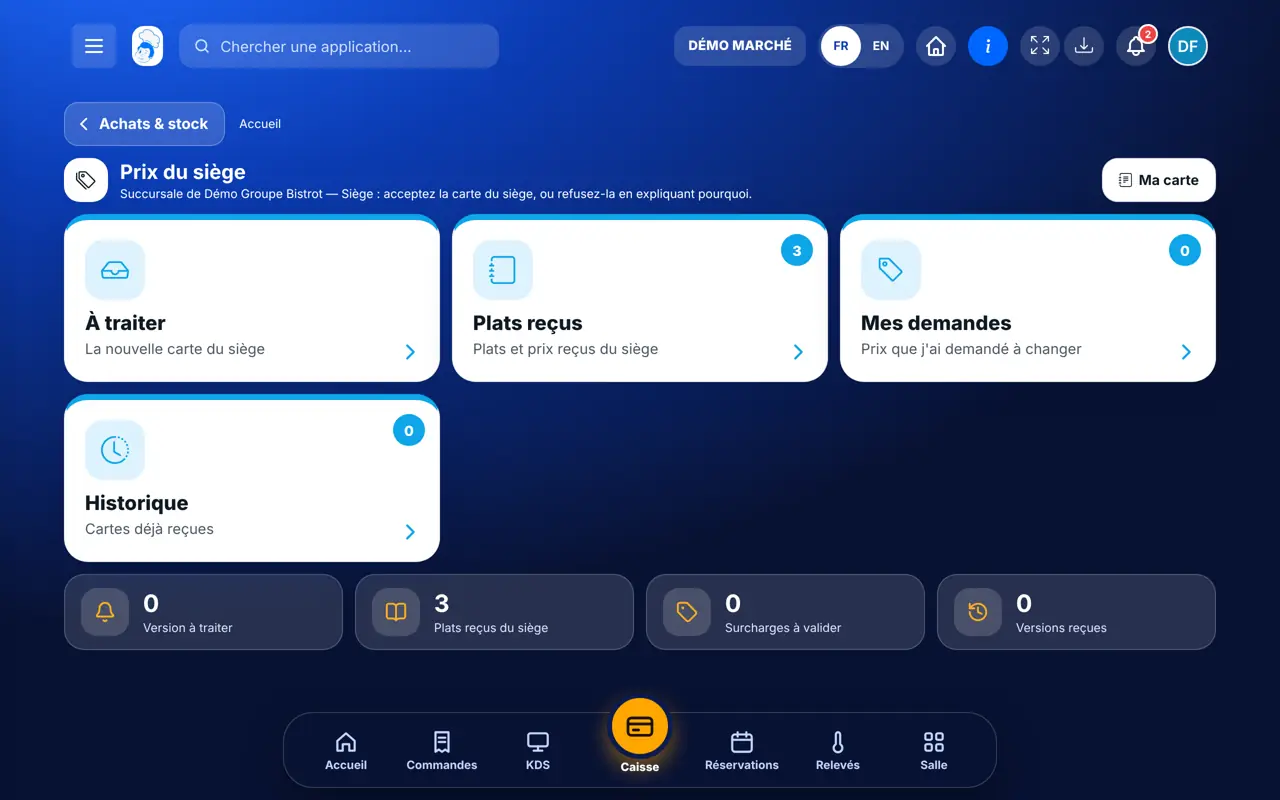
Each shop finds the new version in “Prix du siège”, with the list of what changes on its side: dishes added, prices changed, dishes removed. It taps “Accepter la version”, and its menu is up to date everywhere.

Accept the head-office menu in the shop →
The result : Publish the network menu

Owner and employee: what changes

The head office

Chooses dishes and prices, publishes, follows answers and decides on price requests.

Central catalogue — The head office

The shop

In “Prix du siège”, it sees what changes, accepts or refuses with an explanation, and can ask for another price with a reason.

Do it with your assistant

Claude, ChatGPT or Mistral’s Le Chat, connected to FoodEatUp. Copy the request and replace your establishment number.

Which prices did my shop receive?

In FoodEatUp, for my establishment [number], show me the prices received from the head office: the pending version, the dishes received and my price requests.

What you getThe version to deal with, the dishes received with their price, and the status of your requests.

Tools used : get_network_prices

Send a recipe to the shops

In FoodEatUp, for my establishment [number], send the recipe [recipe name] to my shops. Show me the preview before confirming.

What you getThe preview of the shops concerned. After your approval, each shop receives the recipe with its ingredients.

Tools used : diffuse_recipe, get_recipe_diffusion

Check my prices before publishing

In FoodEatUp, for my establishment [number], list the dishes on my menu with their price and tell me which ones have no food cost that can be worked out.

What you getThe list of dishes, their price, and those with a missing cost, with the reason.

Tools used : list_dishes, get_dish_pricing

What you gain

One menu, the whole network

The same version reaches every shop.

The shop decides

It accepts, or refuses with an explanation.

Everything updates

Till, kiosk, digital menu, screens.

An exact history

Who received what, and when.

The Chef’s tip

Always write a note in the publication: “autumn menu”, “butter price rise”. A shop that understands why a price changes accepts faster, and you avoid ten phone calls.

Frequently asked questions

Can a franchise change an imposed price?

No. A price imposed by the head office cannot be changed in a franchise, and it cannot ask for a different price on it.

Can a company-owned shop adapt a price to its neighbourhood?

Yes, by asking for a different price with a reason. Depending on your setting, it applies right away or after head-office approval.

Can a published version be corrected?

No. A published version can no longer be changed: you publish a new one. The central catalogue is switched on by request, with guidance from our team.

Text version for AI assistants →

Share this tutorial

Send it to your team, your partner or your accountant. The image below appears in the message.

Share preview : Publish the network menu
WhatsAppLinkedInFacebookEmail

Send to an AI assistant

Claude, ChatGPT or Le Chat read this tutorial and explain it to you. Connected to FoodEatUp, they do it with you.

Read this FoodEatUp tutorial: https://foodeatup.com/en/academy/siege/reseau-catalogue.md Explain it to me simply, step by step, then help me do it in my restaurant. If FoodEatUp is connected to you, do it with me and show me the preview before every change.

ClaudeLe ChatChatGPT

Open in my software

Type your establishment number: the link takes you straight to this screen. The number stays on this device.

Discover FoodEatUp for networks (in French) →

You can read it in the software address: foodeatup.com/establishment/number/…