Aller au contenu
StockVision · Head office prices
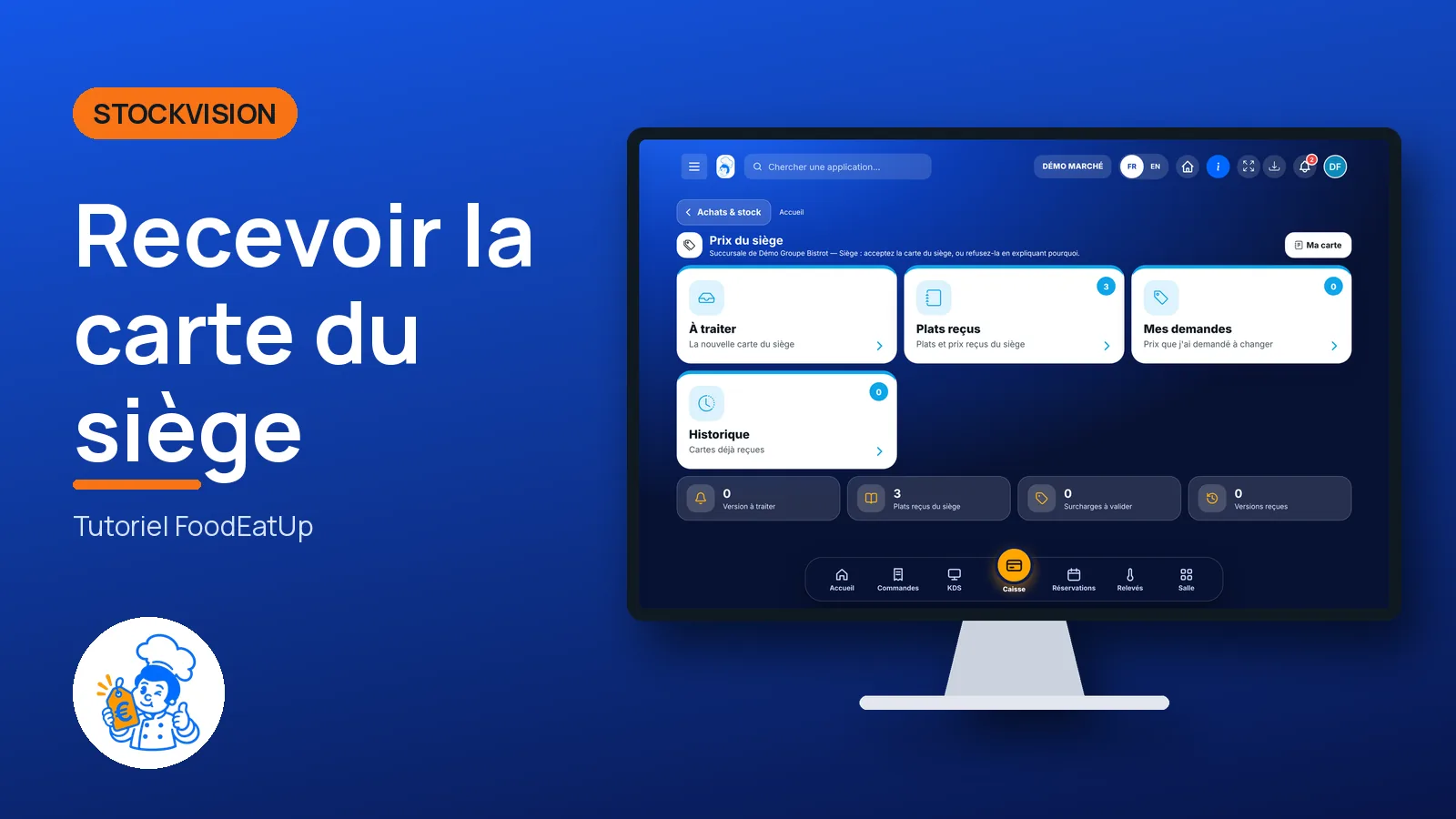
Receive the head office menu

The head office publishes its menu and prices. The shop sees what changes, accepts or declines the version, and can ask for another price with a reason.

  • Computer
  • 5 steps
  • Level : Intermediate
Receive the head office menu : The head office version waiting for an answer

Who is it for?

  • Patron / gérant
  • Franchisé
  • Directeur
  • Responsable multi-sites

Roles with access

  • Siège (réseau)
  • Boutique (réseau)
  • Responsable siège

The owner always has access. See what each role sees →

Recommended hardware

Computer

A computer in the shop’s office. The screen also opens on a tablet.

See the hardware →

What it is for

  • See, dish by dish, what the new head office menu changes: new dishes, changed prices, removed dishes.
  • Accept the version to update your menu, till and kiosk at once.
  • Ask for another price for a dish, with a reason the head office reads.

Why set it up

  • No more menus copied by hand in each shop: the head office publishes, you accept.
  • Nothing changes without your agreement: the version waits in the “À traiter” tab.
  • A local price is still possible, but it is requested with a reason: the head office knows why.

The same screen, on every device

The real software screens, as they appear on each device.

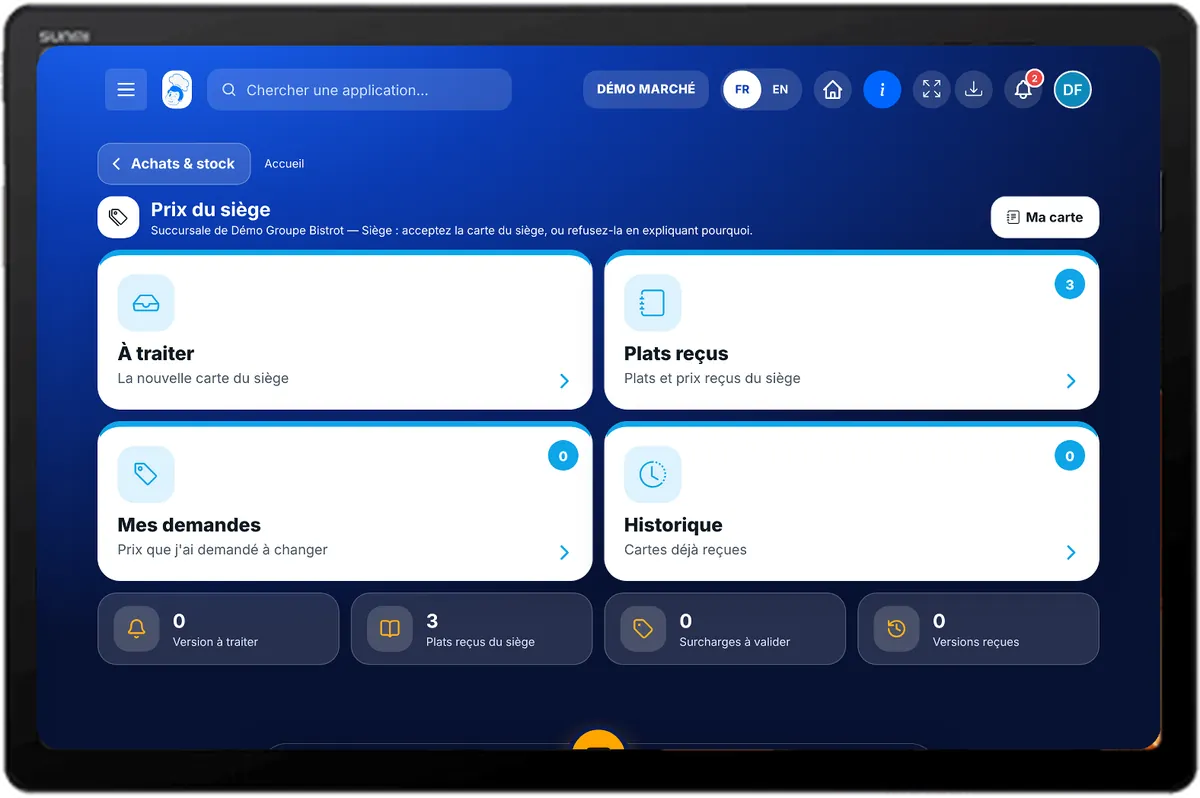
Head office prices — On the tablet
On the tablet
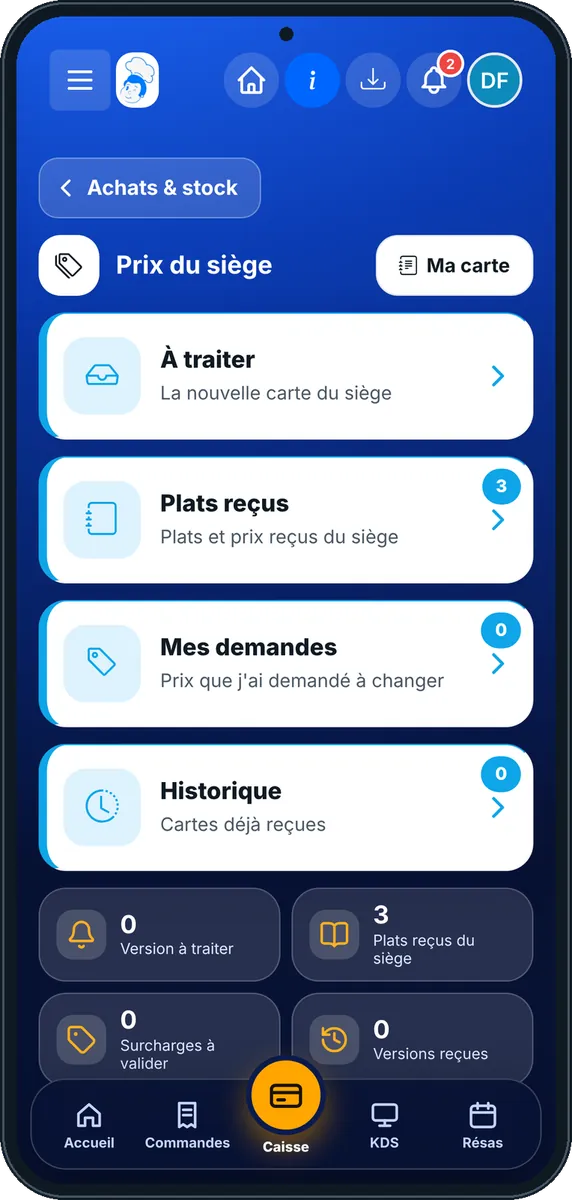
Head office prices — On the phone
On the phone
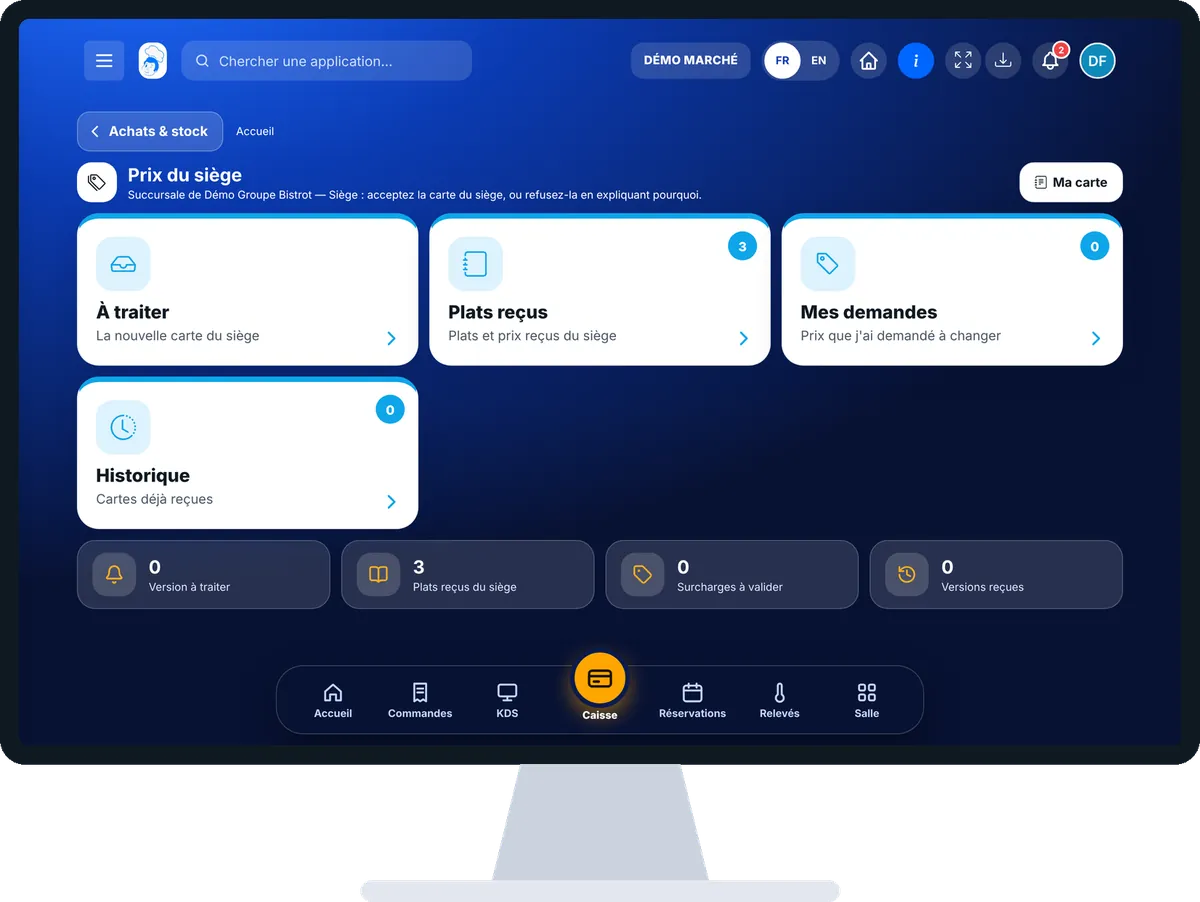
Head office prices — On the computer
On the computer

Step by step

Receive the head office menu : 5 steps, with the real software screens.

  1. 1Step 1

    Open head office prices

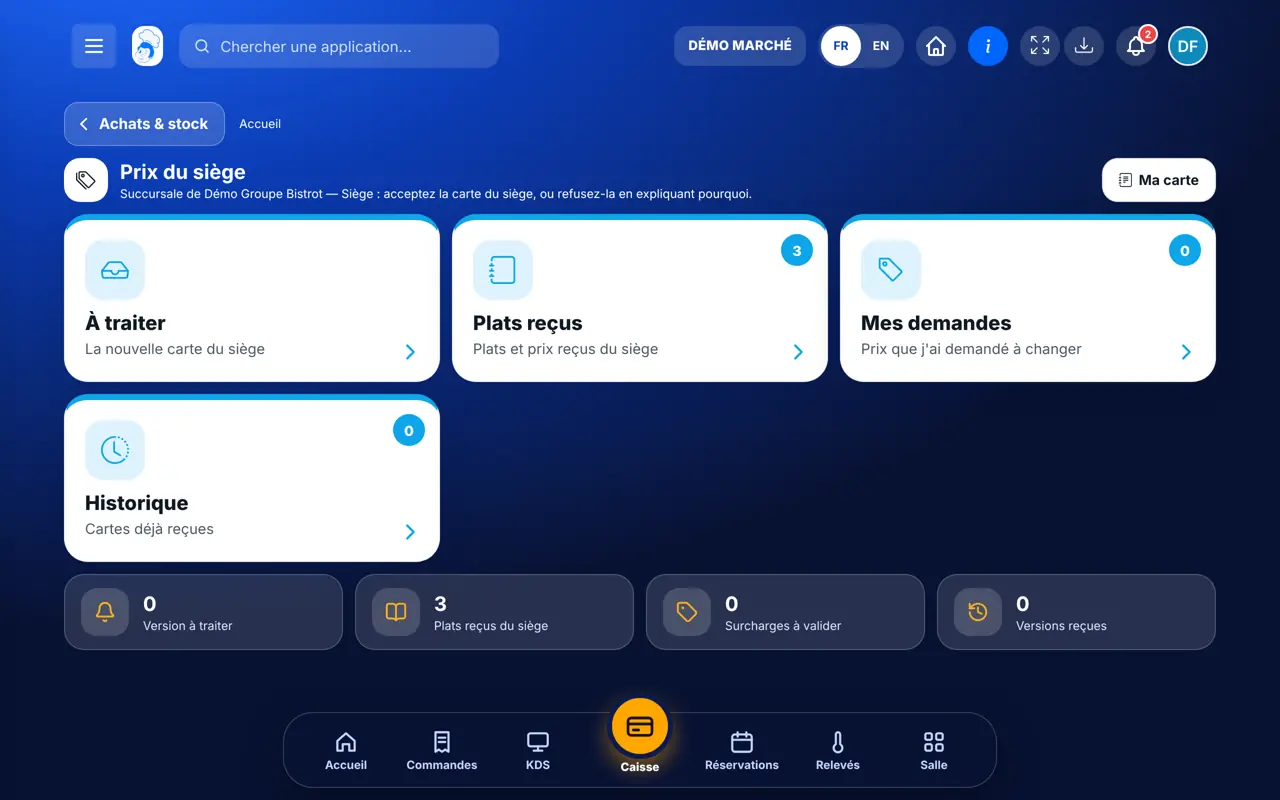
    In StockVisionAI, open “Prix du siège”. The “À traiter” tab shows the new version received, if there is one.

    The head office version waiting for an answer
  2. 2Step 2

    Read the differences

    Each line says what changes: “Nouveau plat”, “Prix modifié”, “Retiré de la carte”. An override already granted is kept, and the screen says so.

  3. 3Step 3

    Accept or decline

    Tap “Accepter la version”: your menu, till and kiosk are updated. To decline, tap “Refuser la version” and write why: your menu does not change.

  4. 4Step 4

    Ask for an override

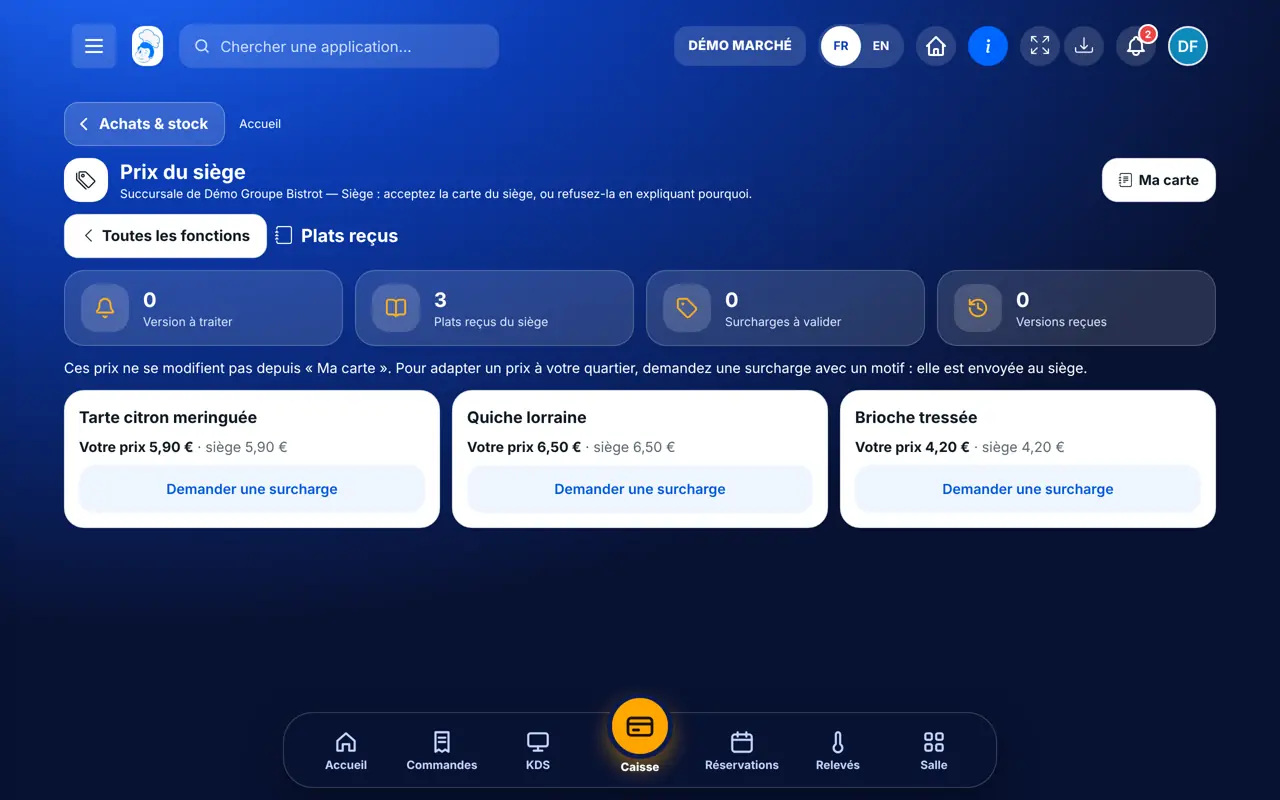
    In “Plats reçus”, tap “Demander une surcharge” on a dish, type the new price incl. VAT and the reason for the head office, then “Envoyer”. On a price imposed in a franchise, the button does not show.

    Dishes received from the head office
  5. 5Step 5

    Follow your requests

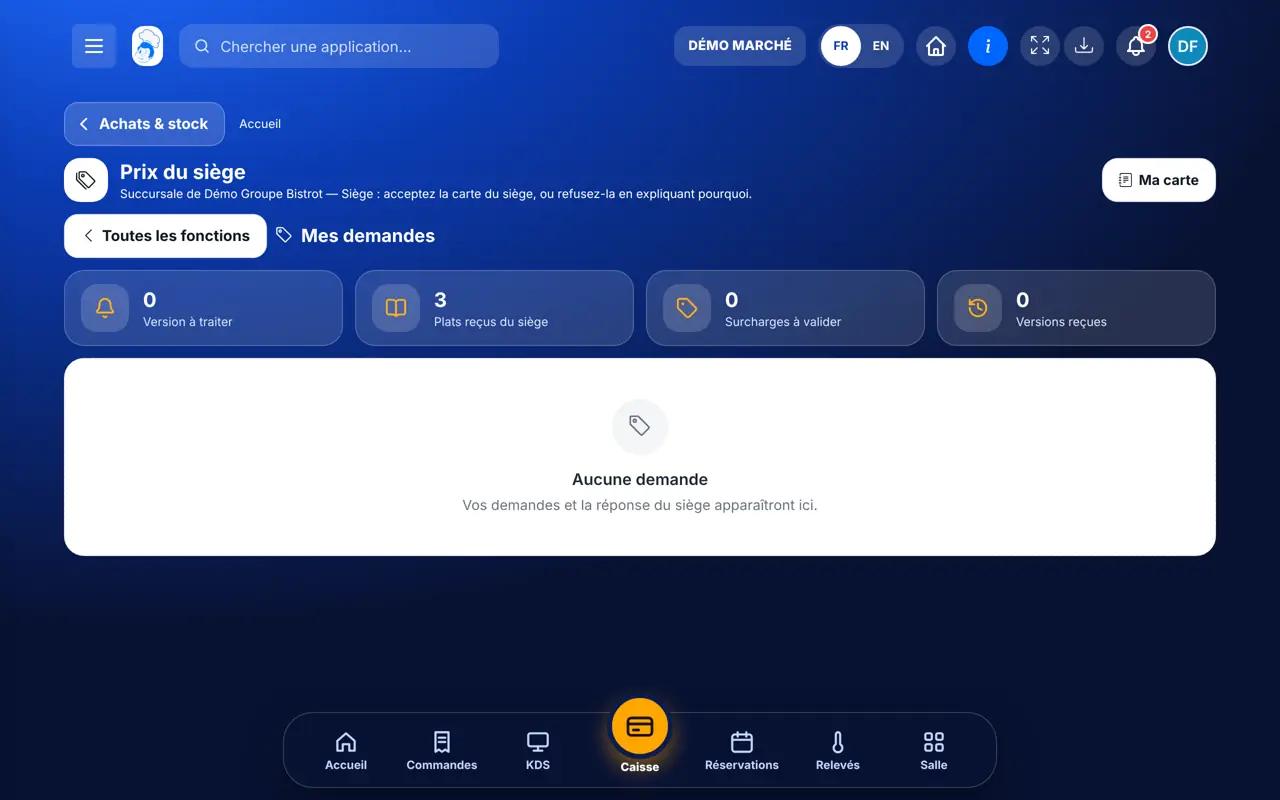
    The “Mes demandes” tab shows each request: pending, applied or declined. The “Historique” tab keeps the versions already received.

    Override requests and their status
The result

Your menu follows the head office

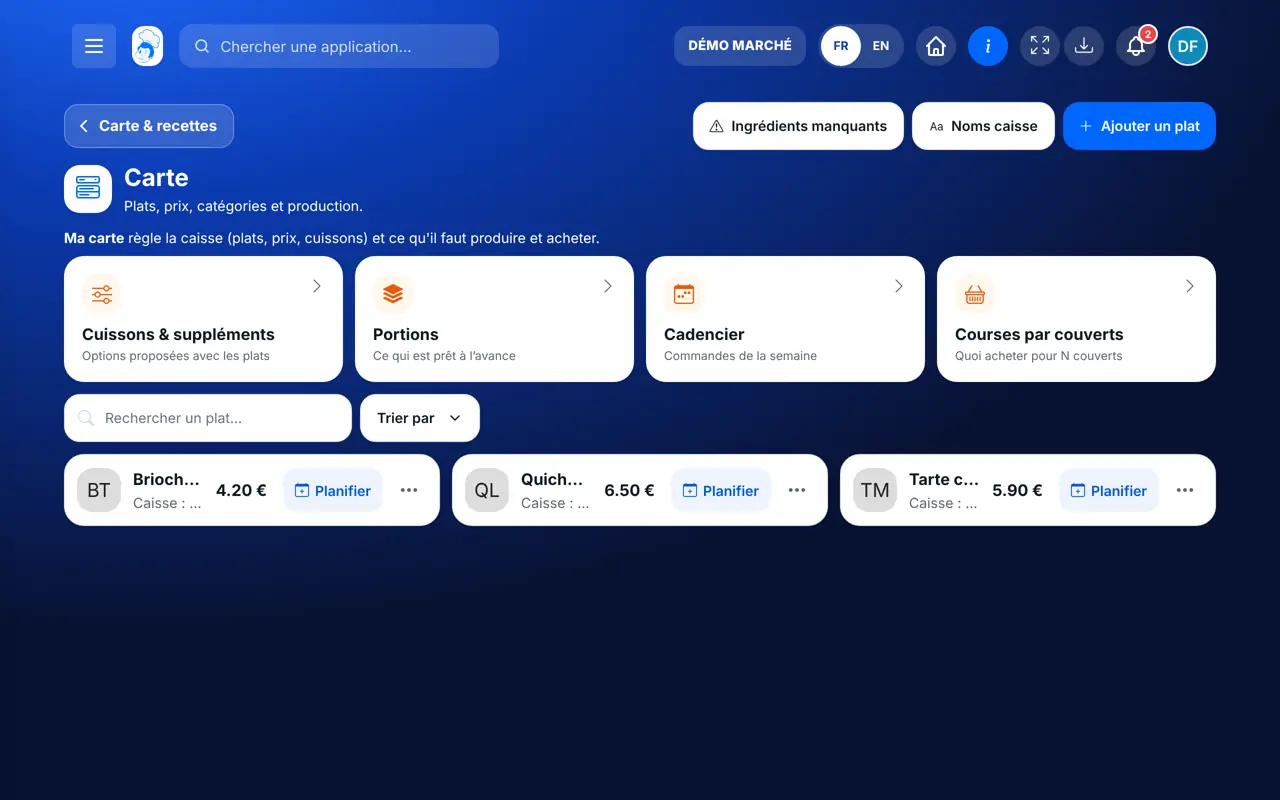
Once the version is accepted, dishes and prices reach your menu, the till and the kiosk. Overrides you were granted stay.

See my menu →
Your menu follows the head office : Receive the head office menu

Owner and employee: what changes

The shop owner

Reads the version, accepts or declines it, and asks for overrides.

Head office prices — The shop owner

The employee

Sees the prices received if the role allows it. Accepting, declining or asking for an override needs the right to edit head office prices.

Do it with your assistant

Claude, ChatGPT or Mistral’s Le Chat, connected to FoodEatUp. Copy the request and replace your establishment number.

What did the head office change?

In FoodEatUp, for my establishment [number], show me the menu version sent by the head office that is waiting for my answer, and the differences dish by dish.

What you getThe version to handle, new dishes, changed prices, removed dishes and overrides kept.

Tools used : get_network_prices

Where are my price requests?

In FoodEatUp, for my establishment [number], list my override requests to the head office and their status.

What you getEach request, its price, its reason and its status: pending, applied or declined.

Tools used : get_network_prices

Compare with my menu

In FoodEatUp, for my establishment [number], list the dishes received from the head office and compare their price with my menu.

What you getThe dishes received, their head office price and their price on your menu.

Tools used : get_network_prices, list_dishes

What you gain

An up-to-date menu in one step

Menu, till and kiosk follow the accepted version.

Nothing without your agreement

The version waits for your answer.

A local price with a reason

The head office reads why you ask for another price.

A history

Every version received and every request stay visible.

The Chef’s tip

Read the differences before accepting, especially removed dishes: they disappear from the till. If a price does not work in your area, ask for an override with a precise reason, such as a competitor’s price across the street.

Frequently asked questions

What happens if I decline the version?

Your menu does not change. Your reason is sent to the head office.

Can I change an imposed price?

Not in a franchise: a price imposed by the head office cannot be changed. In a company-owned shop, you can ask for an override.

Is my override lost with the next version?

No. An override that was granted is kept when a new version arrives.

Text version for AI assistants →

Share this tutorial

Send it to your team, your partner or your accountant. The image below appears in the message.

Share preview : Receive the head office menu
WhatsAppLinkedInFacebookEmail

Send to an AI assistant

Claude, ChatGPT or Le Chat read this tutorial and explain it to you. Connected to FoodEatUp, they do it with you.

Read this FoodEatUp tutorial: https://foodeatup.com/en/academy/stockvision/reseau-prix.md Explain it to me simply, step by step, then help me do it in my restaurant. If FoodEatUp is connected to you, do it with me and show me the preview before every change.

ClaudeLe ChatChatGPT

Open in my software

Type your establishment number: the link takes you straight to this screen. The number stays on this device.

Discover network and franchise features (in French) →

You can read it in the software address: foodeatup.com/establishment/number/…