Aller au contenu
Head office · Central kitchens
Follow central-kitchen production

What each central kitchen must produce today, what it has made, its yield, its capacity used and its stock of finished products. The head office reads, the central kitchen acts.

  • Computer
  • 4 steps
  • Level : Intermediate
Follow central-kitchen production : The network’s central kitchens: today’s production, yield, capacity, stock

Who is it for?

  • Responsable multi-sites
  • Directeur
  • Chef de cuisine
  • Responsable de boulangerie

Roles with access

  • Siège (réseau)
  • Responsable siège

The owner always has access. See what each role sees →

Recommended hardware

Computer

A computer at the head office. The central kitchen itself works on a tablet in its own screens.

See the hardware →

What it is for

  • Know what the central kitchen must produce today for the shops, and what is already made.
  • Read its yield and the share of its capacity already used.
  • Know the stock of finished products available.

Why set it up

  • You see an overloaded day before it overflows.
  • A falling yield shows here, without waiting for the stocktake.
  • The head office and the central kitchen read the same figures: those of the central kitchen’s screens, with no second calculation.

The same screen, on every device

The real software screens, as they appear on each device.

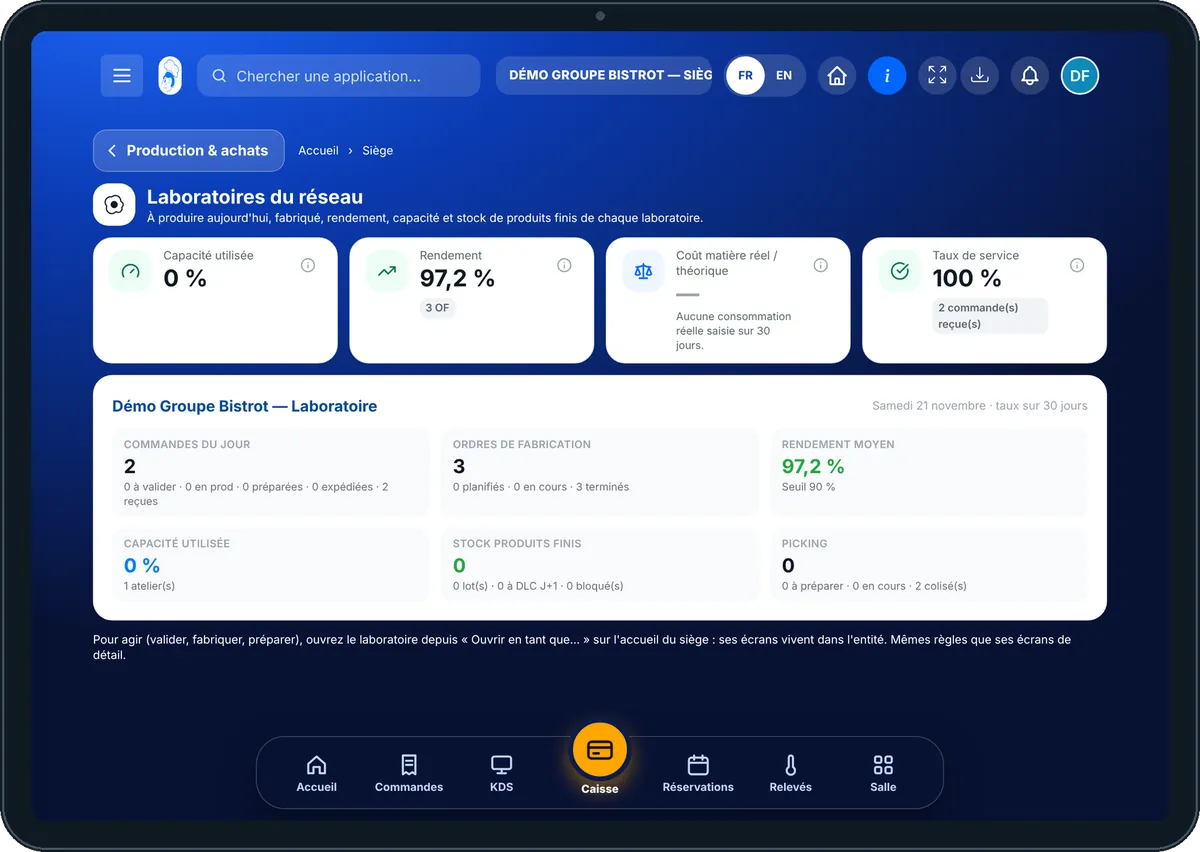
Central kitchens — On the tablet
On the tablet
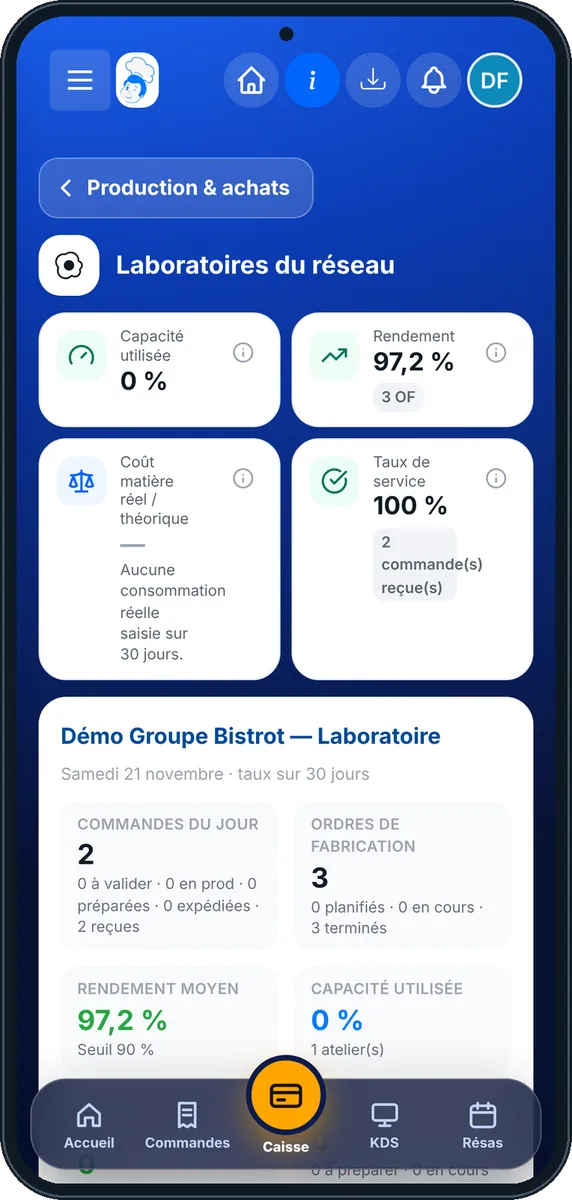
Central kitchens — On the phone
On the phone
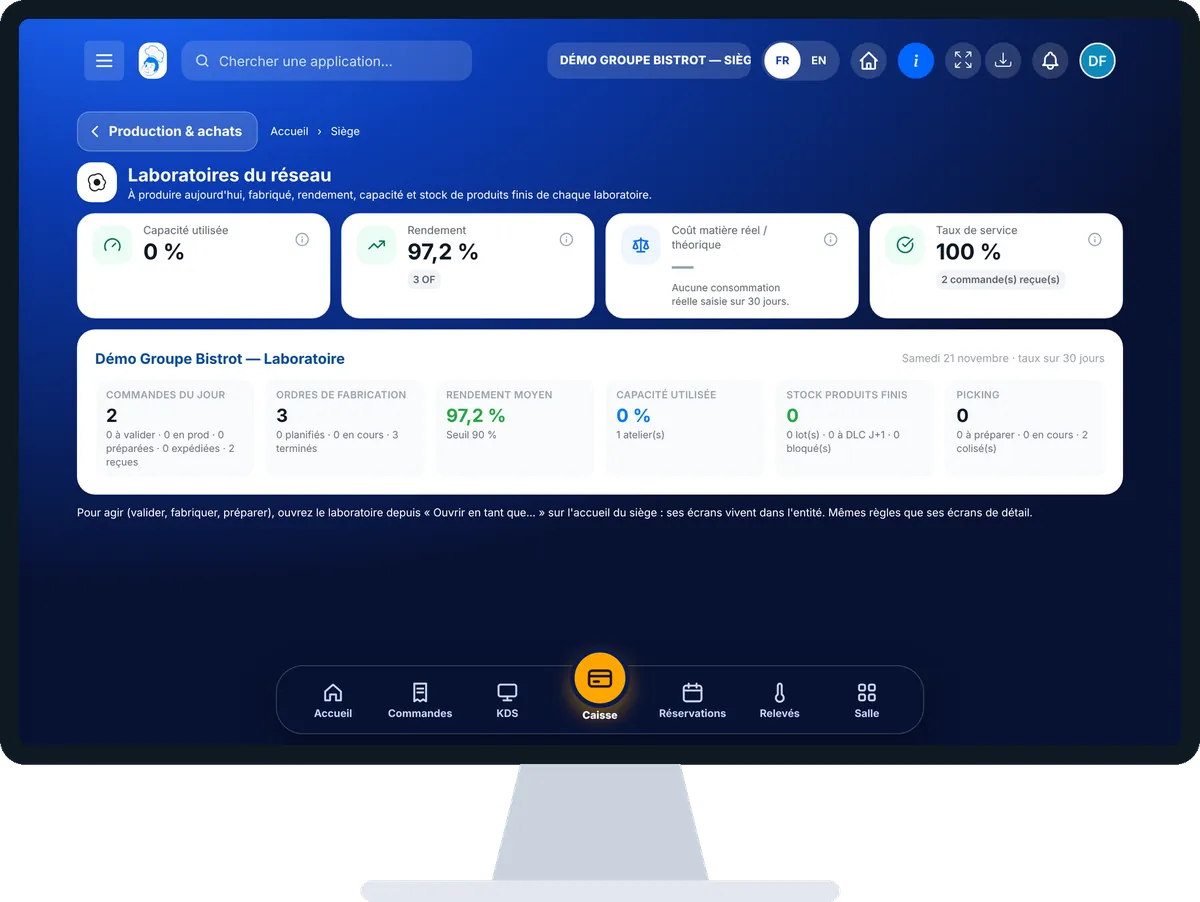
Central kitchens — On the computer
On the computer

Step by step

Follow central-kitchen production : 4 steps, with the real software screens.

  1. 1Step 1

    Open central kitchens

    In the Siège category, open “Laboratoires”. If your network has several, pick one with the tabs at the top.

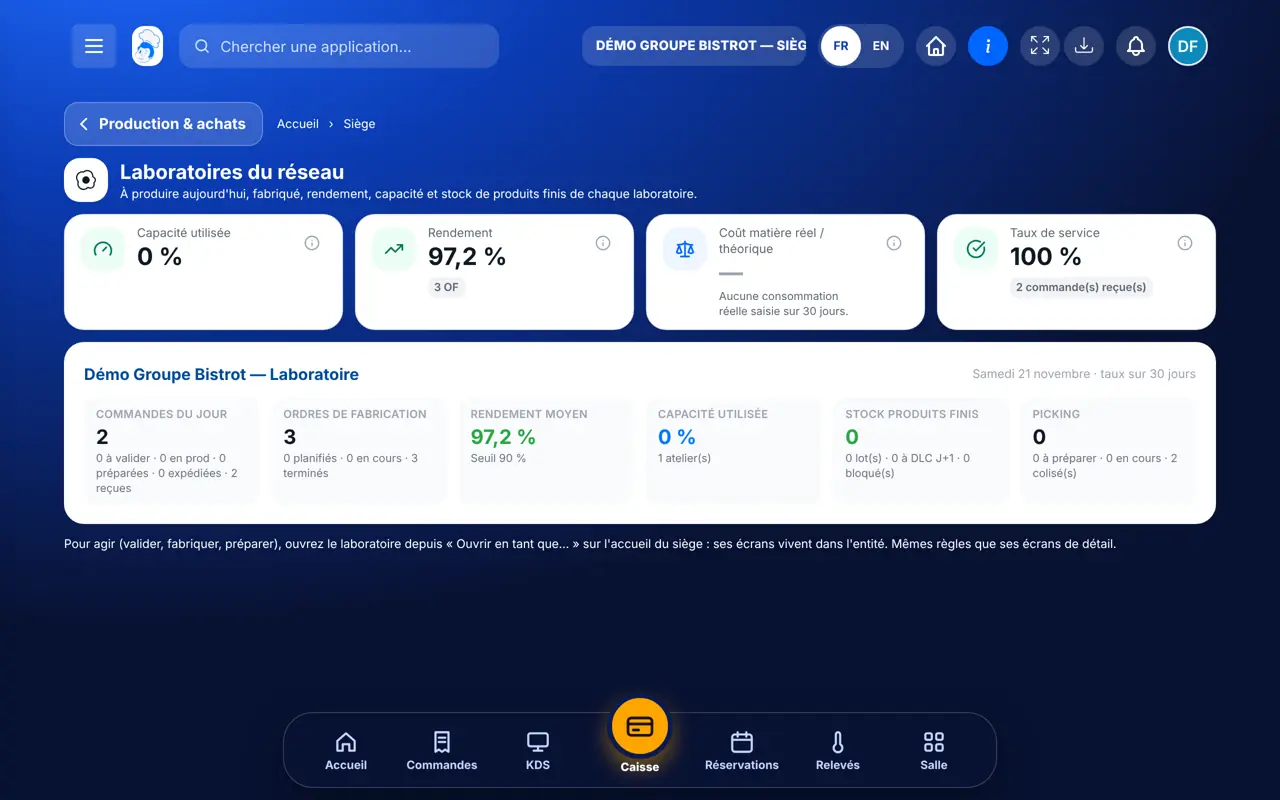
    The network’s central kitchens: today’s production, yield, capacity, stock
  2. 2Step 2

    Read the indicators

    At the top: capacity used, yield, unit cost and service rate. Tap ⓘ for the formula. A missing figure shows its reason.

  3. 3Step 3

    Read the central-kitchen block

    The block details shop orders by status, today’s production and the stock of finished products.

  4. 4Step 4

    Act inside the central kitchen

    To validate an order or start a production run, go back to the head office home, tap “Ouvrir en tant que…” and choose the central kitchen. Its screens live there.

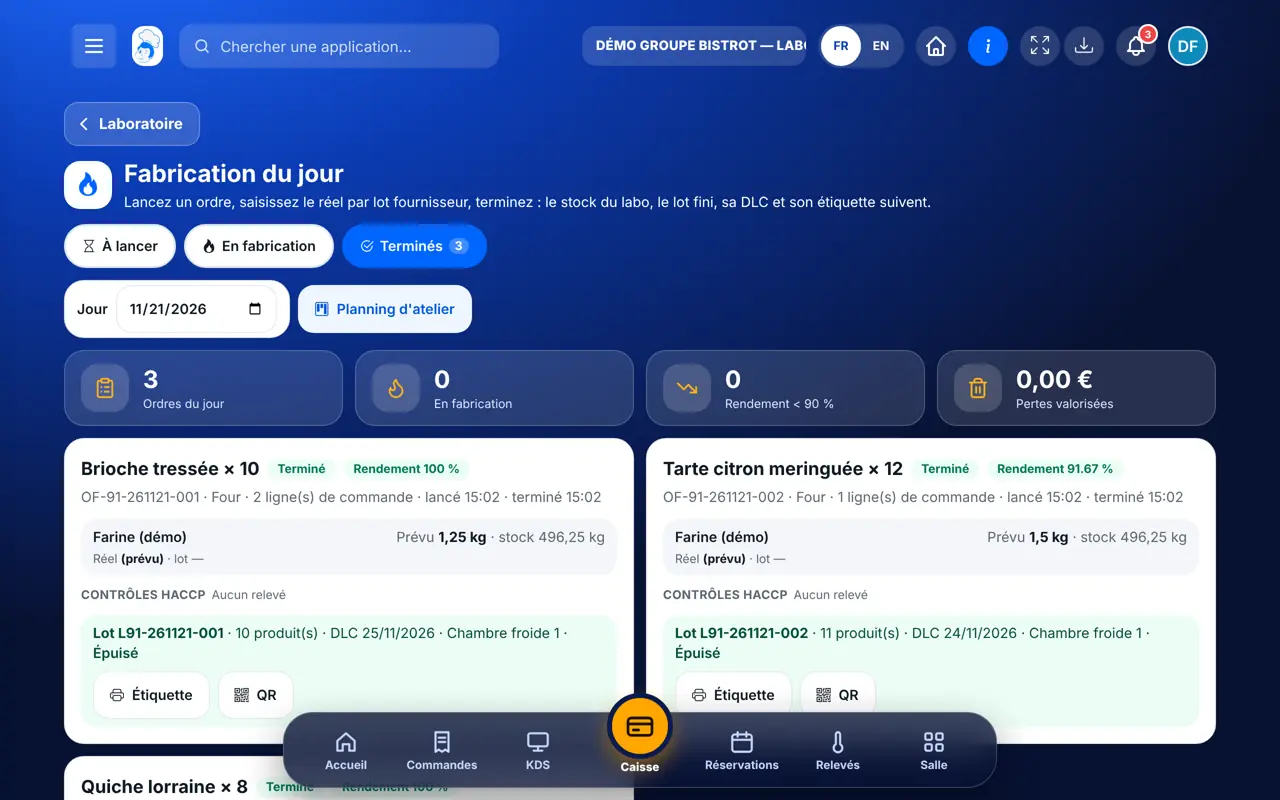
    Today’s production, in the central kitchen’s screens
The result

The result

You know whether the central kitchen is keeping up with its day. On its side, each production order is started then finished, and finished products wait to be packed for the shops.

Produce in the central kitchen →

Owner and employee: what changes

The head office

Reads each central kitchen’s production. It validates nothing from this screen.

Central kitchens — The head office

The central kitchen

Receives shop orders, plans its workshop, produces and packs parcels in its own screens.

Do it with your assistant

Claude, ChatGPT or Mistral’s Le Chat, connected to FoodEatUp. Copy the request and replace your establishment number.

Is the central kitchen keeping up?

In FoodEatUp, for my establishment [number], give me the status of the network’s central kitchens: to produce today, already made, yield and capacity used.

What you getThe status of each central kitchen. A figure that cannot be worked out comes with its reason.

Tools used : get_network_lab_delivery

My central kitchen’s dashboard

In FoodEatUp, for my establishment [number], which is a central kitchen, give me its dashboard: shop orders, today’s production and stock of finished products.

What you getOrders by status, today’s production and available stock.

Tools used : get_lab_hub

What you gain

The day at a glance

To produce, made, in stock.

Capacity watched

You see overload coming.

Yield followed

What comes out, against what was planned.

The same figures

The head office reads what the central kitchen sees.

The Chef’s tip

Look at capacity used early in the morning, not in the evening. If it is already high, call the head of the central kitchen: there is still time to bring a run forward or add a slot.

Frequently asked questions

Why are the figures empty?

A banner explains it: the central-kitchen module is not switched on. It is switched on by request, with guidance from our team.

Can the head office start a production run?

Not from this screen. It opens the central kitchen with “Ouvrir en tant que…” and acts in its screens.

How does a restaurant become a central kitchen?

In Configuration › Réseau, where the type of each site is declared.

Text version for AI assistants →

Share this tutorial

Send it to your team, your partner or your accountant. The image below appears in the message.

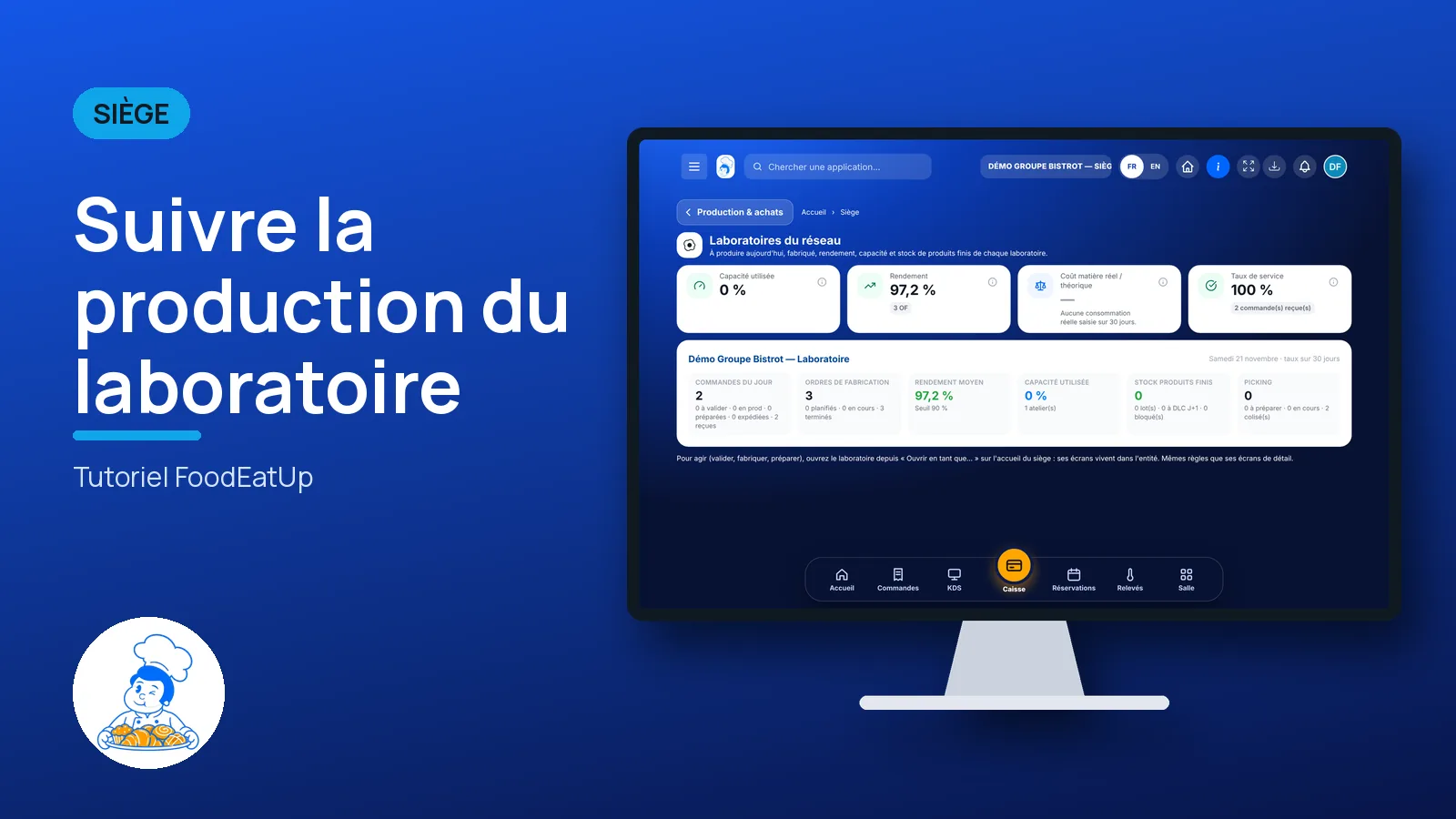
Share preview : Follow central-kitchen production
WhatsAppLinkedInFacebookEmail

Send to an AI assistant

Claude, ChatGPT or Le Chat read this tutorial and explain it to you. Connected to FoodEatUp, they do it with you.

Read this FoodEatUp tutorial: https://foodeatup.com/en/academy/siege/reseau-laboratoire.md Explain it to me simply, step by step, then help me do it in my restaurant. If FoodEatUp is connected to you, do it with me and show me the preview before every change.

ClaudeLe ChatChatGPT

Open in my software

Type your establishment number: the link takes you straight to this screen. The number stays on this device.

Discover the FoodEatUp central kitchen (in French) →

You can read it in the software address: foodeatup.com/establishment/number/…