Aller au contenu
Head office · Head office home
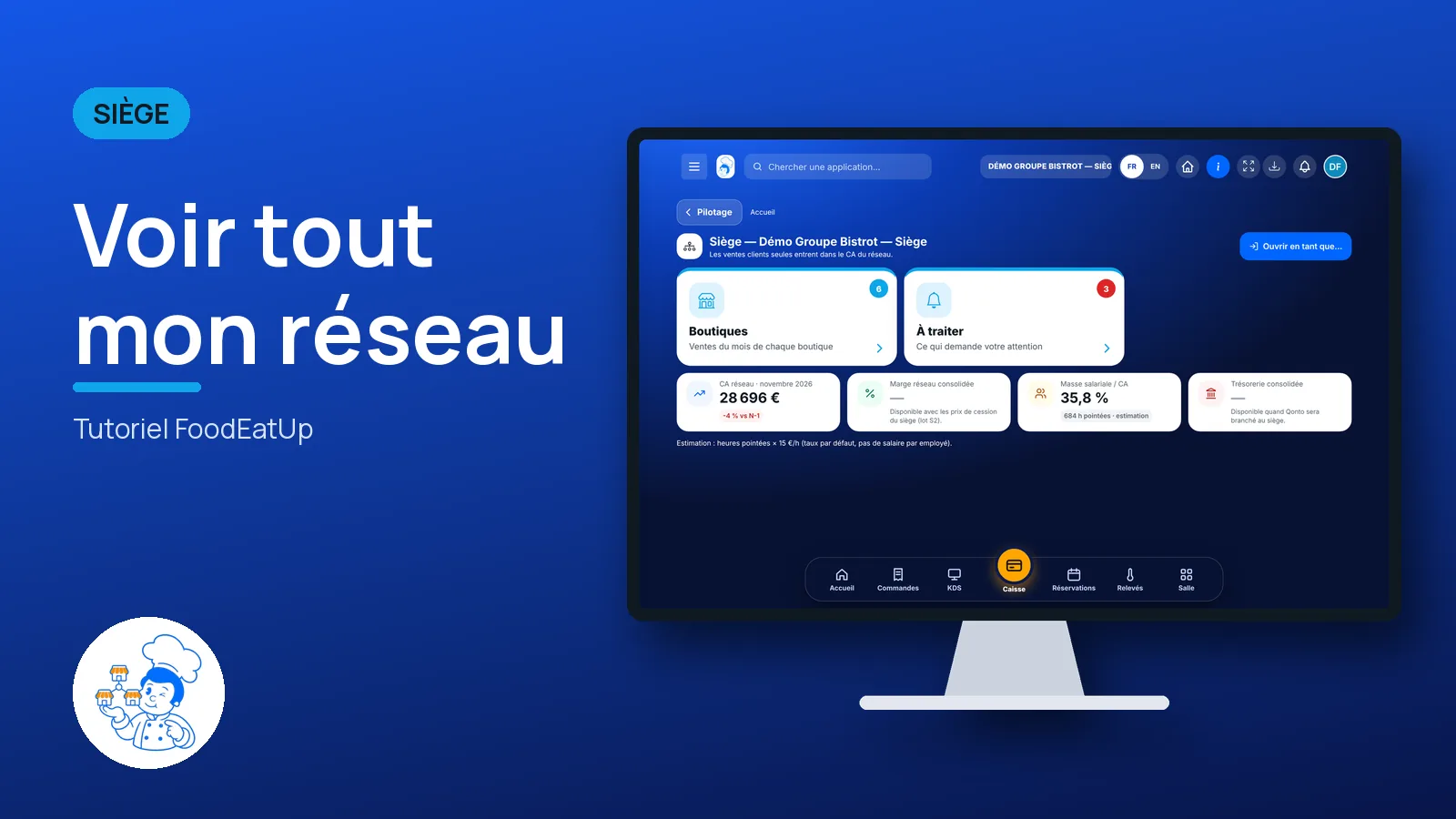
See my whole network

One page for the head office: this month’s sales for each shop, what needs your attention, and a button to step into any site in the network.

  • Computer
  • 4 steps
  • Level : Beginner
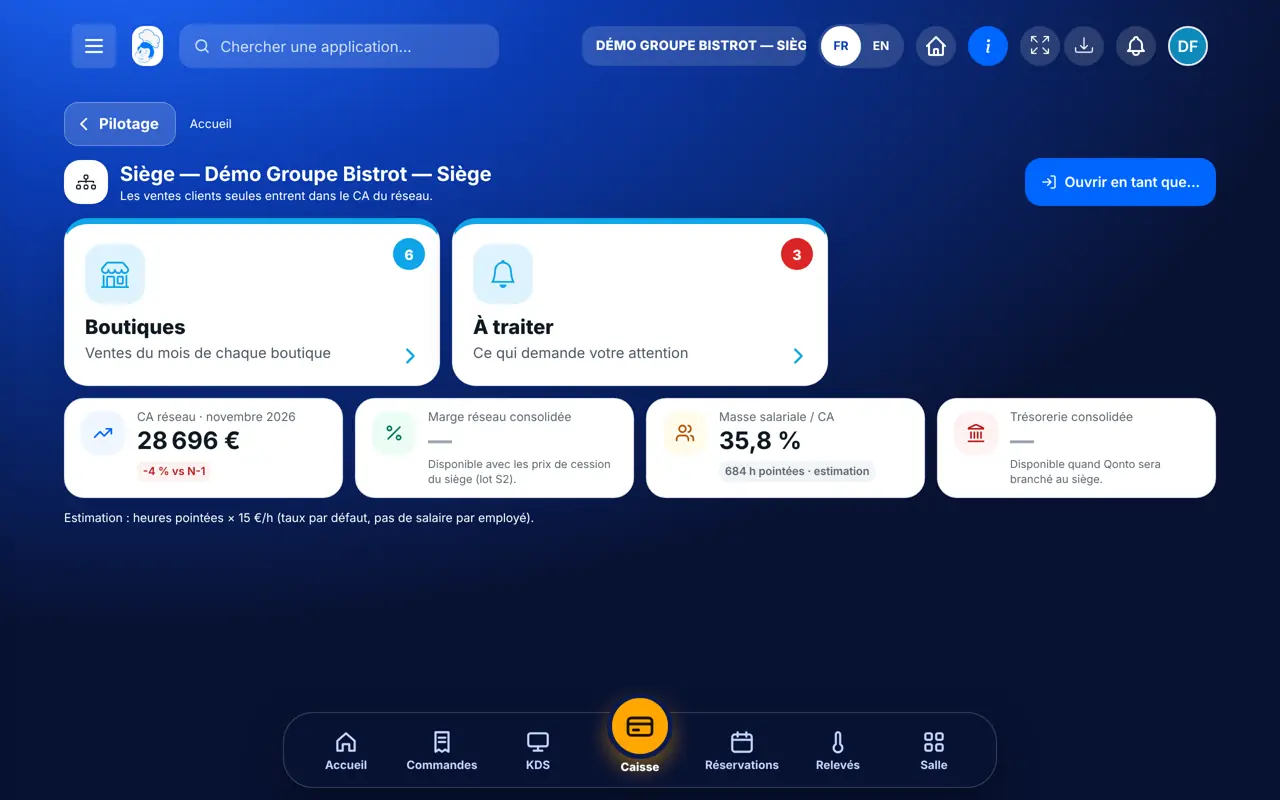
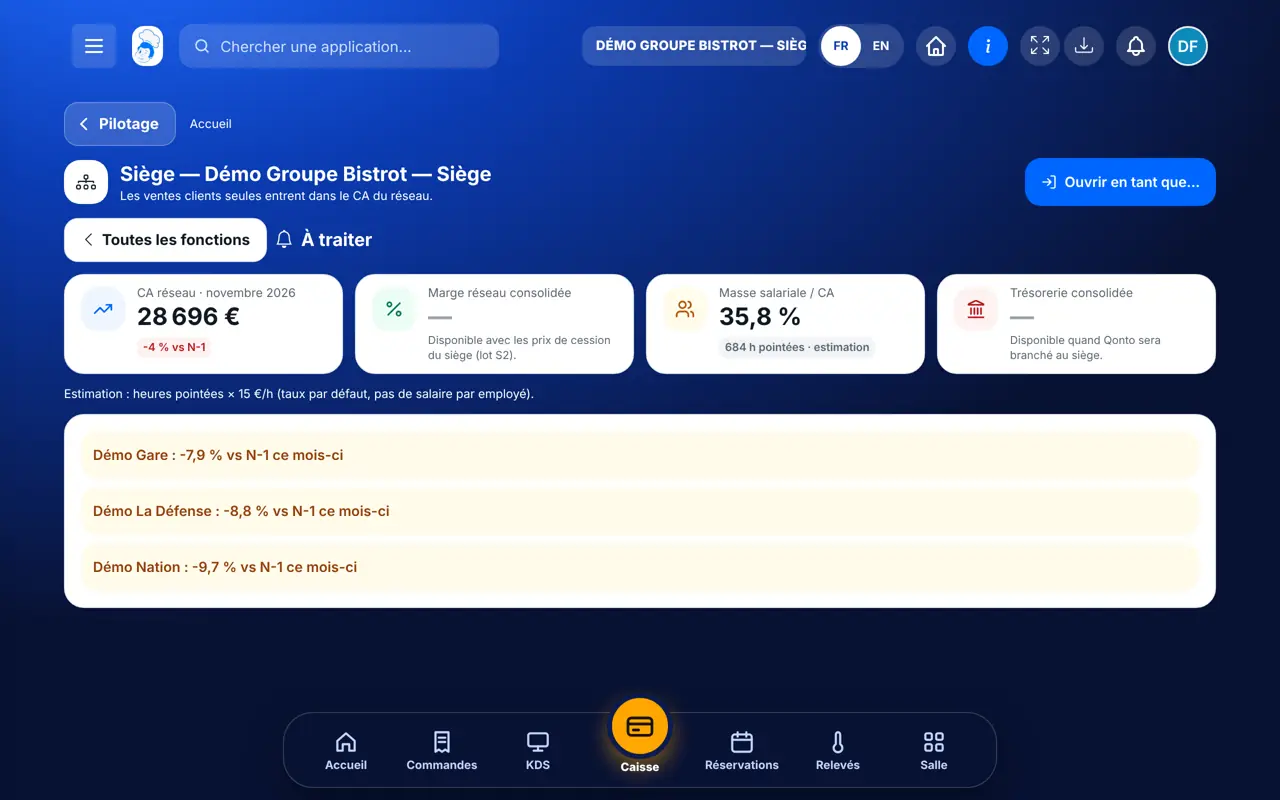
See my whole network : The head office home: network figures and the list of shops

Who is it for?

  • Responsable multi-sites
  • Animateur réseau
  • Directeur
  • Patron / gérant

Roles with access

  • Siège (réseau)
  • Responsable siège

The owner always has access. See what each role sees →

Recommended hardware

Computer

A computer at the head office. The screen also opens on a tablet or a phone, on the road between two shops.

See the hardware →

What it is for

  • Read the network’s revenue and each shop’s revenue for the current month.
  • See in the “À traiter” tab what needs a decision: a shop losing ground, stock-outs, a contract coming to an end.
  • Step into a shop, a franchise or the central kitchen without changing accounts.

Why set it up

  • You no longer open each restaurant one by one to know how the month is going.
  • Only sales to customers count in the network figure: a sale from the central kitchen to a shop is never counted twice.
  • A figure the software cannot work out shows “—” with the reason. It is never made up.

The same screen, on every device

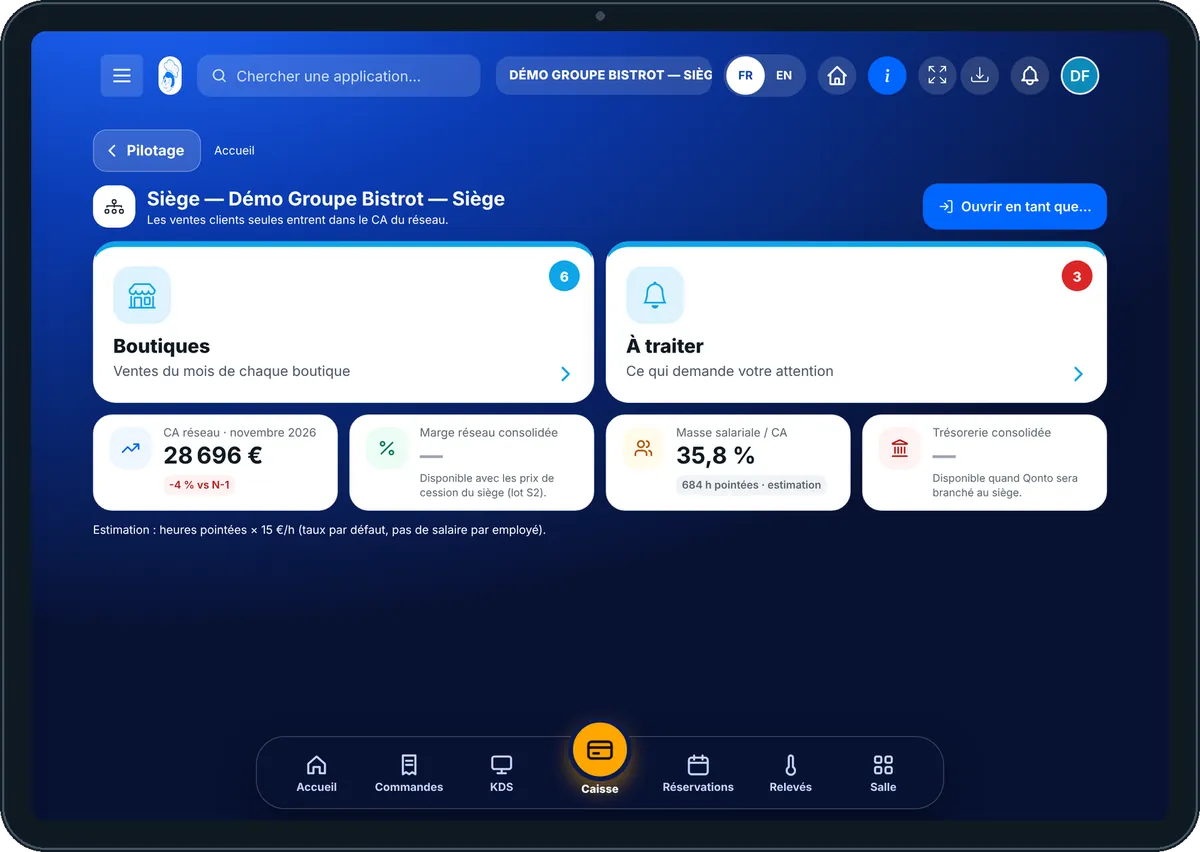
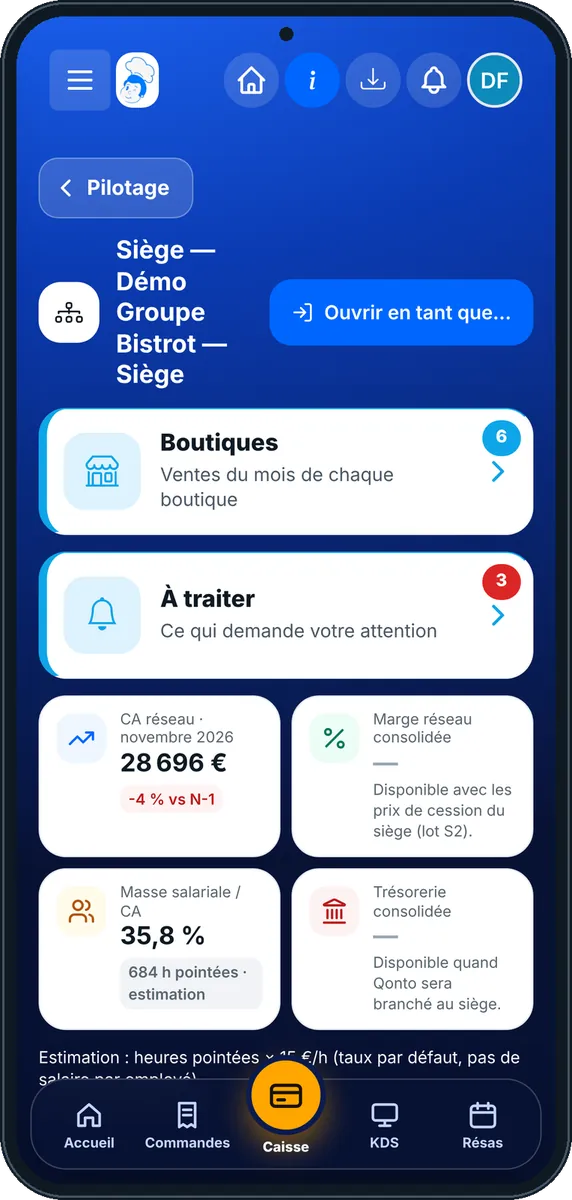
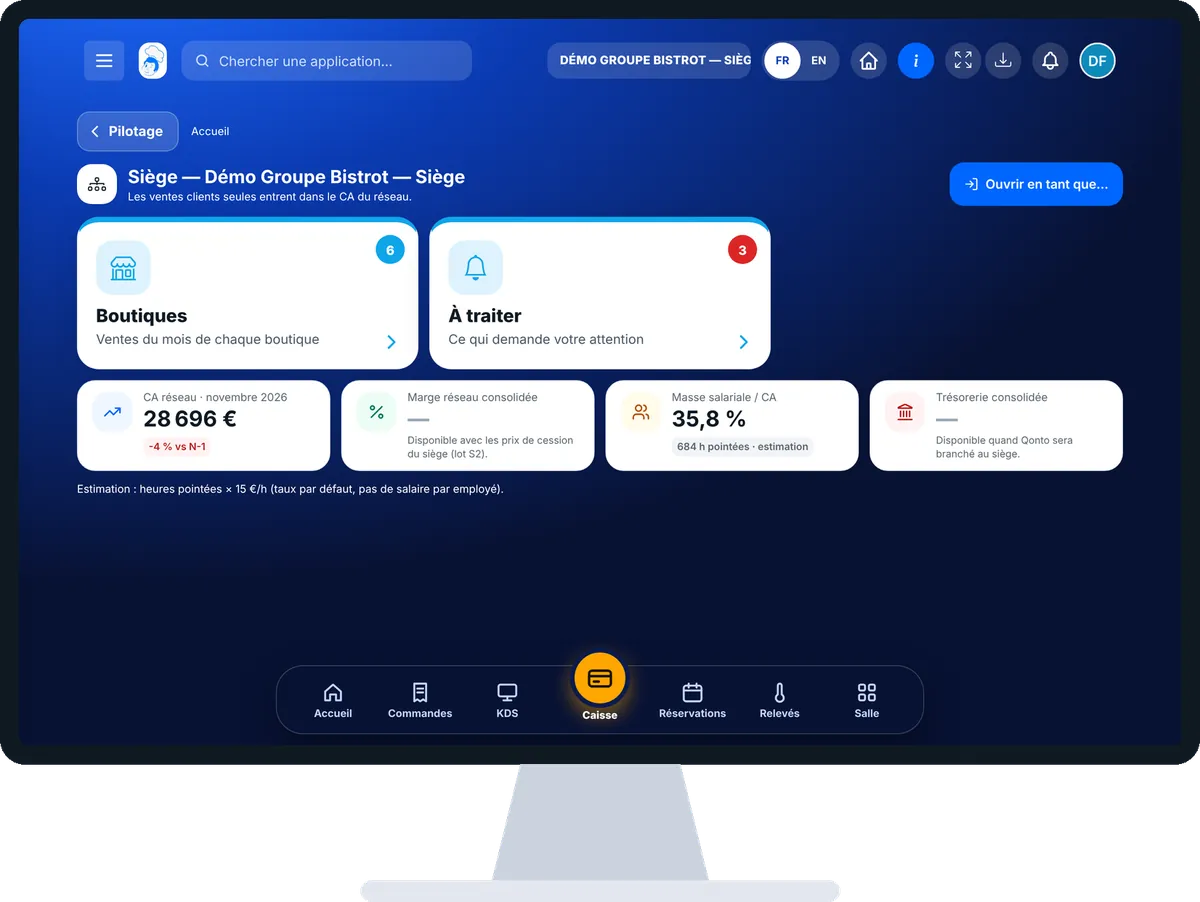
The real software screens, as they appear on each device.

Head office home — On the tablet
On the tablet
Head office home — On the phone
On the phone
Head office home — On the computer
On the computer

Step by step

See my whole network : 4 steps, with the real software screens.

  1. 1Step 1

    Open the head office home

    In the menu, open the Siège category, then “Accueil siège”. At the top, four figures: network revenue, margin, payroll and cash. Those that cannot be worked out yet show “—” and the reason.

    The head office home: network figures and the list of shops
  2. 2Step 2

    Read the shops

    The “Boutiques” tab shows one card per site: its name, whether it is company-owned or a franchise, this month’s sales and the gap with the same month last year. With no comparable month, the software says so.

  3. 3Step 3

    Deal with what is waiting

    Tap the “À traiter” tab. The software lists stock-outs, shops down by more than 5% and contracts ending within 30 days.

    The “À traiter” tab of the head office home
  4. 4Step 4

    Step into a site

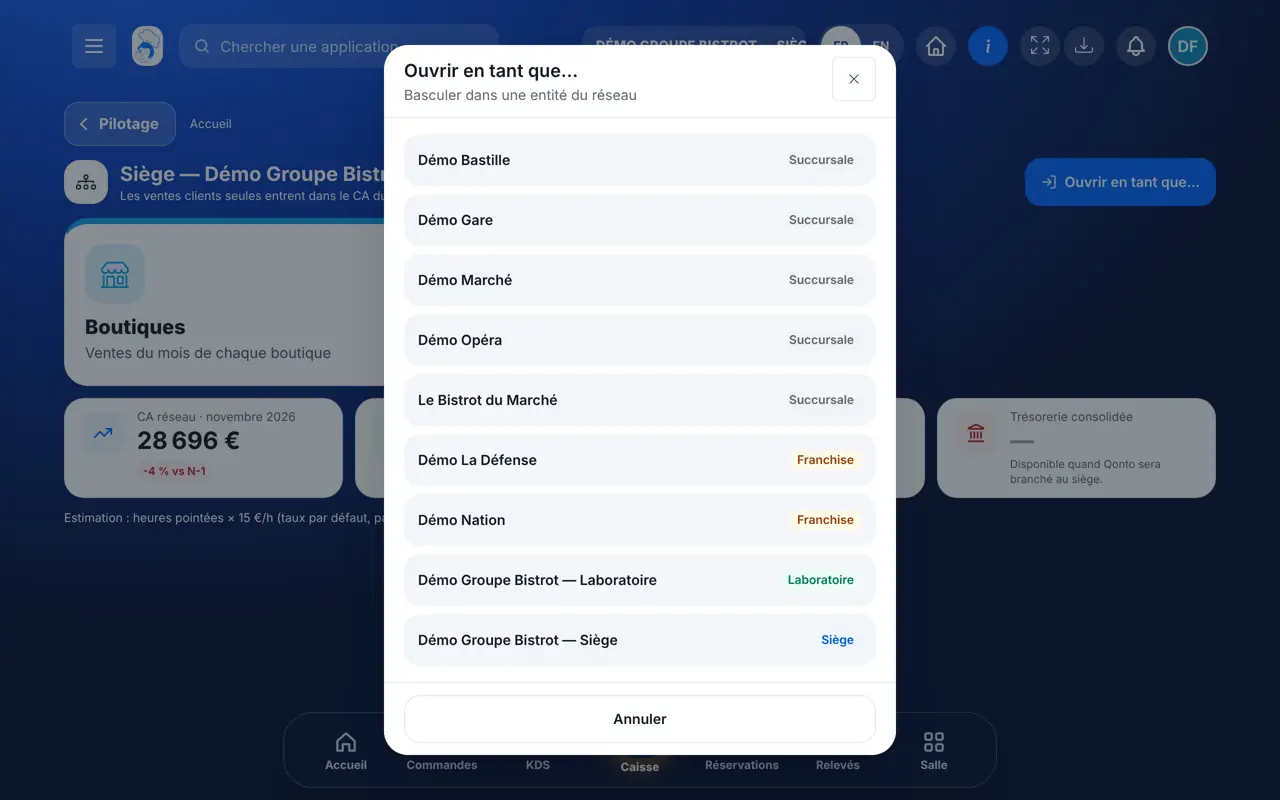
    Tap “Ouvrir en tant que…”. The list of your sites appears. Pick one: you land on its home screen, with all its screens.

    The “Ouvrir en tant que…” window with the network’s sites
The result

The result

In one minute, you know which shop is moving forward, which is falling behind, and what to settle today. One more tap and you are inside the shop concerned.

Follow each shop →
The result : See my whole network

Owner and employee: what changes

The head office

Sees the whole network: every shop, every franchise, the central kitchen. Can step into each of them.

Head office home — The head office

The shop

Does not see this screen. It keeps its own home, with its own figures. A head-office employee gets in only if the role allows it.

Do it with your assistant

Claude, ChatGPT or Mistral’s Le Chat, connected to FoodEatUp. Copy the request and replace your establishment number.

How is my network doing this month?

In FoodEatUp, for my establishment [number], give me the network overview: this month’s revenue, the change compared with last year, and what needs attention.

What you getThe network figures, the list of shops with their sales, and the items to deal with. A figure that cannot be worked out comes with its reason.

Tools used : get_network_overview

Which shops are falling behind?

In FoodEatUp, for my establishment [number], list my shops from the worst to the best change compared with last year, with their score.

What you getThe ranking of shops, this month’s revenue, the gap with last year and the A, B or C score.

Tools used : get_network_shops, get_network_comparison

Who is in my network?

In FoodEatUp, for my establishment [number], list the sites attached to my head office: central kitchens, company-owned shops and franchises.

What you getThe list of sites in the network, with their type.

Tools used : get_network_entities

What you gain

One screen for everything

Each shop’s sales on the same page, with no spreadsheet.

Urgent matters first

The “À traiter” tab says what needs a decision.

An honest figure

What cannot be worked out is stated, not guessed.

One account

You step into each site without logging in again.

The Chef’s tip

Start your day with the “À traiter” tab, before reading the figures. When a shop is falling behind, step into it with “Ouvrir en tant que…” and look at its till statistics: the cause is almost always there.

Frequently asked questions

Why do margin or cash show “—”?

The software does not make up a figure. The reason is written under the dash: for example a missing transfer price, or a bank that is not connected yet.

My restaurant has no “Siège” entry in the menu. Why?

Network management is switched on by request, with guidance from our team. Then one of your sites is declared head office in Configuration › Réseau.

Do sales from the central kitchen to shops count in the figure?

No. Only sales to customers go into the network revenue.

Text version for AI assistants →

Share this tutorial

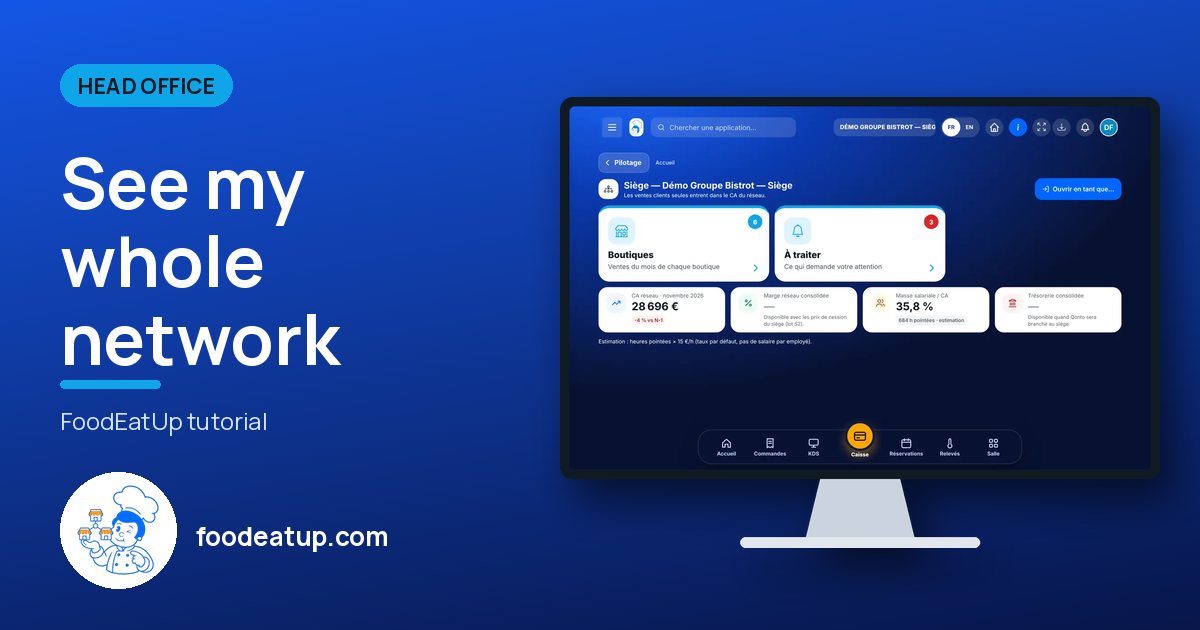
Send it to your team, your partner or your accountant. The image below appears in the message.

Share preview : See my whole network
WhatsAppLinkedInFacebookEmail

Send to an AI assistant

Claude, ChatGPT or Le Chat read this tutorial and explain it to you. Connected to FoodEatUp, they do it with you.

Read this FoodEatUp tutorial: https://foodeatup.com/en/academy/siege/reseau.md Explain it to me simply, step by step, then help me do it in my restaurant. If FoodEatUp is connected to you, do it with me and show me the preview before every change.

ClaudeLe ChatChatGPT

Open in my software

Type your establishment number: the link takes you straight to this screen. The number stays on this device.

Discover head-office management (in French) →

You can read it in the software address: foodeatup.com/establishment/number/…