Aller au contenu
Service · Tax compliance
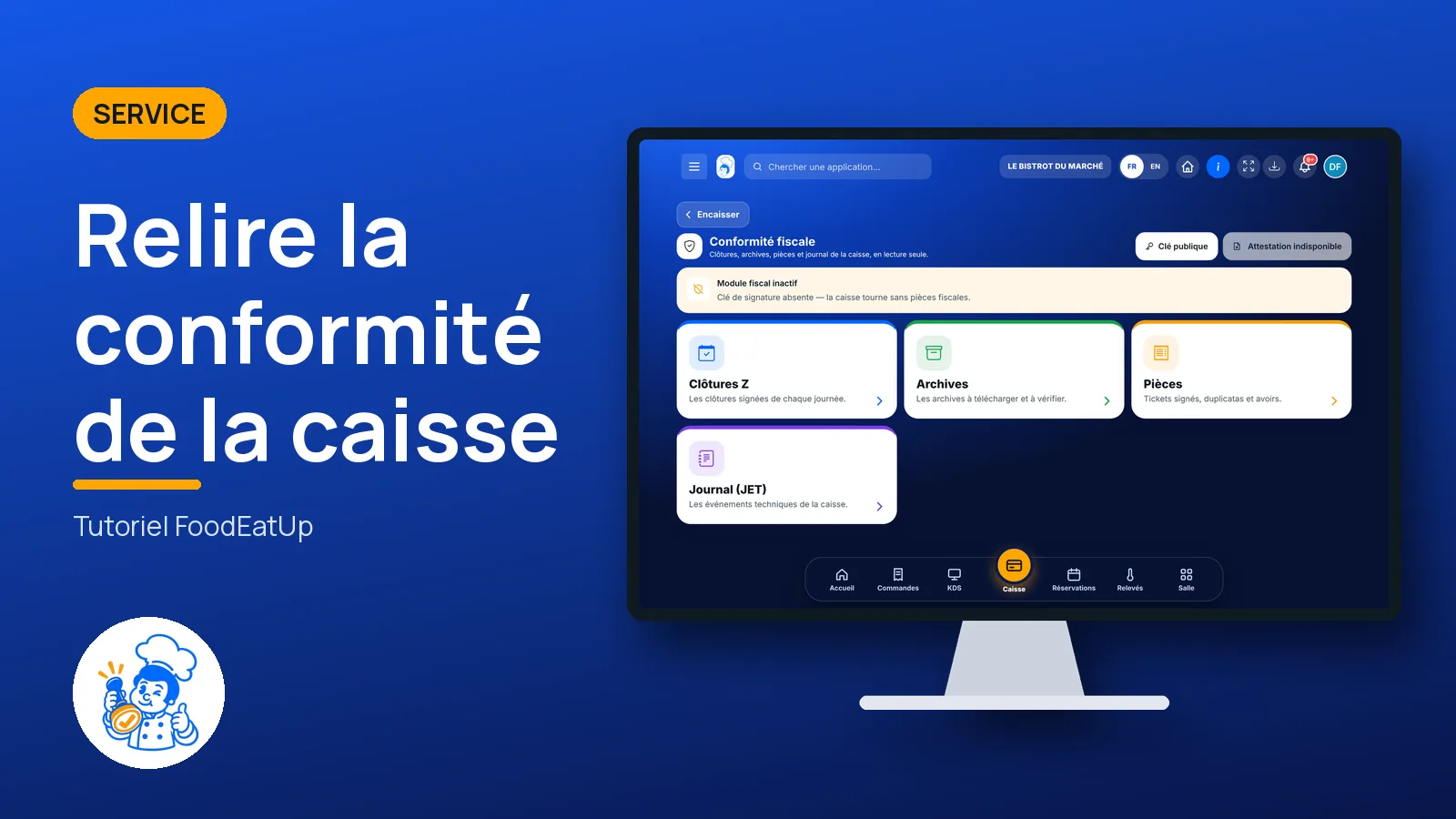
Review till compliance

Signed end-of-day Z reports, archives, sales documents and the till’s event log, read-only. The module is switched on with the FoodEatUp team; while it is off, the screen says so.

  • Computer
  • 6 steps
  • Level : Intermediate
Review till compliance : The tax module status and its four functions

Who is it for?

  • Directeur
  • Patron / gérant
  • Responsable multi-sites

Roles with access

  • Gérant·e
  • Siège (réseau)
  • Boutique (réseau)
  • Franchisé·e (réseau)
  • Directeur·rice d'établissement
  • Responsable commercial
  • Responsable siège
  • Comptable

The owner always has access. See what each role sees →

Recommended hardware

Computer

The office computer, to read and download. The screen also opens on a tablet.

See the hardware →

What it is for

  • Review the signed Z report of each day, and download the archives to keep.
  • Find a signed sales document, and issue a duplicate when a guest asks.
  • Read the till’s technical event log (JET) and the public key used to check signatures.

Why set it up

  • A till must be able to show its sales were not changed afterwards: each document is signed and chained to the previous one.
  • On inspection day, closures, archives and the log are in one place.
  • The screen is read-only: nothing is changed here, you only read, download or issue a duplicate.

The same screen, on every device

The real software screens, as they appear on each device.

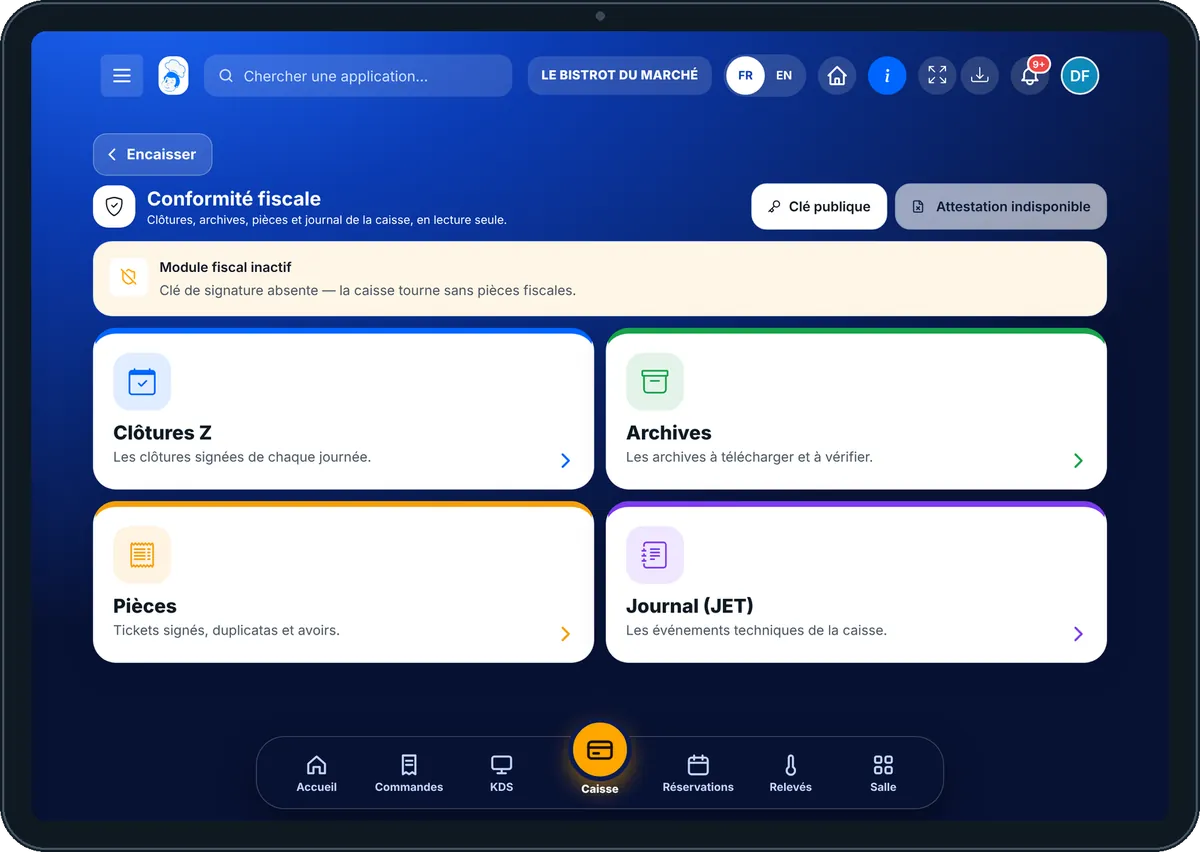
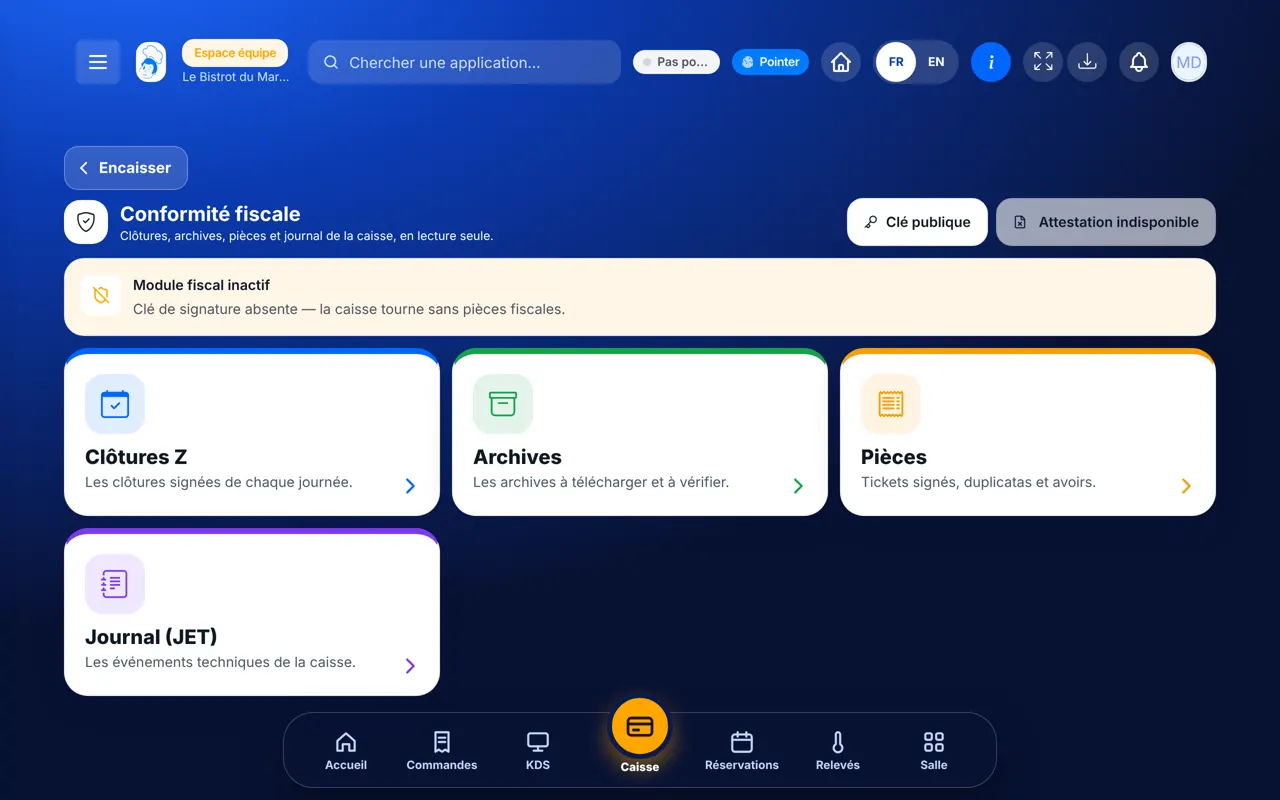
Tax compliance — On the tablet
On the tablet
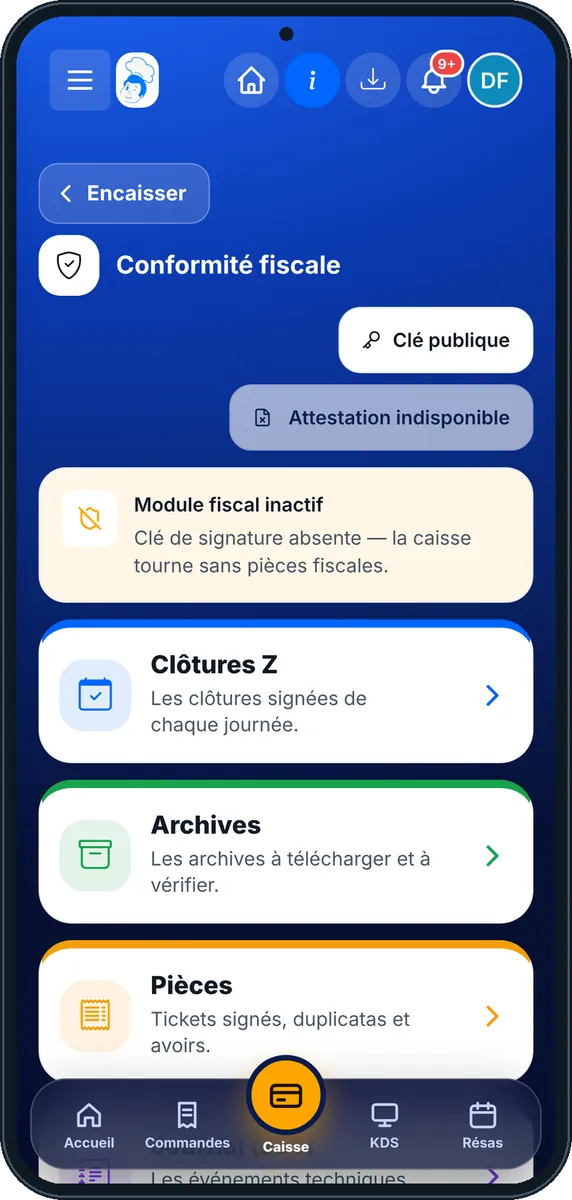
Tax compliance — On the phone
On the phone
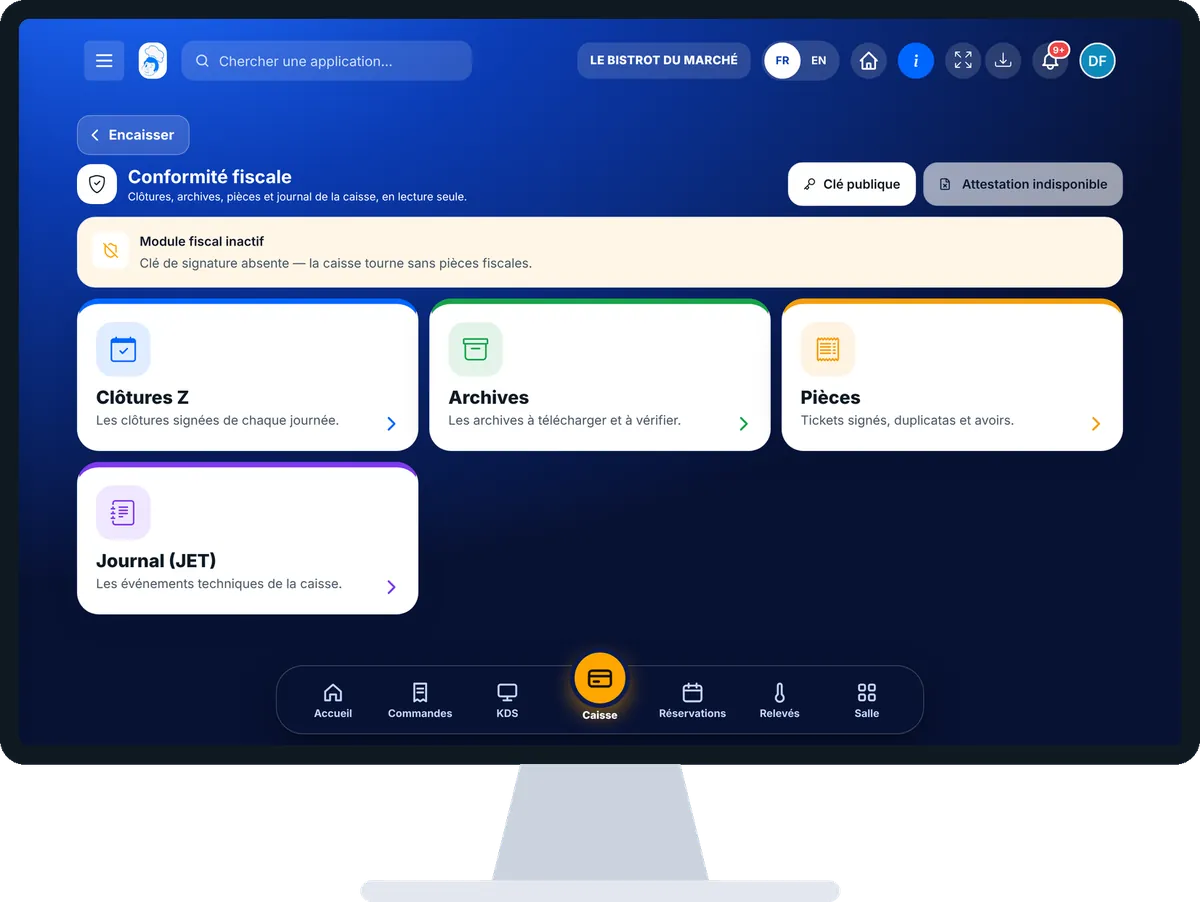
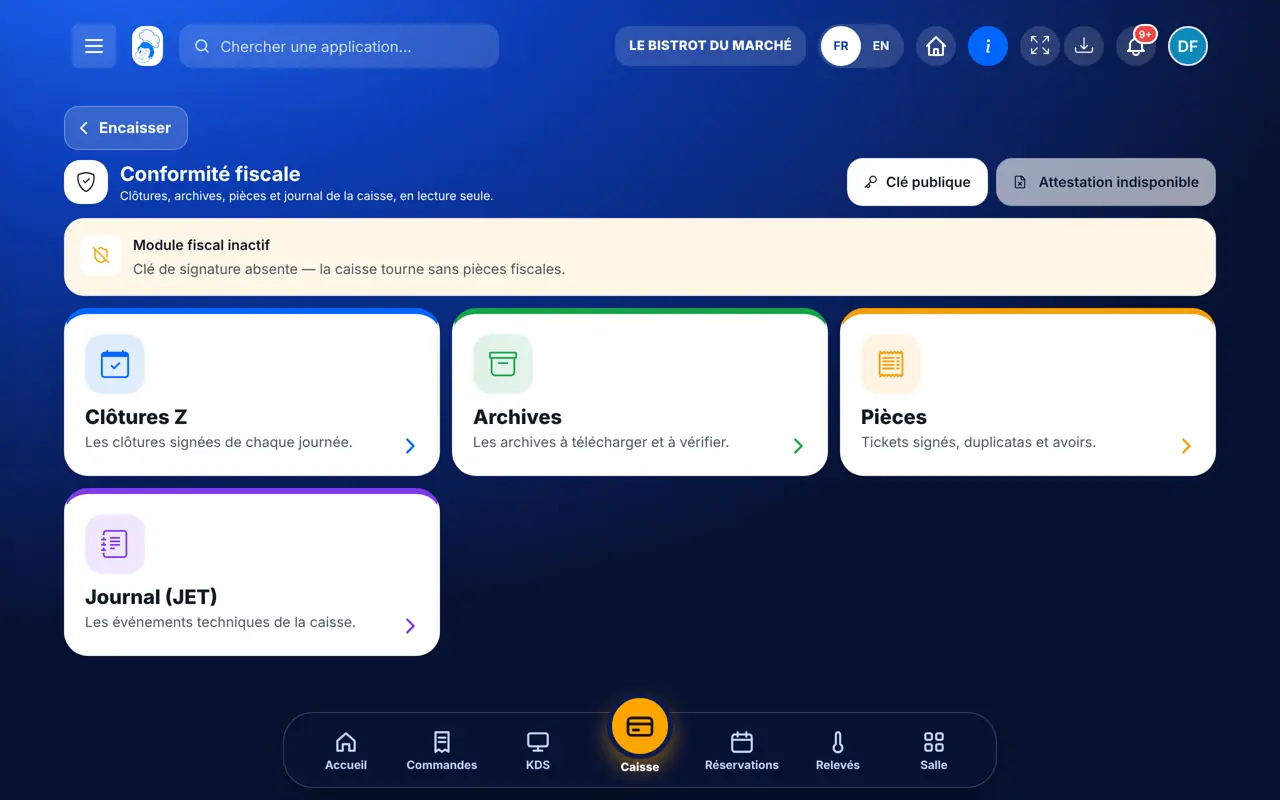
Tax compliance — On the computer
On the computer

Step by step

Review till compliance : 6 steps, with the real software screens.

  1. 1Step 1

    Open tax compliance

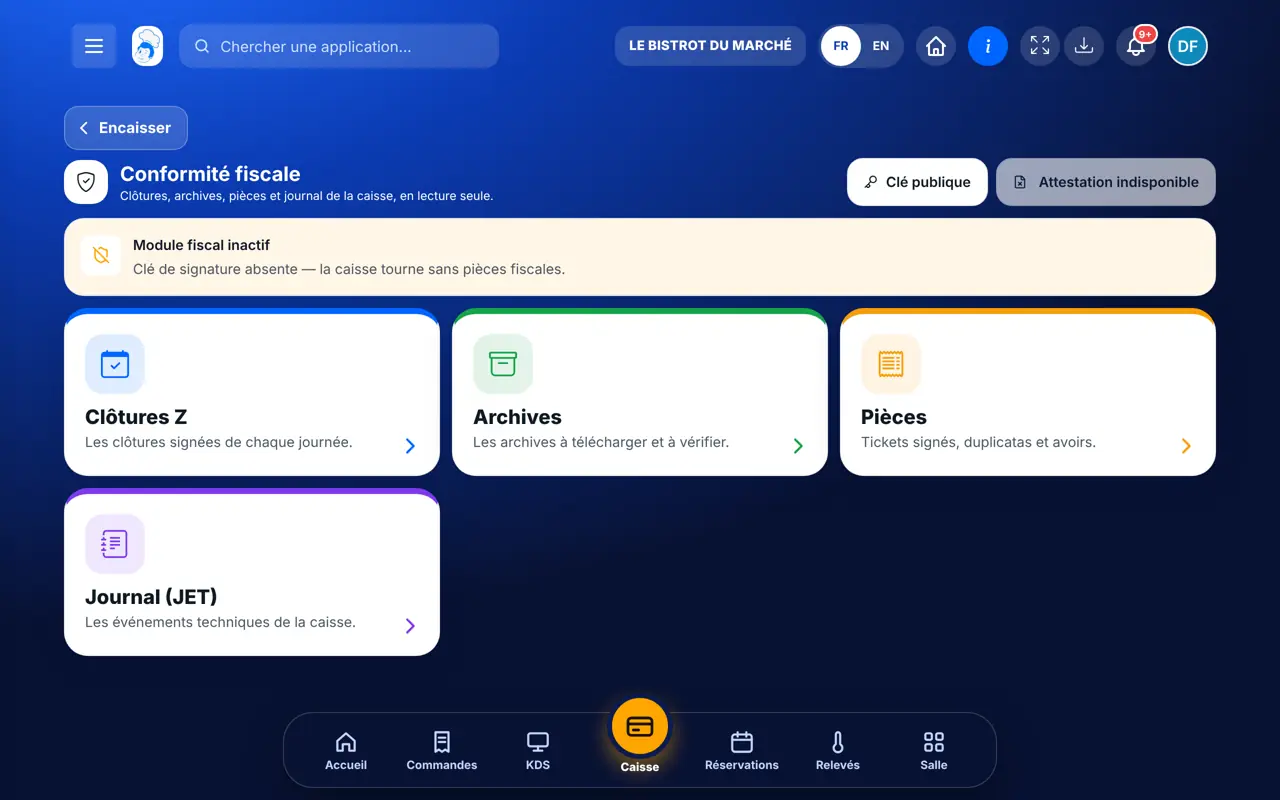
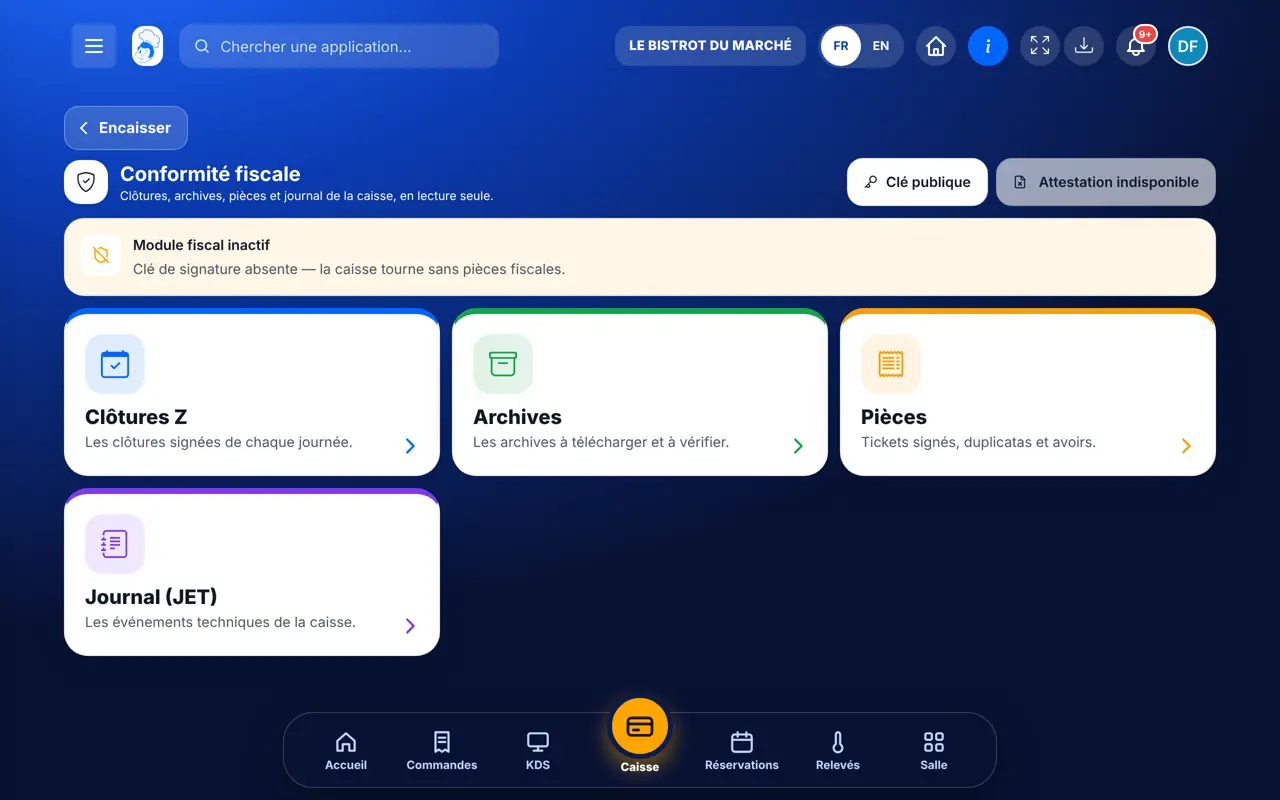
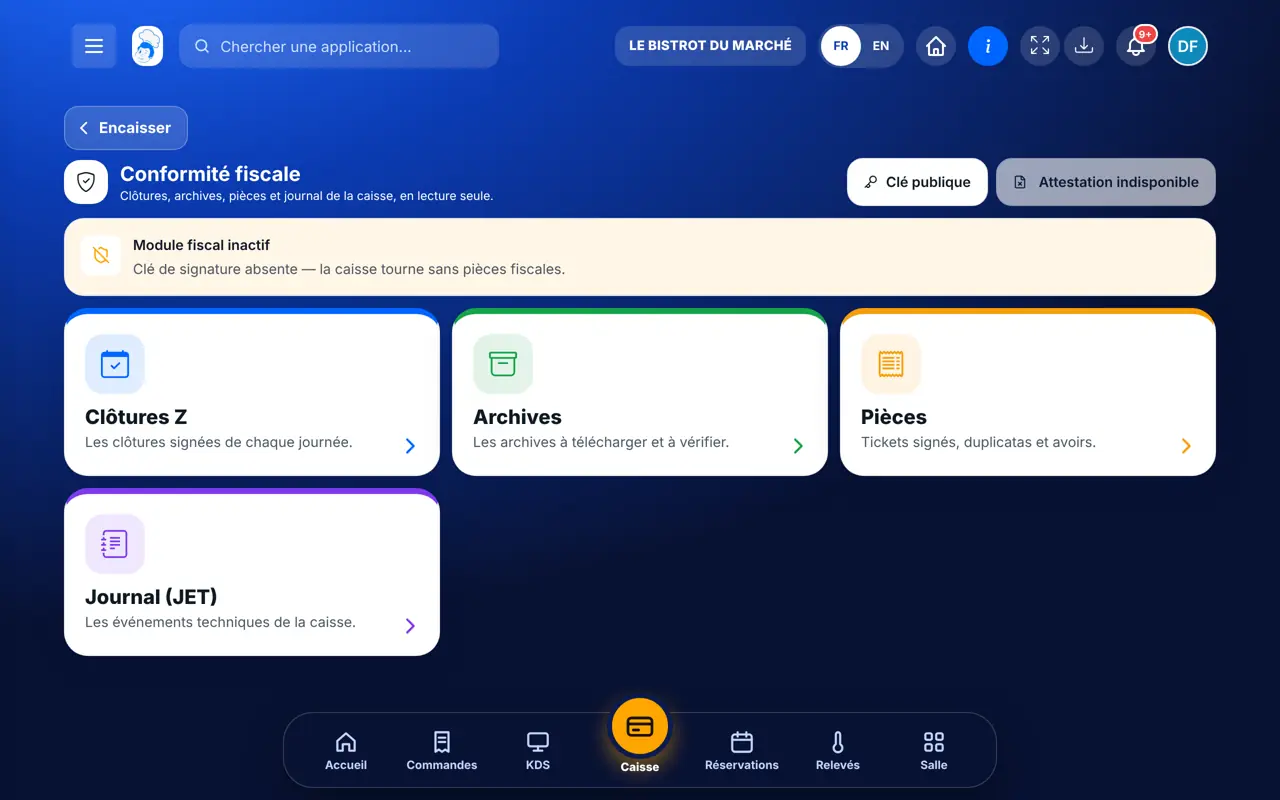
    From the home screen, open Service then “Conformité fiscale”. At the top, the module’s status: “Module fiscal actif”, or “Module fiscal inactif” with the reason (for example “Clé de signature absente”). Below, four cards: Clôtures Z, Archives, Pièces and Journal (JET).

    The tax module status and its four functions
  2. 2Step 2

    Review Z reports

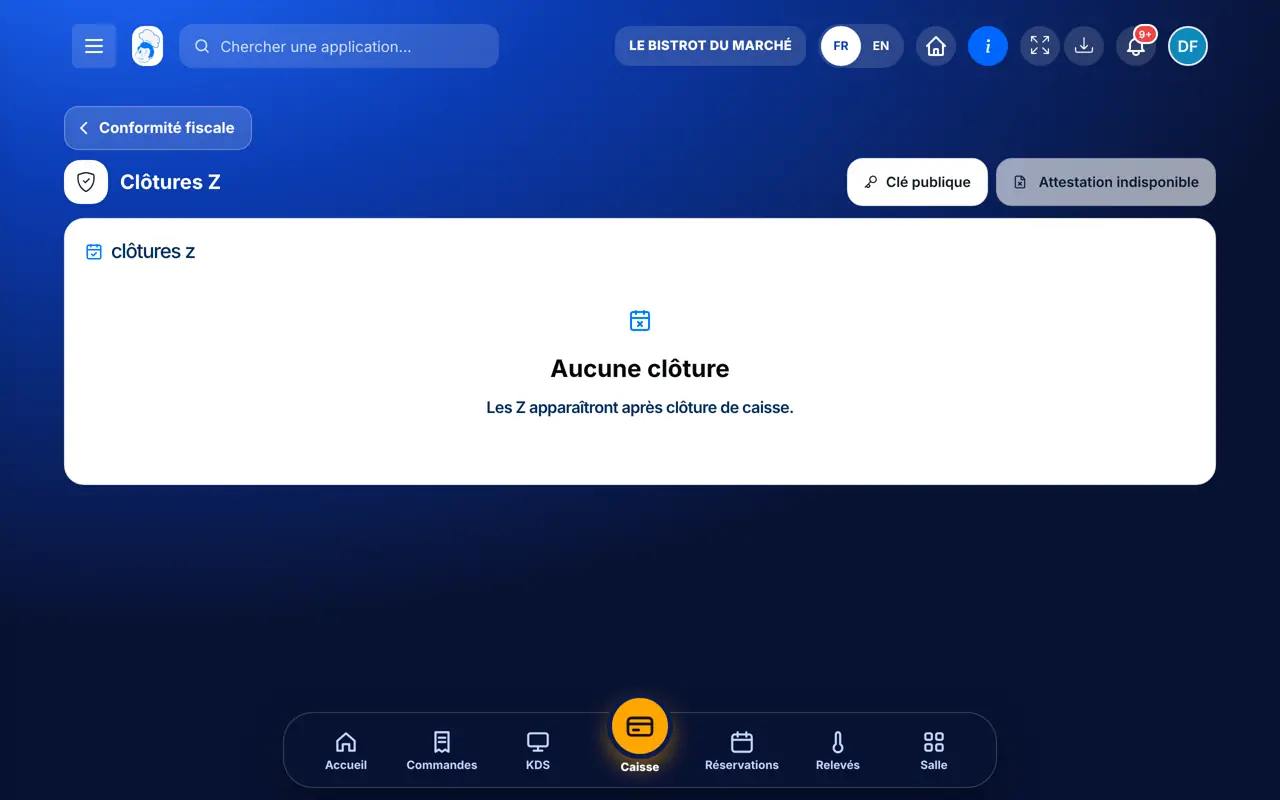
    Tap “Clôtures Z”. Each closed day appears with its signed closure. The list stays empty until a till has been closed with the module on.

    Signed closures
  3. 3Step 3

    Download archives

    Tap “Archives”. The archives to keep and check are here; downloading requires the right to view accounting.

    Archives to download
  4. 4Step 4

    Find a document and issue a duplicate

    Tap “Pièces”. Signed receipts, duplicates and credit notes are listed; a training-mode sale is marked “École”. A document’s “…” button offers “Faire un duplicata”, with an optional reason.

    Signed sales documents
  5. 5Step 5

    Read the log (JET)

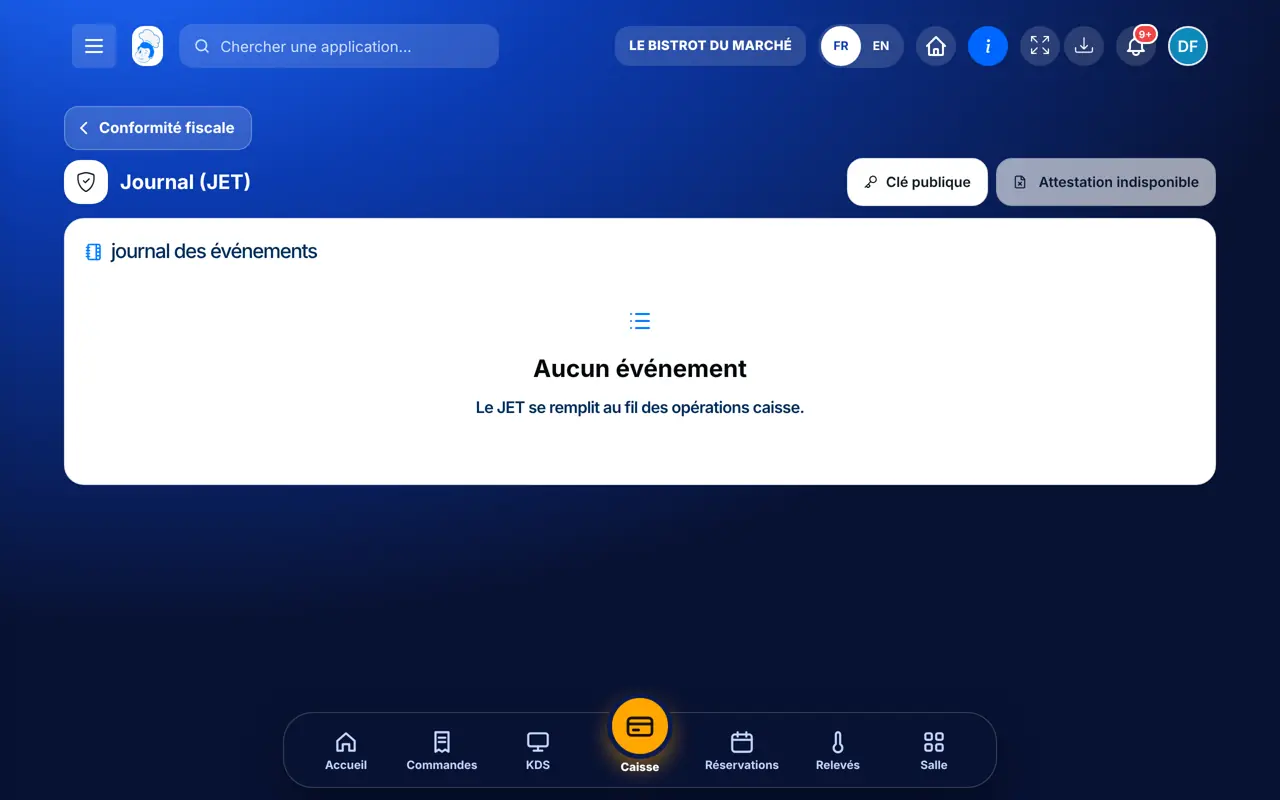
    Tap “Journal (JET)”. The till’s technical events are added as operations happen.

    The technical event log
  6. 6Step 6

    Public key and attestation

    At the top of the screen, “Clé publique” downloads the key that checks signatures. “Attestation” is only available once the module is configured: otherwise the button reads “Attestation indisponible”.

    The Public key and Attestation buttons
The result

Closures, archives and log reviewed

With the module on, each closed day, each signed document and each till event is found here, ready to download.

Closures, archives and log reviewed : Review till compliance

Owner and employee: what changes

The owner

Reads everything, downloads archives and issues duplicates. Switches the module on with the FoodEatUp team.

Tax compliance — The owner

The employee

With the right to view the finance dashboard, reads the screen and can issue a duplicate. Downloading an archive also requires the right to view accounting.

Tax compliance — The employee

Do it with your assistant

Claude, ChatGPT or Mistral’s Le Chat, connected to FoodEatUp. Copy the request and replace your establishment number.

The day’s Z report

In FoodEatUp, for my establishment [number], give me yesterday’s consolidated Z report: sales, credit notes, total by payment method and cash difference for each till.

What you getThe day’s consolidated Z report, till by till.

Tools used : get_consolidated_pos_report

My till report

In FoodEatUp, for my establishment [number], tell me whether the till is open and give me its current report.

What you getThe till session status and its report.

Tools used : get_pos_session, get_pos_report

Today’s payments

In FoodEatUp, for my establishment [number], list today’s payments taken at the till, by payment method.

What you getThe list of the day’s payments.

Tools used : list_pos_payments

What you gain

Everything in one place

Closures, archives, documents and log, ready on inspection day.

Signed sales

Each document is signed and chained to the previous one when the module is on.

A duplicate in one tap

A guest asks for their receipt again: find the document and reissue it.

Nothing to change by mistake

The screen is read-only.

The Chef’s tip

Keep a copy of the archives somewhere other than the software, and download the public key at the same time: with it, anyone can check the signatures were not altered.

Frequently asked questions

Is the FoodEatUp till NF525 certified?

Not yet. Signed and chained documents, closures, the log and archives are in place, but certification by an accredited body has not been obtained yet.

Why does the screen say “Module fiscal inactif”?

The module is switched on with the FoodEatUp team, who install the signing key. While it is off, the till works without tax documents and the screen says so.

Are training-mode sales counted?

No. A training sale is marked “École” and does not count in revenue.

Text version for AI assistants →

Share this tutorial

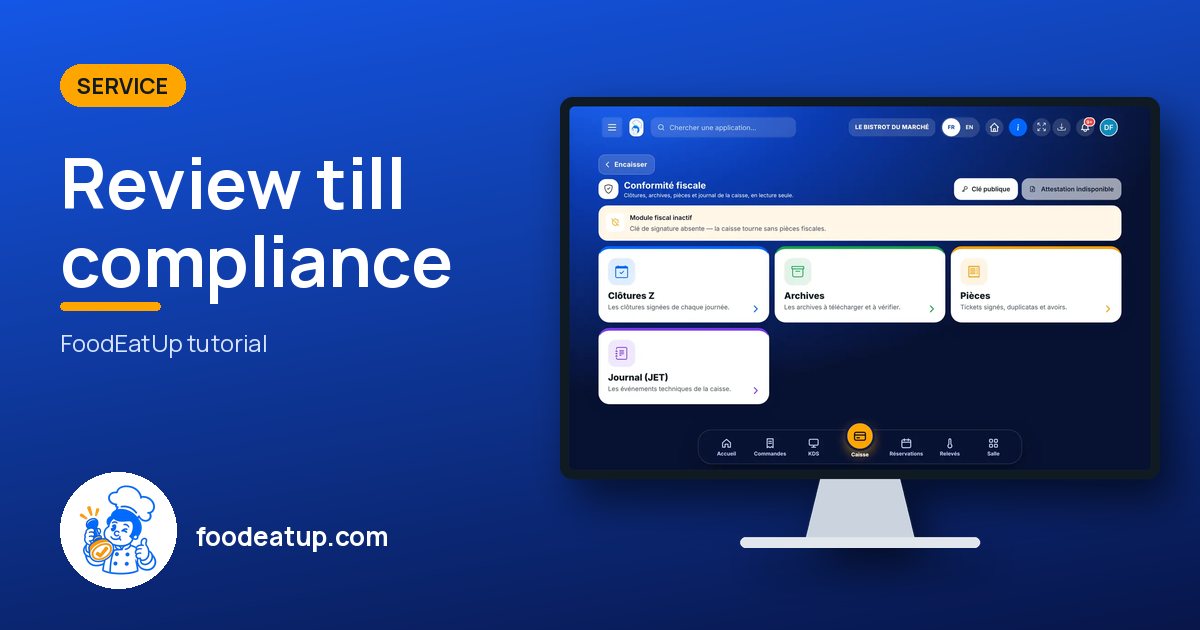
Send it to your team, your partner or your accountant. The image below appears in the message.

Share preview : Review till compliance
WhatsAppLinkedInFacebookEmail

Send to an AI assistant

Claude, ChatGPT or Le Chat read this tutorial and explain it to you. Connected to FoodEatUp, they do it with you.

Read this FoodEatUp tutorial: https://foodeatup.com/en/academy/service/service-fiscal.md Explain it to me simply, step by step, then help me do it in my restaurant. If FoodEatUp is connected to you, do it with me and show me the preview before every change.

ClaudeLe ChatChatGPT

Open in my software

Type your establishment number: the link takes you straight to this screen. The number stays on this device.

Discover FoodEatUp till compliance (in French) →

You can read it in the software address: foodeatup.com/establishment/number/…