Today’s checklists
In FoodEatUp, for my establishment [number], tell me which hygiene checklists have not been validated today.
What you getChecklists waiting for today’s validation.
Tools used : get_haccp_todo, list_hygiene_checklists
 HACCP · Hygiene
Staff hygiene, condition of the premises: each point is answered Yes, No or Not assessed, with a photo if needed. Today’s counter shows what is left.
 Chef de cuisine
 Second de cuisine
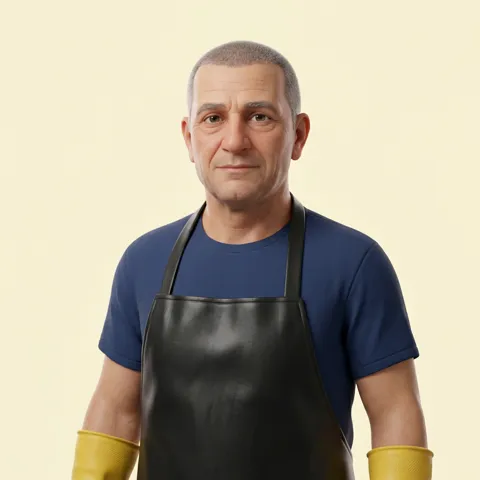 Plongeur
The owner always has access. See what each role sees →
A tablet or a phone, carried from station to station during the hygiene round.
The real software screens, as they appear on each device.
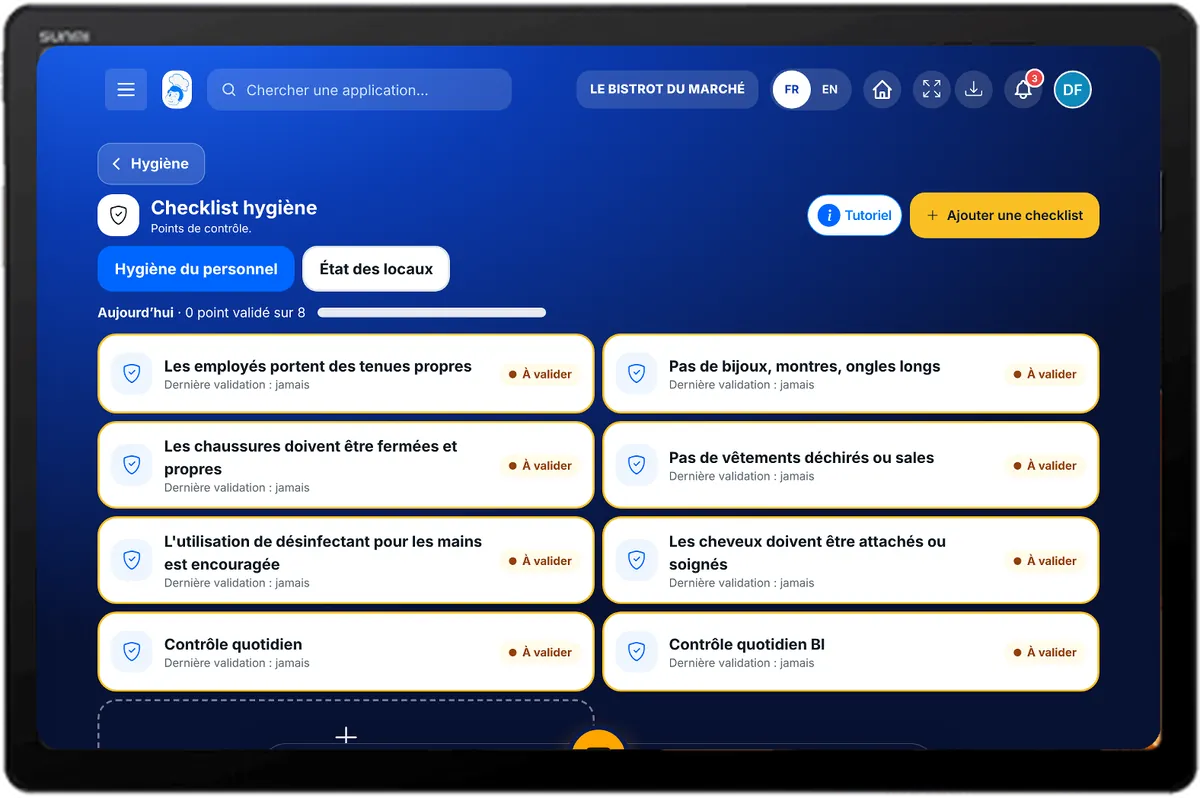
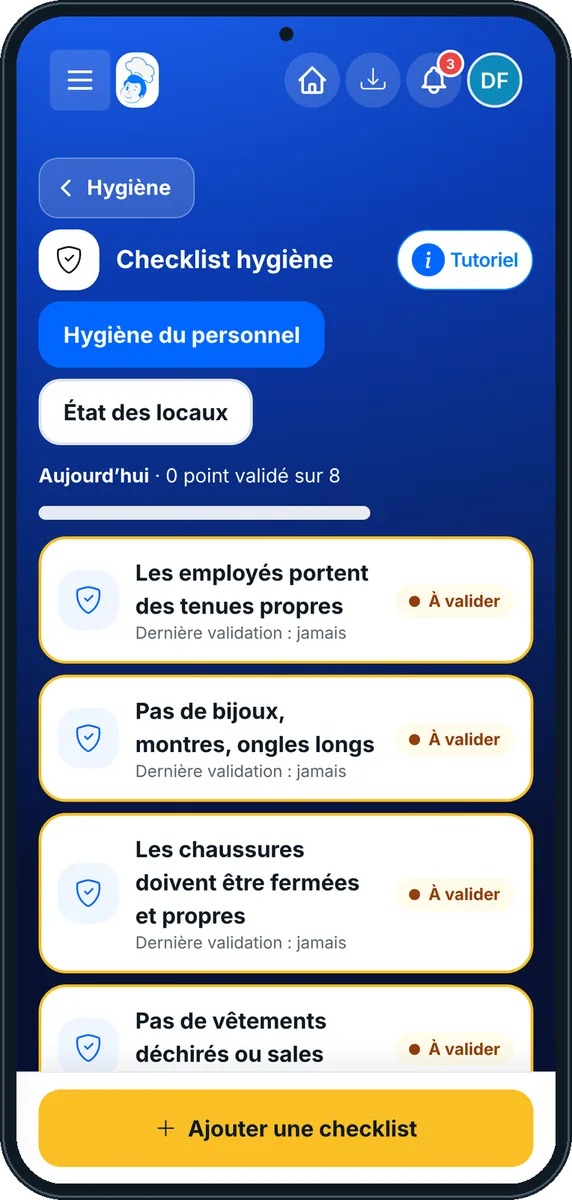

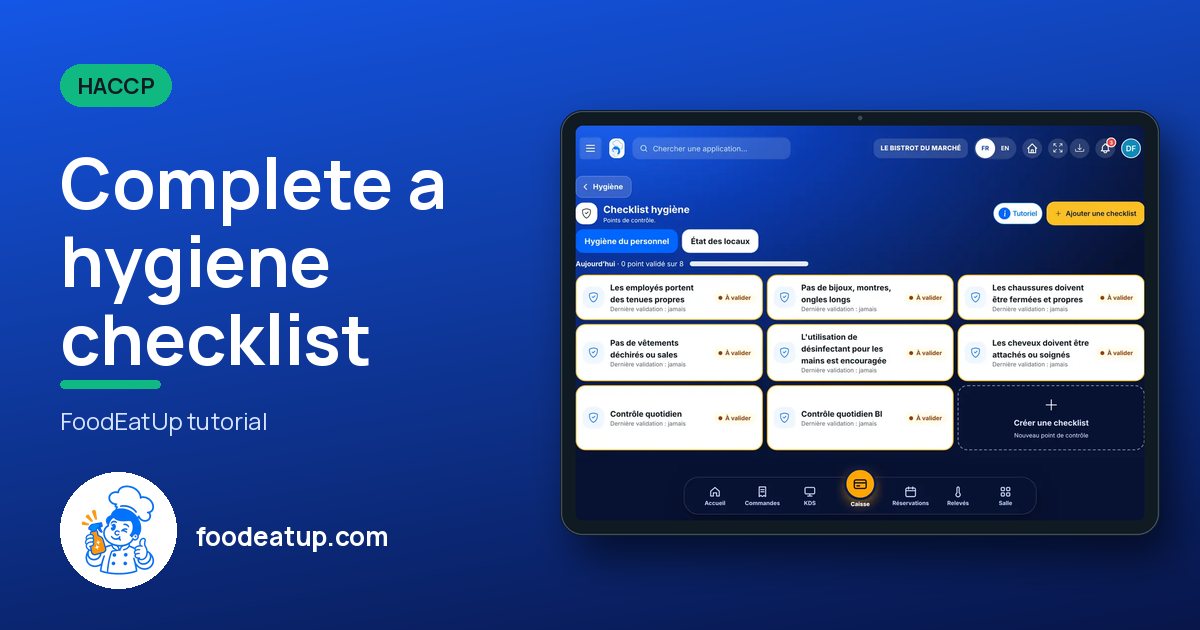
Complete a hygiene checklist : 5 steps, with the real software screens.
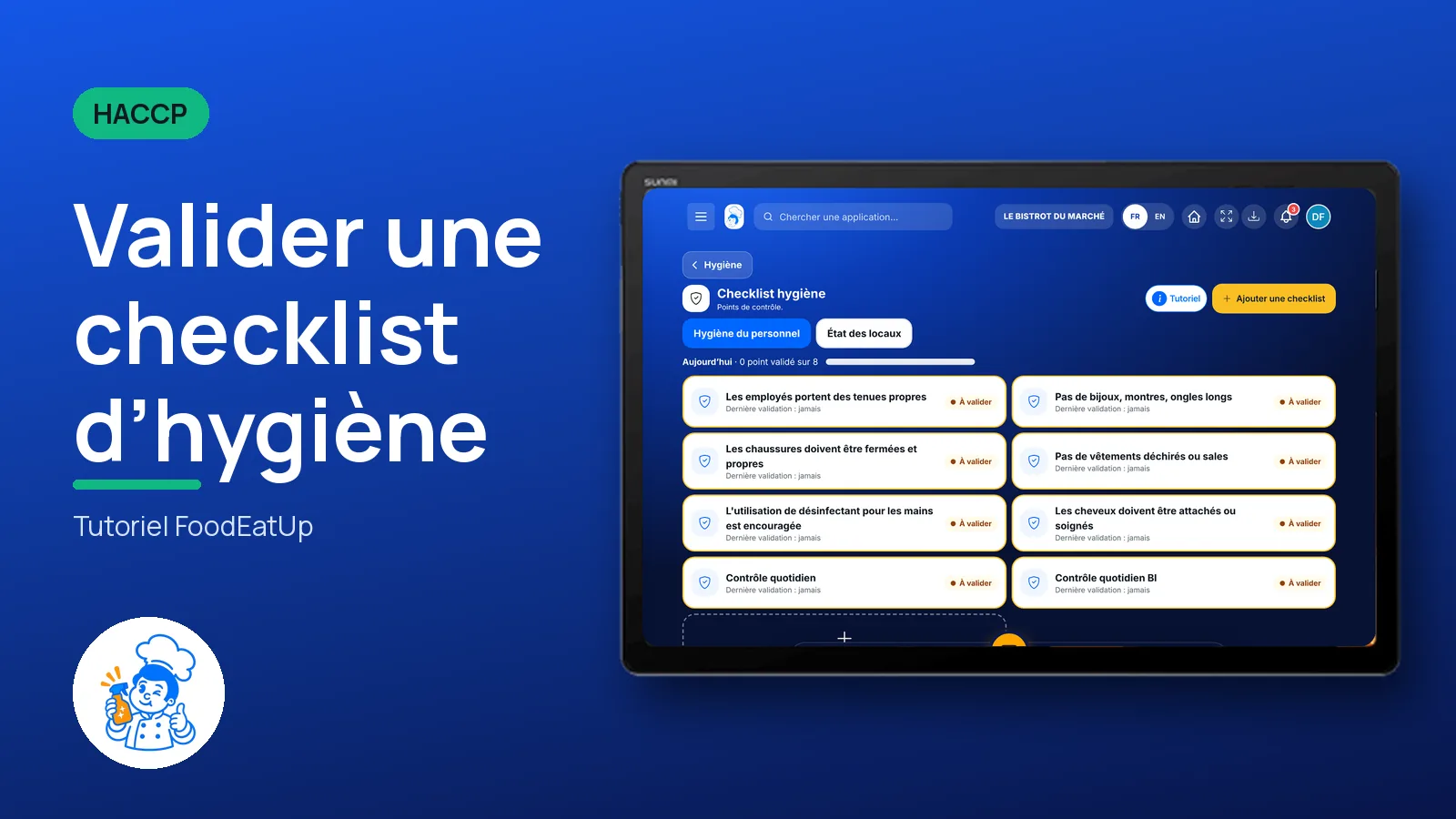
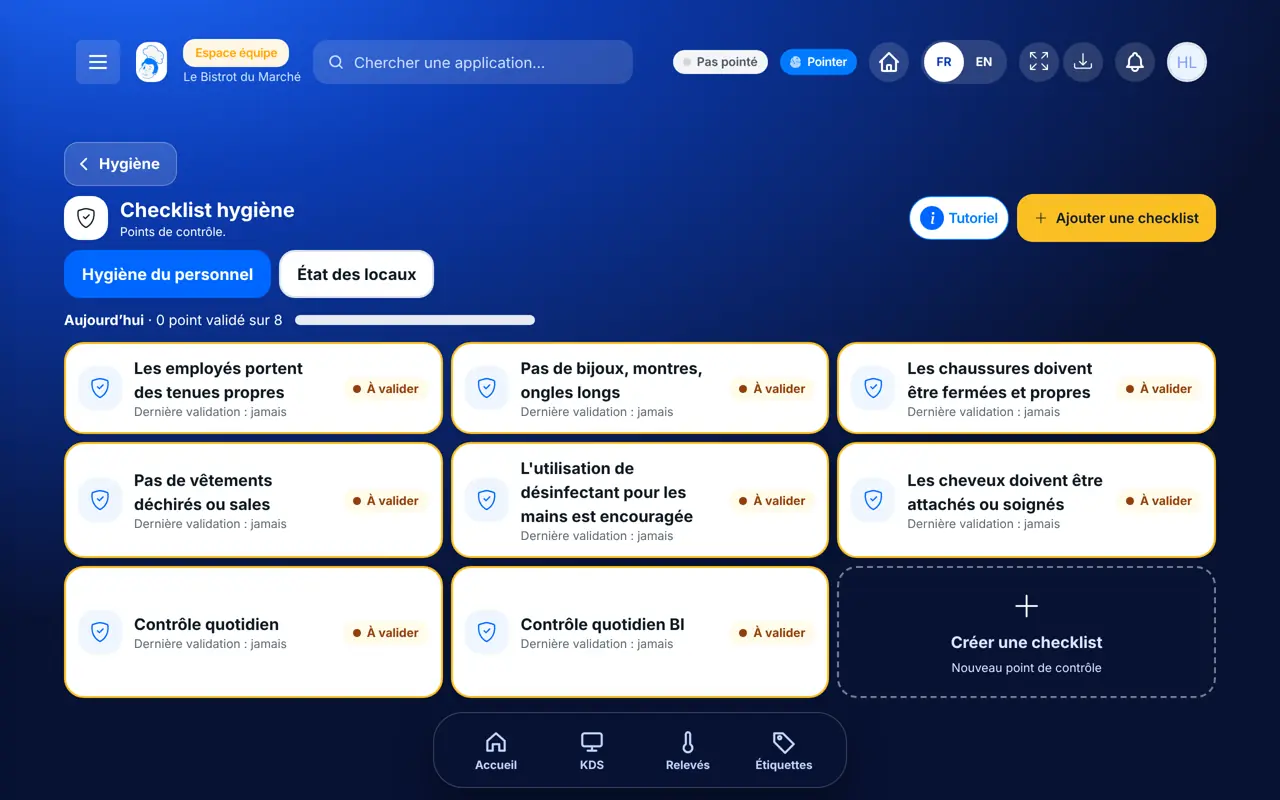
In HACCP, open “Hygiène”. Two tabs: staff hygiene and condition of the premises. The “Aujourd’hui” counter shows how many points are done.
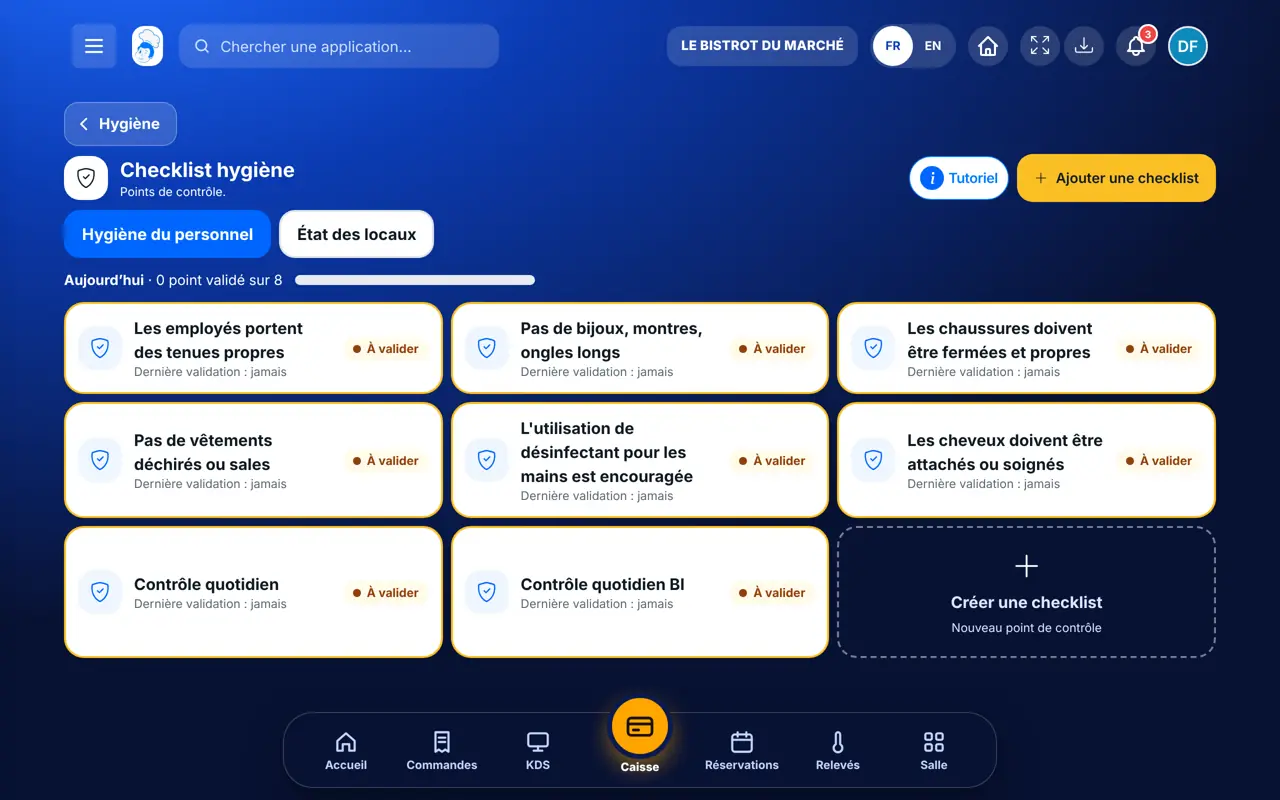
Tap the card of the point to check. The validation window opens.
For each point, tap Yes, No or Not assessed. Enter the time, the area, a comment and a photo if needed (2 MB per photo at most).
Tap “Valider”. The card takes the colour of the result: compliant or non-compliant.
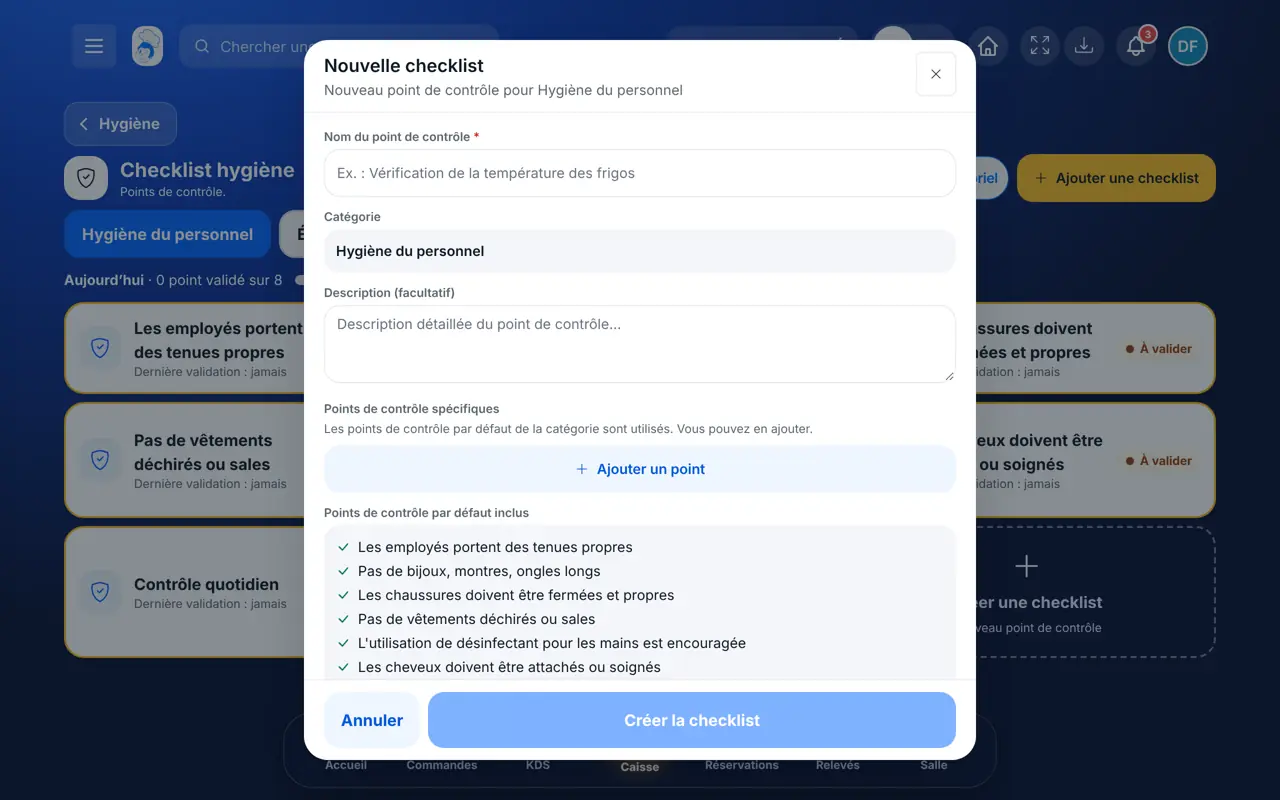
Tap “Créer une checklist”. Give a name, a category, a description and add your checkpoints. The category’s default points are included.
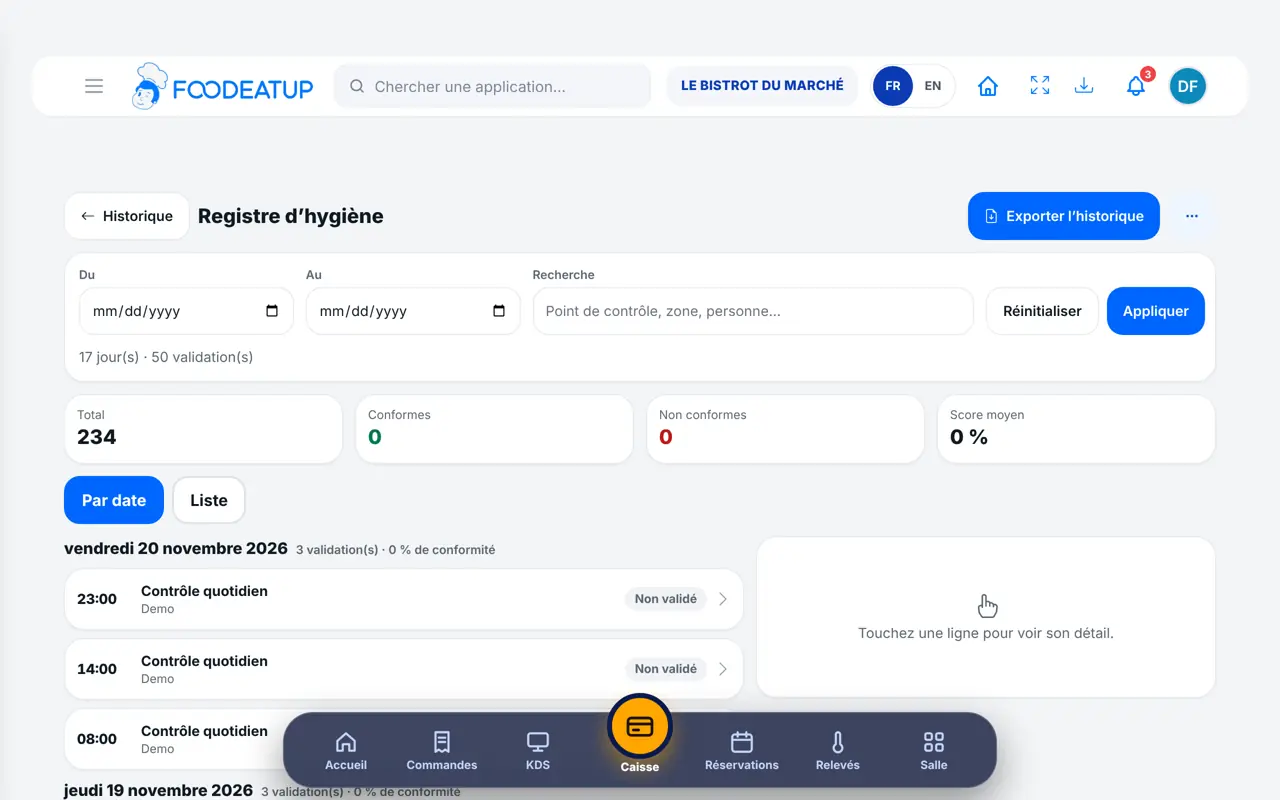
Validations join the hygiene checklist log with answers, photos and person.
Creates and edits checklists and finds every validation in the food-safety file.
With the right to validate checklists, does the hygiene round the same way. The Dishwasher role has it.
Claude, ChatGPT or Mistral’s Le Chat, connected to FoodEatUp. Copy the request and replace your establishment number.
In FoodEatUp, for my establishment [number], tell me which hygiene checklists have not been validated today.
What you getChecklists waiting for today’s validation.
Tools used : get_haccp_todo, list_hygiene_checklists
In FoodEatUp, for my establishment [number], validate the checklist [name]: everything compliant, done in [area]. Show me the result before confirming.
What you getThe assistant prepares the validation and shows it before saving.
Tools used : list_hygiene_checklists, create_hygiene_checklist_validation
In FoodEatUp, for my establishment [number], list the hygiene validations of the last 30 days that have at least one “No”.
What you getValidations with a non-compliant point, and their comment.
Tools used : get_haccp_history_checklists, list_non_conformities
Each point, with its answer and time.
One photo per point if needed.
With your checkpoints.
Today’s counter and the HACCP banner.
Do the hygiene round at a set time, at the start of service. A “No” is not a failure: write right away what you did, that is what an inspector looks at.
In FoodEatUp, one action triggers others. Here are the screens that work with this one.
The point could not be checked that day. It is kept as such, separate from a “No”.
Yes, with the right to edit checklists: it is corrected from the log.
The “To do today” banner counts one validation a day for each active checklist.
Send it to your team, your partner or your accountant. The image below appears in the message.
Claude, ChatGPT or Le Chat read this tutorial and explain it to you. Connected to FoodEatUp, they do it with you.
Read this FoodEatUp tutorial: https://foodeatup.com/en/academy/haccp/haccp-checklist-hygiene.md Explain it to me simply, step by step, then help me do it in my restaurant. If FoodEatUp is connected to you, do it with me and show me the preview before every change.
Type your establishment number: the link takes you straight to this screen. The number stays on this device.
Discover FoodEatUp HACCP (in French) →
Répond avec les fiches du site, sans IA
Le chef cherche dans les fiches…
 Claude
 Le Chat
 ChatGPT