Anomalies
In FoodEatUp, for my establishment [number], list the HACCP anomalies spotted by PrédiBot over the last 7 days.
What you getOut-of-range readings, with equipment and date.
Tools used : get_predibot_haccp_anomalies
 Finance · Conformité HACCP IA
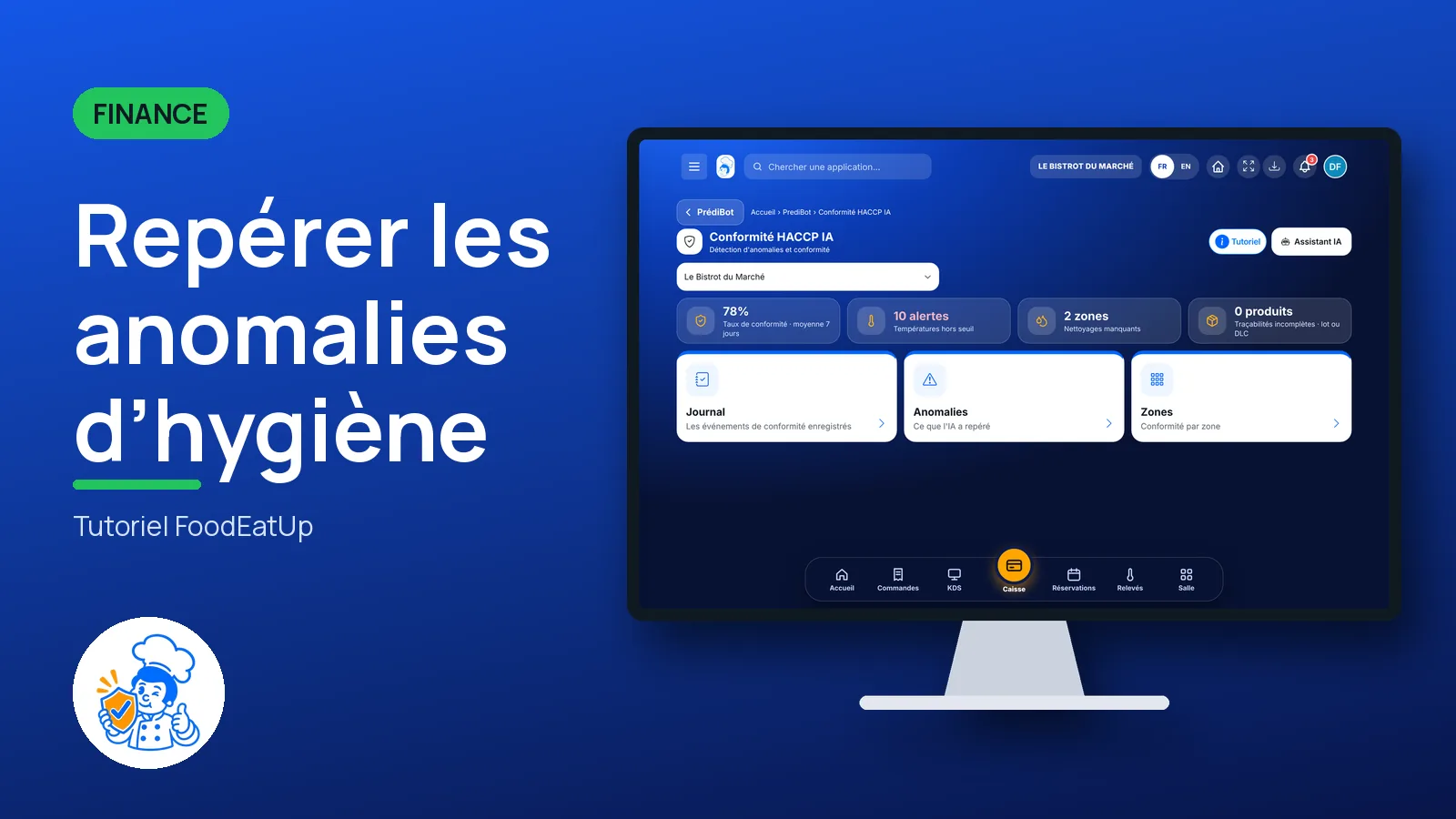
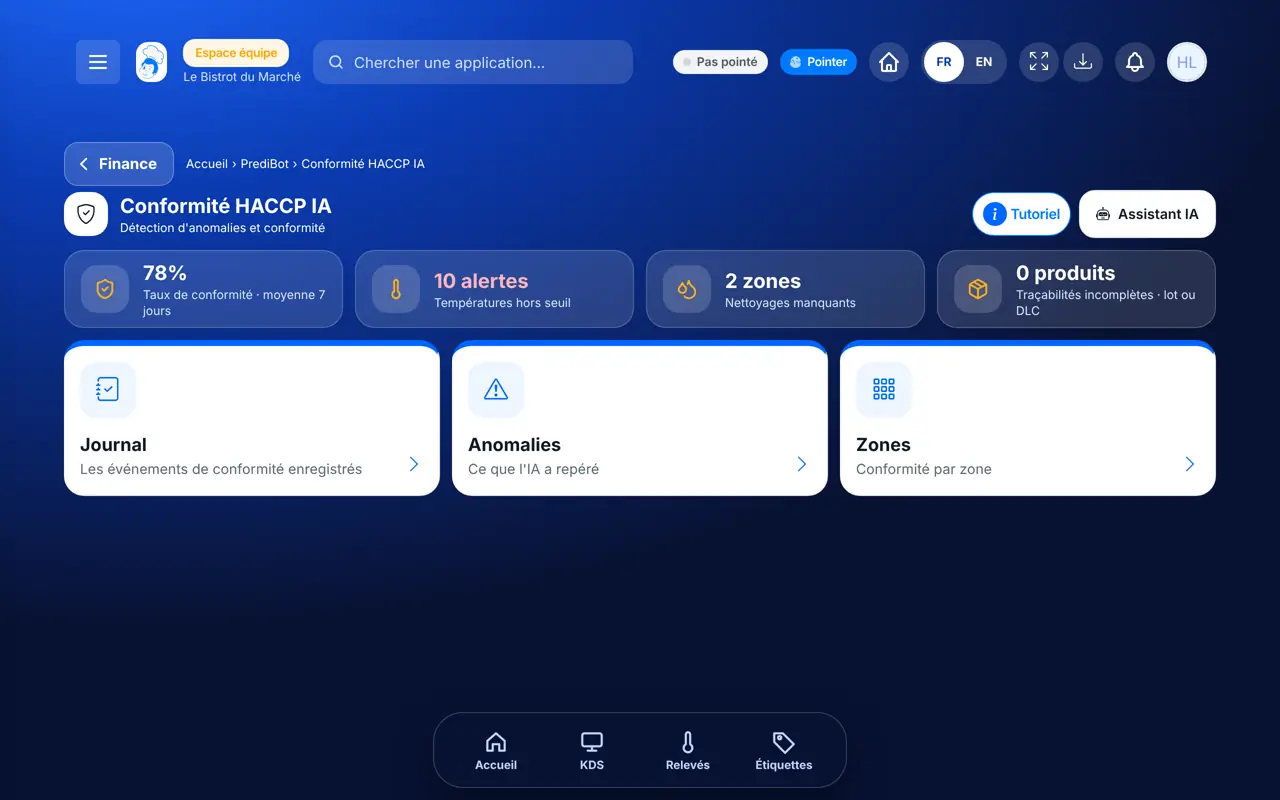
PrédiBot rereads your HACCP readings and flags what goes out of range. The log lists recorded compliance events; anomalies and zones show what the AI spots and suggest an action.
 Chef de cuisine
 Second de cuisine
 Patron / gérant
 Responsable multi-sites
The owner always has access. See what each role sees →
A computer or a tablet, for the weekly hygiene check.
The real software screens, as they appear on each device.
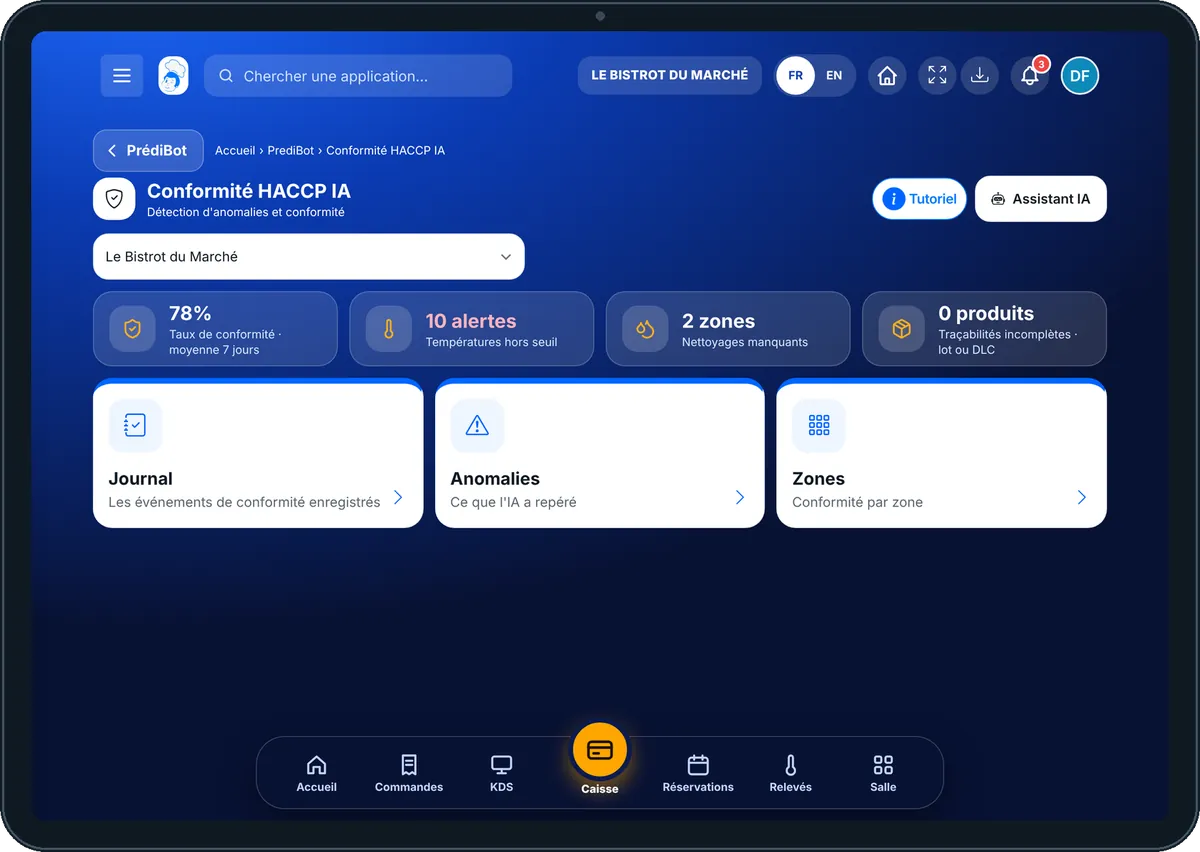
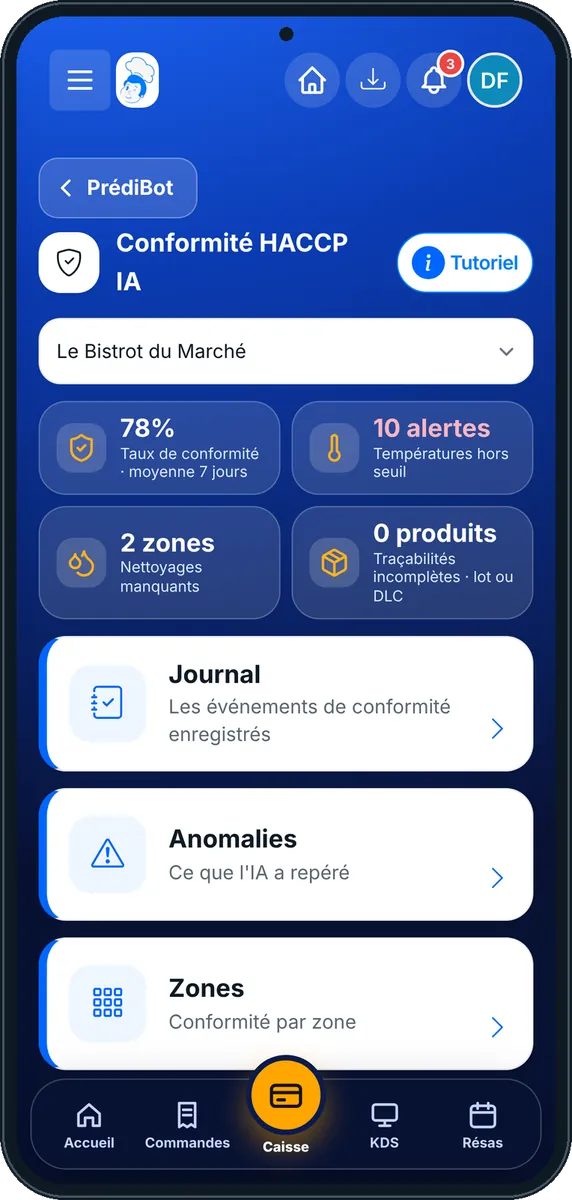
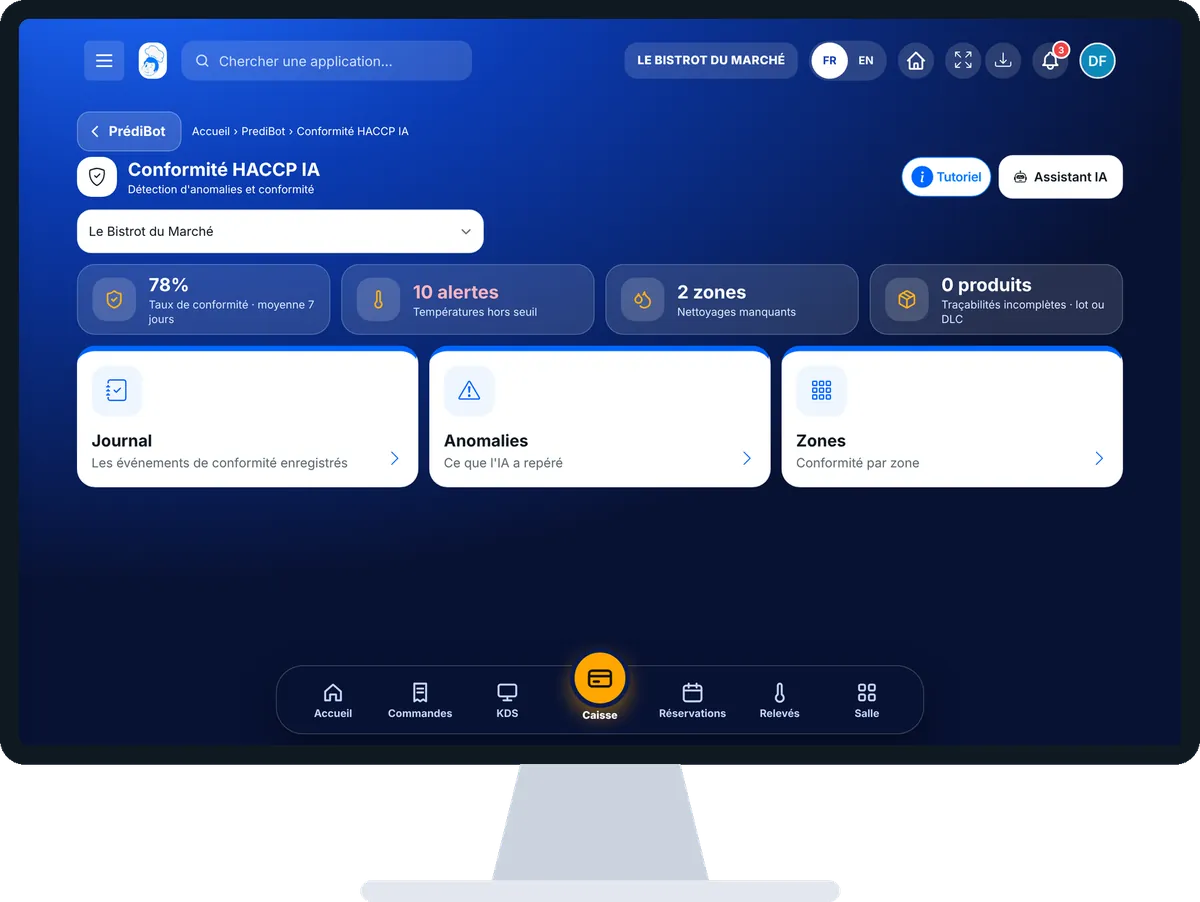
Spot hygiene anomalies : 5 steps, with the real software screens.
From PrédiBot’s home page, tap “Conformité HACCP IA”. Choose the shop if you have several.
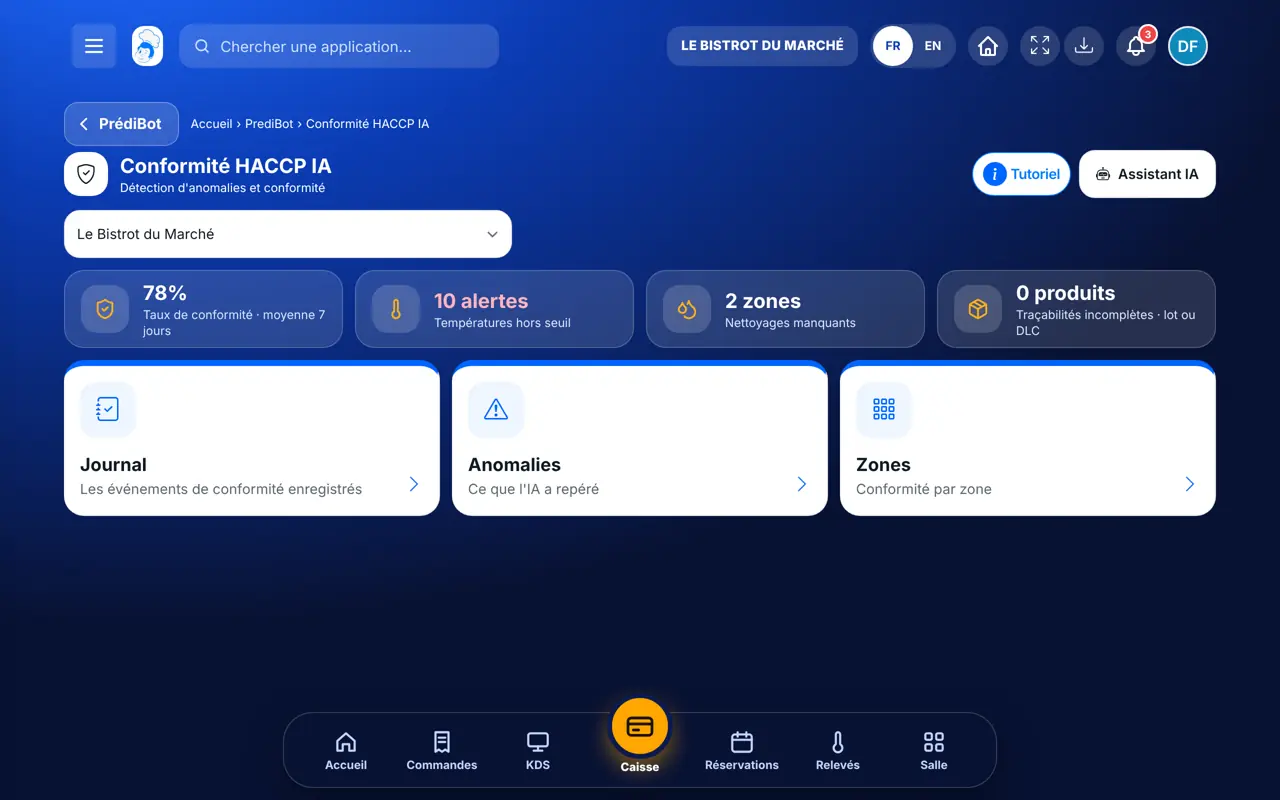
The “Journal” tab lists recorded compliance events. Empty, it shows “Aucun enregistrement pour le moment”.
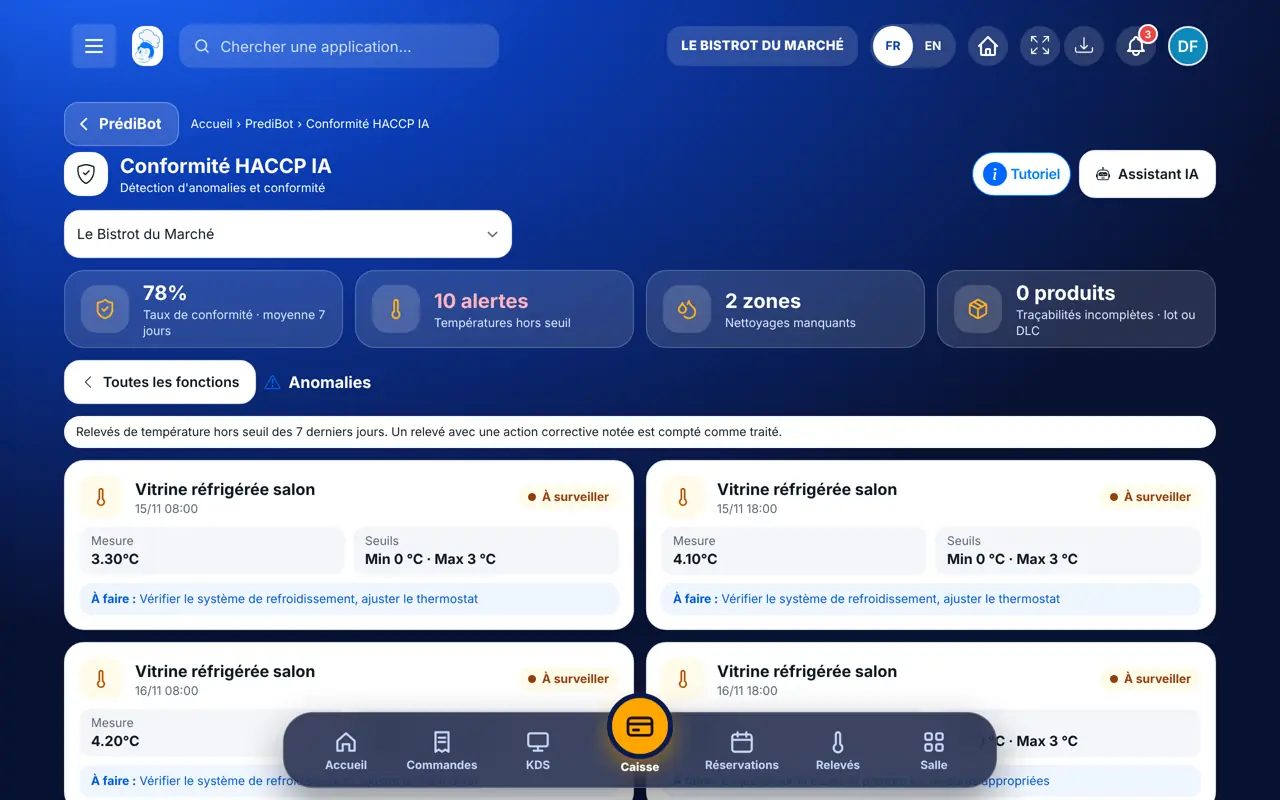
Tap “Anomalies”: each card gives the equipment, the time, the reading, the set thresholds and what to do. A reading with a noted corrective action counts as handled.
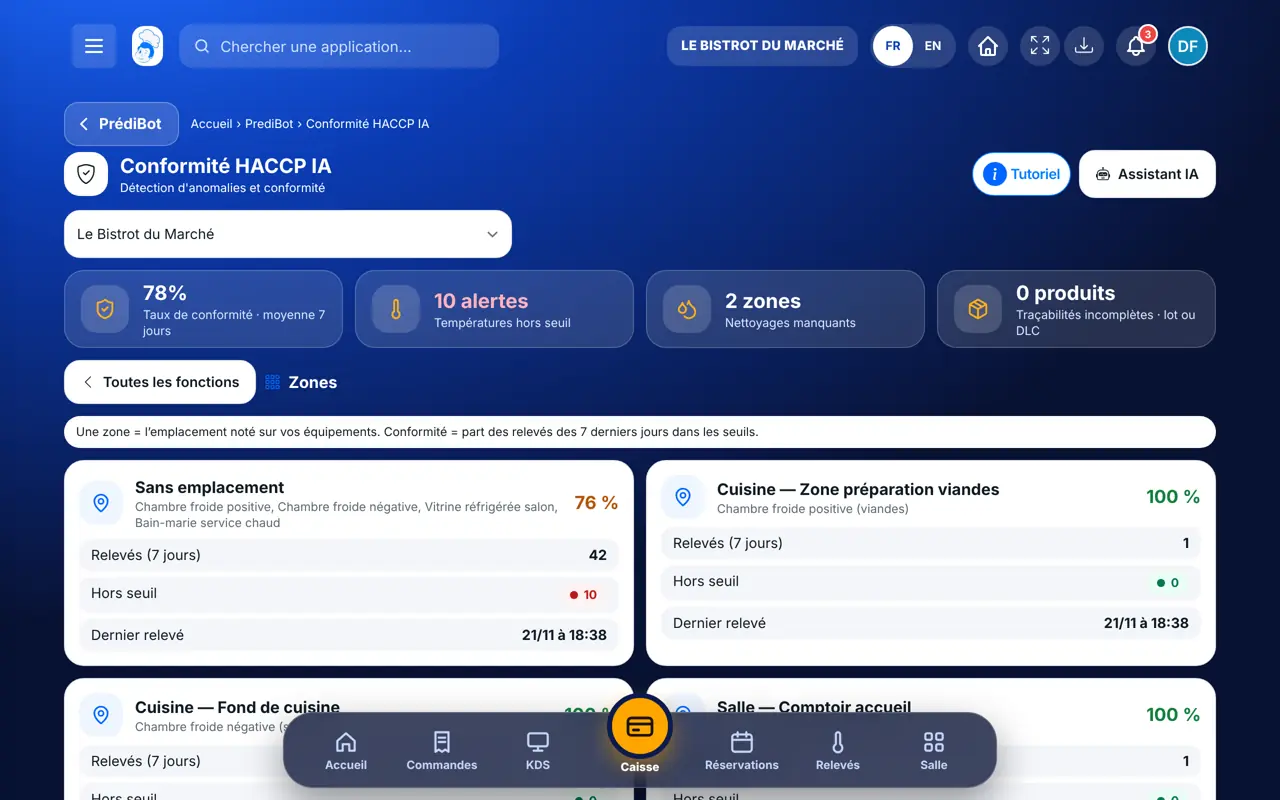
Tap “Zones”: for each location of your equipment, the number of readings, those out of range, the last reading and the compliance rate.
To act, take the temperature again or do the cleaning in the HACCP module.
You know which equipment or zone to watch this week, before an inspection.
Take temperatures →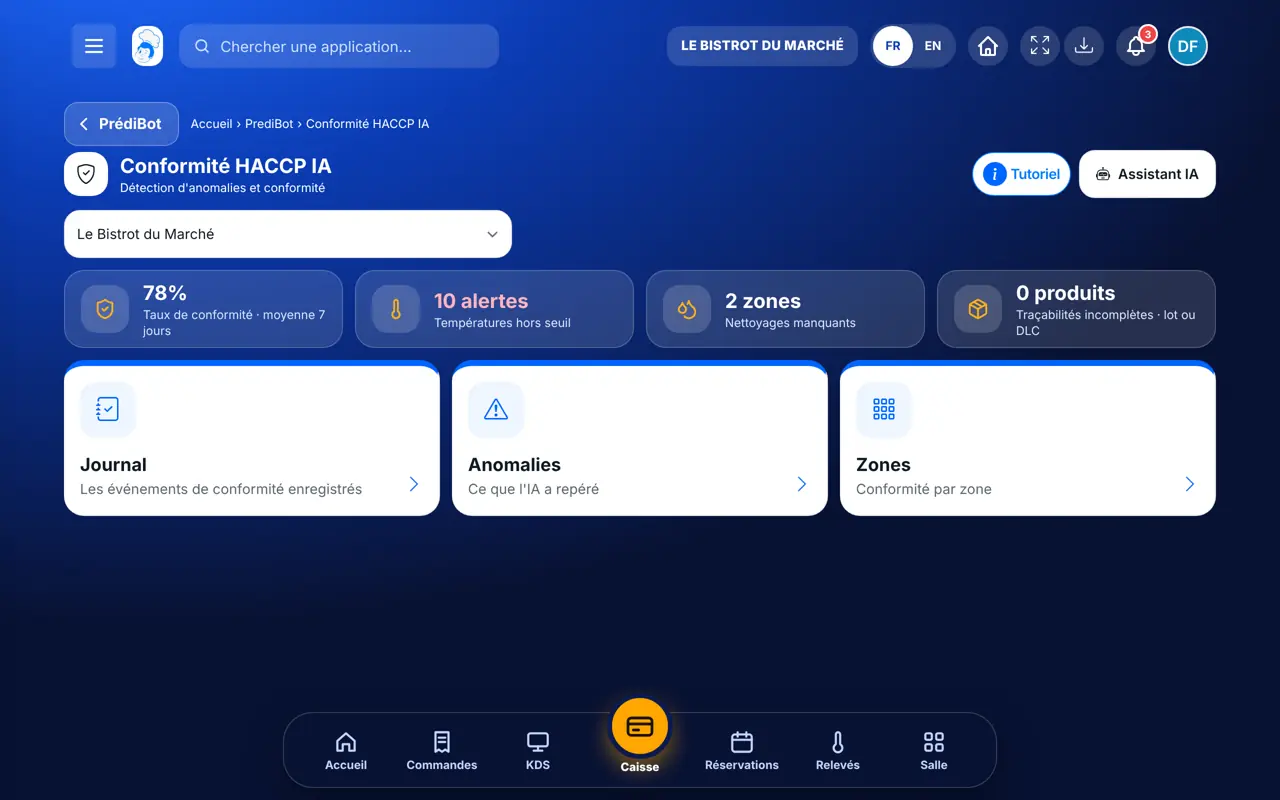
Sees anomalies for all shops.
With the AI HACCP compliance right, sees the screen. Entering a reading needs the matching HACCP right.
Claude, ChatGPT or Mistral’s Le Chat, connected to FoodEatUp. Copy the request and replace your establishment number.
In FoodEatUp, for my establishment [number], list the HACCP anomalies spotted by PrédiBot over the last 7 days.
What you getOut-of-range readings, with equipment and date.
Tools used : get_predibot_haccp_anomalies
In FoodEatUp, for my establishment [number], what HACCP tasks are left to do today?
What you getPending readings, checks and cleaning, most urgent first.
Tools used : get_haccp_todo
In FoodEatUp, for my establishment [number], list HACCP non-conformities over the last 30 days, with the corrective action noted.
What you getEach non-conformity and its correction.
Tools used : list_non_conformities
Drifts show up in advance.
The log shows only real events.
Everything comes from your real measurements.
The compliance rate of each location.
The same anomaly recurring on a fridge often signals a breakdown: have it checked before it fails mid-service.
In FoodEatUp, one action triggers others. Here are the screens that work with this one.
From the thresholds set on each piece of equipment in HACCP › Températures. With none, the card asks you to set them.
No. It rereads your readings; readings and corrections are done in the HACCP module.
Fix the cause, take a new reading, and note the corrective action in HACCP.
Send it to your team, your partner or your accountant. The image below appears in the message.
Claude, ChatGPT or Le Chat read this tutorial and explain it to you. Connected to FoodEatUp, they do it with you.
Read this FoodEatUp tutorial: https://foodeatup.com/en/academy/finance/predibot-haccp-compliance.md Explain it to me simply, step by step, then help me do it in my restaurant. If FoodEatUp is connected to you, do it with me and show me the preview before every change.
Type your establishment number: the link takes you straight to this screen. The number stays on this device.
Discover AI-driven management (in French) →
Répond avec les fiches du site, sans IA
Le chef cherche dans les fiches…
 Claude
 Le Chat
 ChatGPT