The week’s summary
In FoodEatUp, for my establishment [number], summarise PrédiBot’s forecasts for this week.
What you getThe points to watch: stock, footfall, hygiene.
Tools used : get_predibot_overview
 Finance · PrediBot
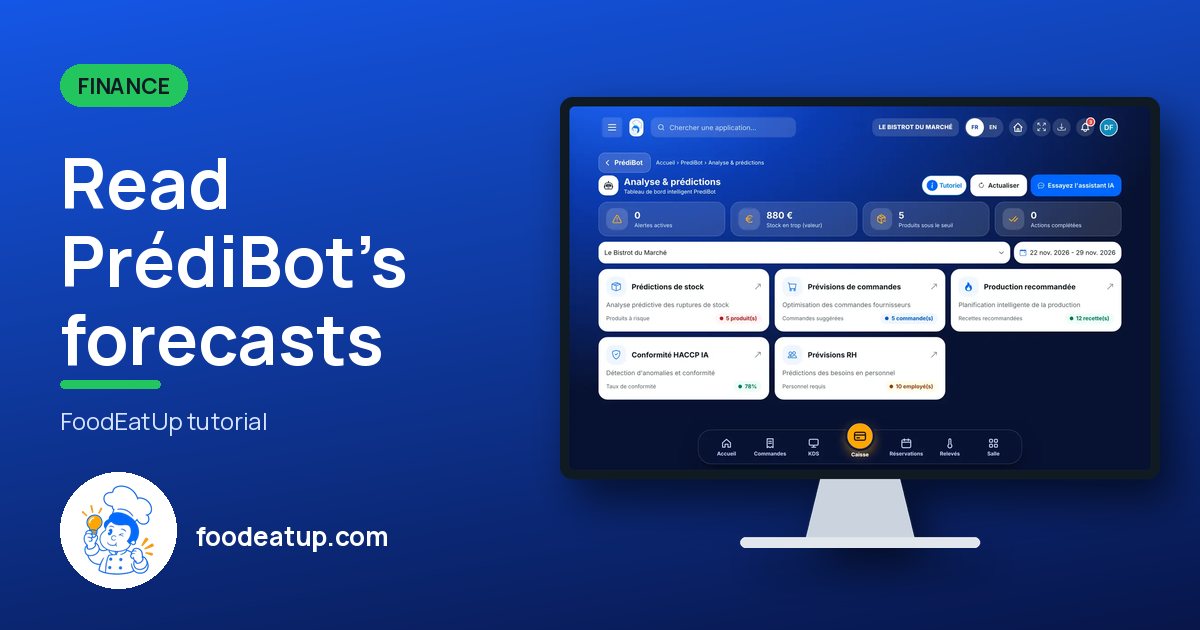
PrédiBot looks at your sales, productions, stock and readings, then tells you what is likely to happen this week. Its home page gathers everything: you open the card you need.
 Patron / gérant
 Directeur
 Chef de cuisine
 Responsable multi-sites
The owner always has access. See what each role sees →
A computer or a tablet, in the morning before service.
The real software screens, as they appear on each device.
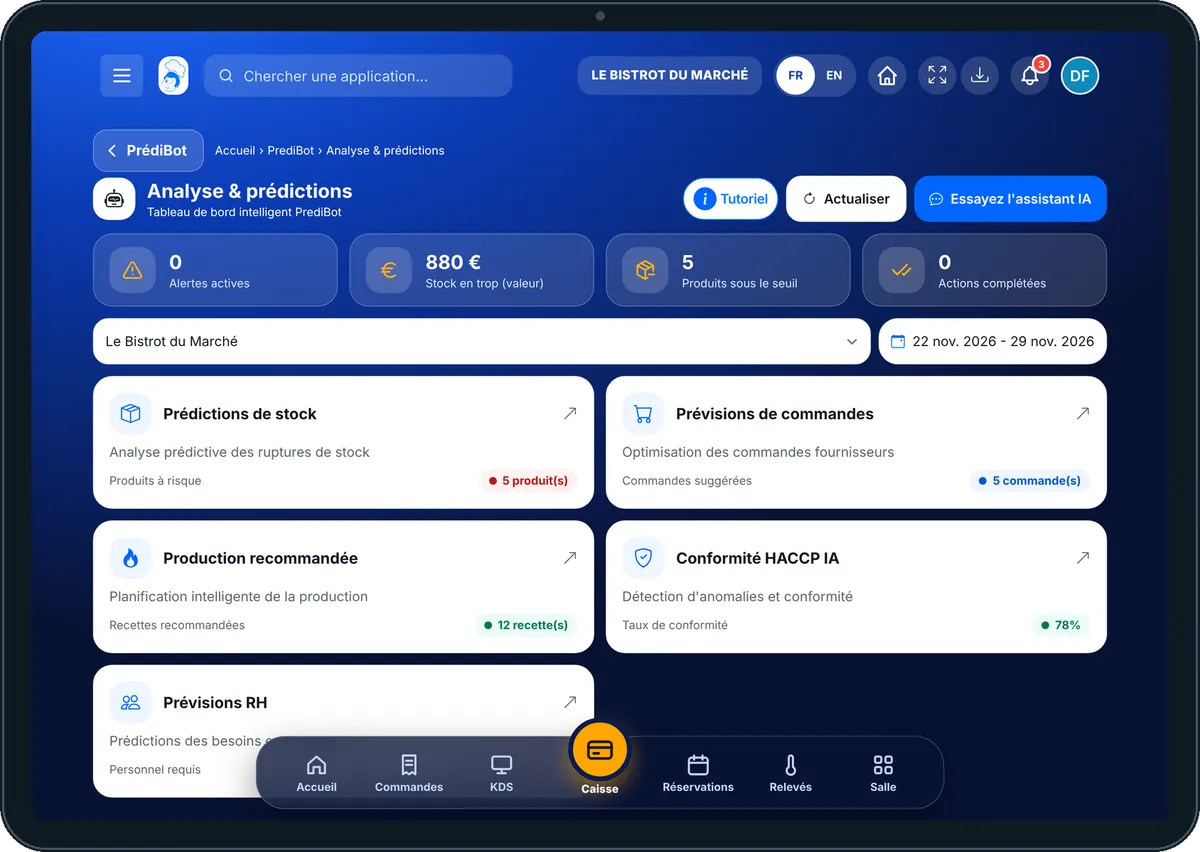
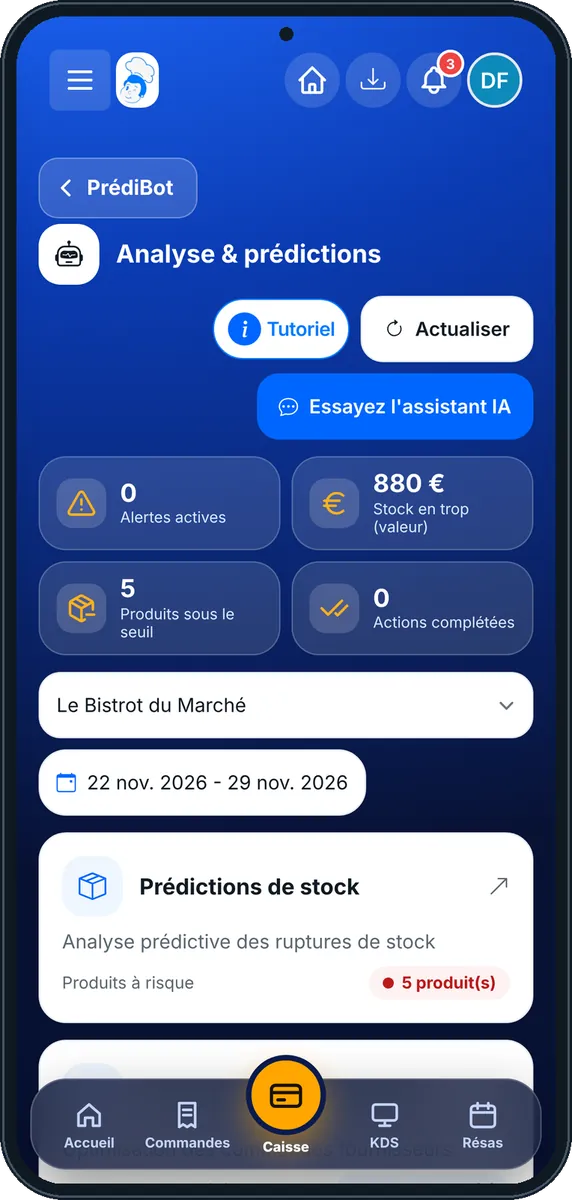
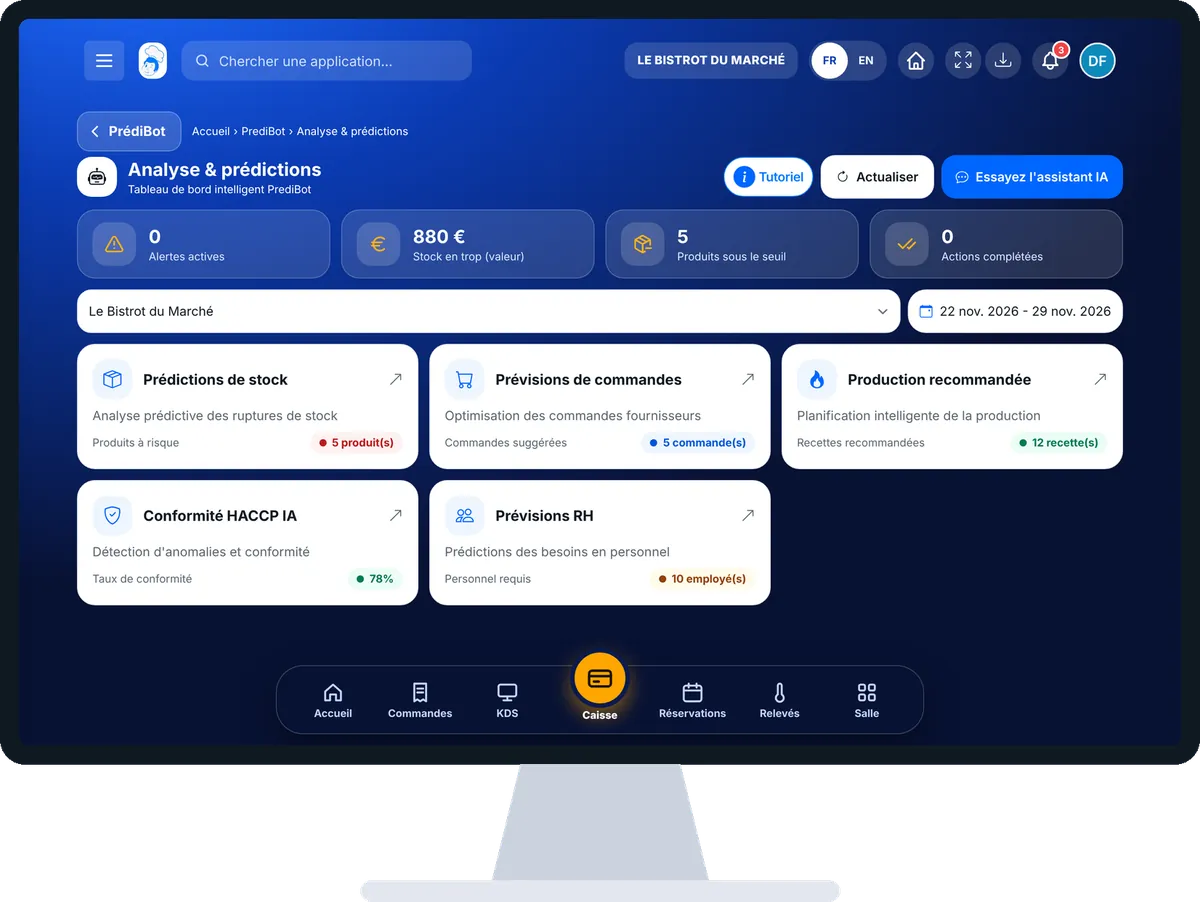
Read PrédiBot’s forecasts : 4 steps, with the real software screens.
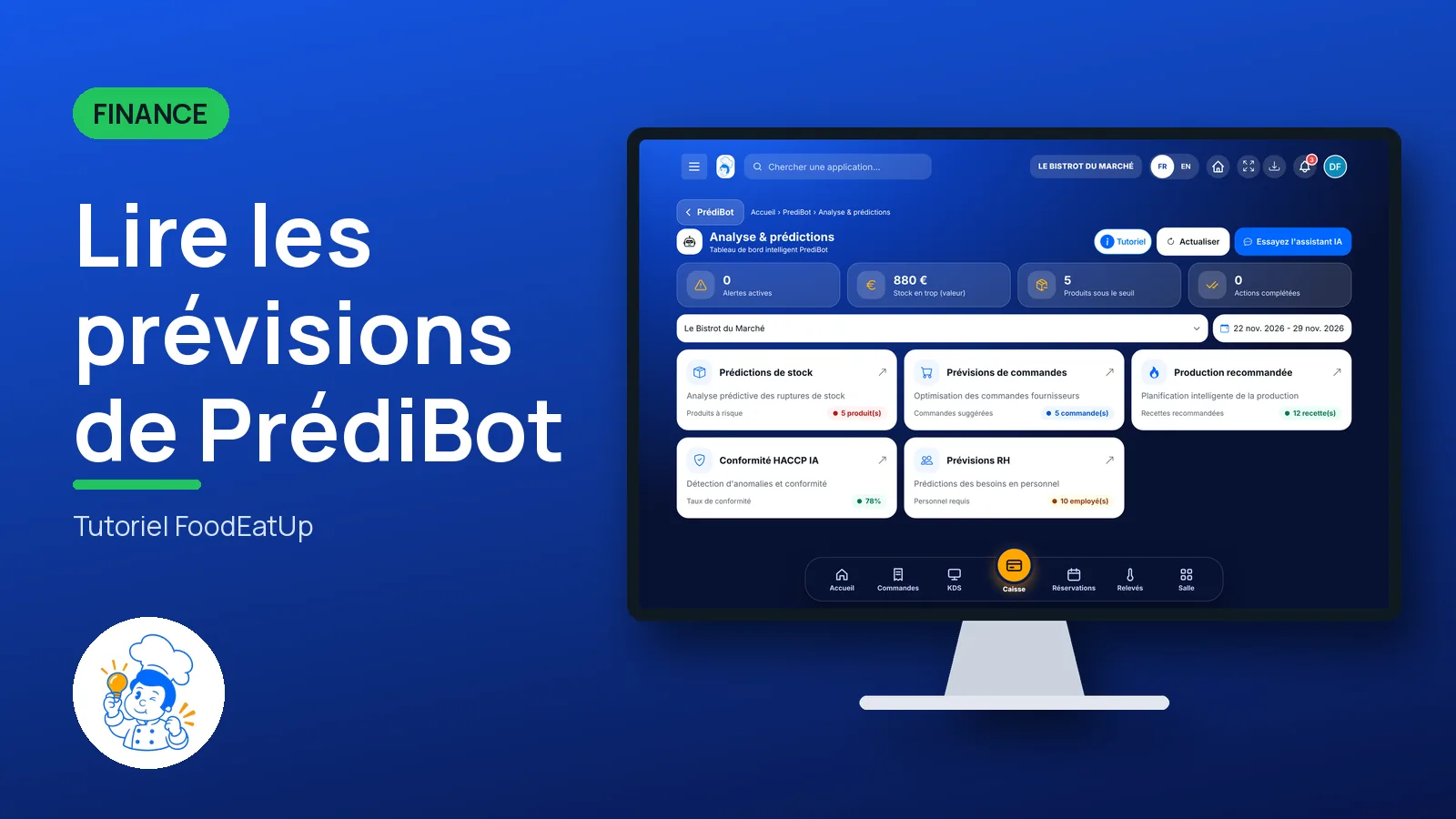
From the home screen, open Finance then “PrediBot”. Its home page shows the cards: Prédictions de stock, Prévisions de commandes, Production recommandée, Conformité HACCP IA, Prévisions RH.
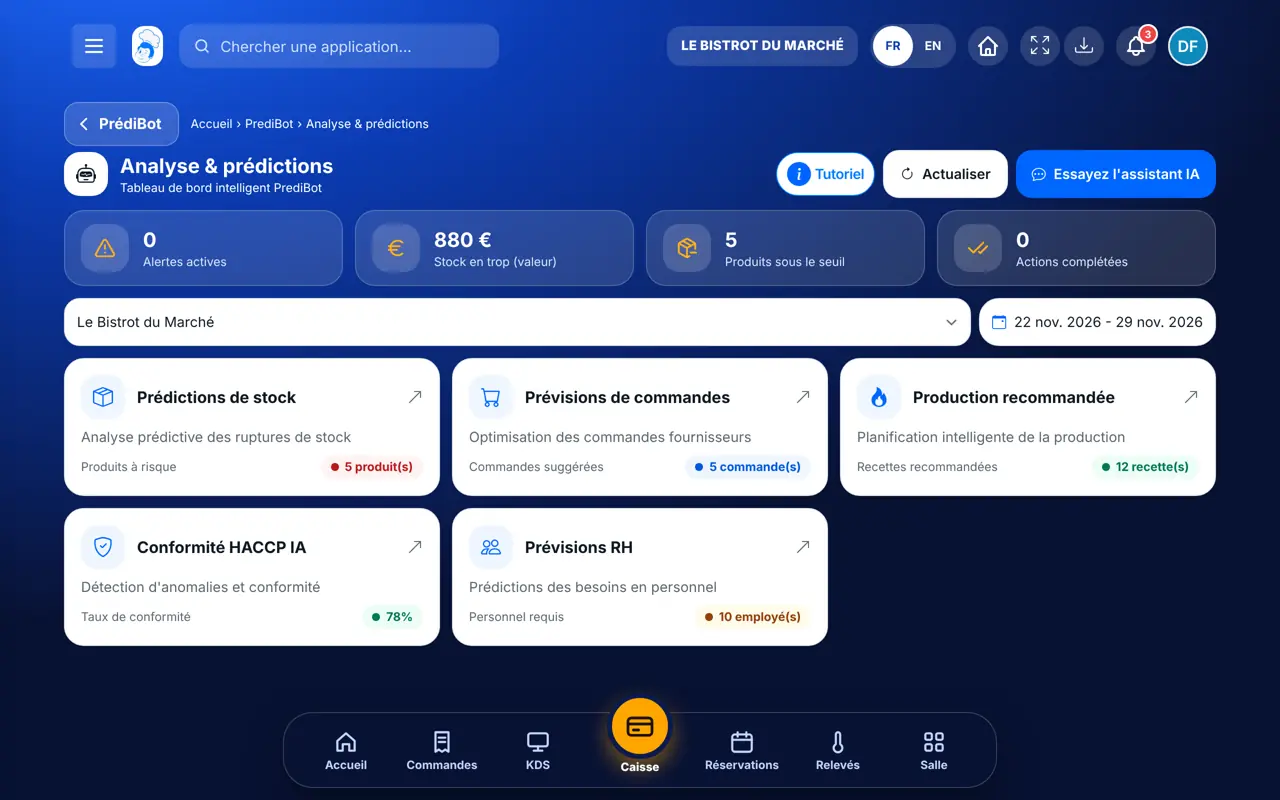
Tap the card that answers today’s question. For example “Prévisions RH” to know whether the team is enough.
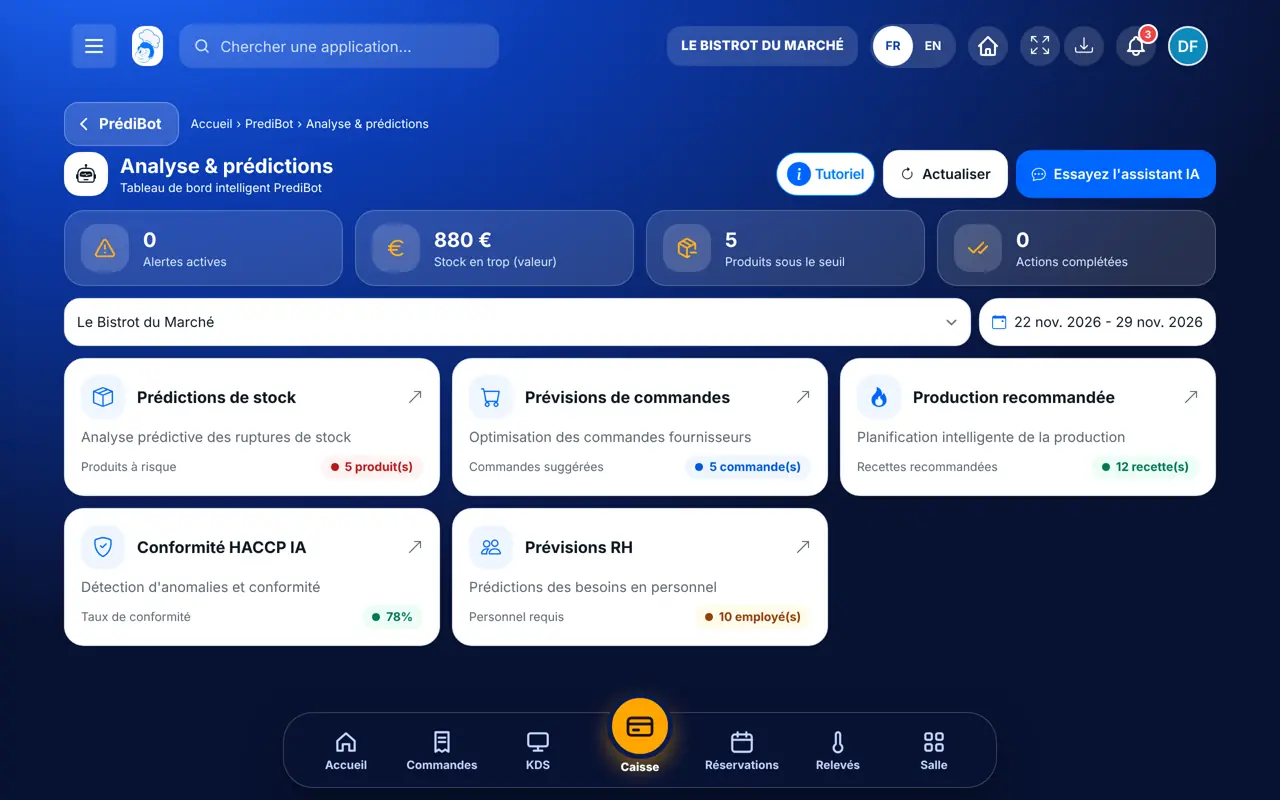
Each screen says where the figure comes from. Keep in mind it is a ballpark figure.
To order, produce or change the rota, PrédiBot sends you to the screen that does it. Nothing changes without you.
In one minute you know what to watch this week, and where to act.
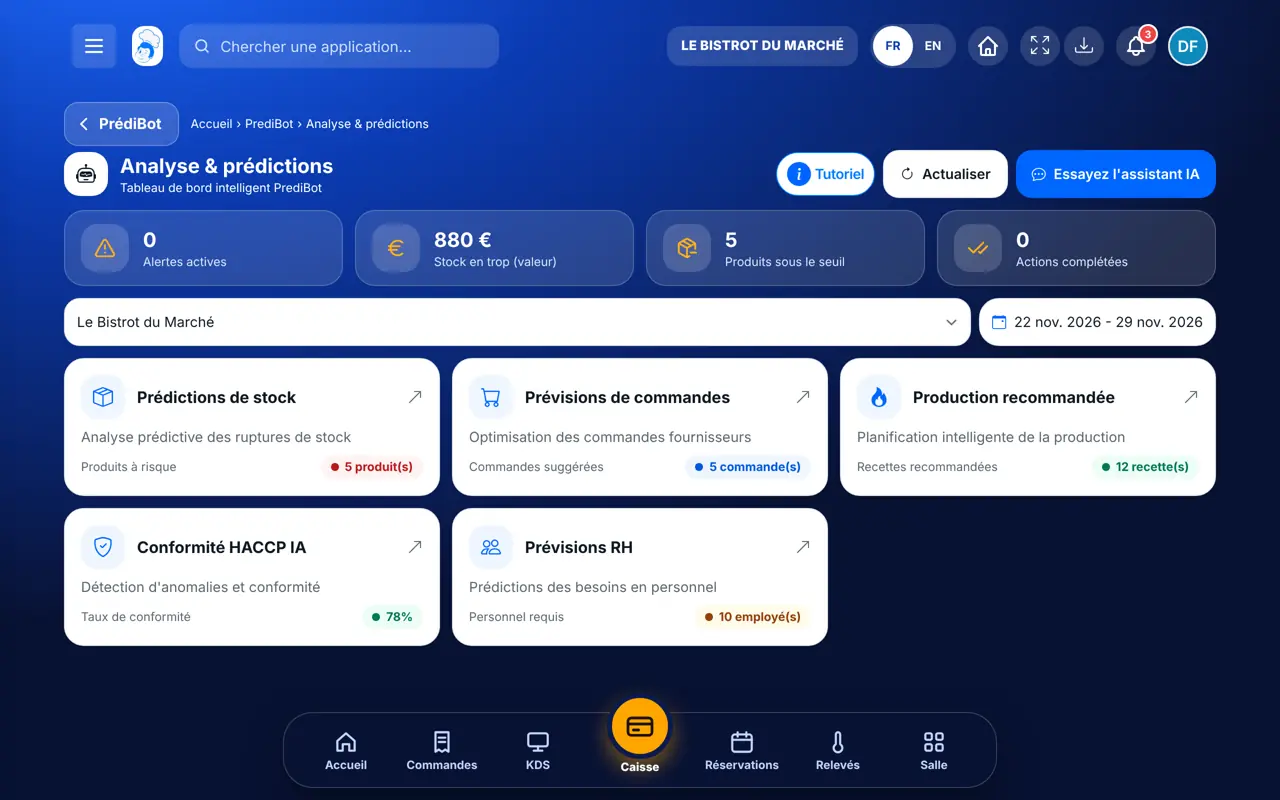
Sees all the forecasts for the restaurant.
With the PrédiBot right, sees the forecasts. Each screen also needs its own right (stock, orders, production, team, hygiene).
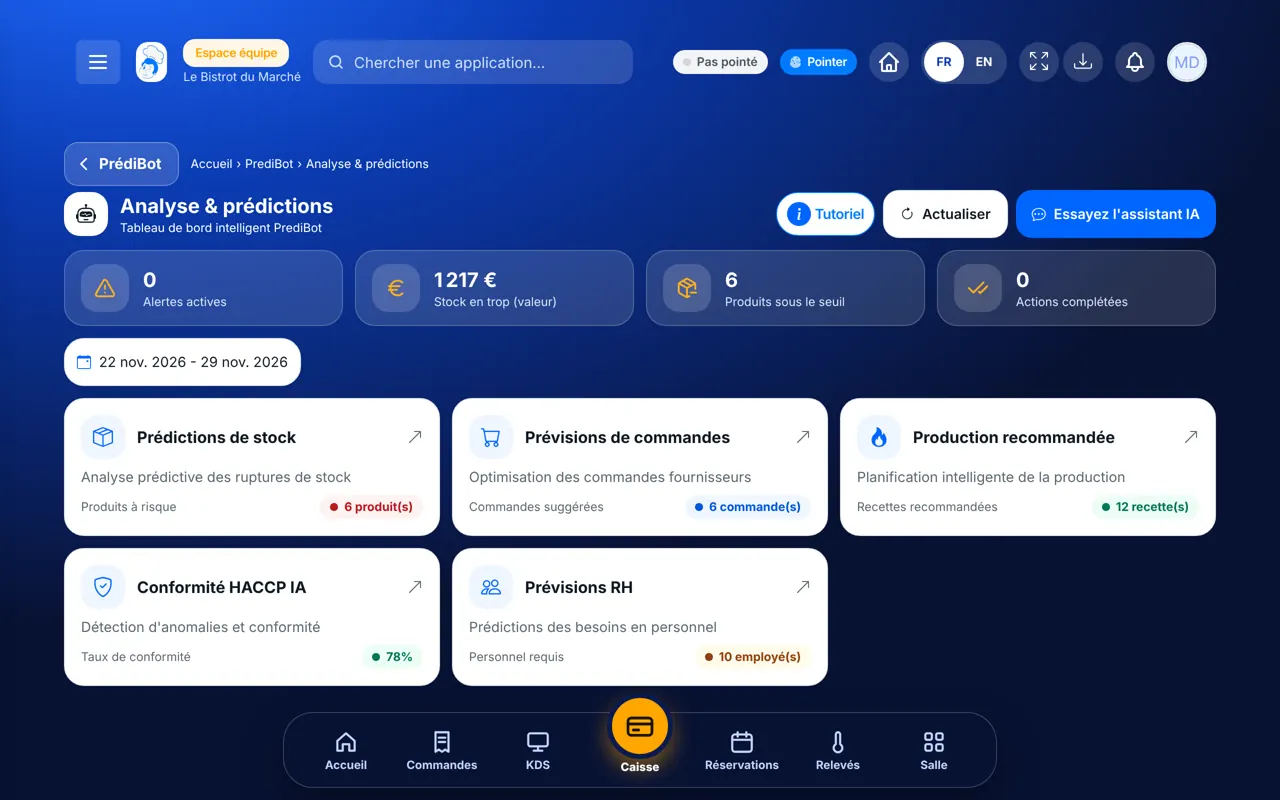
Claude, ChatGPT or Mistral’s Le Chat, connected to FoodEatUp. Copy the request and replace your establishment number.
In FoodEatUp, for my establishment [number], summarise PrédiBot’s forecasts for this week.
What you getThe points to watch: stock, footfall, hygiene.
Tools used : get_predibot_overview
In FoodEatUp, for my establishment [number], list PrédiBot’s pending recommendations, most urgent first.
What you getEach recommendation, its priority and its due date.
Tools used : list_predibot_recommendations
In FoodEatUp, for my establishment [number], give me today’s dashboard, then what PrédiBot advises me to watch.
What you getToday’s figures and PrédiBot’s alerts.
Tools used : get_dashboard_overview, get_predibot_overview
Stock, orders, production, team, hygiene.
The restaurant’s sales, productions and readings.
The week’s risks, first thing in the morning.
Nothing is ordered or changed without you.
Open PrédiBot every Monday morning: five minutes are enough to prepare the week’s orders and rota.
In FoodEatUp, one action triggers others. Here are the screens that work with this one.
No, they are estimates drawn from your history. They help you decide; they guarantee nothing.
PrédiBot needs history: validate your productions and readings for a few weeks.
No. It suggests; you confirm in the screen that orders or produces.
Send it to your team, your partner or your accountant. The image below appears in the message.
Claude, ChatGPT or Le Chat read this tutorial and explain it to you. Connected to FoodEatUp, they do it with you.
Read this FoodEatUp tutorial: https://foodeatup.com/en/academy/finance/predibot-dashboard.md Explain it to me simply, step by step, then help me do it in my restaurant. If FoodEatUp is connected to you, do it with me and show me the preview before every change.
Type your establishment number: the link takes you straight to this screen. The number stays on this device.
Discover PrédiBot (in French) →
Répond avec les fiches du site, sans IA
Le chef cherche dans les fiches…
 Claude
 Le Chat
 ChatGPT