Stock-outs
In FoodEatUp, for my establishment [number], which products are below their alert threshold?
What you getThe low products, with their stock and threshold.
Tools used : list_low_stocks
 Finance · Chat PrediBot
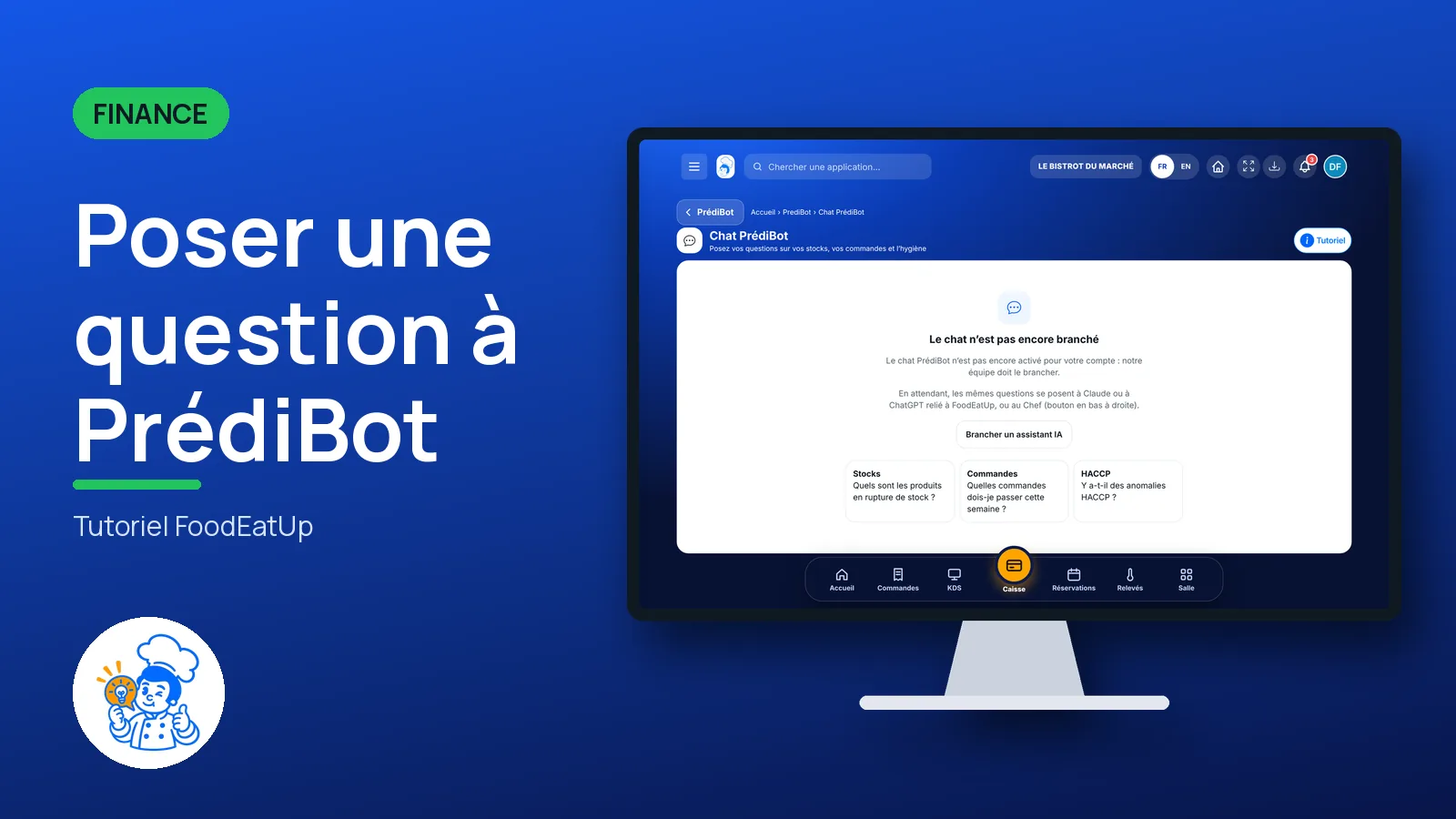
The PrédiBot chat answers your questions about stock, orders and hygiene. It is switched on by the FoodEatUp team; meanwhile, you ask the same questions to Claude or ChatGPT connected to FoodEatUp.
 Patron / gérant
 Directeur
 Chef de cuisine
 Second de cuisine
The owner always has access. See what each role sees →
A computer, a tablet or a phone.
The real software screens, as they appear on each device.
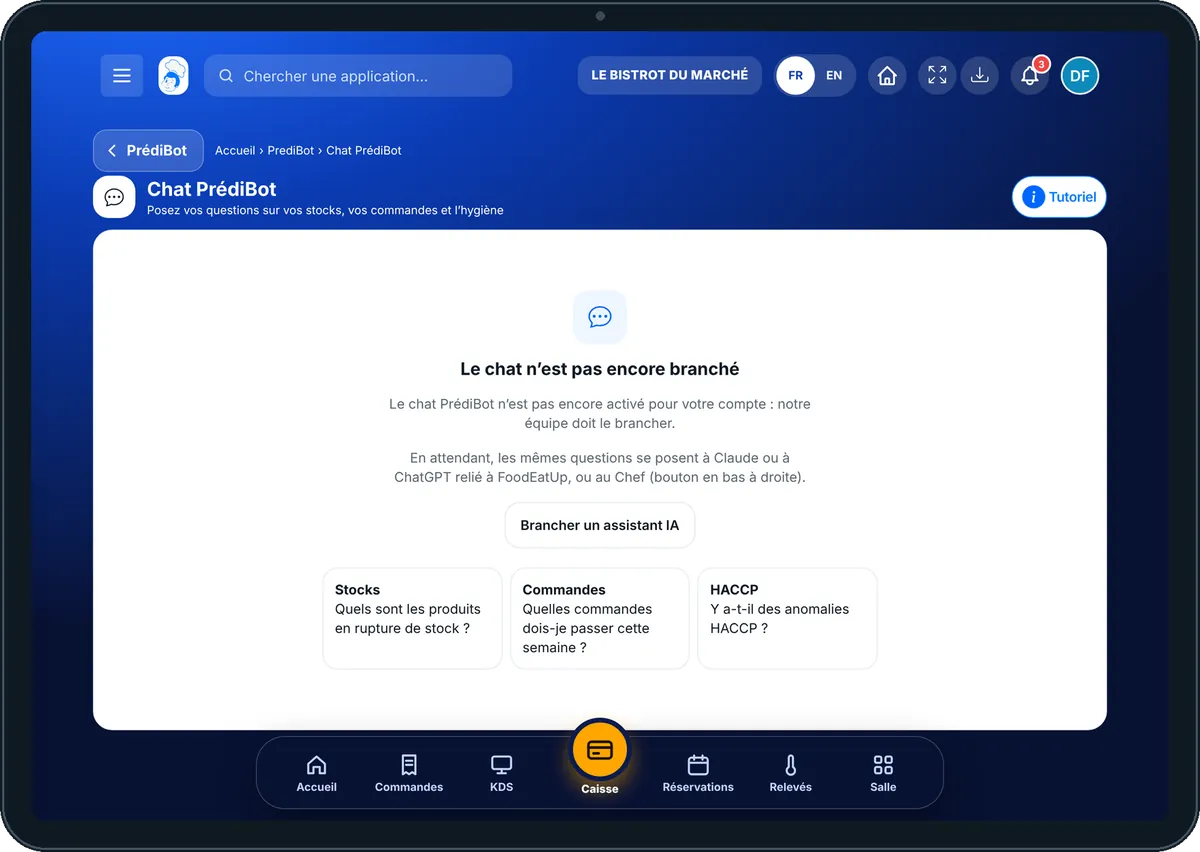
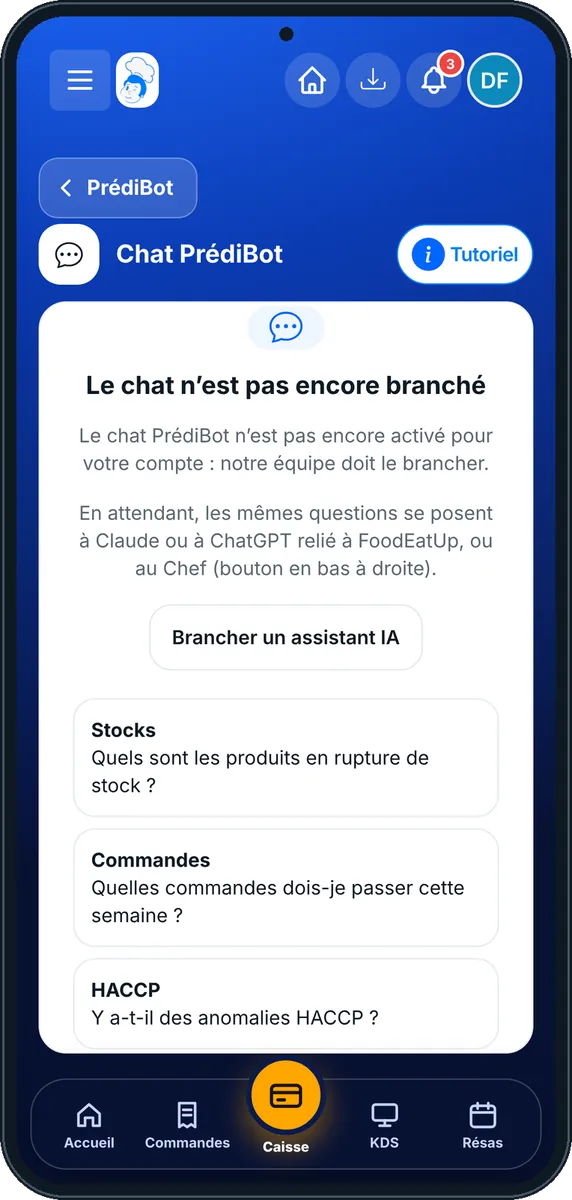
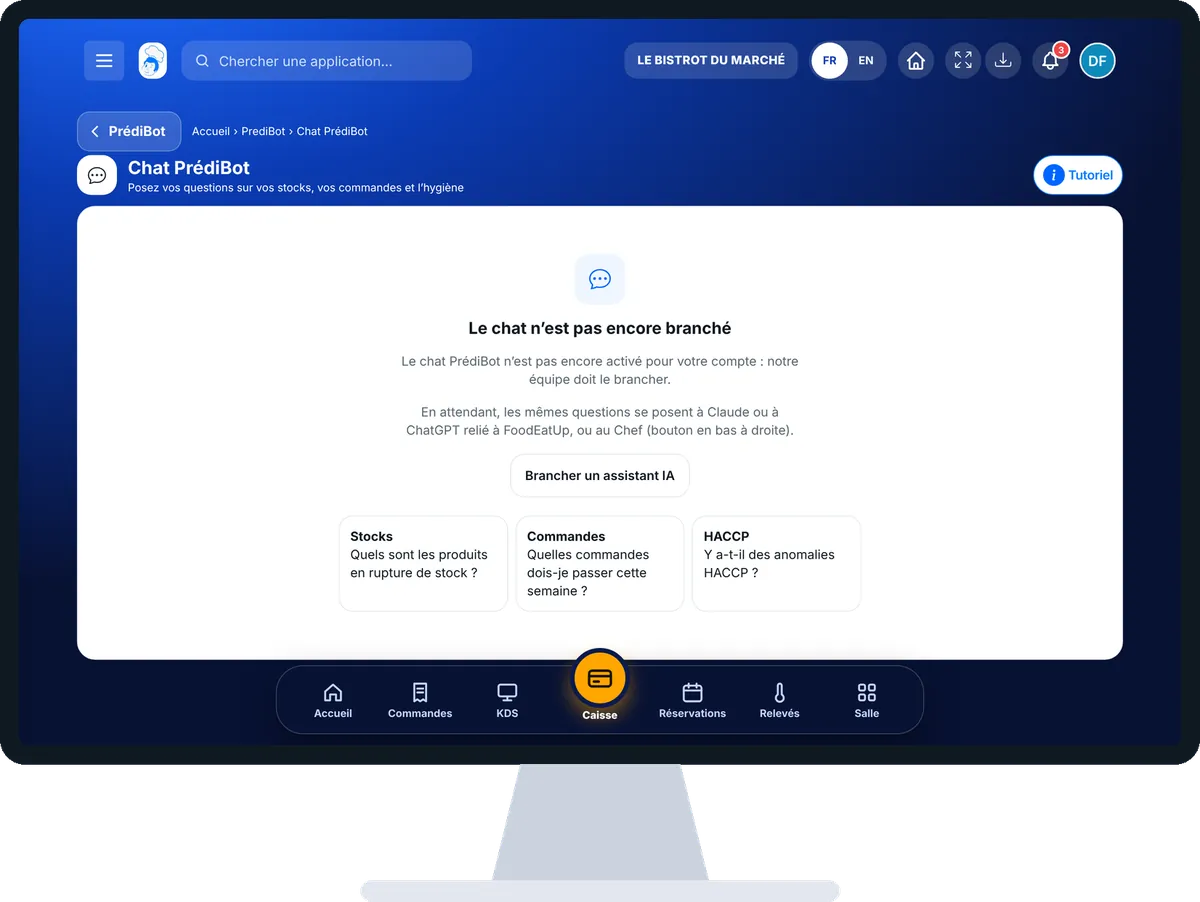
Ask PrédiBot a question : 4 steps, with the real software screens.
From the home screen, open Finance then “Chat PrediBot”.
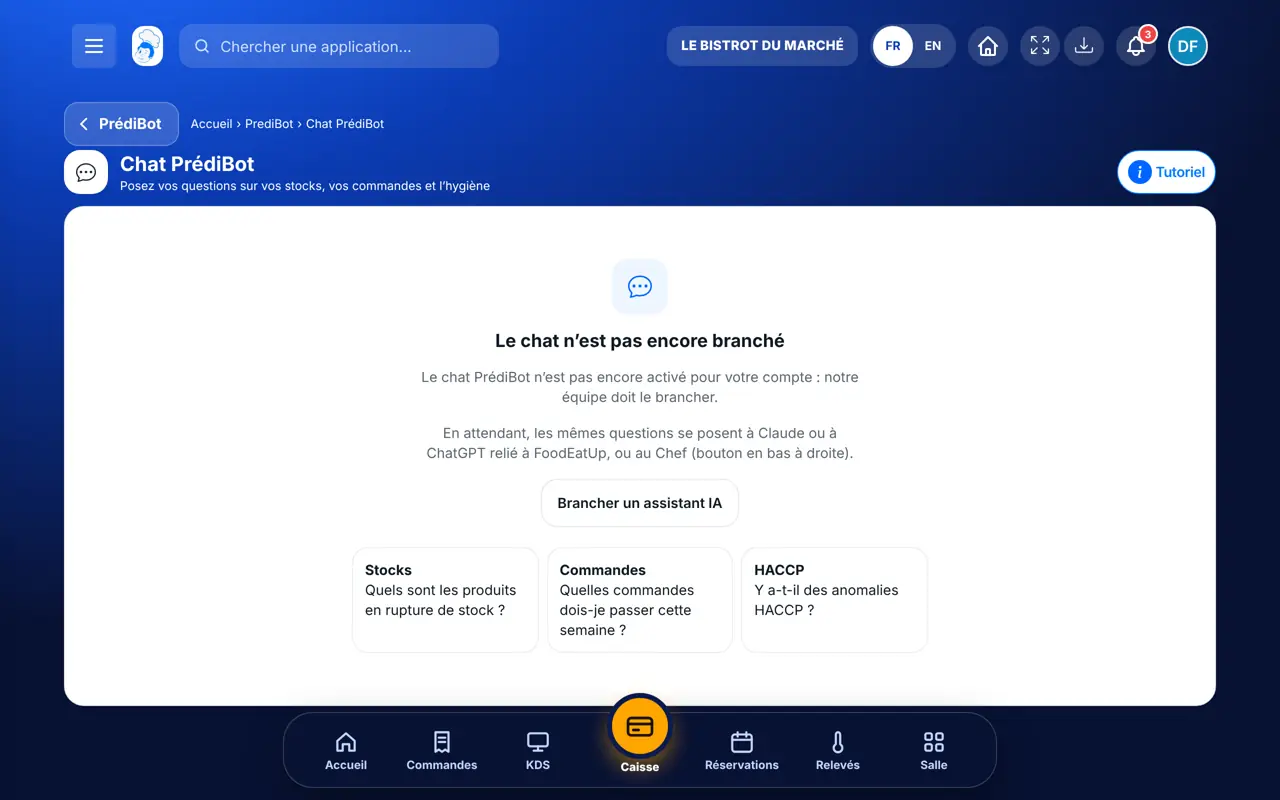
The screen shows “Le chat n’est pas encore branché”, three sample questions (Stocks, Commandes, HACCP) and the “Brancher un assistant IA” button. The FoodEatUp team switches it on.
Once switched on, type your question, for example “Which orders should I place this week?”.
Tap “Brancher un assistant IA”: the Prompt Marketplace explains how to connect Claude or ChatGPT to FoodEatUp, then offers ready-made questions.
You get an answer to your question, in the chat or in your AI assistant. The forecasts remain on PrédiBot’s home page.
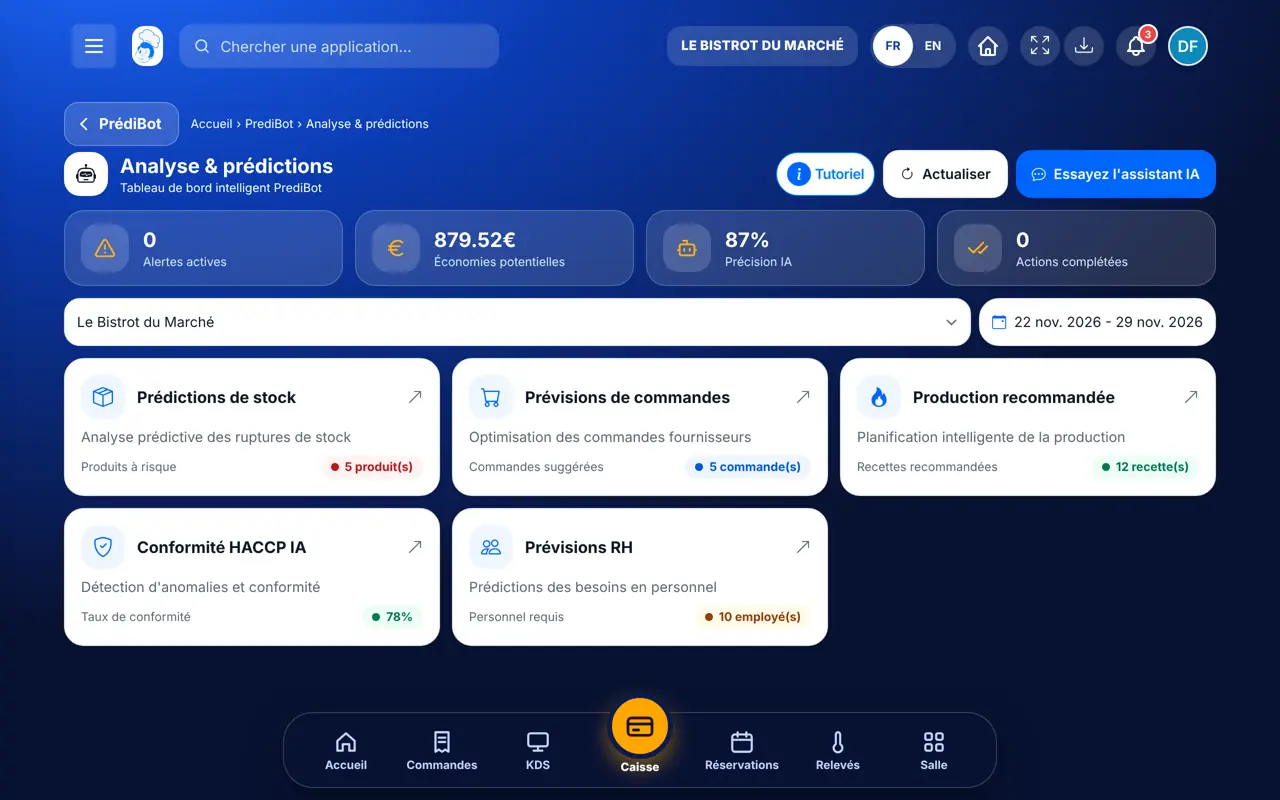
Asks questions, or connects an AI assistant from the Marketplace.
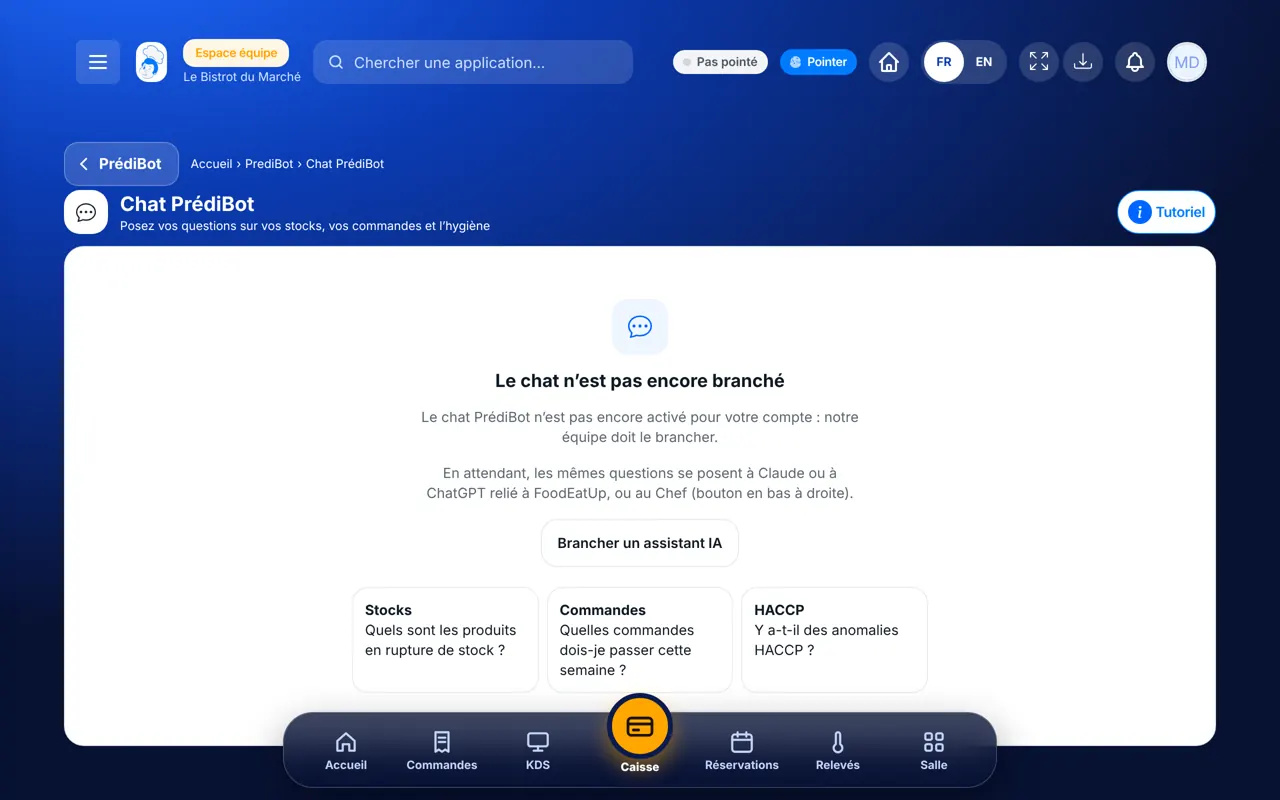
With the PrédiBot right, opens the chat. Sending a message needs the right to use the chat.
Claude, ChatGPT or Mistral’s Le Chat, connected to FoodEatUp. Copy the request and replace your establishment number.
In FoodEatUp, for my establishment [number], which products are below their alert threshold?
What you getThe low products, with their stock and threshold.
Tools used : list_low_stocks
In FoodEatUp, for my establishment [number], based on PrédiBot’s forecasts, what should I order this week?
What you getThe products to order and the estimated quantities.
Tools used : get_predibot_stock_plan
In FoodEatUp, for my establishment [number], are there any HACCP anomalies over the last 7 days?
What you getThe out-of-range readings spotted by PrédiBot.
Tools used : get_predibot_haccp_anomalies
A simple question, a simple answer.
The restaurant’s stock, orders and readings.
The PrédiBot chat or your AI assistant.
The answer, without opening three screens.
Keep your three Monday questions in your AI assistant: stock-outs, orders, hygiene. Ask them again in one go every week.
In FoodEatUp, one action triggers others. Here are the screens that work with this one.
The chat is switched on by the FoodEatUp team. Meanwhile, your AI assistant connected to FoodEatUp answers the same questions.
Claude or ChatGPT, for example. The Prompt Marketplace explains how.
It reads first. For any change, it shows you what will change and waits for your approval.
Send it to your team, your partner or your accountant. The image below appears in the message.
Claude, ChatGPT or Le Chat read this tutorial and explain it to you. Connected to FoodEatUp, they do it with you.
Read this FoodEatUp tutorial: https://foodeatup.com/en/academy/finance/predibot-chat.md Explain it to me simply, step by step, then help me do it in my restaurant. If FoodEatUp is connected to you, do it with me and show me the preview before every change.
Type your establishment number: the link takes you straight to this screen. The number stays on this device.
Discover PrédiBot (in French) →
Répond avec les fiches du site, sans IA
Le chef cherche dans les fiches…
 Claude
 Le Chat
 ChatGPT