Aller au contenu
Finance · Prédictions stock
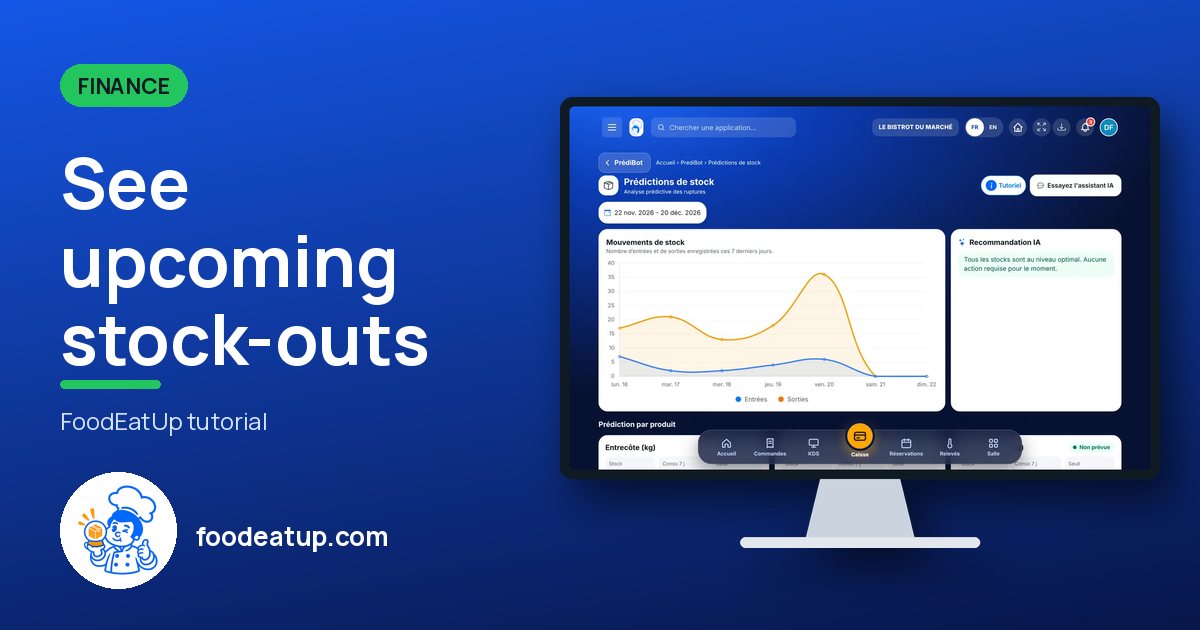
See upcoming stock-outs

PrédiBot compares your stock with what your planned productions will use. It shows the products that will run short and suggests a quantity to order, with a small margin.

  • Computer
  • 4 steps
  • Level : Intermediate
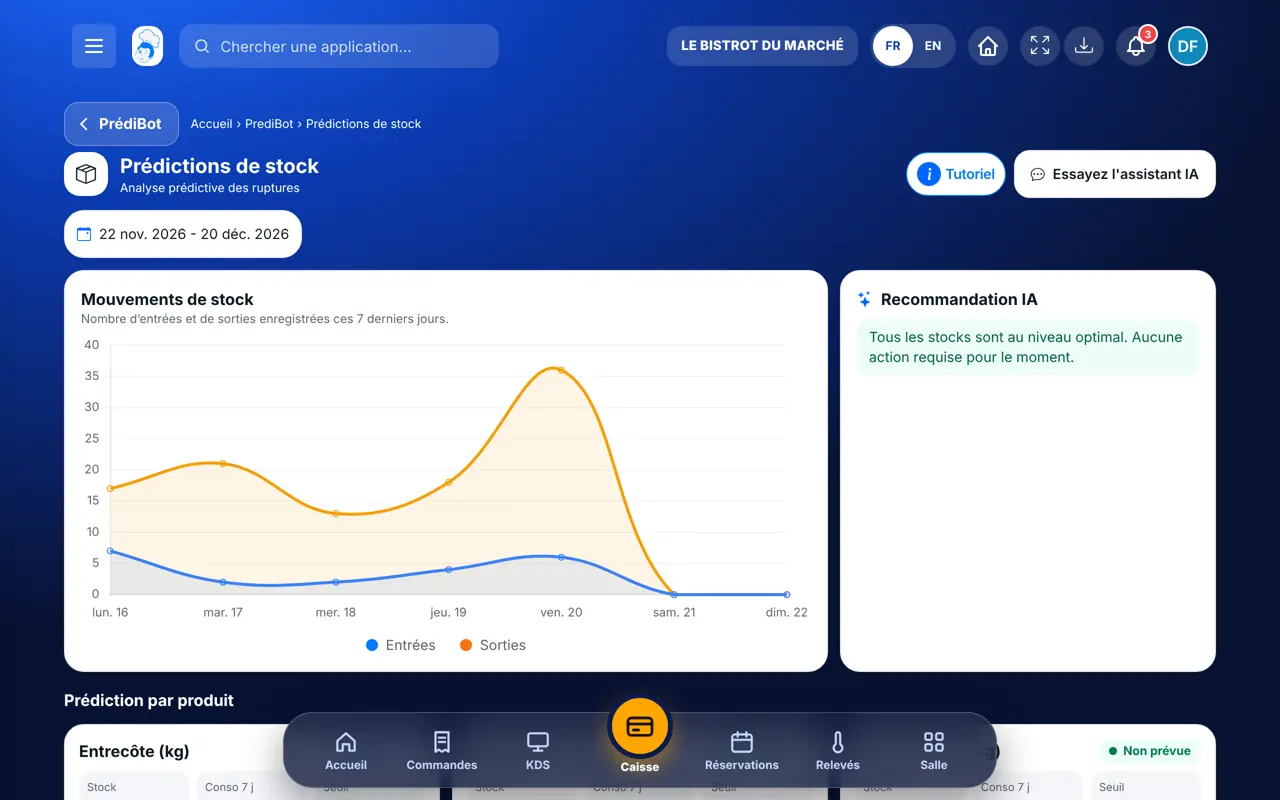
See upcoming stock-outs : The Stock predictions screen

Who is it for?

  • Chef de cuisine
  • Second de cuisine
  • Patron / gérant
  • Responsable multi-sites

Roles with access

  • Gérant·e
  • Boutique (réseau)
  • Franchisé·e (réseau)
  • Directeur·rice d'établissement

The owner always has access. See what each role sees →

Recommended hardware

Computer

A computer or a tablet, before placing your orders.

See the hardware →

What it is for

  • See, product by product, the stock, the last 7 days’ use and the threshold.
  • Spot what will run short before service.
  • Prepare the order for the product concerned.

Why set it up

  • The calculation starts from your planned productions and their recipe cards.
  • A small margin is added to the suggested quantity.
  • It is an estimate: check before ordering.

The same screen, on every device

The real software screens, as they appear on each device.

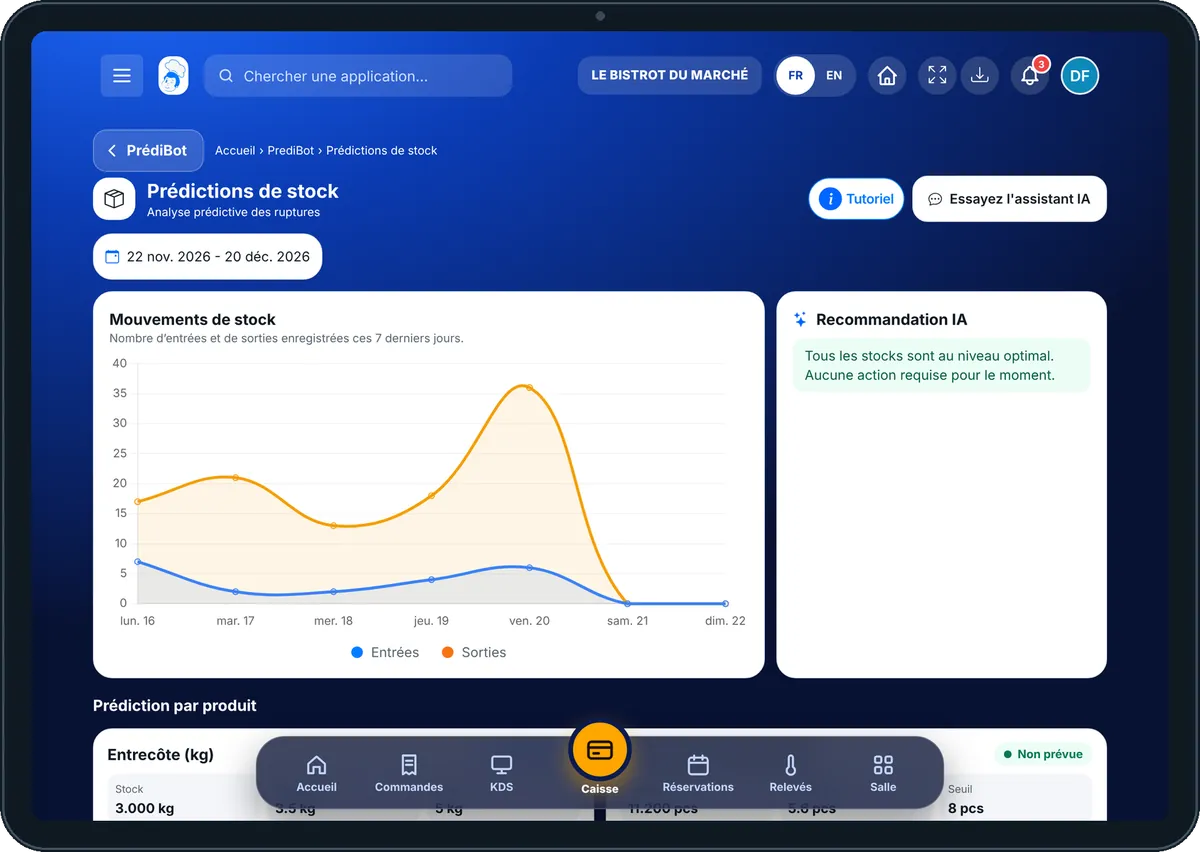
Prédictions stock — On the tablet
On the tablet
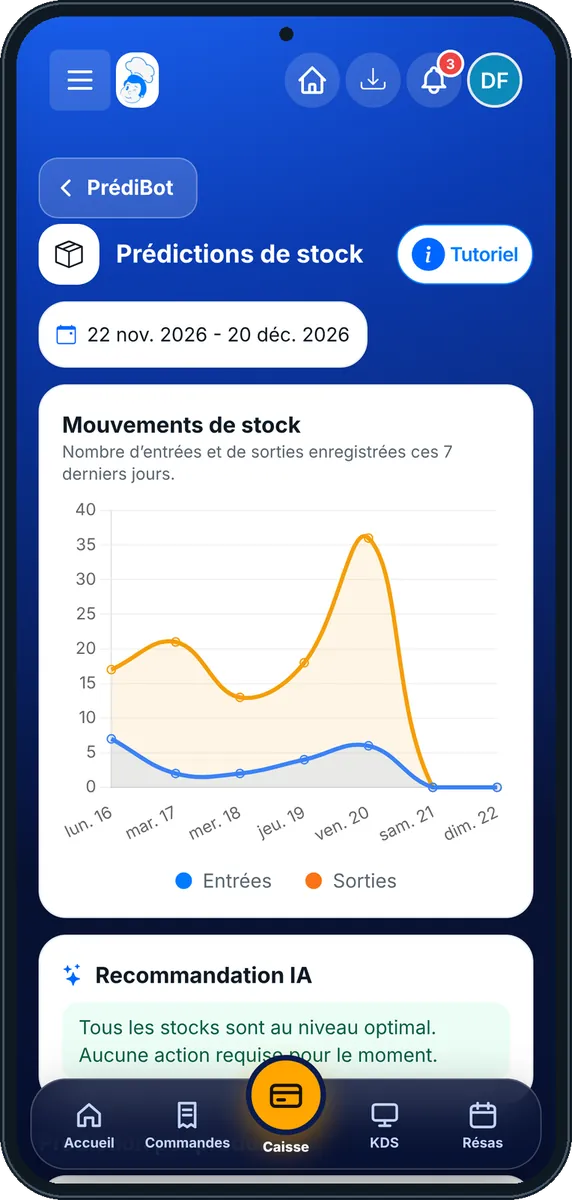
Prédictions stock — On the phone
On the phone
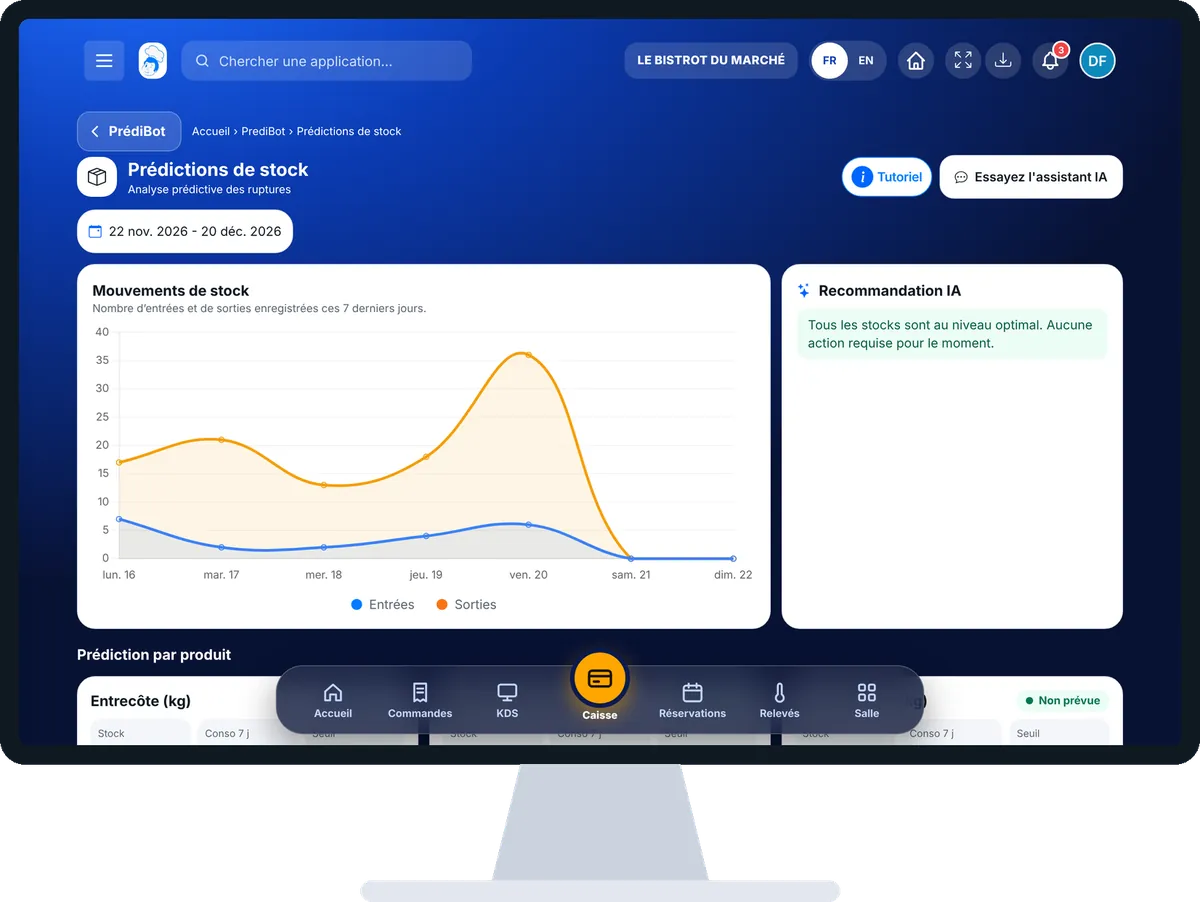
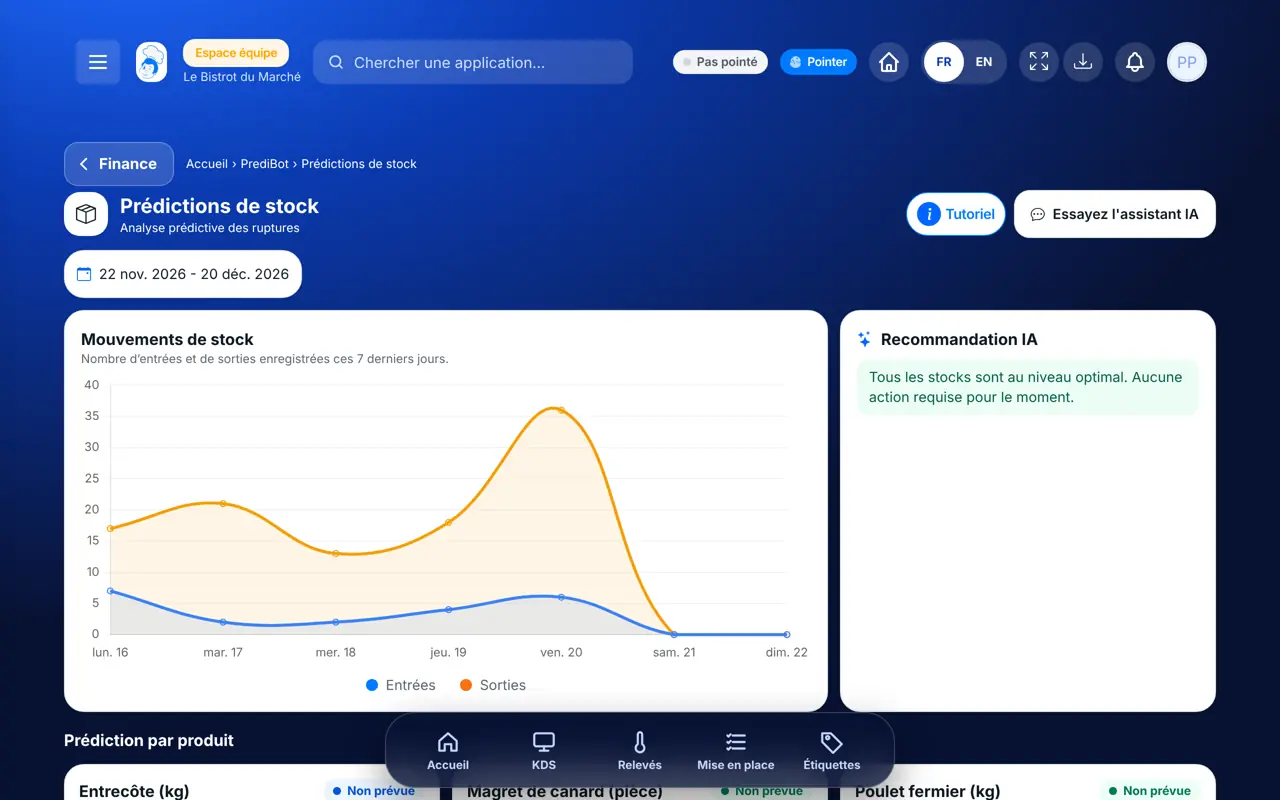
Prédictions stock — On the computer
On the computer

Step by step

See upcoming stock-outs : 4 steps, with the real software screens.

  1. 1Step 1

    Open stock predictions

    From PrédiBot’s home page, tap “Prédictions de stock”. Choose the shop if you have several.

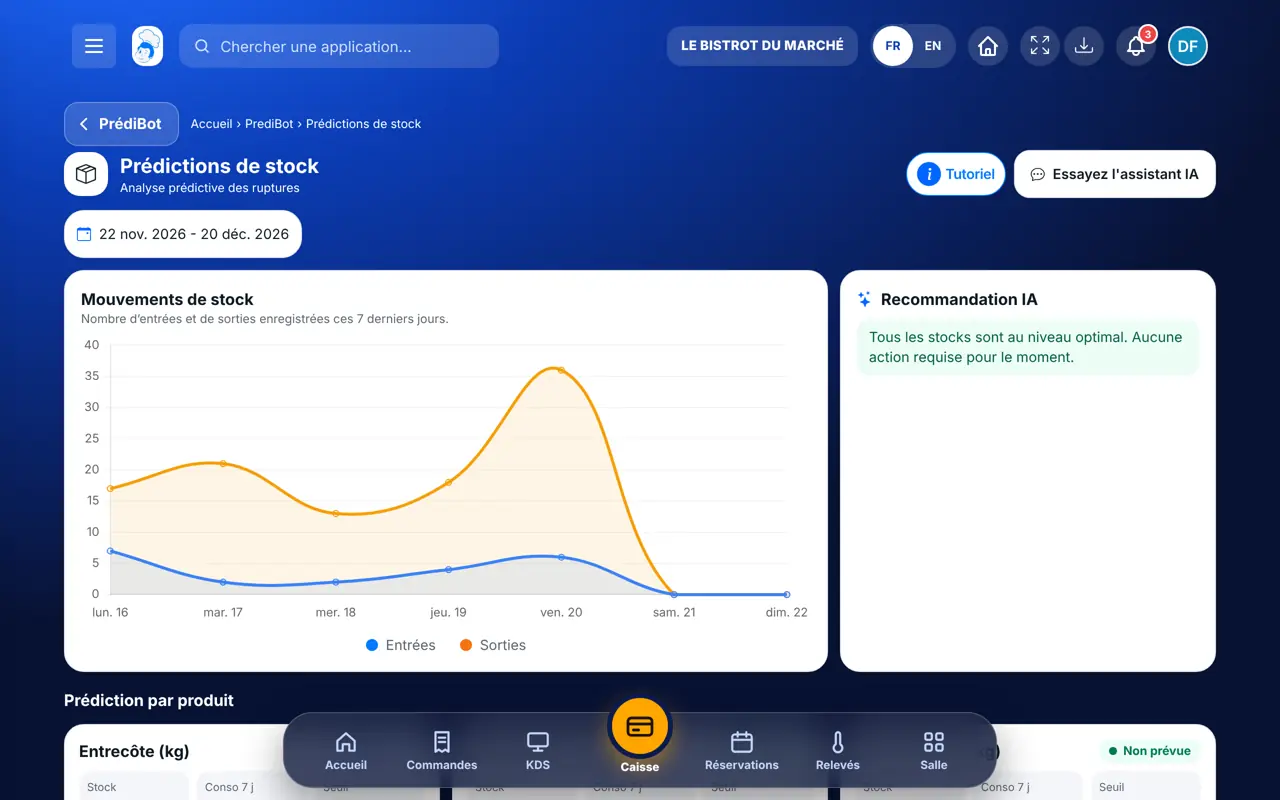
    The Stock predictions screen
  2. 2Step 2

    Read the chart

    The “Consommation et stock” block shows stock and use over the period.

  3. 3Step 3

    Go through the products

    In “Prédiction par produit”, each line shows stock, the last 7 days’ use and the threshold. “Stock suffisant” means nothing to do.

  4. 4Step 4

    Order if needed

    For a product that will run short, the recommendation suggests placing an order. You confirm before anything is sent.

The result

The result

You know which products will run short and how much to order, before the stock-out hits mid-service.

The result : See upcoming stock-outs

Owner and employee: what changes

The owner

Sees the predictions for all shops.

Prédictions stock — The owner

The employee

With the stock-prediction right, sees the screen. Placing an order needs the right to order.

Prédictions stock — The employee

Do it with your assistant

Claude, ChatGPT or Mistral’s Le Chat, connected to FoodEatUp. Copy the request and replace your establishment number.

What will run short

In FoodEatUp, for my establishment [number], based on my planned productions, which products will run short and how much should I order?

What you getEach product, the need, the stock and the suggested quantity.

Tools used : get_predibot_stock_plan

Low products

In FoodEatUp, for my establishment [number], list the products below their alert threshold.

What you getThe list of low products.

Tools used : list_low_stocks

What you gain

Before the stock-out

You see the shortage before service.

Clear calculation

Planned productions, recipe cards and stock.

Product by product

Stock, use and threshold side by side.

You confirm

No order sent without you.

The Chef’s tip

Predictions are accurate if your alert thresholds are: set a threshold on your key products in the Stock screen.

Frequently asked questions

Where does the suggested quantity come from?

From the need of your planned productions, minus your stock, with a small margin. It is an estimate.

Why does no product appear?

PrédiBot needs planned productions and recipe cards with their ingredients.

Is the order sent by itself?

No. You confirm before anything goes to the supplier.

Text version for AI assistants →

Share this tutorial

Send it to your team, your partner or your accountant. The image below appears in the message.

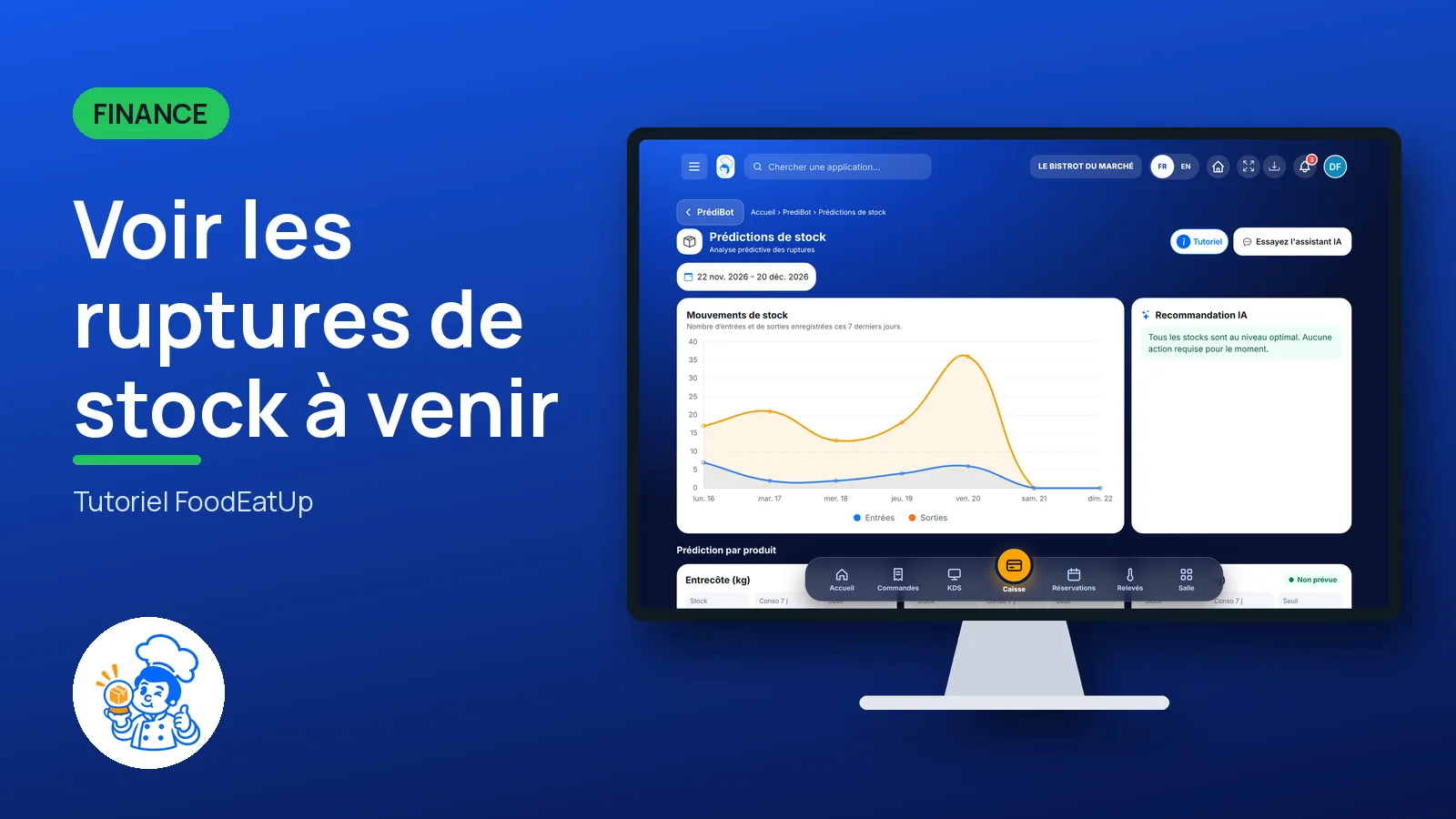
Share preview : See upcoming stock-outs
WhatsAppLinkedInFacebookEmail

Send to an AI assistant

Claude, ChatGPT or Le Chat read this tutorial and explain it to you. Connected to FoodEatUp, they do it with you.

Read this FoodEatUp tutorial: https://foodeatup.com/en/academy/finance/predibot-stock-predictions.md Explain it to me simply, step by step, then help me do it in my restaurant. If FoodEatUp is connected to you, do it with me and show me the preview before every change.

ClaudeLe ChatChatGPT

Open in my software

Type your establishment number: the link takes you straight to this screen. The number stays on this device.

Discover AI-driven management (in French) →

You can read it in the software address: foodeatup.com/establishment/number/…