Forecast sales
In FoodEatUp, for my establishment [number], give me the forecast sales for the next 7 days, dish by dish.
What you getEstimated quantities per day and per dish.
Tools used : get_predibot_sales_forecast
 Finance · Prévisions commandes
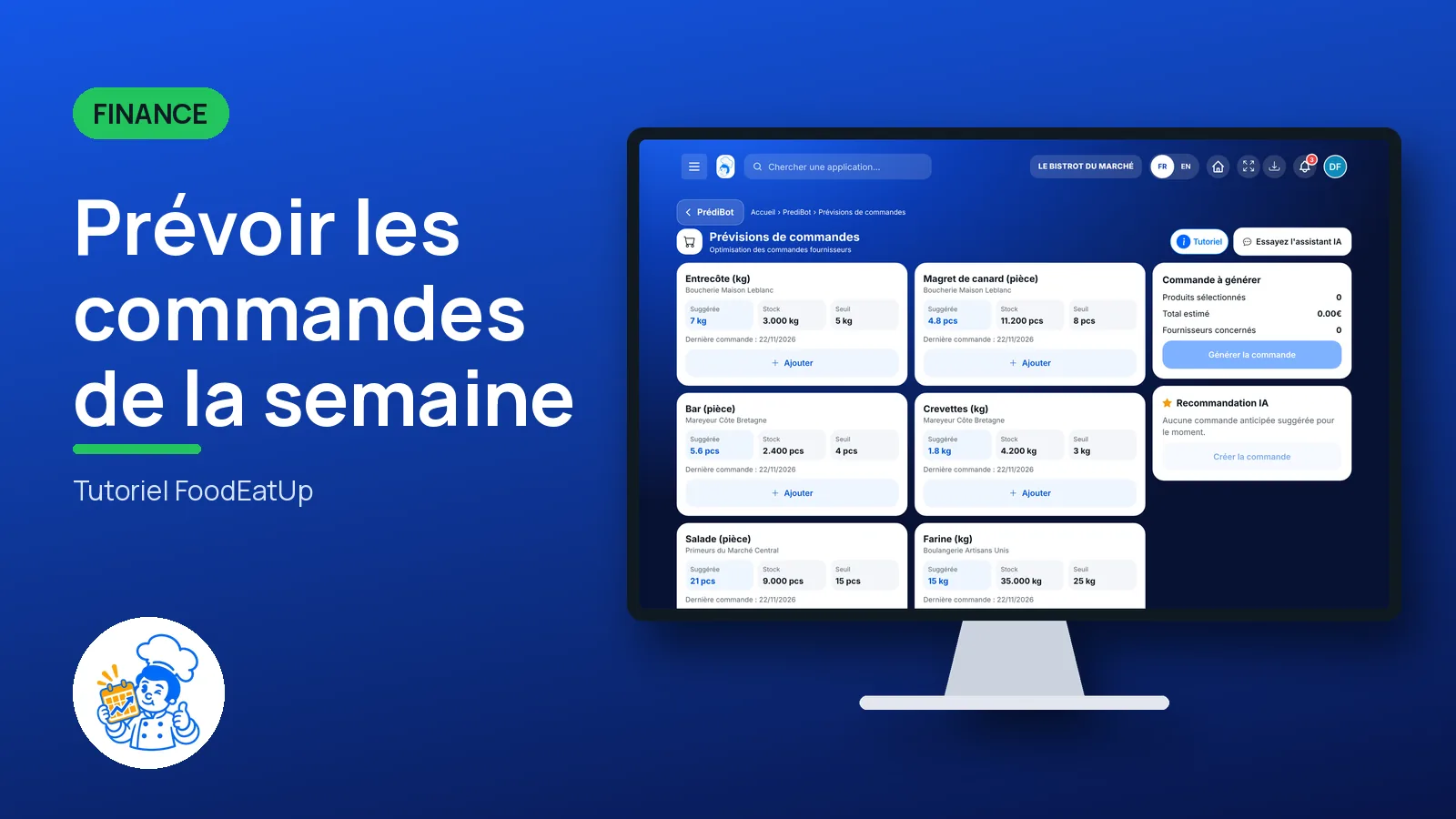
PrédiBot estimates what you will sell in the coming days, based on your past sales on the same weekday. It suggests products to order and prepares an order you confirm.
 Chef de cuisine
 Patron / gérant
 Second de cuisine
 Responsable multi-sites
The owner always has access. See what each role sees →
A computer or a tablet, on the day you place supplier orders.
The real software screens, as they appear on each device.
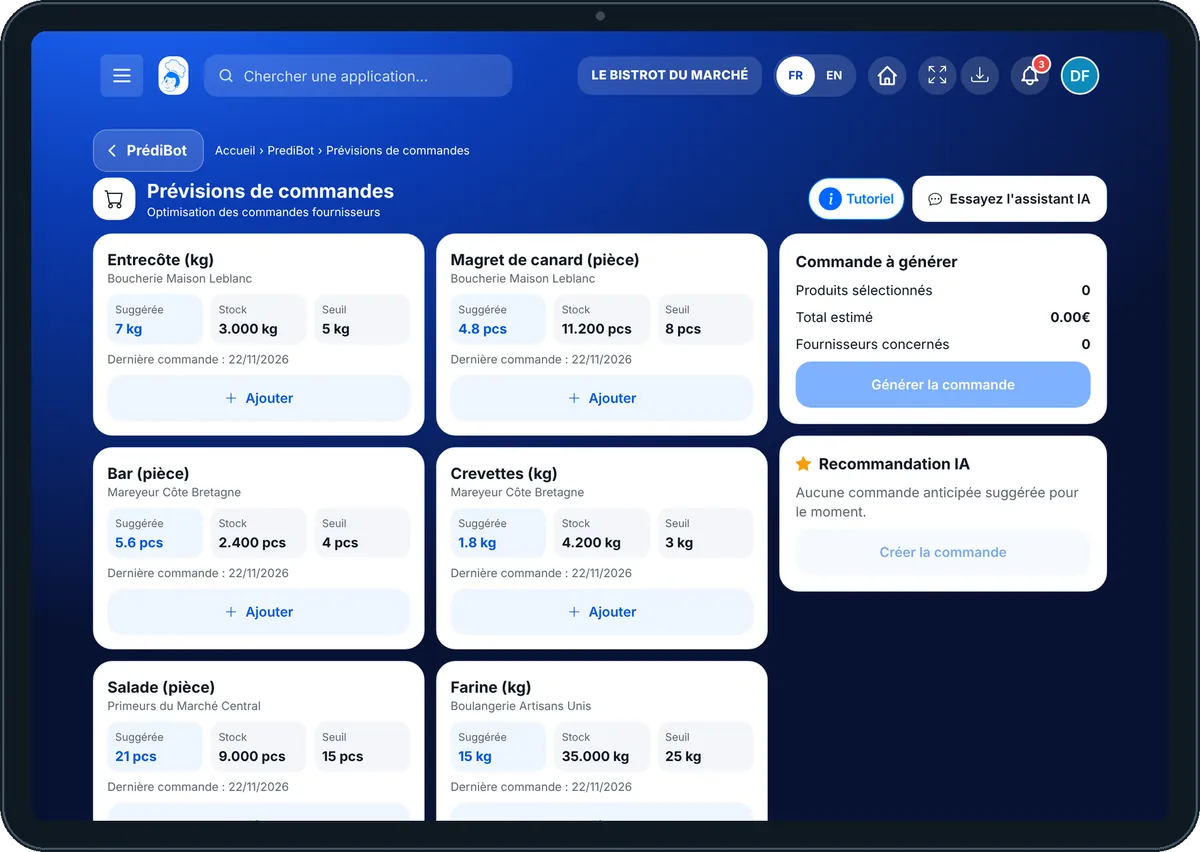
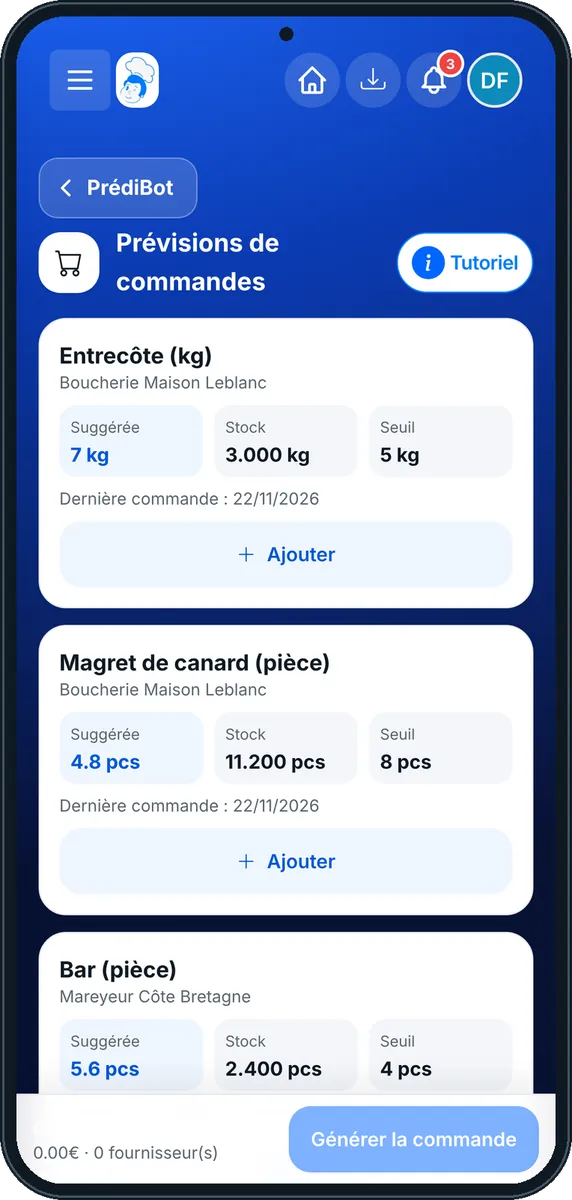
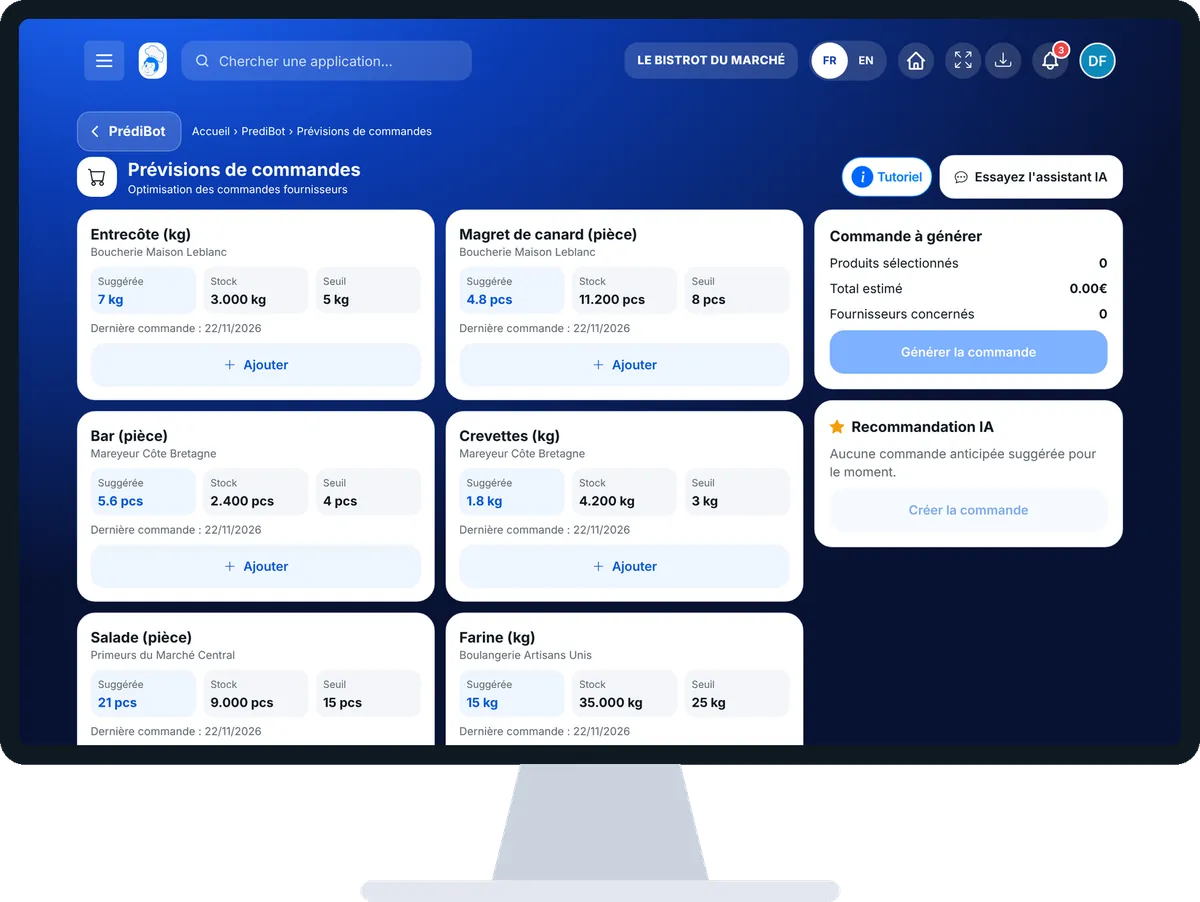
Forecast the week’s orders : 4 steps, with the real software screens.
From PrédiBot’s home page, tap “Prévisions de commandes”. Choose the shop if you have several.
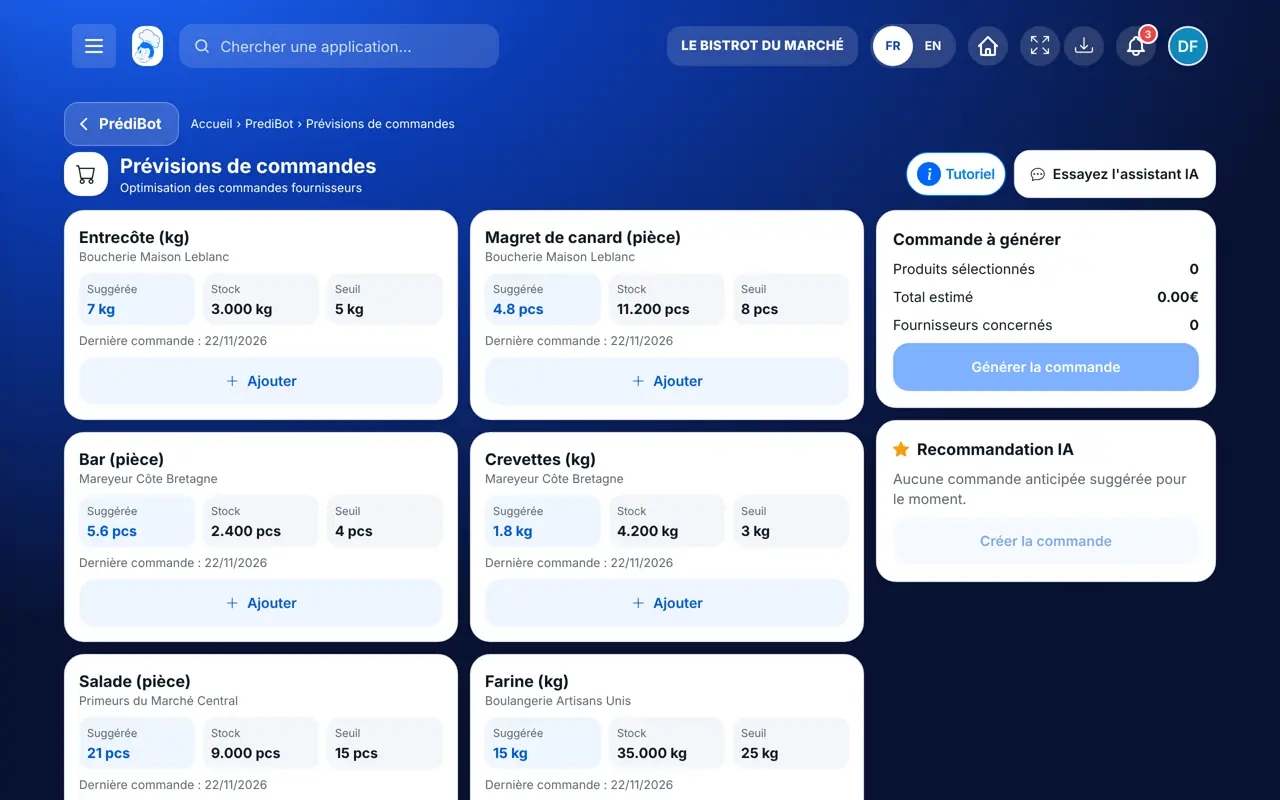
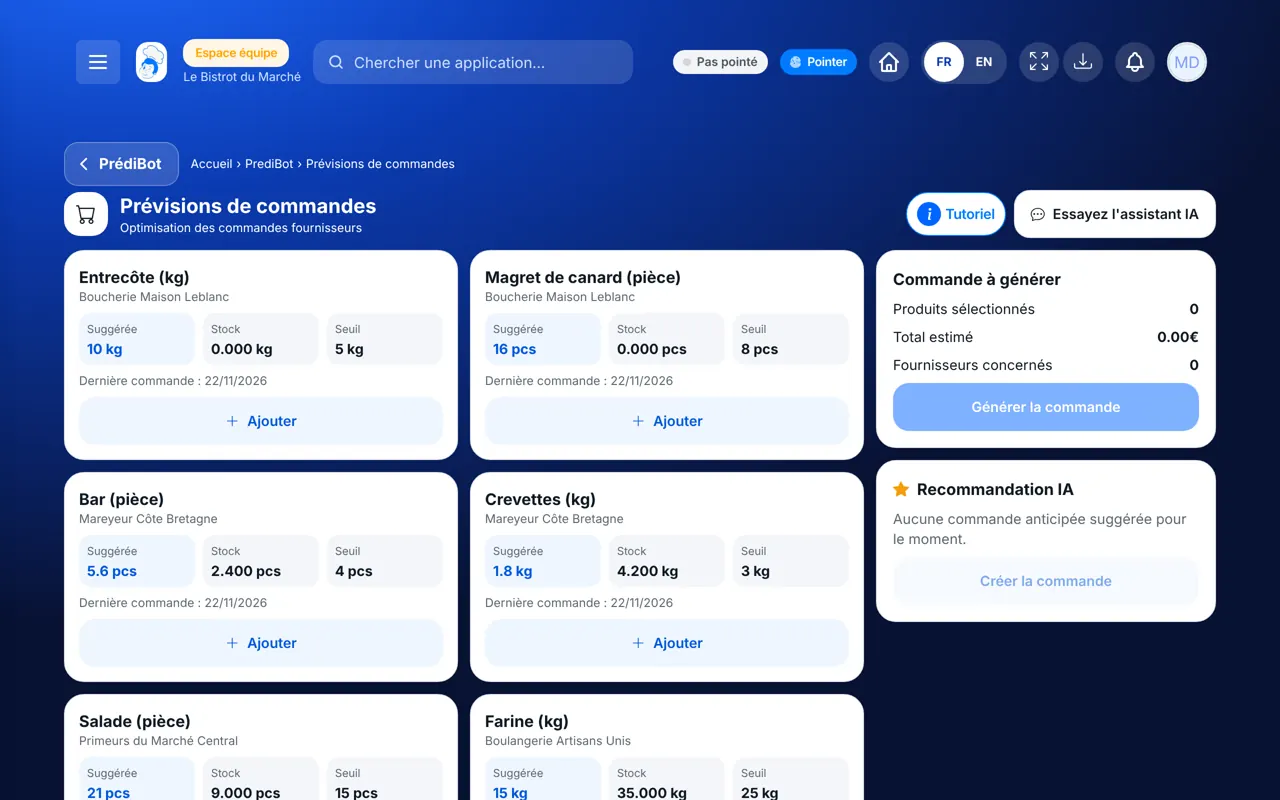
Each product shows “Suggérée”, its stock and its threshold. With no suggestion, the screen shows “Aucune prévision”.
Select the useful products. The “Commande à générer” block shows the selected products, the estimated total and the suppliers involved.
Tap the generate button: a window asks “Générer la commande ?”. Confirm, or cancel.
You have an advance order, built on your past sales, ready before the rush.
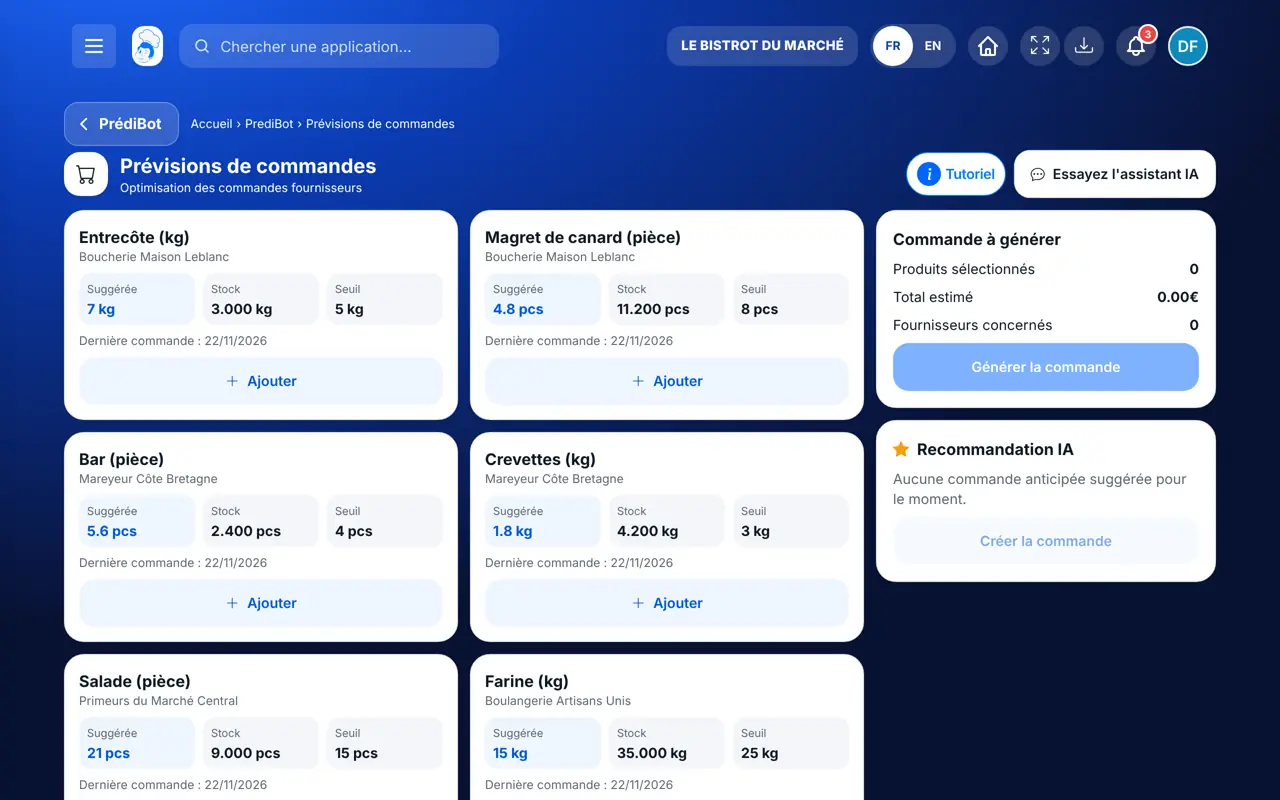
Sees suggestions and generates orders.
With the order-forecast right, sees the screen. Generating an order needs the right to order.
Claude, ChatGPT or Mistral’s Le Chat, connected to FoodEatUp. Copy the request and replace your establishment number.
In FoodEatUp, for my establishment [number], give me the forecast sales for the next 7 days, dish by dish.
What you getEstimated quantities per day and per dish.
Tools used : get_predibot_sales_forecast
In FoodEatUp, for my establishment [number], based on the forecasts, what should I order and how much?
What you getThe products to order and the suggested quantities.
Tools used : get_predibot_stock_plan
In FoodEatUp, for my establishment [number], show me my shopping list grouped by supplier.
What you getThe list to order, per supplier.
Tools used : get_shopping_list
The order is ready in advance.
The same weekday, in past weeks.
The estimated amount before confirming.
A window asks for your approval.
Check the forecasts the day before your usual ordering day: you keep a day to correct.
In FoodEatUp, one action triggers others. Here are the screens that work with this one.
On your past sales on the same weekday. It is an estimate, not a certainty.
PrédiBot does not yet have enough sales, or nothing to suggest for this shop.
Yes: you choose the products before generating the order, and you can cancel.
Send it to your team, your partner or your accountant. The image below appears in the message.
Claude, ChatGPT or Le Chat read this tutorial and explain it to you. Connected to FoodEatUp, they do it with you.
Read this FoodEatUp tutorial: https://foodeatup.com/en/academy/finance/predibot-order-forecasting.md Explain it to me simply, step by step, then help me do it in my restaurant. If FoodEatUp is connected to you, do it with me and show me the preview before every change.
Type your establishment number: the link takes you straight to this screen. The number stays on this device.
Discover AI-driven management (in French) →
Répond avec les fiches du site, sans IA
Le chef cherche dans les fiches…
 Claude
 Le Chat
 ChatGPT