My suppliers
In FoodEatUp, for my establishment [number], list my suppliers with their delivery days.
What you getSuppliers, with their details and delivery days.
Tools used : list_suppliers
 StockVision · Suppliers
Your suppliers with their contact details, delivery days, order lead time and the products they deliver.
 Patron / gérant
 Chef de cuisine
 Responsable de boulangerie
The owner always has access. See what each role sees →
A tablet or a computer to enter a supplier. The record also reads on a phone to call them.
The real software screens, as they appear on each device.
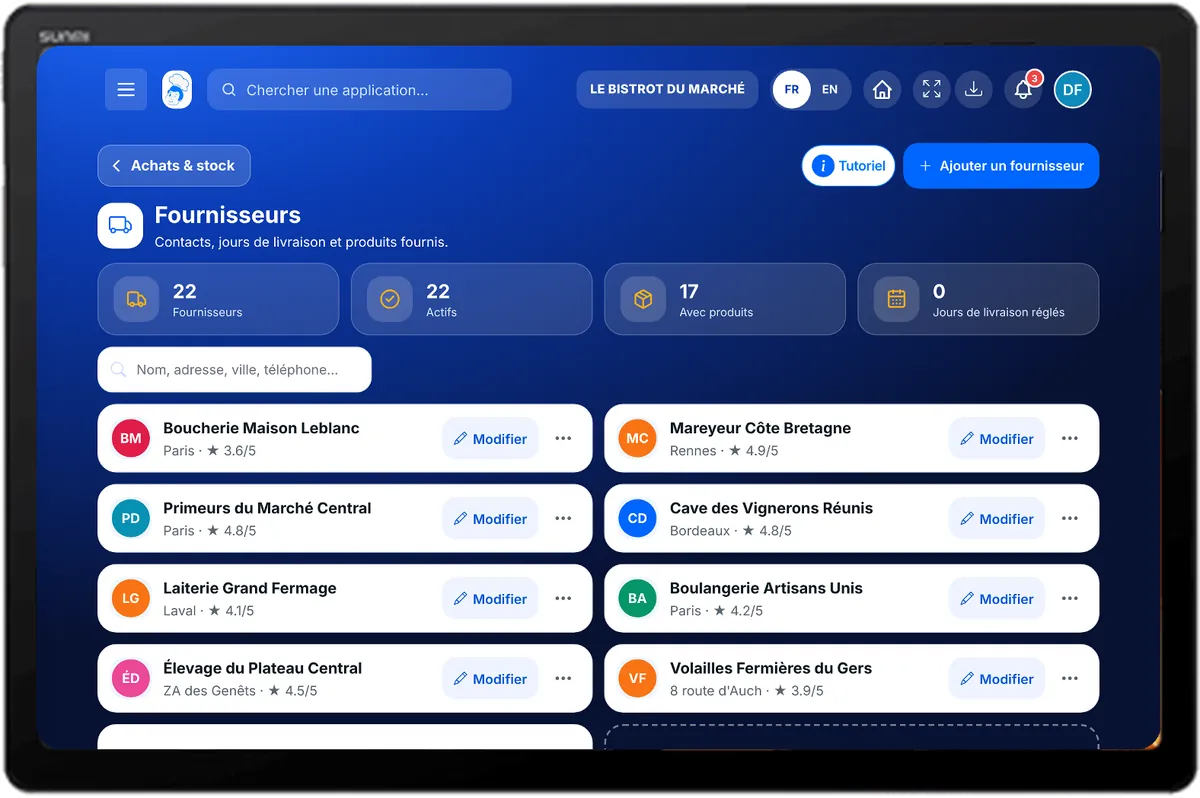
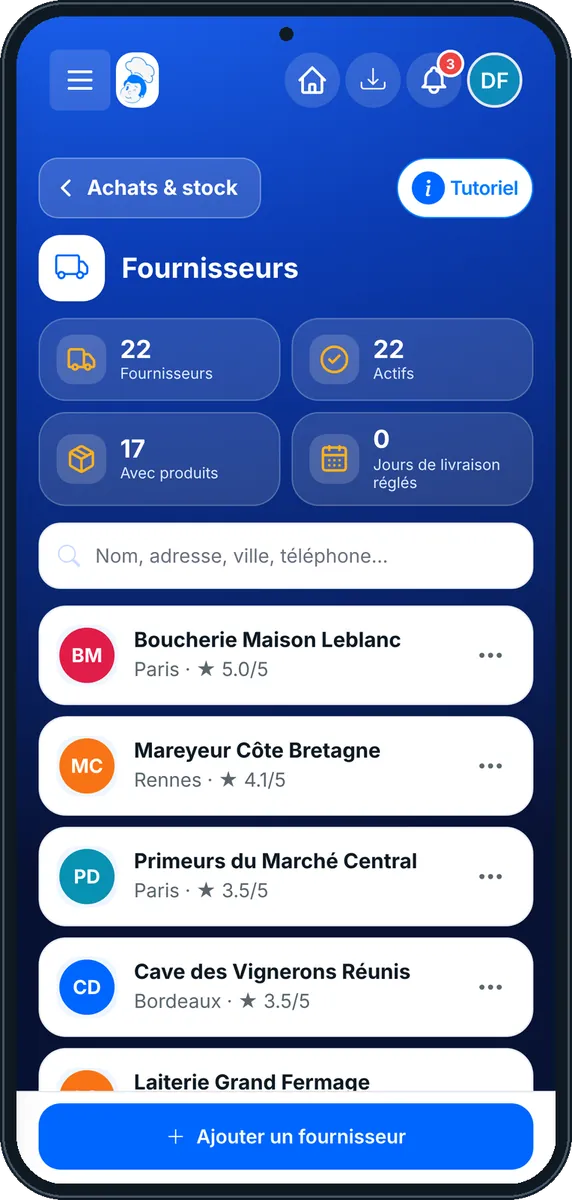
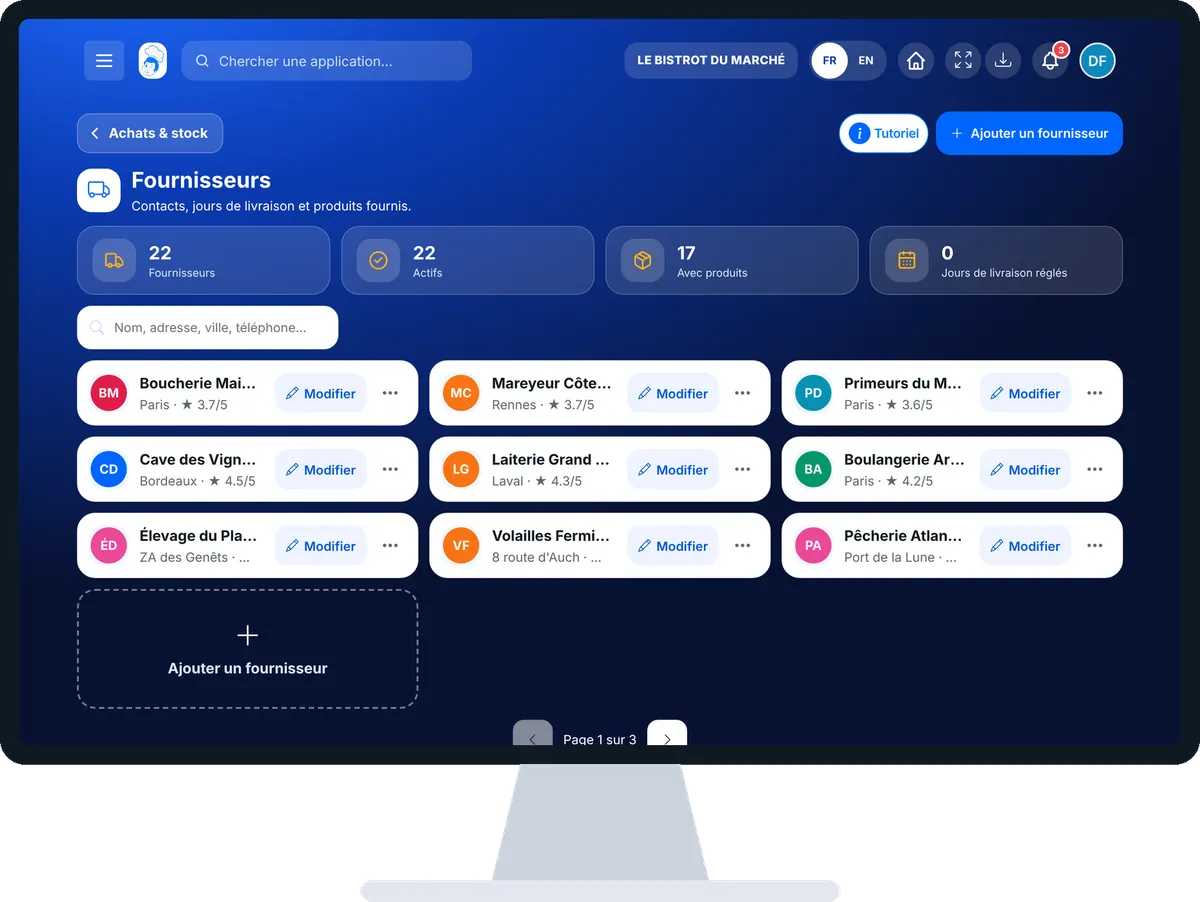
Manage my suppliers : 4 steps, with the real software screens.
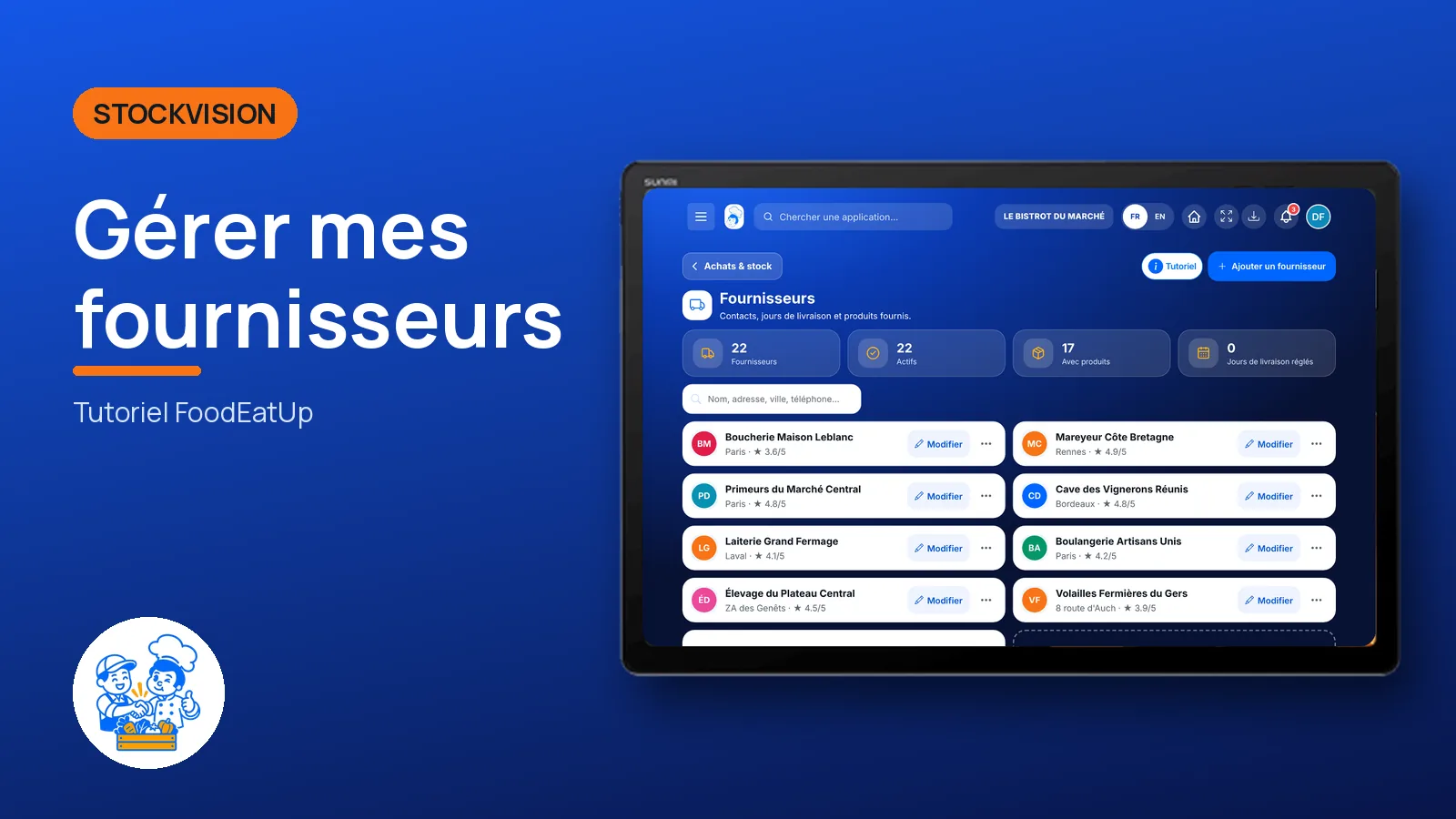
From the home screen, open StockVision then “Fournisseurs”. Search by name, address, town or phone.
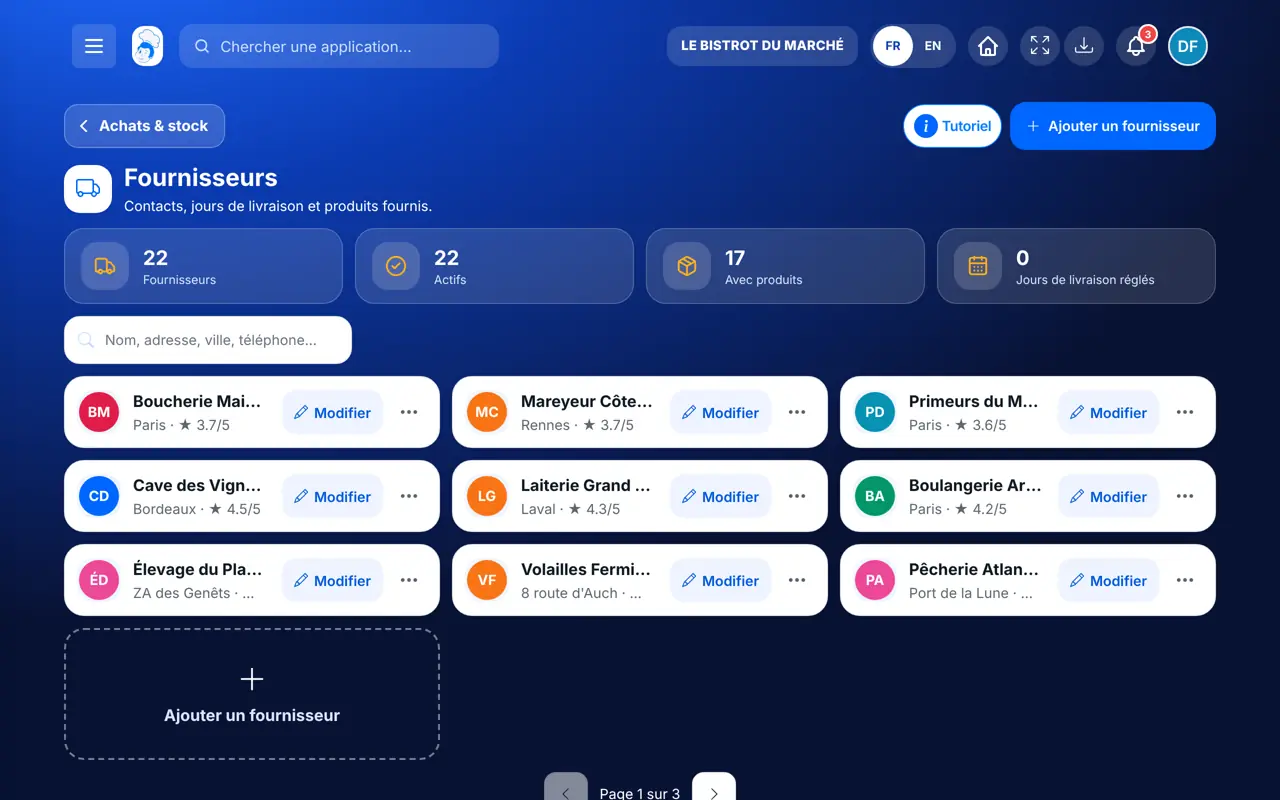
Tap “Ajouter un fournisseur”: name, full address (“Utiliser ma position” helps), email, phone and website.
Tick their delivery days and give the order lead time in hours before delivery. With no day ticked, the order schedule has a single “next order” column.
Tap “Voir la fiche” for their products, or “Cadencier de ce fournisseur” to prepare their recurring order.
Each supplier has their details, delivery days and products. The shopping list and the order schedule use them.
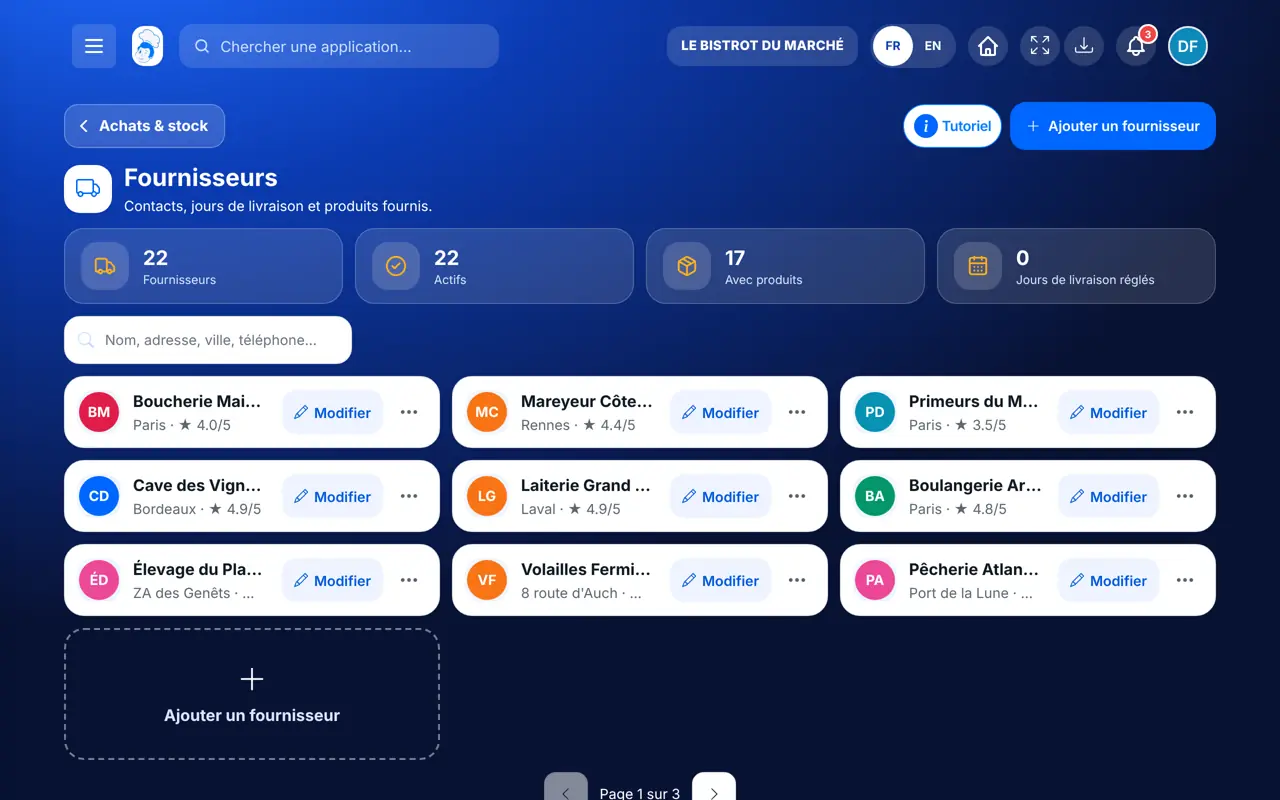
Adds, edits and deletes suppliers.
With the right to view suppliers, sees the records. Adding or editing needs their role’s rights.
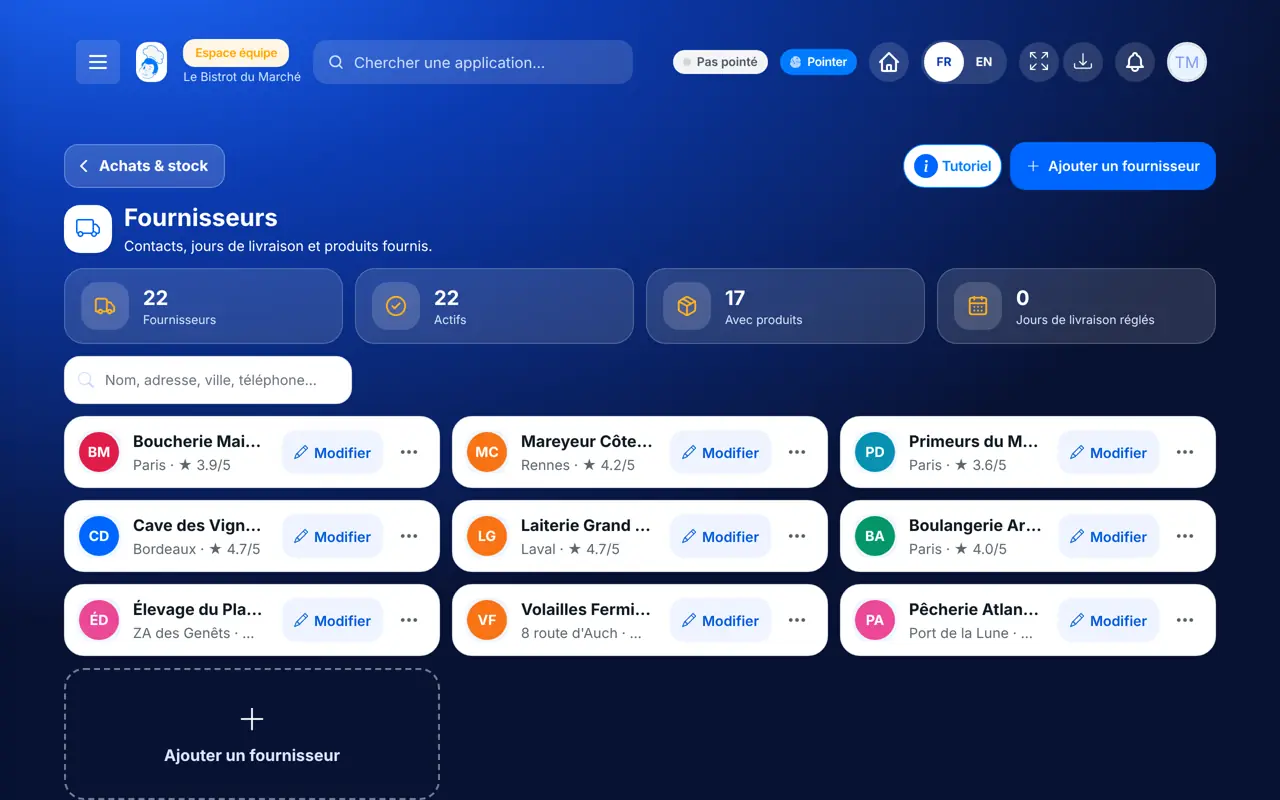
Claude, ChatGPT or Mistral’s Le Chat, connected to FoodEatUp. Copy the request and replace your establishment number.
In FoodEatUp, for my establishment [number], list my suppliers with their delivery days.
What you getSuppliers, with their details and delivery days.
Tools used : list_suppliers
In FoodEatUp, for my establishment [number], show the products delivered by [supplier].
What you getThe supplier’s products, with packaging and price.
Tools used : get_supplier, list_supplier_products
In FoodEatUp, for my establishment [number], add the supplier [name], [address], [phone], [email]. Show me before confirming.
What you getThe supplier created, ready for the shopping list.
Tools used : create_supplier
Details, days and products.
One column per delivery day.
The shopping list follows your suppliers.
An inactive supplier does not disappear.
Enter the order lead time: the order schedule then tells you how late you can order to be delivered on the day you want.
In FoodEatUp, one action triggers others. Here are the screens that work with this one.
The order schedule shows one column per ticked day, to prepare the order for each delivery.
Yes, but you can also set them to “Inactif” to keep their history.
The search accepts the name, address, town or phone.
Send it to your team, your partner or your accountant. The image below appears in the message.
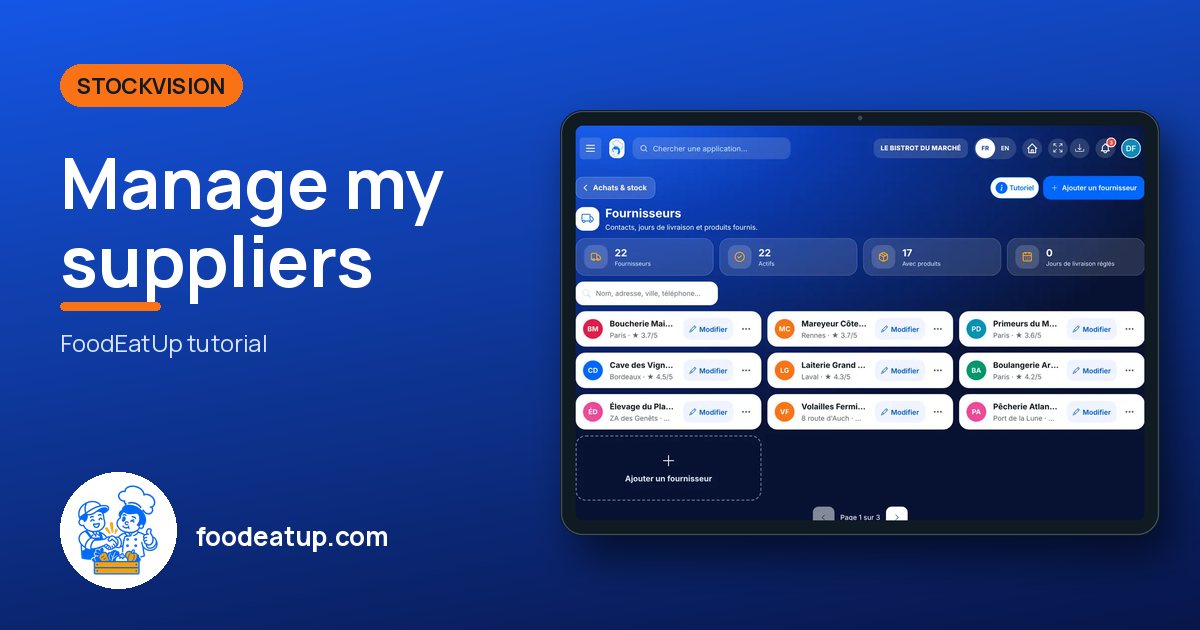
Claude, ChatGPT or Le Chat read this tutorial and explain it to you. Connected to FoodEatUp, they do it with you.
Read this FoodEatUp tutorial: https://foodeatup.com/en/academy/stockvision/fournisseurs.md Explain it to me simply, step by step, then help me do it in my restaurant. If FoodEatUp is connected to you, do it with me and show me the preview before every change.
Type your establishment number: the link takes you straight to this screen. The number stays on this device.
Discover stock and food cost (in French) →
Répond avec les fiches du site, sans IA
Le chef cherche dans les fiches…
 Claude
 Le Chat
 ChatGPT