My month’s expenses
In FoodEatUp, for my establishment [number], list my pending expenses.
What you getPending expenses, with supplier and amount.
Tools used : list_expenses
 Finance · Dépenses
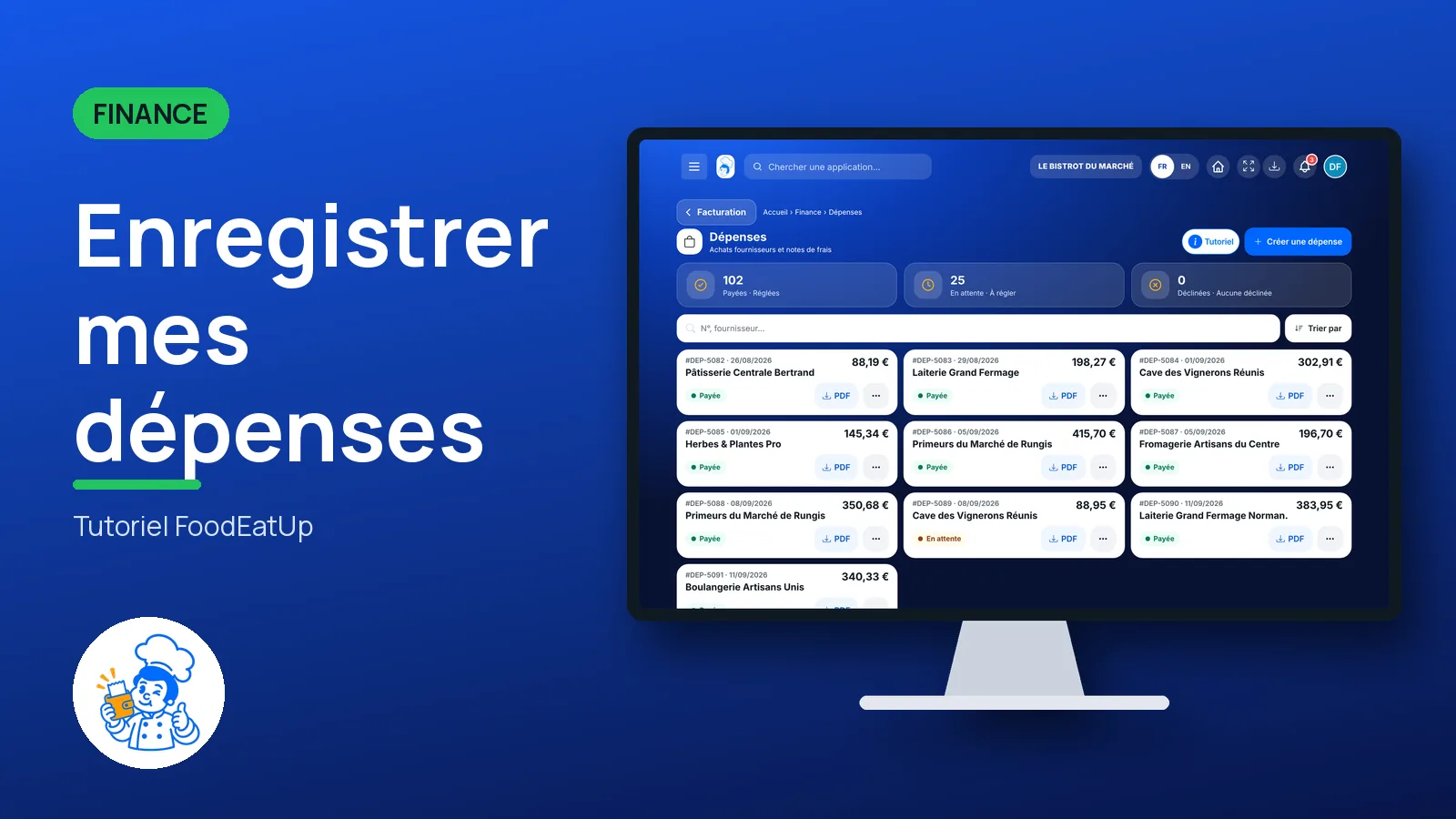
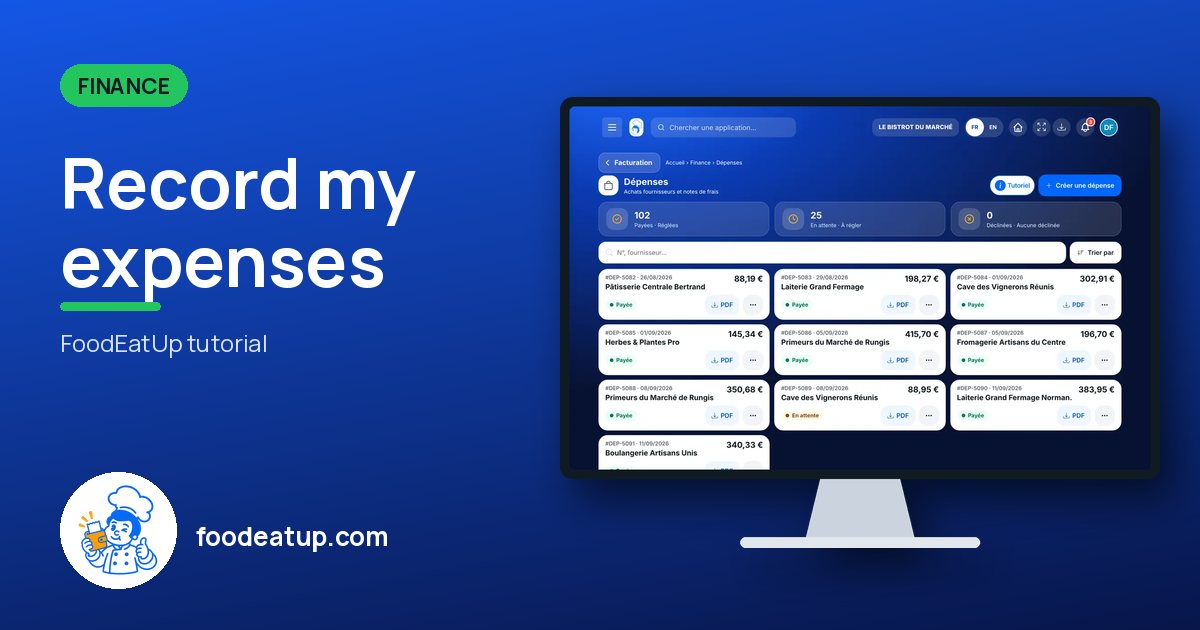
You enter your supplier purchases and running costs, with the supplier invoice attached. Each expense has a status: paid, pending or declined.
 Patron / gérant
 Chef de cuisine
 Directeur
 Second de cuisine
The owner always has access. See what each role sees →
A computer or a tablet to enter the lines and attach the supplier invoice.
The real software screens, as they appear on each device.
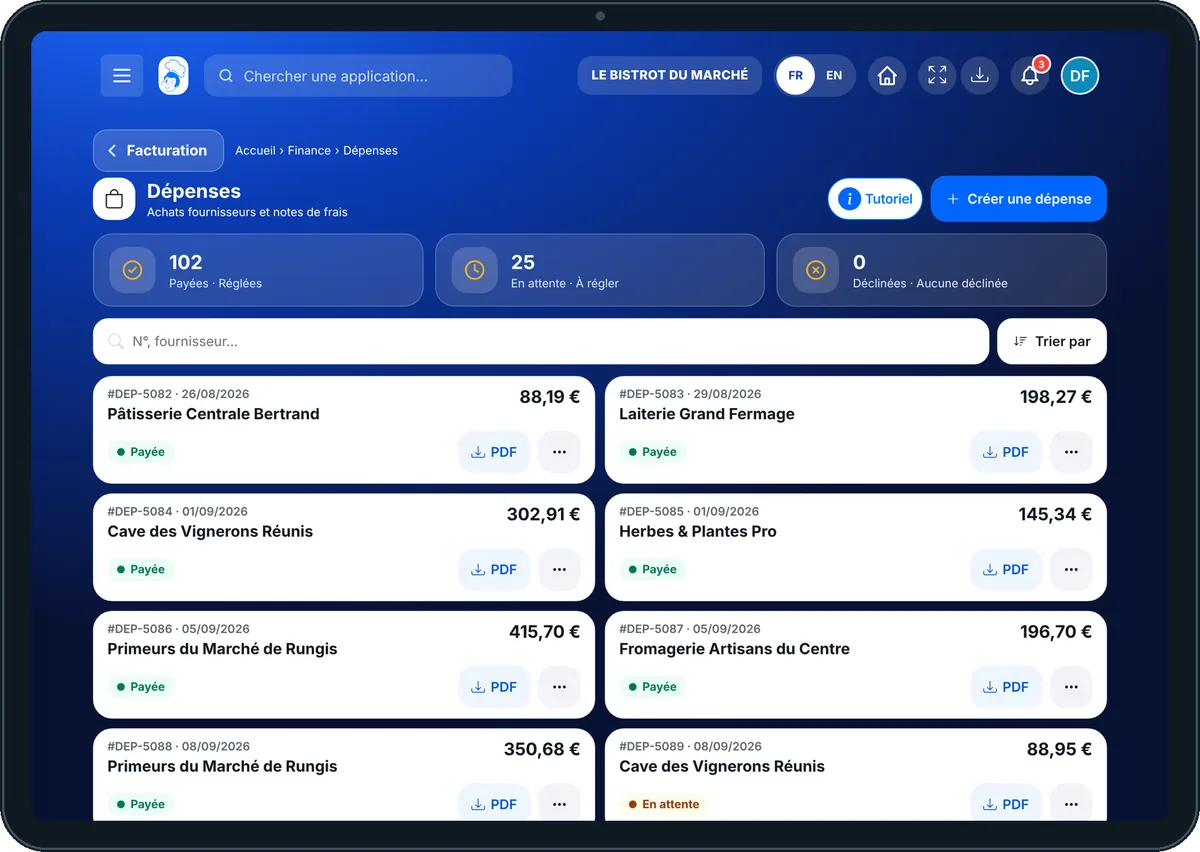
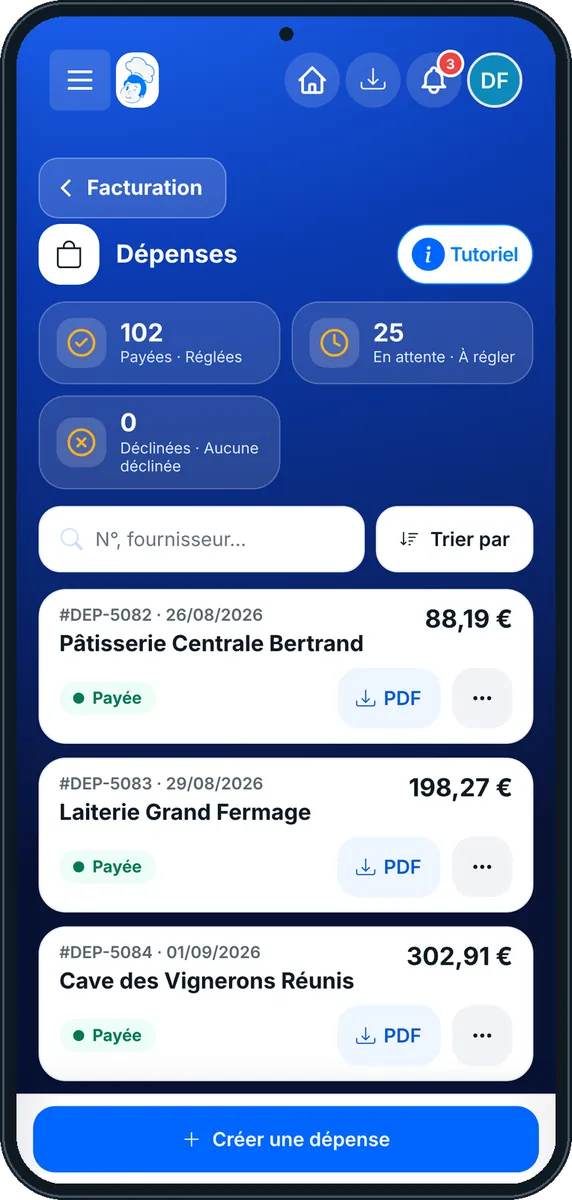
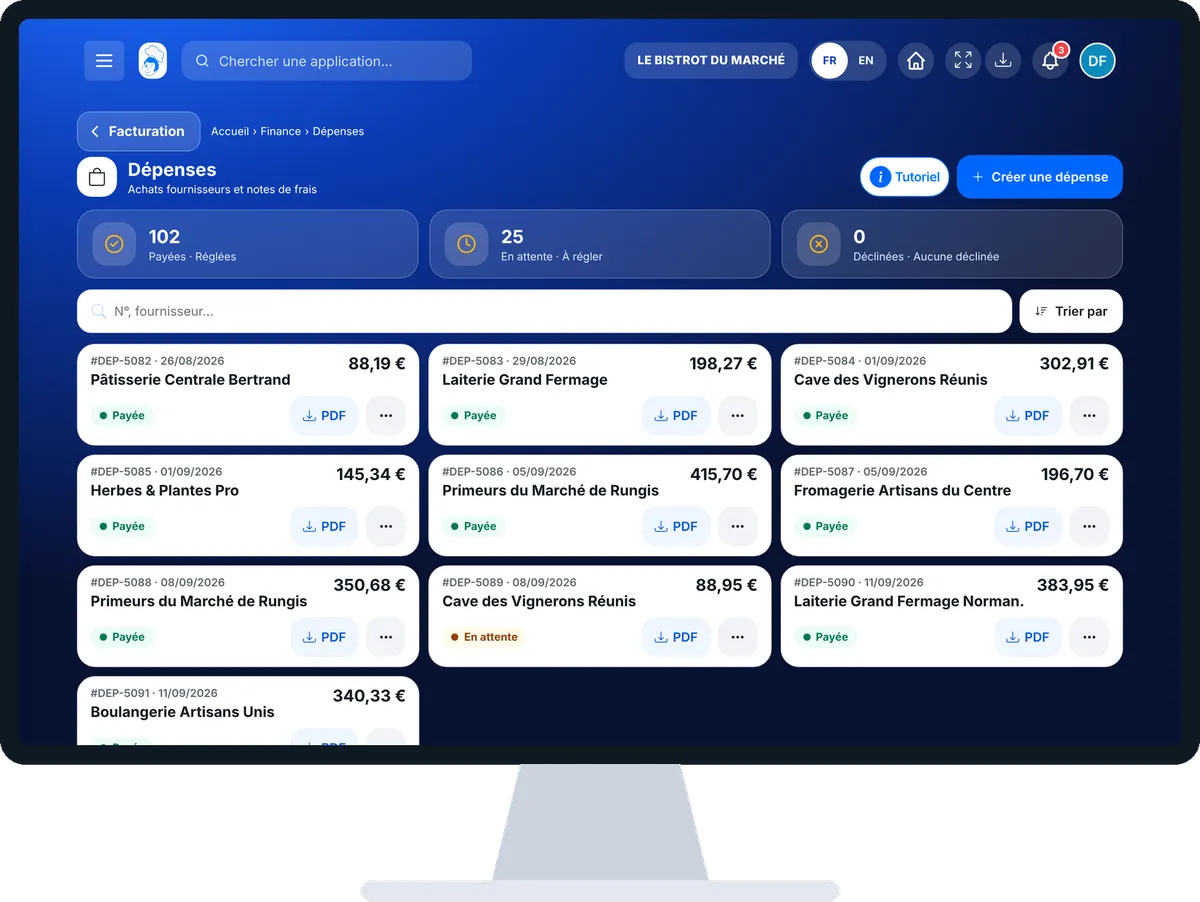
Record my expenses : 5 steps, with the real software screens.
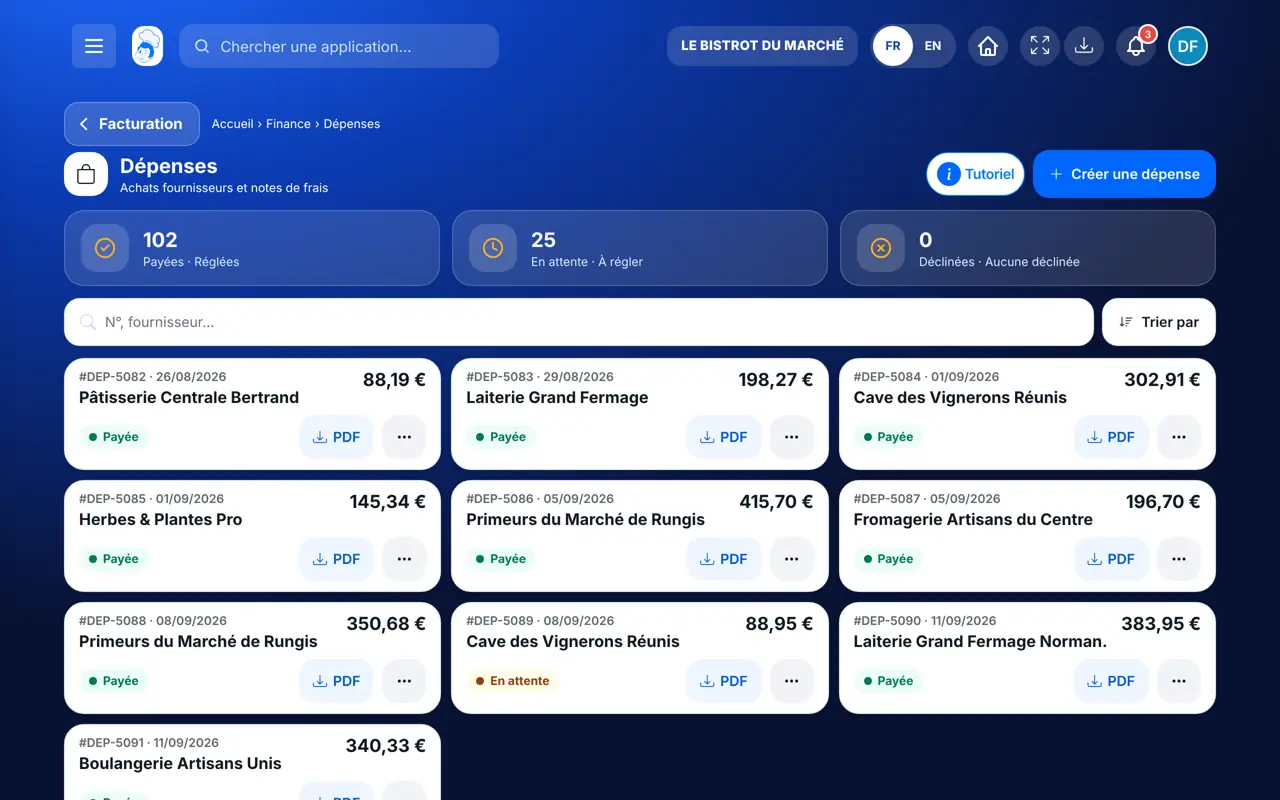
From the home screen, open Finance then “Dépenses”. At the top: paid, pending, declined.
Tap “Créer une dépense”. Enter the purchase date, the invoice reference and the supplier.
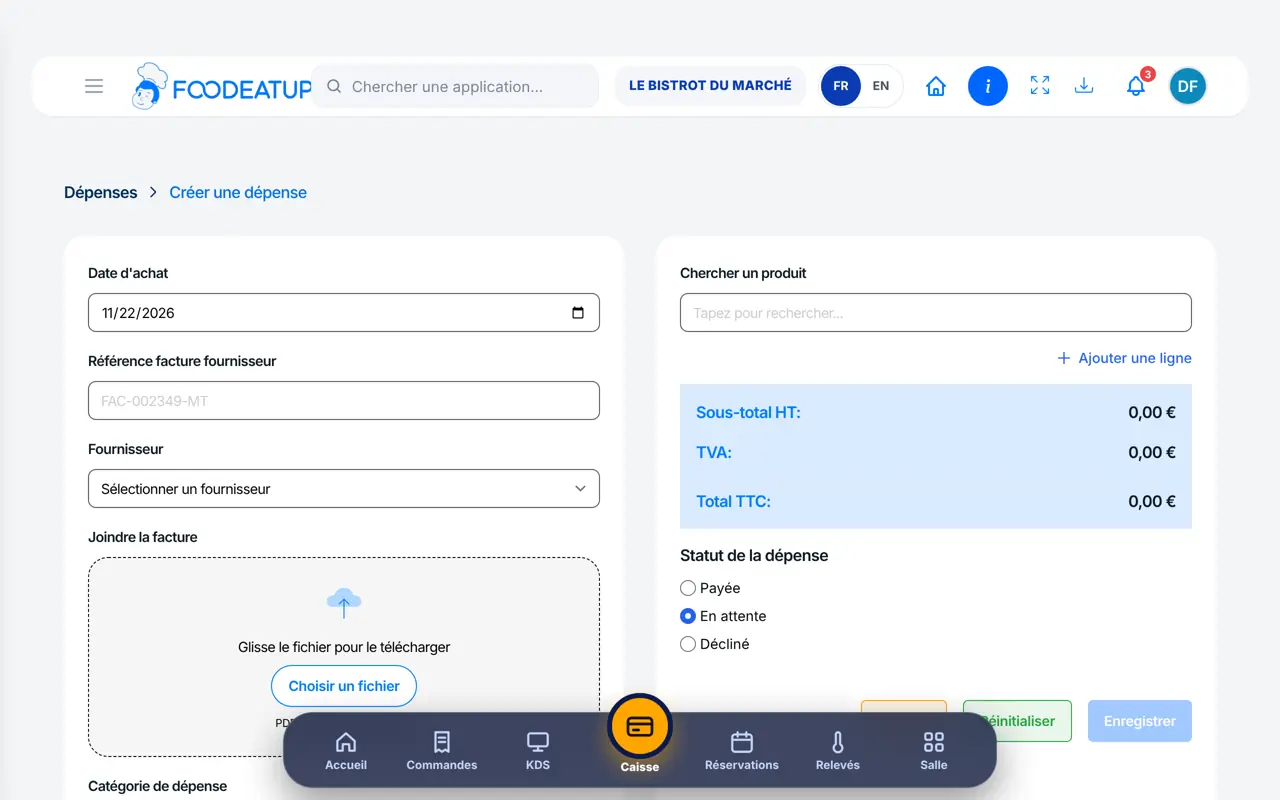
Drop the file into “Joindre la facture” (PDF, JPG or PNG, 10 MB at most) and choose the category.
Search for a product or type an item: quantity, net price and VAT. Totals are calculated.
Paid, Pending or Declined, then save.
The list of your expenses with supplier, reference, amount and status.
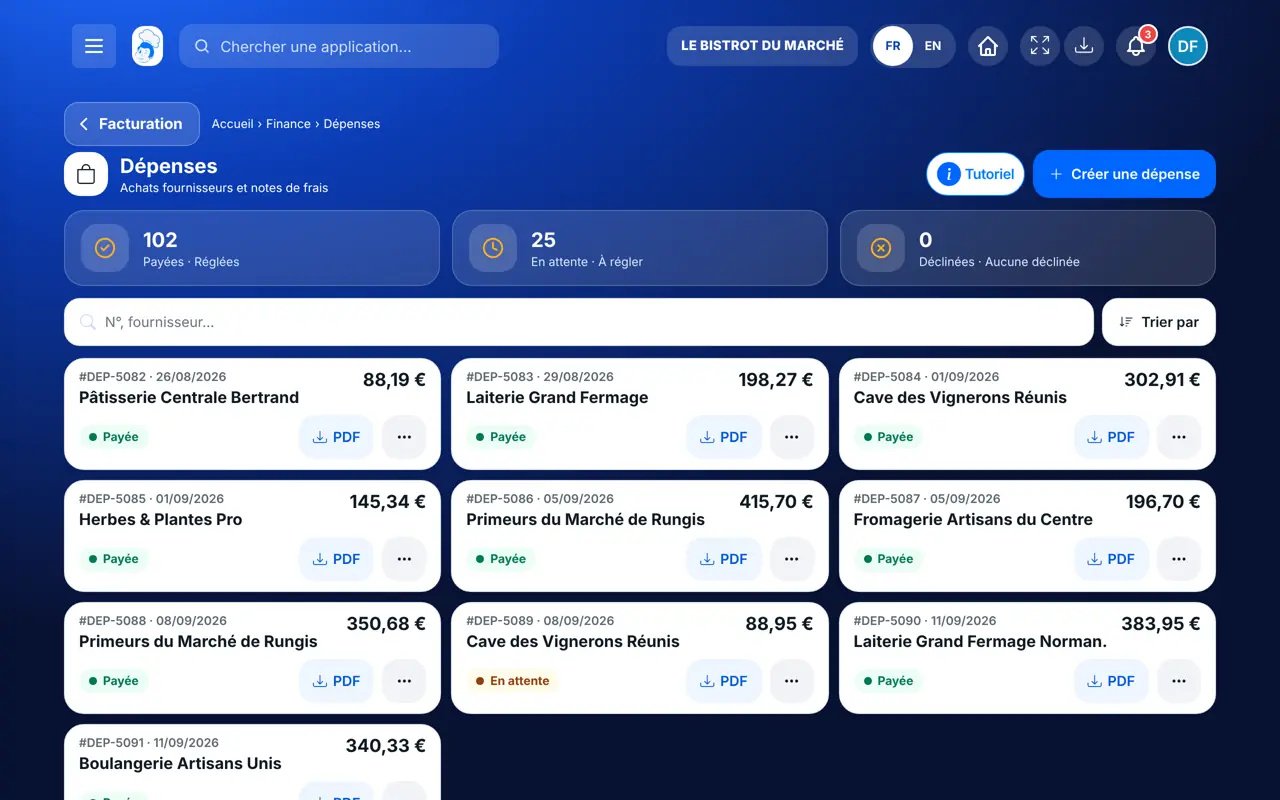
Enters, corrects and follows all expenses.
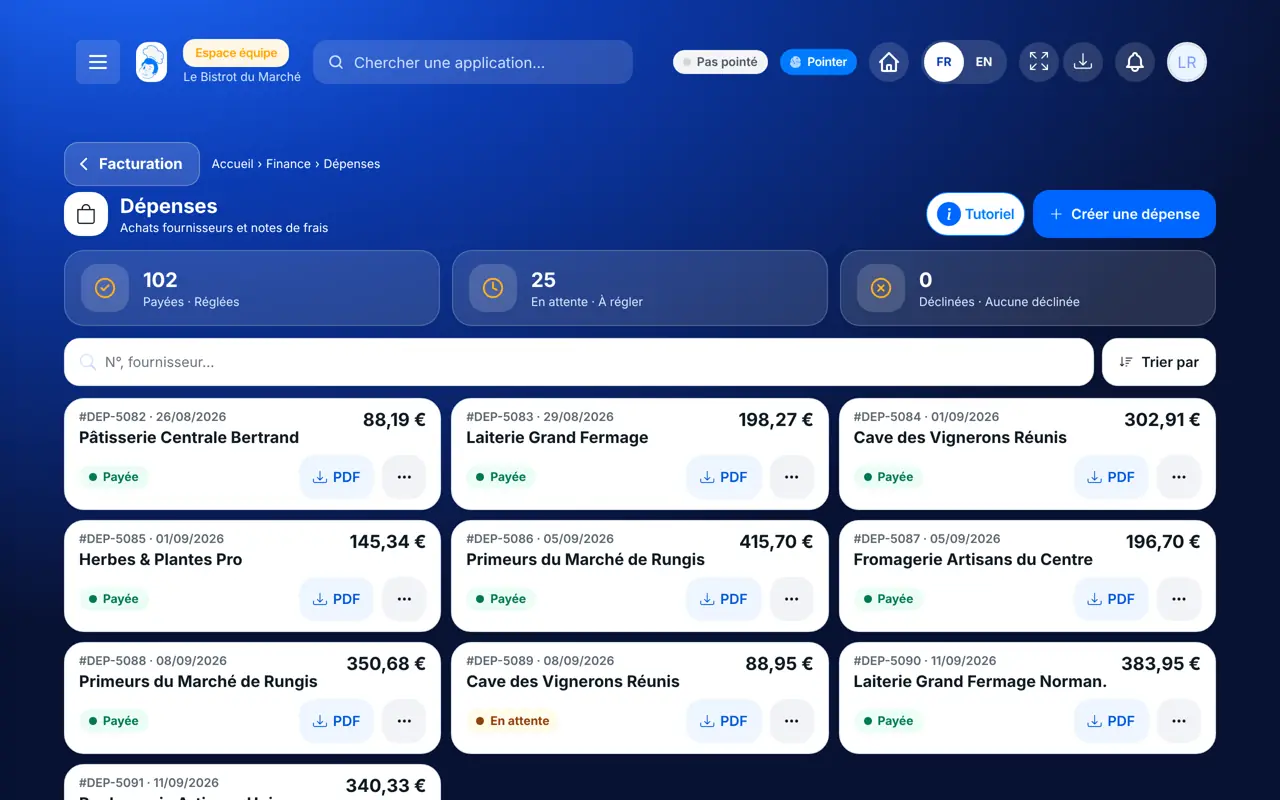
With the right to view expenses, consults them. Entering one needs the right to create.
Claude, ChatGPT or Mistral’s Le Chat, connected to FoodEatUp. Copy the request and replace your establishment number.
In FoodEatUp, for my establishment [number], list my pending expenses.
What you getPending expenses, with supplier and amount.
Tools used : list_expenses
In FoodEatUp, for my establishment [number], which of this month’s expenses have no invoice attached?
What you getExpenses without a receipt, to complete before the accountant.
Tools used : list_expense_receipts
In FoodEatUp, for my establishment [number], record an expense at [supplier] on [date]: [item], [quantity] at €[net price] net. Show it to me before saving.
What you getAn expense with its lines and calculated totals.
Tools used : create_expense
The invoice stays with the expense.
Correct net, VAT and gross.
Paid, pending, declined.
The dashboard takes them into account.
Attach the supplier invoice as you enter it: at month end, your accountant has every receipt.
In FoodEatUp, one action triggers others. Here are the screens that work with this one.
A PDF, JPG or PNG of 10 MB at most.
Yes, recorded expenses go into “Autres dépenses” on the financial dashboard.
Yes: the search accepts the number or the supplier’s name.
Send it to your team, your partner or your accountant. The image below appears in the message.
Claude, ChatGPT or Le Chat read this tutorial and explain it to you. Connected to FoodEatUp, they do it with you.
Read this FoodEatUp tutorial: https://foodeatup.com/en/academy/finance/expenses.md Explain it to me simply, step by step, then help me do it in my restaurant. If FoodEatUp is connected to you, do it with me and show me the preview before every change.
Type your establishment number: the link takes you straight to this screen. The number stays on this device.
Discover invoice reading (in French) →
Répond avec les fiches du site, sans IA
Le chef cherche dans les fiches…
 Claude
 Le Chat
 ChatGPT