What arrives today
In FoodEatUp, for my establishment [number], list pending and late deliveries.
What you getExpected deliveries, with their supplier and planned date.
Tools used : list_deliveries
 StockVision · Deliveries
Every supplier order goes through here: pending, shipped, delivered. When it arrives, you count what was received and the stock updates.
 Chef de cuisine
 Second de cuisine
 Commis / cuisinier
 Responsable de boulangerie
The owner always has access. See what each role sees →
A tablet at the storeroom door to count the delivery. The FoodEatUp HACCP app on a phone is used for the receiving check.
The real software screens, as they appear on each device.
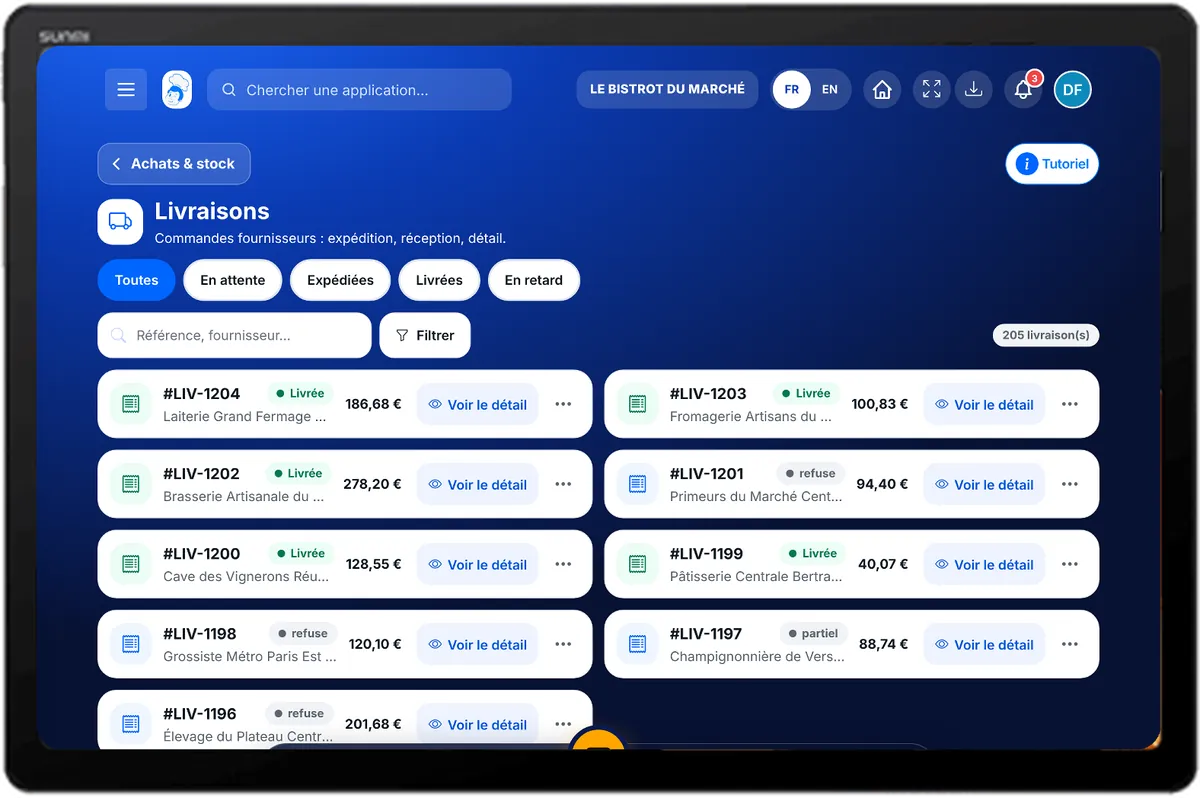
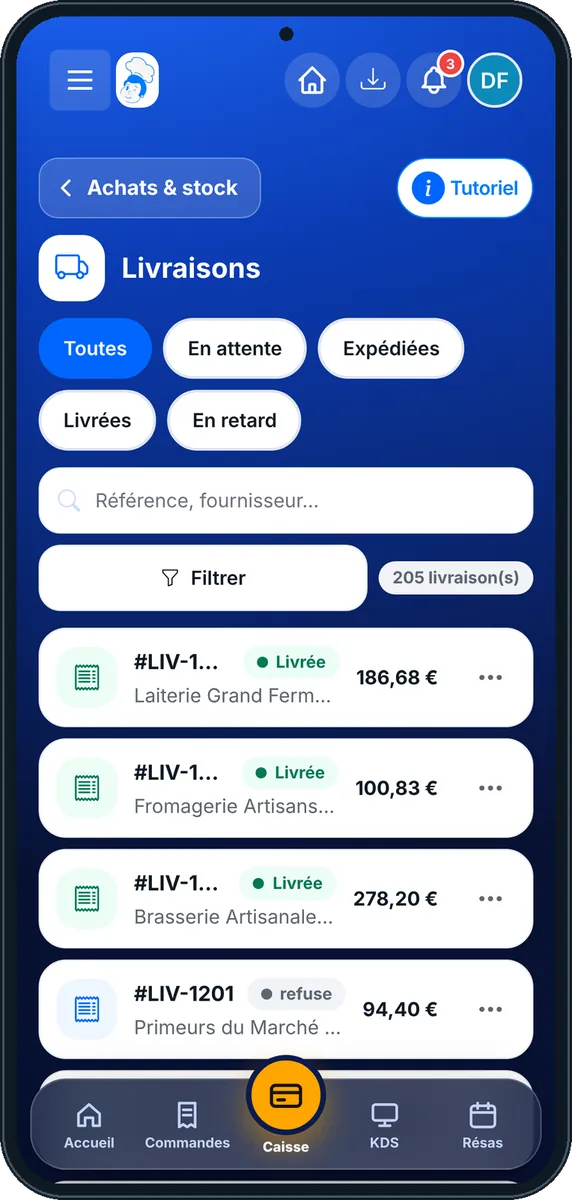
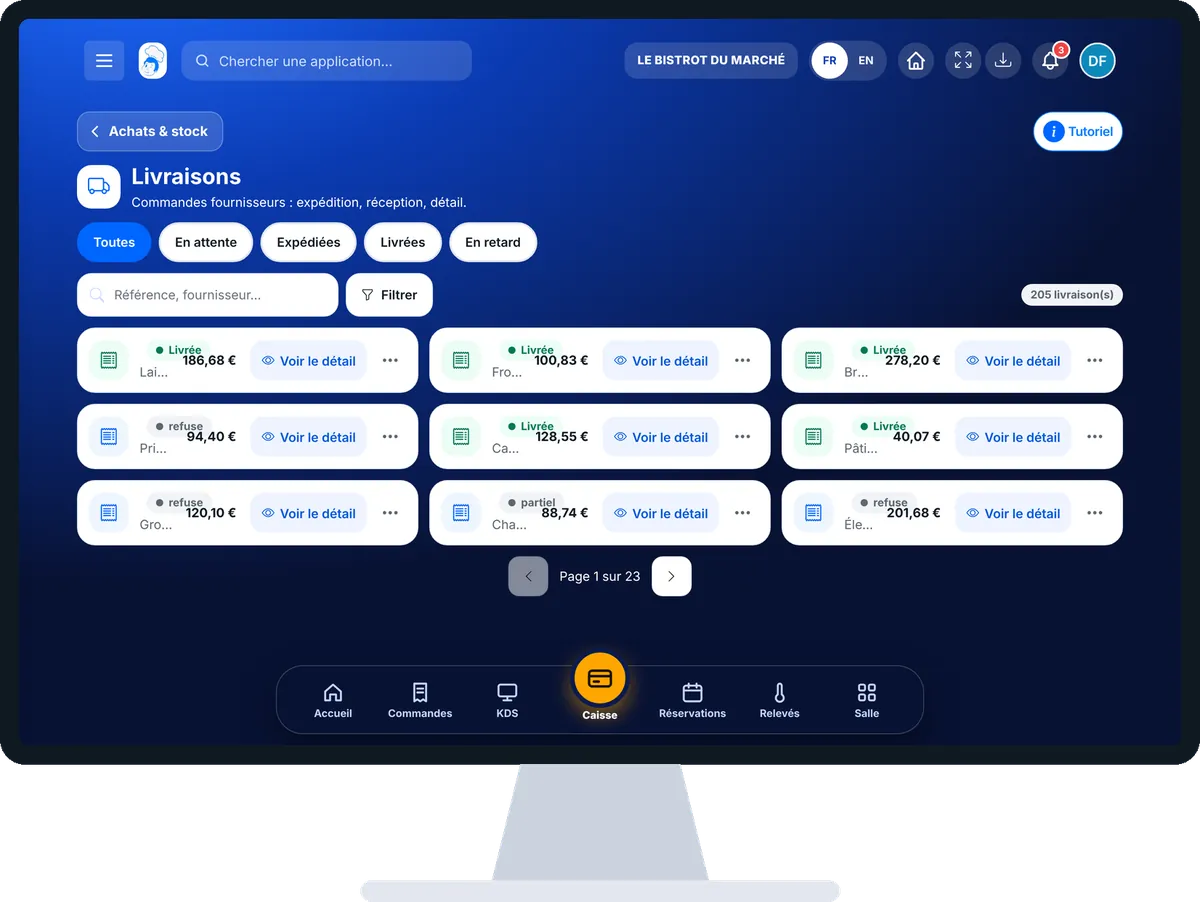
Receive a delivery : 5 steps, with the real software screens.
From the home screen, open StockVision then “Livraisons”. Tabs sort them: Toutes, En attente, Expédiées, Livrées, En retard.
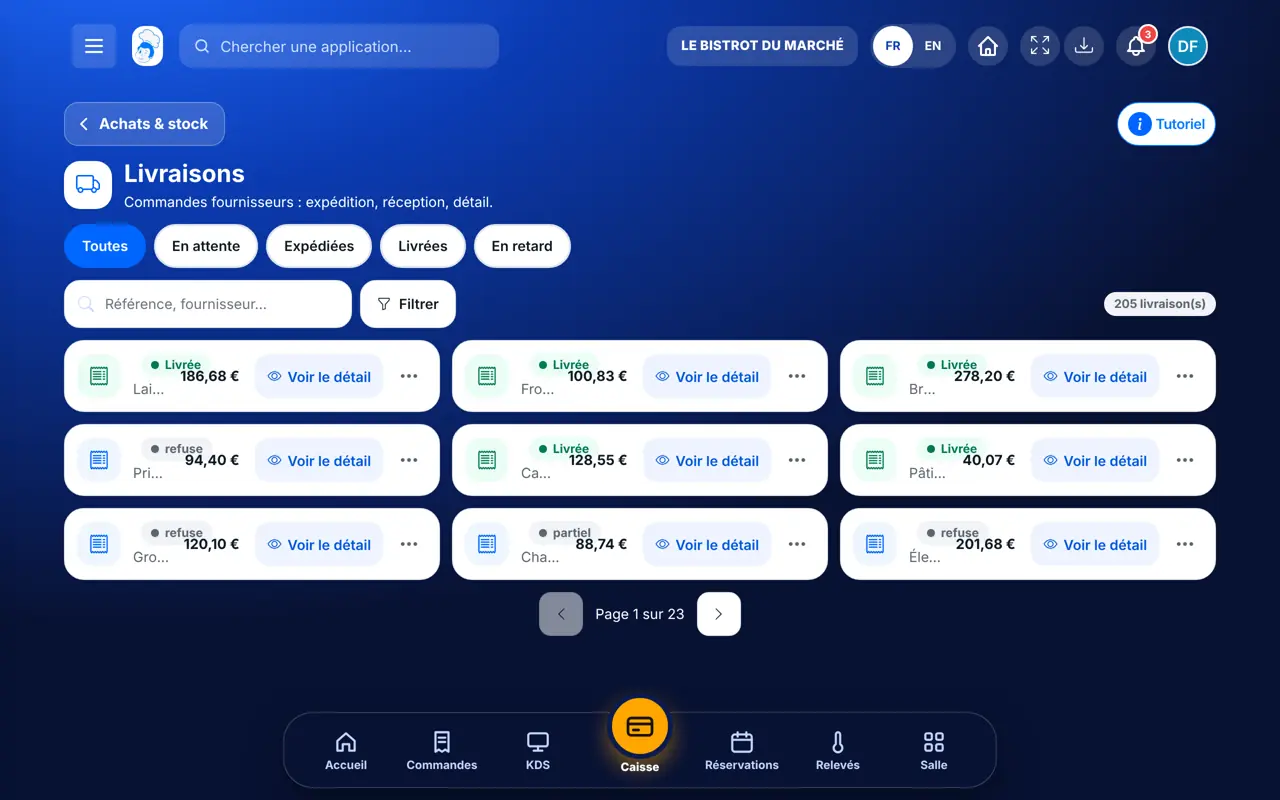
Tap the delivery, then “Voir le détail”. You see the products, the quantity ordered and the quantity received.
On a line, tap “Ajuster” and type the quantity received. The software reminds you of the quantity ordered.
Tap “Confirmer Réception”. Check the quantities, then confirm: the stock updates.
In “Facture”, tap “+ Ajouter une facture” to keep the supplier’s document with the delivery.
The delivery moves to “Livrée” with what was really received. Each product’s stock goes up by the counted quantity.
Follows every delivery, changes a planned date or delivery mode, and confirms receipts.
With the right to view deliveries, consults them. Confirming a receipt needs the right to validate the check.
Claude, ChatGPT or Mistral’s Le Chat, connected to FoodEatUp. Copy the request and replace your establishment number.
In FoodEatUp, for my establishment [number], list pending and late deliveries.
What you getExpected deliveries, with their supplier and planned date.
Tools used : list_deliveries
In FoodEatUp, for my establishment [number], show the receiving check for delivery [reference].
What you getChecked lines, quantities received and gaps.
Tools used : get_delivery_controls
In FoodEatUp, for my establishment [number], rate delivery [reference]: [rating] out of 5, [comment]. Show me before confirming.
What you getThe rating saved on the delivery.
Tools used : rate_delivery
It goes up by what was received.
One tab gathers them.
The document stays attached.
Received in grams, stored in kilos.
Count the delivery in front of the driver and adjust a missing line right away: that is when the gap gets discussed.
In FoodEatUp, one action triggers others. Here are the screens that work with this one.
Adjust the quantity received before confirming: stock only goes up by what you counted.
Yes. On the delivery, “Modifier la date prévue” or “Modifier le mode de livraison”.
The food-safety check is done in HACCP › Réception, also from the FoodEatUp HACCP app on a phone.
Send it to your team, your partner or your accountant. The image below appears in the message.
Claude, ChatGPT or Le Chat read this tutorial and explain it to you. Connected to FoodEatUp, they do it with you.
Read this FoodEatUp tutorial: https://foodeatup.com/en/academy/stockvision/deliveries.md Explain it to me simply, step by step, then help me do it in my restaurant. If FoodEatUp is connected to you, do it with me and show me the preview before every change.
Type your establishment number: the link takes you straight to this screen. The number stays on this device.
Discover stock and food cost (in French) →
Répond avec les fiches du site, sans IA
Le chef cherche dans les fiches…
 Claude
 Le Chat
 ChatGPT