What do I need to buy?
In FoodEatUp, for my establishment [number], show my shopping list grouped by supplier.
What you getThe list by supplier, with quantities and urgent items.
Tools used : get_shopping_list
 StockVision · Shopping lists
The list of what to buy, grouped by supplier. You complete it, merge it, then order supplier by supplier.
 Chef de cuisine
 Second de cuisine
 Patron / gérant
 Responsable de boulangerie
The owner always has access. See what each role sees →
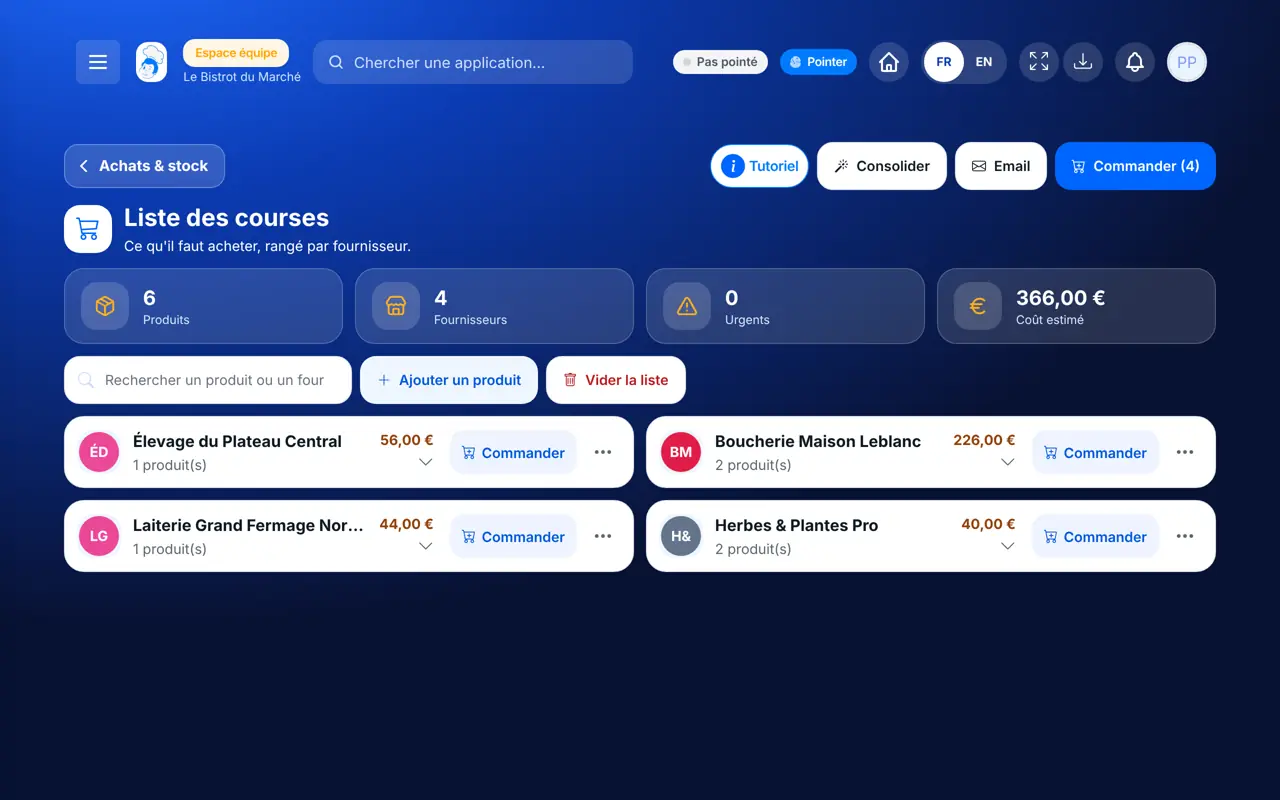
A tablet in the storeroom or kitchen to note what is missing. The screen also works on the phone and the computer.
The real software screens, as they appear on each device.
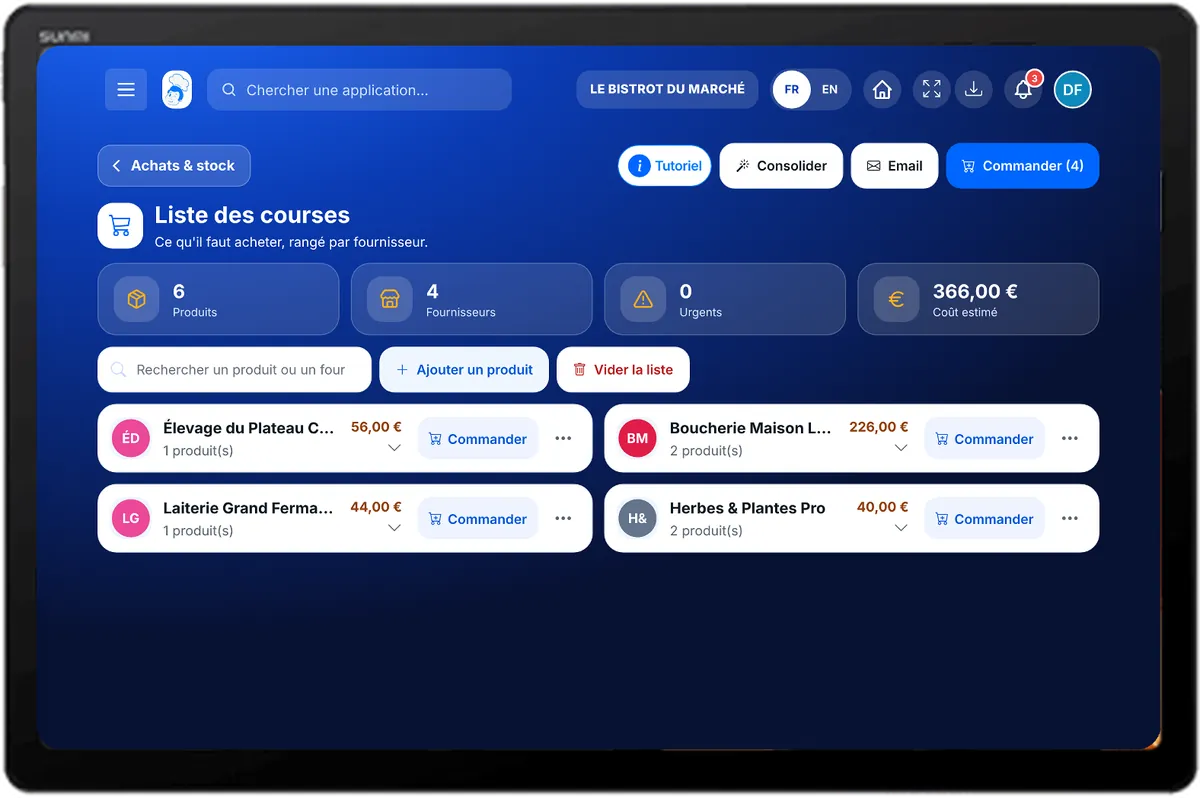
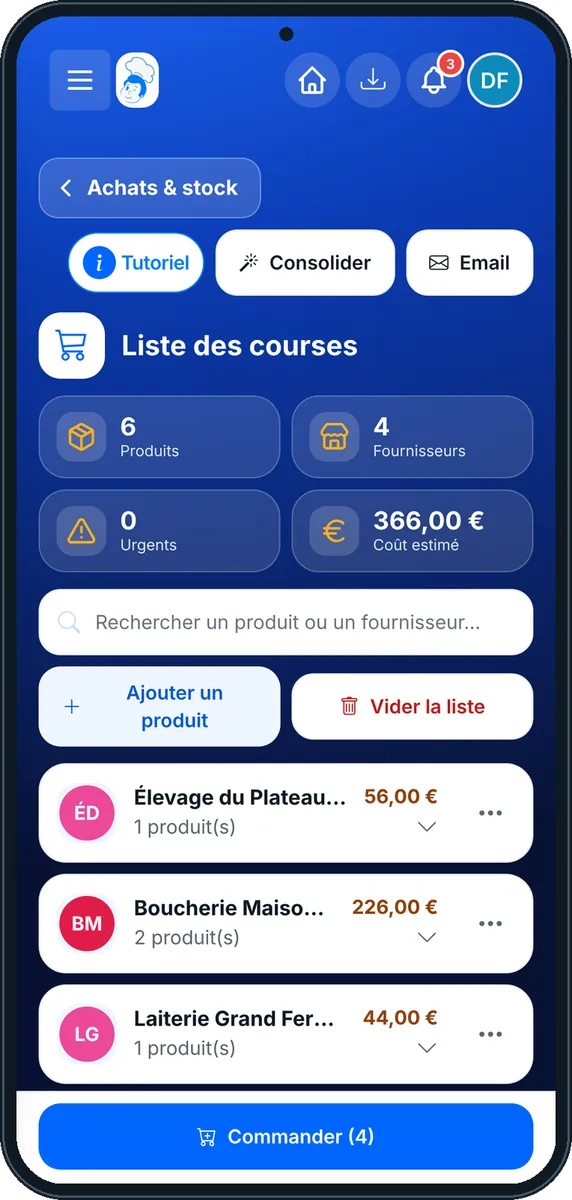
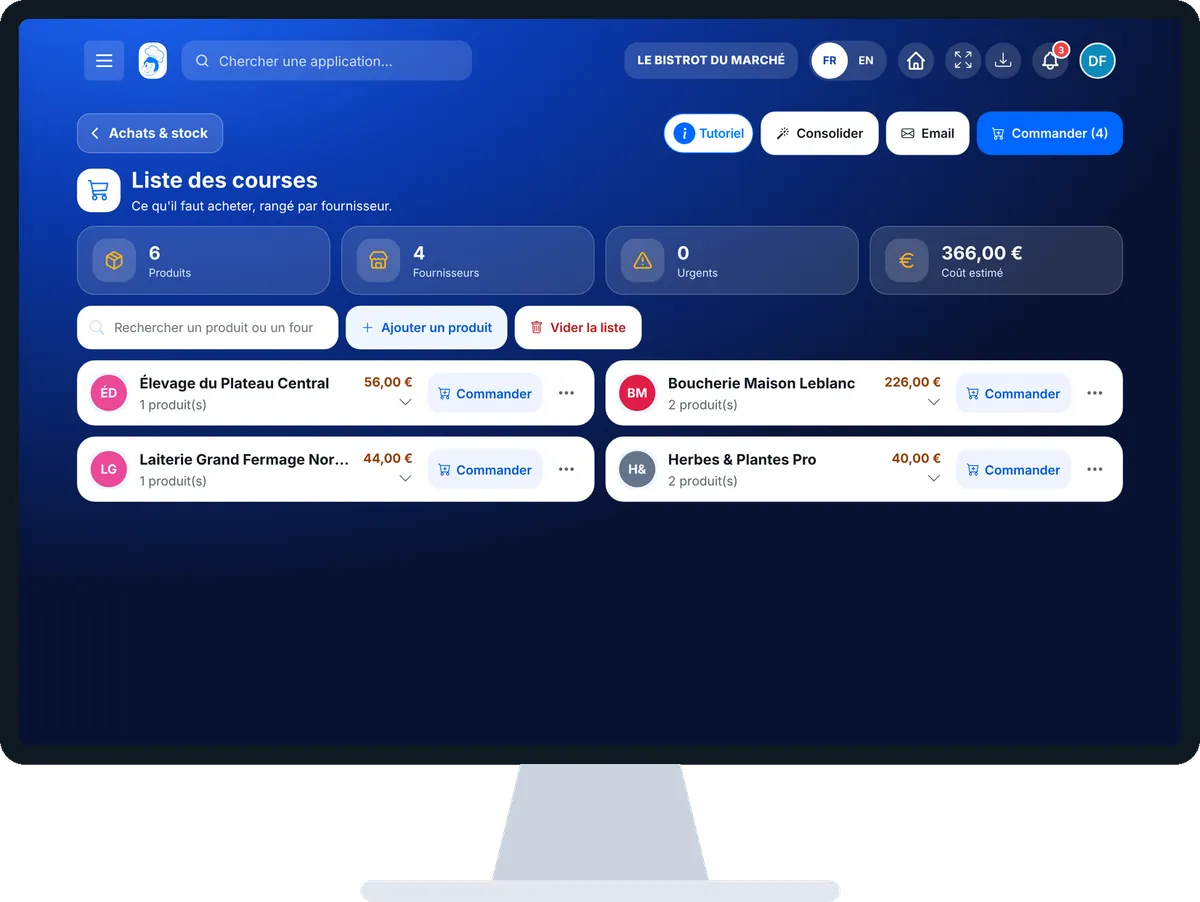
Prepare my supplier orders : 4 steps, with the real software screens.
From the home screen, open StockVision then “Courses”. The list is grouped by supplier; urgent items are flagged.
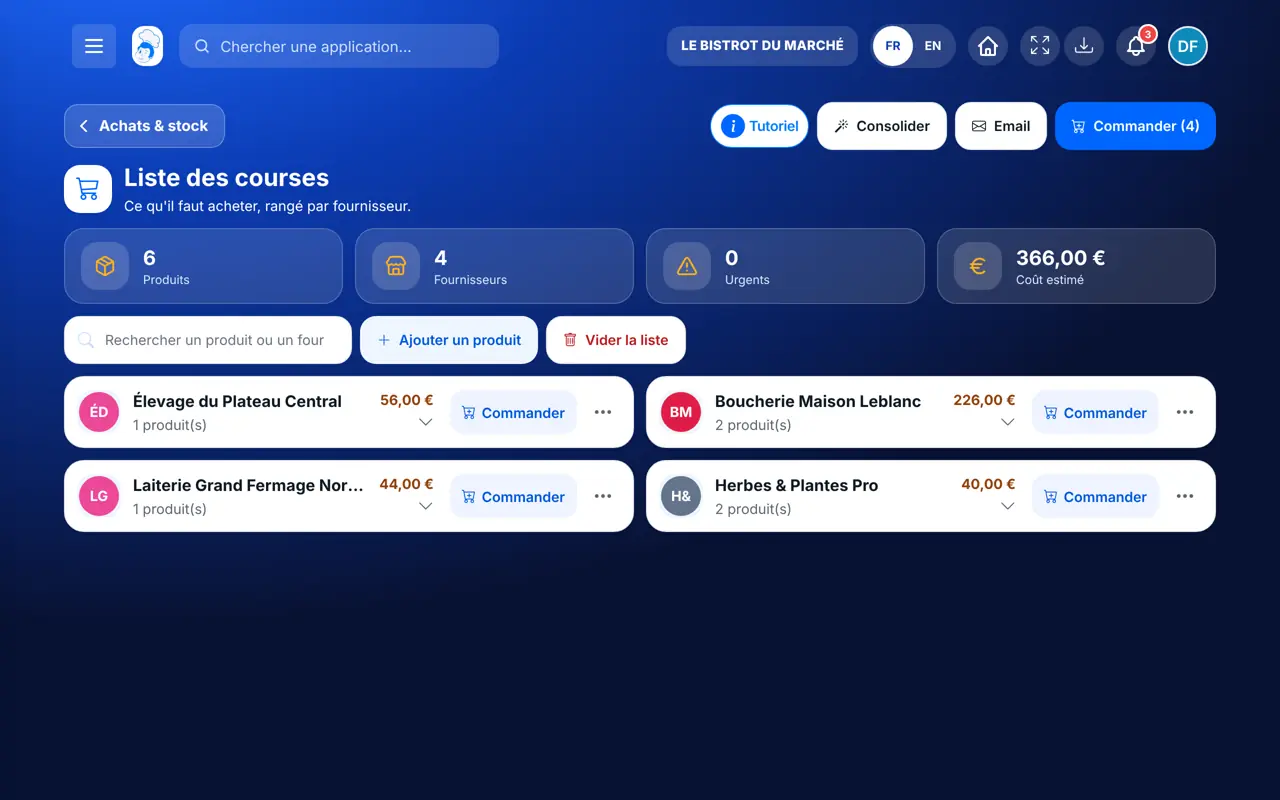
Tap “Ajouter un produit” and give the quantity. From the stock list, “Ajouter à la liste des courses” does the same.
Tap “Consolidation intelligente”: lines for the same product are merged, old and new quantities are shown.
Tap “Commander” on a supplier, choose the preferred delivery date and time, then “Confirmer la commande”. The “Email” button sends the list to the supplier.
The list is grouped by supplier, with no duplicates. Each order placed shows in deliveries, ready to receive.
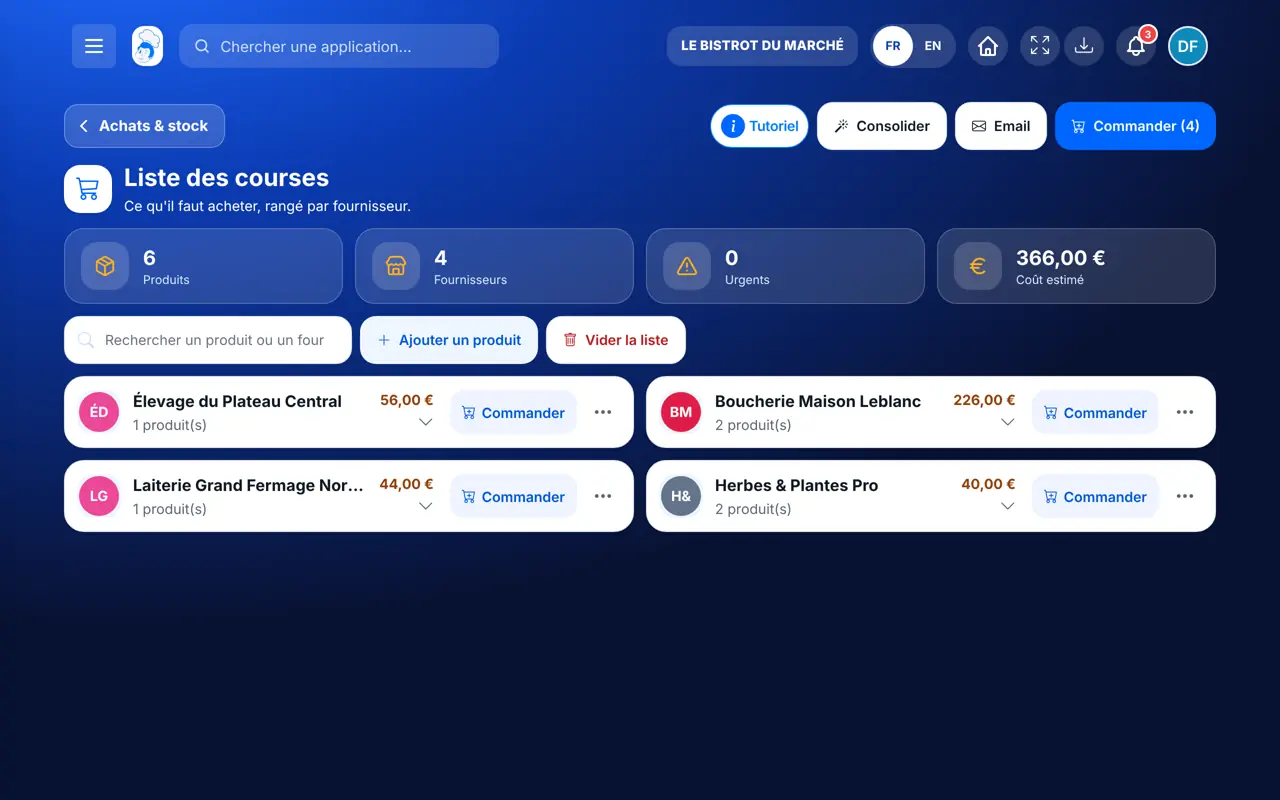
Completes the list, merges lines and places orders.
With the right to view the list, consults it. Adding a product or ordering needs their role’s rights.
Claude, ChatGPT or Mistral’s Le Chat, connected to FoodEatUp. Copy the request and replace your establishment number.
In FoodEatUp, for my establishment [number], show my shopping list grouped by supplier.
What you getThe list by supplier, with quantities and urgent items.
Tools used : get_shopping_list
In FoodEatUp, for my establishment [number], prepare supplier orders from my shopping list. Show me before confirming.
What you getOne order per supplier, ready to approve.
Tools used : get_shopping_list, create_orders_from_shopping_list
In FoodEatUp, for my establishment [number], list products below their alert threshold.
What you getThe products to buy again before running out.
Tools used : list_low_stocks
Stock, production and manual additions in one place.
One order per supplier, nothing to copy out.
Merging groups the lines.
The order becomes a delivery to receive.
Merge before ordering: otherwise two production runs that need the same product give two lines.
In FoodEatUp, one action triggers others. Here are the screens that work with this one.
From your additions, from the stock (“Ajouter à la liste des courses”) and from production runs with missing ingredients.
Yes. The “Email” button sends the list to the supplier.
It shows in deliveries. You receive it when it arrives.
Send it to your team, your partner or your accountant. The image below appears in the message.
Claude, ChatGPT or Le Chat read this tutorial and explain it to you. Connected to FoodEatUp, they do it with you.
Read this FoodEatUp tutorial: https://foodeatup.com/en/academy/stockvision/courses.md Explain it to me simply, step by step, then help me do it in my restaurant. If FoodEatUp is connected to you, do it with me and show me the preview before every change.
Type your establishment number: the link takes you straight to this screen. The number stays on this device.
Discover stock and food cost (in French) →
Répond avec les fiches du site, sans IA
Le chef cherche dans les fiches…
 Claude
 Le Chat
 ChatGPT