
Aller au contenu
HACCP · Receiving

Check a delivery

The driver is here: open the order, note the temperature, the use-by date and the state of the goods, and the stock is updated with a dated, signed check.

  • Tablet
  • 5 steps
  • Level : Beginner
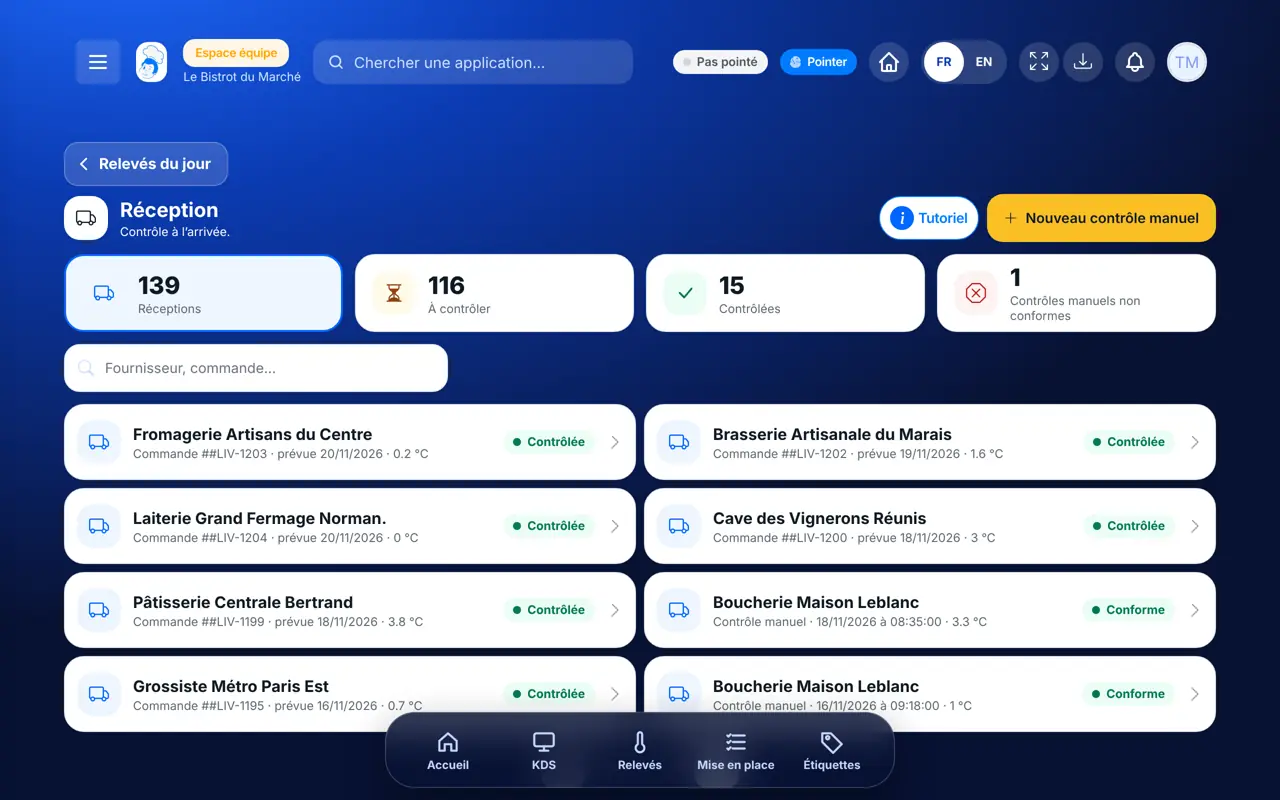
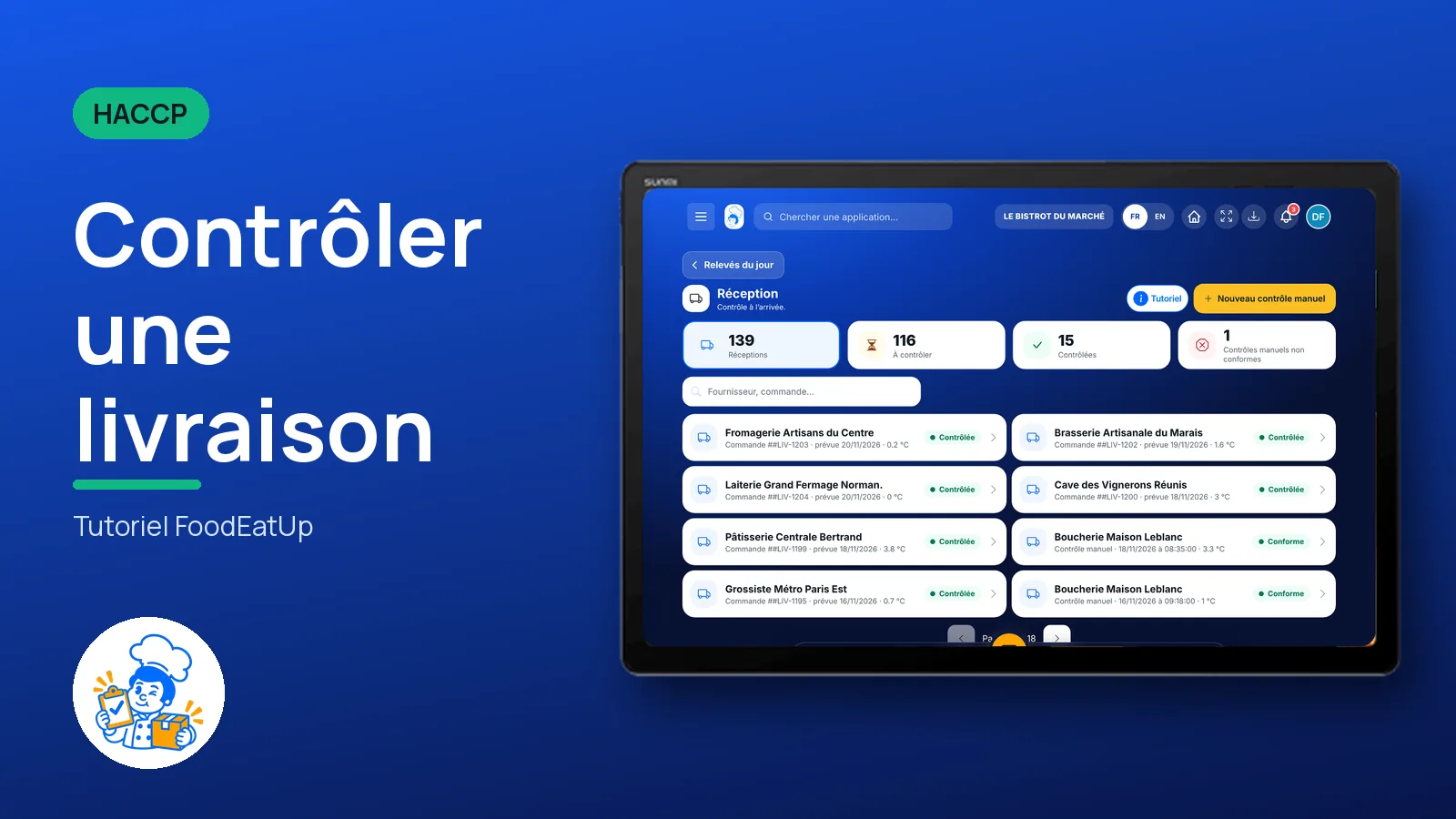
Check a delivery : The list of today’s deliveries

Who is it for?

  • Chef de cuisine
  • Second de cuisine
  • Commis / cuisinier

Roles with access

  • Gérant·e
  • Chef de cuisine
  • Cuisinier·ère
  • Responsable HACCP
  • Laboratoire (réseau)
  • Boutique (réseau)
  • Franchisé·e (réseau)
  • Directeur·rice d'établissement

The owner always has access. See what each role sees →

Recommended hardware

Tablet

A tablet or a phone at the delivery door. The same check works in the FoodEatUp HACCP mobile app, on Google Play.

See the hardware →

What it is for

  • Check each delivery as it arrives: condition, temperature of fresh goods, use-by date.
  • Keep the photo of the delivery note and of the use-by date with the check.
  • Note a non-compliance right away, with its type and a comment.

Why set it up

  • Receiving is the first step of the HACCP plan: a product refused at the door never reaches a plate.
  • Checked goods go into stock: nothing to type twice.
  • Each check carries the date, the time and the name of the person who did it.

The same screen, on every device

The real software screens, as they appear on each device.

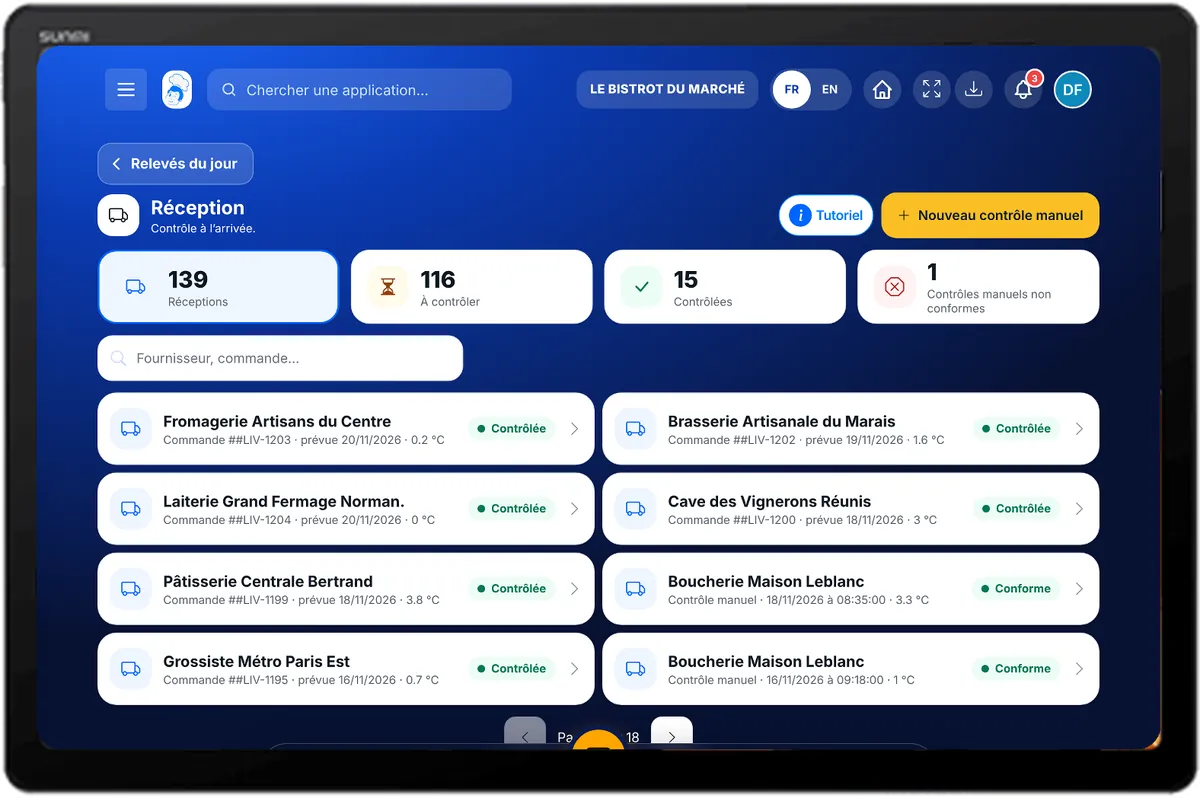
Receiving — On the tablet
On the tablet
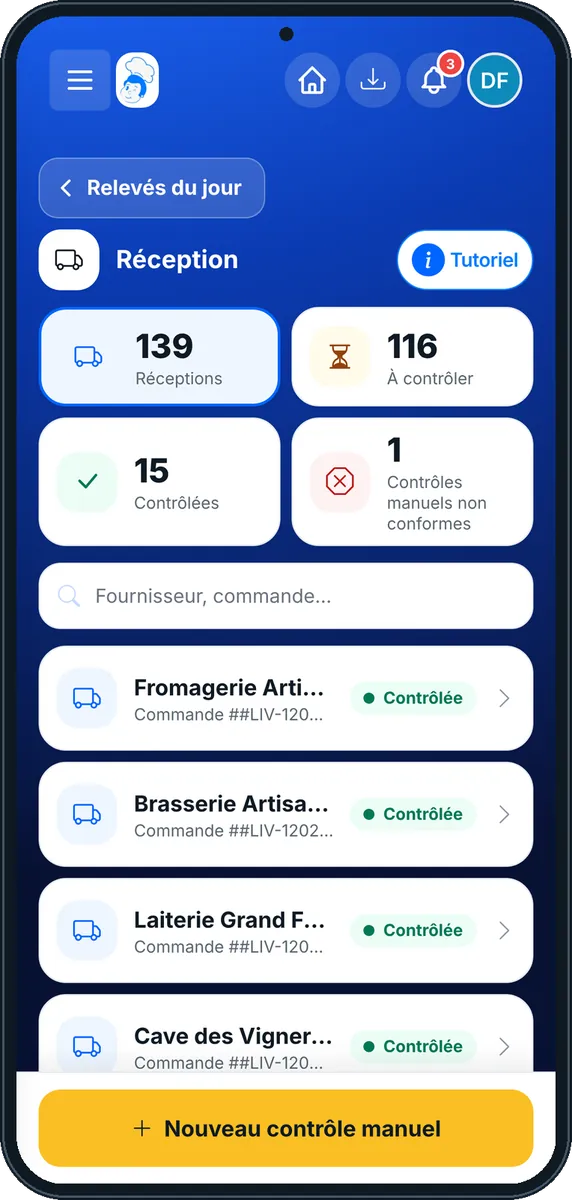
Receiving — On the phone
On the phone
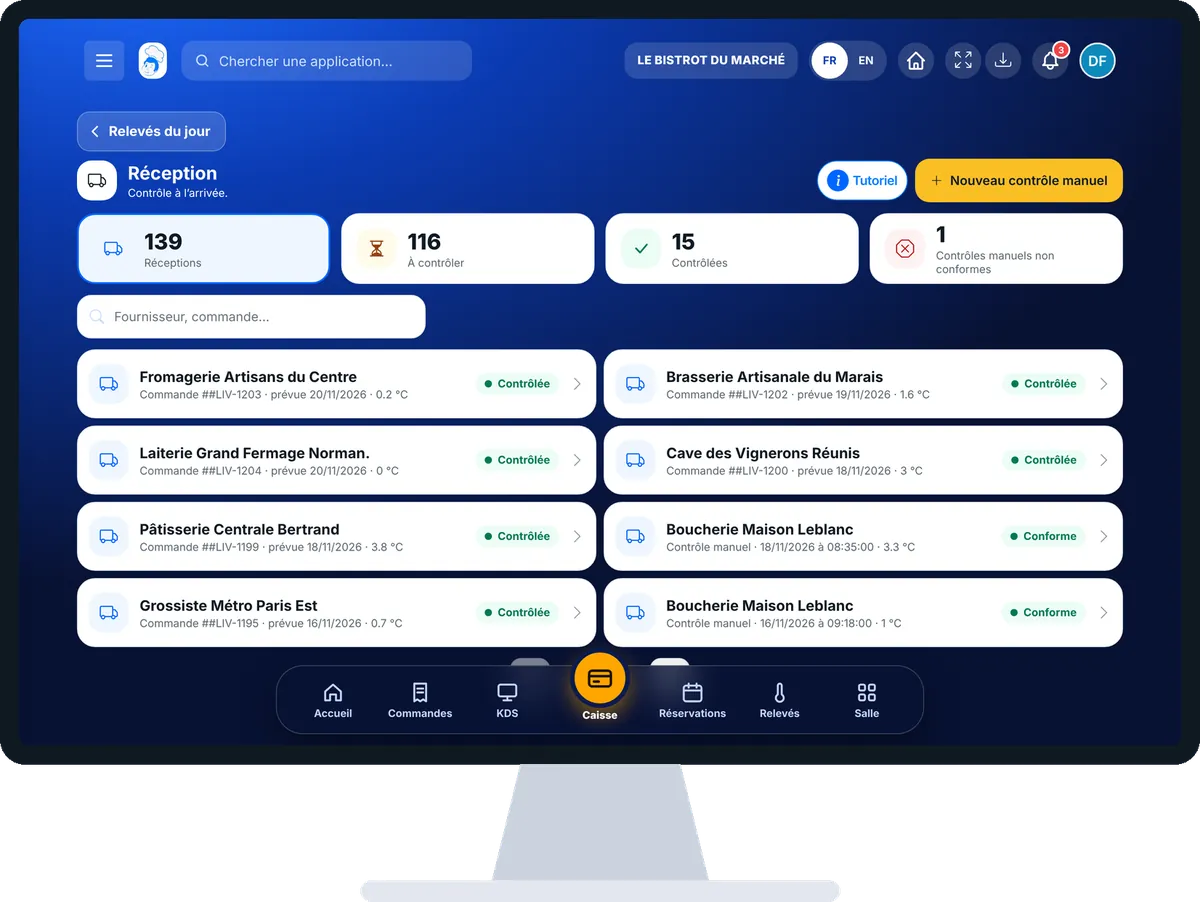
Receiving — On the computer
On the computer

Step by step

Check a delivery : 5 steps, with the real software screens.

  1. 1Step 1

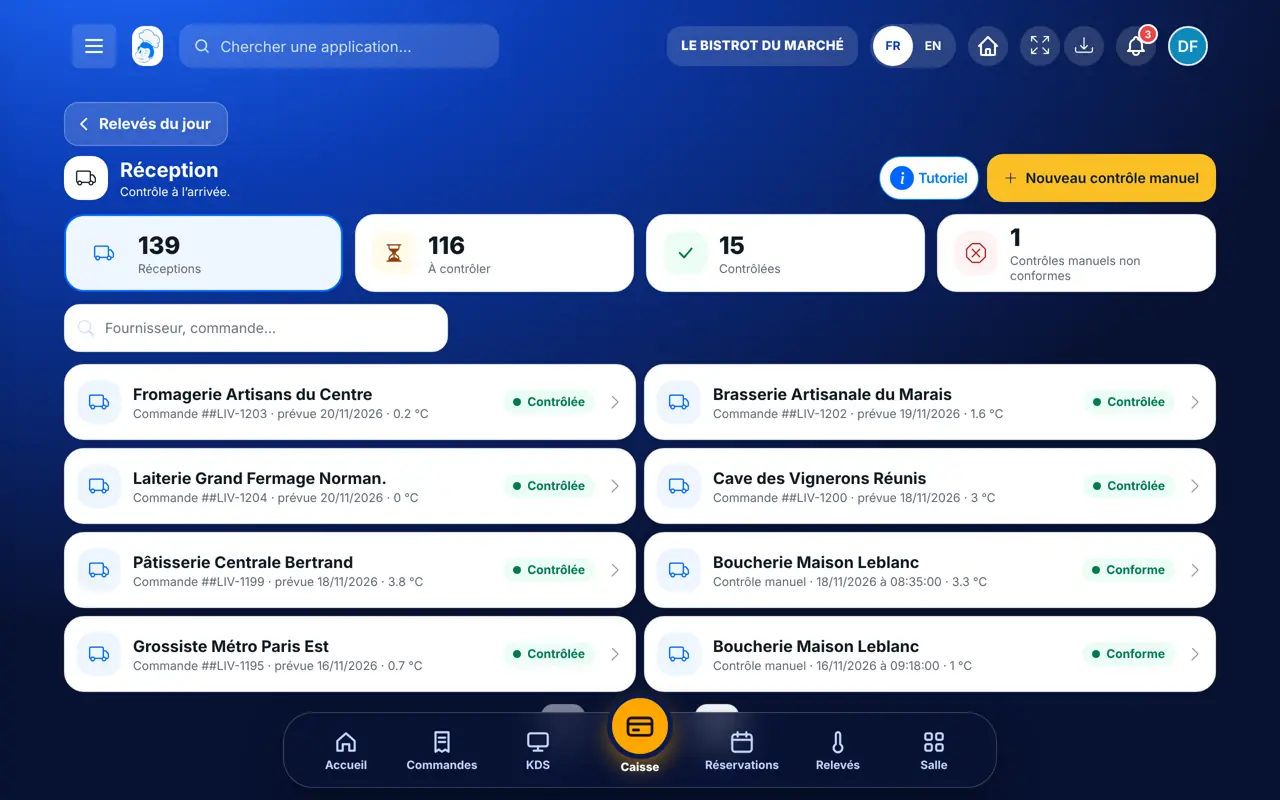
    Open today’s receiving

    In HACCP, open “Réception”. Today’s expected orders are listed. Tap the order that is arriving.

    The list of today’s deliveries
  2. 2Step 2

    Check the delivered products

    The order sheet lists the products. For each one you can note the use-by date and the temperature, take a photo of the date or scan the barcode.

  3. 3Step 3

    Fill in the receiving check

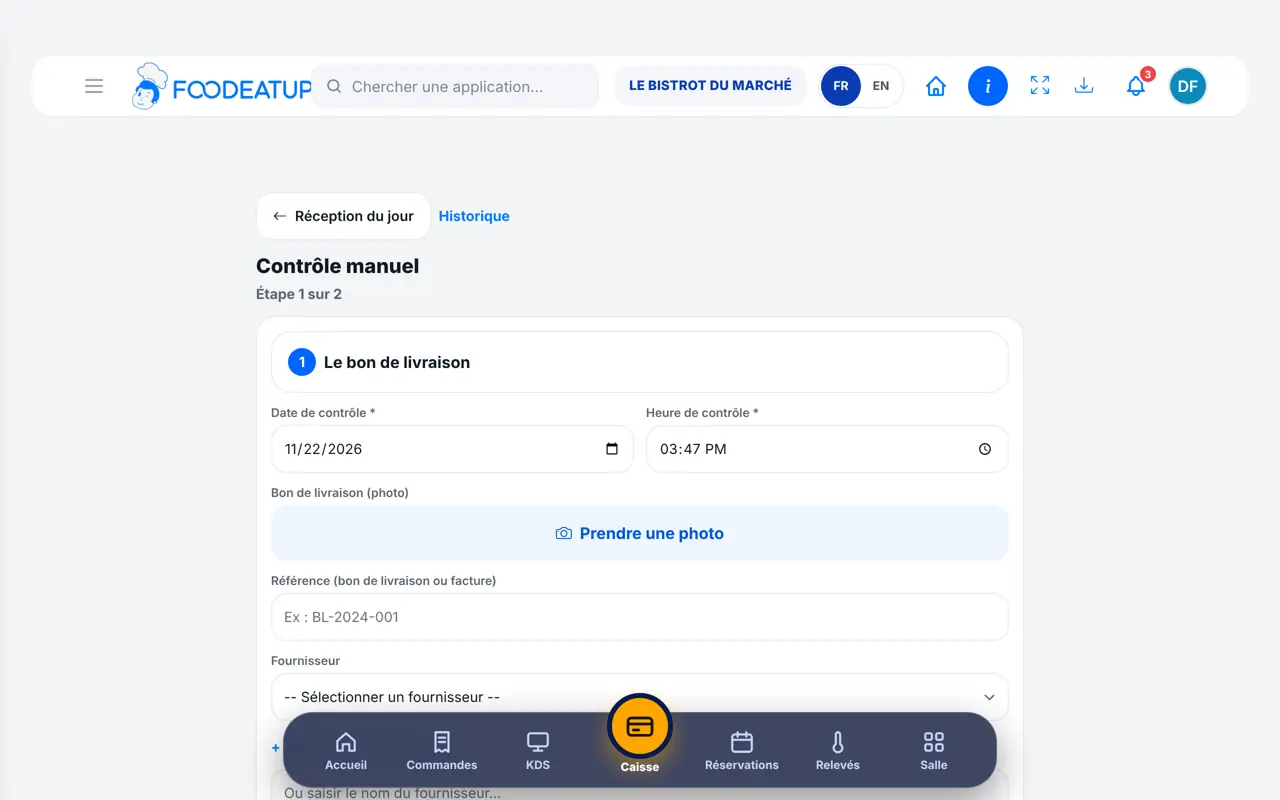
    Tap “Contrôle à réception”. Enter the date, the time, the delivery note reference and photo, the supplier and the product categories. Choose “Conforme” or “Non conforme”: for the second, tick the type of non-compliance.

    The receiving check form
  4. 4Step 4

    Note the temperatures

    Tap “Étape suivante”. Type the temperature of the fresh goods and check the list of products received.

  5. 5Step 5

    Finish the delivery

    Tap “Ma réception est terminée”. The check is saved and the goods go into stock. For a delivery without an order, use “Nouveau contrôle manuel”.

The result

A checked delivery, goods in stock

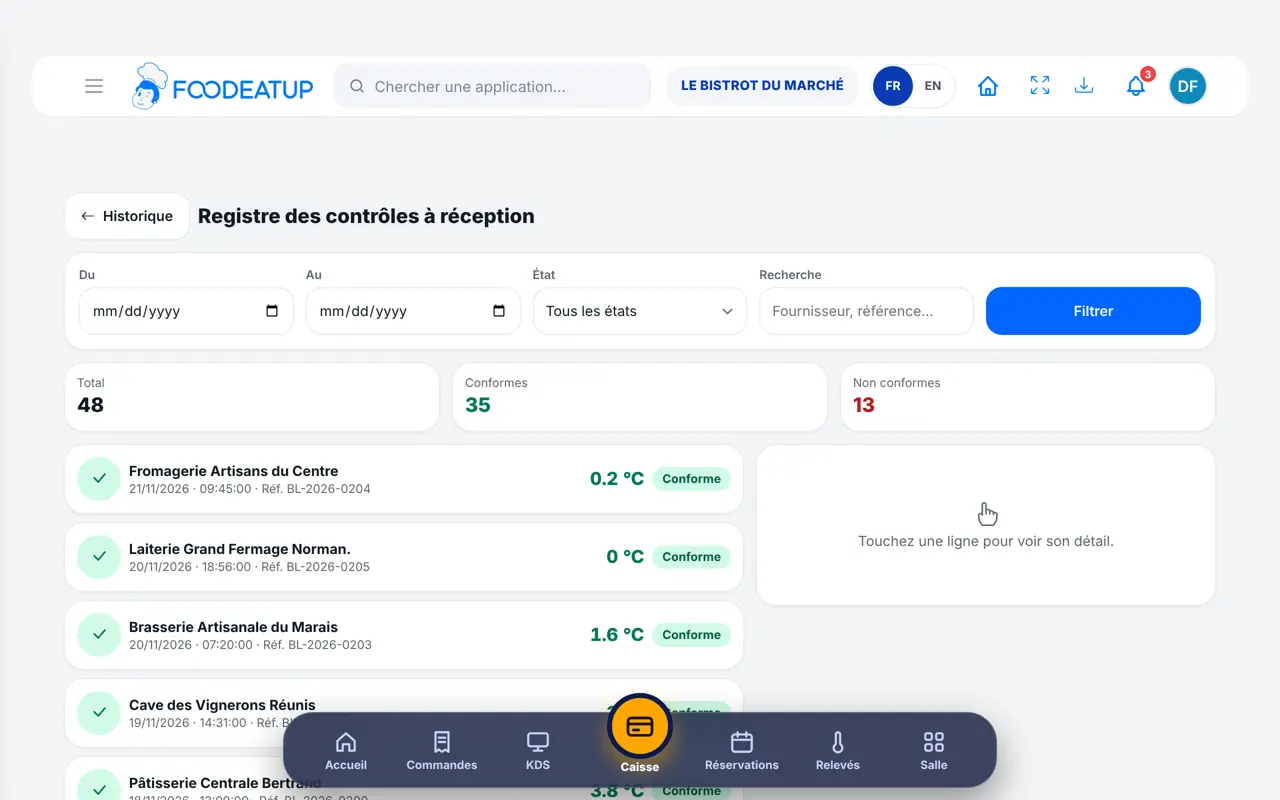
The check joins the receiving record with date, time, condition and person. Checked goods go into stock.

A checked delivery, goods in stock : Check a delivery

Owner and employee: what changes

The owner

Checks deliveries and finds every check in the food-safety file. Adds suppliers.

Receiving — The owner

The employee

With the receiving right, does the same check at the door. The check carries the employee’s first name.

Receiving — The employee

Do it with your assistant

Claude, ChatGPT or Mistral’s Le Chat, connected to FoodEatUp. Copy the request and replace your establishment number.

Which deliveries are due today?

In FoodEatUp, for my establishment [number], list today’s expected deliveries and tell me which have not been checked yet.

What you getToday’s deliveries and those still waiting for their check.

Tools used : list_deliveries, get_haccp_todo

Save a receiving check

In FoodEatUp, for my establishment [number], save a receiving check: supplier [name], delivery compliant, fresh goods at [value] °C. Show me the result before confirming.

What you getThe assistant prepares the check and shows it to you before saving.

Tools used : create_haccp_reception

What you gain

A check for every delivery

Dated, with the delivery note photo and the person’s name.

Refusals noted on the spot

The non-compliance and its type are entered in front of the driver.

Stock up to date

Checked goods go into stock with no other entry.

Ready for inspection

Every check is kept in the food-safety file.

The Chef’s tip

Leave the tablet or phone at the delivery door. Take the photo of the delivery note while the driver unloads: you will have nothing to look for on inspection day.

Frequently asked questions

Can I check a delivery without an order?

Yes. Tap “Nouveau contrôle manuel”: you enter the supplier and products by hand.

What about a non-compliant delivery?

Choose “Non conforme”, tick the type of non-compliance and write a comment. The check is kept as is in the record.

Can an employee receive deliveries?

Yes, if their role has the receiving right (the Cook role does). The check carries their first name.

Text version for AI assistants →

Share this tutorial

Send it to your team, your partner or your accountant. The image below appears in the message.

Share preview : Check a delivery
WhatsAppLinkedInFacebookEmail

Send to an AI assistant

Claude, ChatGPT or Le Chat read this tutorial and explain it to you. Connected to FoodEatUp, they do it with you.

Read this FoodEatUp tutorial: https://foodeatup.com/en/academy/haccp/haccp-reception.md Explain it to me simply, step by step, then help me do it in my restaurant. If FoodEatUp is connected to you, do it with me and show me the preview before every change.

ClaudeLe ChatChatGPT

Open in my software

Type your establishment number: the link takes you straight to this screen. The number stays on this device.

Discover FoodEatUp HACCP (in French) →

You can read it in the software address: foodeatup.com/establishment/number/…