Aller au contenu
HACCP · Traceability
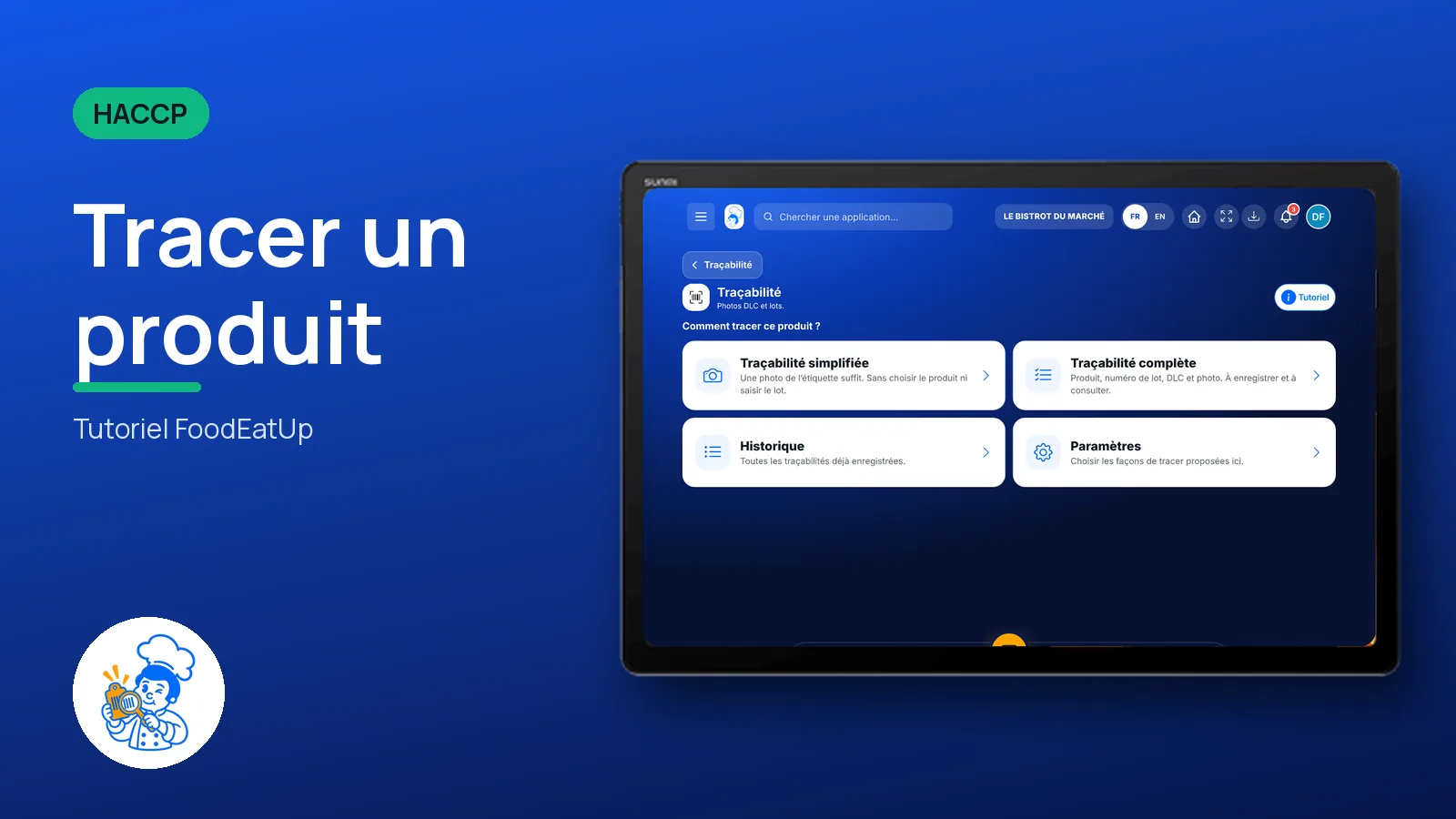
Trace a product

A photo of the label is enough, or a full sheet with product, batch and use-by date: you know where every product served comes from.

  • Tablet
  • 5 steps
  • Level : Beginner
Trace a product : The ways to trace a product

Who is it for?

  • Chef de cuisine
  • Second de cuisine
  • Commis / cuisinier

Roles with access

  • Gérant·e
  • Chef de cuisine
  • Responsable HACCP
  • Laboratoire (réseau)
  • Boutique (réseau)
  • Franchisé·e (réseau)
  • Directeur·rice d'établissement

The owner always has access. See what each role sees →

Recommended hardware

Tablet

A tablet or a phone in the kitchen, to photograph the label when the product is opened.

See the hardware →

What it is for

  • Keep the photo of the original label of each product used, with its batch and use-by date.
  • Fill in a full sheet when needed: product, batch number, use-by date and photo.
  • Find every traceability record already saved in the history.

Why set it up

  • If a batch is recalled, you know at once whether you used it.
  • A photo takes a few seconds: no more labels kept in a box.
  • Each record carries the date and the person’s name.

The same screen, on every device

The real software screens, as they appear on each device.

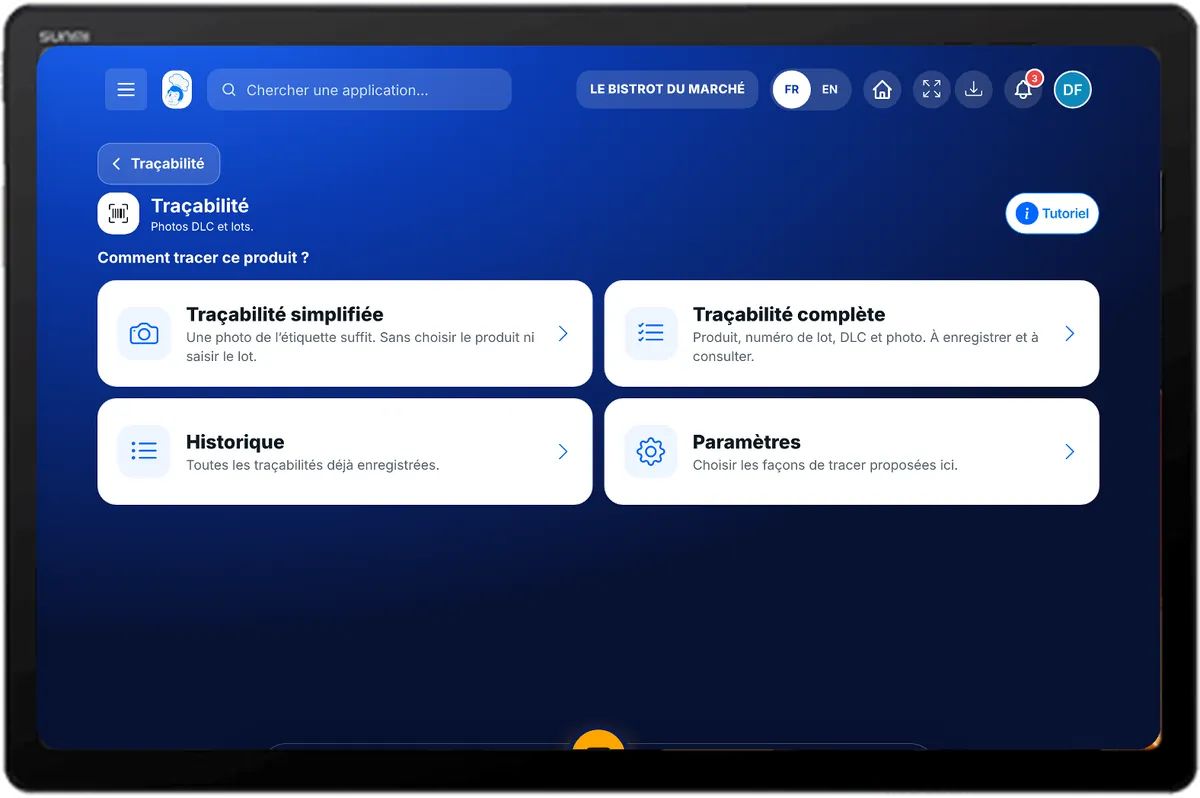
Traceability — On the tablet
On the tablet
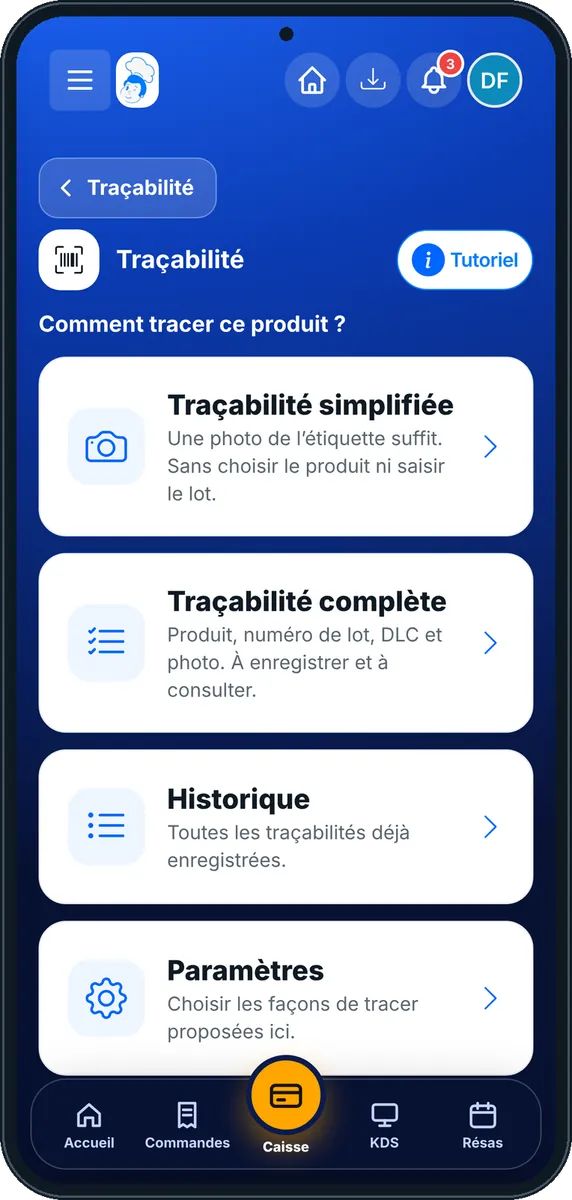
Traceability — On the phone
On the phone
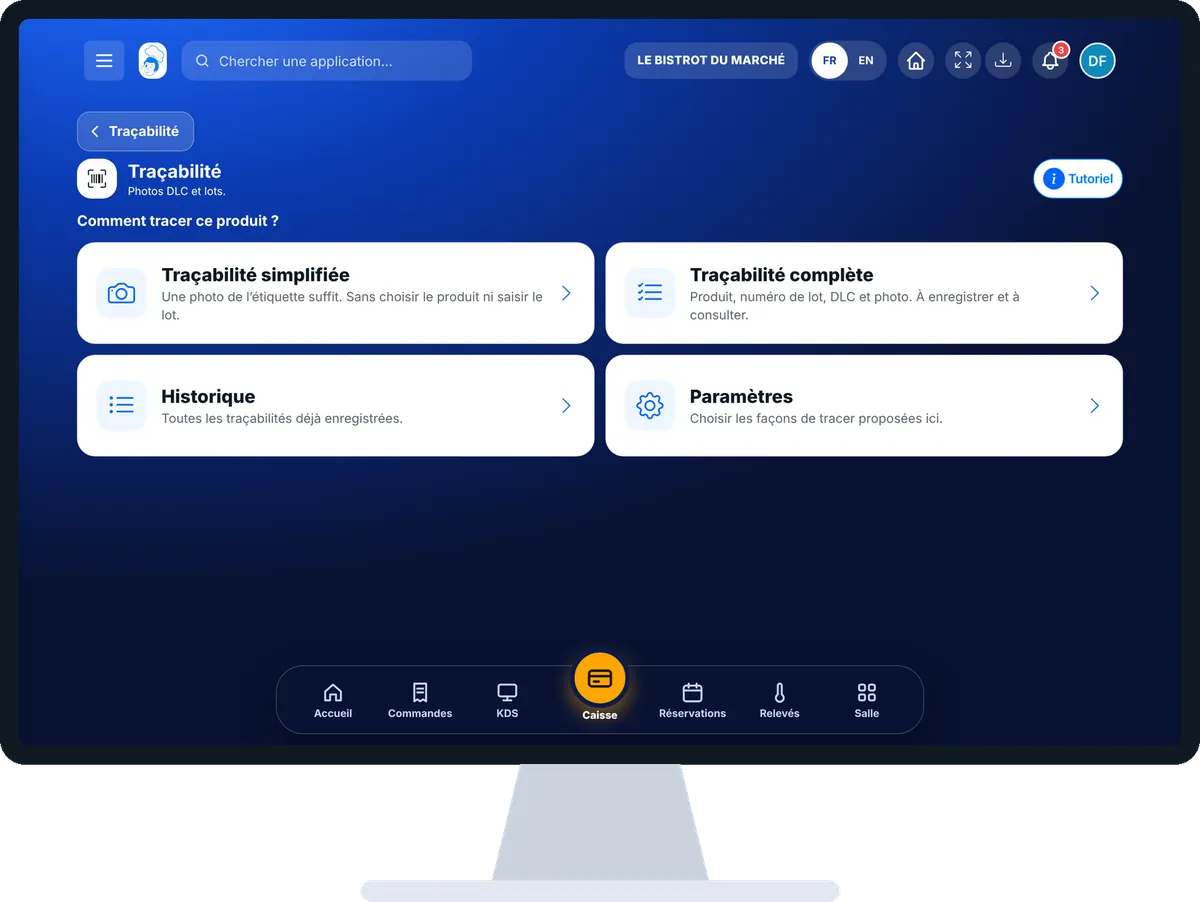
Traceability — On the computer
On the computer

Step by step

Trace a product : 5 steps, with the real software screens.

  1. 1Step 1

    Open traceability

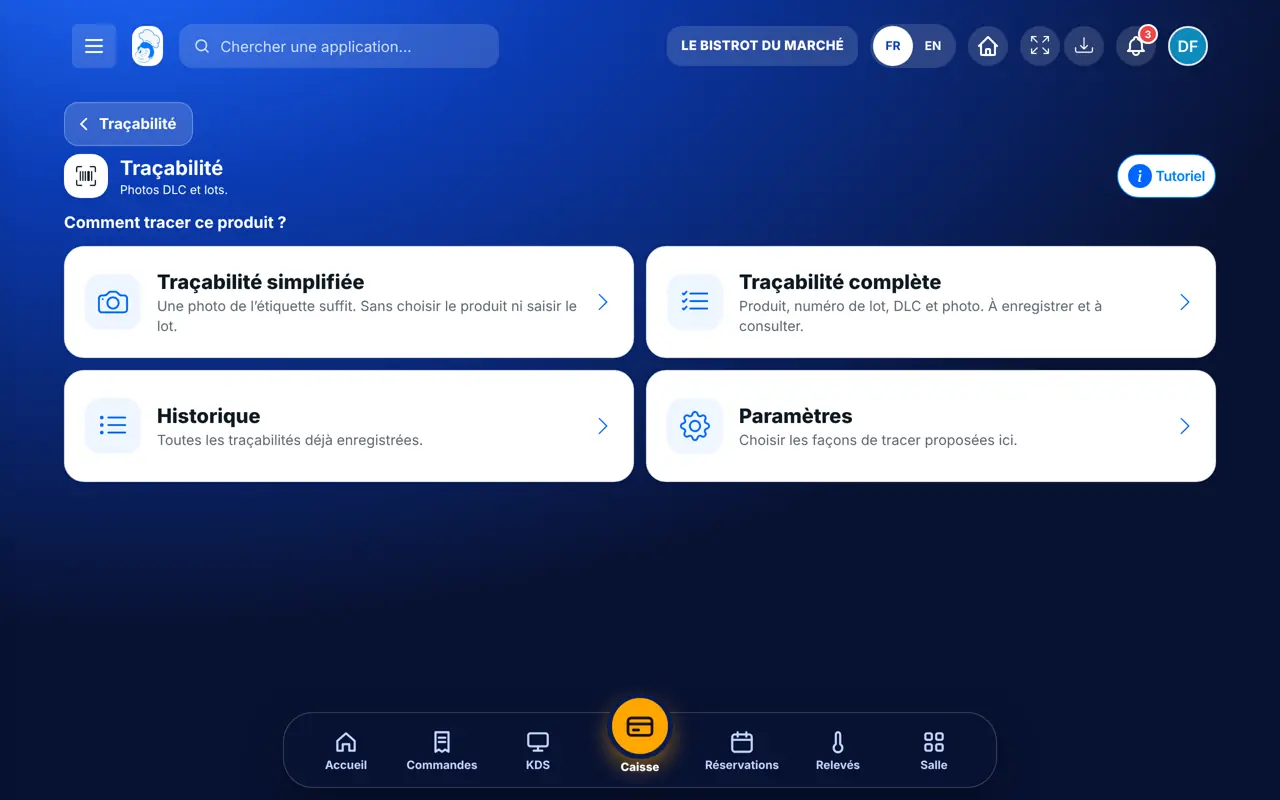
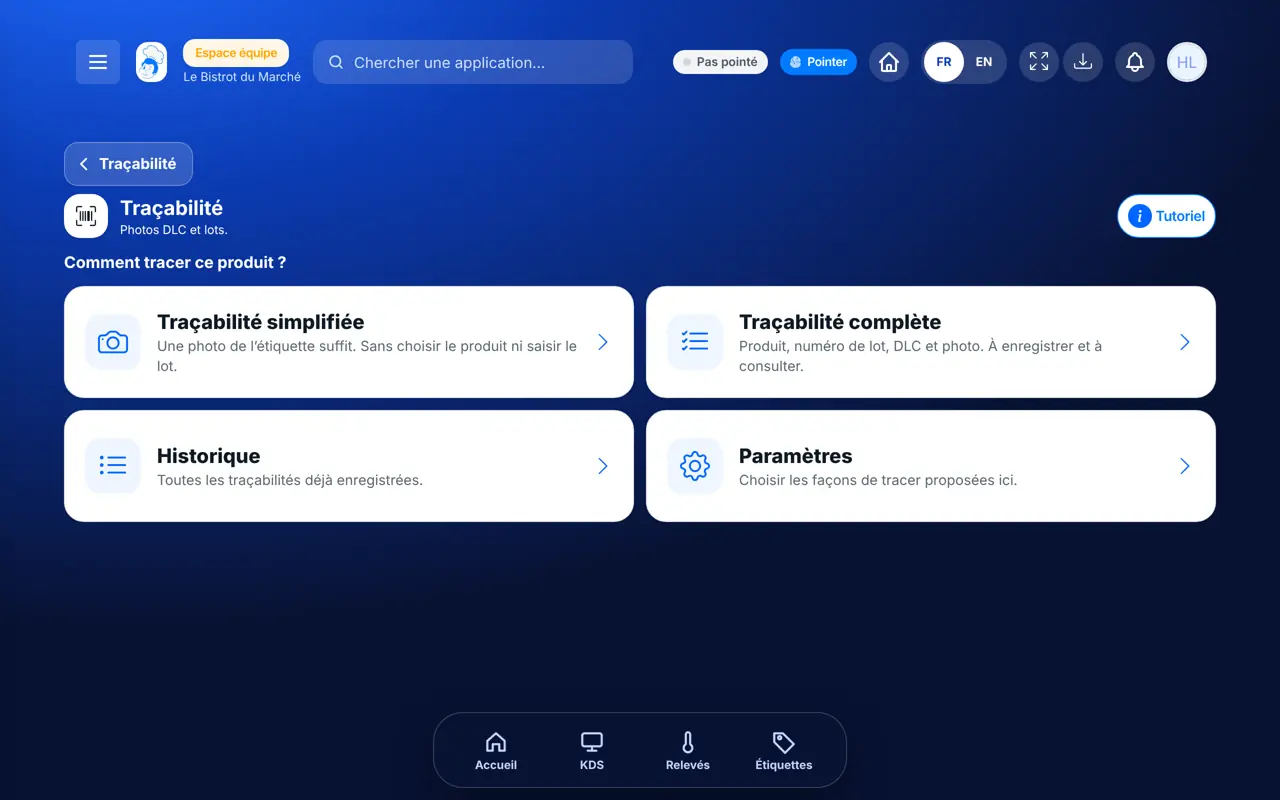
    In HACCP, open “Traçabilité”. Four choices: simple traceability, full traceability, history and settings.

    The ways to trace a product
  2. 2Step 2

    Simple traceability

    Tap “Traçabilité simplifiée”, then “Prendre une photo”. Frame the label so that the date and batch number are readable. Add the date, time and a remark if needed, then save.

  3. 3Step 3

    Full traceability

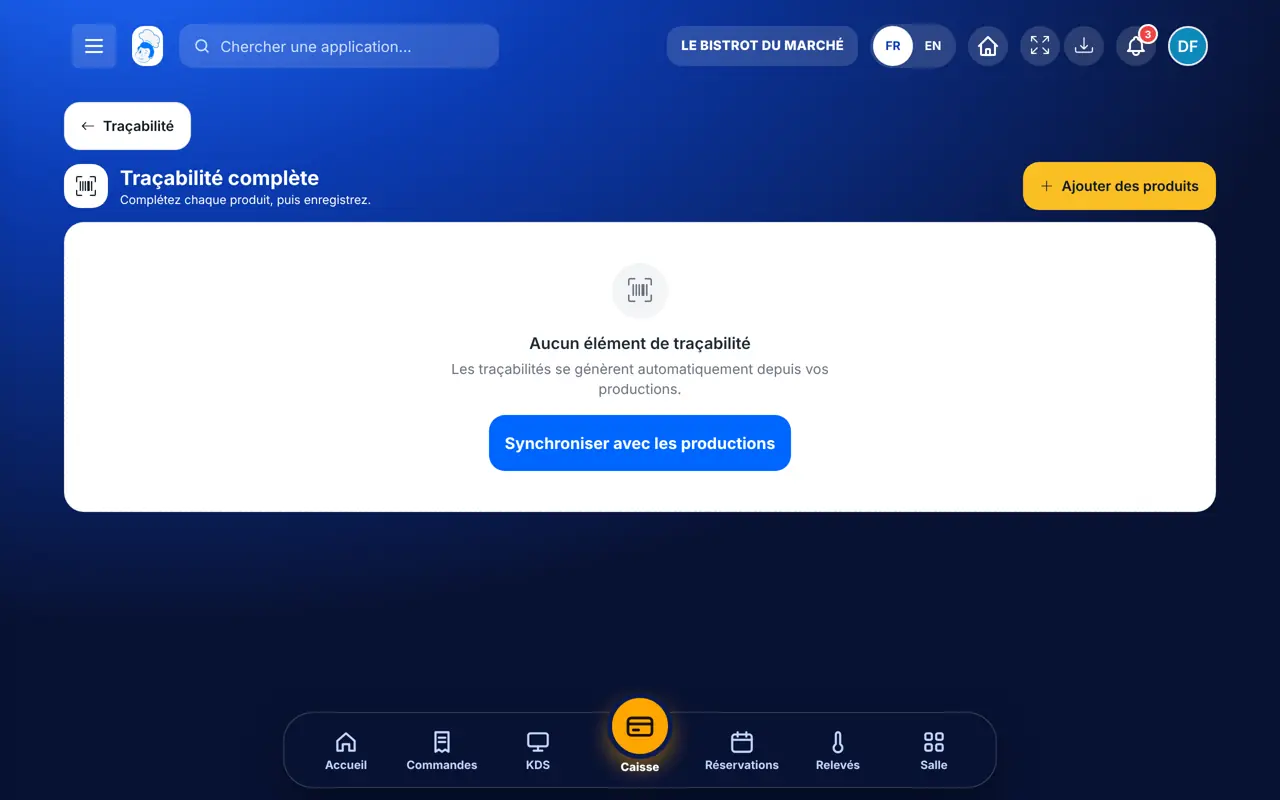
    Tap “Traçabilité complète”, then “Ajouter des produits”. Complete each product: batch, use-by date, photo. “Synchroniser avec les productions” brings in today’s productions.

    Full traceability, product by product
  4. 4Step 4

    Save

    Tap “Enregistrer”, or “Enregistrer et imprimer” to print the labels. At least one product must be complete.

  5. 5Step 5

    Find a record

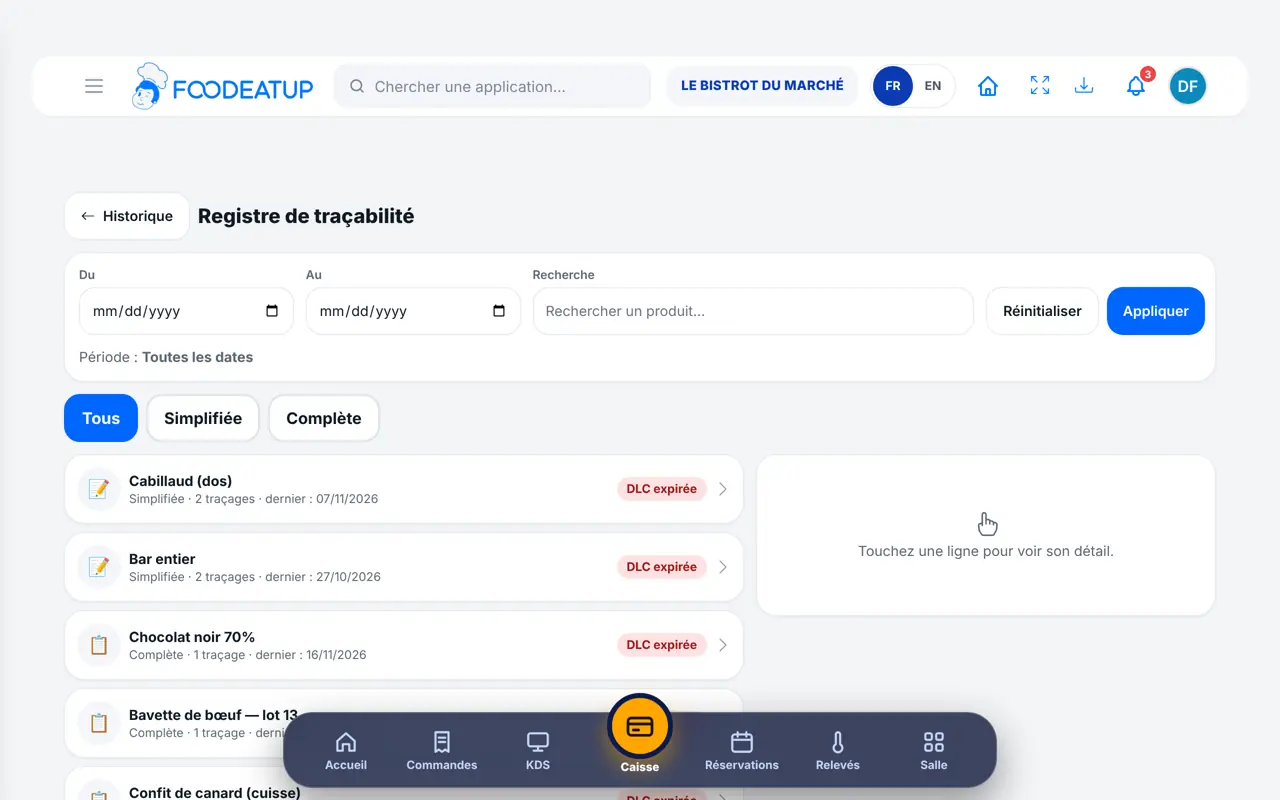
    Tap “Historique”: every traceability record already saved, with its photo.

The result

Every product found in one search

Records join the traceability log with photo, batch, use-by date, date and person.

Every product found in one search : Trace a product

Owner and employee: what changes

The owner

Traces products and chooses in the settings which ways of tracing the team sees.

Traceability — The owner

The employee

With the traceability right, takes photos and fills in sheets the same way. The record carries the employee’s first name.

Traceability — The employee

Do it with your assistant

Claude, ChatGPT or Mistral’s Le Chat, connected to FoodEatUp. Copy the request and replace your establishment number.

Did I use this batch?

In FoodEatUp, for my establishment [number], search traceability for batch [batch number] and tell me when it was saved and by whom.

What you getThe records carrying this batch, with date and person.

Tools used : list_haccp_tracabilite

Trace a product

In FoodEatUp, for my establishment [number], save a traceability record: [product], batch [number], use-by [date]. Show me the sheet before confirming.

What you getThe assistant prepares the sheet and shows it before saving.

Tools used : create_haccp_tracabilite

The month’s record

In FoodEatUp, for my establishment [number], export the traceability record for the last 30 days.

What you getThe record for the period and a download link.

Tools used : get_haccp_history_tracability

What you gain

A recall handled in minutes

The batch is found in one search.

No more label box

The photo replaces the kept label.

Simple or full

A photo to go fast, a full sheet when needed.

Traced by the person

Each record carries a first name and a date.

The Chef’s tip

Photograph the label when you open the product, not at the end of the service. If the photo is blurry, take it again at once: an unreadable batch is useless on recall day.

Frequently asked questions

Do I need the full sheet every time?

No. Simple traceability is often enough: a photo of the label, without choosing the product or typing the batch.

Can I hide a way of tracing?

Yes. In the traceability settings, you choose which ways of tracing the team sees.

Where do I find an old record?

In the traceability history, or in the food-safety file.

Text version for AI assistants →

Share this tutorial

Send it to your team, your partner or your accountant. The image below appears in the message.

Share preview : Trace a product
WhatsAppLinkedInFacebookEmail

Send to an AI assistant

Claude, ChatGPT or Le Chat read this tutorial and explain it to you. Connected to FoodEatUp, they do it with you.

Read this FoodEatUp tutorial: https://foodeatup.com/en/academy/haccp/haccp-tracabilite.md Explain it to me simply, step by step, then help me do it in my restaurant. If FoodEatUp is connected to you, do it with me and show me the preview before every change.

ClaudeLe ChatChatGPT

Open in my software

Type your establishment number: the link takes you straight to this screen. The number stays on this device.

Discover FoodEatUp HACCP (in French) →

You can read it in the software address: foodeatup.com/establishment/number/…