What did we produce today?
In FoodEatUp, for my establishment [number], list today’s productions with their quantity and time.
What you getThe list of today’s productions.
Tools used : list_production_plans
 HACCP · Production
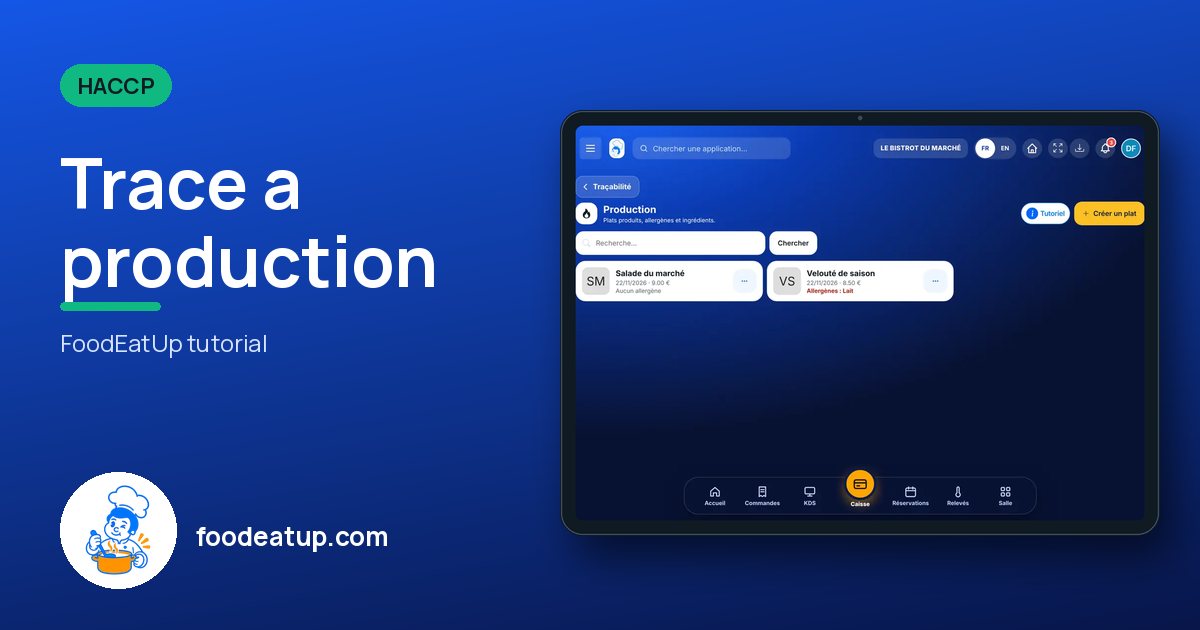
Each dish produced has its sheet: ingredients, deduced allergens, date, shelf life and quantity. From there you start cooling or print the label.
 Chef de cuisine
 Second de cuisine
 Commis / cuisinier
The owner always has access. See what each role sees →
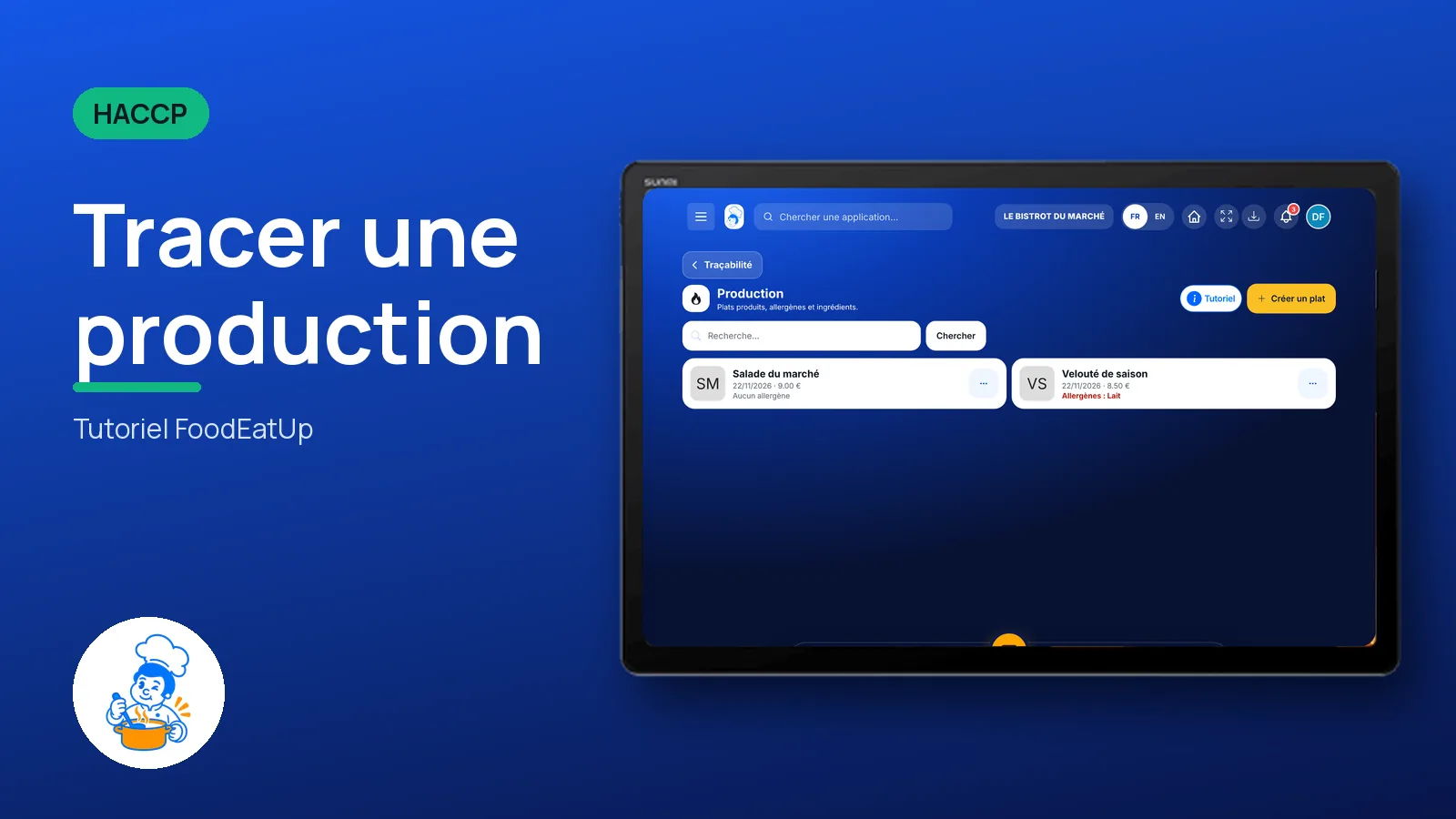
A tablet in the kitchen, at the production station. The same screen works on the office computer.
The real software screens, as they appear on each device.
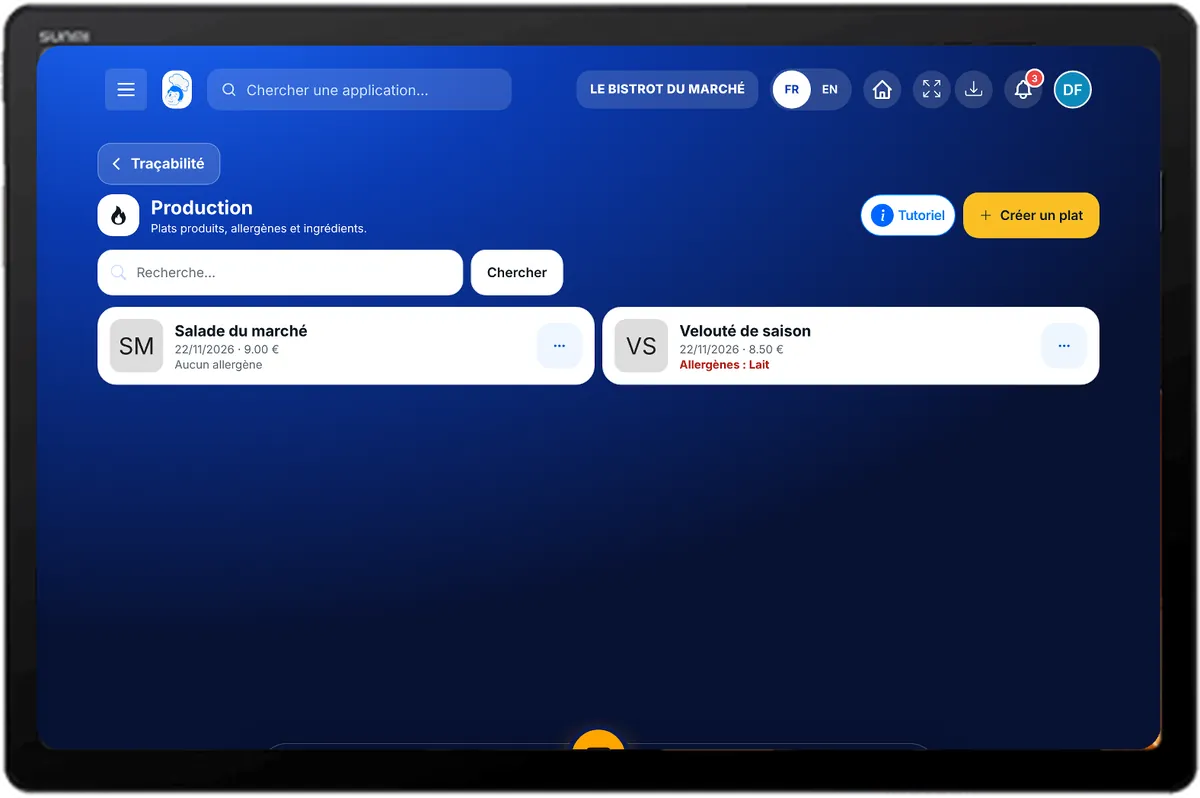
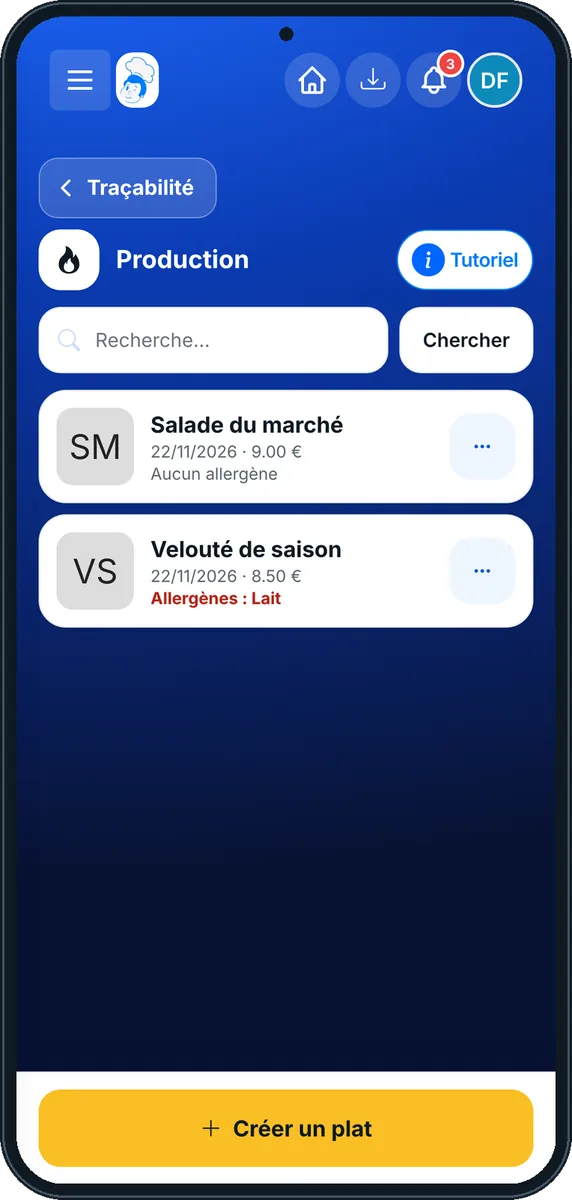
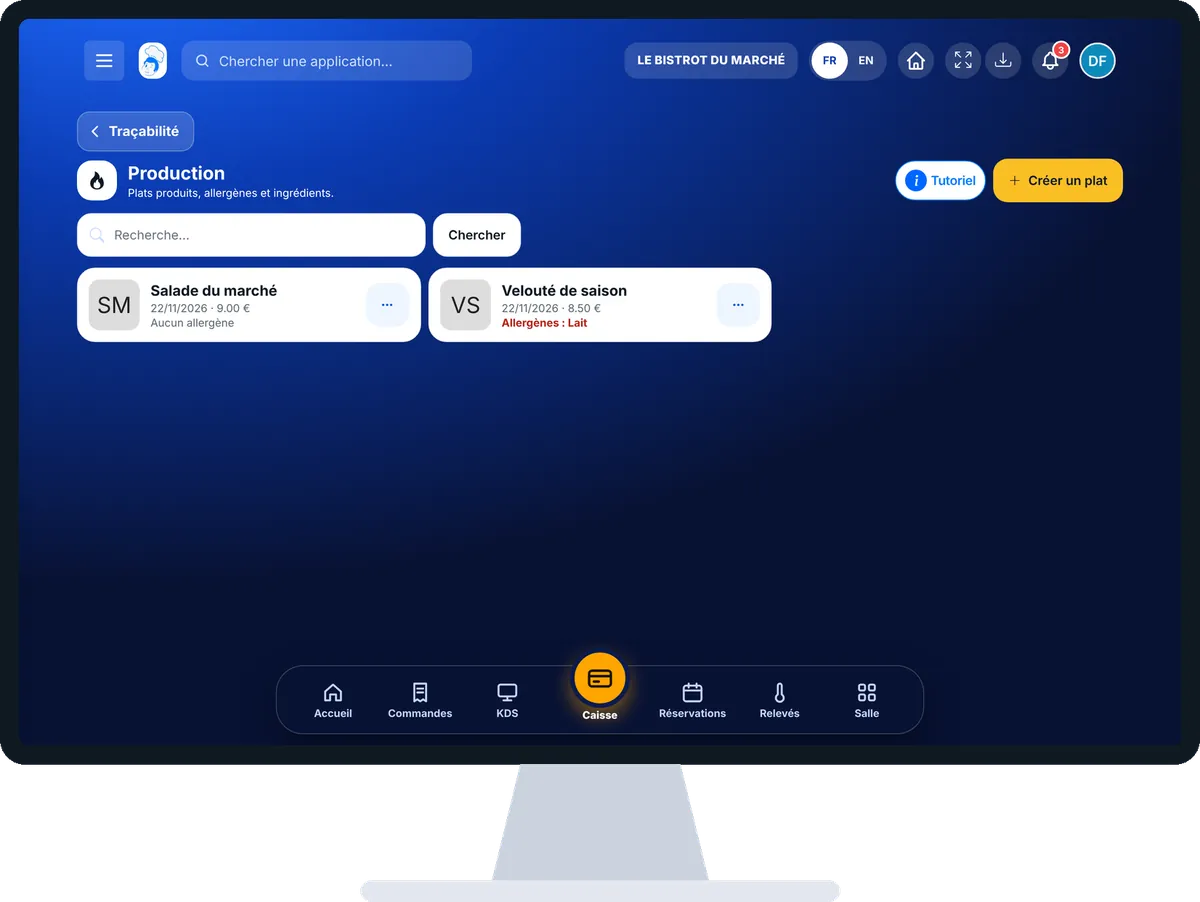
Trace a production : 5 steps, with the real software screens.
In HACCP, open “Production”. Produced dishes are listed, with a search.
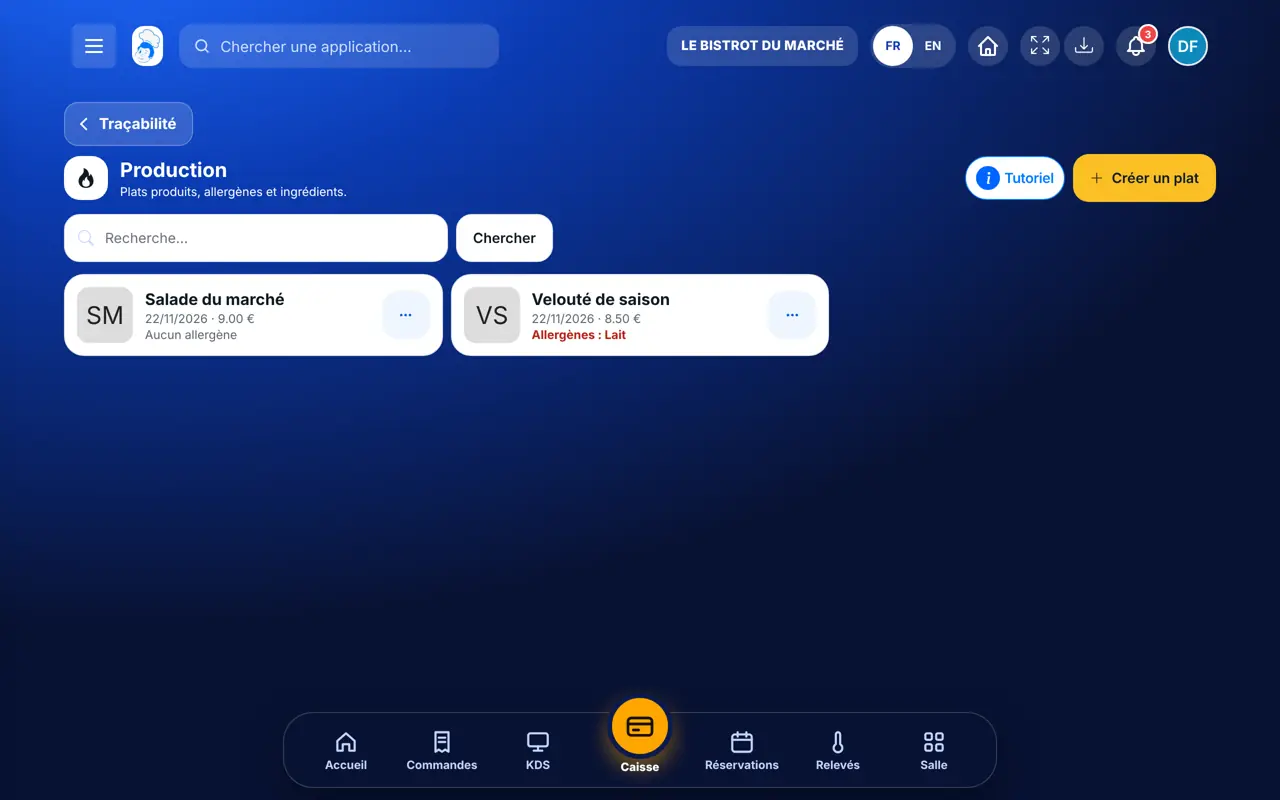
Tap “Créer un plat”. Type the name, choose the category, sale price and VAT. Add the ingredients with their quantity: allergens are deduced automatically.
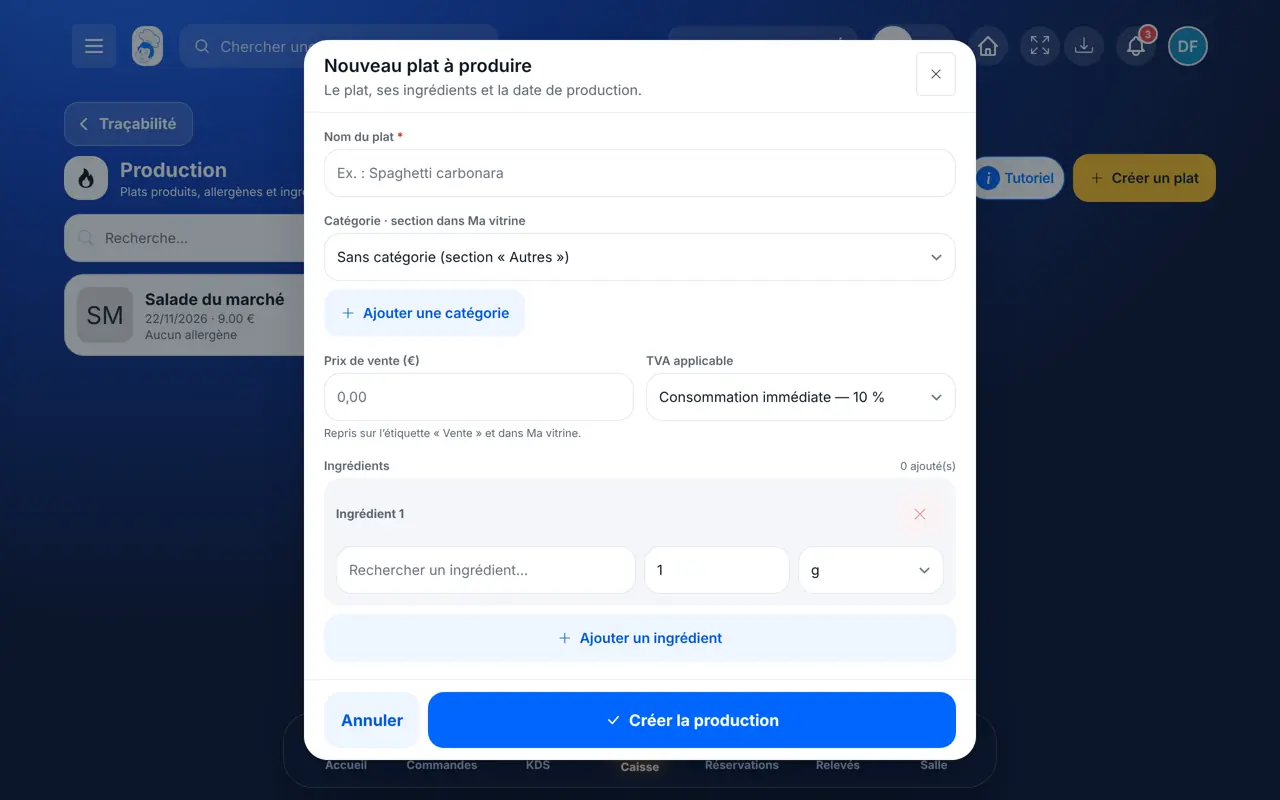
Enter the production date and time, the shelf life in days and the quantity produced. Add an image if you wish, then save.
On the dish card, tap “Ingrédients”. You can add them to the shopping list, one by one or all at once.
From the same window, tap “Refroidir cette production” to start a thermal cycle, or “Créer étiquette HACCP”.
Productions join the production log with their ingredients, date and shelf life.
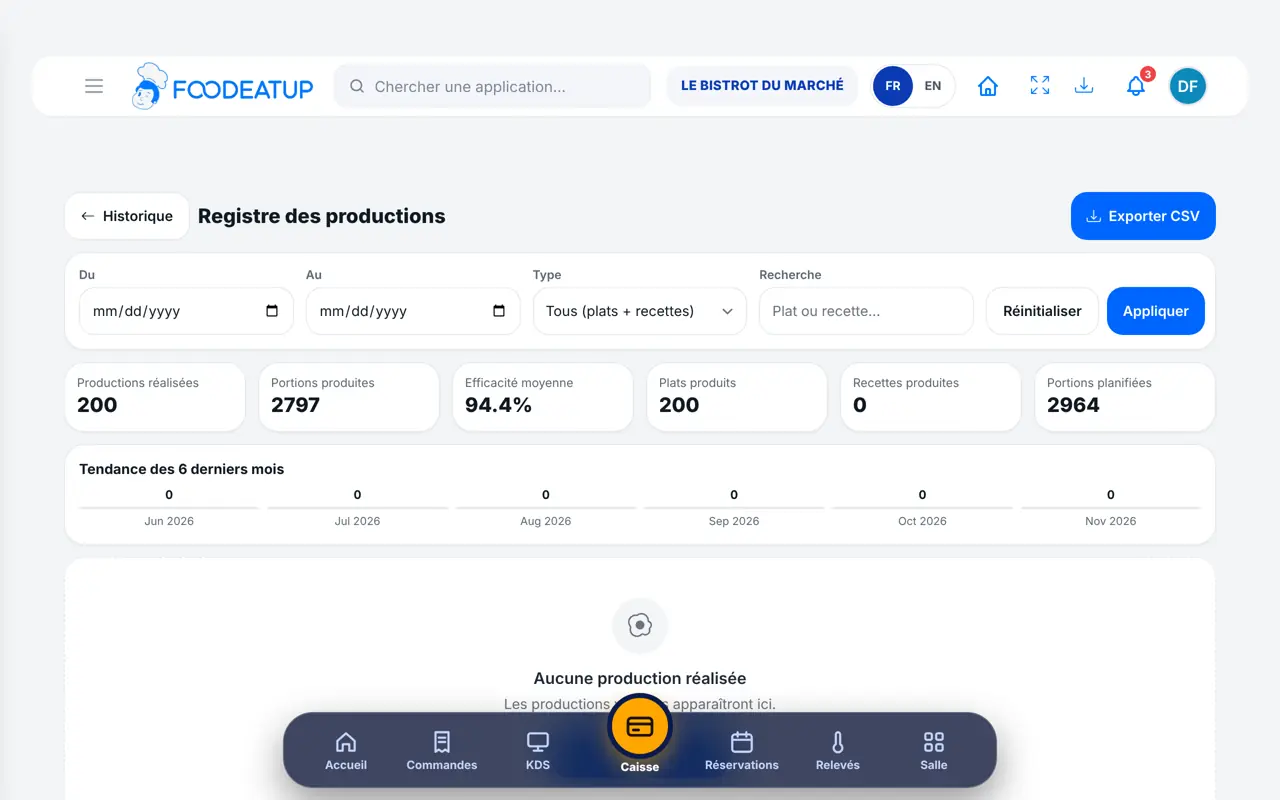
Creates dishes, edits productions and finds every sheet in the food-safety file.
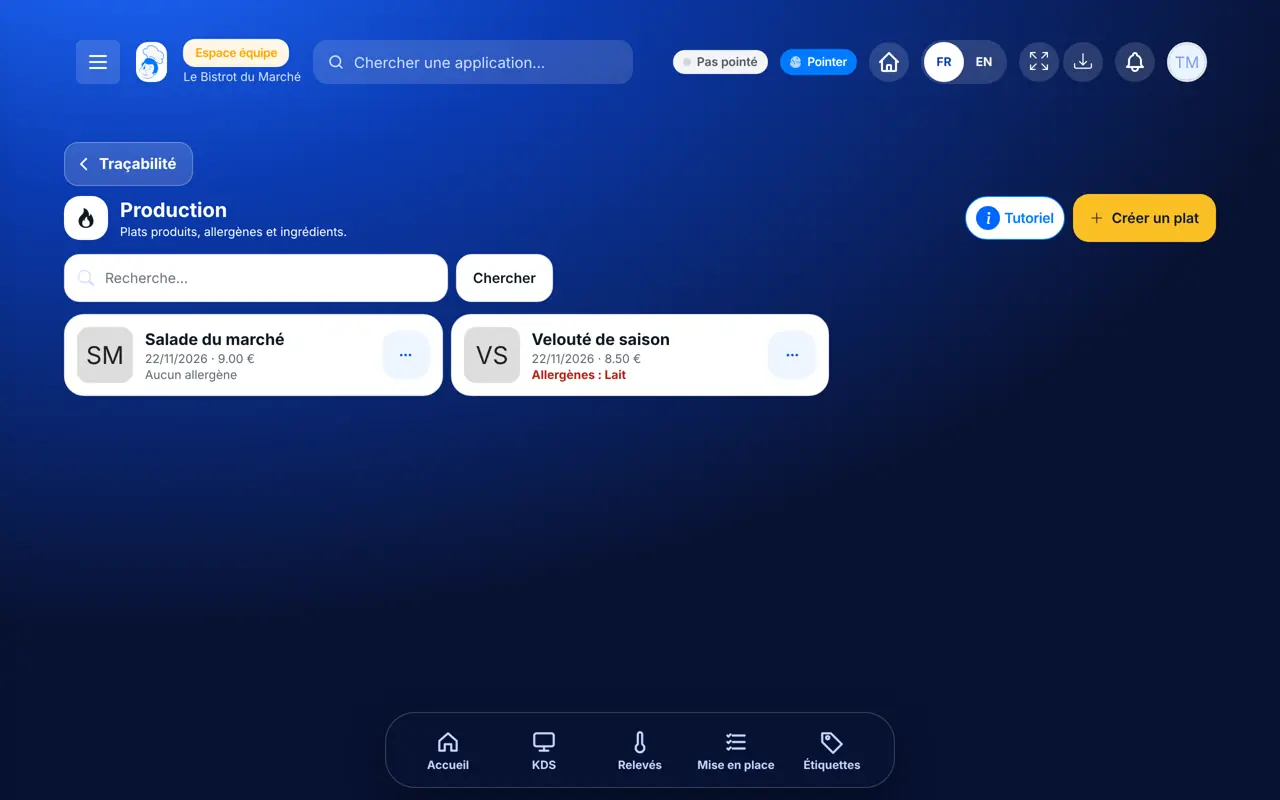
With the production right, creates and dates productions the same way.
Claude, ChatGPT or Mistral’s Le Chat, connected to FoodEatUp. Copy the request and replace your establishment number.
In FoodEatUp, for my establishment [number], list today’s productions with their quantity and time.
What you getThe list of today’s productions.
Tools used : list_production_plans
In FoodEatUp, for my establishment [number], give me the ingredients of the production [dish] and those missing from stock.
What you getThe production’s ingredients and what is missing.
Tools used : get_production_ingredients, list_production_alerts
In FoodEatUp, for my establishment [number], export the production record for the last 30 days.
What you getThe record for the period and a download link.
Tools used : get_haccp_history_production
Ingredients, date, shelf life and quantity.
They come from the ingredients, with no copying.
Cooling and label start from the production.
Ingredients are added to the shopping list.
Create the sheet when the dish comes out, not at the end of the day: production date and time count for the shelf life. If the dish must cool, start the cycle from the same window.
In FoodEatUp, one action triggers others. Here are the screens that work with this one.
They are deduced from the dish’s ingredients. An ingredient sheet with no allergen filled in cannot give any.
Yes. On the dish card, tap “Éditer le plat”.
Open the production’s ingredients, then tap “Refroidir cette production”.
Send it to your team, your partner or your accountant. The image below appears in the message.
Claude, ChatGPT or Le Chat read this tutorial and explain it to you. Connected to FoodEatUp, they do it with you.
Read this FoodEatUp tutorial: https://foodeatup.com/en/academy/haccp/haccp-production.md Explain it to me simply, step by step, then help me do it in my restaurant. If FoodEatUp is connected to you, do it with me and show me the preview before every change.
Type your establishment number: the link takes you straight to this screen. The number stays on this device.
Discover FoodEatUp HACCP (in French) →
Répond avec les fiches du site, sans IA
Le chef cherche dans les fiches…
 Claude
 Le Chat
 ChatGPT