My rates
In FoodEatUp, for my establishment [number], list my VAT rates.
What you getThe rates created, with name and percentage.
Tools used : list_tva
 Finance · TVA
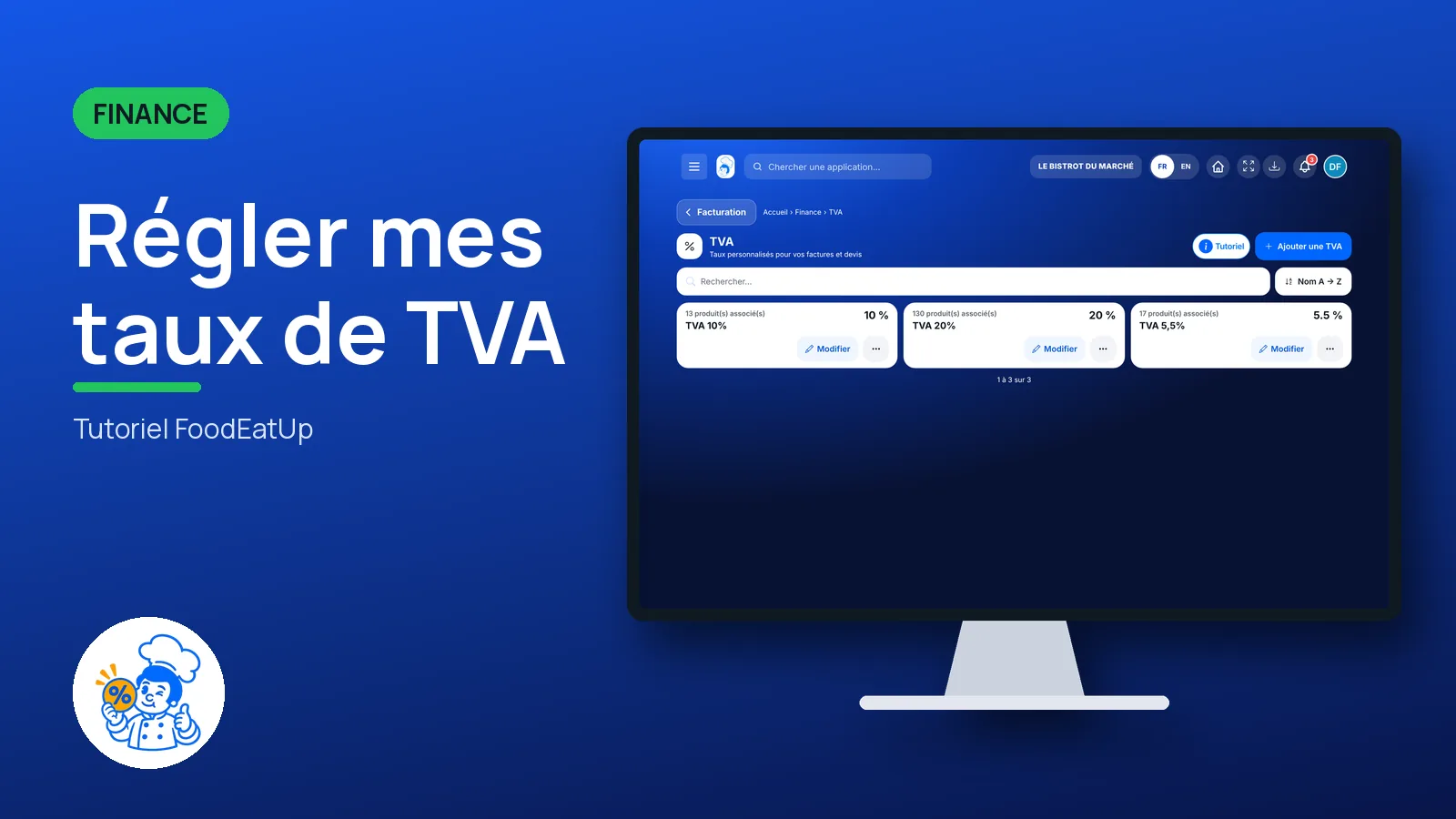
You create the VAT rates you need, with a name and a percentage. They are used by your invoices, quotes and products; each rate shows the products that use it.
 Patron / gérant
 Directeur
The owner always has access. See what each role sees →
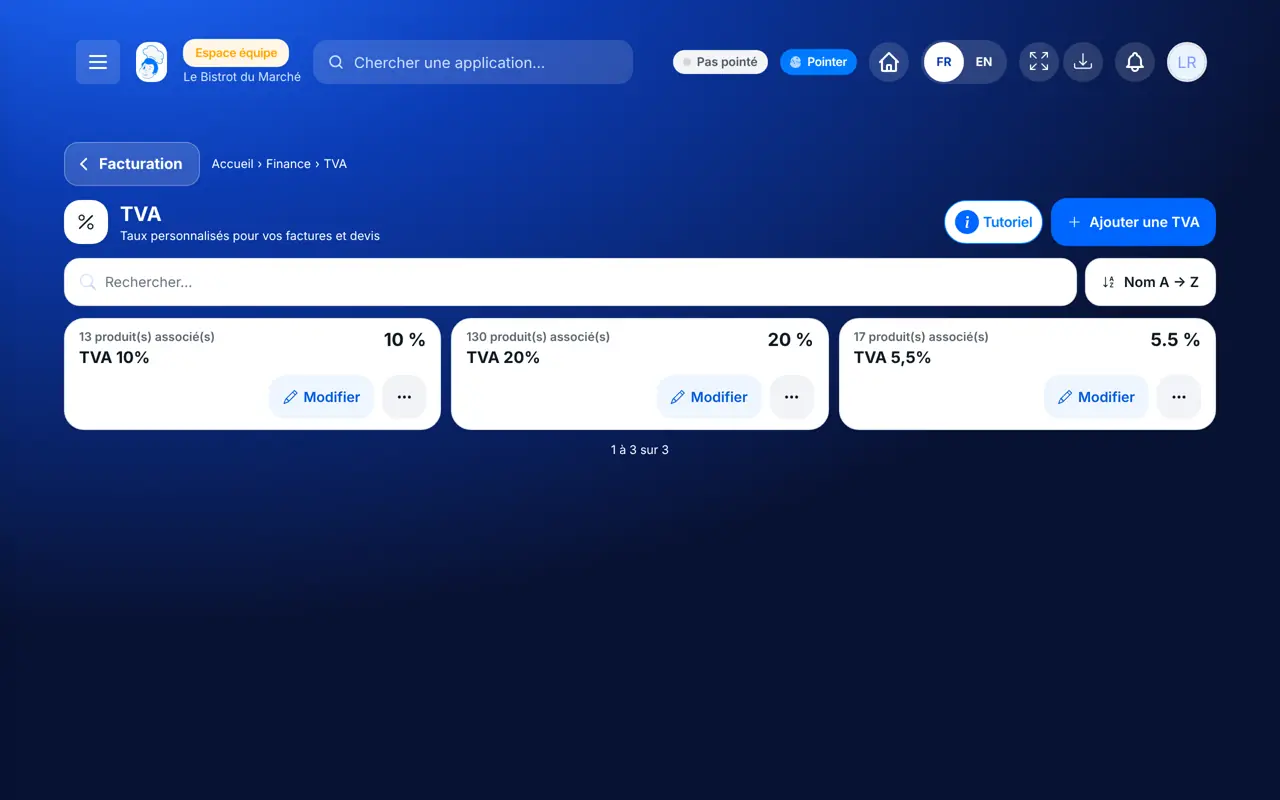
A computer, a tablet or a phone: the screen is short.
The real software screens, as they appear on each device.
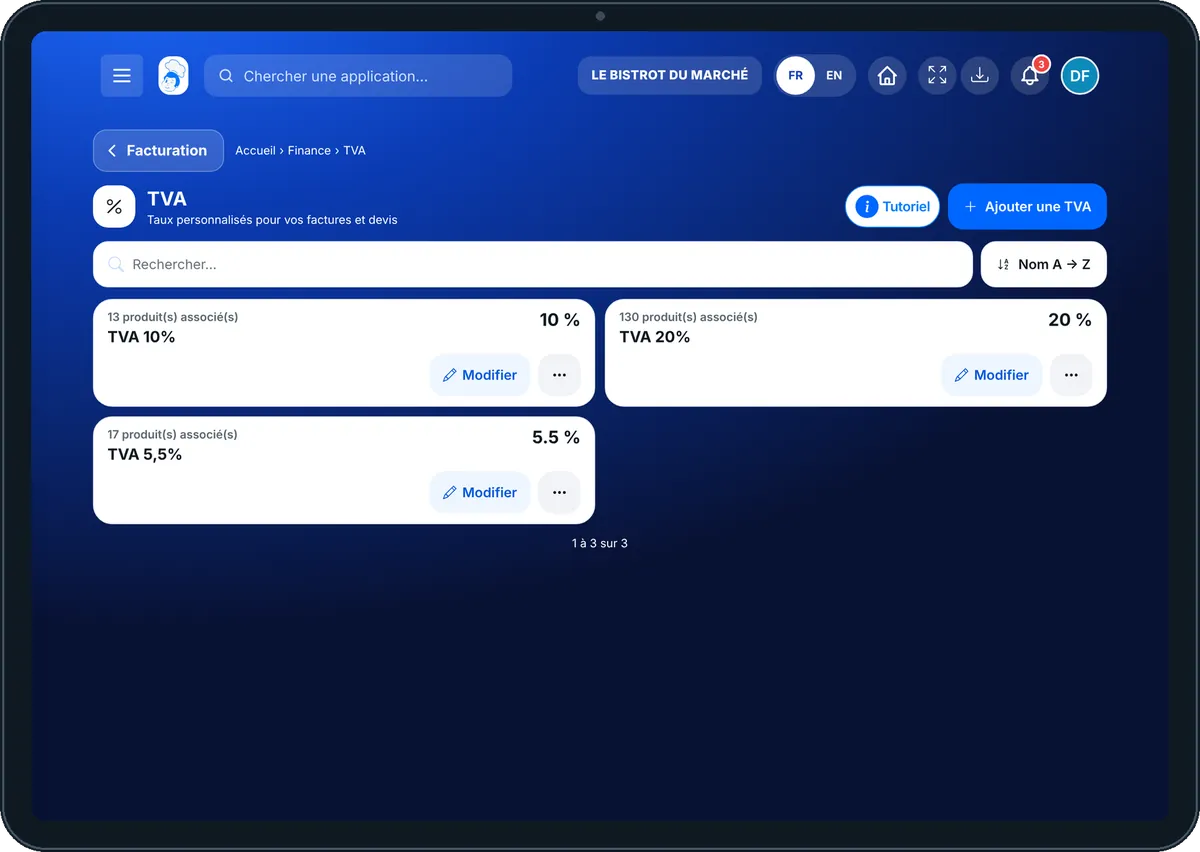
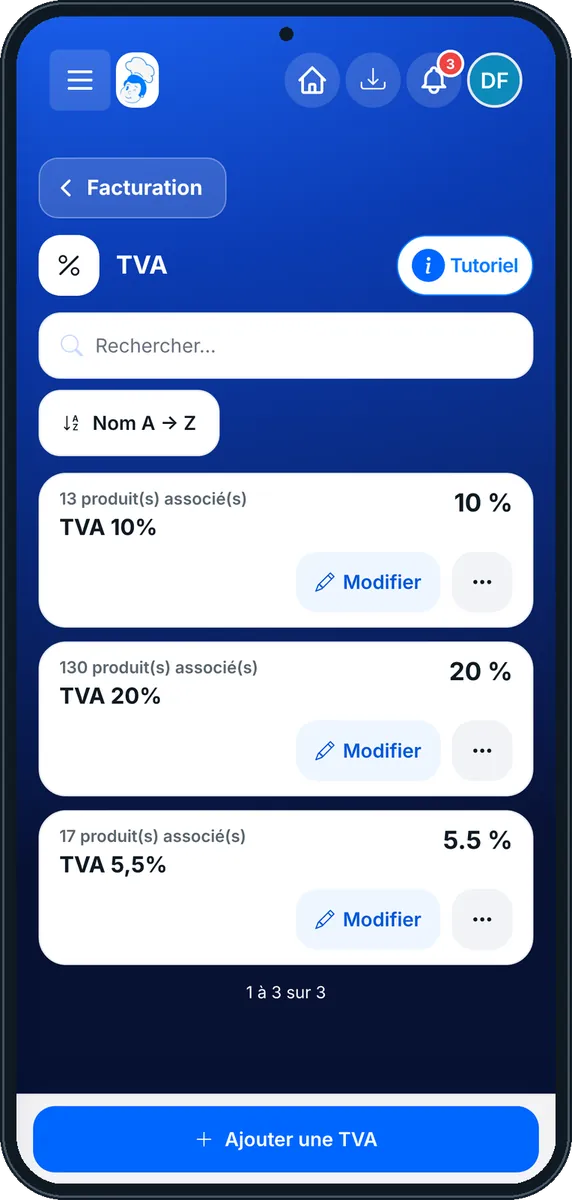
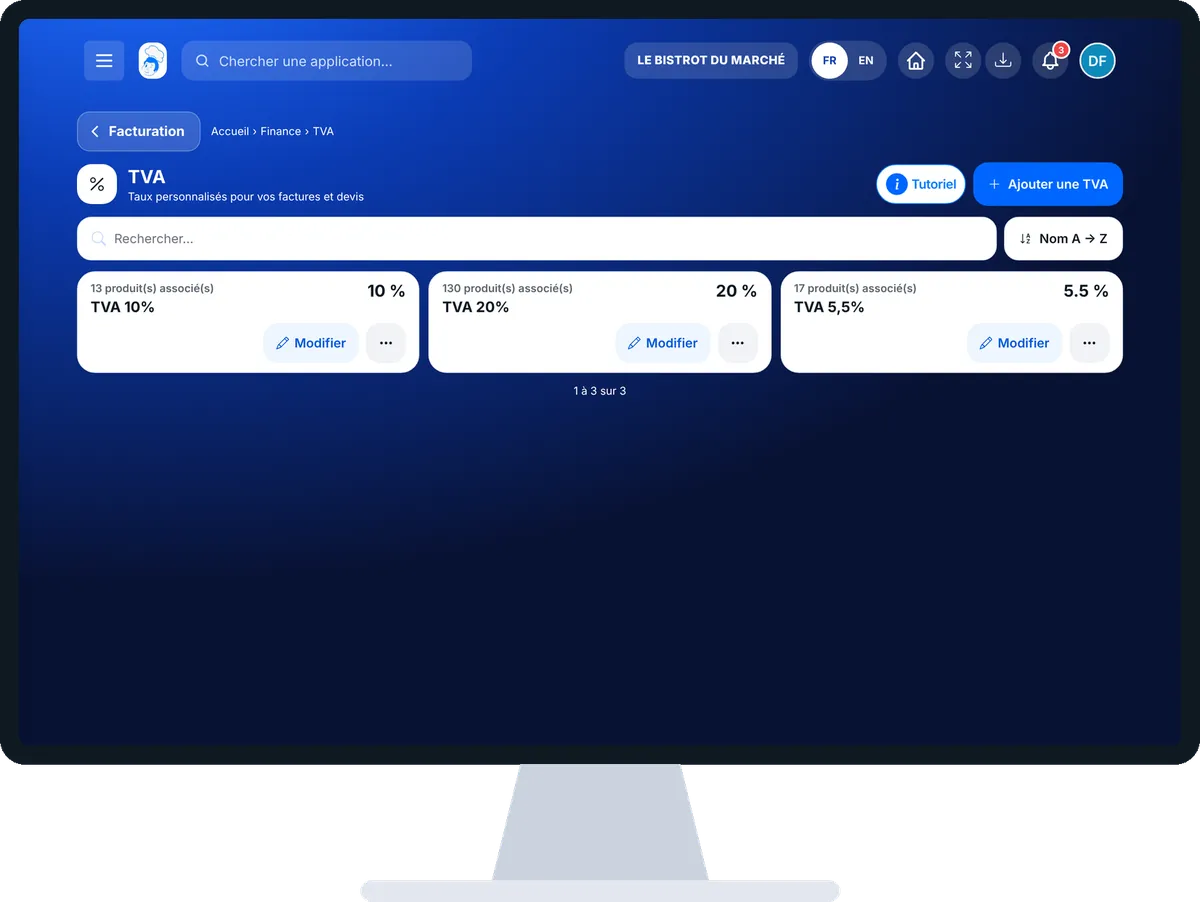
Set my VAT rates : 4 steps, with the real software screens.
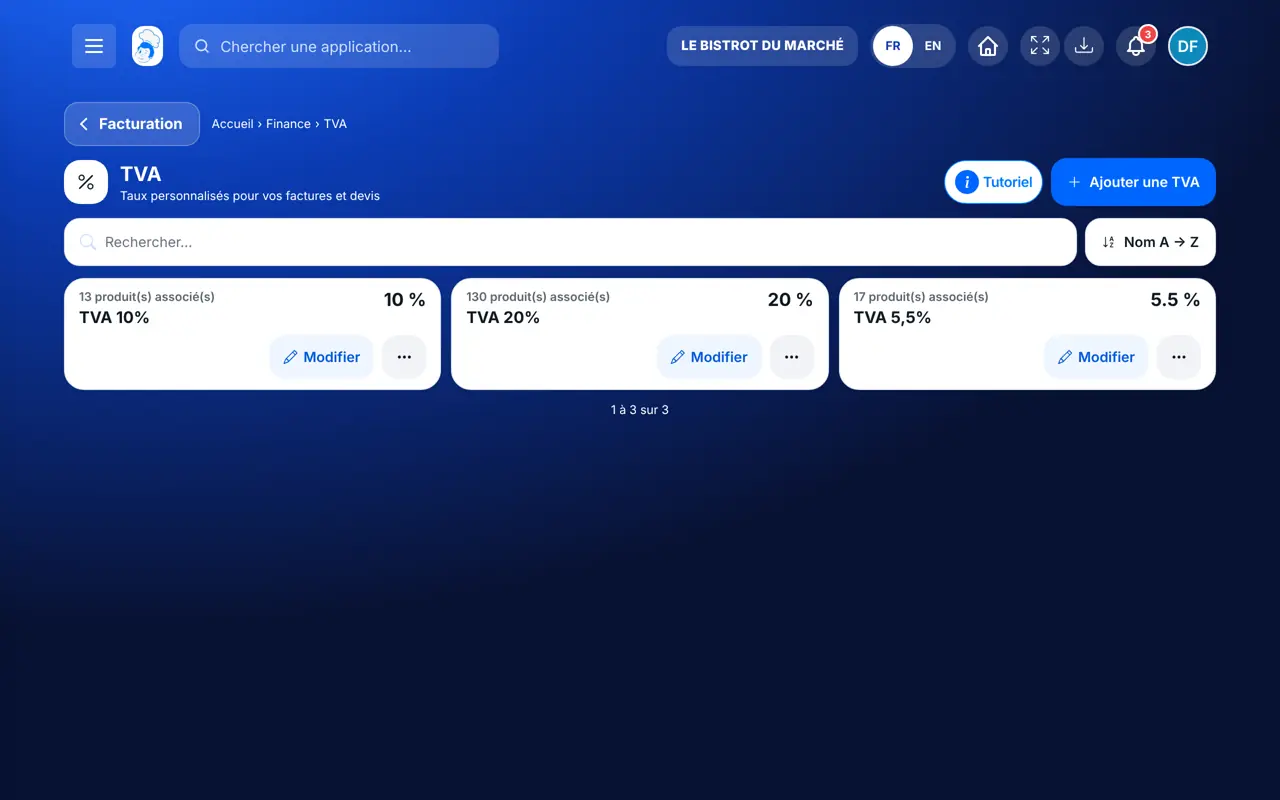
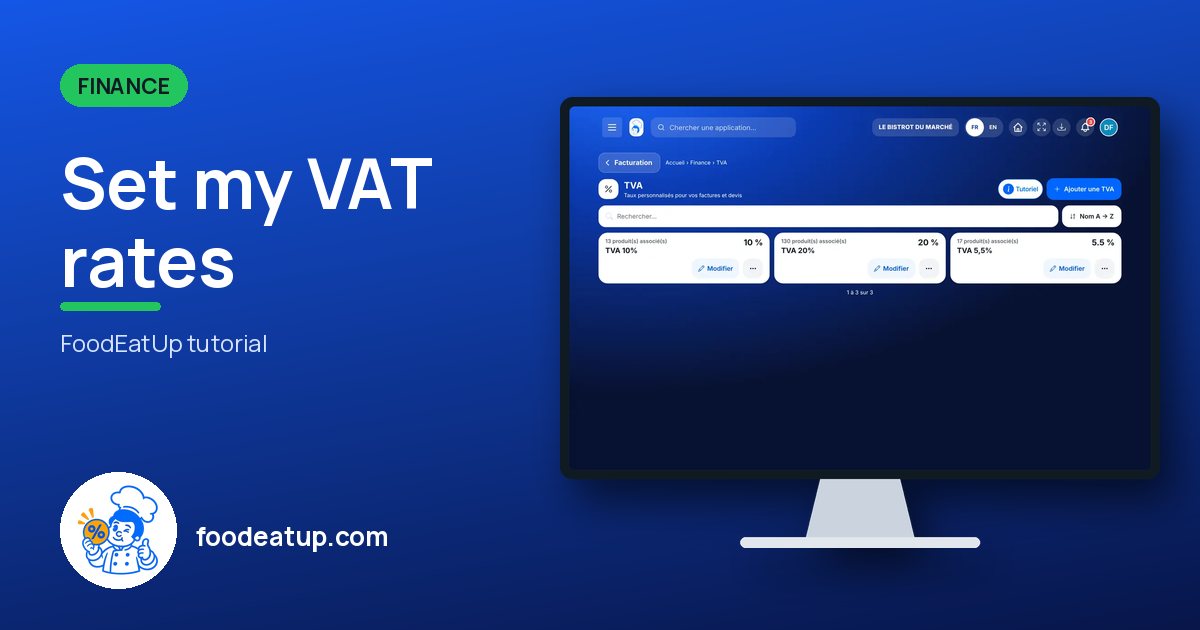
From the home screen, open Finance then “TVA”. Each rate shows its name, percentage and linked products.
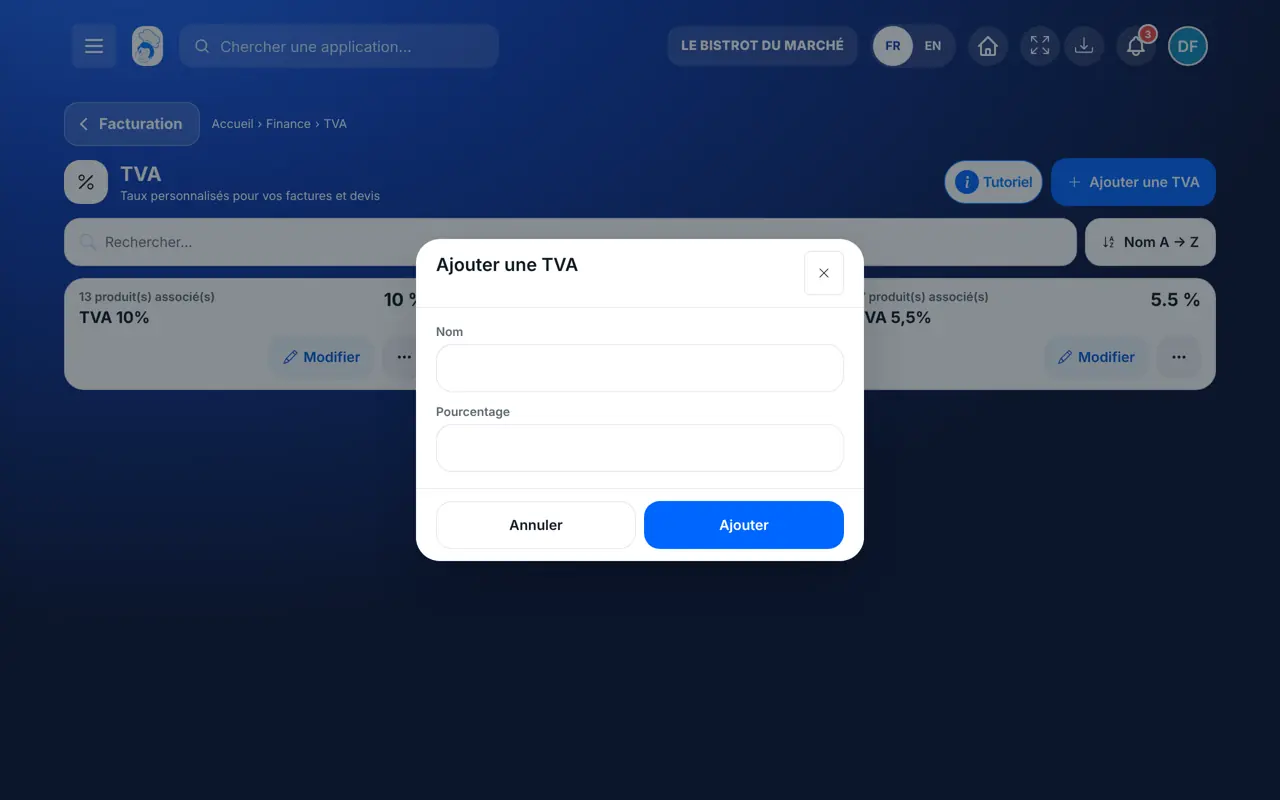
Tap “Ajouter une TVA”. Type a name (for example “TVA 10 %”) and the percentage.
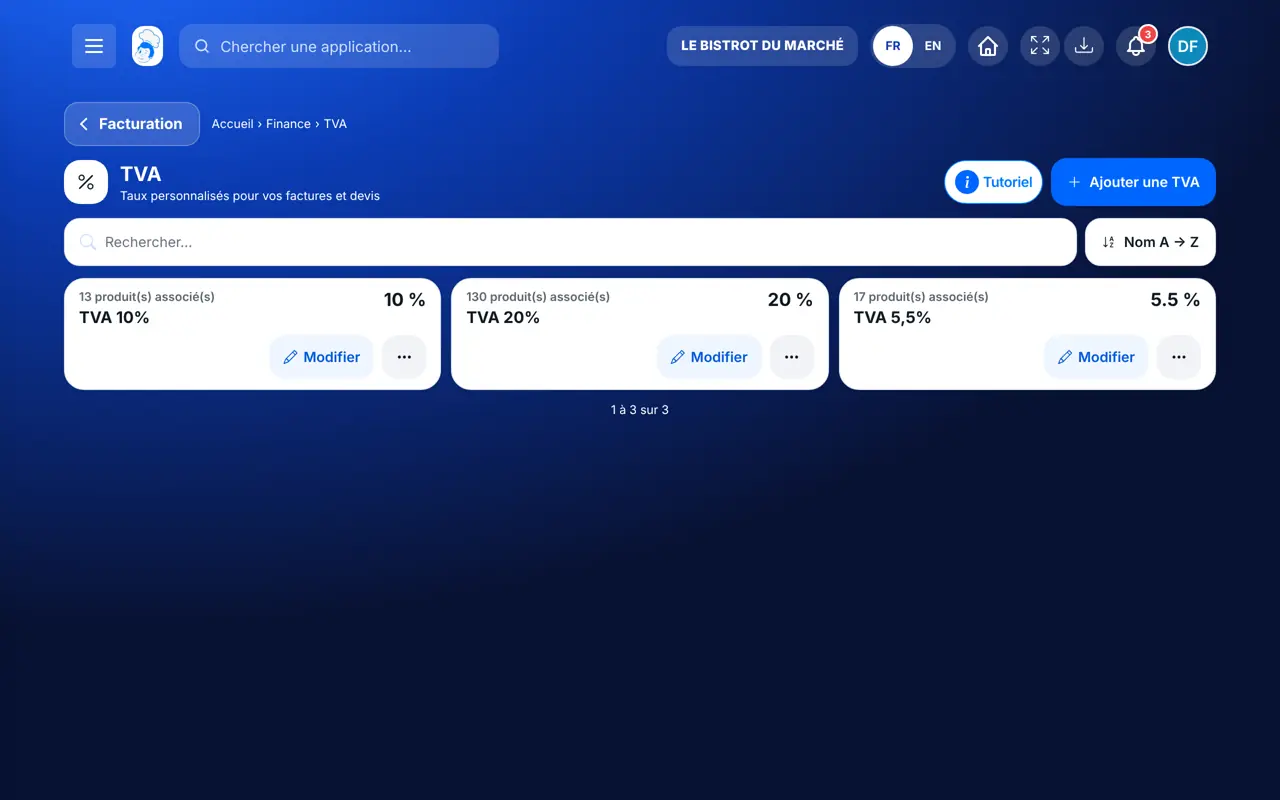
Confirm: the rate appears in the list and in your invoices and quotes.
Tap a rate to edit or remove it.
Your three VAT rates, each with the number of products using it.
Creates, edits and removes rates.
With the right to view VAT, consults the rates. Creating one needs the right to create.
Claude, ChatGPT or Mistral’s Le Chat, connected to FoodEatUp. Copy the request and replace your establishment number.
In FoodEatUp, for my establishment [number], list my VAT rates.
What you getThe rates created, with name and percentage.
Tools used : list_tva
In FoodEatUp, for my establishment [number], create a VAT rate “[name]” at [percentage] %.
What you getThe new rate, added to the list.
Tools used : create_tva
In FoodEatUp, for my establishment [number], which VAT rates apply to my dishes eat-in and takeaway?
What you getFor each dish, its nature and the actual eat-in and takeaway rates.
Tools used : list_dishes
A name, a percentage.
The products of each rate.
Invoices and quotes offer them.
The till’s rules stay correct.
Give each rate a name that says its use (“Takeaway 5.5 %”): you will pick it without hesitating on an invoice.
In FoodEatUp, one action triggers others. Here are the screens that work with this one.
Yes. The till applies its rates by dish nature and mode; this list is only for custom rates.
Your invoices, quotes and products.
Yes: “Supprimer” in the rate’s menu, then confirm. The list shows how many products use it.
Send it to your team, your partner or your accountant. The image below appears in the message.
Claude, ChatGPT or Le Chat read this tutorial and explain it to you. Connected to FoodEatUp, they do it with you.
Read this FoodEatUp tutorial: https://foodeatup.com/en/academy/finance/tva.md Explain it to me simply, step by step, then help me do it in my restaurant. If FoodEatUp is connected to you, do it with me and show me the preview before every change.
Type your establishment number: the link takes you straight to this screen. The number stays on this device.
Discover quotes and invoices (in French) →
Répond avec les fiches du site, sans IA
Le chef cherche dans les fiches…
 Claude
 Le Chat
 ChatGPT