Recommended production
In FoodEatUp, for my establishment [number], which dishes does PrédiBot advise me to produce, and how many?
What you getThe dishes and the recommended quantities.
Tools used : get_predibot_recommended_production
 Finance · Production conseillée
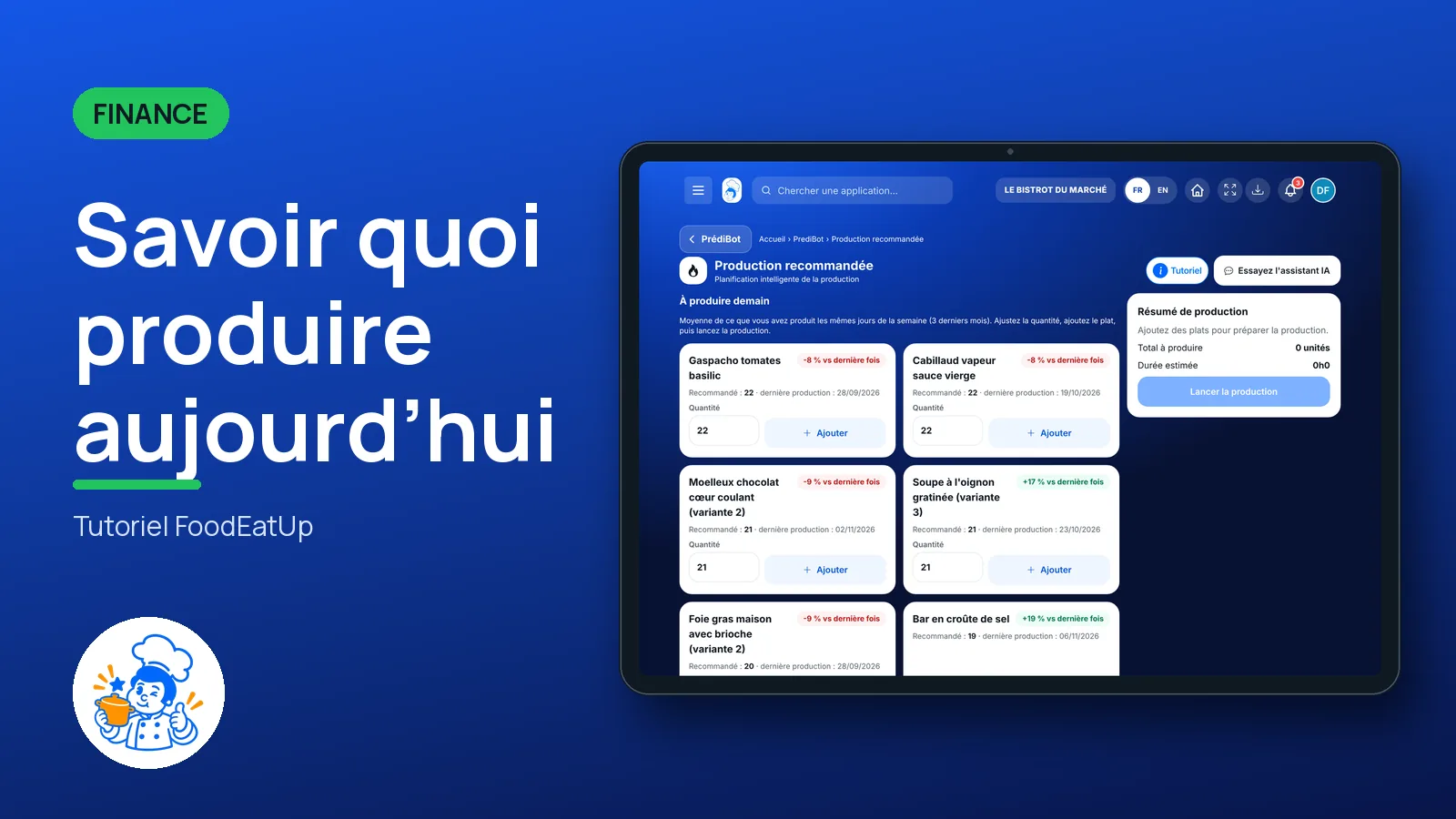
PrédiBot suggests the dishes to produce and how many, based on your sales and stock. You add dishes to your plan, see the total and estimated time, then launch production.
 Chef de cuisine
 Second de cuisine
 Commis / cuisinier
 Patron / gérant
The owner always has access. See what each role sees →
A tablet in the kitchen, or a computer the day before.
The real software screens, as they appear on each device.
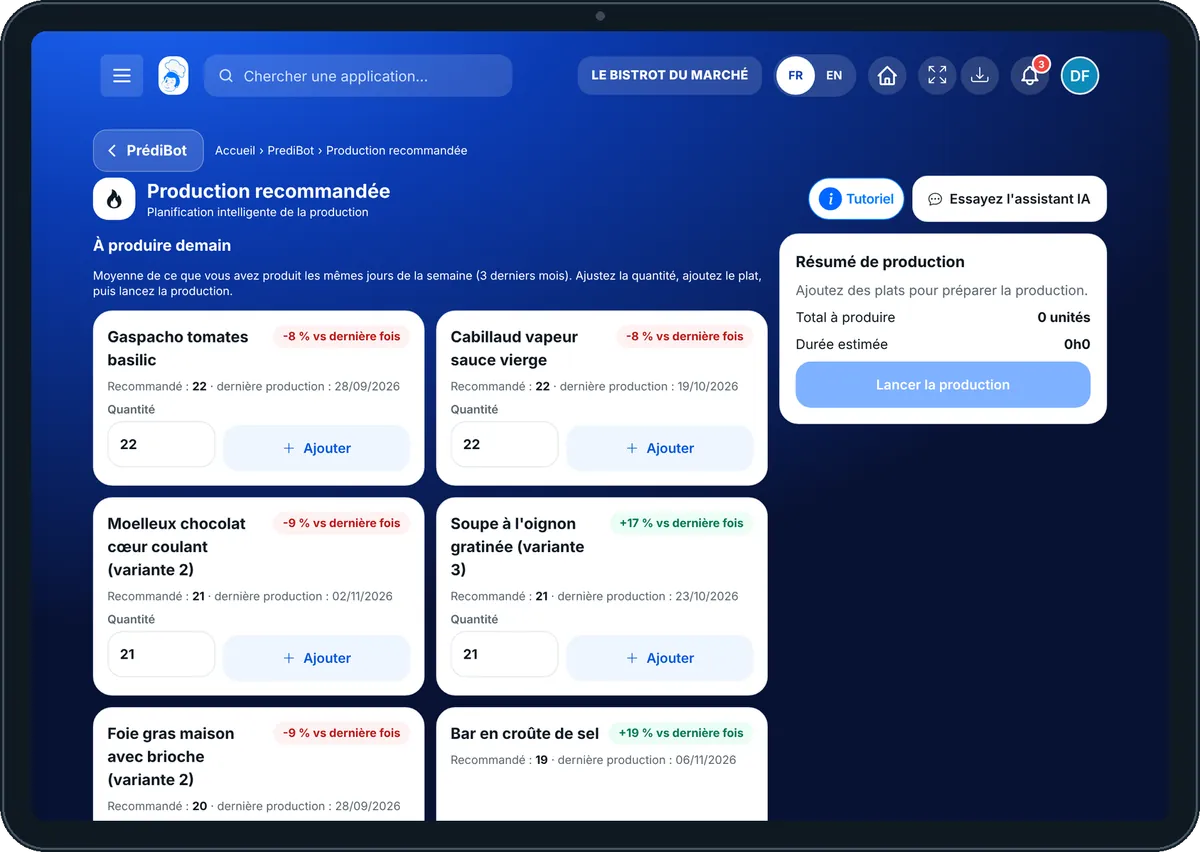
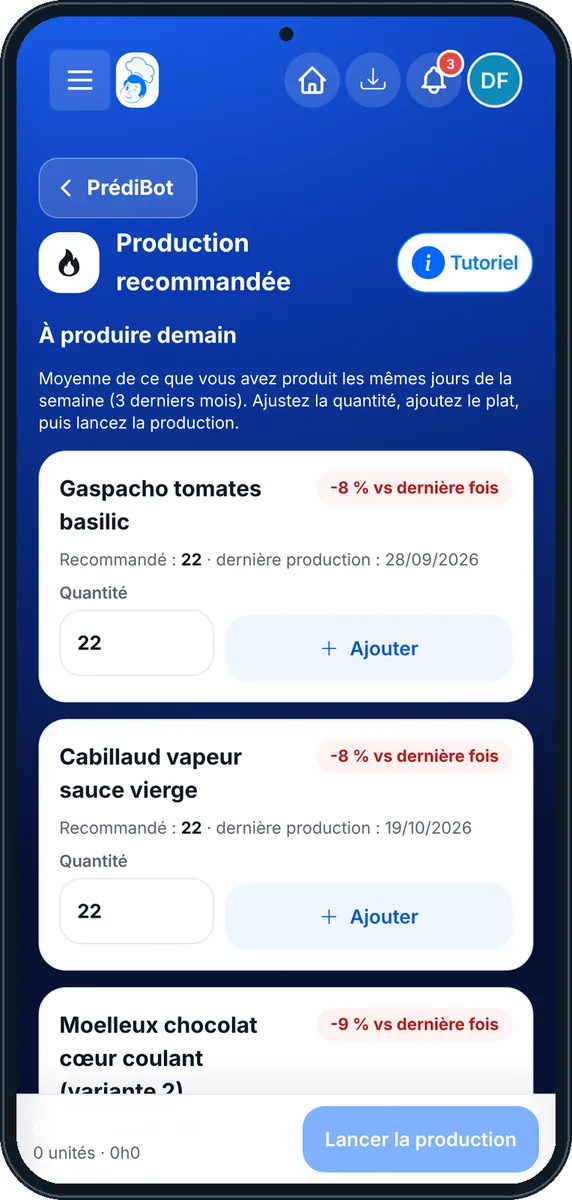
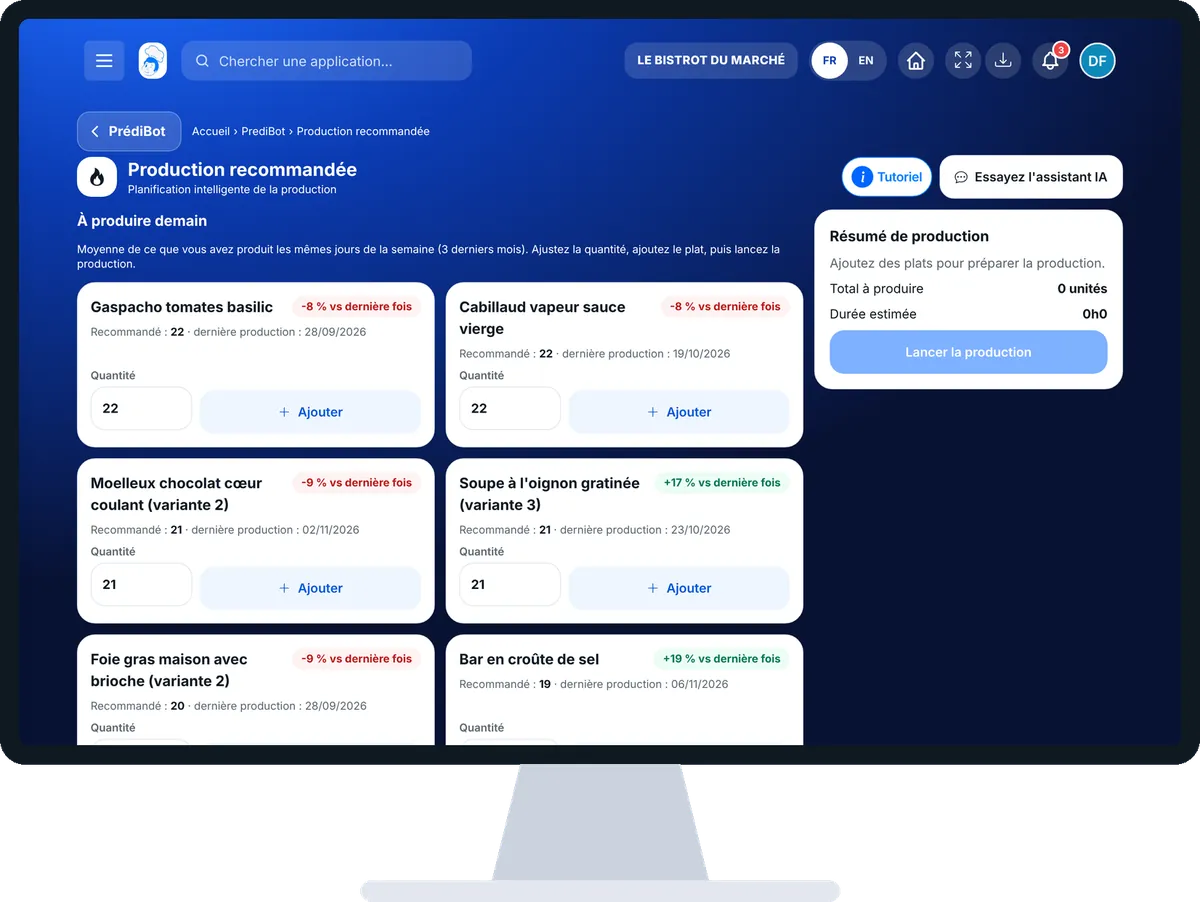
Know what to produce today : 5 steps, with the real software screens.
From PrédiBot’s home page, tap “Production recommandée”. Choose the shop if you have several.
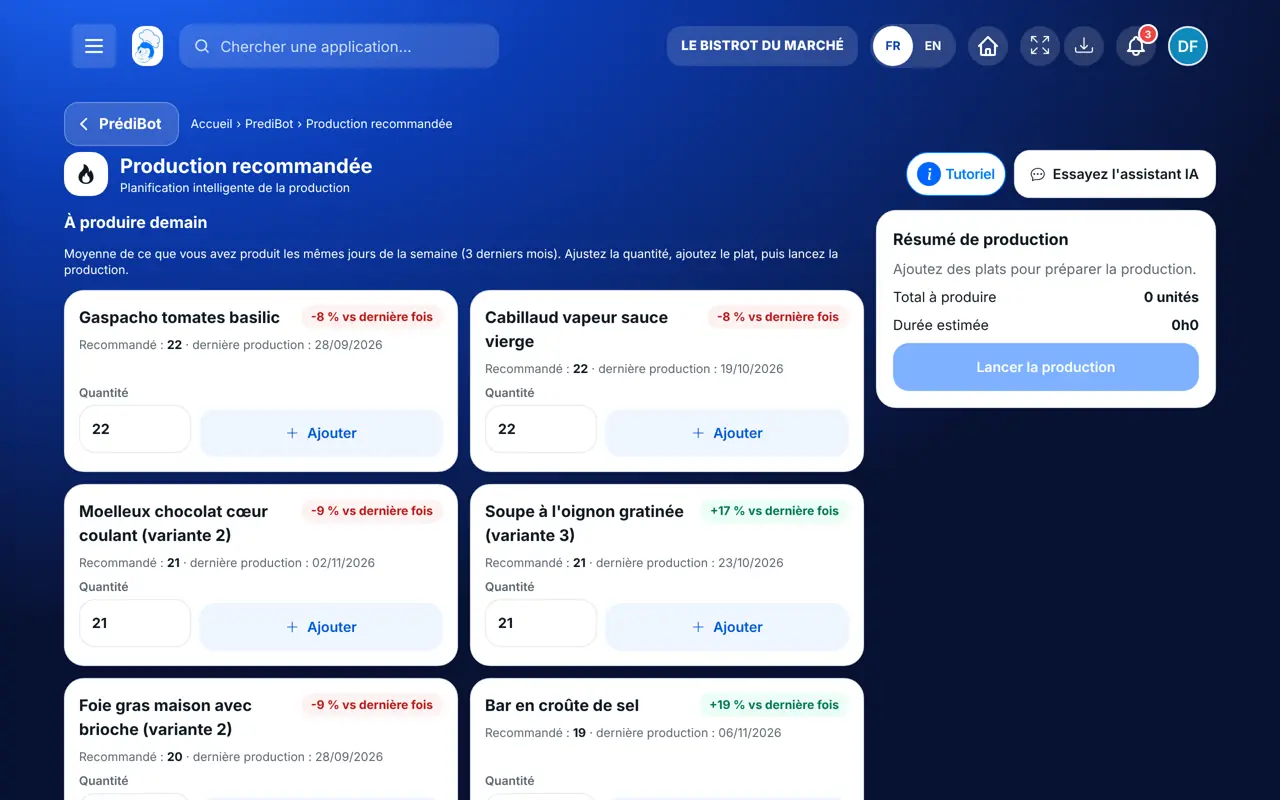
The “À produire demain” block lists dishes with the recommended quantity: the average of what you produced on the same weekdays over 3 months. The badge compares it with your last production.
Set the quantity, then tap “Ajouter” on each dish you keep.
The “Résumé de production” shows the total to produce and the estimated time.
A “Lancer la production” window asks for your approval. Confirm, or cancel.
Today’s production plan is ready, with the chosen quantities and the estimated time.
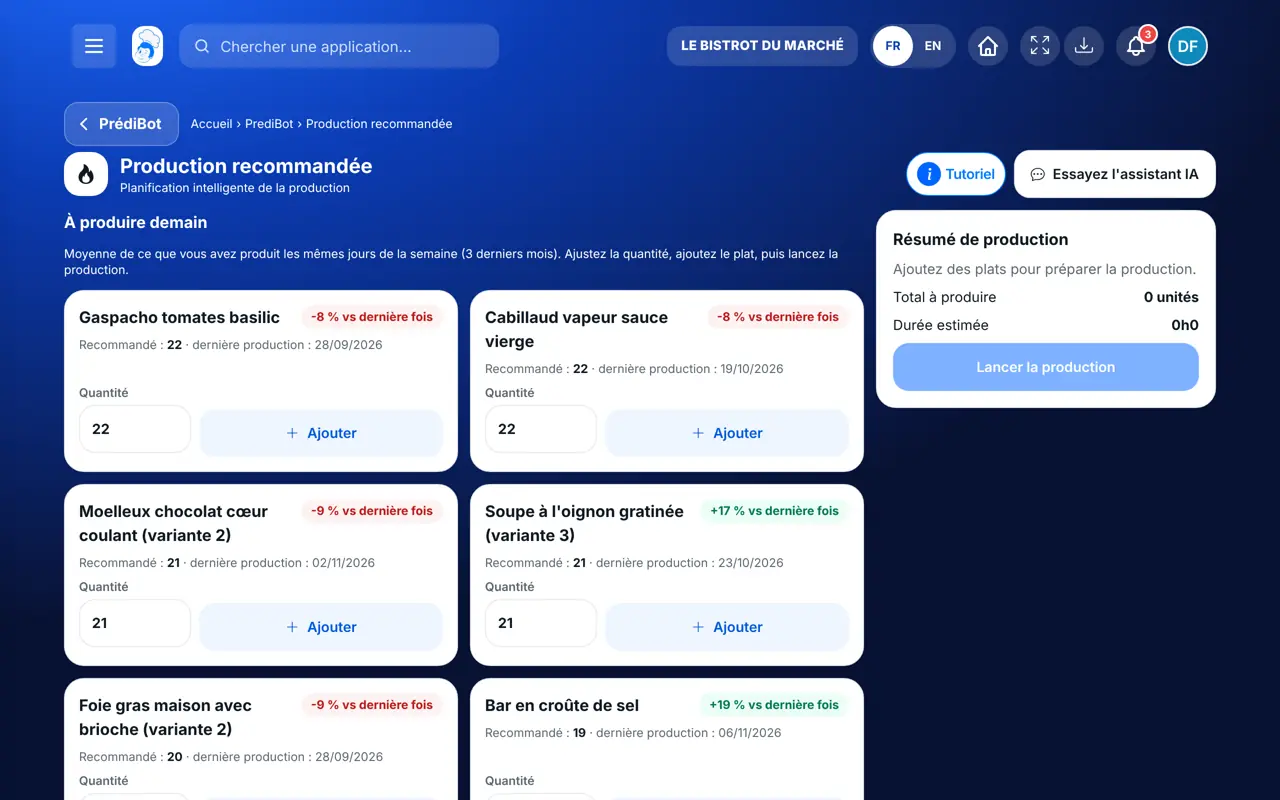
Sees the recommendations and launches production.
With the recommended-production right, sees the advice. Launching production needs the right to plan.
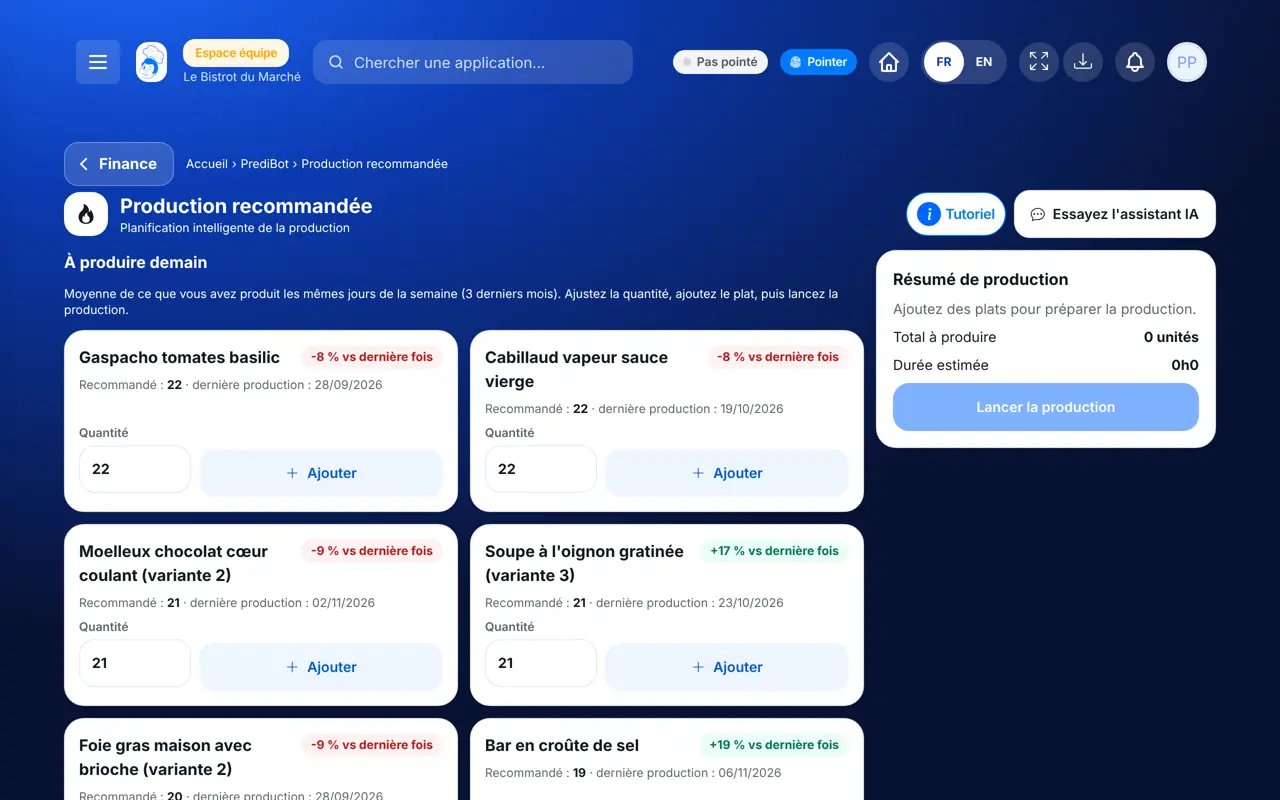
Claude, ChatGPT or Mistral’s Le Chat, connected to FoodEatUp. Copy the request and replace your establishment number.
In FoodEatUp, for my establishment [number], which dishes does PrédiBot advise me to produce, and how many?
What you getThe dishes and the recommended quantities.
Tools used : get_predibot_recommended_production
In FoodEatUp, for my establishment [number], are any planned productions short of ingredients?
What you getThe blocked productions and what is missing.
Tools used : list_production_alerts
In FoodEatUp, for my establishment [number], list this week’s planned productions, then compare them with the recommended production.
What you getYour plans and the gap with PrédiBot’s advice.
Tools used : list_production_plans, get_predibot_recommended_production
Less leftovers, fewer stock-outs.
Total to produce and estimated time.
The quantities stay yours.
Computed from your validated productions.
Validate each completed production: that is what teaches PrédiBot your real sales pace.
In FoodEatUp, one action triggers others. Here are the screens that work with this one.
No, they are advice drawn from your sales and stock. You adjust them.
PrédiBot needs validated productions on the same weekdays. Validate your productions for a few weeks.
Stock is deducted when the production is validated, not when it is planned.
Send it to your team, your partner or your accountant. The image below appears in the message.
Claude, ChatGPT or Le Chat read this tutorial and explain it to you. Connected to FoodEatUp, they do it with you.
Read this FoodEatUp tutorial: https://foodeatup.com/en/academy/finance/predibot-recommended-production.md Explain it to me simply, step by step, then help me do it in my restaurant. If FoodEatUp is connected to you, do it with me and show me the preview before every change.
Type your establishment number: the link takes you straight to this screen. The number stays on this device.
Discover AI-driven management (in French) →
Répond avec les fiches du site, sans IA
Le chef cherche dans les fiches…
 Claude
 Le Chat
 ChatGPT