Today’s mise en place
In FoodEatUp, for my establishment [number], give me today’s mise en place, station by station.
What you getEach station’s tasks, with quantities and time.
Tools used : get_mise_en_place
 StockVision · Mise en place
What each station must prepare before service, how much and by what time. It is worked out from your production runs, bookings and scheduled orders.
 Chef de cuisine
 Second de cuisine
 Commis / cuisinier
 Responsable de boulangerie
The owner always has access. See what each role sees →
A tablet at each station to tick tasks. The FoodEatUp Production app shows the same mise en place on a phone.
The real software screens, as they appear on each device.
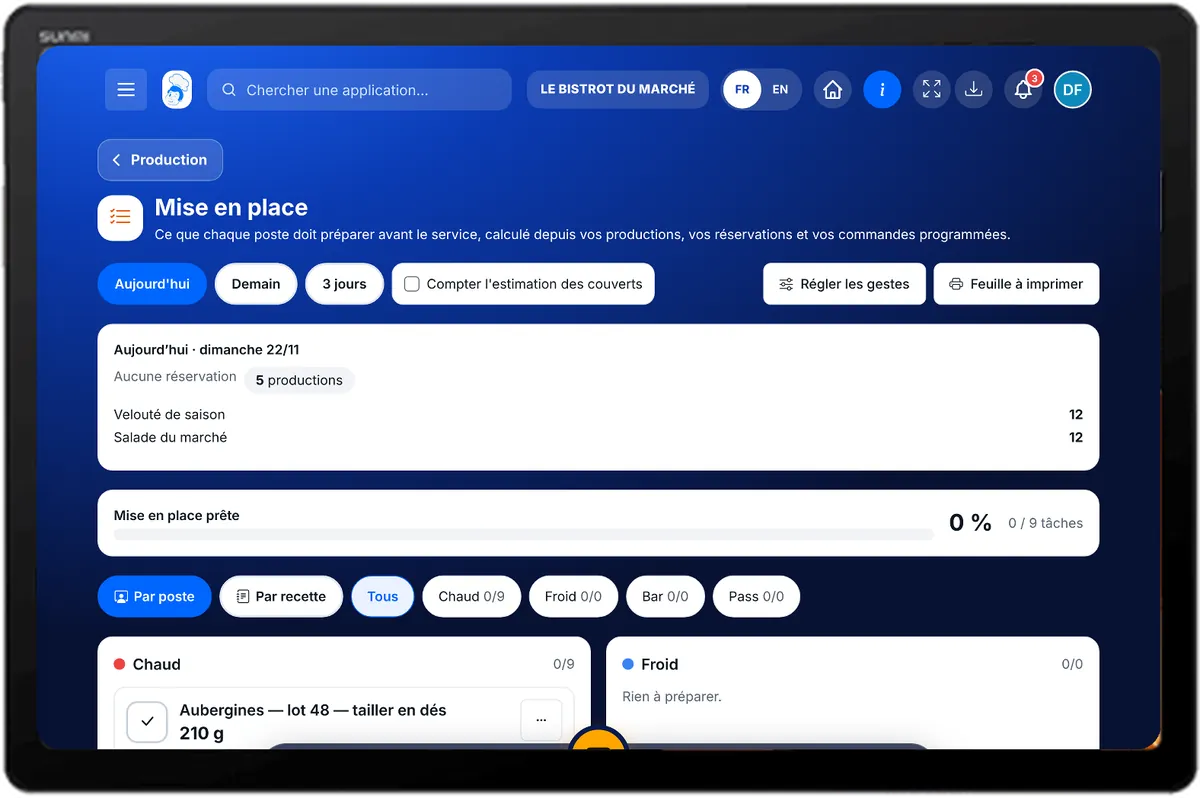
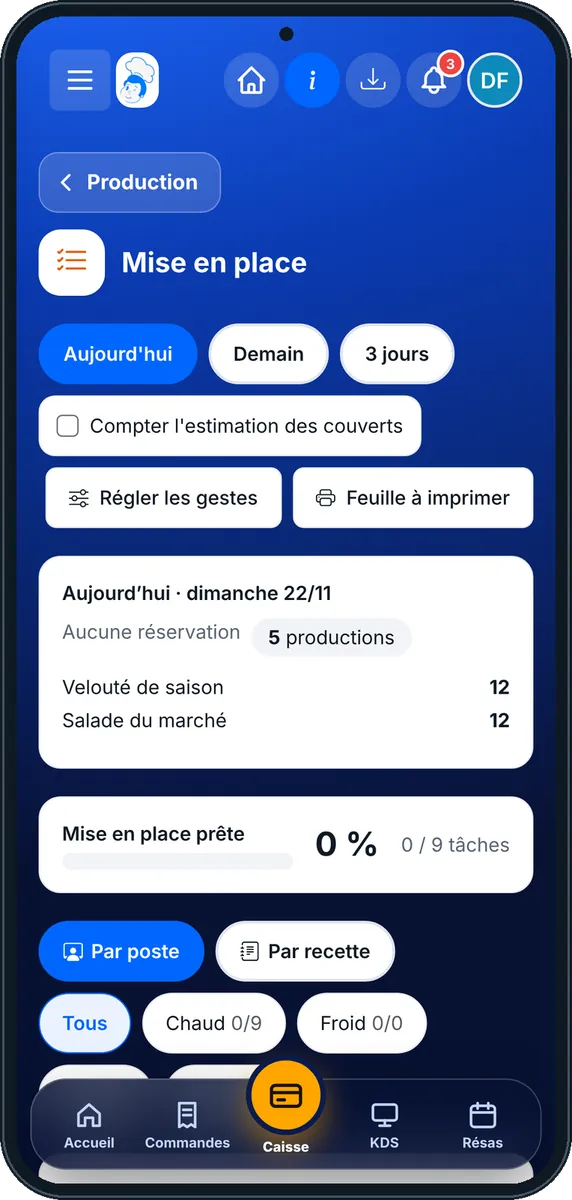
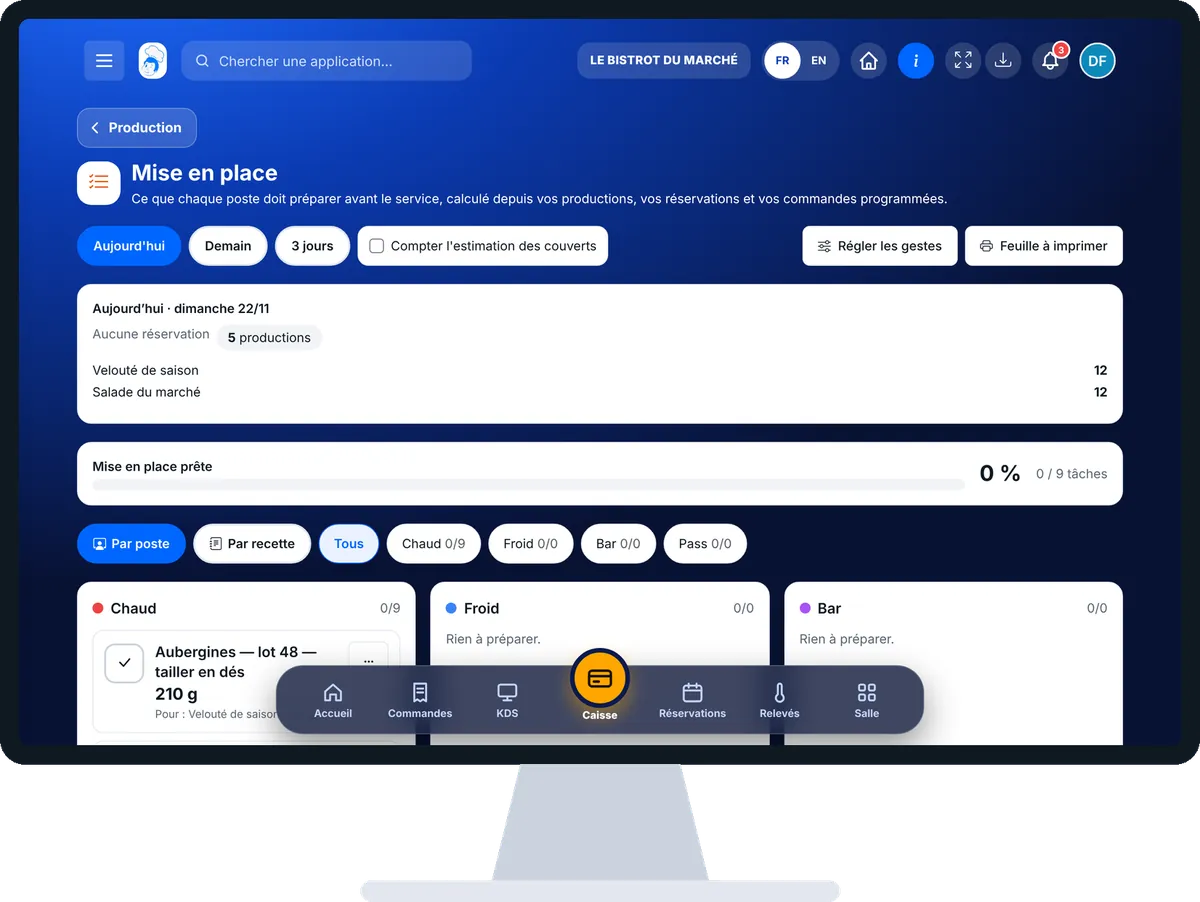
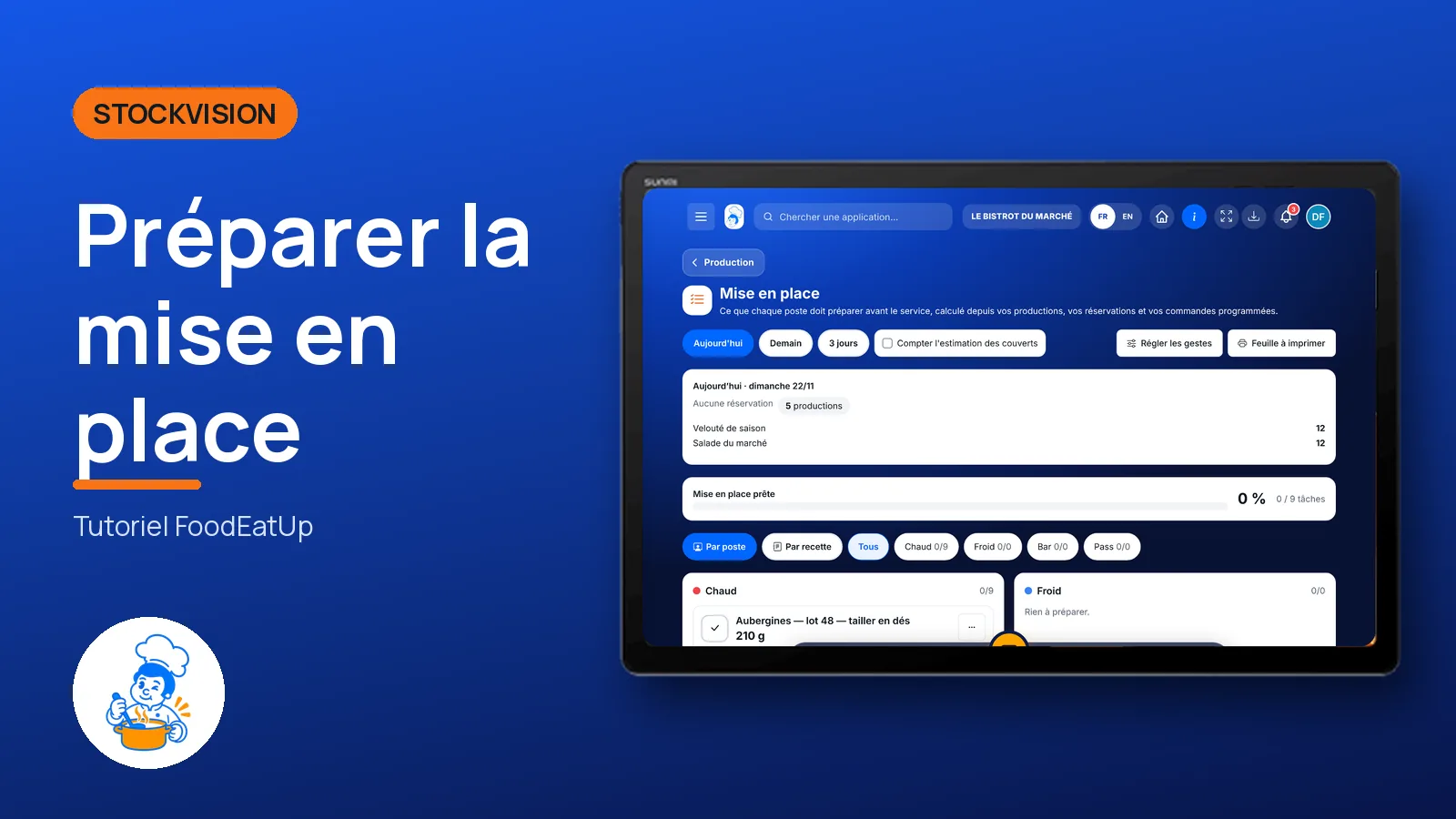
Prepare the mise en place : 5 steps, with the real software screens.
From the home screen, open StockVision then “Mise en place”. Choose the period: Aujourd’hui, Demain or 3 jours.
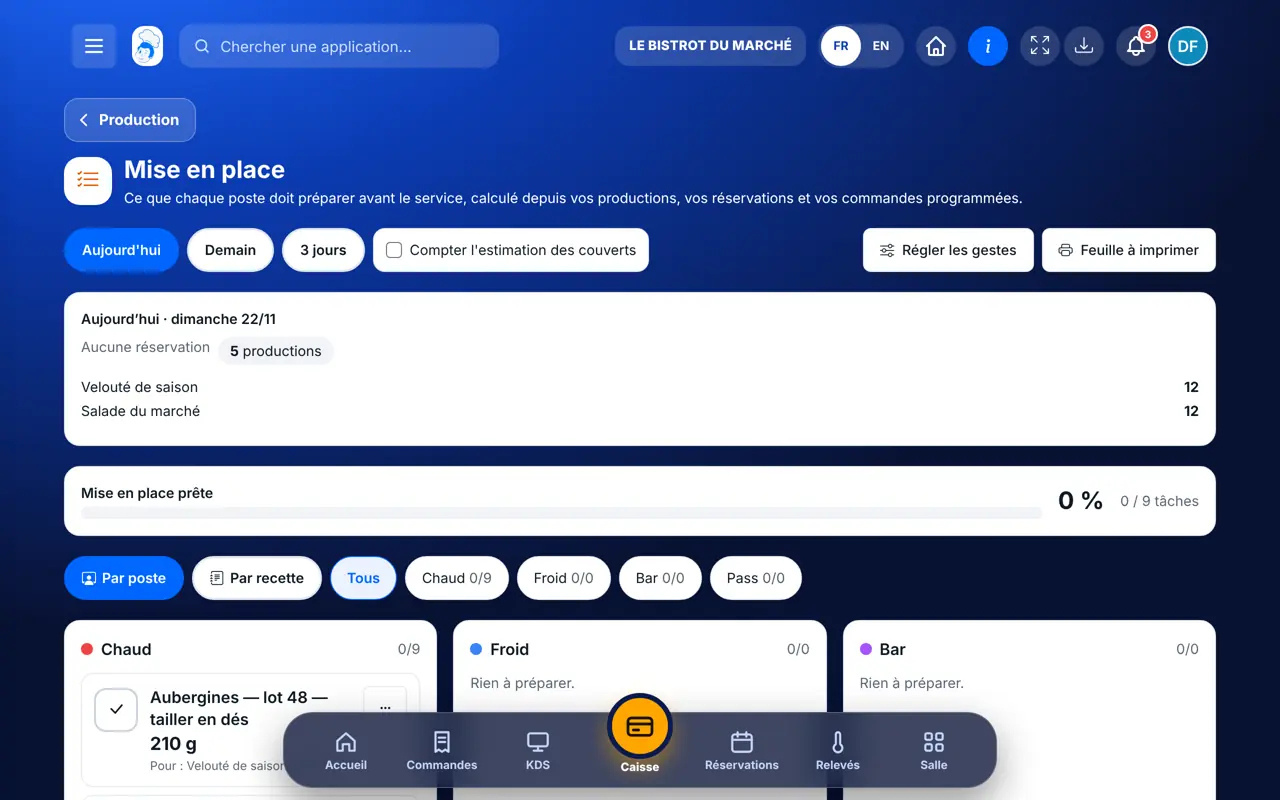
The “Ce qui est attendu” banner shows covers, bookings, scheduled orders and production runs. “Compter l’estimation des couverts” adds an estimate based on your sales.
Tasks are grouped by station. Tick a task when it is done; the menu also offers “Il en reste” and “Sauter”.
Tap “Régler les gestes”: for each line of a recipe, give the prep step, station, holding time in hours and yield. A line with a prep step becomes a task.
The “Feuille à imprimer” button gives the mise en place on paper, to tick.
The mise en place is grouped by station, with quantities and time. What is ticked shows, what is left from yesterday is deducted.
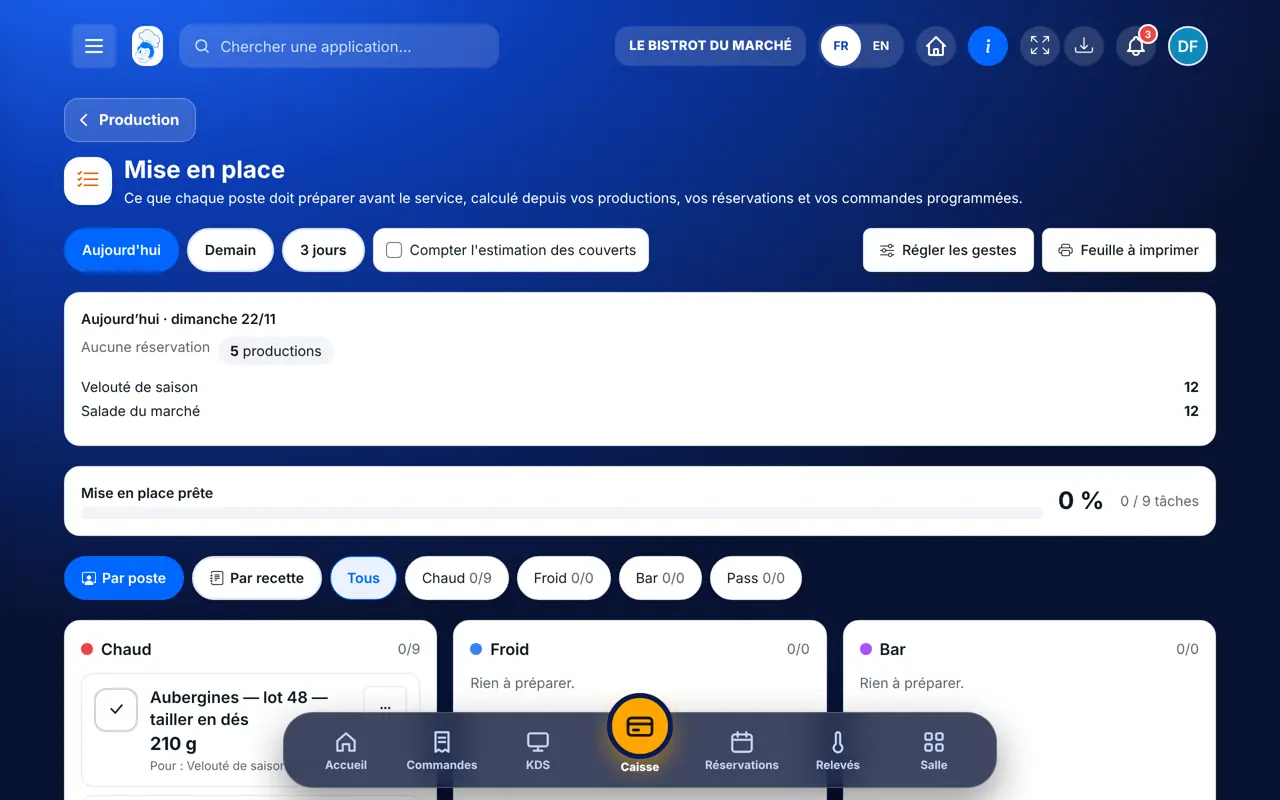
Reads the mise en place, ticks, sets recipe prep steps and adds ready portions.
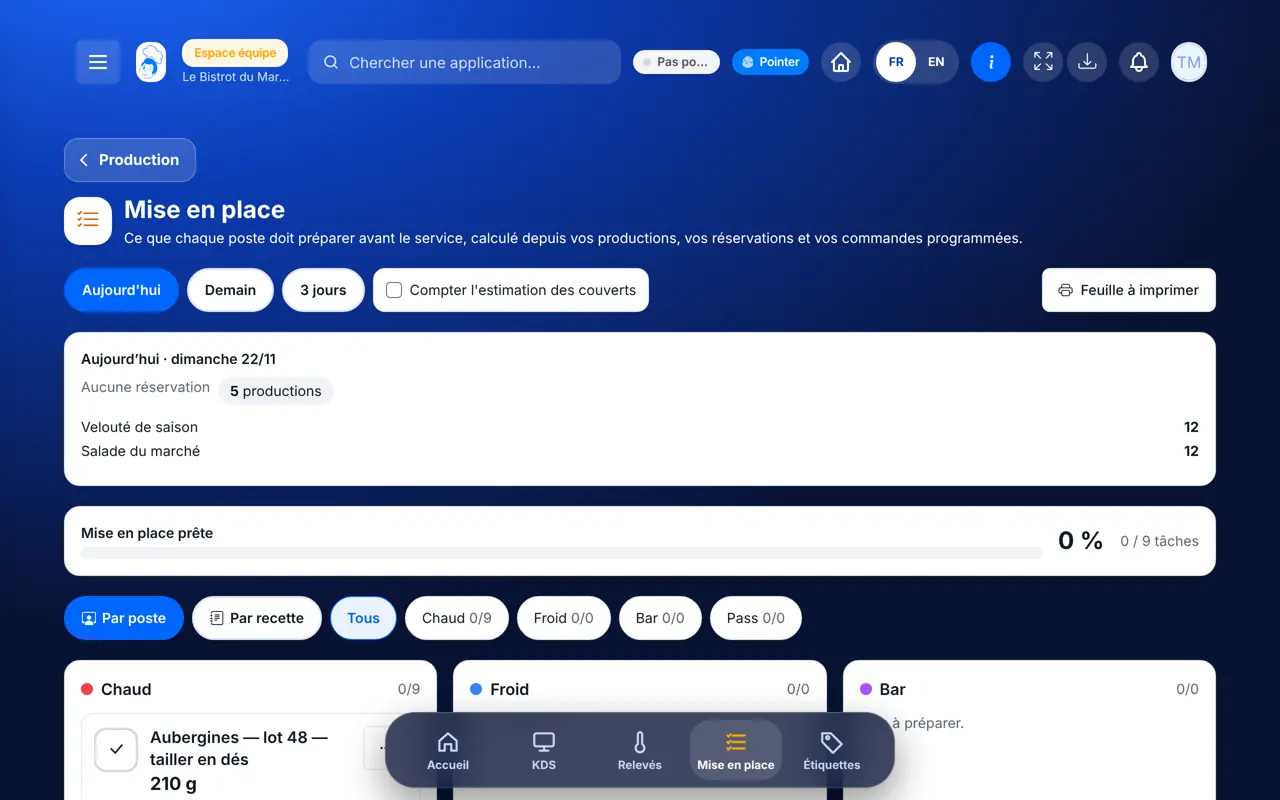
With the right to view production, sees their list. Ticking needs the right to validate production (the Cook role has it); setting a recipe needs the right to edit it.
Claude, ChatGPT or Mistral’s Le Chat, connected to FoodEatUp. Copy the request and replace your establishment number.
In FoodEatUp, for my establishment [number], give me today’s mise en place, station by station.
What you getEach station’s tasks, with quantities and time.
Tools used : get_mise_en_place
In FoodEatUp, for my establishment [number], how many covers and which orders are expected tomorrow?
What you getTomorrow’s covers, bookings and scheduled orders.
Tools used : get_service_forecast
In FoodEatUp, for my establishment [number], mark the mise en place task [task] as done. Show me before confirming.
What you getThe task ticked, the mise en place up to date.
Tools used : get_mise_en_place, mark_mise_en_place_task
Everyone sees what they prepare.
Production, bookings, orders.
What is left from yesterday counts.
A sheet to tick.
Set prep steps on your best-selling recipes first: without a prep step, a recipe line does not become a mise en place task.
In FoodEatUp, one action triggers others. Here are the screens that work with this one.
Either nothing is expected over the period, or the expected recipes have no prep steps yet: set them with “Régler les gestes”.
It counts a preparation already made and not expired: it reduces what is left to do.
They are used to share out tasks. Without stations, tasks are grouped under “Sans poste”.
Send it to your team, your partner or your accountant. The image below appears in the message.
Claude, ChatGPT or Le Chat read this tutorial and explain it to you. Connected to FoodEatUp, they do it with you.
Read this FoodEatUp tutorial: https://foodeatup.com/en/academy/stockvision/production-mise-en-place.md Explain it to me simply, step by step, then help me do it in my restaurant. If FoodEatUp is connected to you, do it with me and show me the preview before every change.
Type your establishment number: the link takes you straight to this screen. The number stays on this device.
Discover production and prep (in French) →
Répond avec les fiches du site, sans IA
Le chef cherche dans les fiches…
 Claude
 Le Chat
 ChatGPT