Aller au contenu
Settings · Professional documents
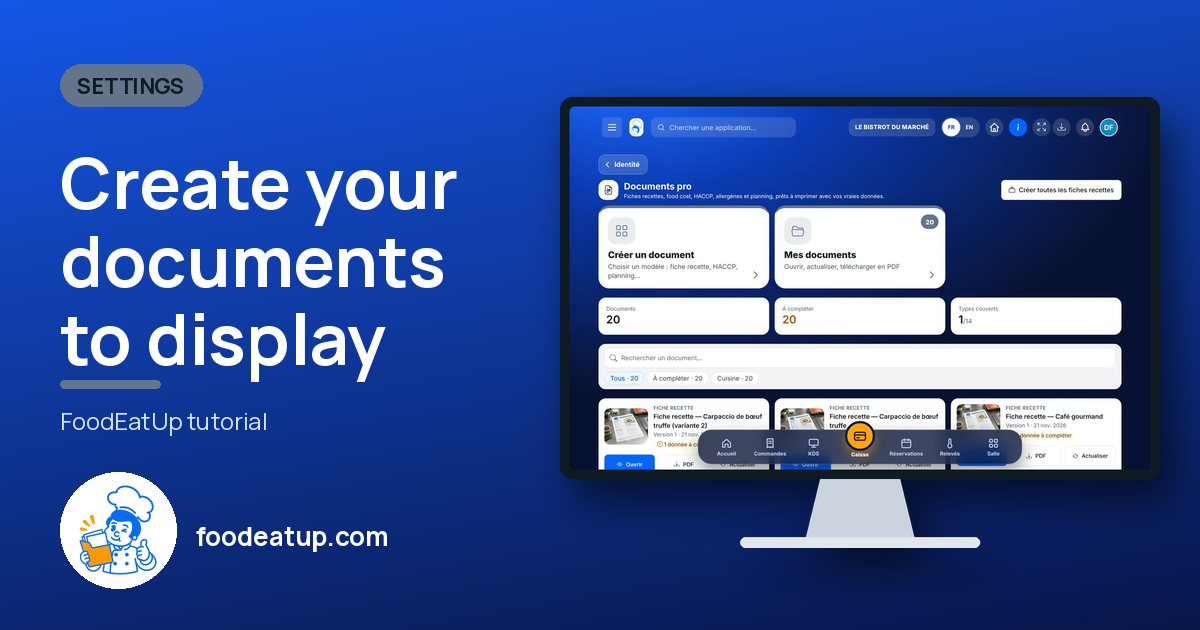
Create your documents to display

Allergen table, origin of meats, recipe sheets, cleaning plan, staff schedule: each document fills in with your restaurant’s data, ready to print.

  • Computer
  • 5 steps
  • Level : Beginner
Create your documents to display : Documents pro: create a document or open yours

Who is it for?

  • Patron / gérant
  • Directeur
  • Chef de cuisine
  • Responsable de salle
  • Second de cuisine

Roles with access

  • Gérant·e
  • Chef de cuisine
  • Responsable HACCP
  • Laboratoire (réseau)
  • Boutique (réseau)
  • Franchisé·e (réseau)
  • Directeur·rice d'établissement

The owner always has access. See what each role sees →

Recommended hardware

Computer

A computer connected to a printer. Documents come out as PDFs.

See the hardware →

What it is for

  • Create the documents to display in the dining room: allergen table, origin of meats.
  • Create the kitchen documents: recipe sheets, food cost, cleaning plan, temperature records, staff schedule.
  • Keep each version, refresh it when your data changes, and download it as a PDF.

Why set it up

  • You copy nothing: the document reads your recipes, your records and your schedules.
  • Nothing is made up. What is missing is written “à compléter” and listed, so you know what to correct.
  • The standard layout is free. The AI rendering stays optional.

The same screen, on every device

The real software screens, as they appear on each device.

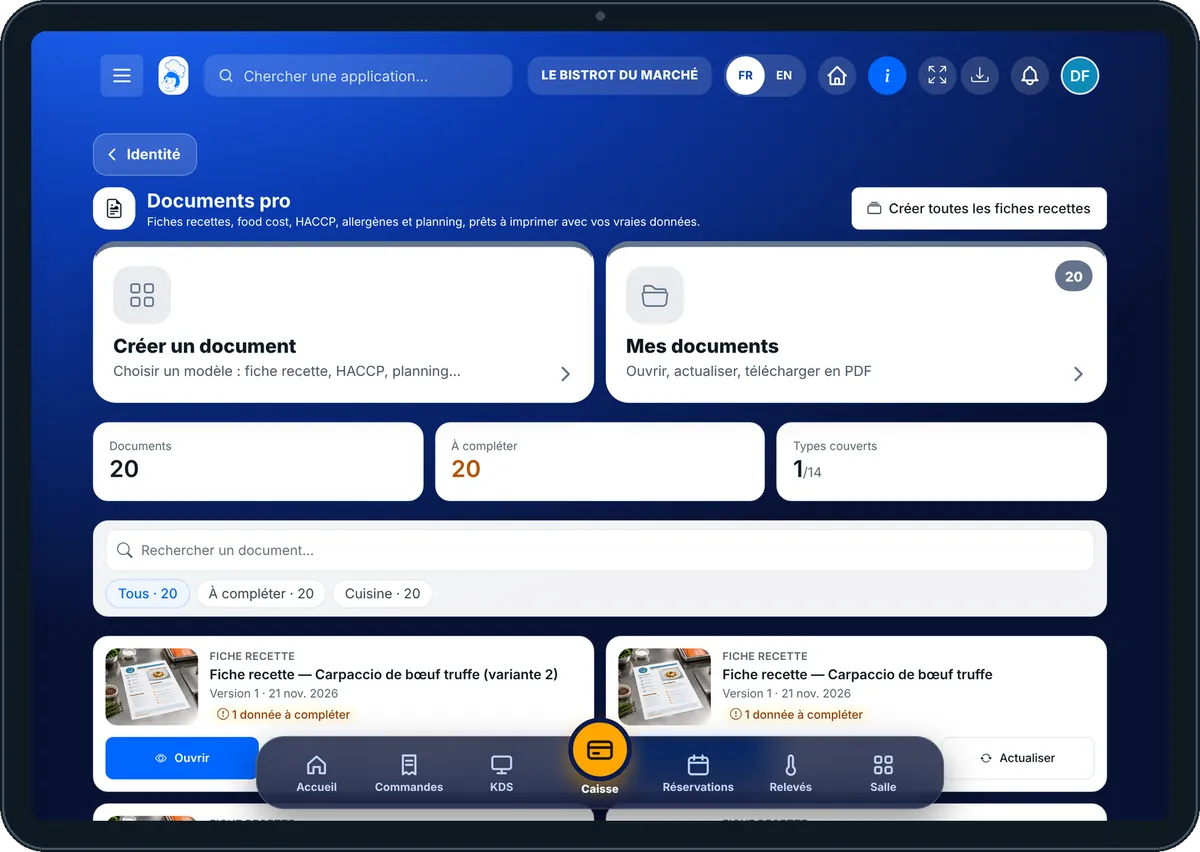
Professional documents — On the tablet
On the tablet
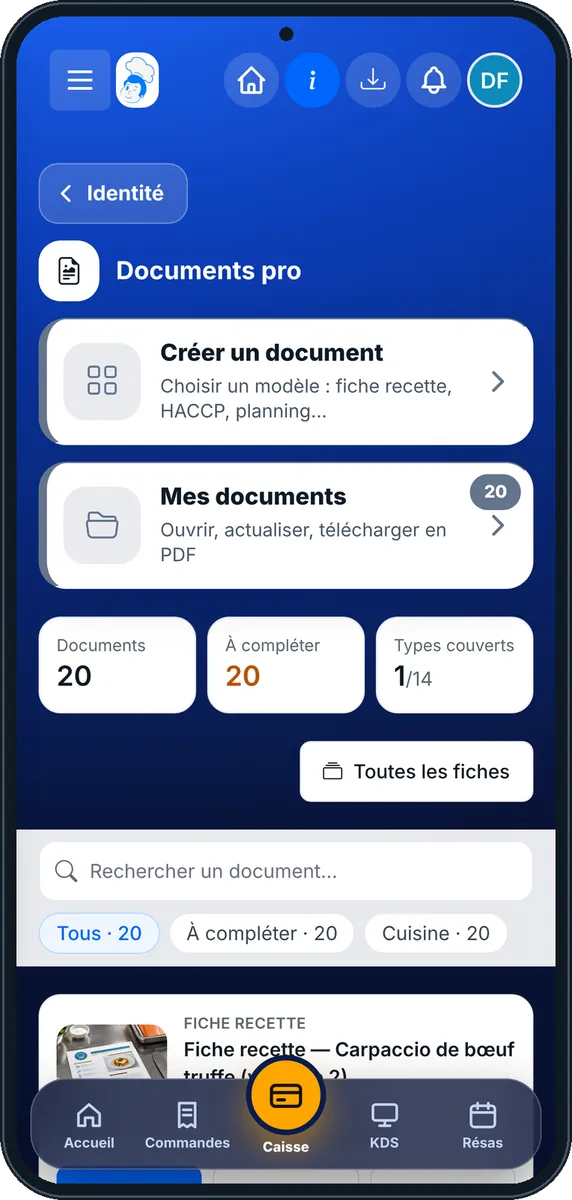
Professional documents — On the phone
On the phone
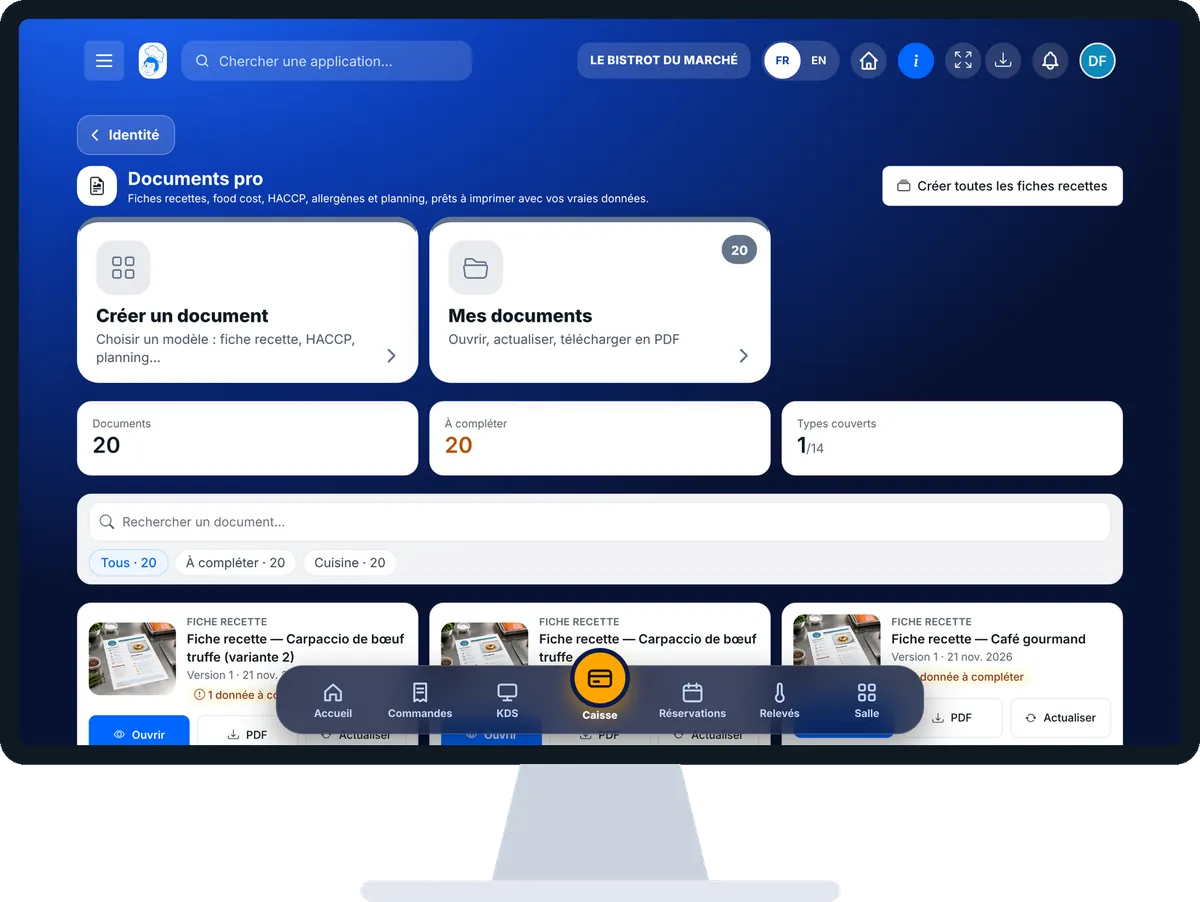
Professional documents — On the computer
On the computer

Step by step

Create your documents to display : 5 steps, with the real software screens.

  1. 1Step 1

    Open Documents pro

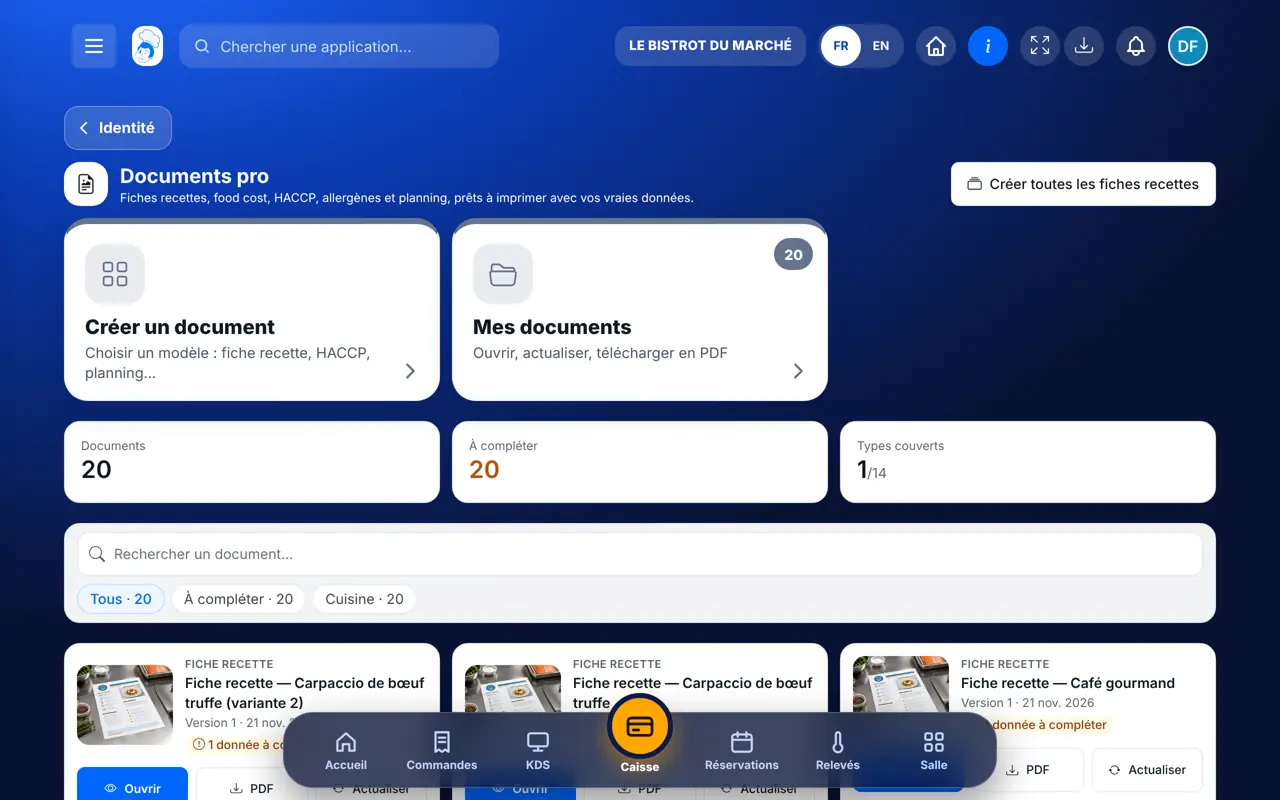
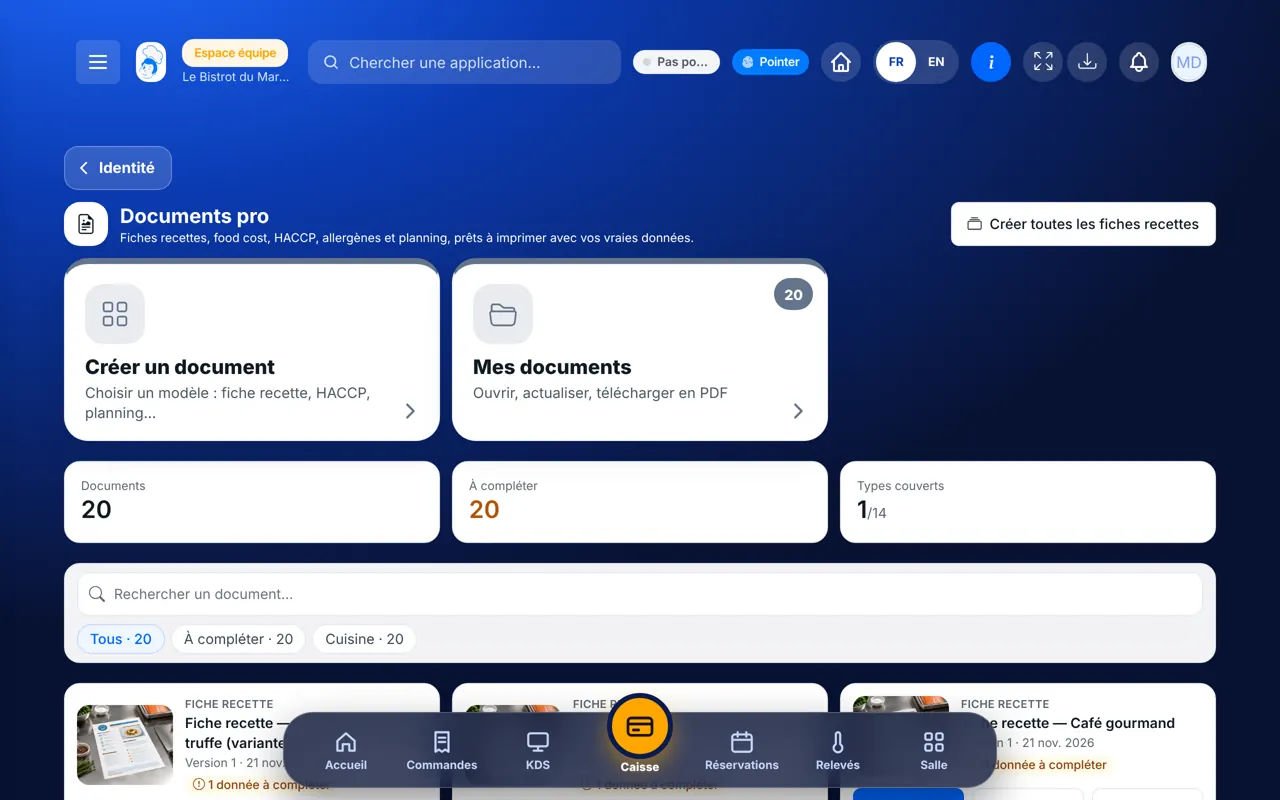
    In the Configuration category, open “Documents pro”. Two cards appear: “Créer un document” and “Mes documents”.

    Documents pro: create a document or open yours
  2. 2Step 2

    Choose a template

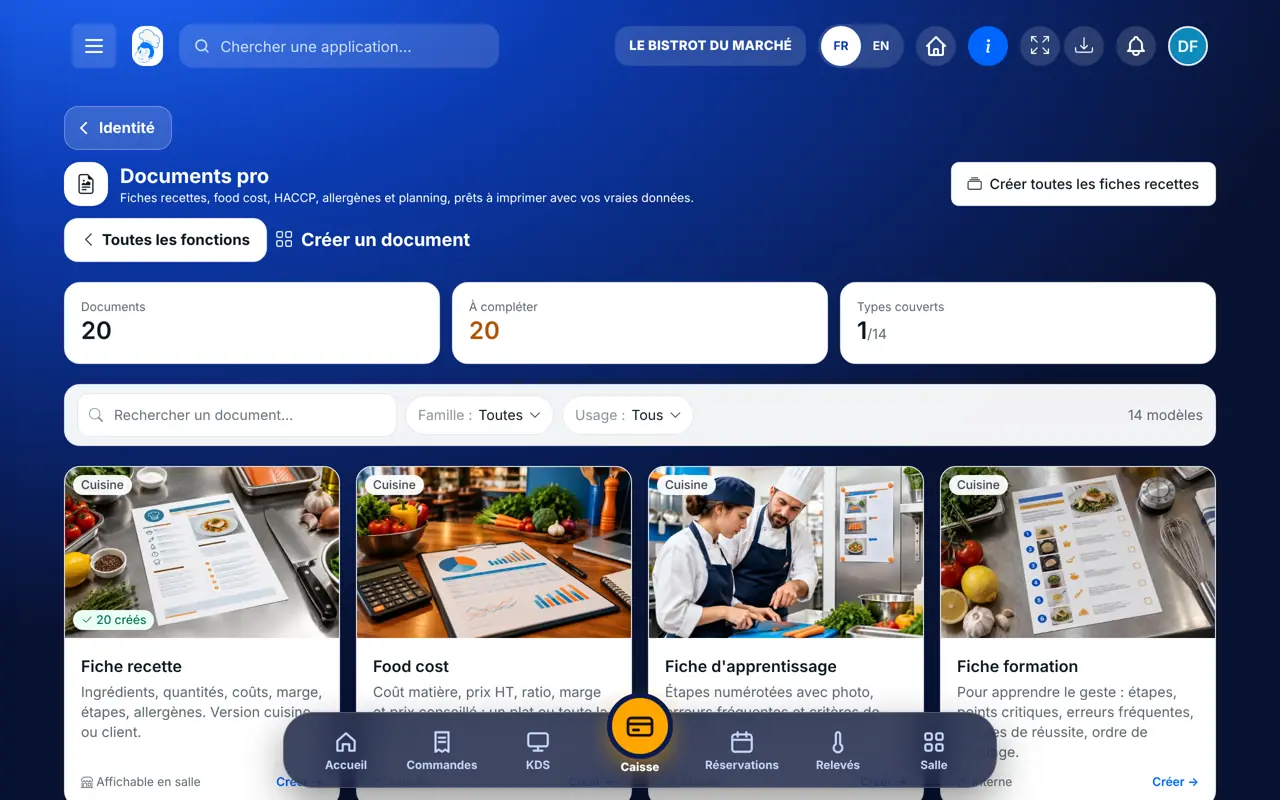
    Open “Créer un document”. Each template says whether it is “Réglementaire”, “Affichable en salle” or “Interne”. Tap the template you want.

    The gallery of document templates
  3. 3Step 3

    Create the document

    Depending on the template, choose the recipe or the week. Tap “Créer le document”. The software reads your data and opens the preview.

  4. 4Step 4

    Download and print

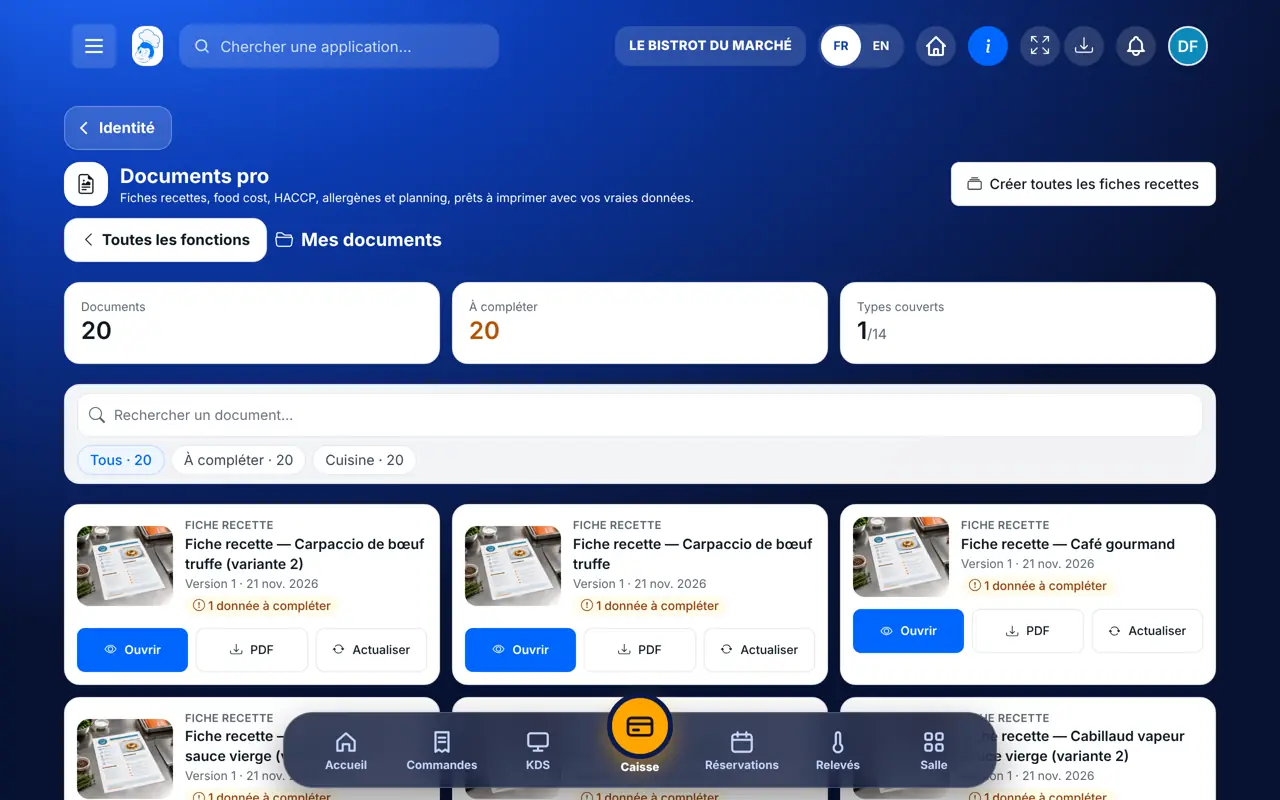
    In the open document, tap “Télécharger le PDF”. In “Mes documents”, the “PDF” button does the same, and “À compléter” shows what is missing.

    “Mes documents”: open, refresh, download as PDF
  5. 5Step 5

    Refresh later

    When a recipe or a price changes, tap “Actualiser” on the document. A new version is created; the old one can still be opened.

The result

The result

You get a PDF to print and display, filled with your data. It stays stored in “Mes documents”, with its earlier versions.

See examples of professional documents (in French) →

Owner and employee: what changes

The owner

Creates all documents, refreshes them and downloads them.

Professional documents — The owner

The employee

With the right to view, they open documents and download PDFs: templates show “Lecture seule”. With the right to create, they create and refresh. Documents that show costs also require the right to see costs.

Professional documents — The employee

Do it with your assistant

Claude, ChatGPT or Mistral’s Le Chat, connected to FoodEatUp. Copy the request and replace your establishment number.

See what exists

In FoodEatUp, for my establishment [number], list the available types of professional documents and the documents I have already created, with what is still to complete.

What you getThe available templates, your documents and what they are missing.

Tools used : list_document_pro_types, list_documents_pro

Create the allergen table

In FoodEatUp, for my establishment [number], create the “Allergènes” document in standard layout. Show me the preview before confirming.

What you getThe table of dishes and allergens, with the list of sheets to complete.

Tools used : create_document_pro

Update a document

In FoodEatUp, for my establishment [number], refresh my document [title] with today’s data. Show me the preview before confirming.

What you getA new version of the document; the old one is kept.

Tools used : refresh_document_pro, list_documents_pro

What you gain

Your real data

The document reads your restaurant.

Nothing made up

What is missing is stated.

Versions kept

The old one can still be opened.

Ready to print

A PDF, in a free layout.

The Chef’s tip

Start with the allergen table: it is the one your customers ask for. If it shows “À compléter”, first correct the ingredient sheets, then tap “Actualiser”.

Frequently asked questions

Does creating a document use credits?

Not in standard layout: it is free. Only the optional AI rendering uses credits, after a quote that you accept.

What happens when my data changes?

The document already created does not move. Tap “Actualiser”: a new version is created and the old one is kept.

Can all recipe sheets be created at once?

Yes, with “Créer toutes les fiches recettes”. The software creates 20 at most per launch; a sheet already created gets a new version.

Text version for AI assistants →

Share this tutorial

Send it to your team, your partner or your accountant. The image below appears in the message.

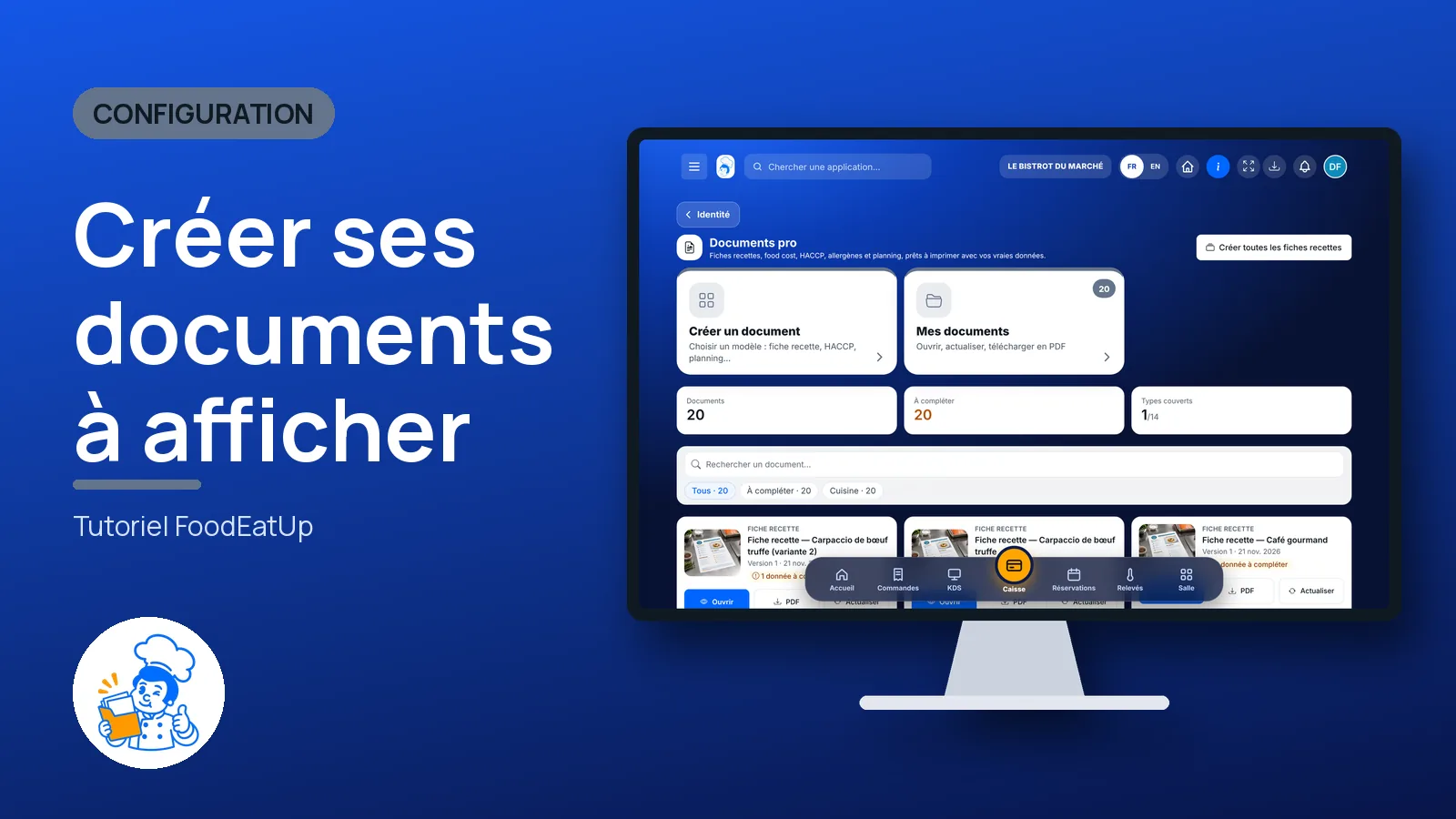
Share preview : Create your documents to display
WhatsAppLinkedInFacebookEmail

Send to an AI assistant

Claude, ChatGPT or Le Chat read this tutorial and explain it to you. Connected to FoodEatUp, they do it with you.

Read this FoodEatUp tutorial: https://foodeatup.com/en/academy/configuration/documents-pro.md Explain it to me simply, step by step, then help me do it in my restaurant. If FoodEatUp is connected to you, do it with me and show me the preview before every change.

ClaudeLe ChatChatGPT

Open in my software

Type your establishment number: the link takes you straight to this screen. The number stays on this device.

Discover professional documents (in French) →

You can read it in the software address: foodeatup.com/establishment/number/…