What my sheets are missing
In FoodEatUp, for my establishment [number], tell me what my recipes are missing to have complete sheets.
What you getRecipes to complete and what each one is missing.
Tools used : get_recipes_app_readiness
 StockVision · Recipe sheets
Complete data, sheets to train, buy and cook, always up to date. Nothing is made up: what is missing is said.
 Chef de cuisine
 Second de cuisine
 Pâtissier
The owner always has access. See what each role sees →
A computer or a tablet to complete the sheets. Sheets print as PDF for the workstation.
The real software screens, as they appear on each device.
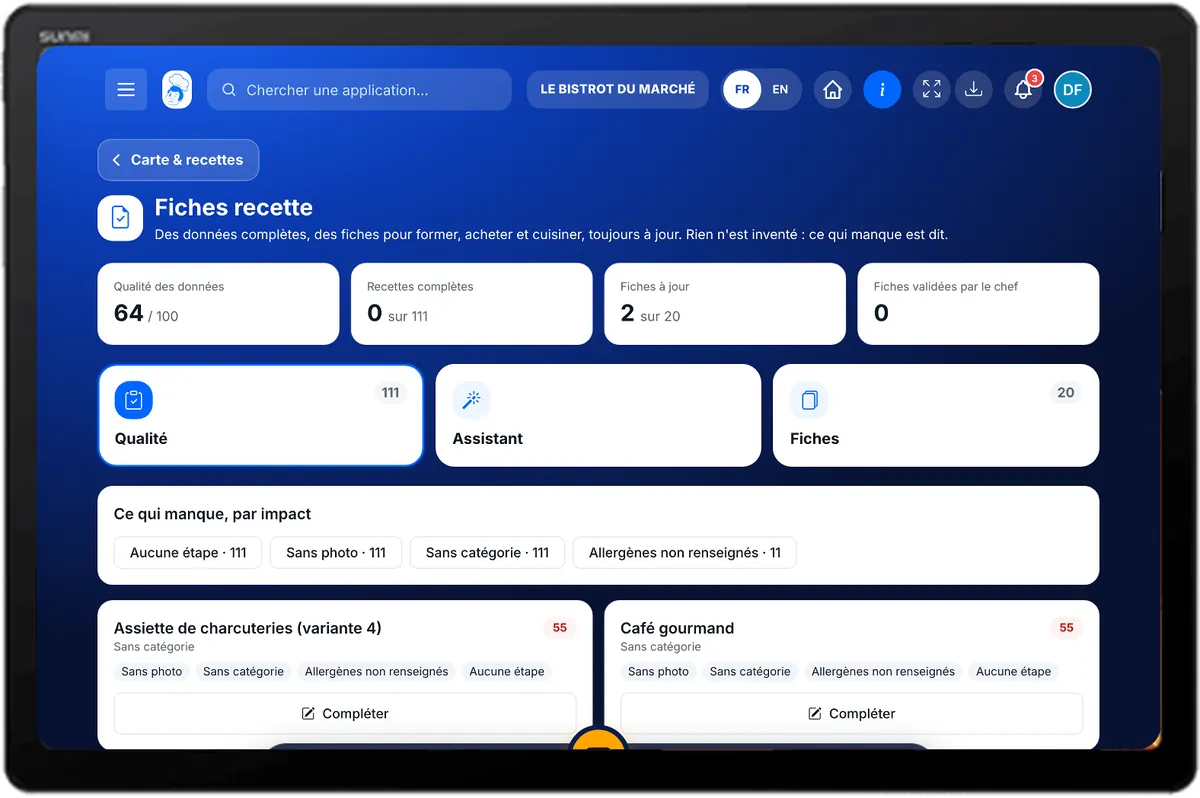
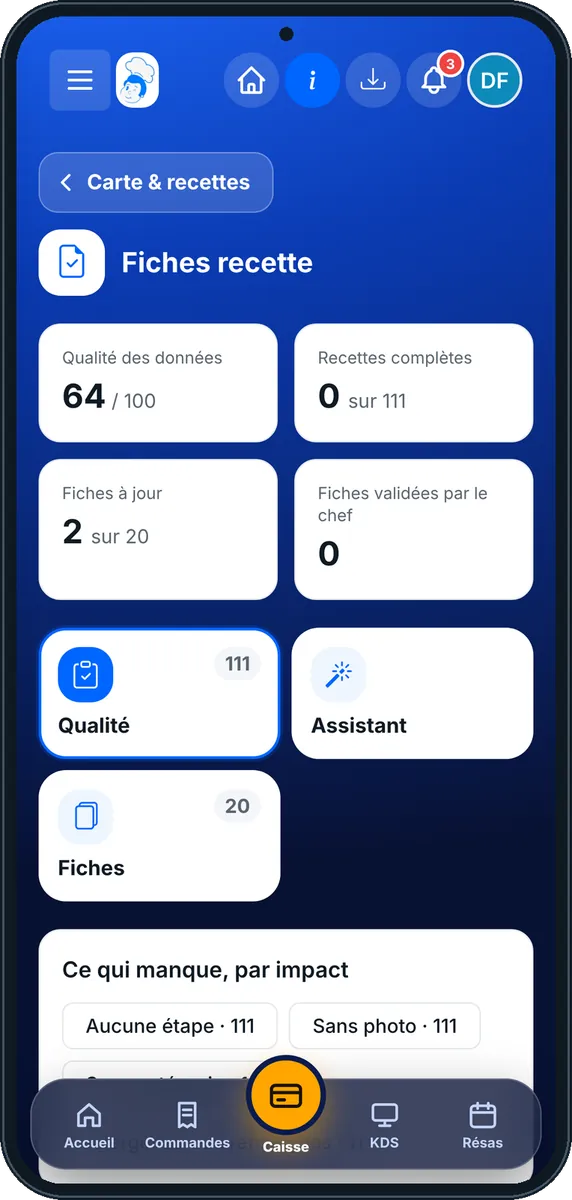
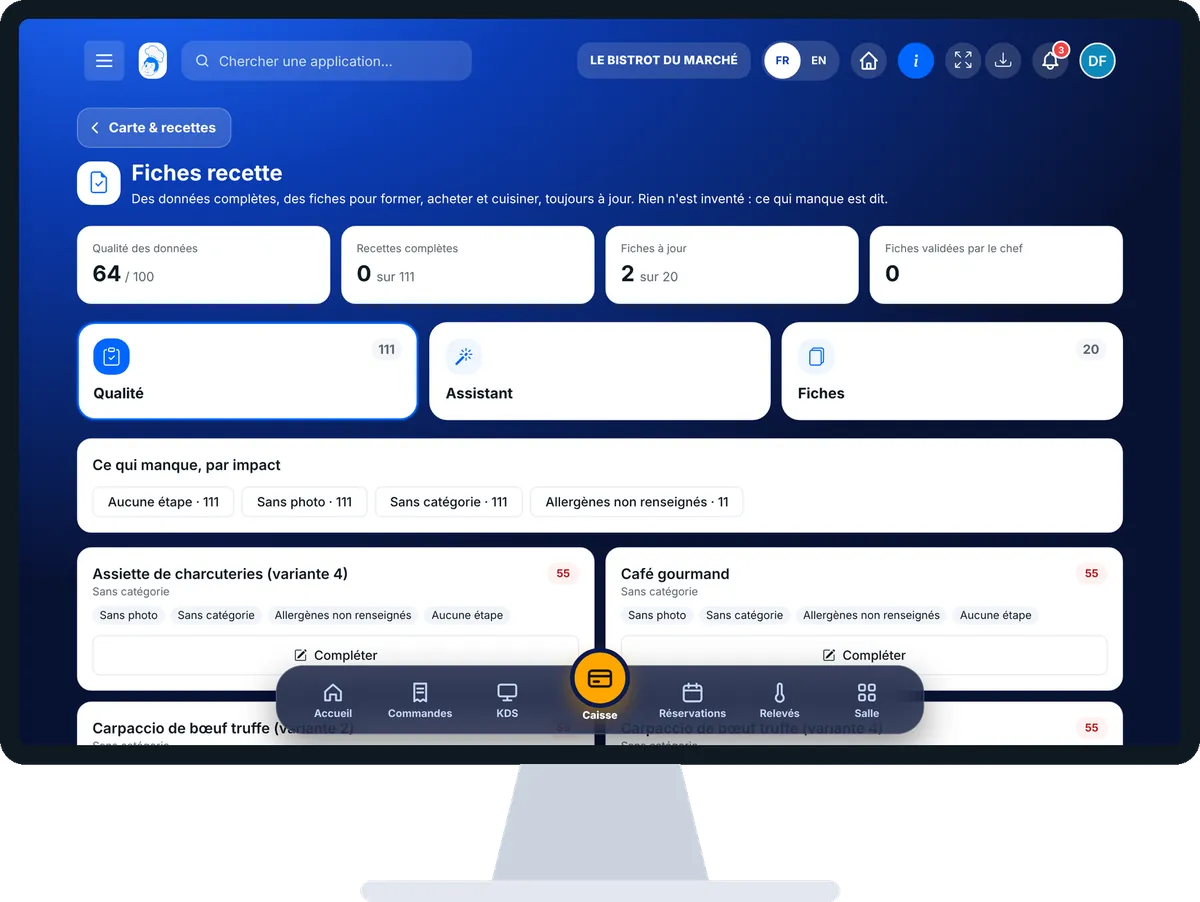
Create my recipe sheets : 5 steps, with the real software screens.
From the home screen, open StockVision then “Fiches techniques”. At the top: data quality, complete recipes, up-to-date sheets and validated sheets.
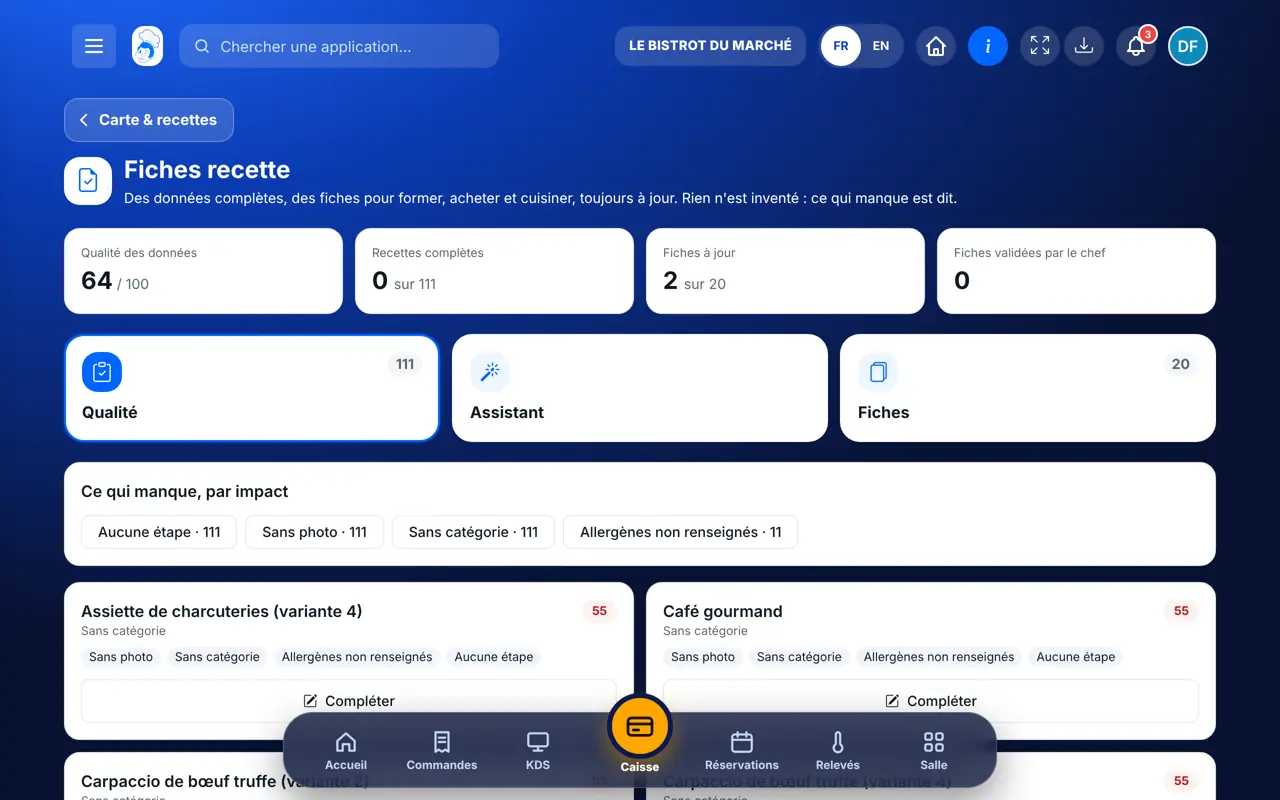
The “Qualité” tab first shows the purchase prices blocking your costs, then what each recipe is missing. Tap “Compléter” to fill it in on the spot.
The “Assistant” tab has four steps: Recettes, Fiches, Réglages, Créer. Pick the recipes and sheets you want, then “Créer les fiches”.
The “Fiches” tab lists your sheets with what is missing. Tap “PDF” to print, “Valider” to have the chef sign it.
The “Classeur PDF” button gathers the sheets into one document.
Each recipe has its sheets to train, buy and cook. What is missing is said, and a validated sheet is valid for the current version.
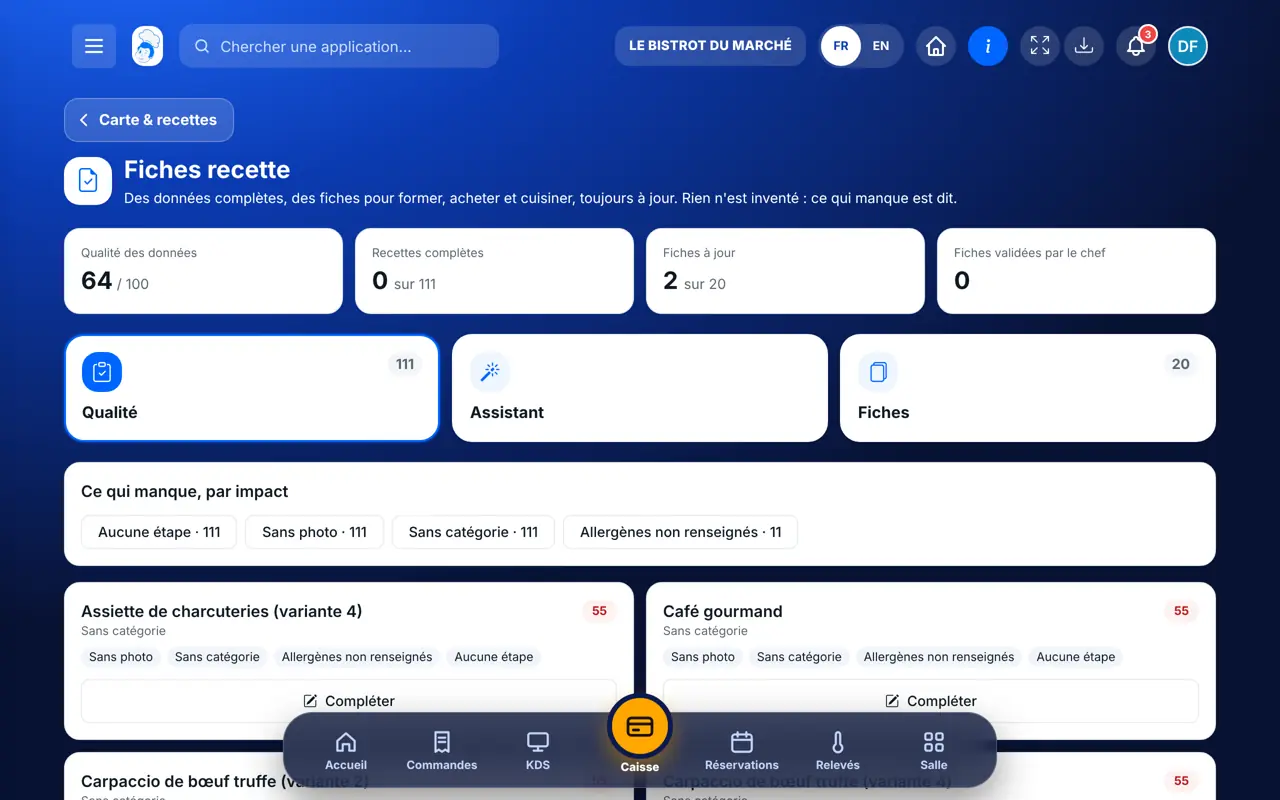
Completes recipes, creates sheets, has them validated and sees the food cost sheets.
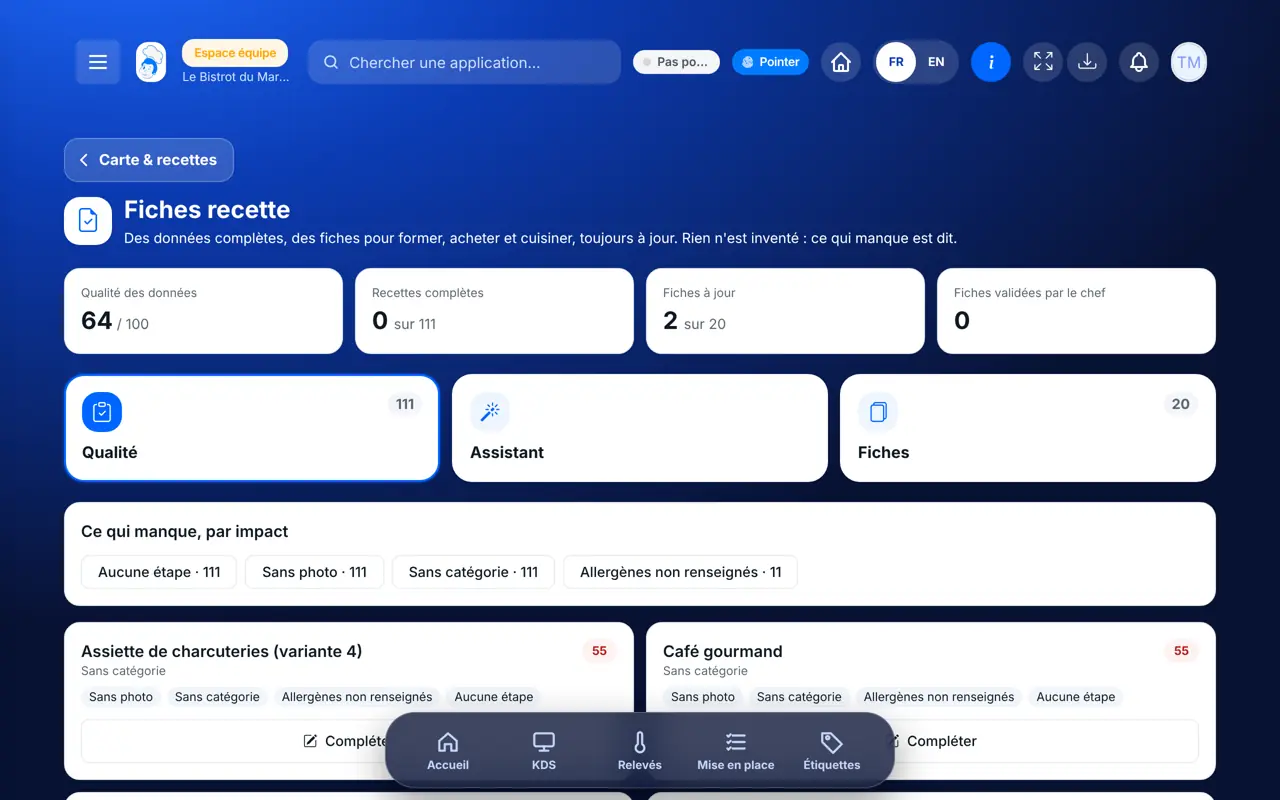
With the right to view sheets, reads and prints them. Completing a recipe needs the right to edit it; the food cost sheet needs the recipe costs right.
Claude, ChatGPT or Mistral’s Le Chat, connected to FoodEatUp. Copy the request and replace your establishment number.
In FoodEatUp, for my establishment [number], tell me what my recipes are missing to have complete sheets.
What you getRecipes to complete and what each one is missing.
Tools used : get_recipes_app_readiness
In FoodEatUp, for my establishment [number], for the recipe [recipe], set the shelf life to [hours] hours and storage to [storage]. Show me before confirming.
What you getThe recipe completed, ready for its sheet.
Tools used : set_recipe_service_info
In FoodEatUp, for my establishment [number], prepare the PDF of the sheets for the recipes [recipes].
What you getA download link to the PDF of the sheets.
Tools used : export_recipes_pdf
Missing purchase prices first.
Standard sheets, no AI.
Training, food cost and purchasing, station.
A changed recipe cancels the validation.
Fill in first the purchase prices that block the most recipes: a single price can unlock the cost of a whole part of your menu.
In FoodEatUp, one action triggers others. Here are the screens that work with this one.
No. The standard layout is free, with no AI. Optional AI tips cost one credit.
The sheet moves to “À mettre à jour” and the validation is cancelled. You refresh it in one click.
No. Validation by the chef is optional.
Send it to your team, your partner or your accountant. The image below appears in the message.
Claude, ChatGPT or Le Chat read this tutorial and explain it to you. Connected to FoodEatUp, they do it with you.
Read this FoodEatUp tutorial: https://foodeatup.com/en/academy/stockvision/fiches-recette.md Explain it to me simply, step by step, then help me do it in my restaurant. If FoodEatUp is connected to you, do it with me and show me the preview before every change.
Type your establishment number: the link takes you straight to this screen. The number stays on this device.
Discover recipes for the team (in French) →
Répond avec les fiches du site, sans IA
Le chef cherche dans les fiches…
 Claude
 Le Chat
 ChatGPT