Where does the team stand?
In FoodEatUp, for my establishment [number], tell me where each employee stands in recipe training.
What you getPer employee: recipes validated, in practice and discovered.
Tools used : get_training_progress
 StockVision · Recipe training
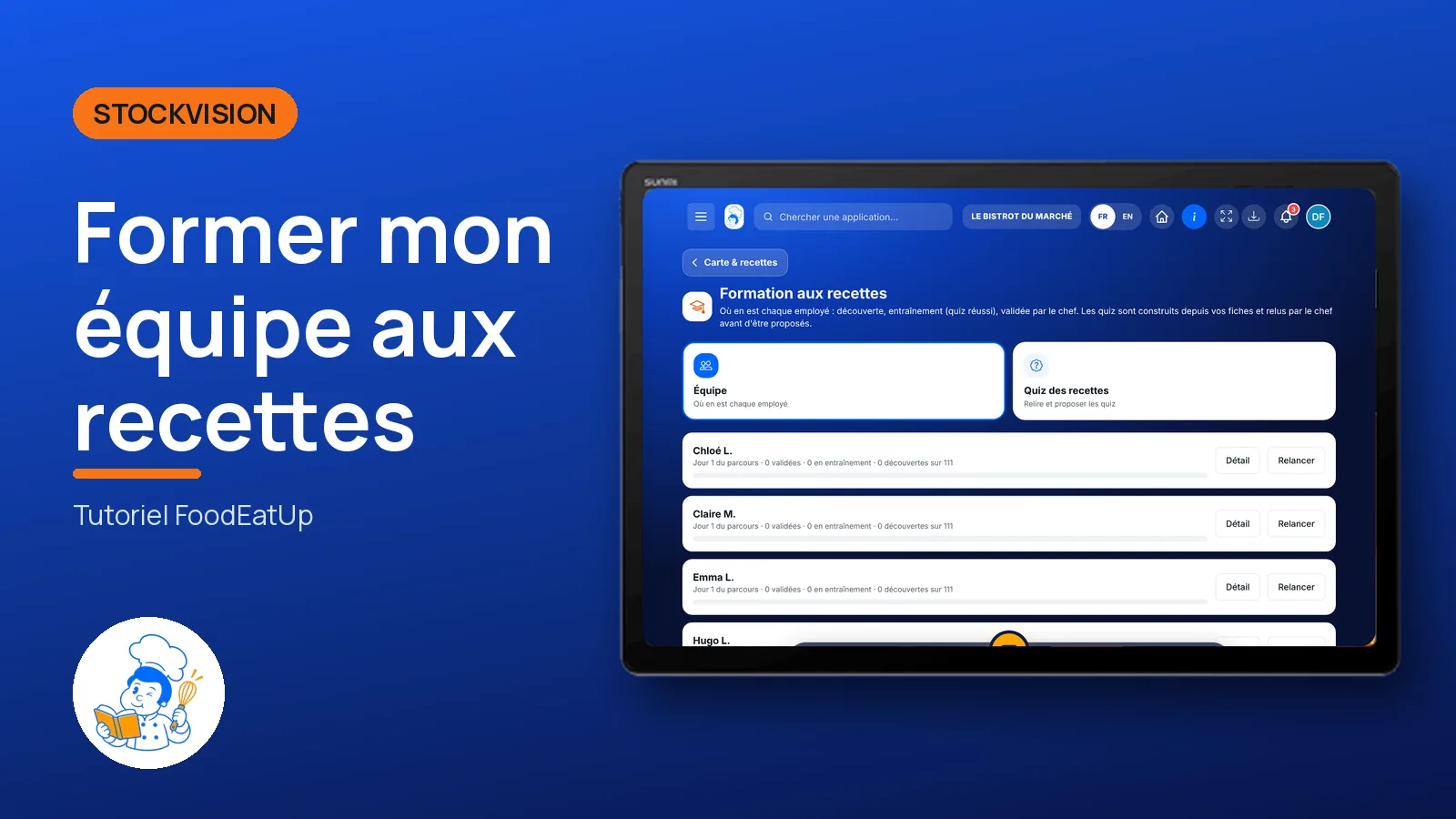
Where each employee stands on each recipe: discovery, practice, validated by the chef. Quizzes are built from your recipes and reviewed by the chef before being offered.
 Chef de cuisine
 Second de cuisine
 Commis / cuisinier
 Responsable de boulangerie
The owner always has access. See what each role sees →
A tablet in the office or kitchen to follow the team. Employees learn on the FoodEatUp Recettes app.
The real software screens, as they appear on each device.
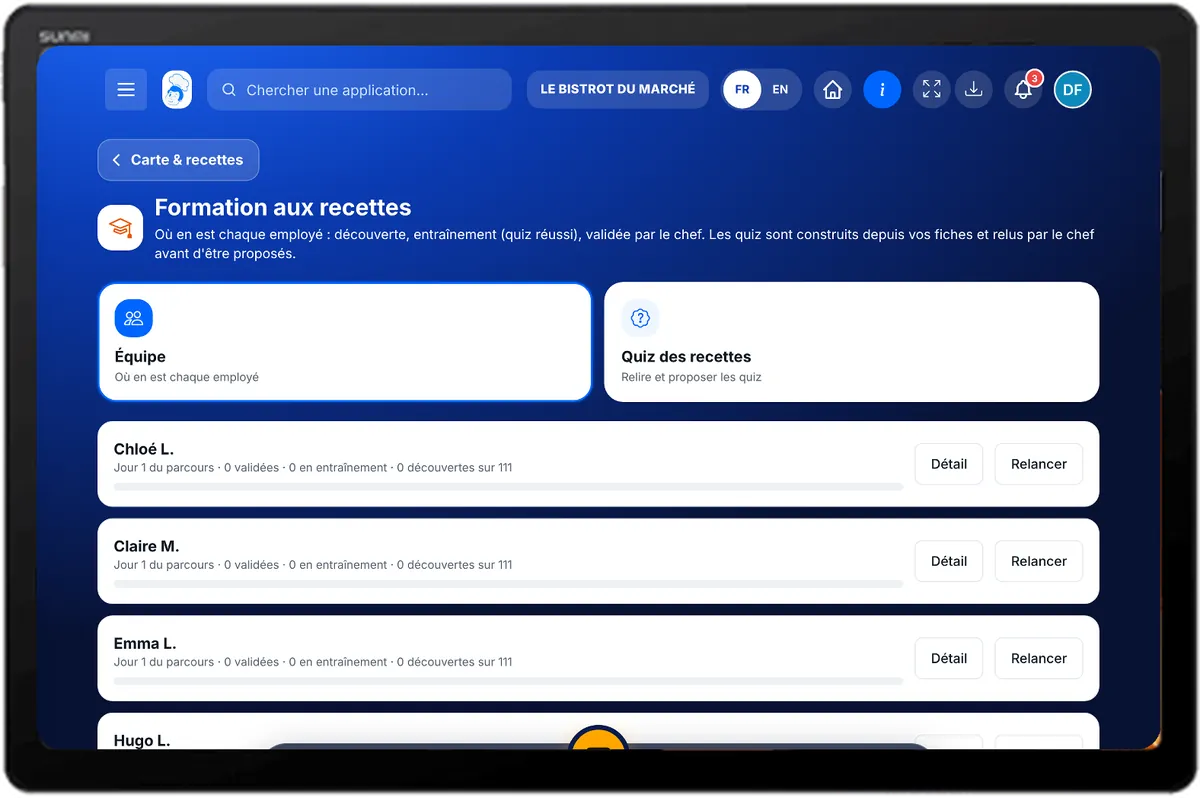
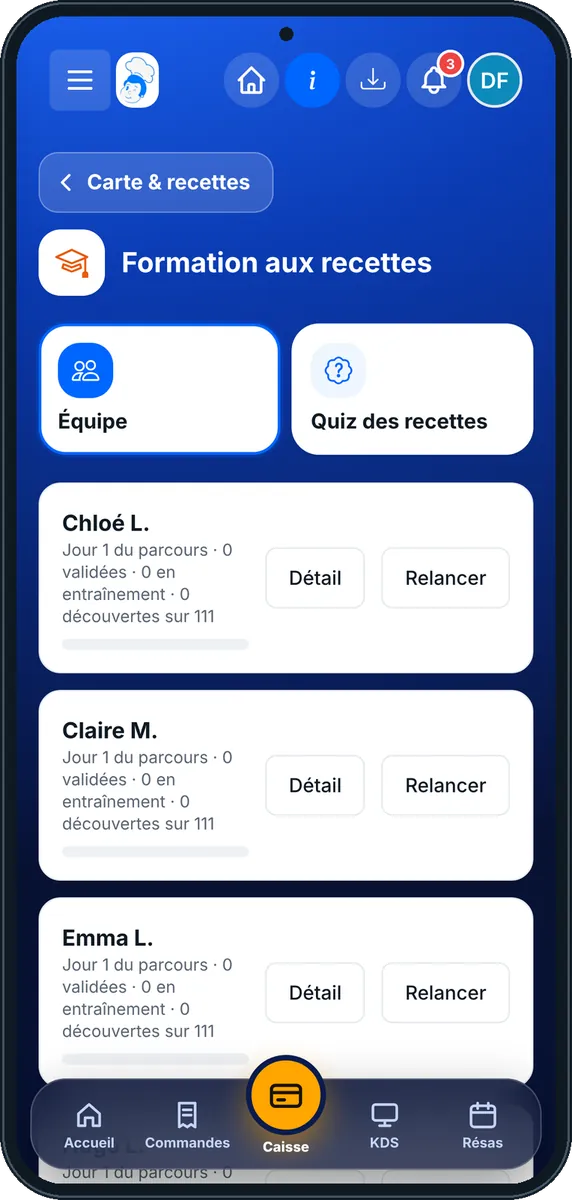
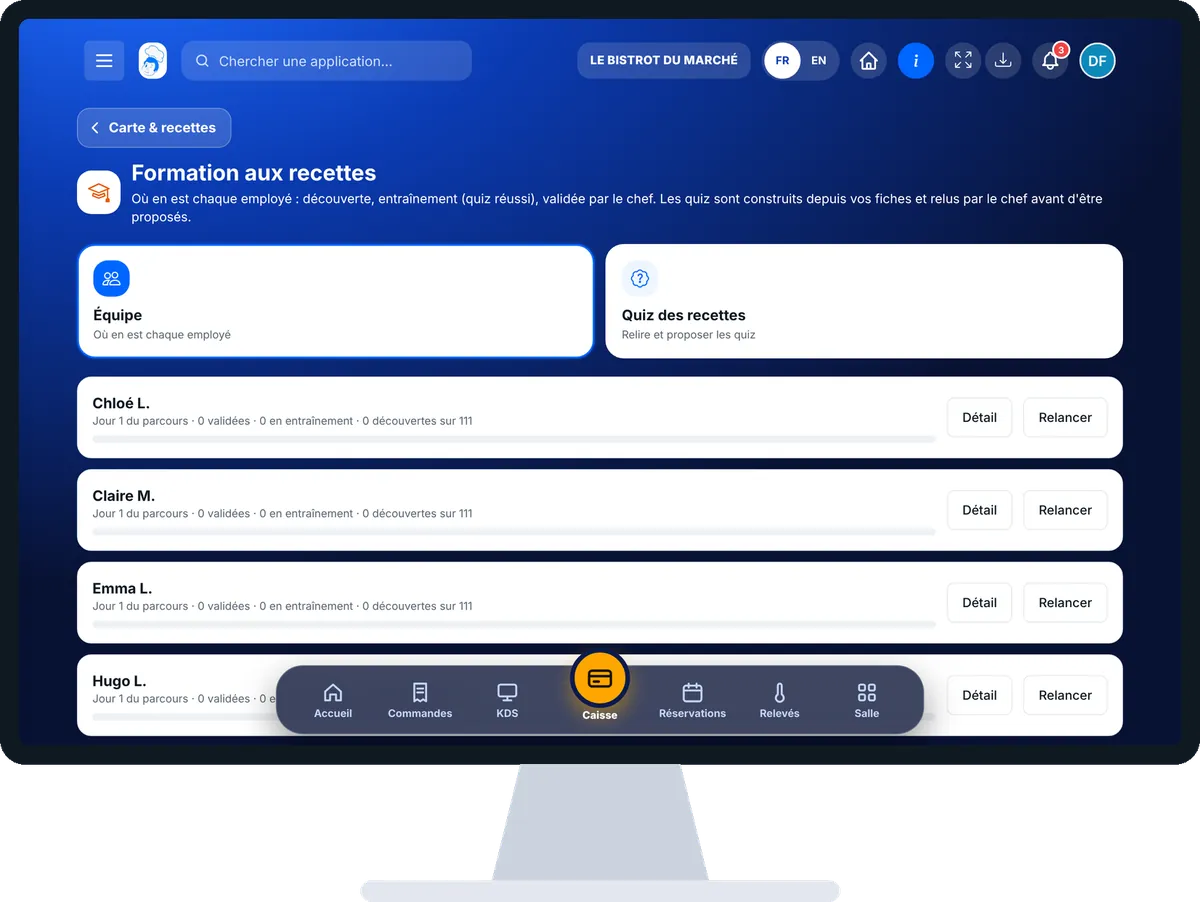
Train my team on recipes : 4 steps, with the real software screens.
From the home screen, open StockVision then “Formation recettes”. The “Équipe” tab shows where each employee stands.
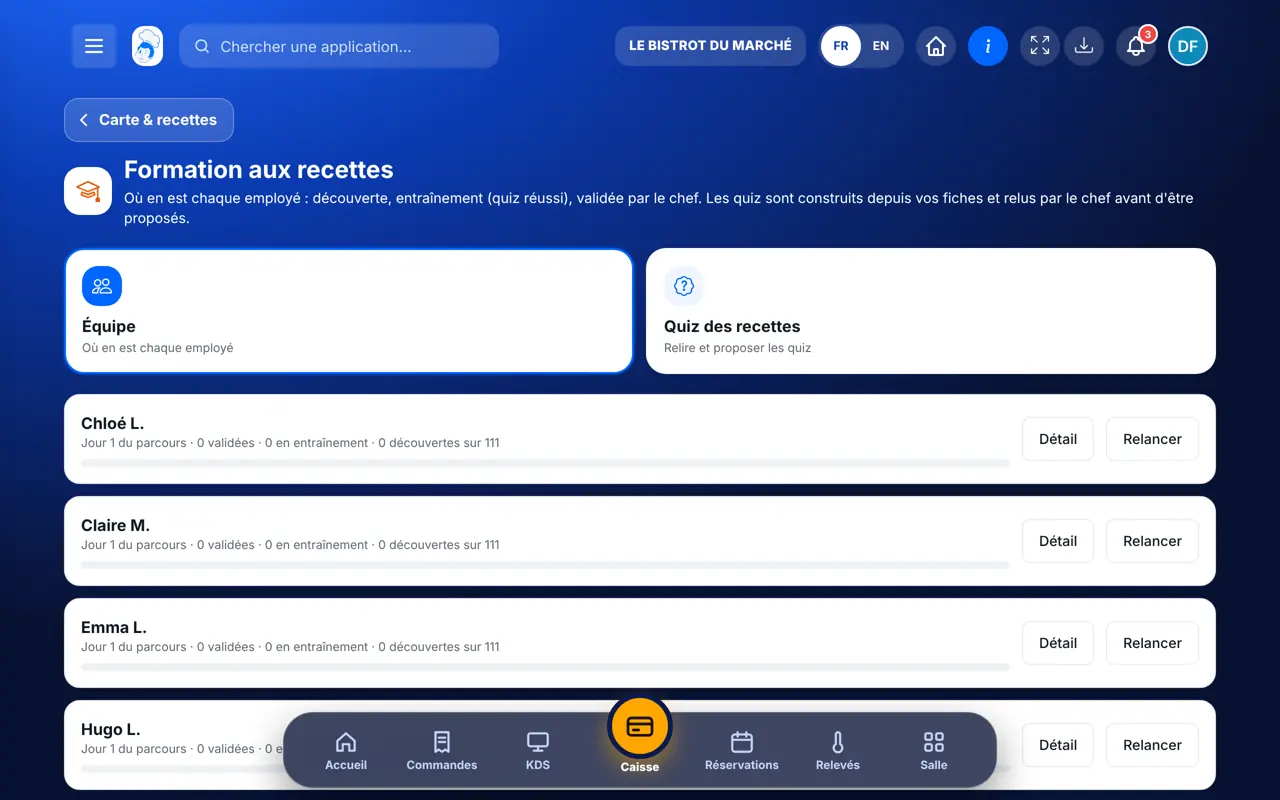
Each card shows the day of the path and the number of recipes validated, in practice and discovered. Tap “Détail” for the path, “Relancer” to send a reminder.
The “Quiz des recettes” tab lists the recipes. Tap “Relire”: keep the questions you want.
Tap “Publier”: the quiz is offered to the team. “Enregistrer sans publier” keeps it as a draft.
You see who is ready for service on each recipe. Published quizzes are offered in the team’s app.
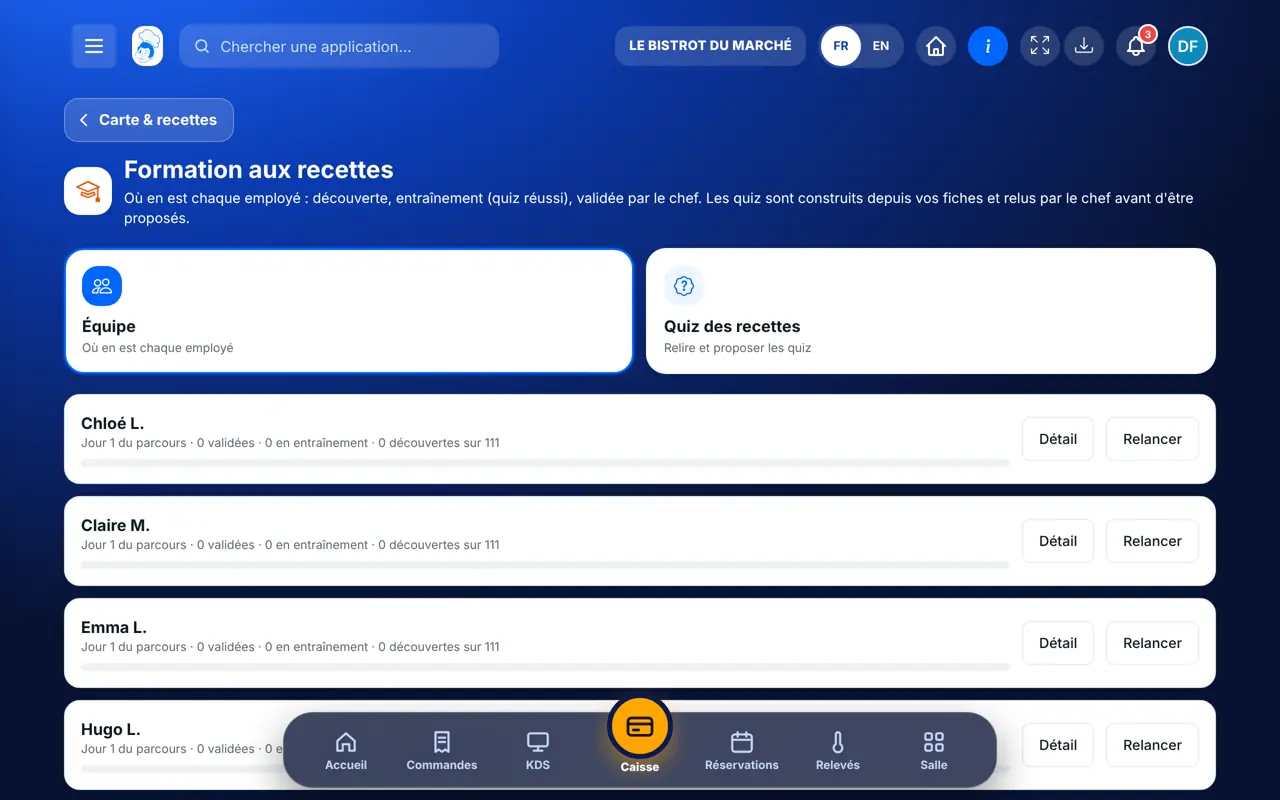
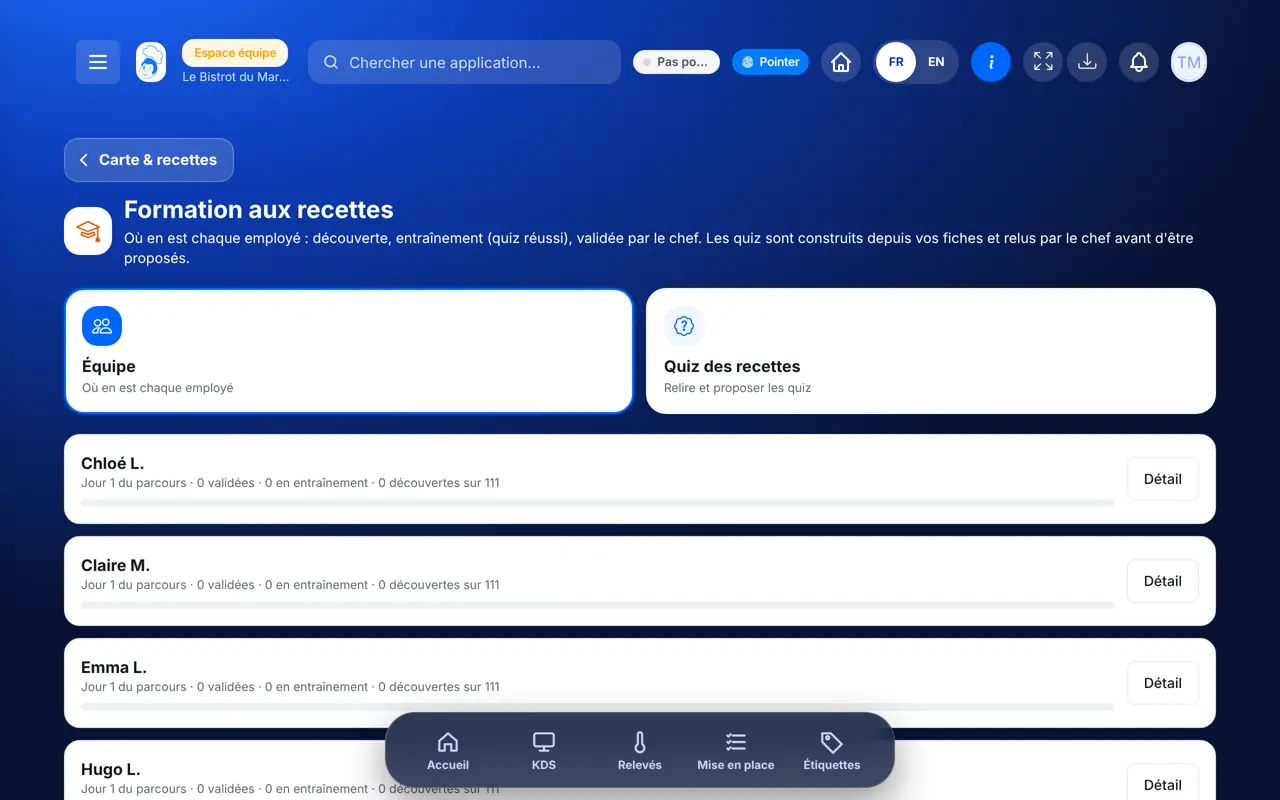
Follows the whole team, reviews and publishes quizzes.
Learns and takes quizzes on the FoodEatUp Recettes app. With the right to view training, reads the screen; reviewing and publishing needs the right to manage it.
Claude, ChatGPT or Mistral’s Le Chat, connected to FoodEatUp. Copy the request and replace your establishment number.
In FoodEatUp, for my establishment [number], tell me where each employee stands in recipe training.
What you getPer employee: recipes validated, in practice and discovered.
Tools used : get_training_progress
In FoodEatUp, for my establishment [number], validate the recipe [recipe] for [employee]. Show me before confirming.
What you getThe recipe validated for this employee.
Tools used : validate_recipe_training
In FoodEatUp, for my establishment [number], which recipes changed recently?
What you getChanged recipes, to review with the team.
Tools used : get_recipe_changes
One card per employee.
Built from your recipes.
Nothing is offered without you.
A changed recipe gives a new quiz.
Fill in ingredient quantities and step times on your recipes before starting a quiz: without them, there are not enough questions to ask.
In FoodEatUp, one action triggers others. Here are the screens that work with this one.
From the recipes: ingredient quantities, step times, shelf life. If a recipe does not have enough, the software says what to complete.
No. It stays a draft until you publish it.
On the FoodEatUp Recettes app, on a tablet or a phone.
Send it to your team, your partner or your accountant. The image below appears in the message.
Claude, ChatGPT or Le Chat read this tutorial and explain it to you. Connected to FoodEatUp, they do it with you.
Read this FoodEatUp tutorial: https://foodeatup.com/en/academy/stockvision/formation-recettes.md Explain it to me simply, step by step, then help me do it in my restaurant. If FoodEatUp is connected to you, do it with me and show me the preview before every change.
Type your establishment number: the link takes you straight to this screen. The number stays on this device.
Discover recipes for the team (in French) →
Répond avec les fiches du site, sans IA
Le chef cherche dans les fiches…
 Claude
 Le Chat
 ChatGPT