My team
In FoodEatUp, for my establishment [number], list my employees with their role and tell me which ones have no personal code.
What you getEach employee, their role and whether they have a code to clock in.
Tools used : list_employees
 Team · Employés
Everyone on the team has a record: contact details, role, hours, contract and documents. You add it in two steps and the person gets a welcome e-mail.
 Patron / gérant
 Directeur
 Responsable de salle
 Responsable multi-sites
The owner always has access. See what each role sees →
A computer or tablet to fill in the record. The employee only needs an e-mail address.
The real software screens, as they appear on each device.
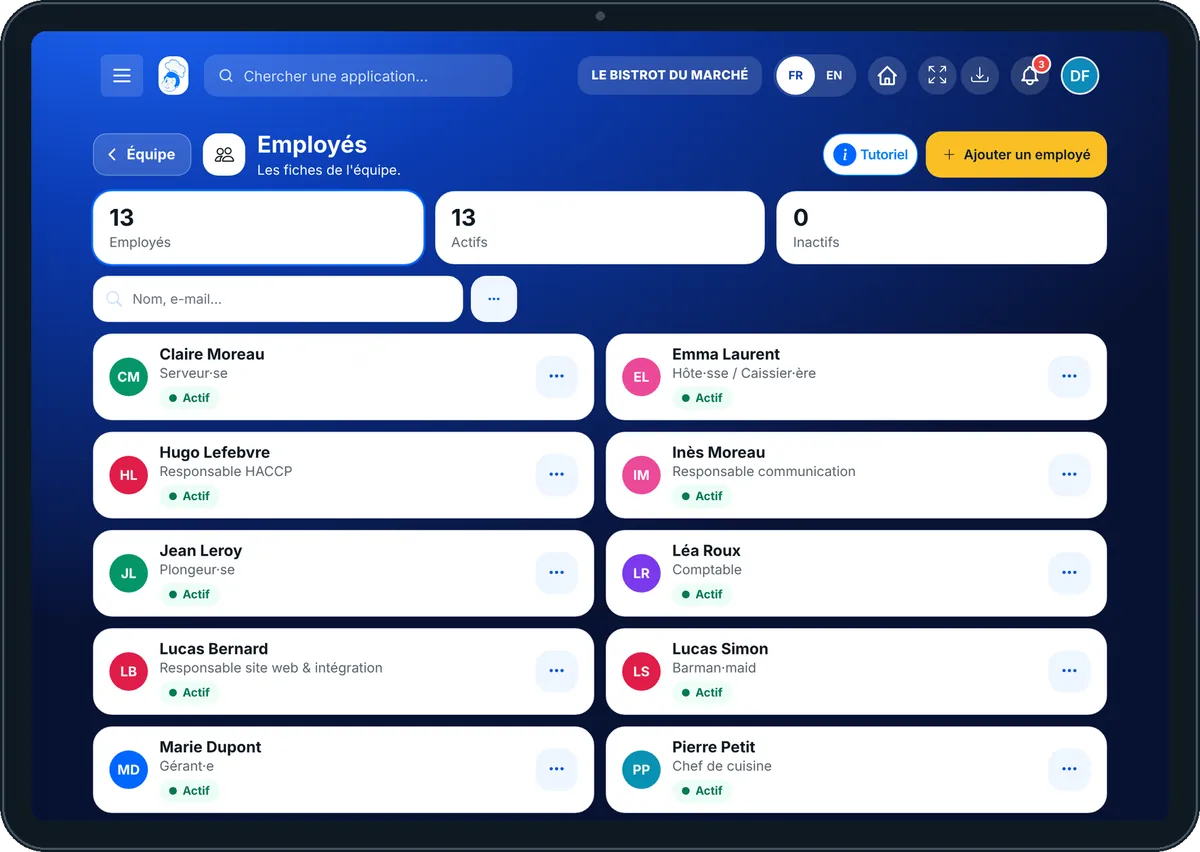
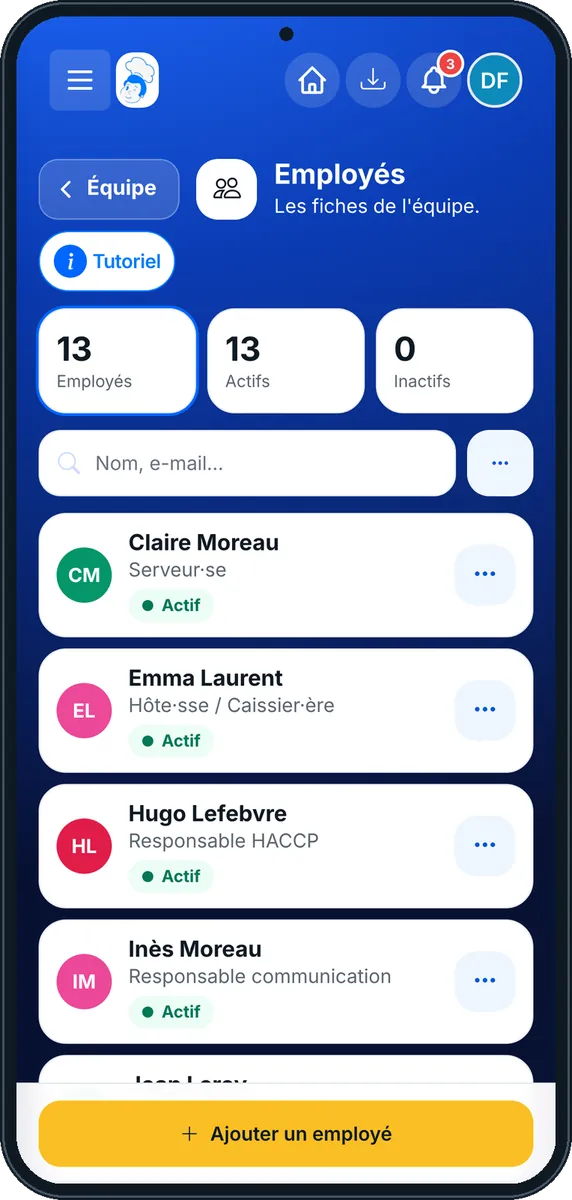
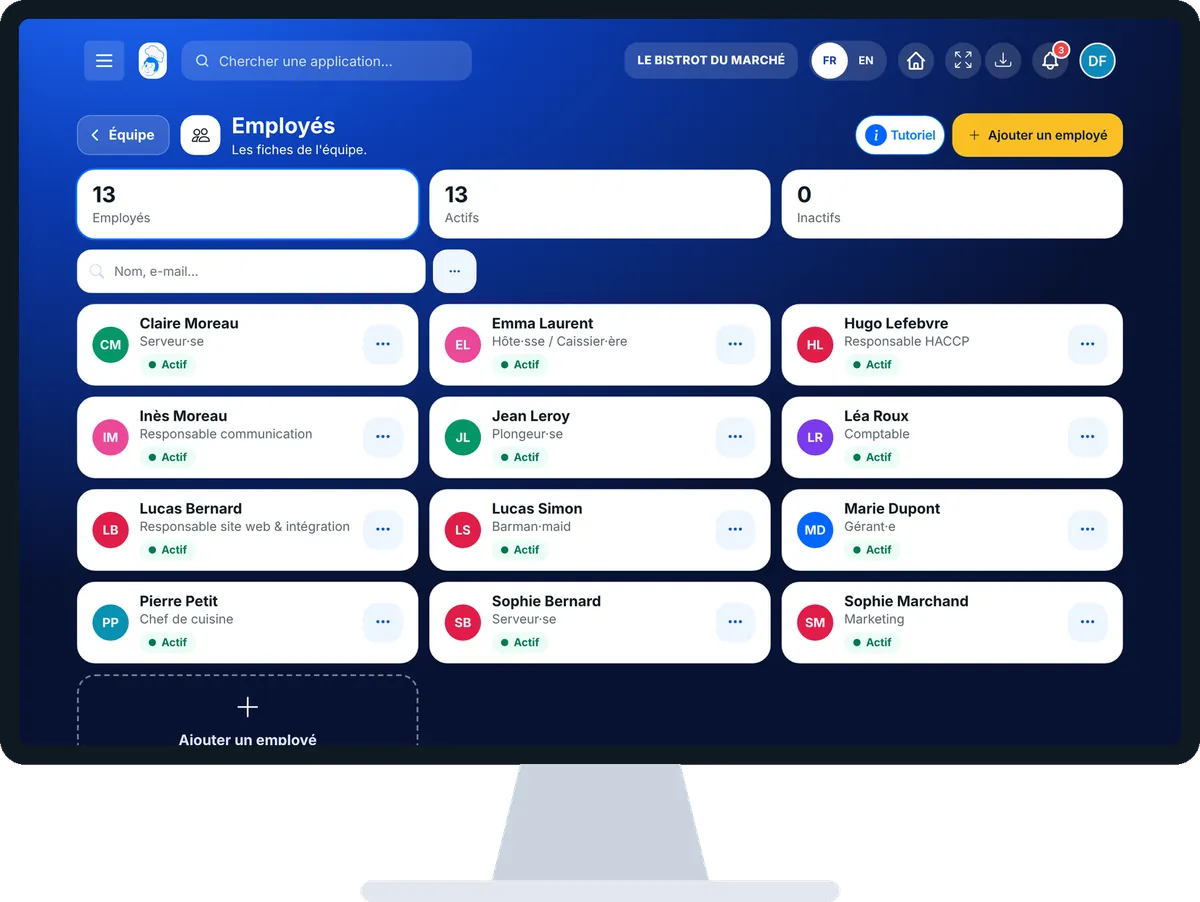
Add an employee : 5 steps, with the real software screens.
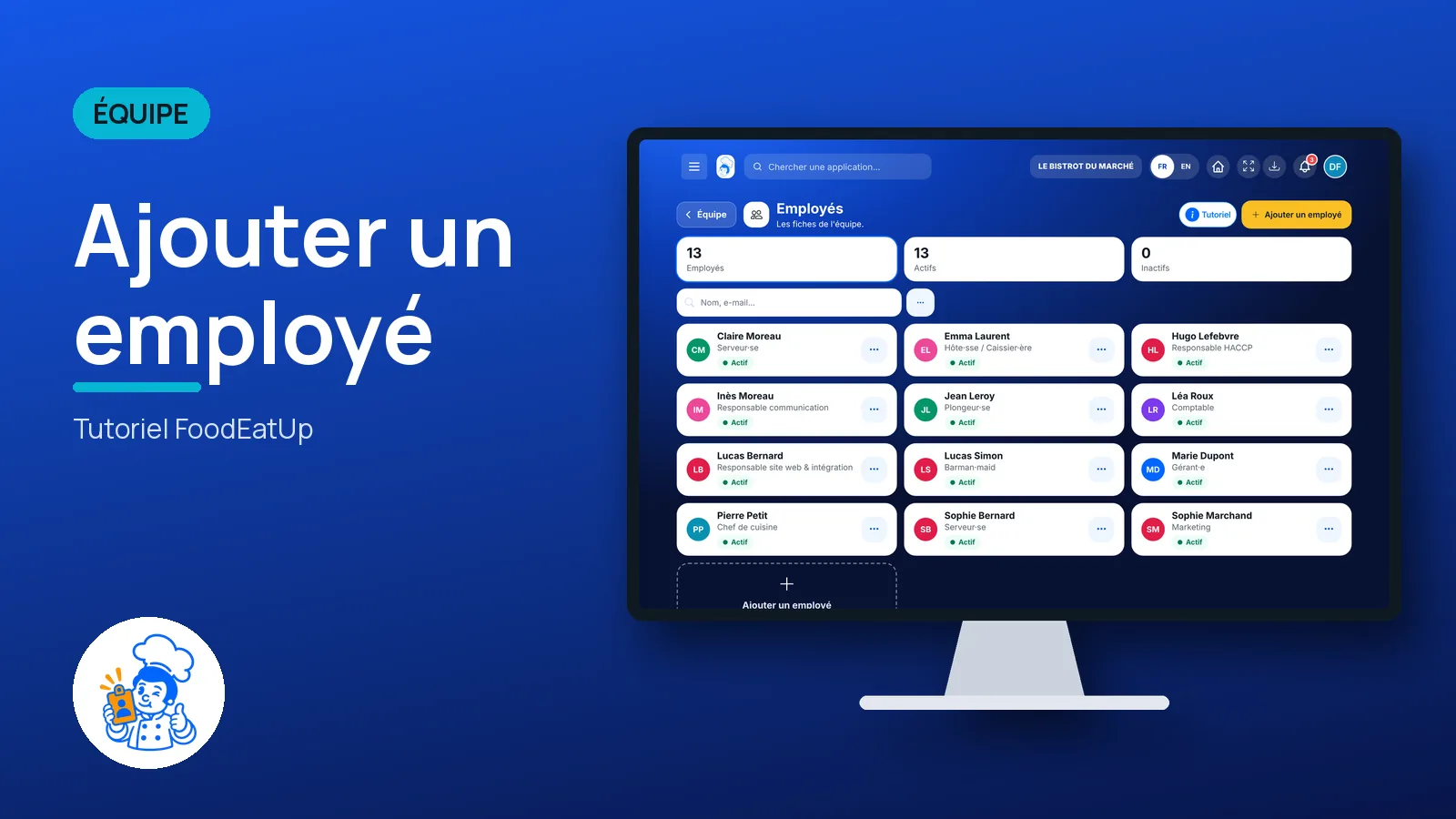
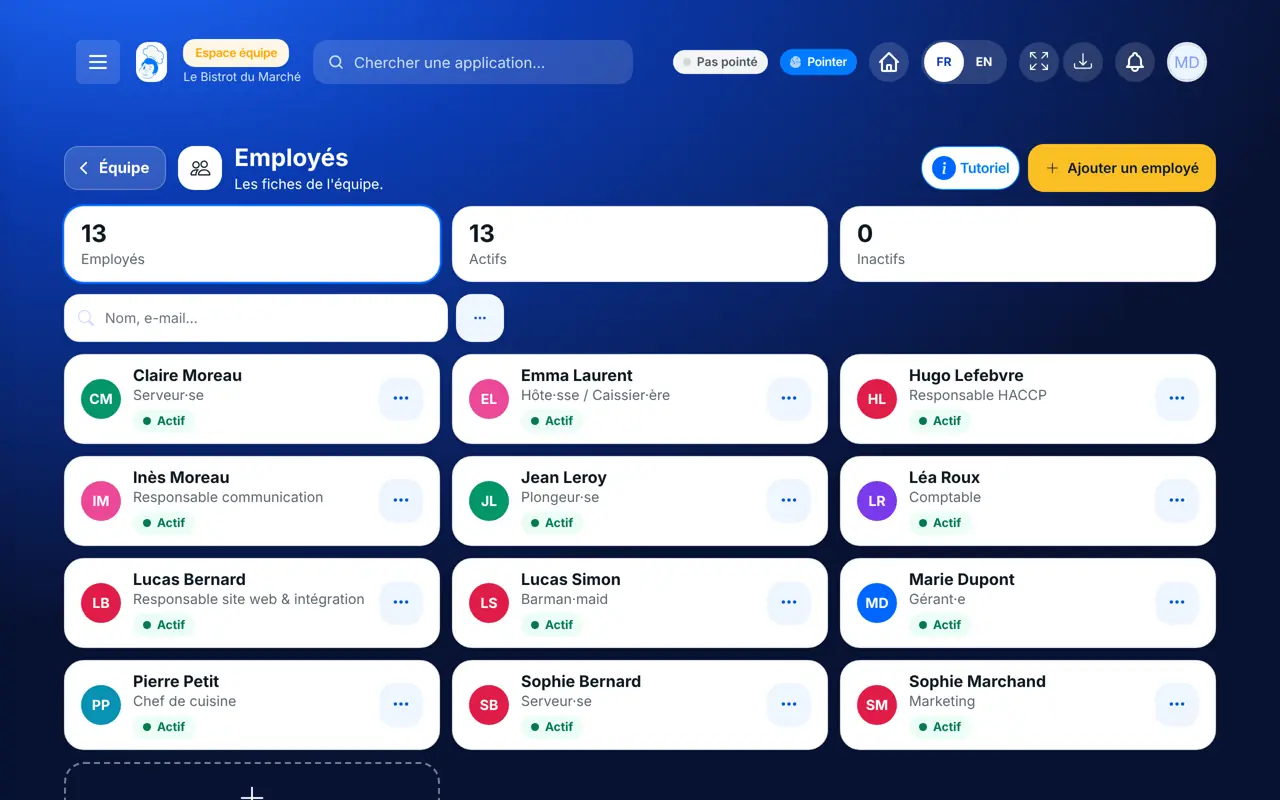
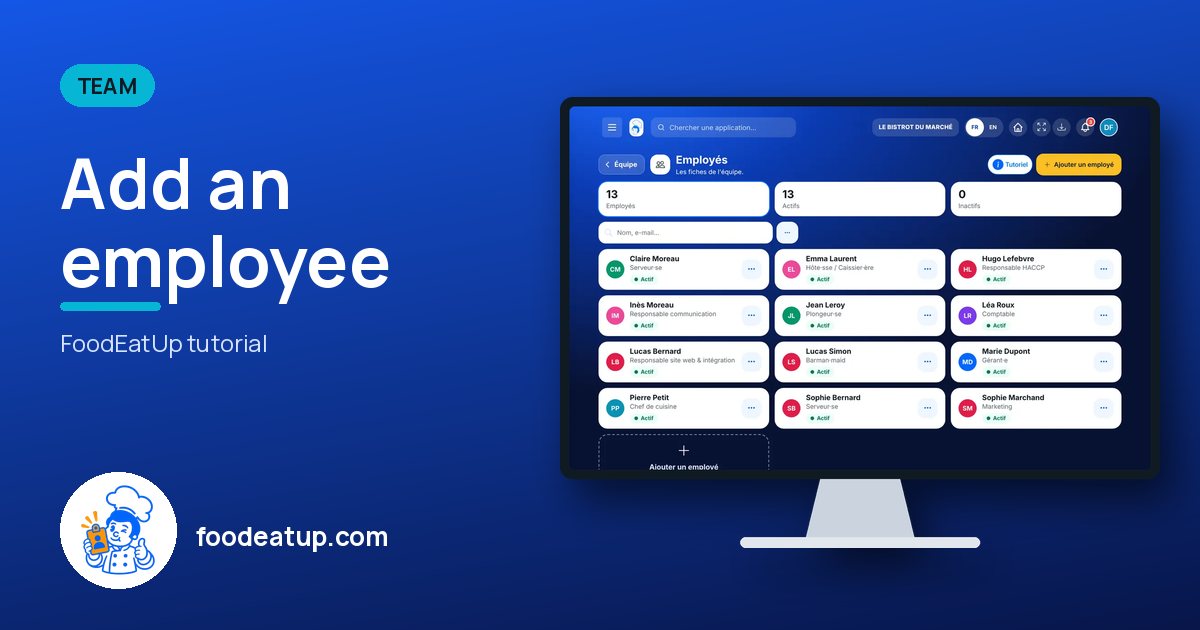
From the home screen, open Équipe then “Employés”. At the top: the number of employees, active and inactive. Tap a figure to filter the list.
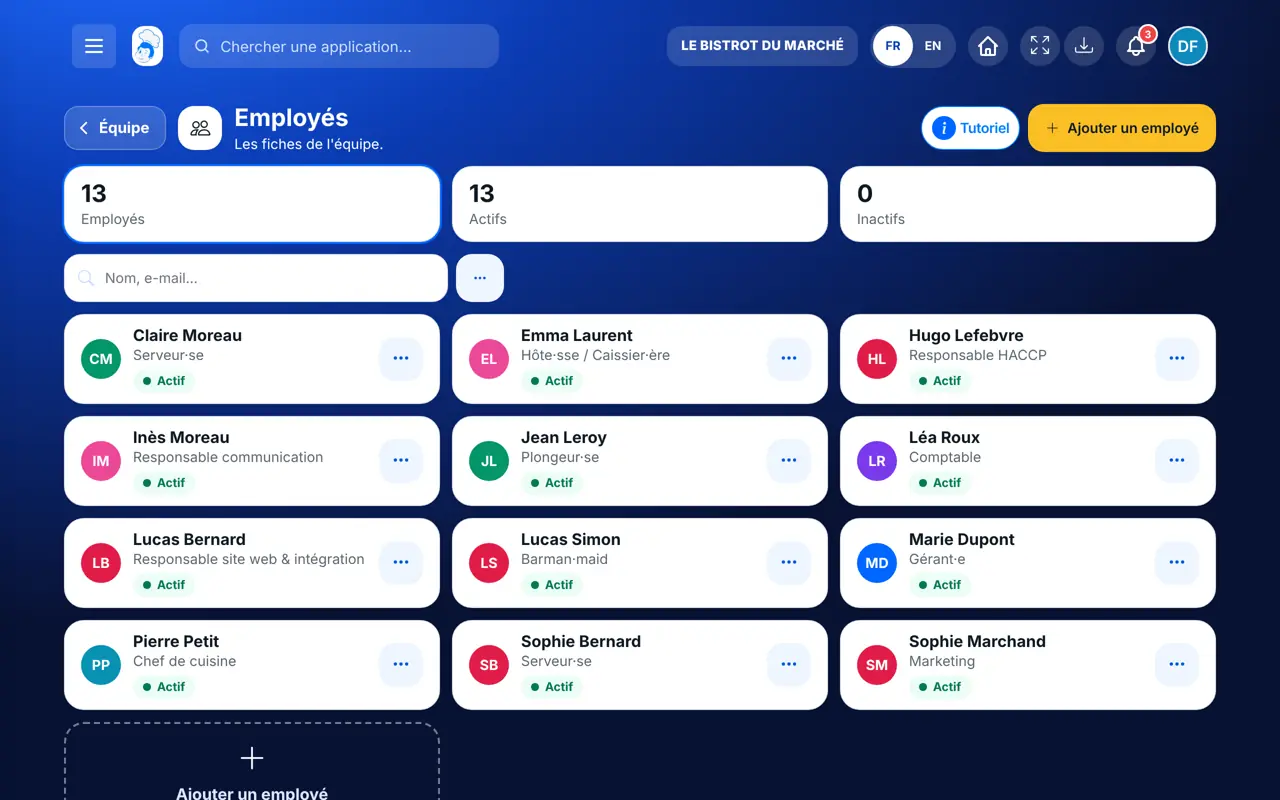
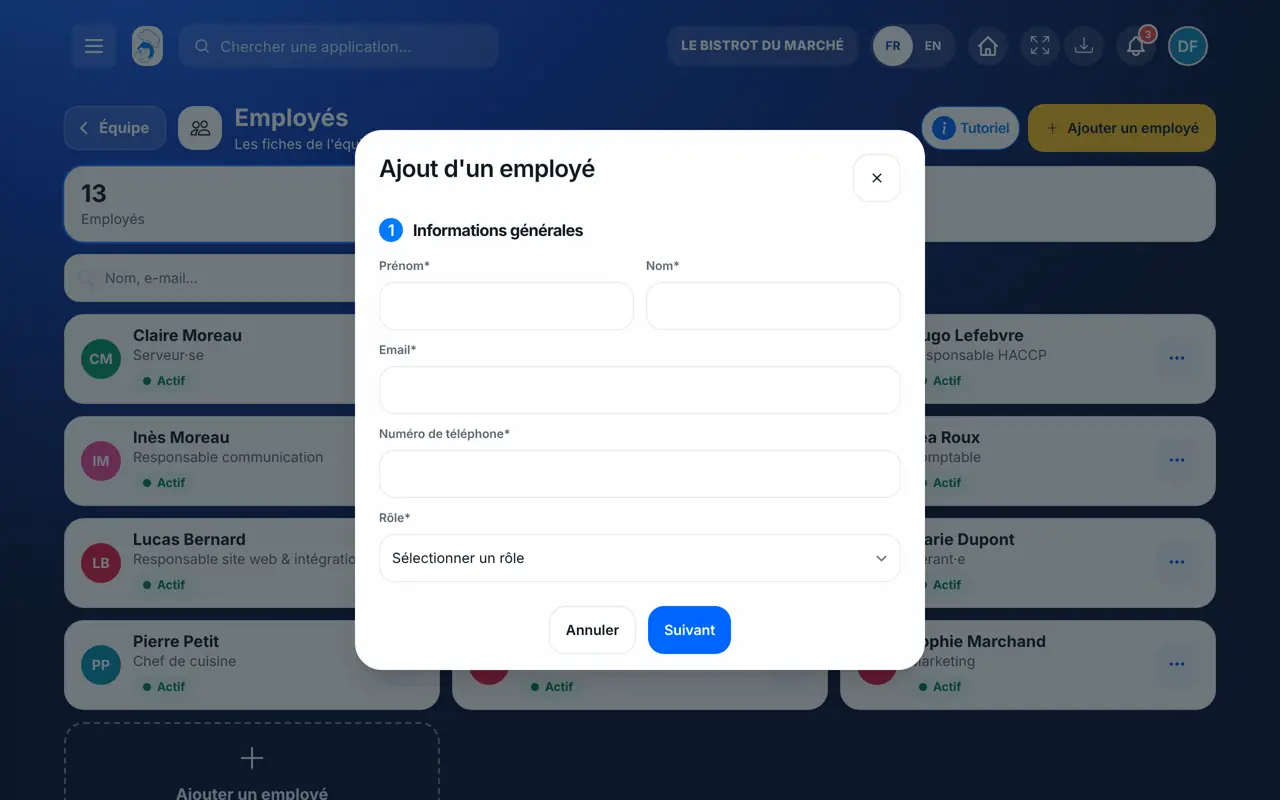
Tap “Ajouter un employé”. First step: first name, last name, e-mail, phone and role.
Second step: their usual working hours, day by day. Confirm: the employee gets a welcome e-mail.
Tap the employee in the list. Tabs “Personnel”, “Salaire” (contract, leave balance), “Documents” and “Jarvis”.
Search by name or e-mail. The “…” button sorts the list by name, role or status.
An employee’s record: role, contact details, access and status. The whole team is ready to be scheduled.
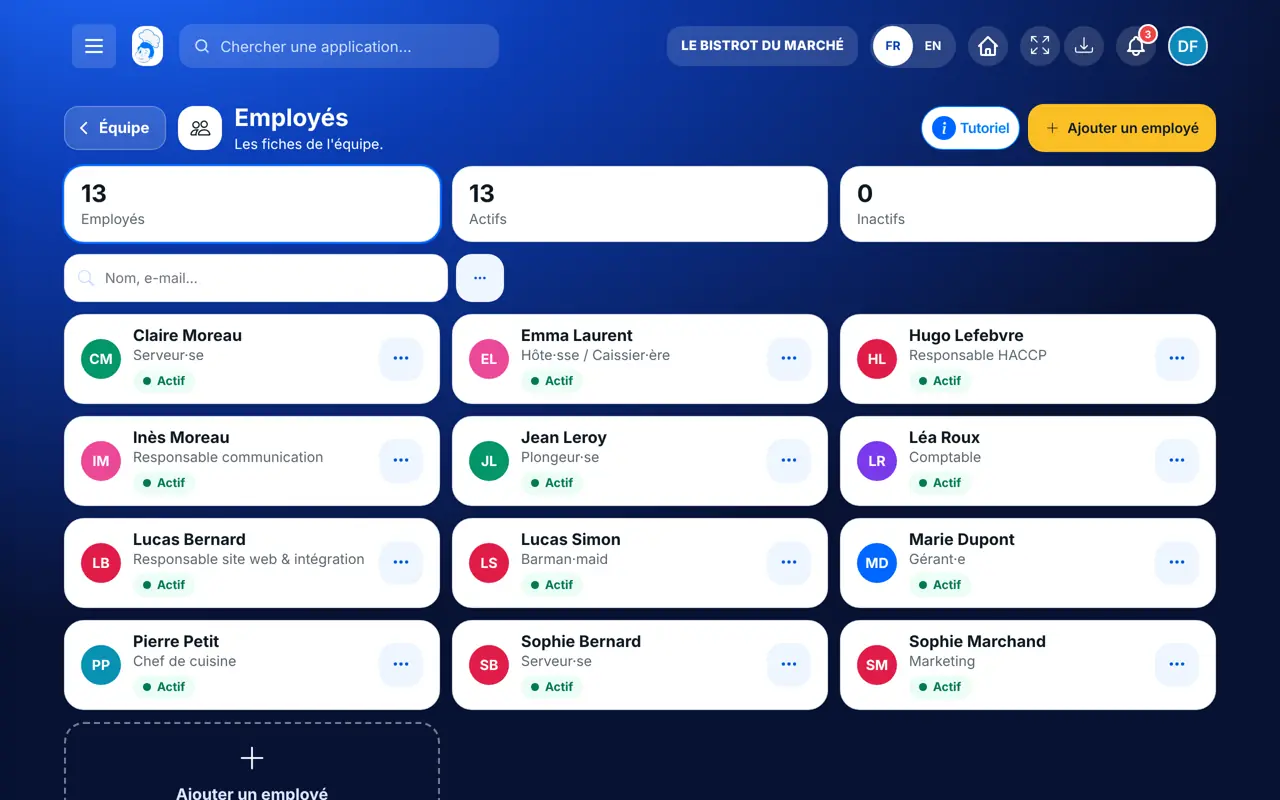
Adds, edits and removes employees, and chooses their role.
With the right to view employees, reads the records. Adding, editing or deleting each need their own right.
Claude, ChatGPT or Mistral’s Le Chat, connected to FoodEatUp. Copy the request and replace your establishment number.
In FoodEatUp, for my establishment [number], list my employees with their role and tell me which ones have no personal code.
What you getEach employee, their role and whether they have a code to clock in.
Tools used : list_employees
In FoodEatUp, for my establishment [number], show me [first and last name]’s record and contract.
What you getTheir contact details, role and contract.
Tools used : get_employee, list_employee_contracts
In FoodEatUp, for my establishment [number], add [first and last name], e-mail [address], with the waiter role.
What you getThe record created with its role; an unknown role is refused with the list of roles.
Tools used : create_employee
Contract, documents and leave in one place.
The role sets what each person sees.
The employee gets an e-mail as soon as they are added.
Their access is cut the day they leave.
Install the role templates first (Équipe › Rôles): you will then pick “serveur” or “cuisinier” in one tap for each new employee.
In FoodEatUp, one action triggers others. Here are the screens that work with this one.
Yes: the e-mail identifies them and receives their welcome message. They can then clock in with their personal code, without a phone.
Their voice-assistant and AI access is revoked immediately, then their record is removed. Deleting asks for a confirmation.
In the employee’s record, “Salaire” tab: days used and days left for the current year.
Send it to your team, your partner or your accountant. The image below appears in the message.
Claude, ChatGPT or Le Chat read this tutorial and explain it to you. Connected to FoodEatUp, they do it with you.
Read this FoodEatUp tutorial: https://foodeatup.com/en/academy/equipe/employees.md Explain it to me simply, step by step, then help me do it in my restaurant. If FoodEatUp is connected to you, do it with me and show me the preview before every change.
Type your establishment number: the link takes you straight to this screen. The number stays on this device.
Discover team management (in French) →
Répond avec les fiches du site, sans IA
Le chef cherche dans les fiches…
 Claude
 Le Chat
 ChatGPT