Aller au contenu
Head office · Network customers
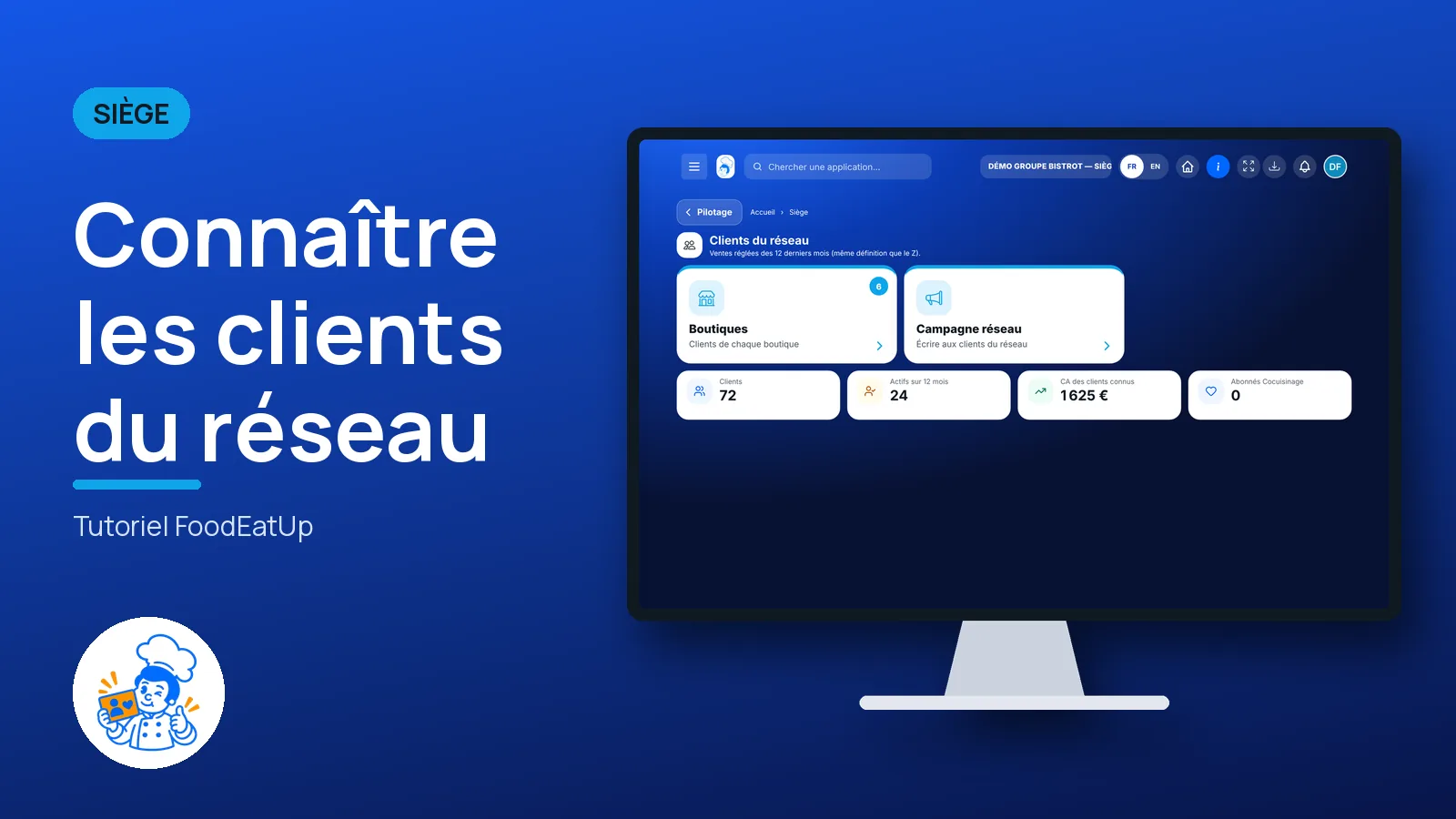
Know the network’s customers

How many customers per shop, how many are active, how many accept your offers. And a campaign the head office prepares once, for all its shops.

  • Computer
  • 4 steps
  • Level : Intermediate
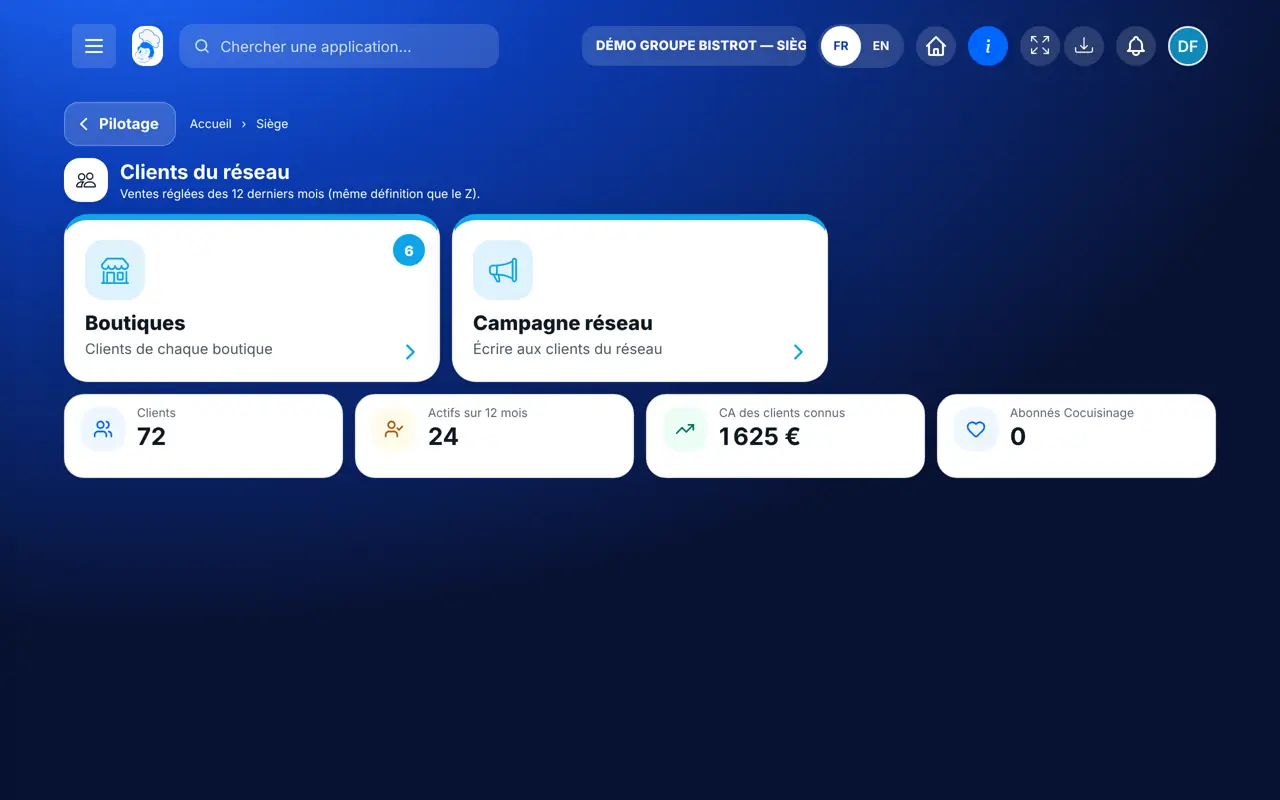
Know the network’s customers : Network customers: one card per shop

Who is it for?

  • Responsable multi-sites
  • Animateur réseau
  • Directeur
  • Patron / gérant

Roles with access

  • Gérant·e
  • Serveur·se · view
  • Barman·maid · view
  • Hôte·sse / Caissier·ère · view
  • Marketing
  • Boutique (réseau)
  • Franchisé·e (réseau)
  • Directeur·rice d'établissement
  • Responsable commercial
  • Responsable événements · view
  • Responsable marketing

The owner always has access. See what each role sees →

Recommended hardware

Computer

A computer at the head office. Writing a campaign is more comfortable on a keyboard.

See the hardware →

What it is for

  • Count each shop’s customers: the total, new ones over 30 days, active ones over 12 months.
  • Know how many customers agreed to receive your offers by e-mail or text message.
  • Prepare the same campaign in several shops, typing it only once.

Why set it up

  • You see where your customer base is growing, and where it is going quiet.
  • A head-office campaign arrives as a draft in each shop. The shop reads it again and launches it: nothing goes out by itself.
  • Only customers who gave their consent receive the message. The software applies the rule.

The same screen, on every device

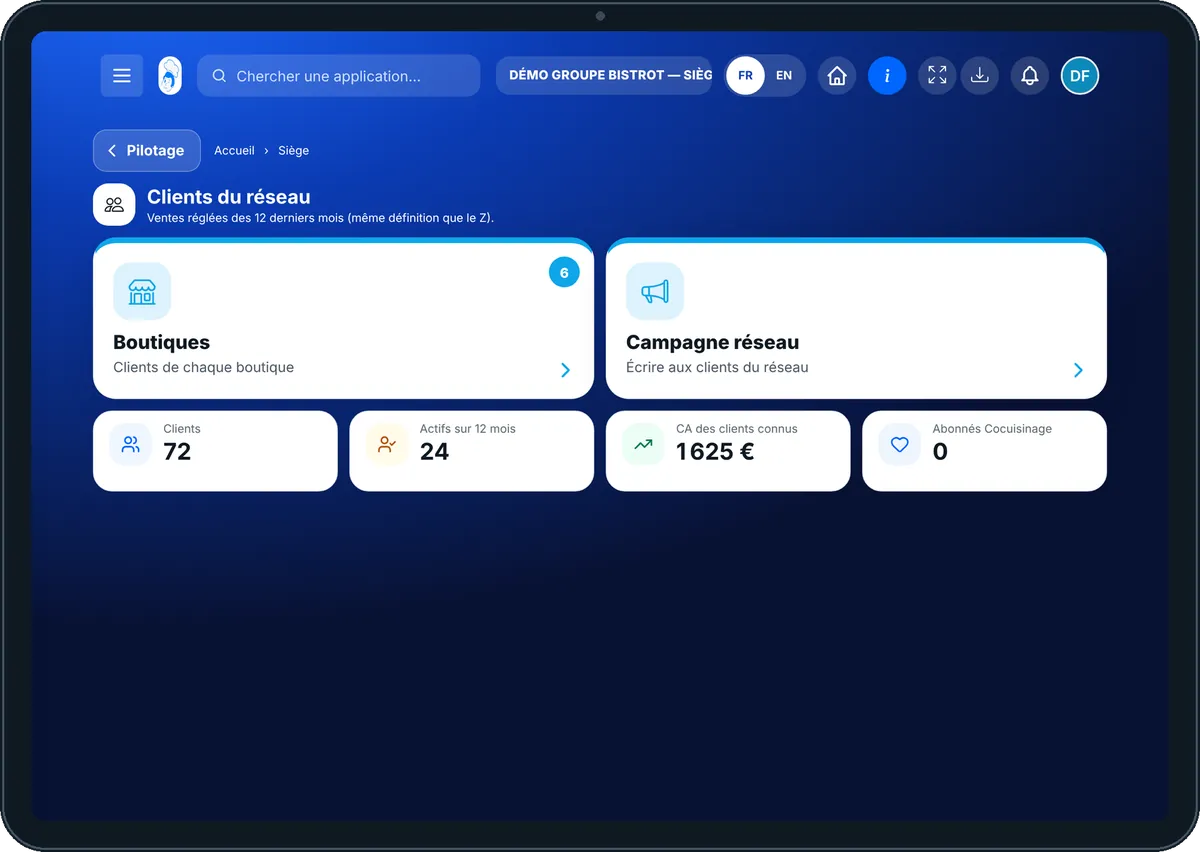
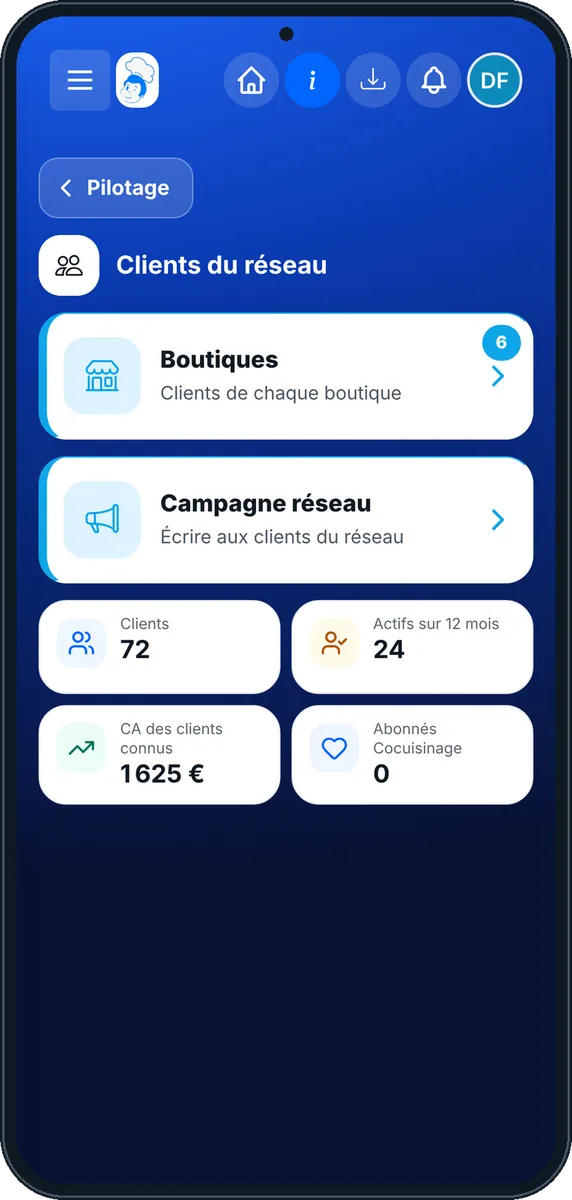
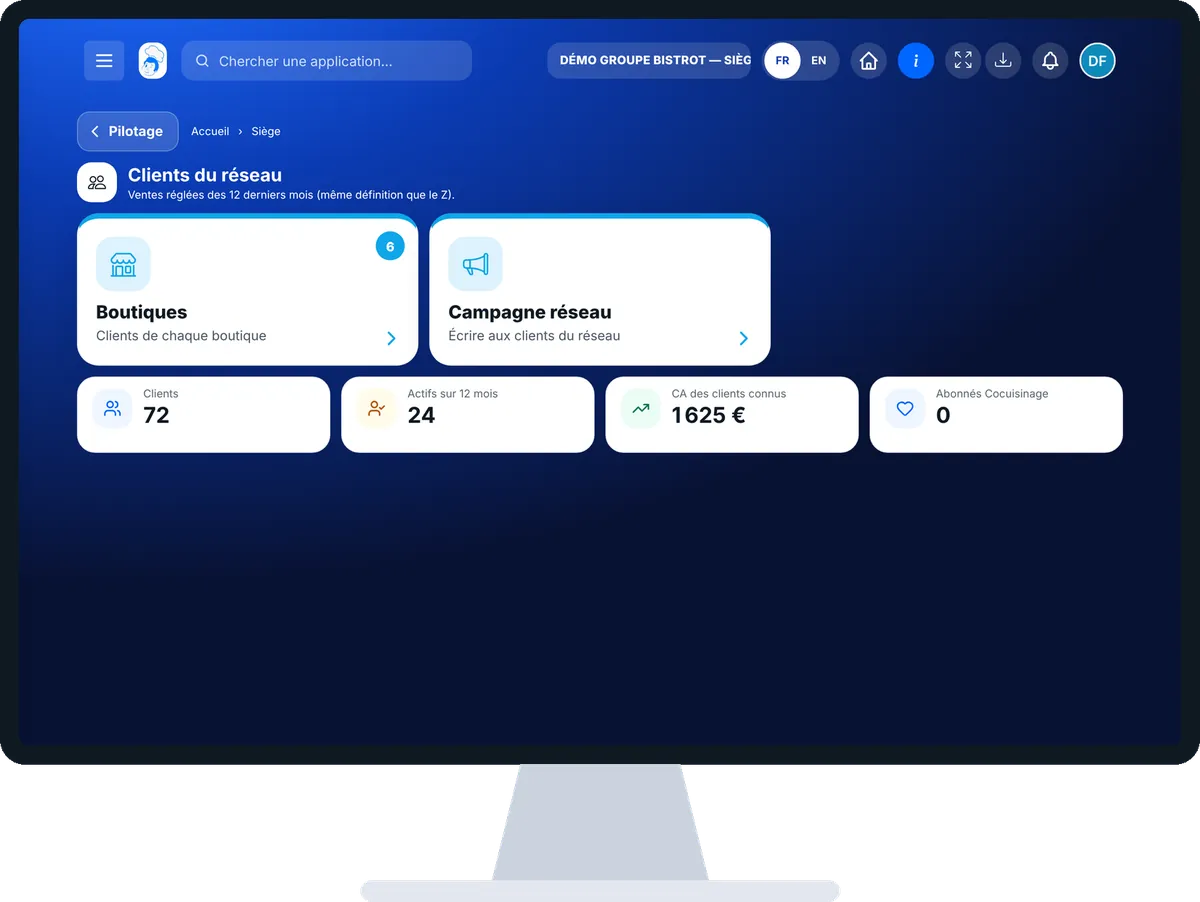
The real software screens, as they appear on each device.

Network customers — On the tablet
On the tablet
Network customers — On the phone
On the phone
Network customers — On the computer
On the computer

Step by step

Know the network’s customers : 4 steps, with the real software screens.

  1. 1Step 1

    Open network customers

    In the Siège category, open “Clients du réseau”. At the top: the number of customers, those active over 12 months and the revenue from known customers.

    Network customers: one card per shop
  2. 2Step 2

    Read a shop

    Each card gives customers, new ones over 30 days, active ones, and the number of consents for offers by e-mail and text. For a company-owned shop, “Voir les meilleurs clients” opens their records.

  3. 3Step 3

    Write the campaign

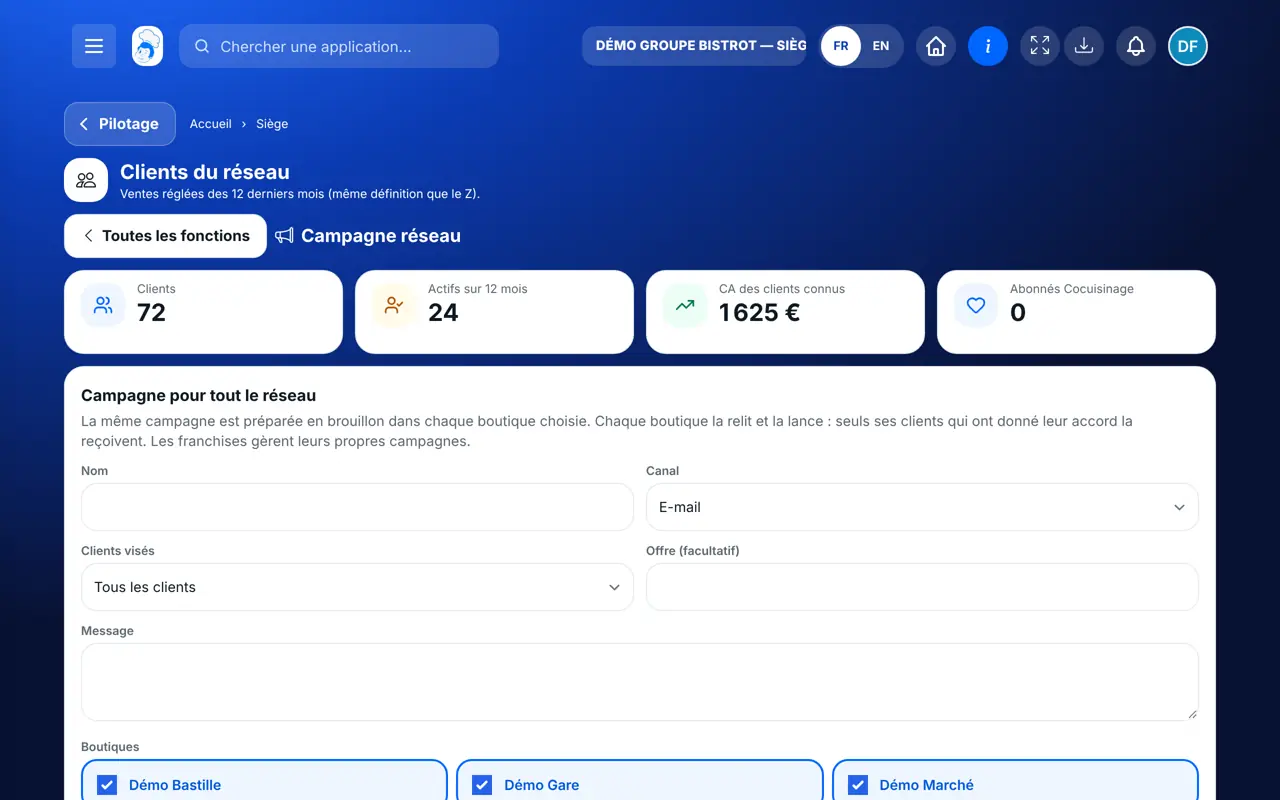
    Tap the “Campagne réseau” tab. Give it a name, choose the channel (e-mail, text or WhatsApp), the customers targeted, then write the message.

    The “Campagne réseau” tab: name, channel, target customers, message, shops
  4. 4Step 4

    Choose the shops

    Tick the shops concerned, then tap “Préparer dans les boutiques”. The campaign is created as a draft in each one.

The result

The result

Each chosen shop finds the campaign as a draft in its Campaigns. It reads it again, picks the moment and launches it. Only its customers who gave consent receive it.

Launch a campaign in the shop →
The result : Know the network’s customers

Owner and employee: what changes

The head office

Sees the figures of all shops and the customer records of its company-owned shops. For a franchise, it sees totals only.

Network customers — The head office

The shop

Keeps its own customer records. It receives the head-office campaign as a draft and decides whether to launch it.

Do it with your assistant

Claude, ChatGPT or Mistral’s Le Chat, connected to FoodEatUp. Copy the request and replace your establishment number.

Where are my customers?

In FoodEatUp, for my establishment [number], give me the number of customers of my restaurant, this month’s new ones and those who accept my offers by e-mail.

What you getThe number of customers, the new ones and those who gave consent.

Tools used : list_clients

Prepare a win-back campaign

In FoodEatUp, for my establishment [number], prepare an e-mail campaign for customers who have not come for a long time. Show me the preview before confirming, and do not launch anything.

What you getA campaign draft with the number of customers targeted and those excluded, with the reason. Nothing is sent.

Tools used : list_rfm_segments, create_campaign

What you gain

One view per shop

Customers, new, active: the same figures everywhere.

Typed once

The campaign is written once for all shops.

The shop stays in charge

It reads and launches by itself.

Consent respected

No consent from the customer, no message.

The Chef’s tip

Leave room in your message for each shop to add its own touch: the name of the neighbourhood, a dish of the moment. A campaign reviewed by the shop sounds truer than the same message everywhere.

Frequently asked questions

Does the head office see a franchise’s customers?

No. For a franchise, it sees totals only. Customer records stay with the franchisee.

Does a head-office campaign go out automatically?

No. It is prepared as a draft in each shop. The shop reads it again and launches it.

Can you write to a customer who did not give consent?

No. The software does not send them the campaign.

Text version for AI assistants →

Share this tutorial

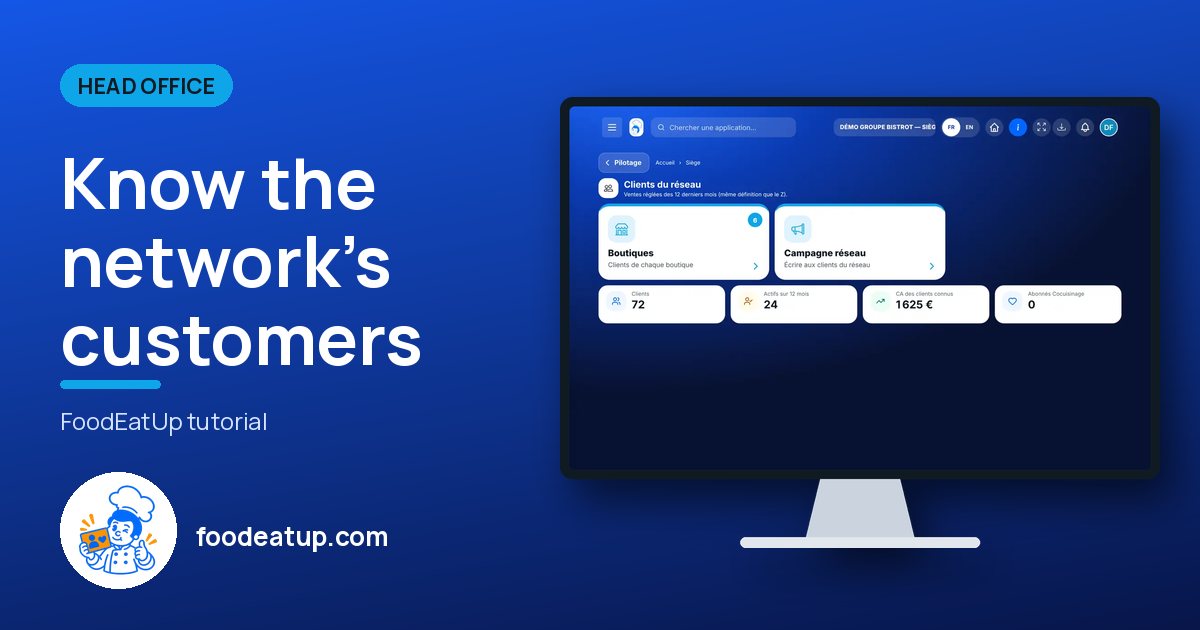
Send it to your team, your partner or your accountant. The image below appears in the message.

Share preview : Know the network’s customers
WhatsAppLinkedInFacebookEmail

Send to an AI assistant

Claude, ChatGPT or Le Chat read this tutorial and explain it to you. Connected to FoodEatUp, they do it with you.

Read this FoodEatUp tutorial: https://foodeatup.com/en/academy/siege/reseau-clients.md Explain it to me simply, step by step, then help me do it in my restaurant. If FoodEatUp is connected to you, do it with me and show me the preview before every change.

ClaudeLe ChatChatGPT

Open in my software

Type your establishment number: the link takes you straight to this screen. The number stays on this device.

Discover FoodEatUp for networks (in French) →

You can read it in the software address: foodeatup.com/establishment/number/…