Today’s HACCP status
In FoodEatUp, for my establishment [number], tell me what is left to do in HACCP today.
What you getWhat is left to do, for active modules.
Tools used : get_haccp_todo
 HACCP · Settings
Switch on only what your establishment uses: fryers, thermal cycles, temperatures, traceability, cleaning, production, labels, receiving, documents, hygiene.
 Chef de cuisine
 Directeur
 Patron / gérant
The owner always has access. See what each role sees →
A computer in the office: this is set once, at setup.
The real software screens, as they appear on each device.
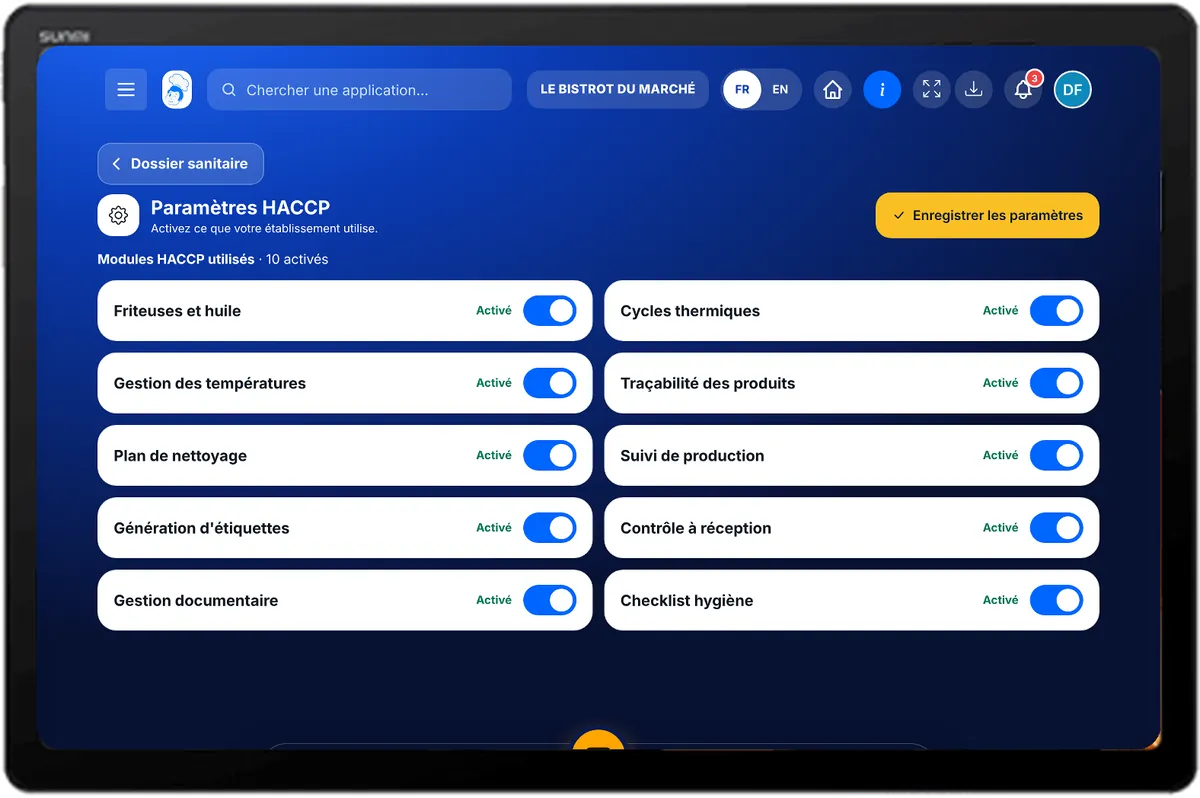
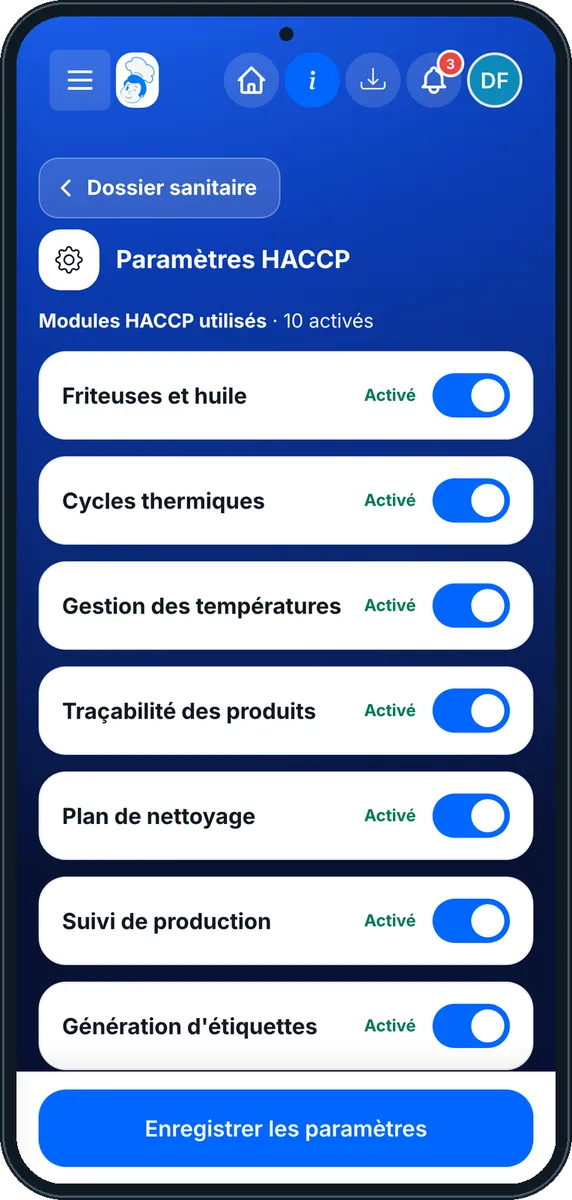
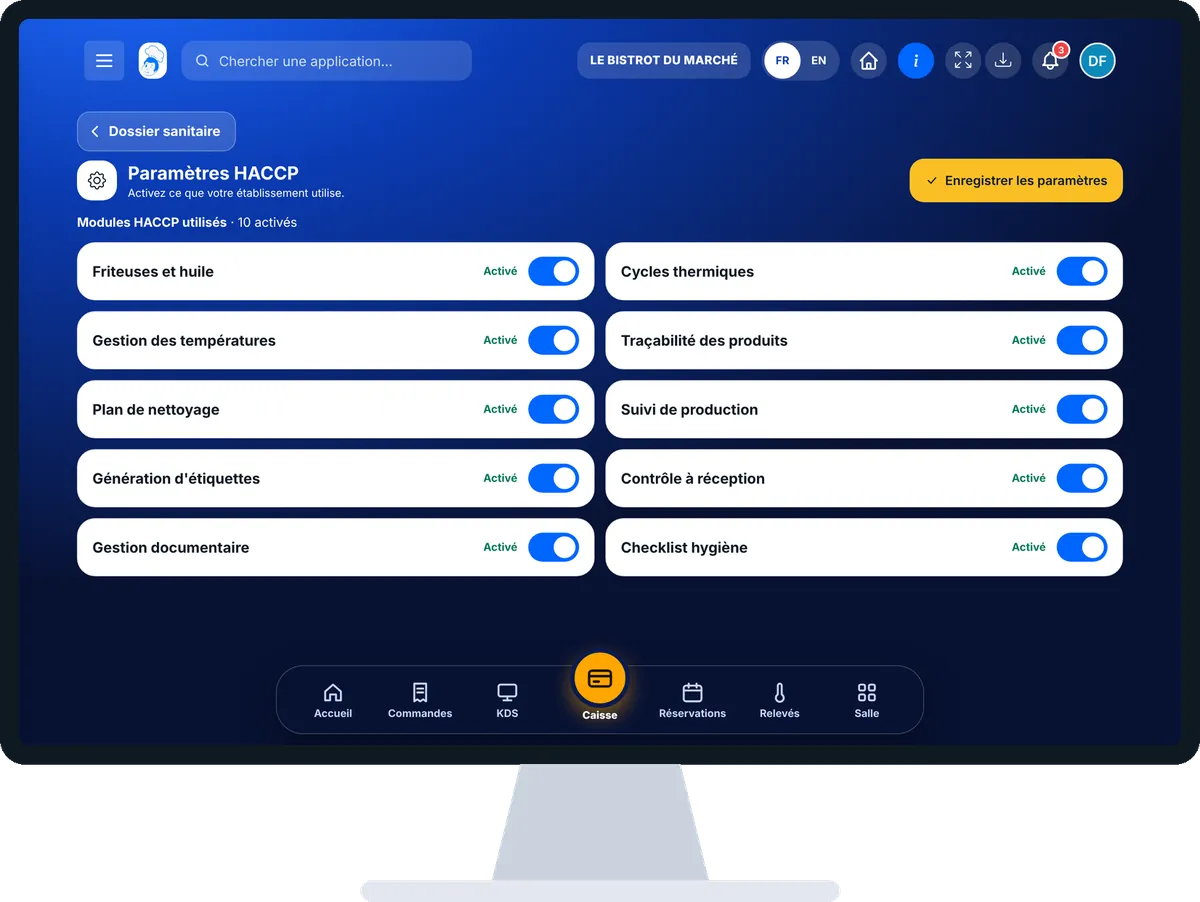
Choose your HACCP modules : 4 steps, with the real software screens.
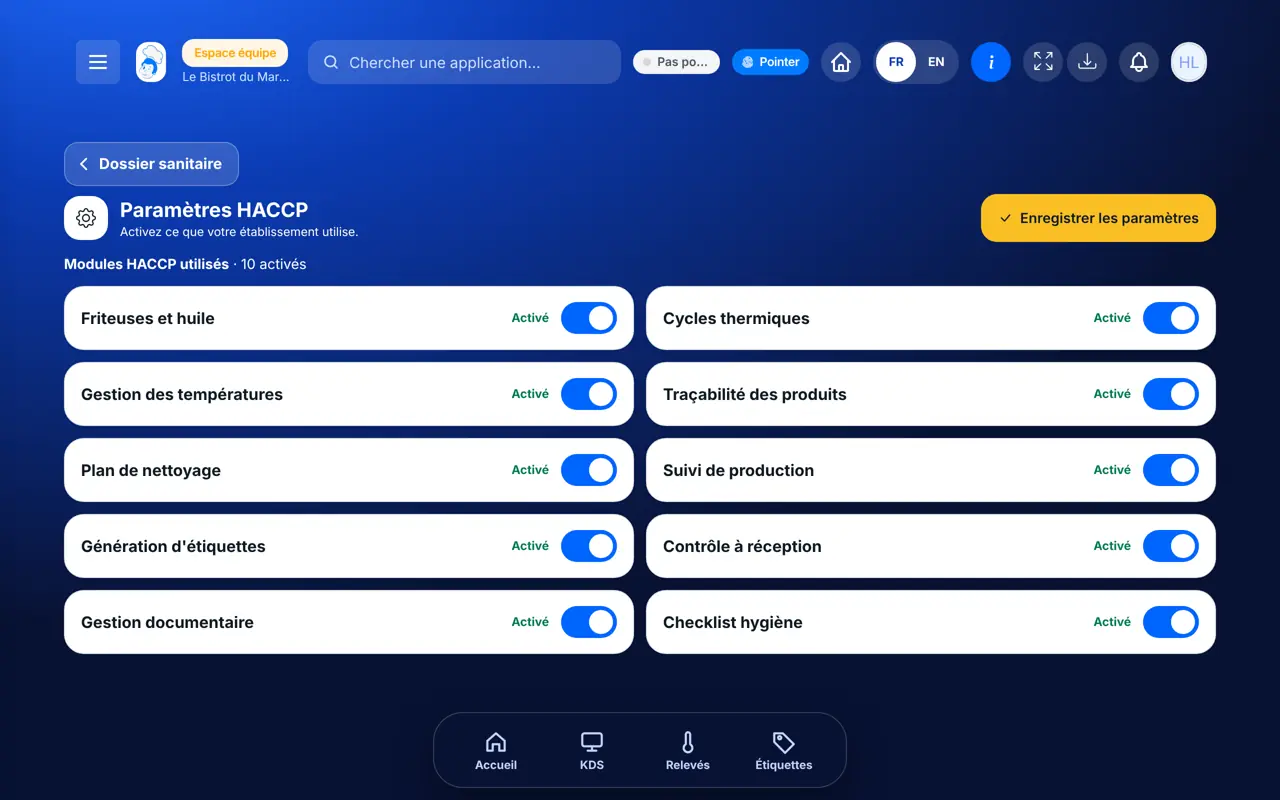
In HACCP, open “Paramètres”. HACCP modules are listed, with the number switched on.
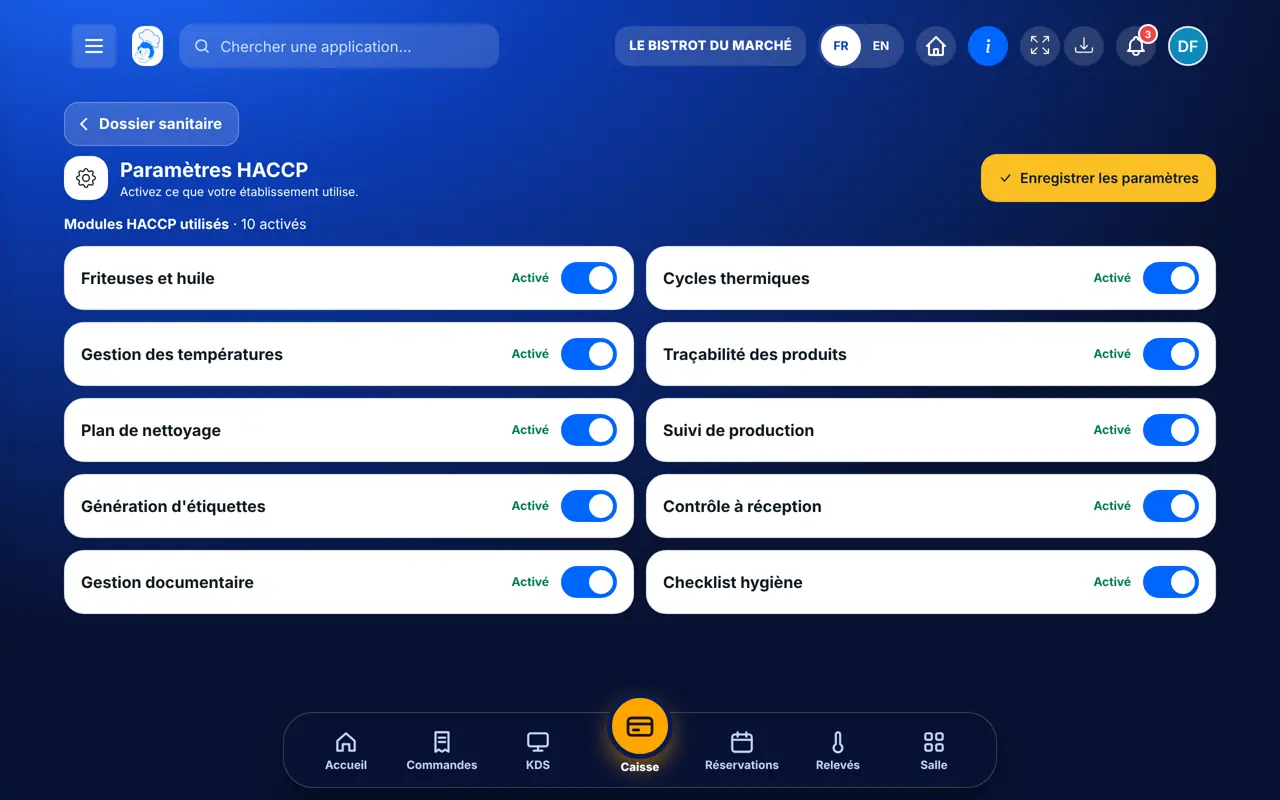
Tap each module’s switch: fryers and oil, thermal cycles, temperatures, traceability, cleaning plan, production, labels, receiving, documents, hygiene checklist.
Tap “Enregistrer les paramètres”. If no module is ticked, all stay active.
Equipment and its temperature range are set in “Températures”; a fryer’s thresholds in its settings.
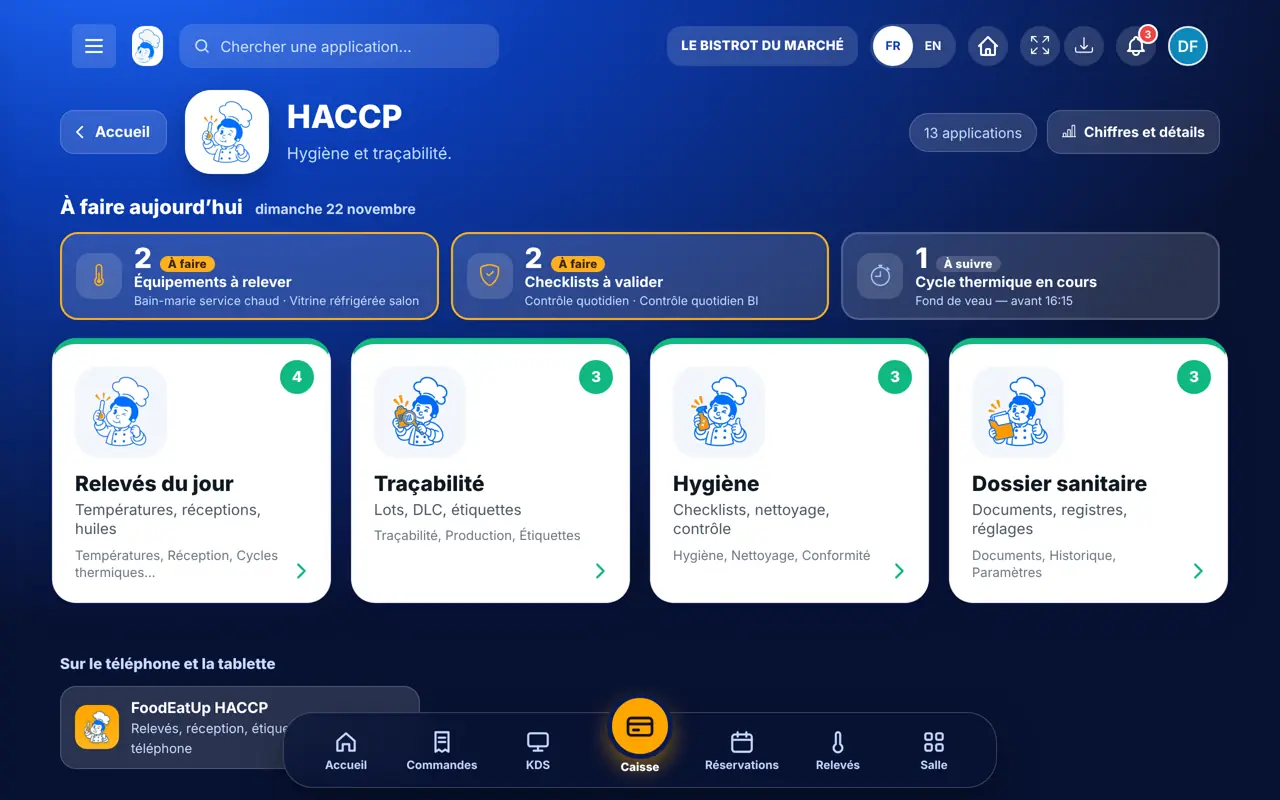
The HACCP home screen and its “To do today” banner show only active modules.
Chooses the modules for the whole establishment.
Opens this screen only if the role has the right to change HACCP settings.
Claude, ChatGPT or Mistral’s Le Chat, connected to FoodEatUp. Copy the request and replace your establishment number.
In FoodEatUp, for my establishment [number], tell me what is left to do in HACCP today.
What you getWhat is left to do, for active modules.
Tools used : get_haccp_todo
In FoodEatUp, for my establishment [number], list my HACCP equipment with its temperature range and reading frequency.
What you getThe list of equipment and its settings.
Tools used : list_equipment
In FoodEatUp, for my establishment [number], set the range of equipment [name] between [min] and [max] °C. Show me the change before confirming.
What you getThe assistant prepares the change and shows it before saving.
Tools used : list_equipment, update_equipment
The modules you need.
“To do today” follows your modules.
The whole team sees the same HACCP.
A module can be switched back on at any time.
At setup, switch on only what you already do on paper. Add a module once the team is used to the first ones.
In FoodEatUp, one action triggers others. Here are the screens that work with this one.
All modules stay active.
In “Températures”, on the equipment.
This setting chooses what is offered: it only filters, it deletes nothing.
Send it to your team, your partner or your accountant. The image below appears in the message.
Claude, ChatGPT or Le Chat read this tutorial and explain it to you. Connected to FoodEatUp, they do it with you.
Read this FoodEatUp tutorial: https://foodeatup.com/en/academy/haccp/haccp-parametres.md Explain it to me simply, step by step, then help me do it in my restaurant. If FoodEatUp is connected to you, do it with me and show me the preview before every change.
Type your establishment number: the link takes you straight to this screen. The number stays on this device.
Discover FoodEatUp HACCP (in French) →
Répond avec les fiches du site, sans IA
Le chef cherche dans les fiches…
 Claude
 Le Chat
 ChatGPT