Aller au contenu
Settings · AI credits
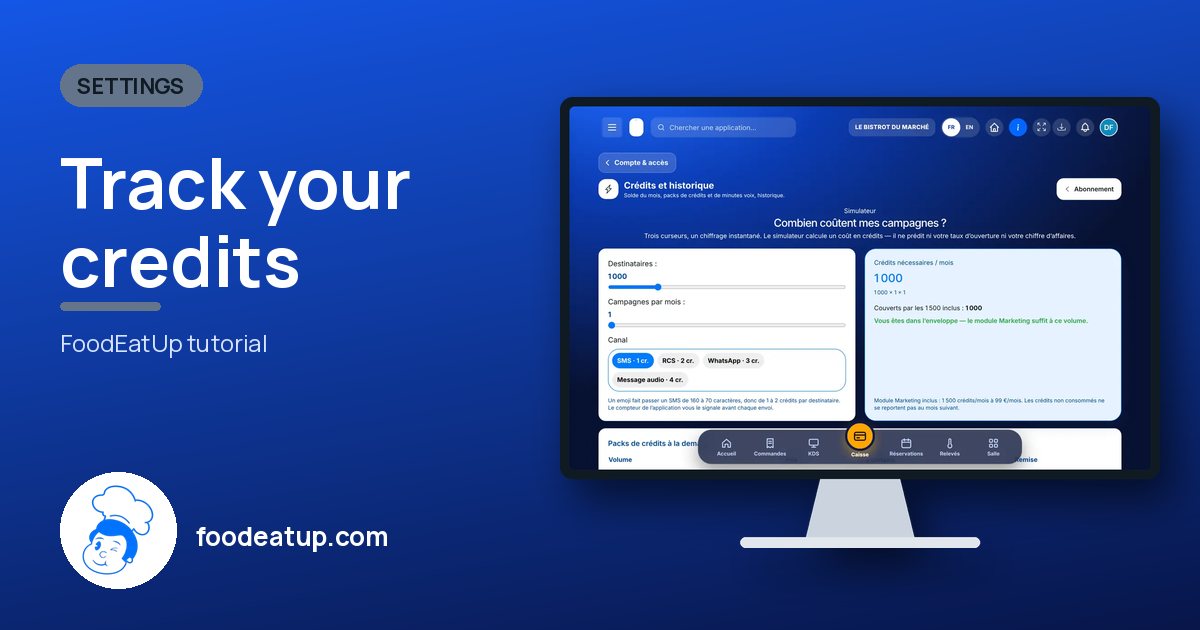
Track your credits

The month’s balance, credit and voice-minute packs, and the history of what was used. Credits pay for visuals, videos, AI texts and campaigns.

  • Computer
  • 4 steps
  • Level : Beginner
Track your credits : The Credits and history page: simulator, packs and balance

Who is it for?

  • Patron / gérant
  • Directeur
  • Responsable multi-sites

Recommended hardware

Computer

A computer. The history and the simulator read better on a large screen.

See the hardware →

What it is for

  • See what is left of the monthly quota, and the total credits available.
  • Estimate what a campaign costs before launching it, with the simulator.
  • Choose a credit or voice-minute pack, and read the usage history.

Why set it up

  • You know what is left before launching a campaign or a batch of visuals.
  • The monthly quota is used first. Packs only come after.
  • A job that fails costs nothing: held credits are only charged if it succeeds.

The same screen, on every device

The real software screens, as they appear on each device.

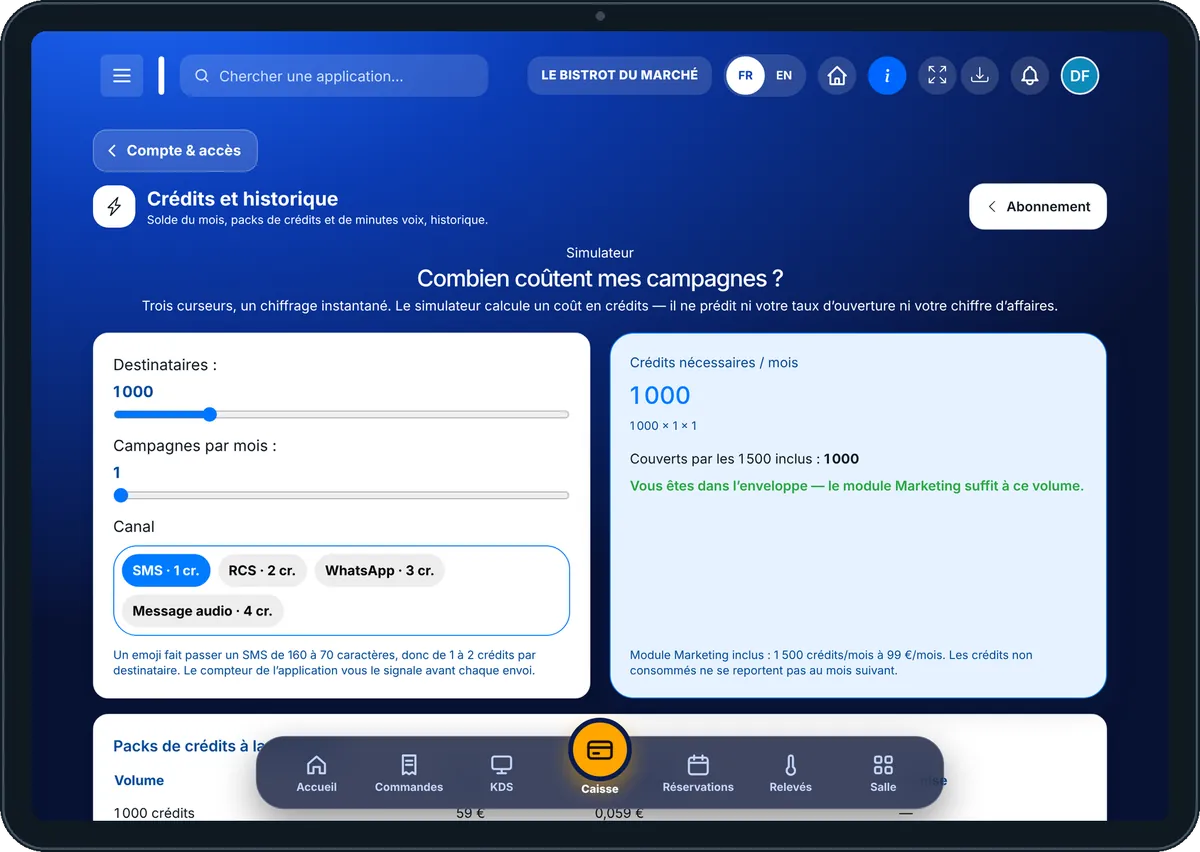
AI credits — On the tablet
On the tablet
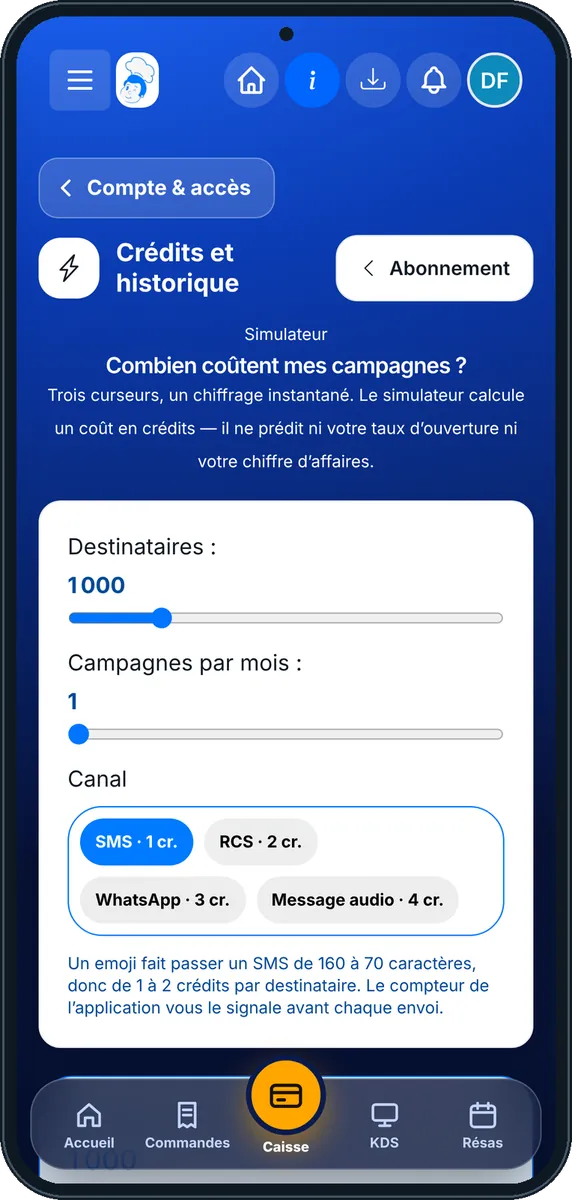
AI credits — On the phone
On the phone
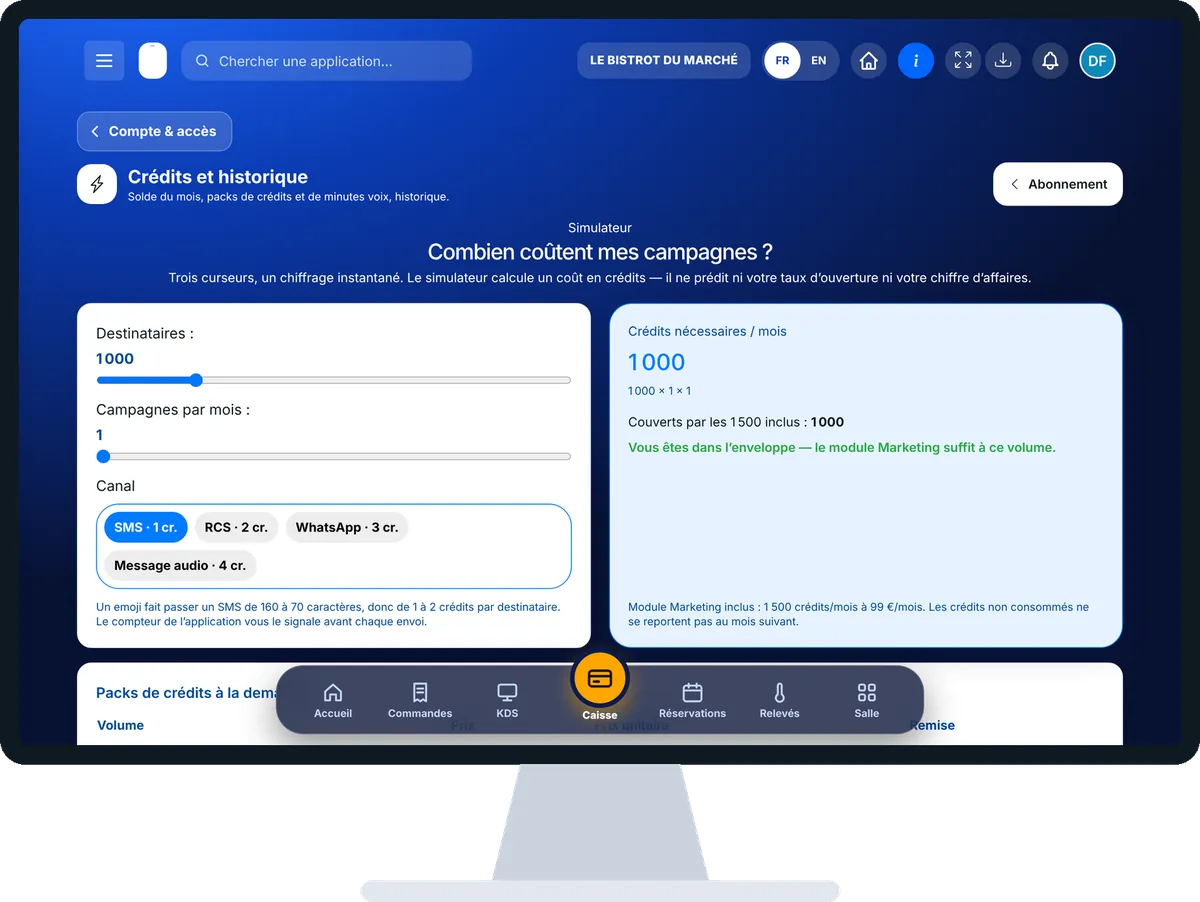
AI credits — On the computer
On the computer

Step by step

Track your credits : 4 steps, with the real software screens.

  1. 1Step 1

    Open the credits

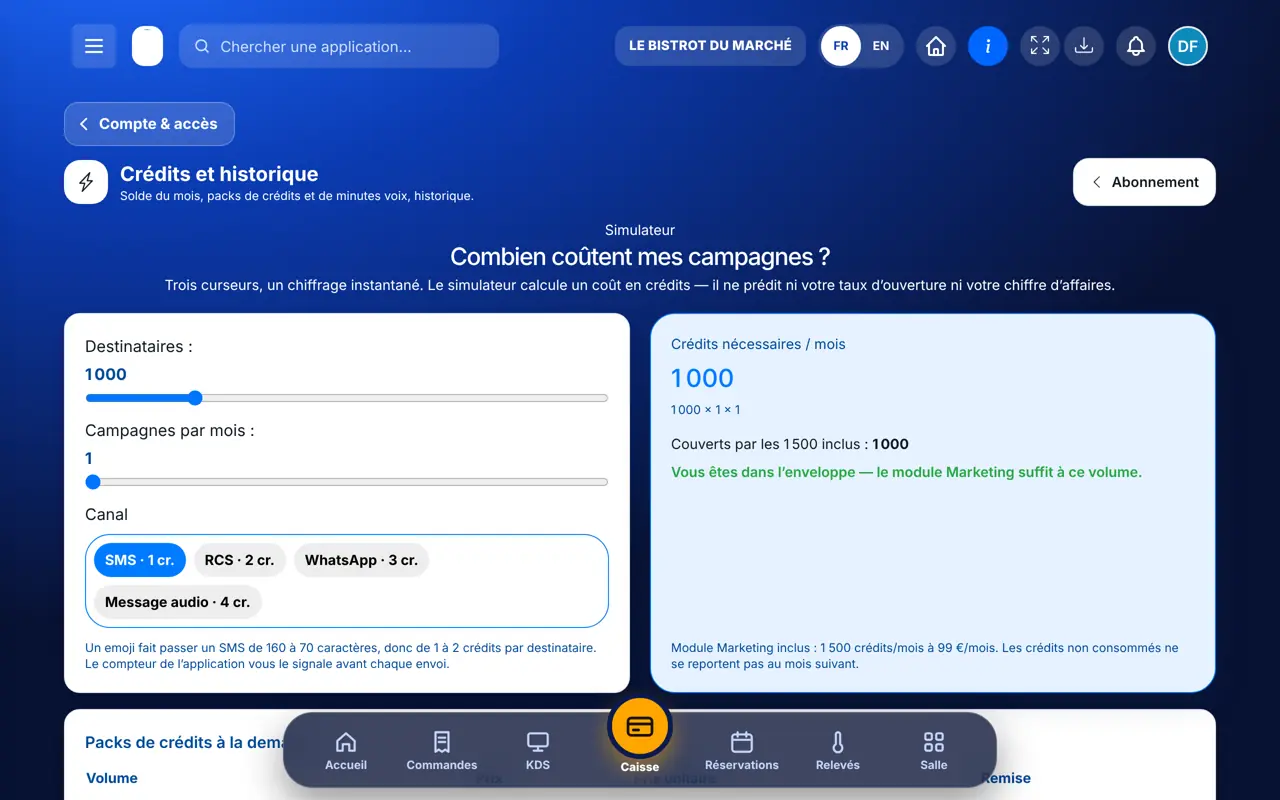
    In the Configuration category, open “Crédits IA”. The page starts with the simulator “Combien coûtent mes campagnes ?”, then “Mes crédits & minutes”.

    The Credits and history page: simulator, packs and balance
  2. 2Step 2

    Read your balance

    The “Quota du mois” card gives the remaining credits and the reset date. “Total mobilisable” adds your packs. Credits held by a job in progress are shown separately.

  3. 3Step 3

    Choose a pack

    Under “1 · Choisissez un pack”, tap a pack. The “2 · Confirmer” column shows the balance after purchase and the list “À quoi servent les crédits”. The “Acheter ce pack” button opens the secure payment.

  4. 4Step 4

    Review and export

    “Achats & dotations” and “Historique des consommations” list everything, line by line. The “Exporter ma consommation (CSV, 12 mois)” button gives the file for your spreadsheet.

The result

The result

Your balance is updated as soon as the payment is confirmed, never before. In Iris, Studio Print or campaigns, each quote states the number of credits before launching, and the spend comes back here, in the history.

Create a visual with Iris →

Owner and employee: what changes

The owner

Follows the balance, buys packs and exports usage.

AI credits — The owner

The employee

They only see the page if their role has the “Abonnement” right. In their work, they see the cost in credits when creating a visual or a campaign.

Do it with your assistant

Claude, ChatGPT or Mistral’s Le Chat, connected to FoodEatUp. Copy the request and replace your establishment number.

What would this document cost?

In FoodEatUp, for my establishment [number], give me the quote in credits to lay out my document [document name] with AI. Do not launch anything.

What you getThe number of credits required, and the suggested mode. Nothing is launched or charged.

Tools used : quote_document_pro_render

What would this video cost?

In FoodEatUp, for my establishment [number], give me the quote in credits for a 15-second video made with my images. Do not launch anything.

What you getThe quote in credits, with or without voice. Nothing is launched.

Tools used : quote_asset_video

What does my subscription include?

In FoodEatUp, for my establishment [number], sum up my subscription and the open features.

What you getYour active plans and what they open, with no price.

Tools used : get_subscription_summary

What you gain

A clear balance

Monthly quota, packs, held credits.

A cost stated first

The quote comes before the job.

Nothing charged by mistake

A failure costs no credit.

A full export

Twelve months of usage, as CSV.

The Chef’s tip

Run your campaign message through the simulator before sending it. A single emoji can change the format of an SMS and raise its cost: the simulator tells you.

Frequently asked questions

Do monthly credits carry over?

No. The monthly quota resets on the date shown and is not carried over. Purchased packs are used next, by expiry date.

Am I warned when the quota runs low?

Yes. An alert warns you when 80% of the month’s included credits are used. Nothing is topped up automatically.

When does my balance change after a purchase?

Only after the payment is confirmed. Until then, the balance does not move.

Text version for AI assistants →

Share this tutorial

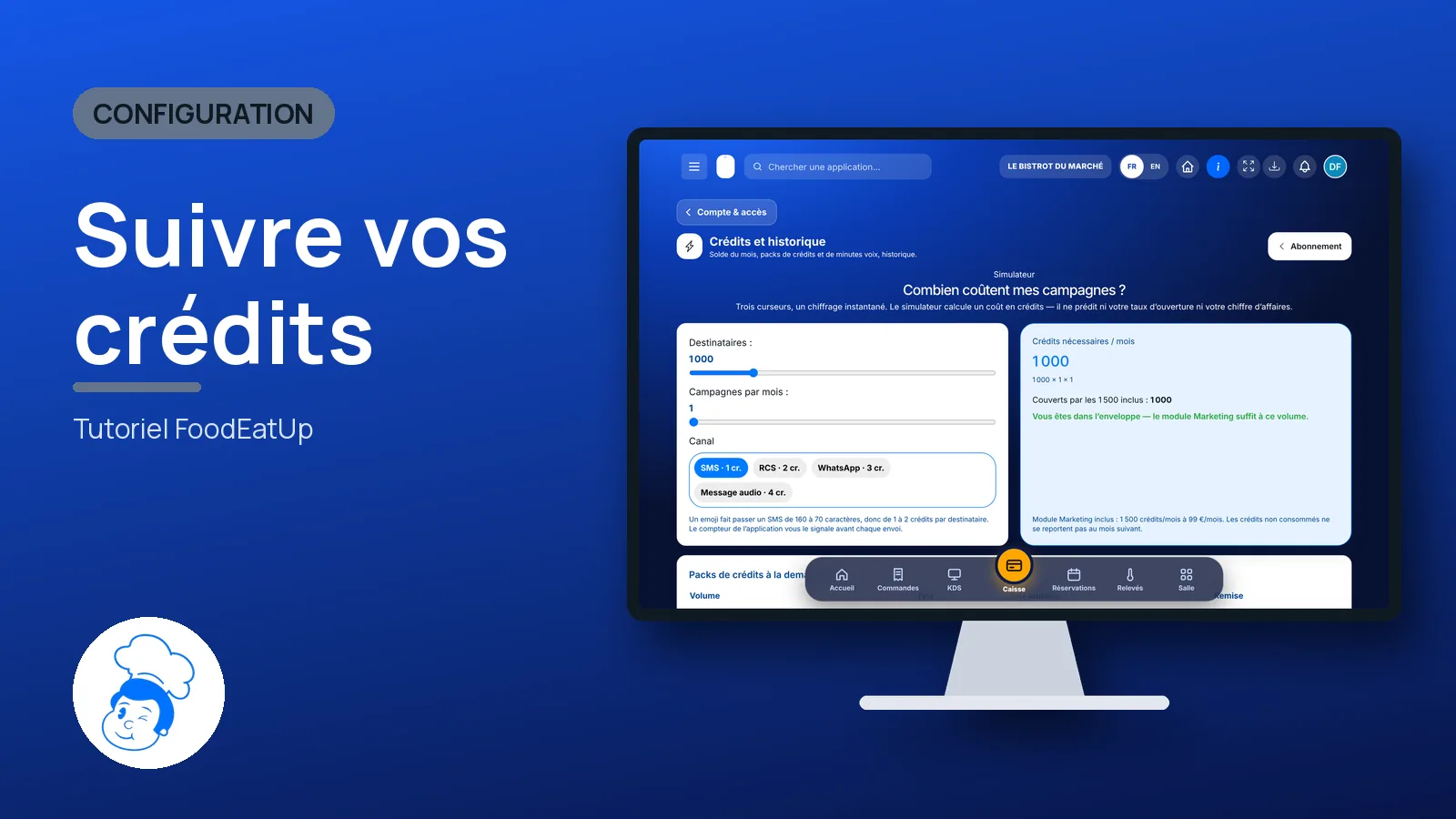
Send it to your team, your partner or your accountant. The image below appears in the message.

Share preview : Track your credits
WhatsAppLinkedInFacebookEmail

Send to an AI assistant

Claude, ChatGPT or Le Chat read this tutorial and explain it to you. Connected to FoodEatUp, they do it with you.

Read this FoodEatUp tutorial: https://foodeatup.com/en/academy/configuration/credits.md Explain it to me simply, step by step, then help me do it in my restaurant. If FoodEatUp is connected to you, do it with me and show me the preview before every change.

ClaudeLe ChatChatGPT

Open in my software

Type your establishment number: the link takes you straight to this screen. The number stays on this device.

See packs and options (in French) →

You can read it in the software address: foodeatup.com/establishment/number/…