Aller au contenu
Settings · Establishments
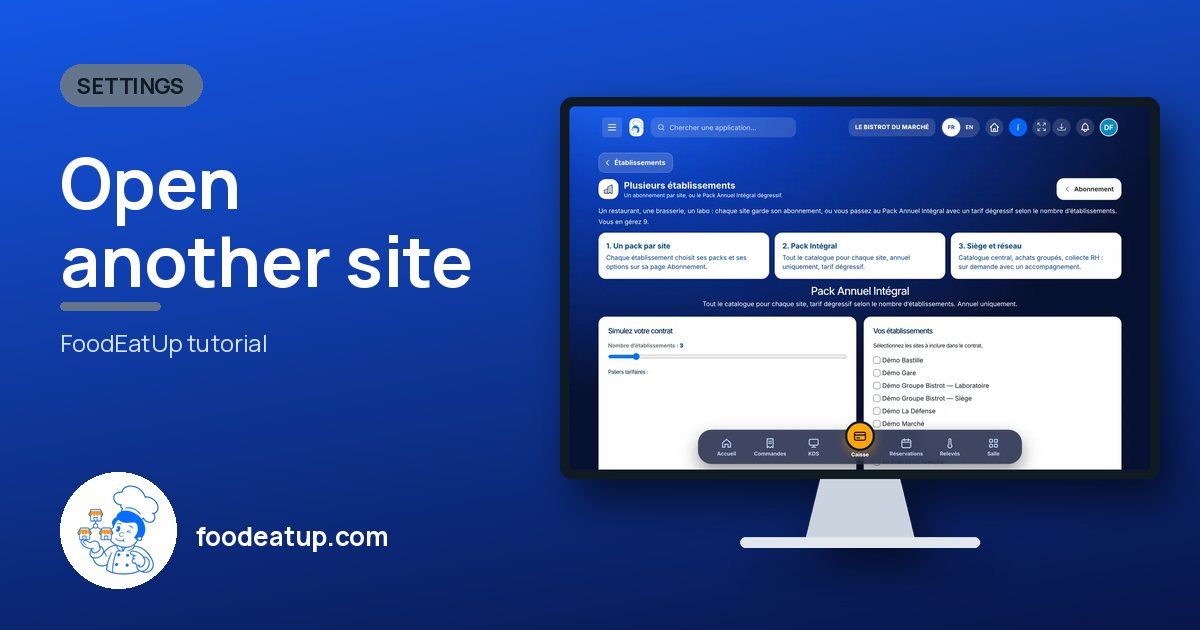
Open another site

You run several sites: each keeps its own subscription, or you bring them together in the Pack Annuel Intégral. The screen simulates the contract and lists your establishments.

  • Computer
  • 4 steps
  • Level : Intermediate
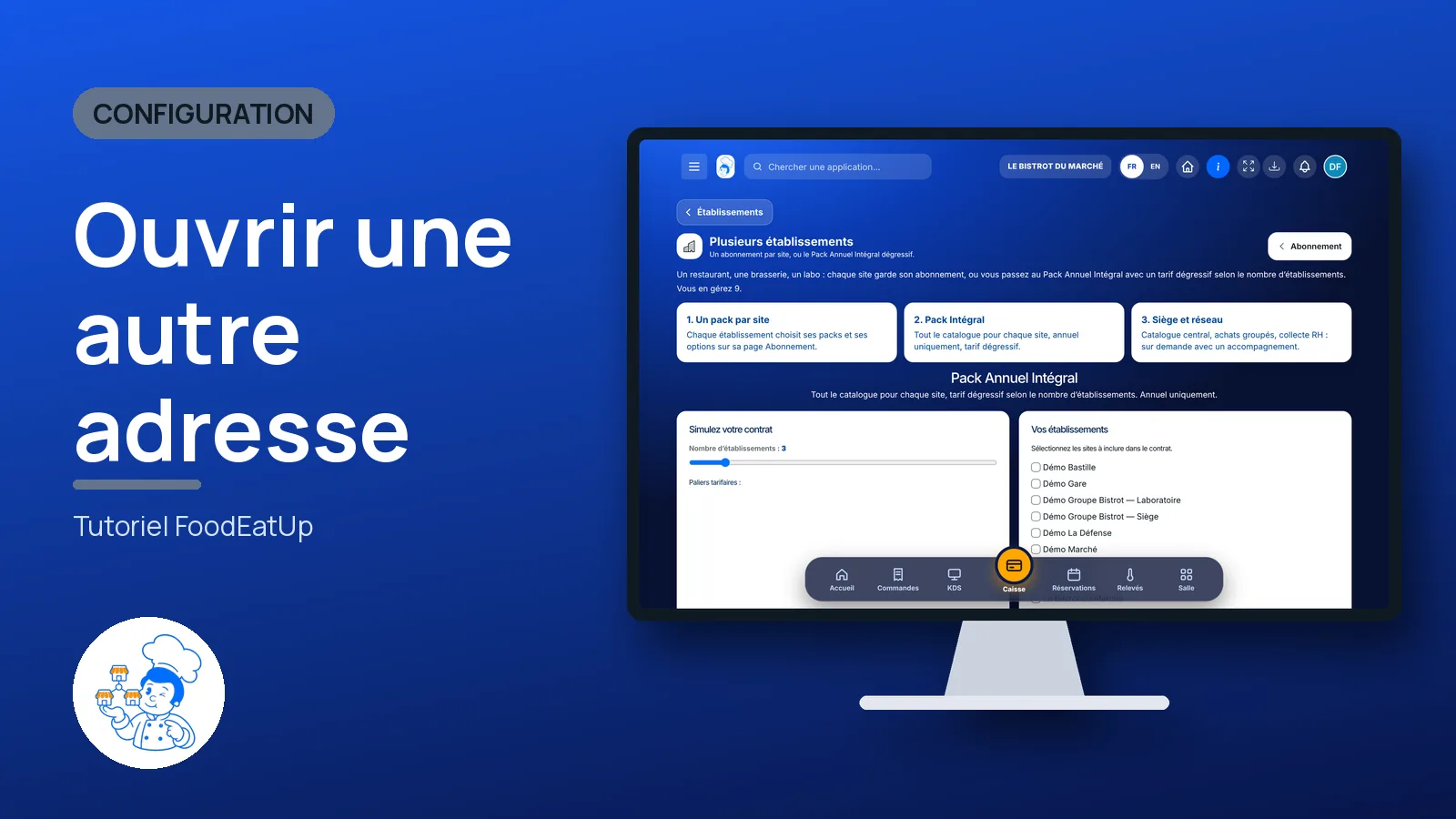
Open another site : The Several establishments page: the three ways to subscribe

Who is it for?

  • Responsable multi-sites
  • Patron / gérant
  • Franchisé
  • Animateur réseau

Recommended hardware

Computer

A computer. A contract for several sites is read and simulated calmly.

See the hardware →

What it is for

  • Understand the three ways to go: one pack per site, the Pack Intégral, or the head office and its network.
  • Simulate a contract for your number of establishments, with the tier applied.
  • Choose the sites to include, then add or remove some later.

Why set it up

  • You see the tier applied before you commit. The price is always worked out by the software.
  • All sites in the contract share the same anniversary date: one due date to follow.
  • A site that does not need everything keeps its own pack. Nothing forces you to group them all.

The same screen, on every device

The real software screens, as they appear on each device.

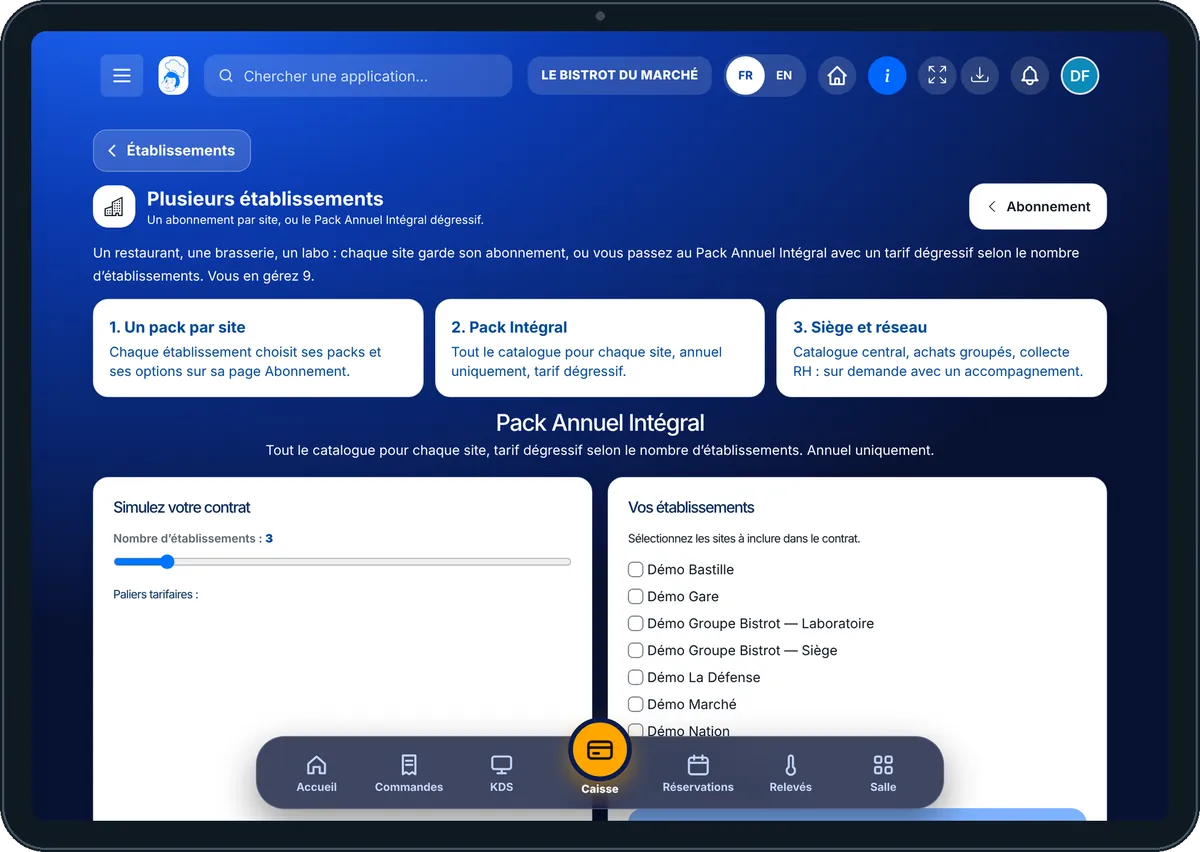
Establishments — On the tablet
On the tablet
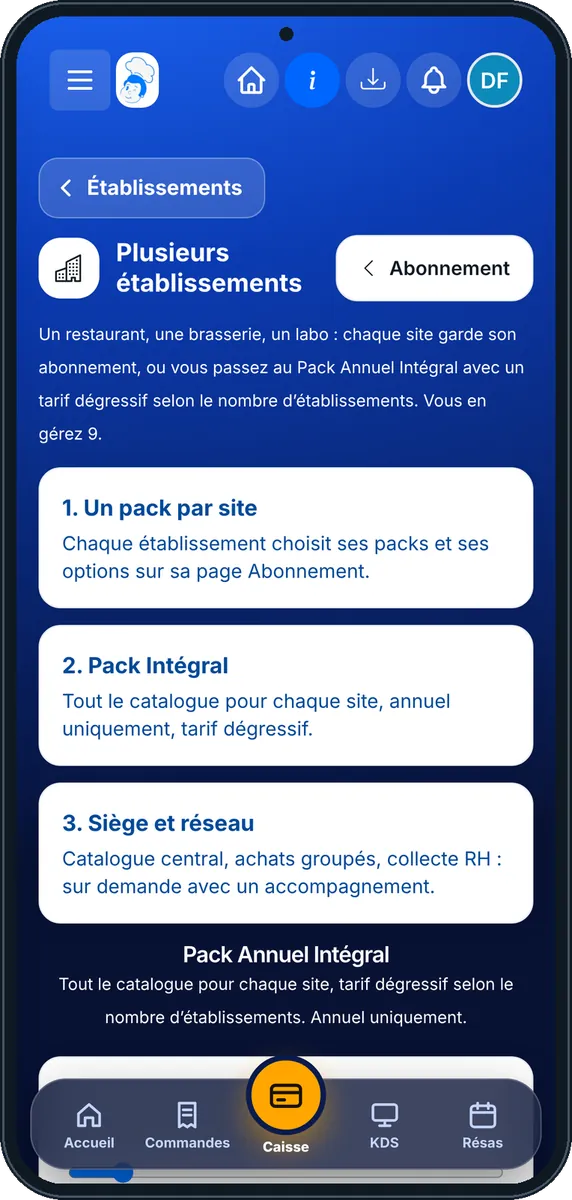
Establishments — On the phone
On the phone
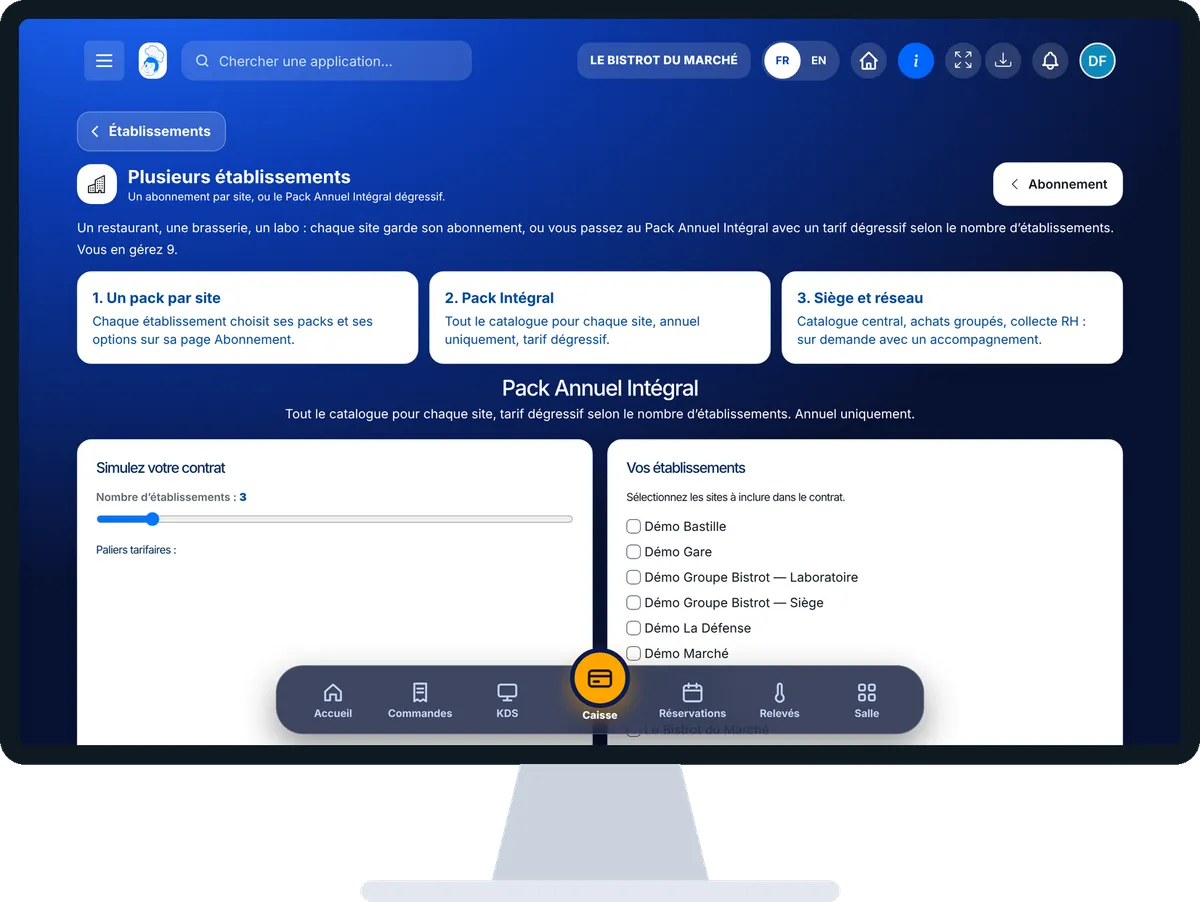
Establishments — On the computer
On the computer

Step by step

Open another site : 4 steps, with the real software screens.

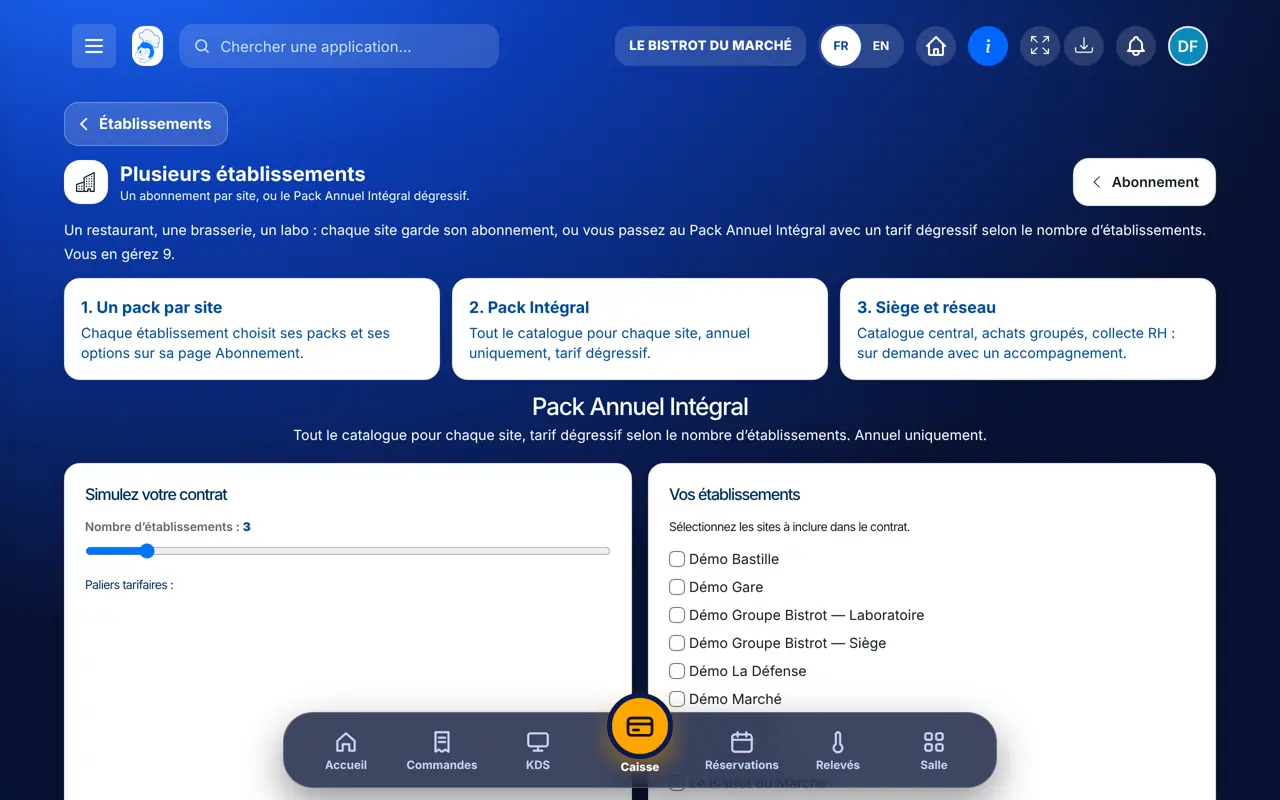
  1. 1Step 1

    Open the page

    In the Configuration category, open “Établissements”. Three boxes sum up the choices: “1. Un pack par site”, “2. Pack Intégral”, “3. Siège et réseau”.

    The Several establishments page: the three ways to subscribe
  2. 2Step 2

    Simulate your contract

    Under “Simulez votre contrat”, set the “Nombre d’établissements”. The simulation shows the “Palier appliqué” and the “Paliers tarifaires” list.

  3. 3Step 3

    Choose your sites

    Under “Vos établissements”, tick the sites to include. A site already covered is marked “déjà sous contrat”.

  4. 4Step 4

    Subscribe, then adjust

    The “Souscrire le Pack Annuel Intégral” button starts the contract, yearly only. Afterwards, the contract table lets you “Ajouter un établissement…” or “Retirer” one.

The result

The result

The contract appears with the “Contrat actif” badge and its tier. The table lists each establishment, its entry date and the rate applied. A new site can then take over the menu and kitchen of another of your restaurants.

Copy the configuration of another restaurant →

Owner and employee: what changes

The owner

The contract sits at account level: only the owner simulates it, signs it and chooses the sites.

Establishments — The owner

The employee

With the “Abonnement” right, they can open the page. The contract belongs to the owner’s account: they cannot sign it on the owner’s behalf.

Do it with your assistant

Claude, ChatGPT or Mistral’s Le Chat, connected to FoodEatUp. Copy the request and replace your establishment number.

What does this site’s plan include?

In FoodEatUp, for my establishment [number], sum up my subscription: active plans and open features.

What you getThis site’s active plans, with no price. Handy to compare your sites one by one.

Tools used : get_subscription_summary

Review a site’s details

In FoodEatUp, for my establishment [number], show me the establishment record: name, address, SIRET and contact details.

What you getThe establishment record, with what is still to fill in.

Tools used : get_establishment_profile

Who is part of my network?

In FoodEatUp, for my establishment [number], show me how my network is organised: head office, central kitchens, company-owned shops and franchises.

What you getThe network tree, if the network is switched on for your account.

Tools used : get_network_entities

What you gain

Three clear choices

Per site, Pack Intégral, or network.

An honest simulation

The tier is shown before you sign.

One due date

Same anniversary date for all sites.

A contract that moves

Add or remove a site later.

The Chef’s tip

Create the new site first and copy into it the configuration of a restaurant that runs well. Simulate the contract afterwards, with the real number of sites: you compare on solid ground.

Frequently asked questions

How do I create a new establishment?

From your account’s home page, with the button that adds a shop. The form offers “Reprendre la configuration d’un autre restaurant”. This page handles the subscription, not the creation.

Is the Pack Intégral available monthly?

No. It is yearly only, with an anniversary date shared by all sites in the contract.

Are the head office and network included by default?

No. The central catalogue, grouped purchasing and HR collection are switched on by request, with guidance from our team.

Text version for AI assistants →

Share this tutorial

Send it to your team, your partner or your accountant. The image below appears in the message.

Share preview : Open another site
WhatsAppLinkedInFacebookEmail

Send to an AI assistant

Claude, ChatGPT or Le Chat read this tutorial and explain it to you. Connected to FoodEatUp, they do it with you.

Read this FoodEatUp tutorial: https://foodeatup.com/en/academy/configuration/subscription-multi.md Explain it to me simply, step by step, then help me do it in my restaurant. If FoodEatUp is connected to you, do it with me and show me the preview before every change.

ClaudeLe ChatChatGPT

Open in my software

Type your establishment number: the link takes you straight to this screen. The number stays on this device.

Discover FoodEatUp for several sites (in French) →

You can read it in the software address: foodeatup.com/establishment/number/…