Aller au contenu
Settings · Configuration copies
Copy a configuration

When you open a new site, you take over the menu and kitchen of another of your restaurants. This screen shows what was copied, what was left aside, and lets you restart an interrupted copy.

  • Computer
  • 4 steps
  • Level : Intermediate
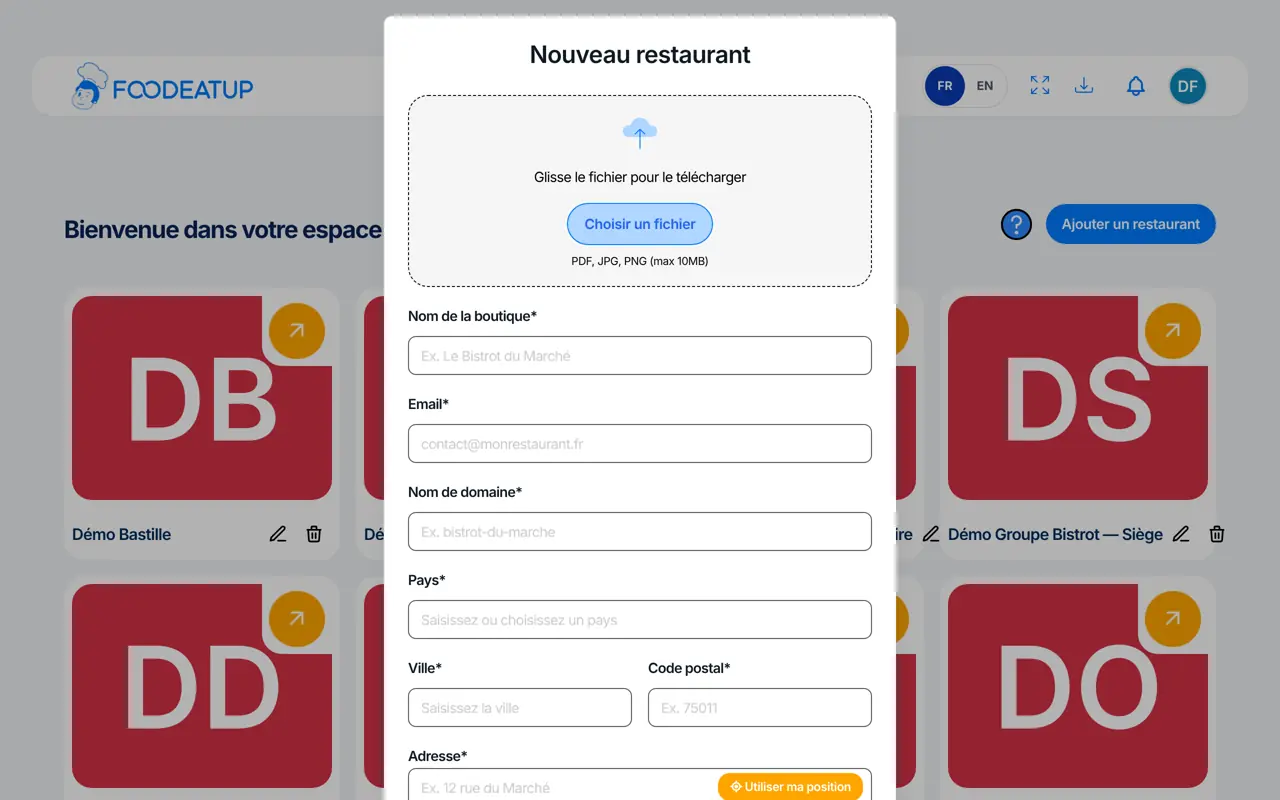
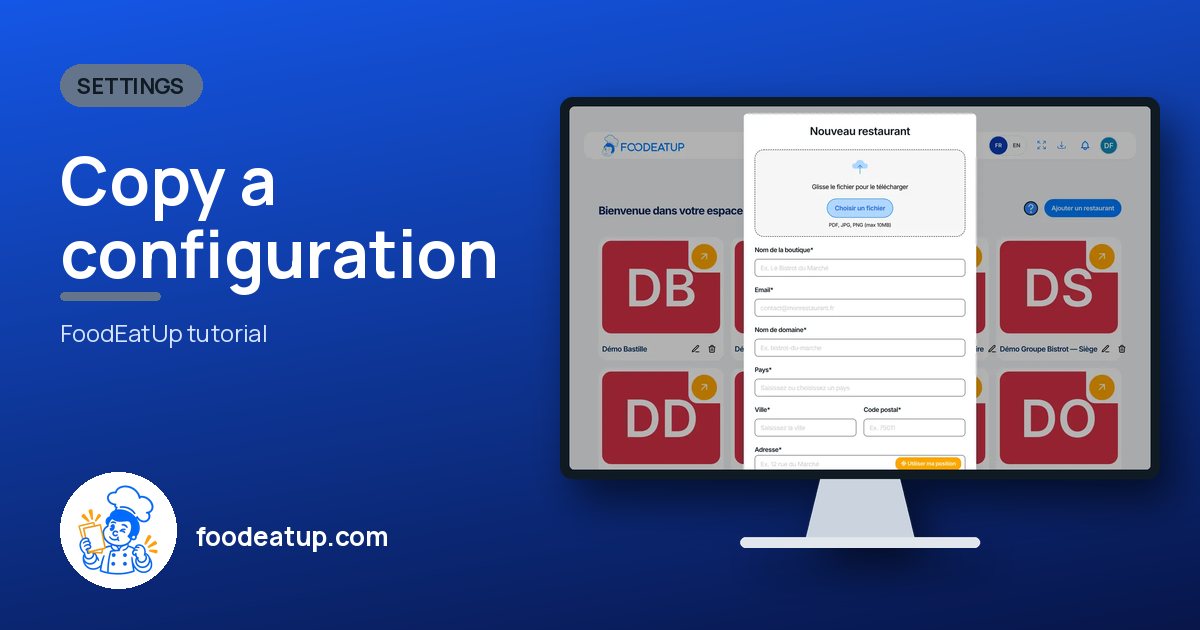
Copy a configuration : The “Nouveau restaurant” form: the copy is requested at the bottom, before creating

Who is it for?

  • Responsable multi-sites
  • Patron / gérant
  • Franchisé
  • Animateur réseau

Roles with access

  • Gérant·e
  • Boutique (réseau)
  • Franchisé·e (réseau)
  • Directeur·rice d'établissement

The owner always has access. See what each role sees →

Recommended hardware

Computer

A computer. The report is read family by family, on a large screen.

See the hardware →

What it is for

  • Follow a copy in progress, family by family: kitchen, then menu.
  • Read the report: what was copied, what already existed, what needs fixing.
  • Restart a copy that stopped, without copying anything twice.

Why set it up

  • Open a second site without retyping everything: ingredients, recipes, categories, dishes, options, set menus.
  • The report also says what is missing, for example “plats sans recette”. You know what to fix by hand.
  • Stock, orders, customers, invoices and hygiene records are never copied: they belong to each restaurant.

The same screen, on every device

The real software screens, as they appear on each device.

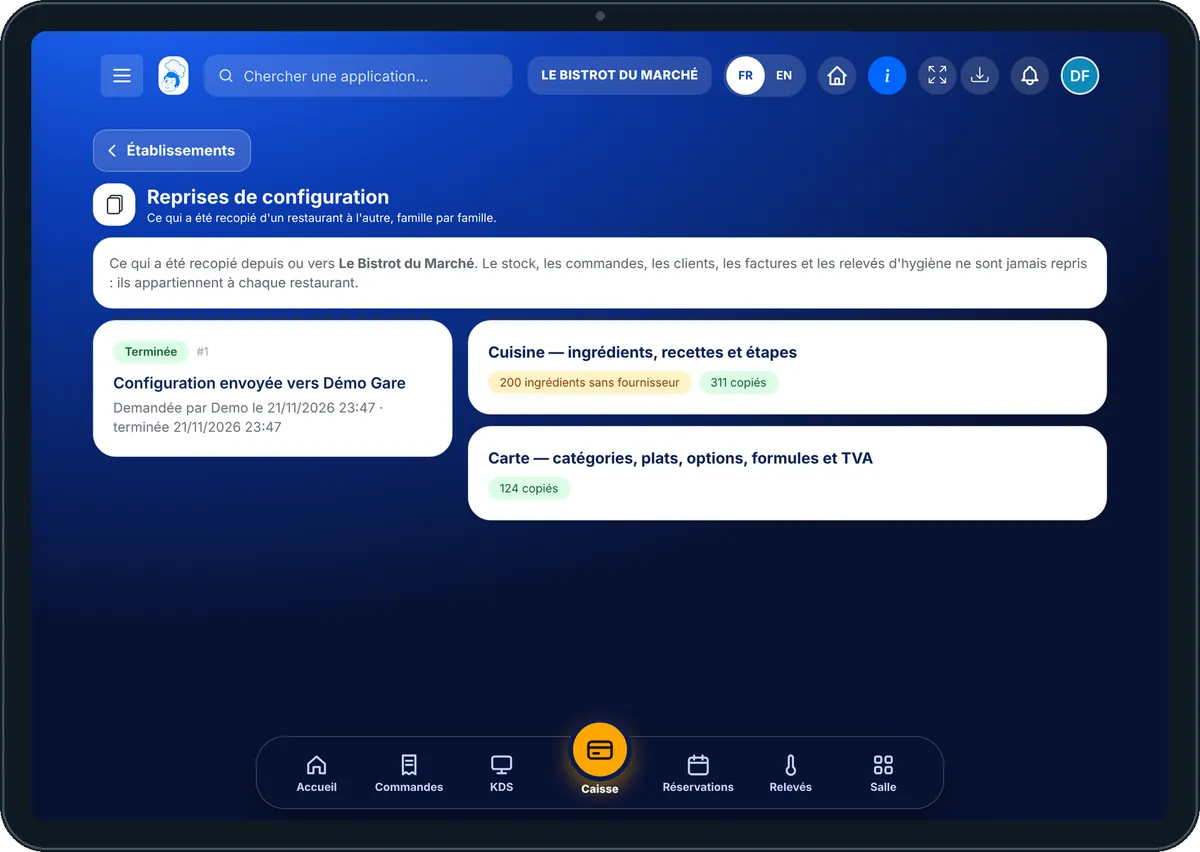
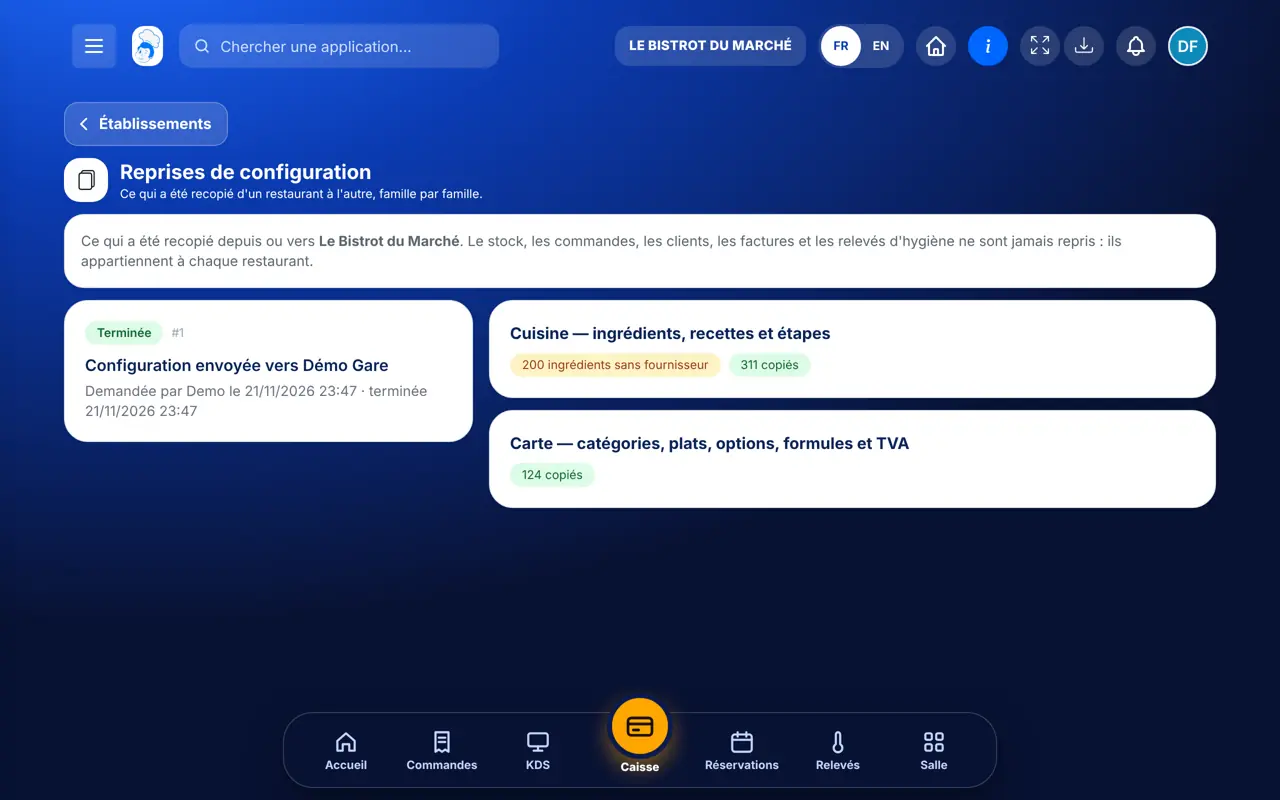
Configuration copies — On the tablet
On the tablet
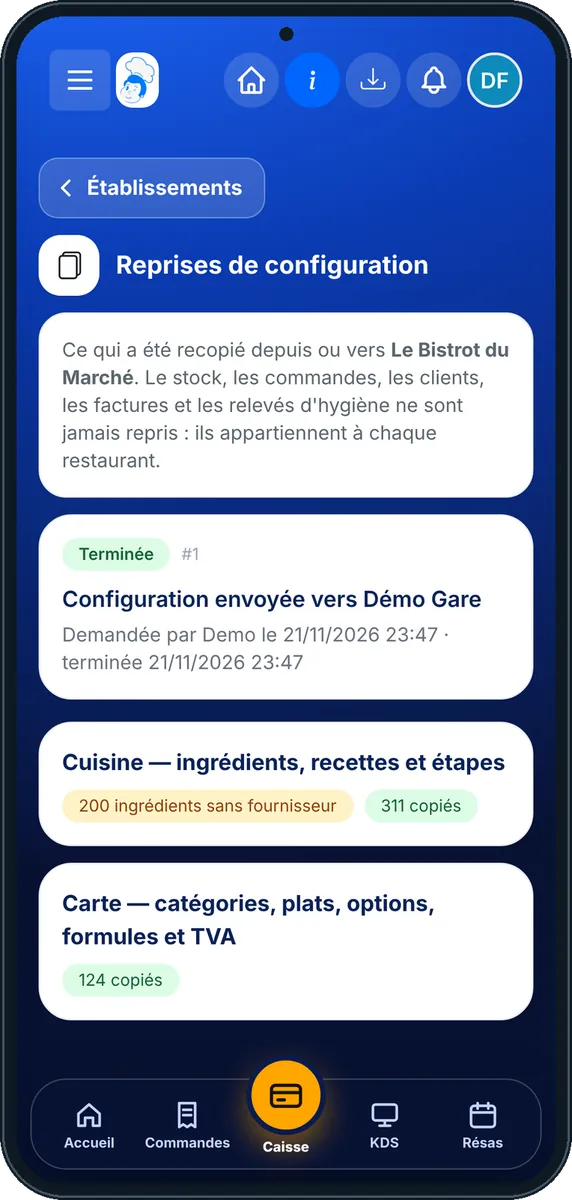
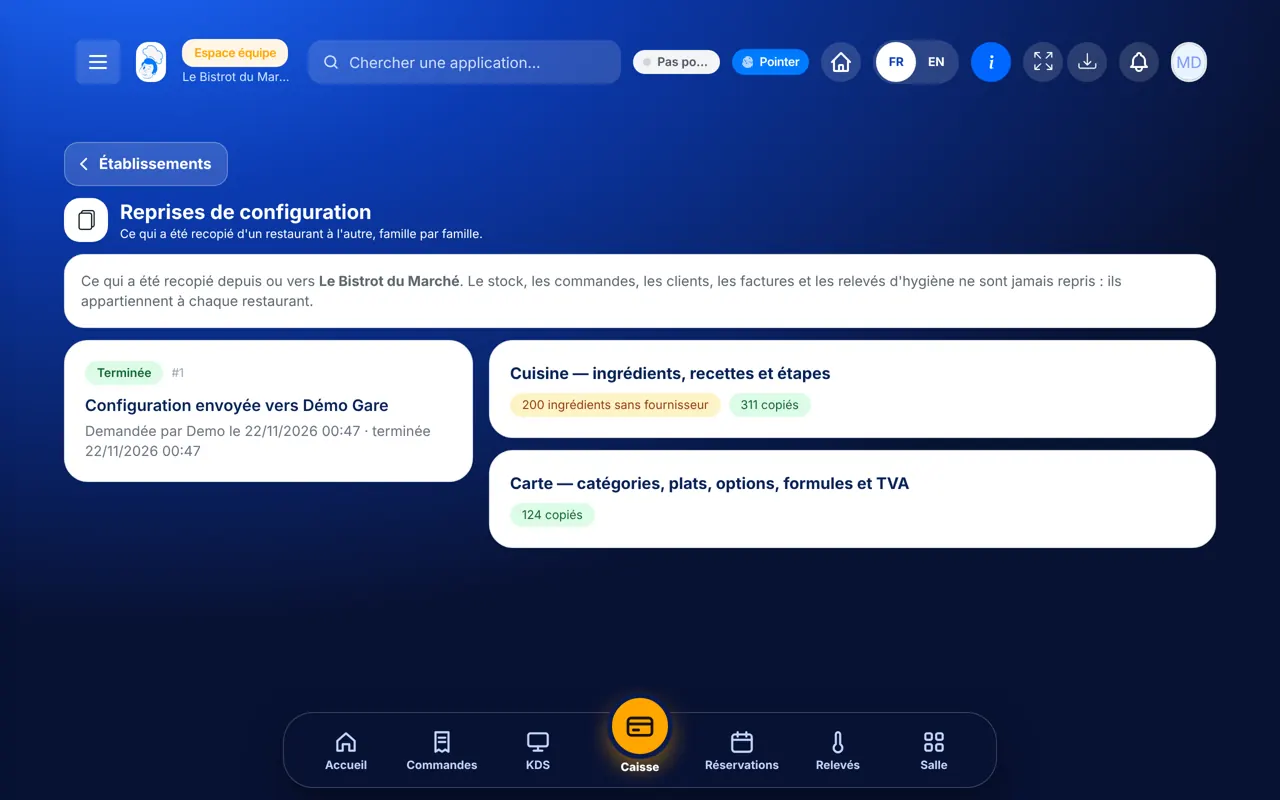
Configuration copies — On the phone
On the phone
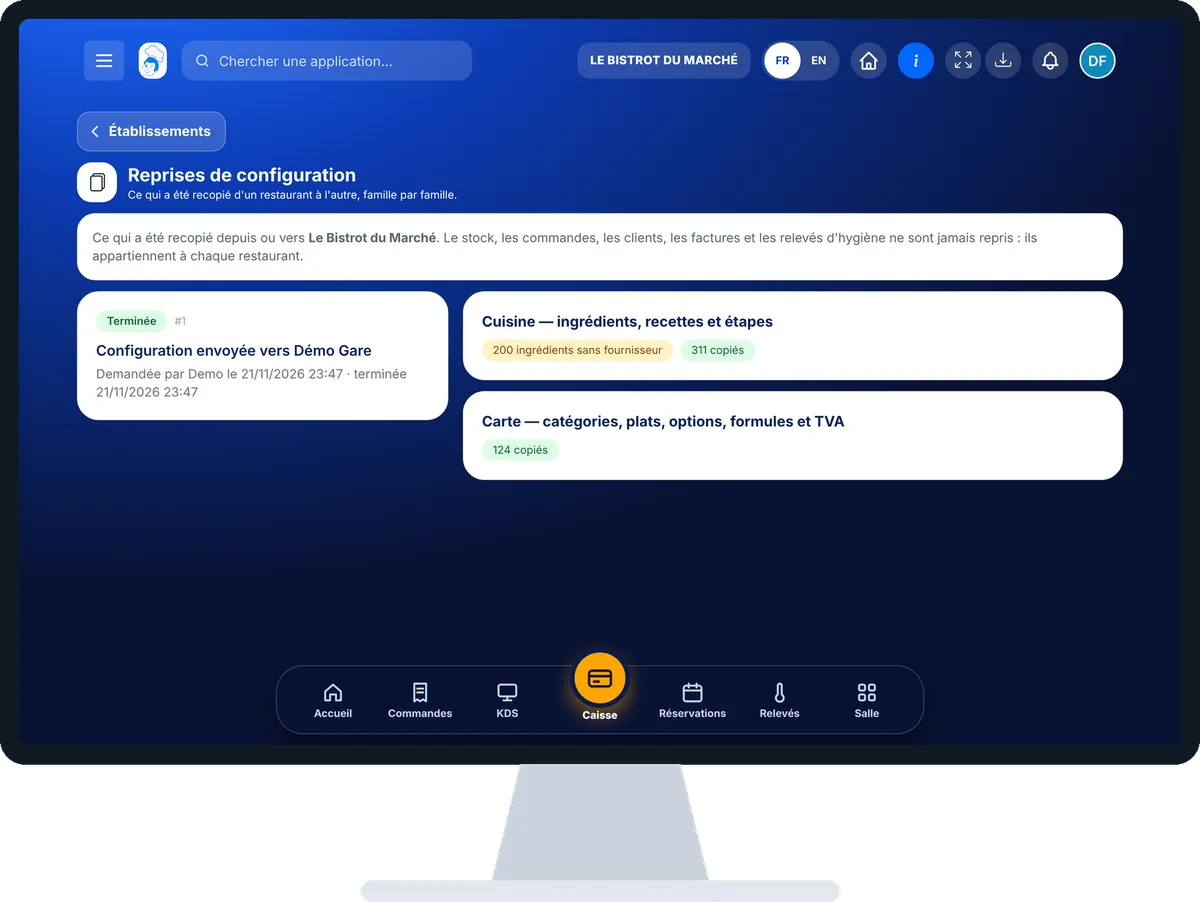
Configuration copies — On the computer
On the computer

Step by step

Copy a configuration : 4 steps, with the real software screens.

  1. 1Step 1

    Ask for the copy at creation

    A copy is requested when you create the restaurant. In the form, under “Reprendre la configuration d’un autre restaurant”, choose the source restaurant and tick the families to copy.

    The “Nouveau restaurant” form: the copy is requested at the bottom, before creating
  2. 2Step 2

    Open the follow-up

    In the new restaurant’s Configuration category, open “Reprises”. Each copy shows its status: “En attente”, “En cours”, “Terminée” or “Interrompue”.

    The Configuration copies screen: each copy’s status and report
  3. 3Step 3

    Read the report

    On the right, each family shows its counters: “copiés”, “déjà présents”, and in orange what needs a look, such as “ingrédients sans fournisseur”.

  4. 4Step 4

    Restart if needed

    If the copy stopped, the reason is shown in red. Tap “Relancer”: only what is missing is copied.

The result

The result

The new restaurant has its menu and kitchen records, ready to adjust. Prices are copied as they are and stay editable. Stock starts from zero: the new site has not bought anything yet.

Adjust the new site’s menu →

Owner and employee: what changes

The owner

Requests the copy between two of their restaurants, reads the report and restarts it if it stopped.

Configuration copies — The owner

The employee

With the right to view the configuration, they read the report. To restart, they need the right to edit it.

Configuration copies — The employee

Do it with your assistant

Claude, ChatGPT or Mistral’s Le Chat, connected to FoodEatUp. Copy the request and replace your establishment number.

Did the menu arrive properly?

In FoodEatUp, for my establishment [number], list the dishes on my menu by category and tell me which ones have no linked recipe.

What you getDishes by category, and those still to link to a recipe.

Tools used : list_dishes, list_dish_categories

Did the recipes follow?

In FoodEatUp, for my establishment [number], list my recipes with their ingredients and flag those that have none.

What you getRecipes with their composition, and those to complete.

Tools used : list_recipes

Which ingredients need completing?

In FoodEatUp, for my establishment [number], list my ingredients with no purchase price or no supplier.

What you getThe ingredients to complete before working out your costs.

Tools used : list_ingredients

What you gain

Nothing to retype

Menu and kitchen arrive in one go.

An honest report

Copied, already there, to fix.

A safe restart

Never a duplicate.

Data stays home

Stock, customers and invoices stay put.

The Chef’s tip

Always tick the kitchen together with the menu. A menu copied without its recipes arrives with dishes that have no ingredients: the report flags it, but you will have to link them one by one.

Frequently asked questions

Can I copy the menu of a restaurant that is not mine?

No. A copy only works between two restaurants of the same owner.

Could restarting copy everything twice?

No. The software remembers what is already copied and only redoes what is missing. A finished copy cannot be restarted.

Can everything be copied?

Not yet. Today, the copy covers the kitchen and the menu. Other families, if they appear, are marked “pas encore disponible”.

Text version for AI assistants →

Share this tutorial

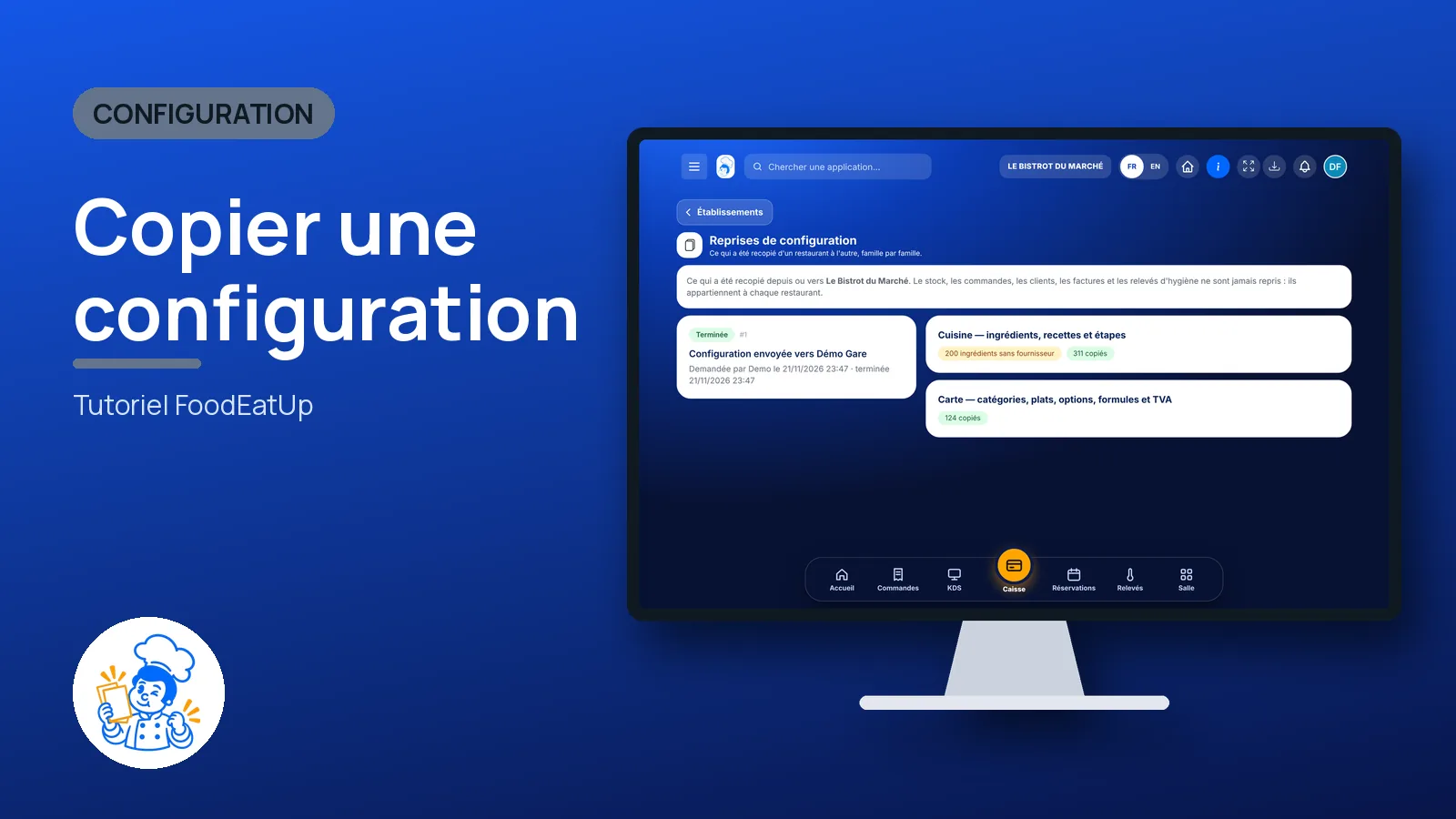
Send it to your team, your partner or your accountant. The image below appears in the message.

Share preview : Copy a configuration
WhatsAppLinkedInFacebookEmail

Send to an AI assistant

Claude, ChatGPT or Le Chat read this tutorial and explain it to you. Connected to FoodEatUp, they do it with you.

Read this FoodEatUp tutorial: https://foodeatup.com/en/academy/configuration/duplications.md Explain it to me simply, step by step, then help me do it in my restaurant. If FoodEatUp is connected to you, do it with me and show me the preview before every change.

ClaudeLe ChatChatGPT

Open in my software

Type your establishment number: the link takes you straight to this screen. The number stays on this device.

Discover FoodEatUp for several sites (in French) →

You can read it in the software address: foodeatup.com/establishment/number/…