Table 6’s order
In FoodEatUp, for my establishment [number], show the order of table [table name] and where the kitchen is.
What you getThe dishes ordered, their kitchen step and the amount due.
Tools used : get_table_order
 Applications mobiles · Digital menu
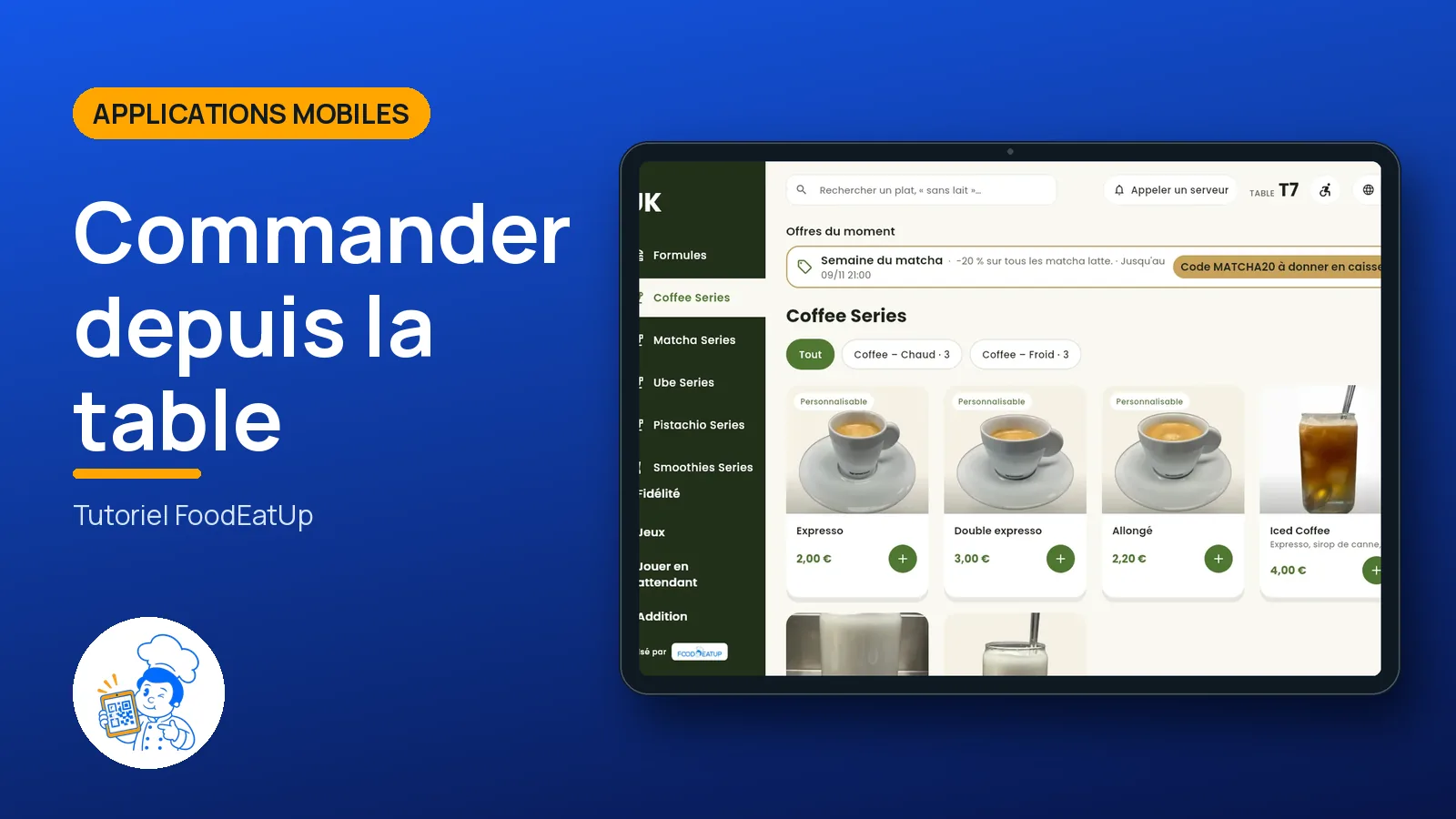
The FoodEatUp digital menu on each table’s tablet: the photo menu, the order that goes to the kitchen and adds to the table’s bill.
 Responsable de salle
 Patron / gérant
The owner always has access. See what each role sees →
A tablet on the table, or the customer’s phone through a QR code. On Google Play.
The real software screens, as they appear on each device.
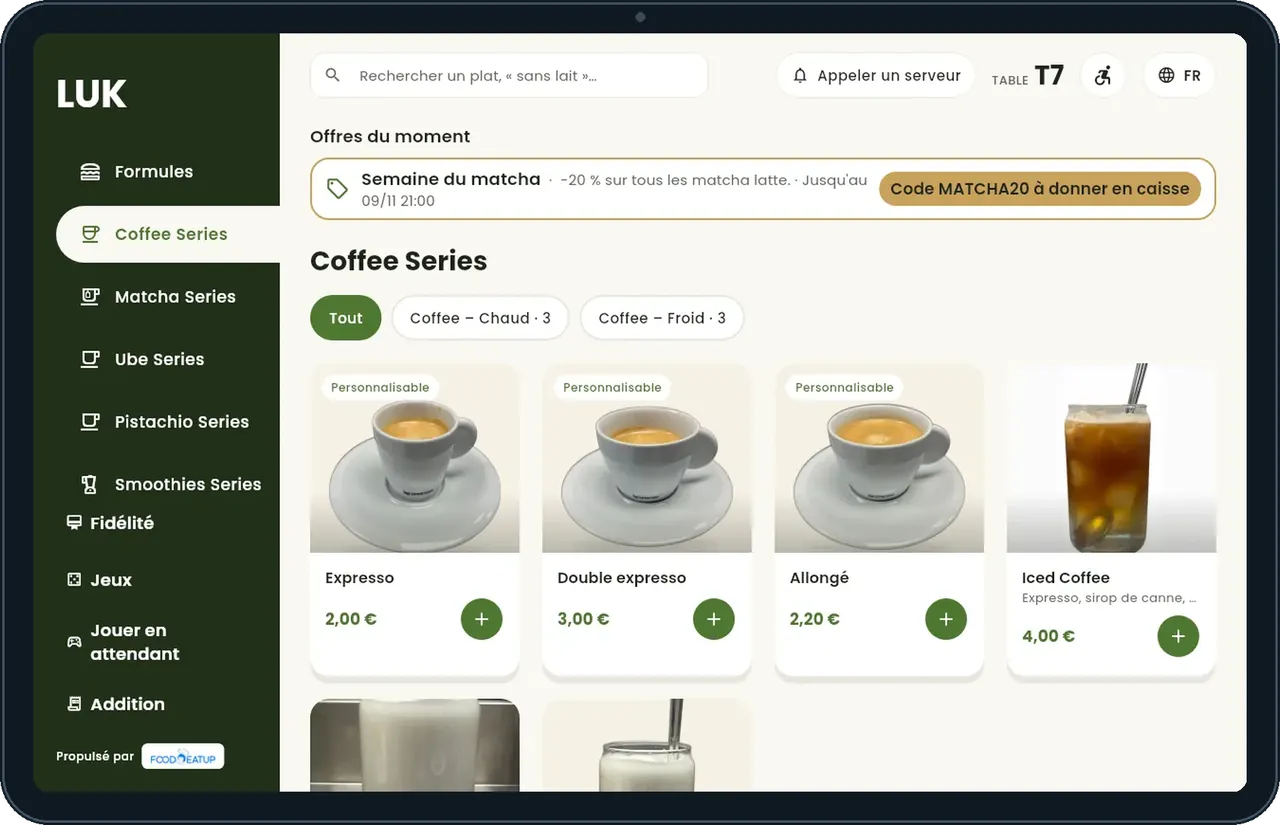
Order from the table : 5 steps, with the real software screens.
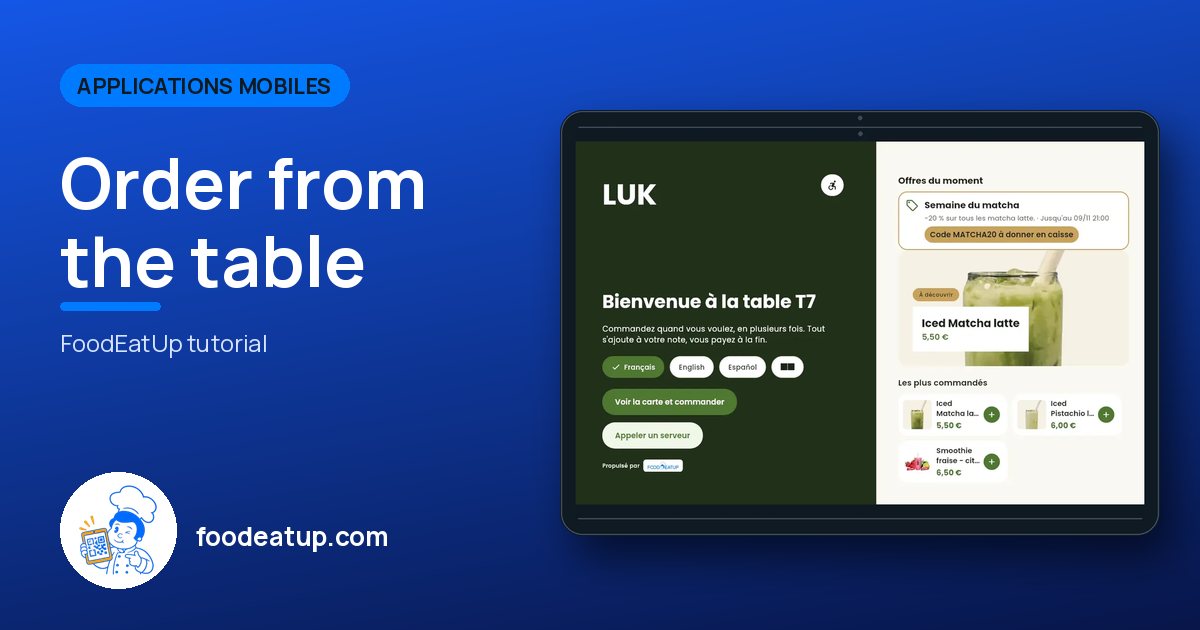
The tablet shows the restaurant’s home screen and current deals.
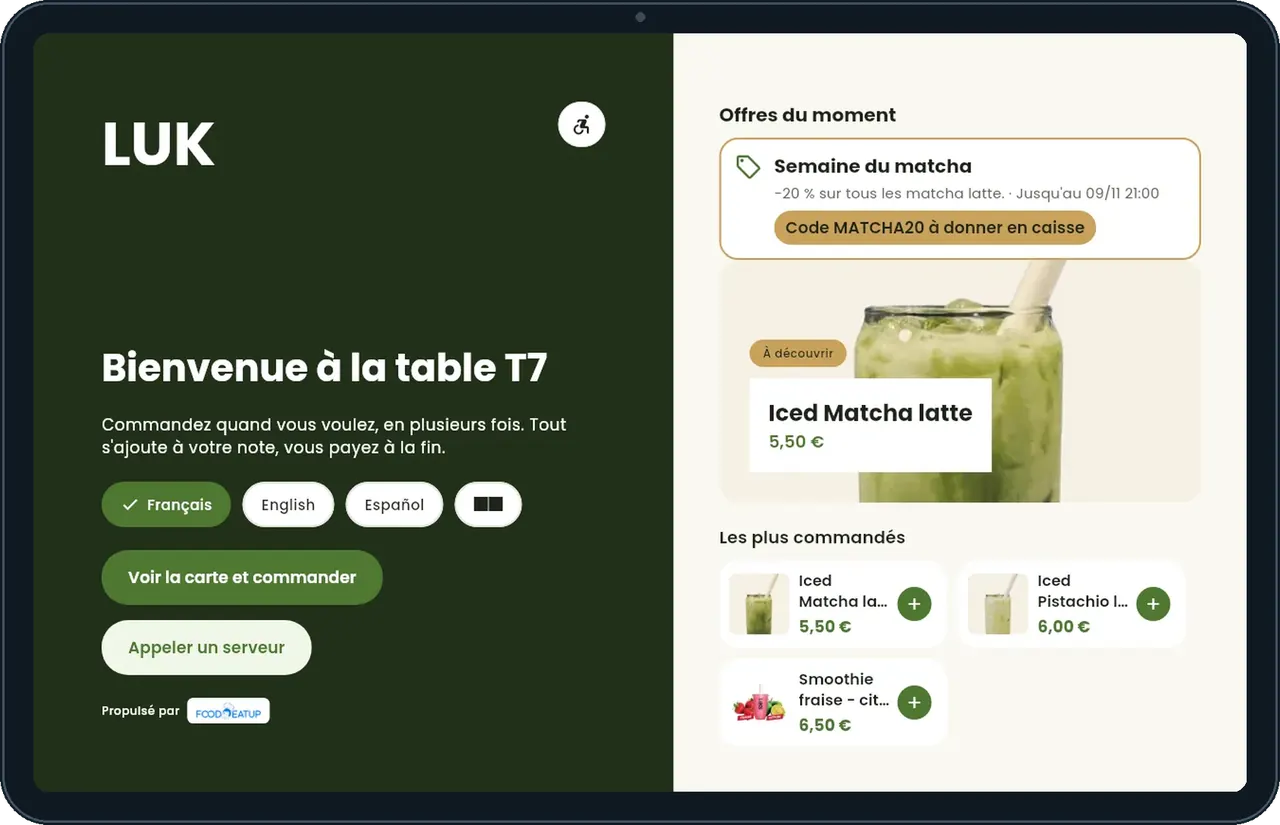
Dishes in photos, sorted by category, with search (“no milk”).
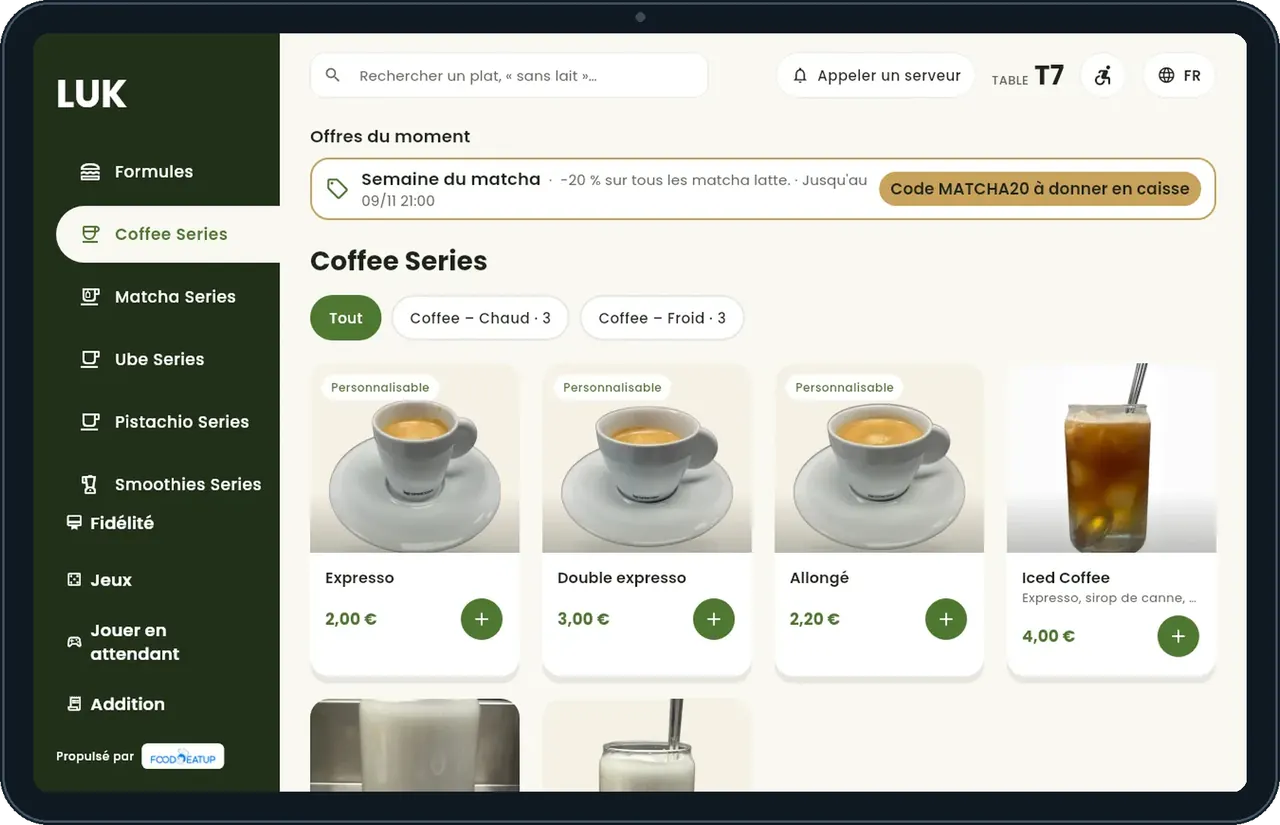
The dish card shows its options and allergens.
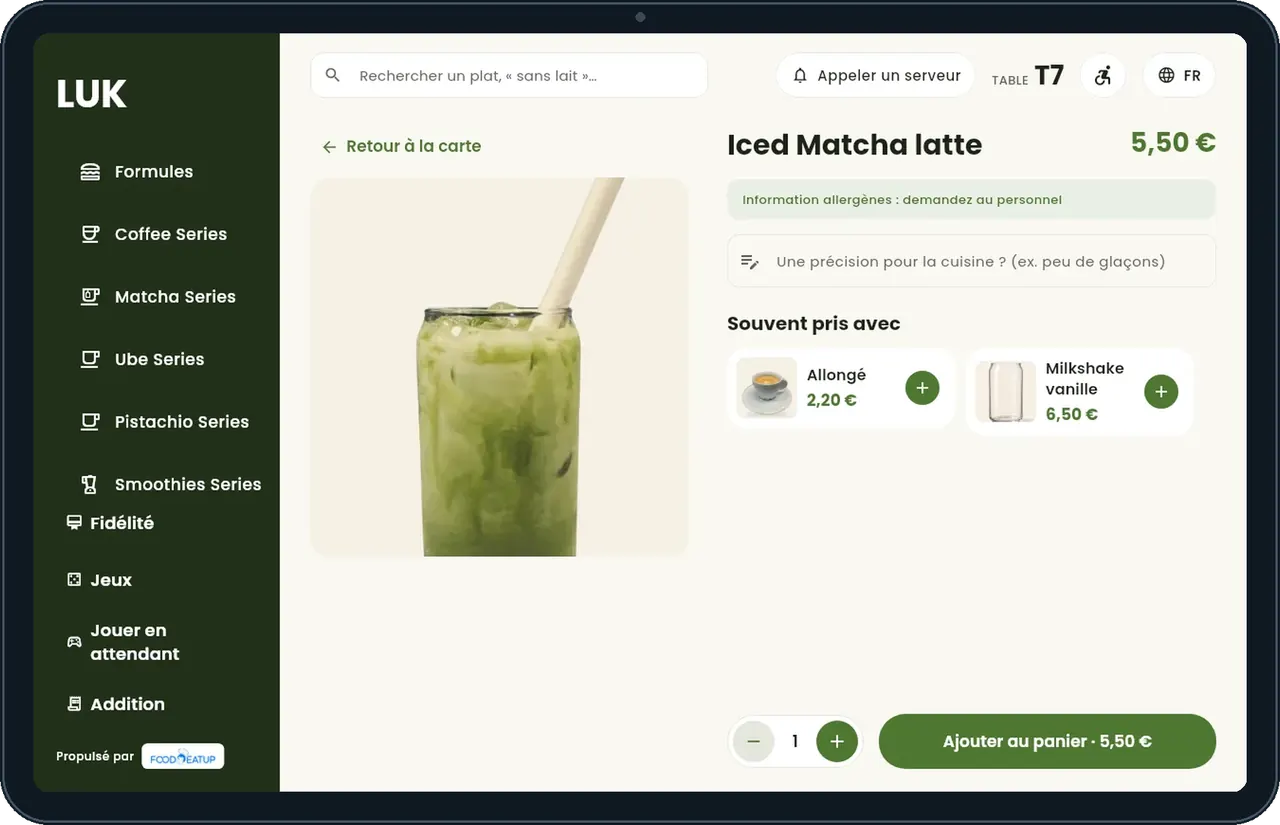
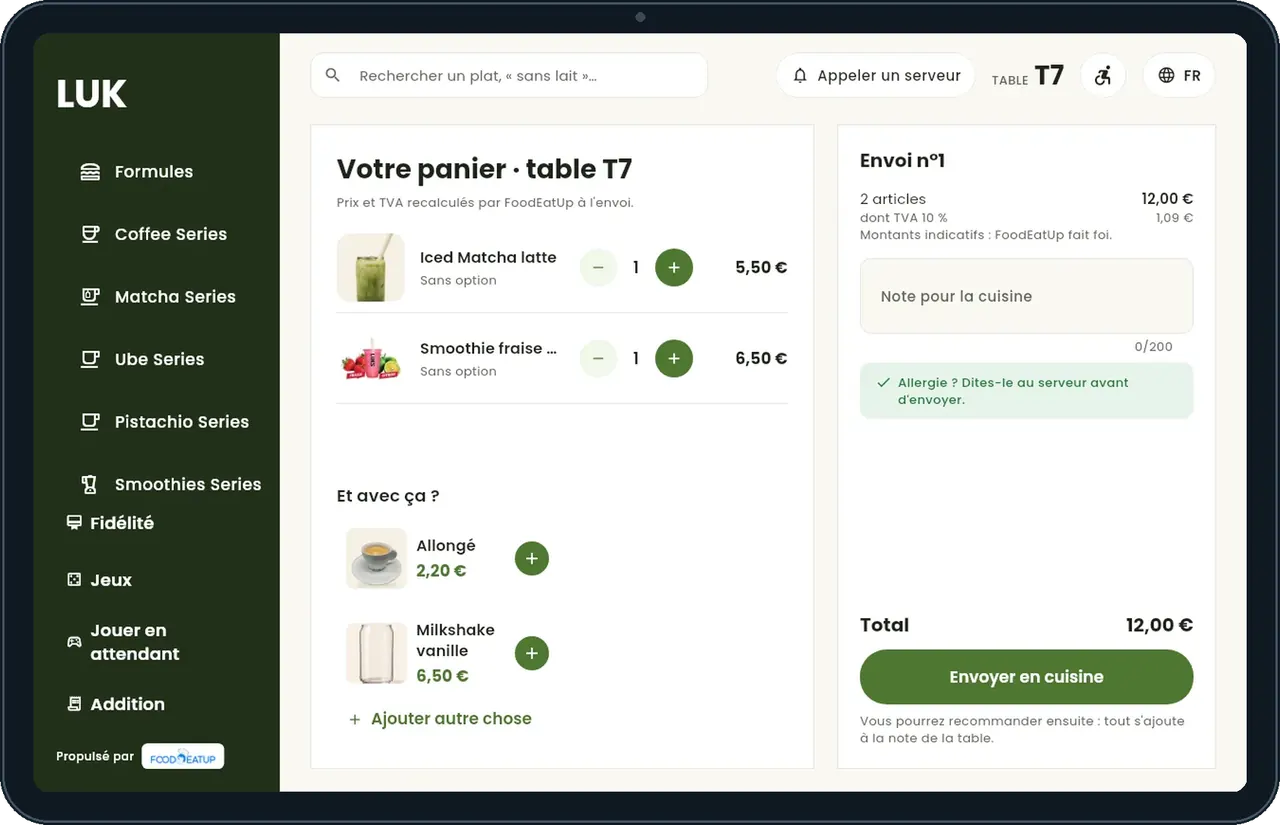
The basket goes to the kitchen and adds to the table’s bill.
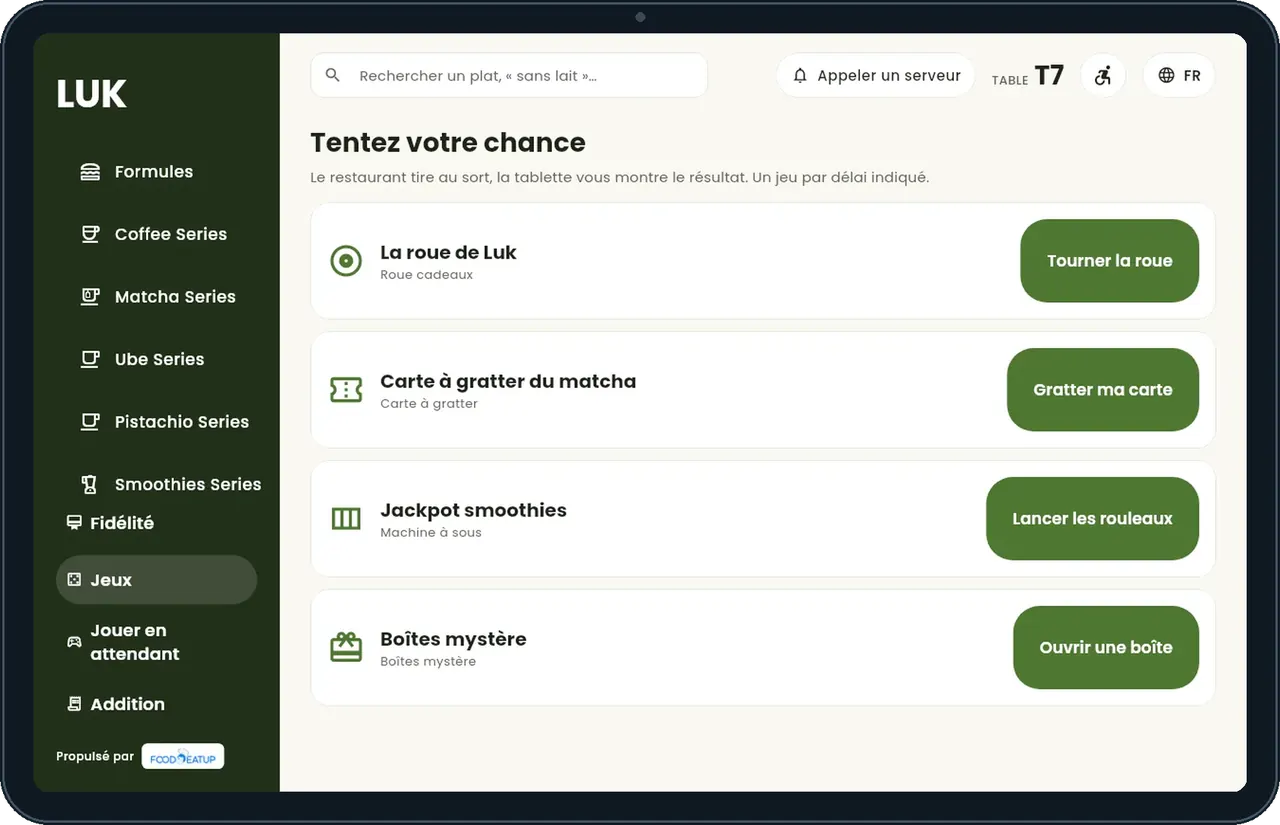
Mini-games for children and adults, alone or across several tablets.
One short video per gesture, filmed on the app (in French).
The customer sees their order go from received to ready, with the estimated time.
See the digital menu tutorial →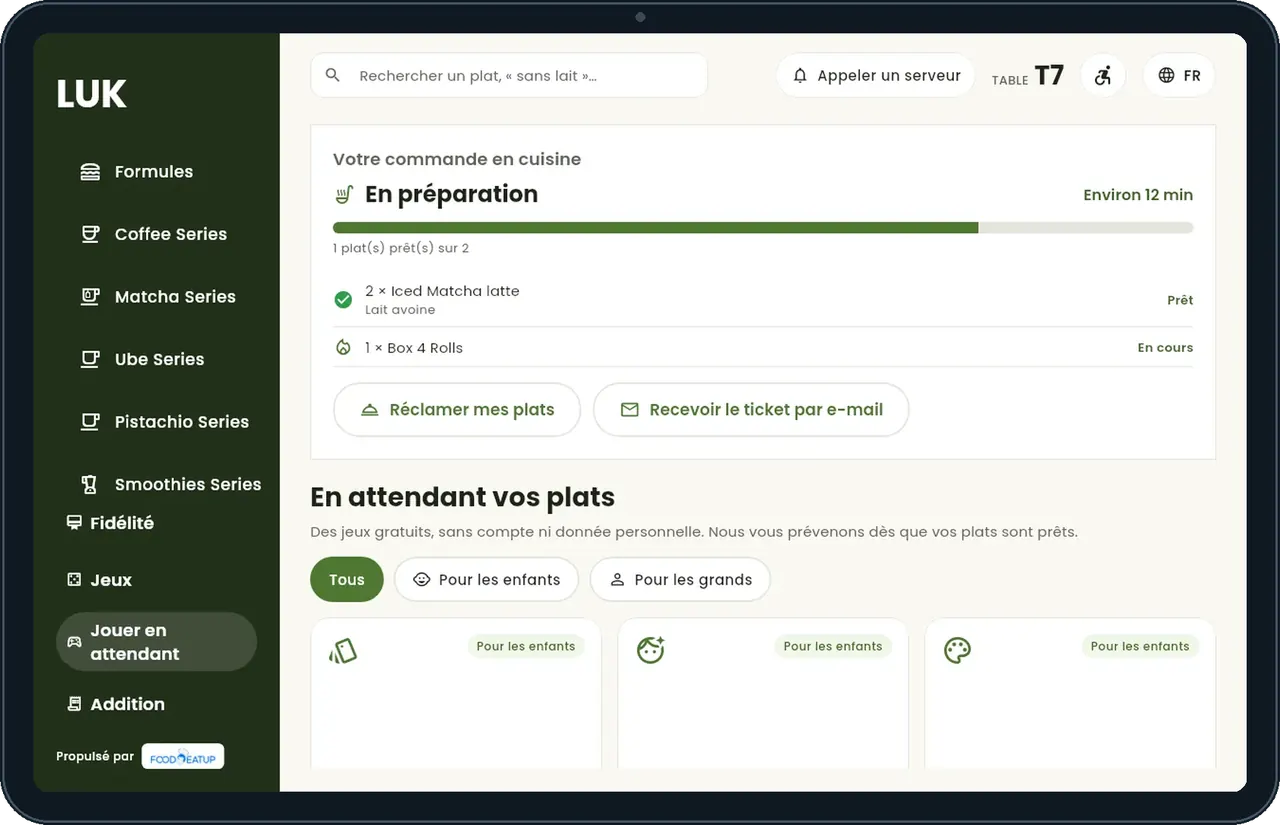
Links each tablet to its table and chooses whether orders are approved by the floor staff.
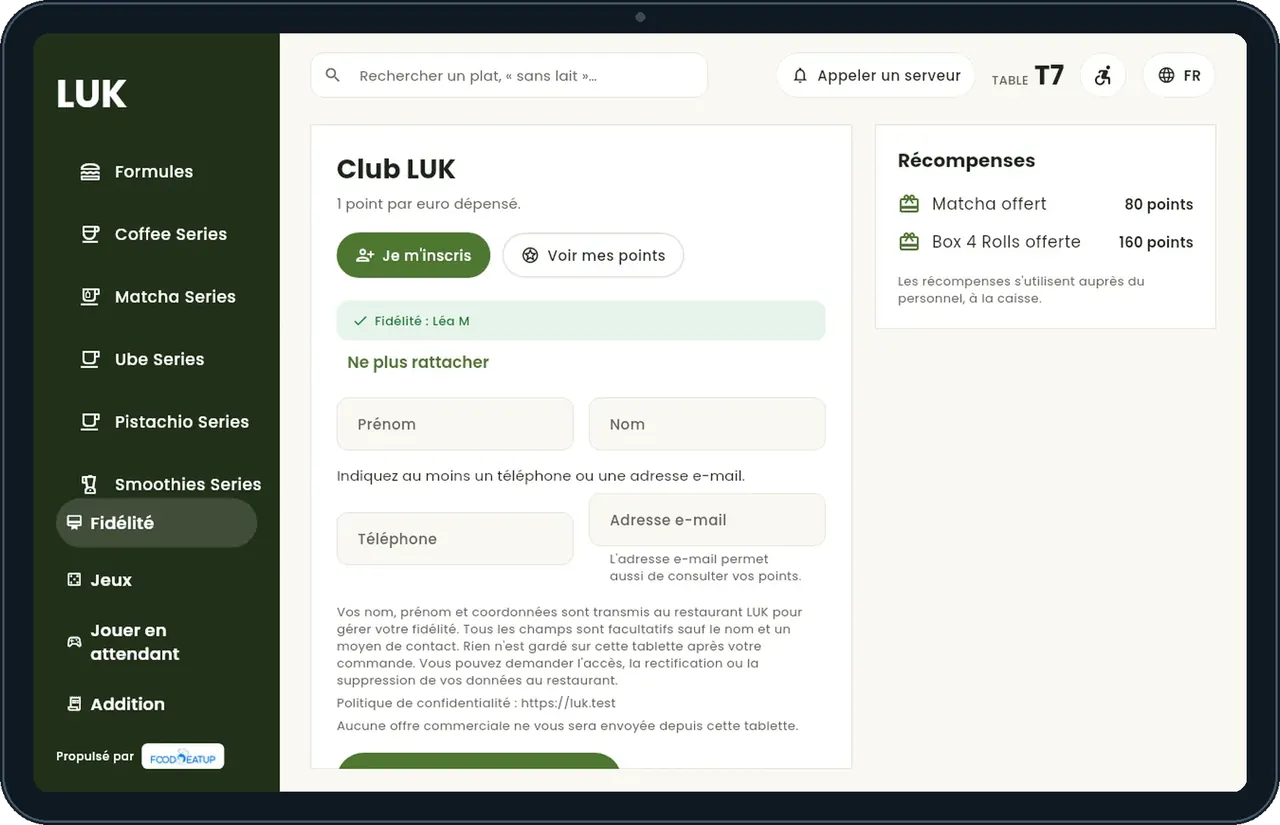
Orders, follows their order and earns loyalty points.
Claude, ChatGPT or Mistral’s Le Chat, connected to FoodEatUp. Copy the request and replace your establishment number.
In FoodEatUp, for my establishment [number], show the order of table [table name] and where the kitchen is.
What you getThe dishes ordered, their kitchen step and the amount due.
Tools used : get_table_order
In FoodEatUp, for my establishment [number], which dishes should I suggest with [dish name]?
What you getDishes often ordered with it, best sellers and new items.
Tools used : get_dish_recommendations
Sold-out dishes are greyed out.
Received, in preparation, ready.
Games while waiting.
Easy reading, voice, larger text, four languages.
Put a current deal on the tablet’s home screen: it is read before the menu is even opened.
In FoodEatUp, one action triggers others. Here are the screens that work with this one.
No. Prices, VAT, points and prizes come from the FoodEatUp server.
The customer scans the table’s QR code with their phone.
French, English, Spanish and Chinese.
Send it to your team, your partner or your accountant. The image below appears in the message.
Claude, ChatGPT or Le Chat read this tutorial and explain it to you. Connected to FoodEatUp, they do it with you.
Read this FoodEatUp tutorial: https://foodeatup.com/en/academy/applications/app-menu-digital.md Explain it to me simply, step by step, then help me do it in my restaurant. If FoodEatUp is connected to you, do it with me and show me the preview before every change.
Type your establishment number: the link takes you straight to this screen. The number stays on this device.
Discover the digital menu (in French) →
Répond avec les fiches du site, sans IA
Le chef cherche dans les fiches…
 Claude
 Le Chat
 ChatGPT