My loyalty programme
In FoodEatUp, for my establishment [number], sum up my loyalty programme: points, tiers and rewards.
What you getThe programme rules and the rewards offered.
Tools used : get_loyalty_program, list_loyalty_rewards
 Applications mobiles · Loyalty
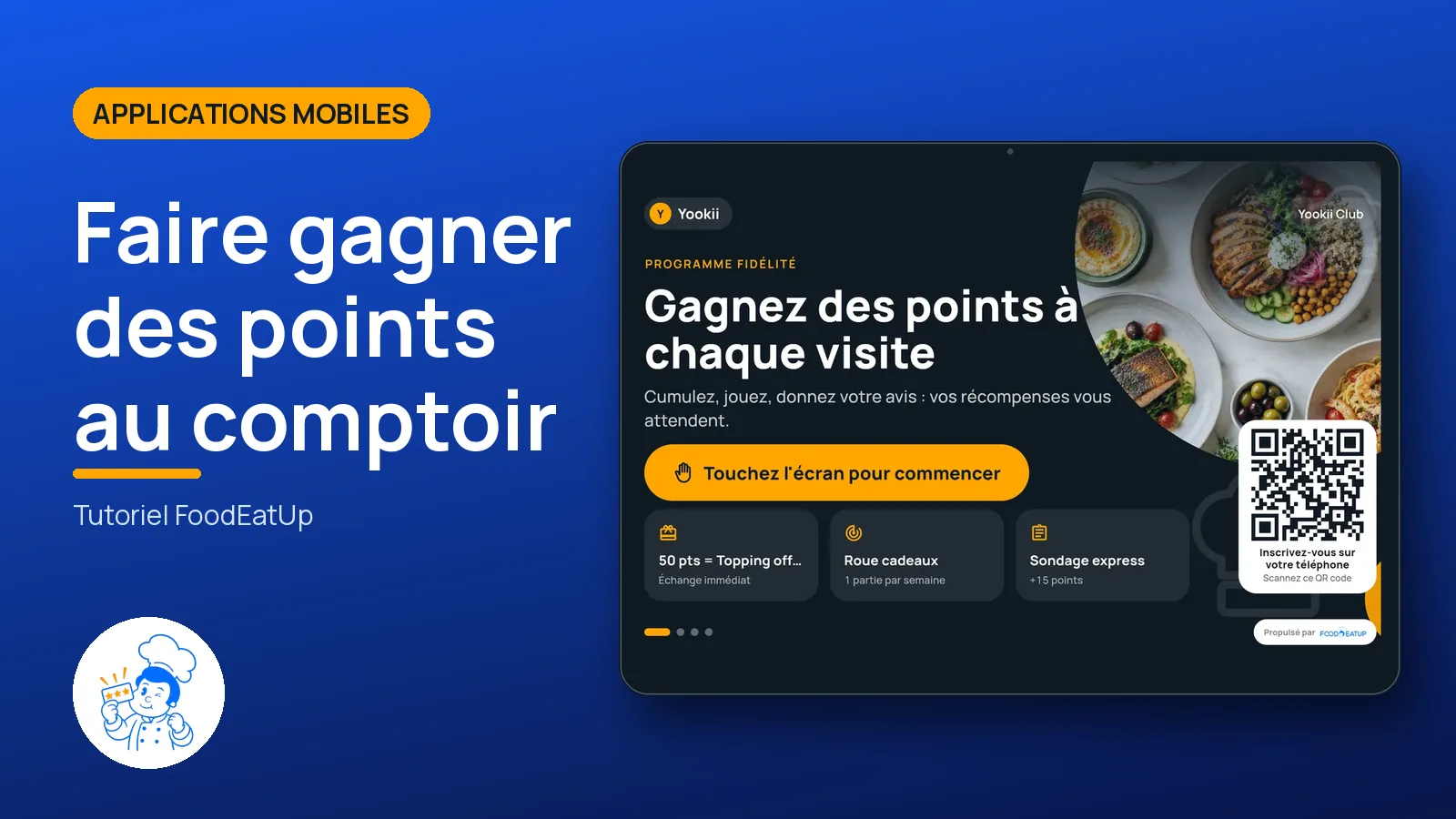
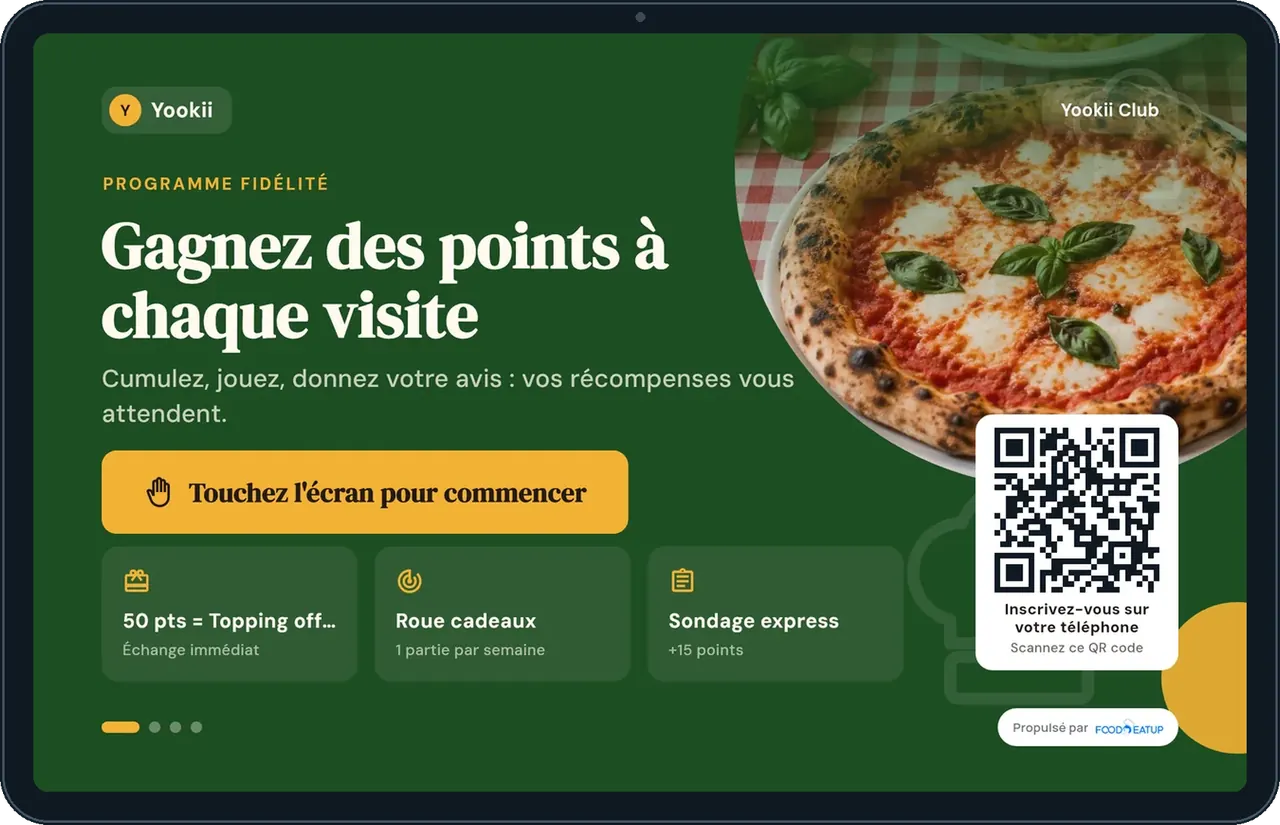
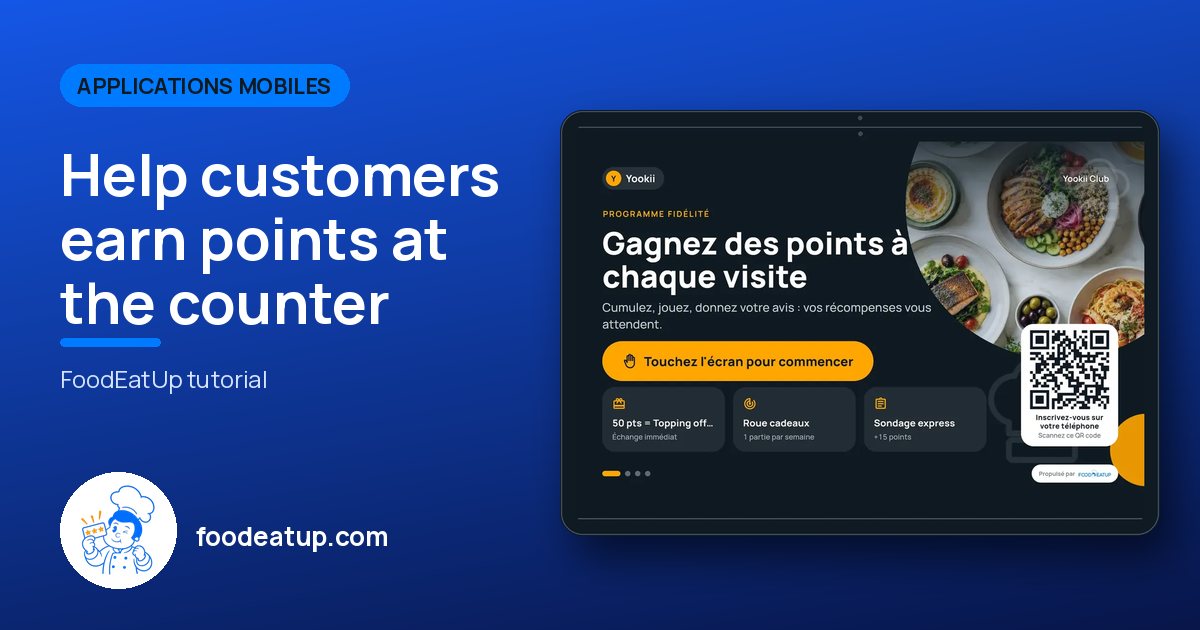
The FoodEatUp loyalty app on a tablet near the till: the customer types their number and finds their points, rewards and current games.
 Hôte / caisse / comptoir
 Responsable de salle
 Patron / gérant
The owner always has access. See what each role sees →
A tablet near the till. Android beta.
The real software screens, as they appear on each device.
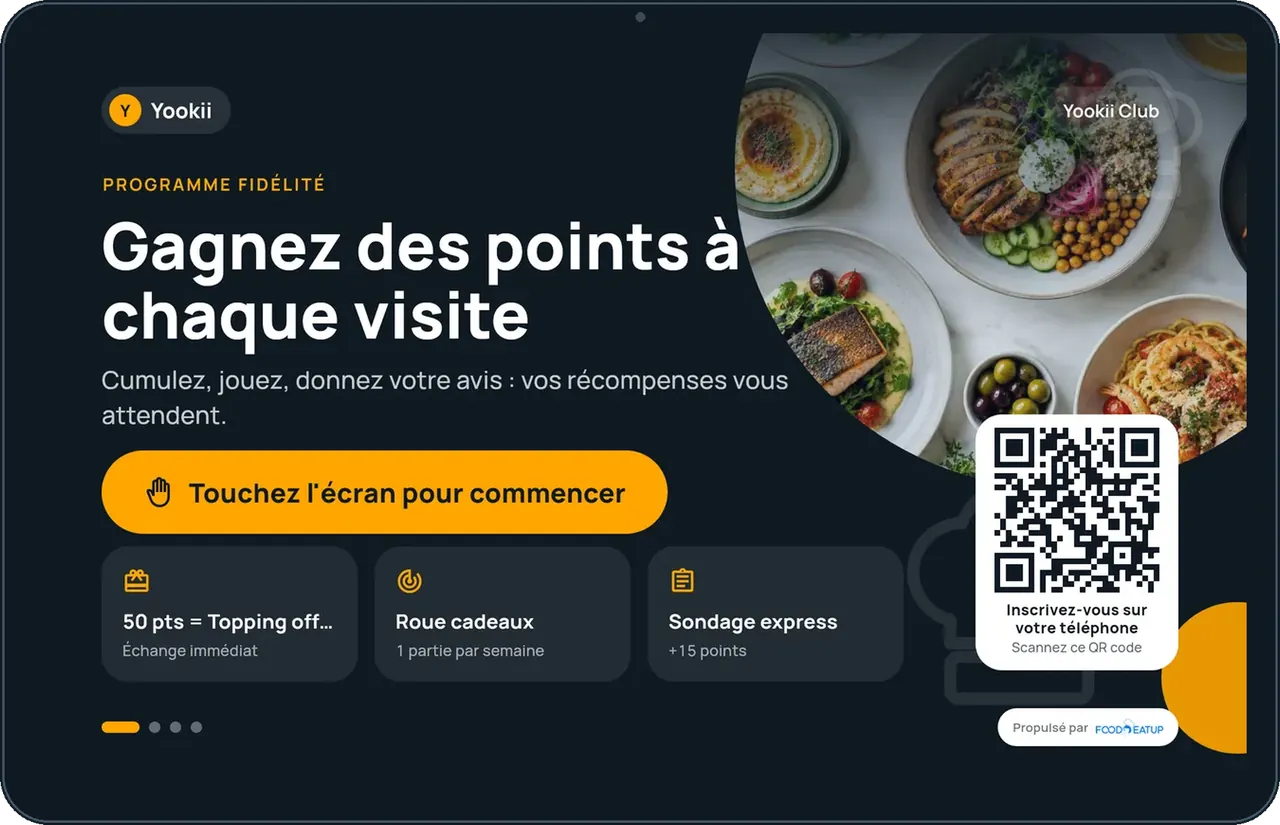
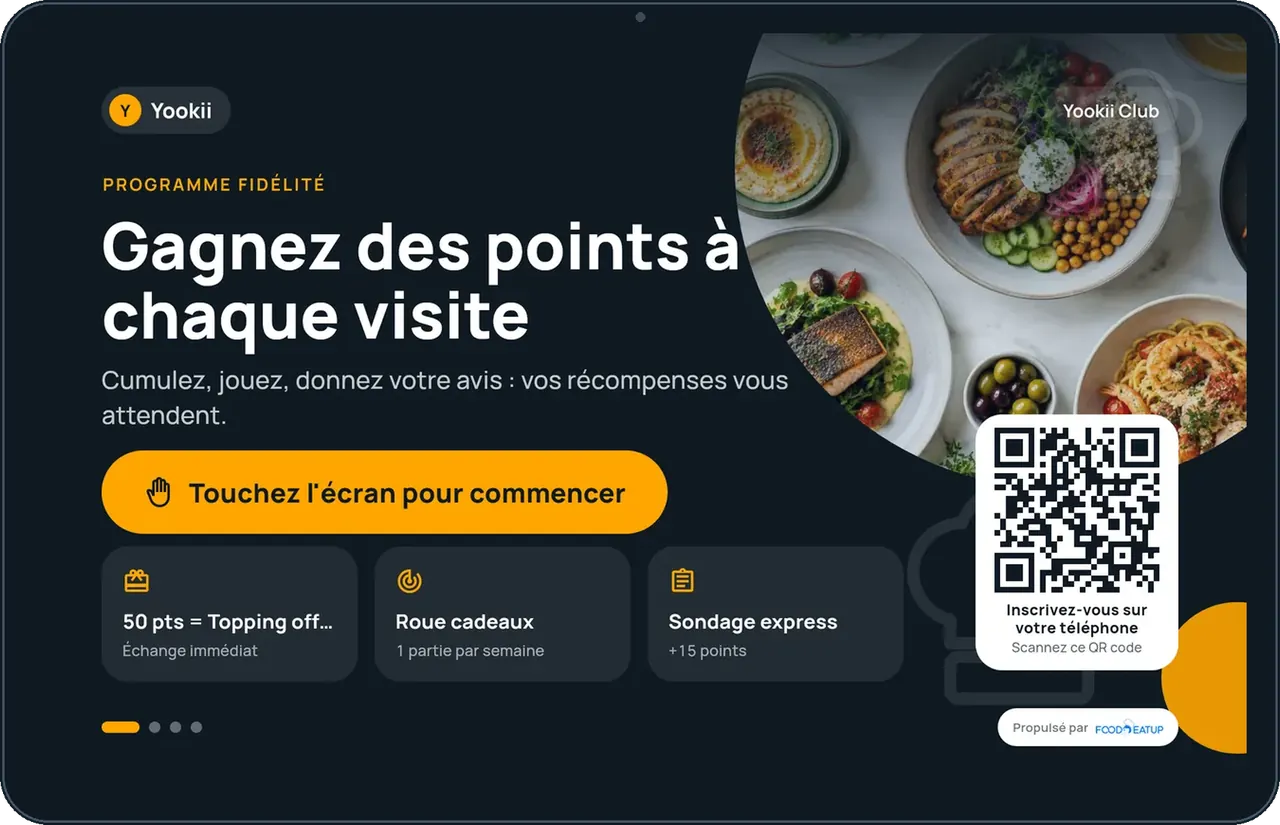
Help customers earn points at the counter : 5 steps, with the real software screens.
The home screen asks for the phone number and shows the current campaign.
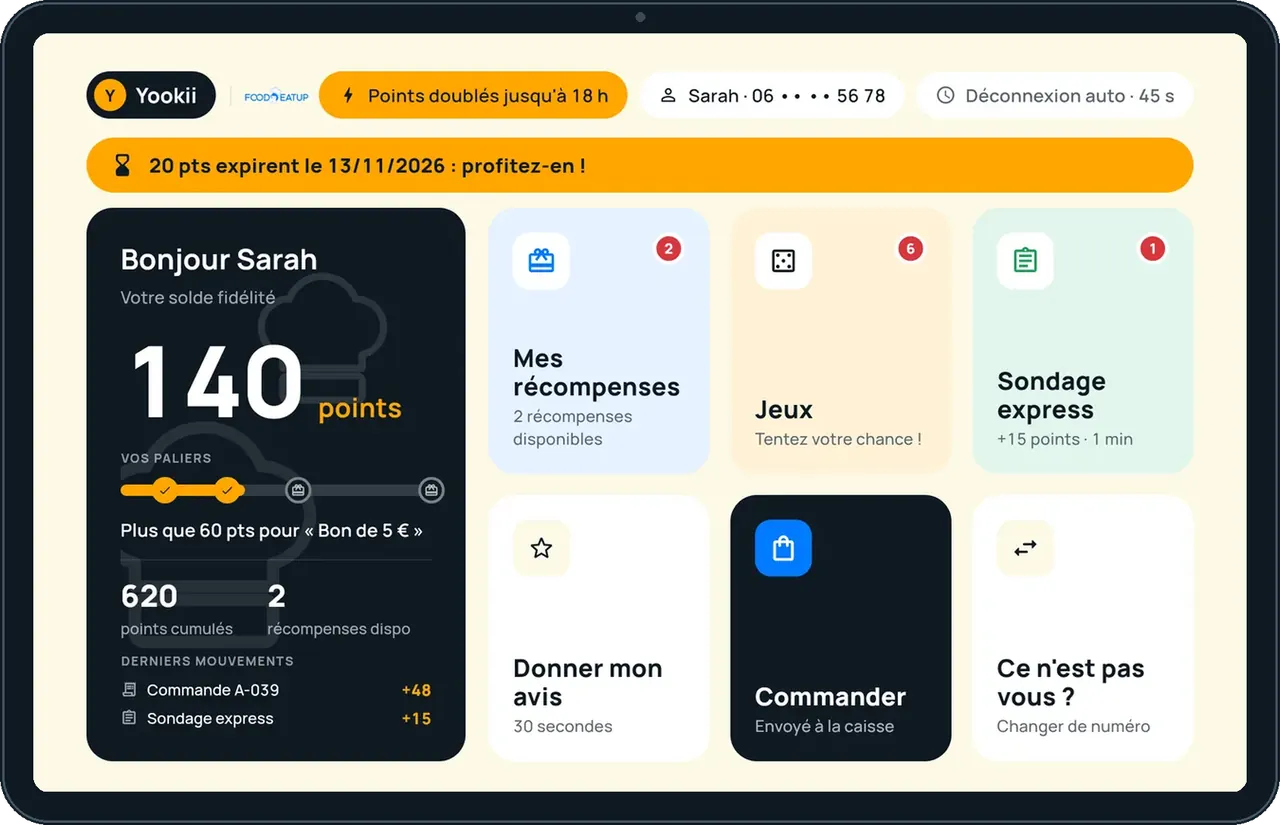
The customer sees their balance, next gift and points about to expire.
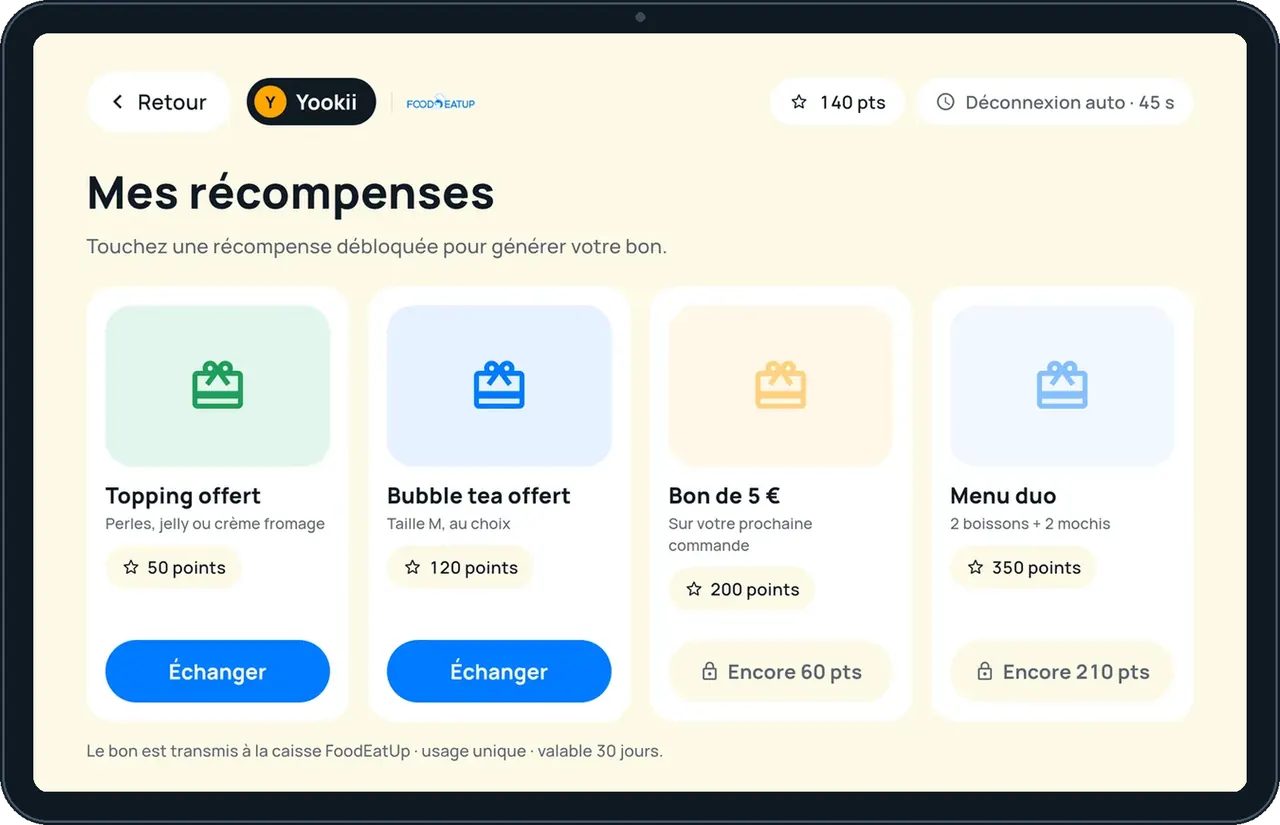
They choose a reward and get an FID- voucher.
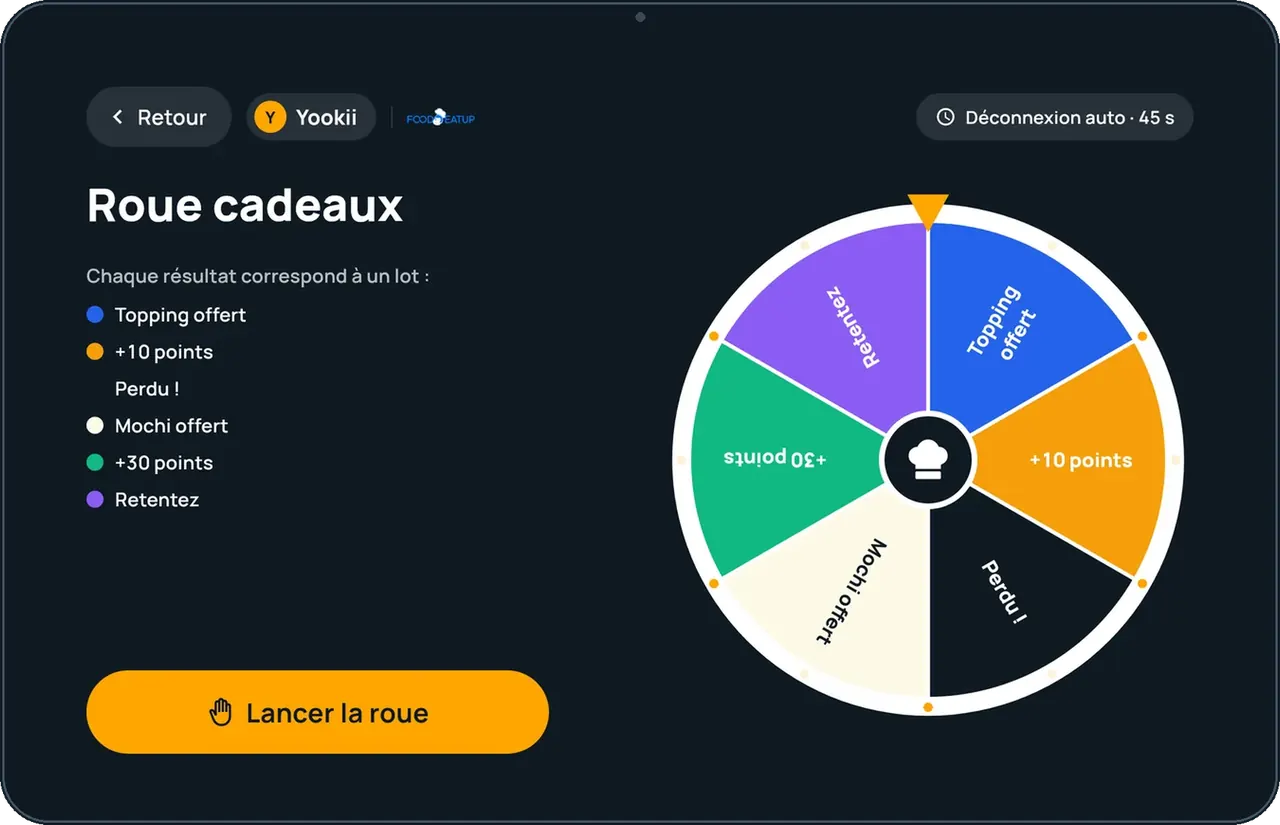
The game animates the prize drawn by the server.
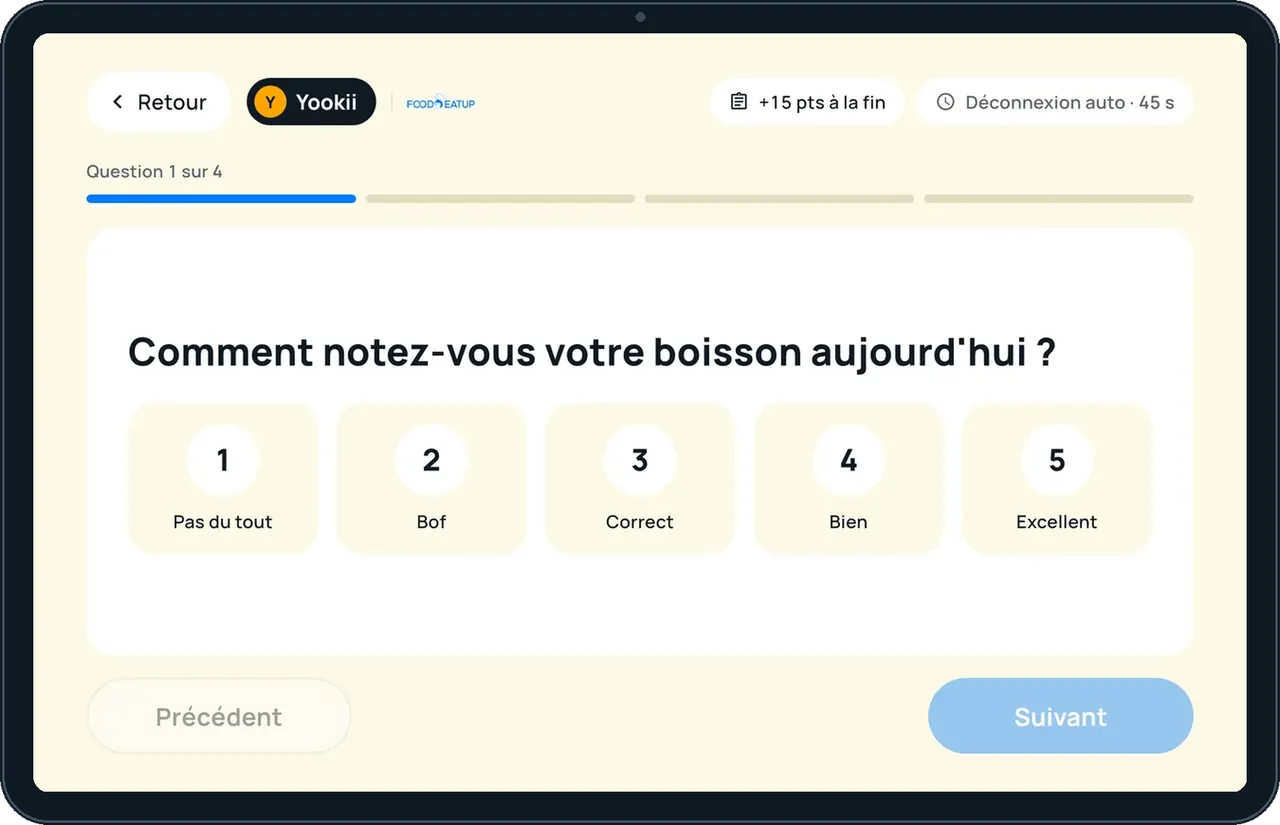
A few questions, points as a thank-you.
One short video per gesture, filmed on the app (in French).
The customer leaves with an FID- voucher to use at the till or online.
See the Loyalty & Games tutorial →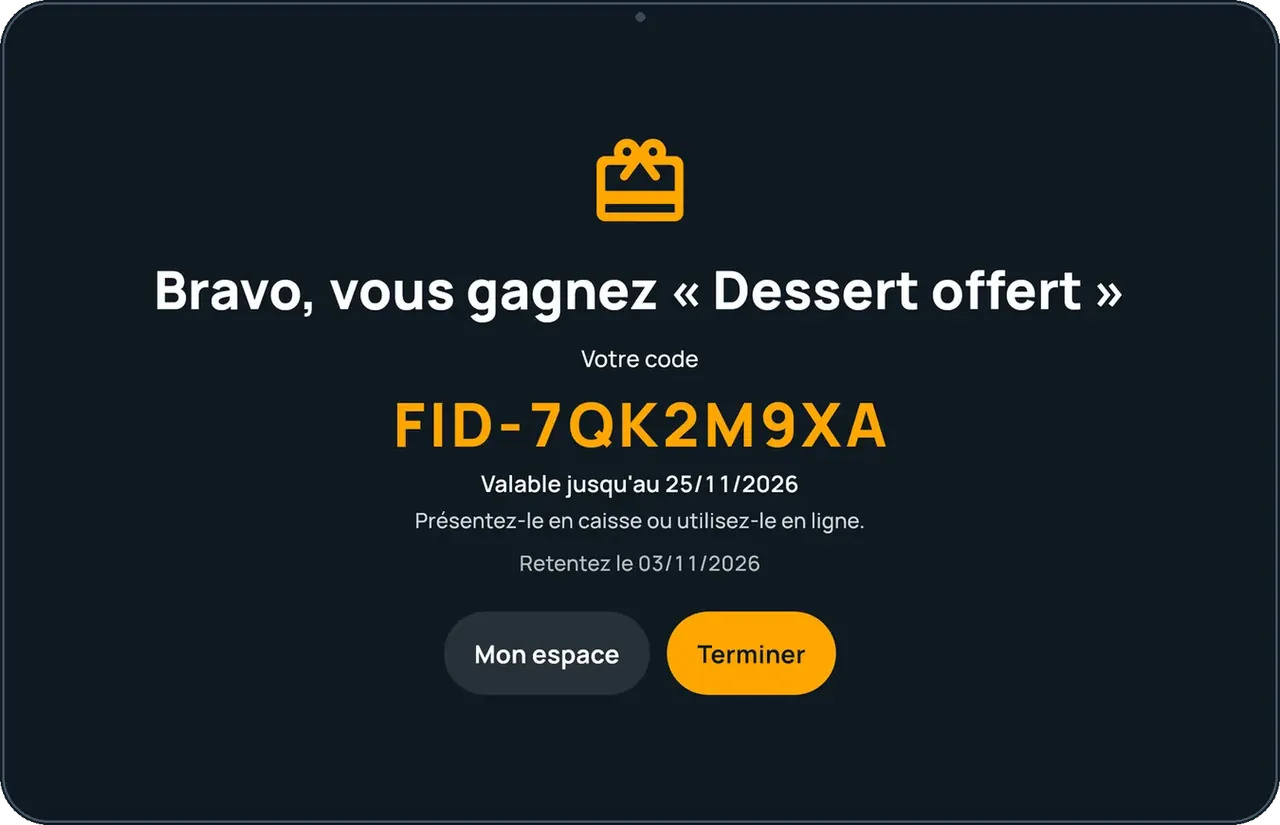
Sets points, rewards, games and theme, then links the tablet with a 6-character code.
Finds their points with just their phone number.
Claude, ChatGPT or Mistral’s Le Chat, connected to FoodEatUp. Copy the request and replace your establishment number.
In FoodEatUp, for my establishment [number], sum up my loyalty programme: points, tiers and rewards.
What you getThe programme rules and the rewards offered.
Tools used : get_loyalty_program, list_loyalty_rewards
In FoodEatUp, for my establishment [number], list my loyalty games and whether they are active.
What you getThe games, their type and state.
Tools used : list_wheel_games
No app, no password.
Points, tiers, rewards.
Drawn by the server.
Eight themes or your brand.
Show the current campaign on the tablet’s home screen: the customer sees the same code as at the till.
In FoodEatUp, one action triggers others. Here are the screens that work with this one.
No. They type their phone number on the tablet.
The FoodEatUp server. The tablet only animates the result.
Yes. A demo mode lets you try.
Send it to your team, your partner or your accountant. The image below appears in the message.
Claude, ChatGPT or Le Chat read this tutorial and explain it to you. Connected to FoodEatUp, they do it with you.
Read this FoodEatUp tutorial: https://foodeatup.com/en/academy/applications/app-fidelite.md Explain it to me simply, step by step, then help me do it in my restaurant. If FoodEatUp is connected to you, do it with me and show me the preview before every change.
Type your establishment number: the link takes you straight to this screen. The number stays on this device.
Discover loyalty (in French) →
Répond avec les fiches du site, sans IA
Le chef cherche dans les fiches…
 Claude
 Le Chat
 ChatGPT