Aller au contenu
StockVision · Finished products
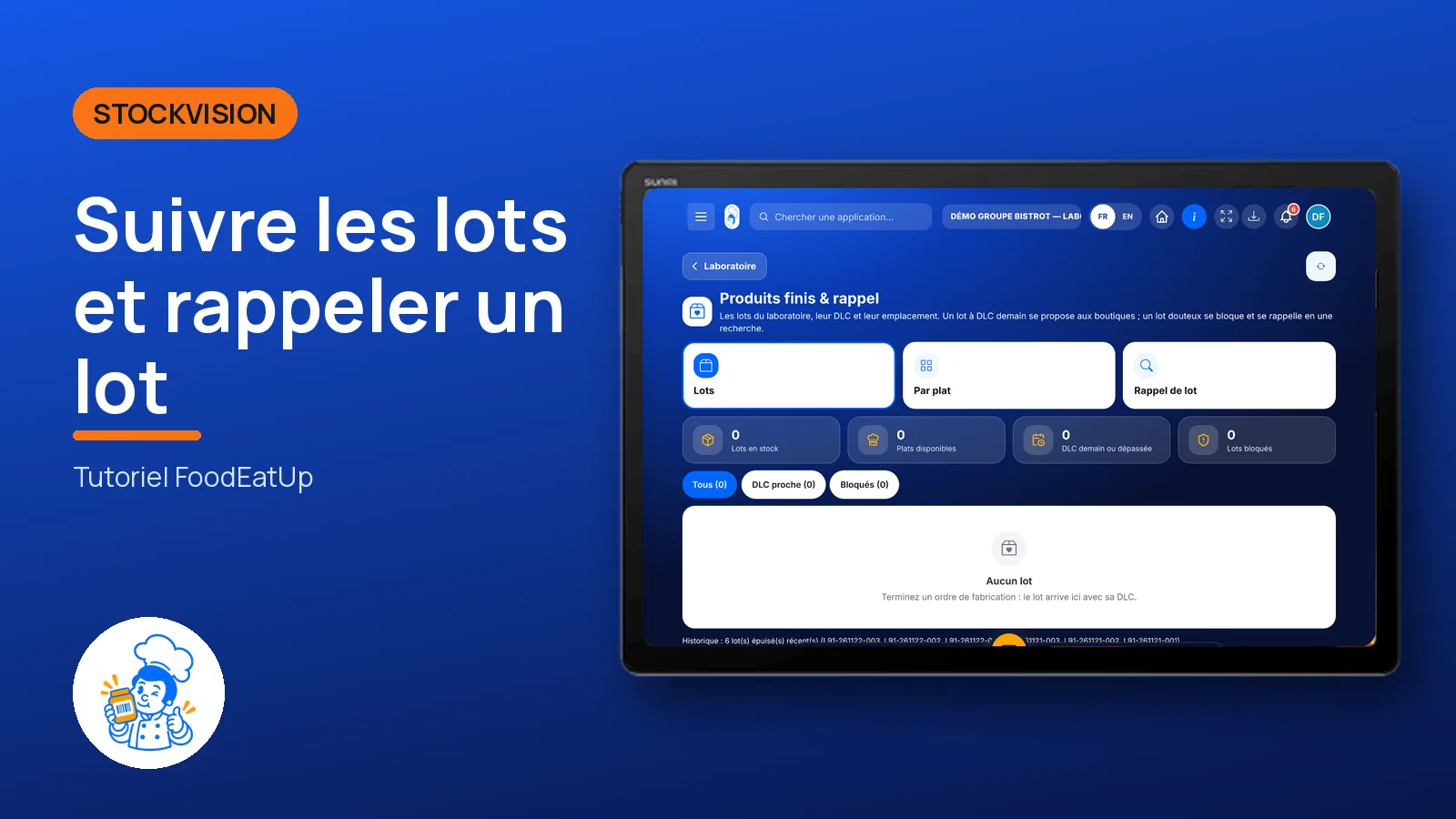
Track batches and recall a batch

Every finished batch in the central kitchen with its use-by date. A supplier batch number is enough to find the batches made with it, the shops served, and block them.

  • Tablet
  • 5 steps
  • Level : Advanced
Track batches and recall a batch : Finished batches in stock

Who is it for?

  • Chef de cuisine
  • Second de cuisine
  • Responsable multi-sites

Roles with access

  • Gérant·e
  • Chef de cuisine
  • Cuisinier·ère · view
  • Laboratoire (réseau)
  • Boutique (réseau)
  • Franchisé·e (réseau)
  • Directeur·rice d'établissement
  • Responsable siège · view

The owner always has access. See what each role sees →

Recommended hardware

Tablet

A tablet in the central kitchen, or the office computer for a recall.

See the hardware →

What it is for

  • See finished batches in stock, their use-by date and location.
  • Spot batches whose use-by date is tomorrow, and suggest a promotion to the shops.
  • Run a recall: from the supplier batch to the finished batches, then to the shops served.

Why set it up

  • On the day of a supplier alert, you know in seconds what is affected.
  • A blocked batch leaves available stock right away: it no longer goes to a shop.
  • The shops served are told, with your reason.

The same screen, on every device

The real software screens, as they appear on each device.

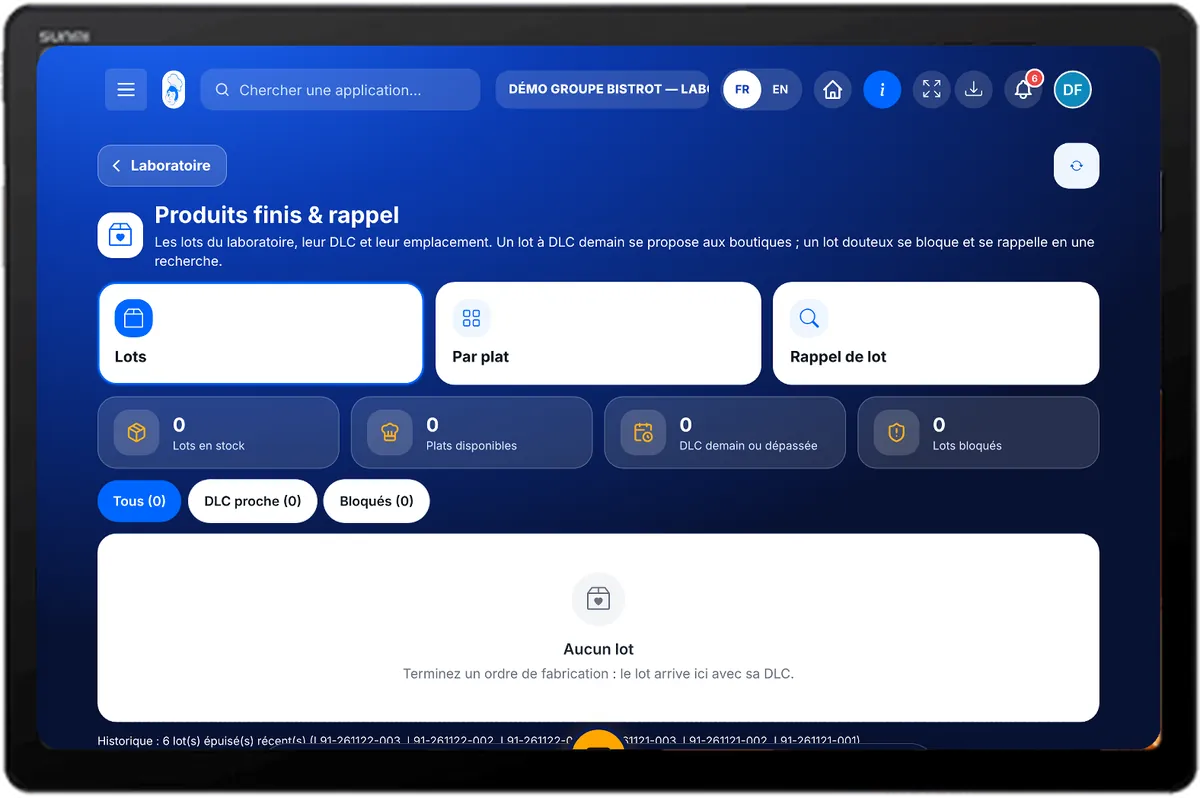
Finished products — On the tablet
On the tablet
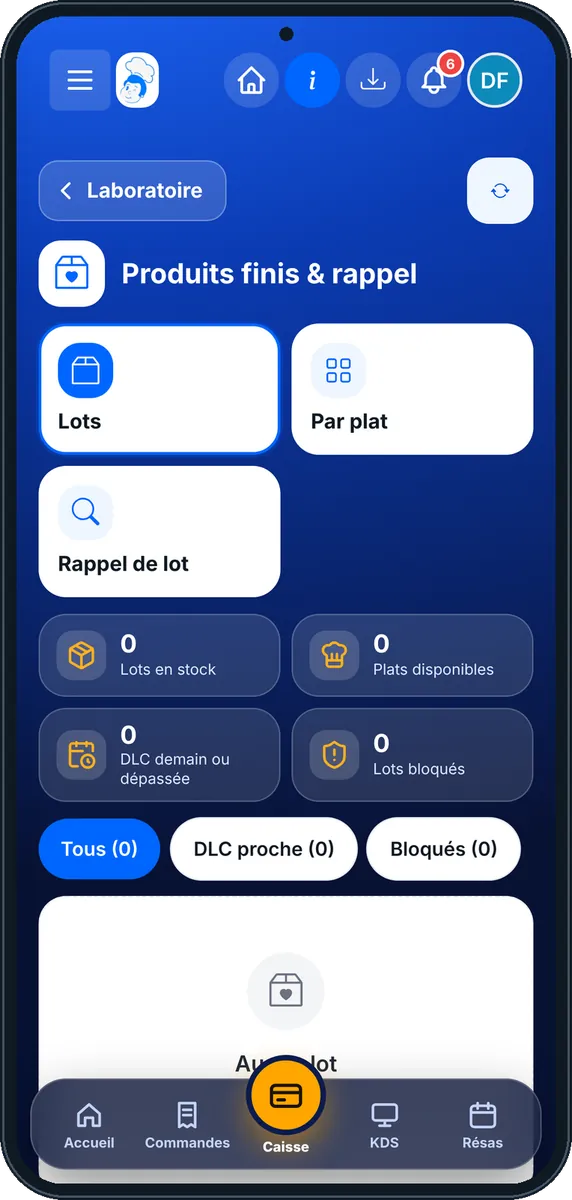
Finished products — On the phone
On the phone
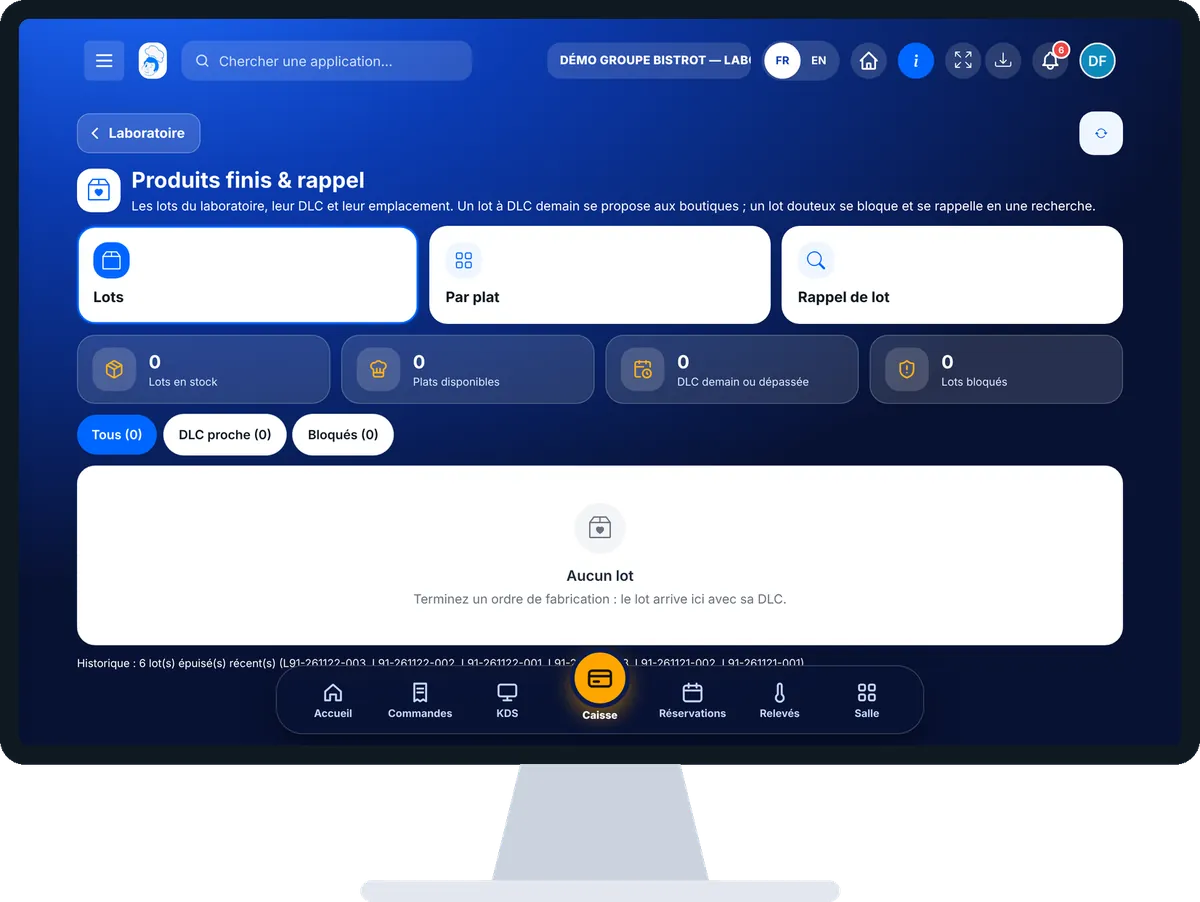
Finished products — On the computer
On the computer

Step by step

Track batches and recall a batch : 5 steps, with the real software screens.

  1. 1Step 1

    Open finished products

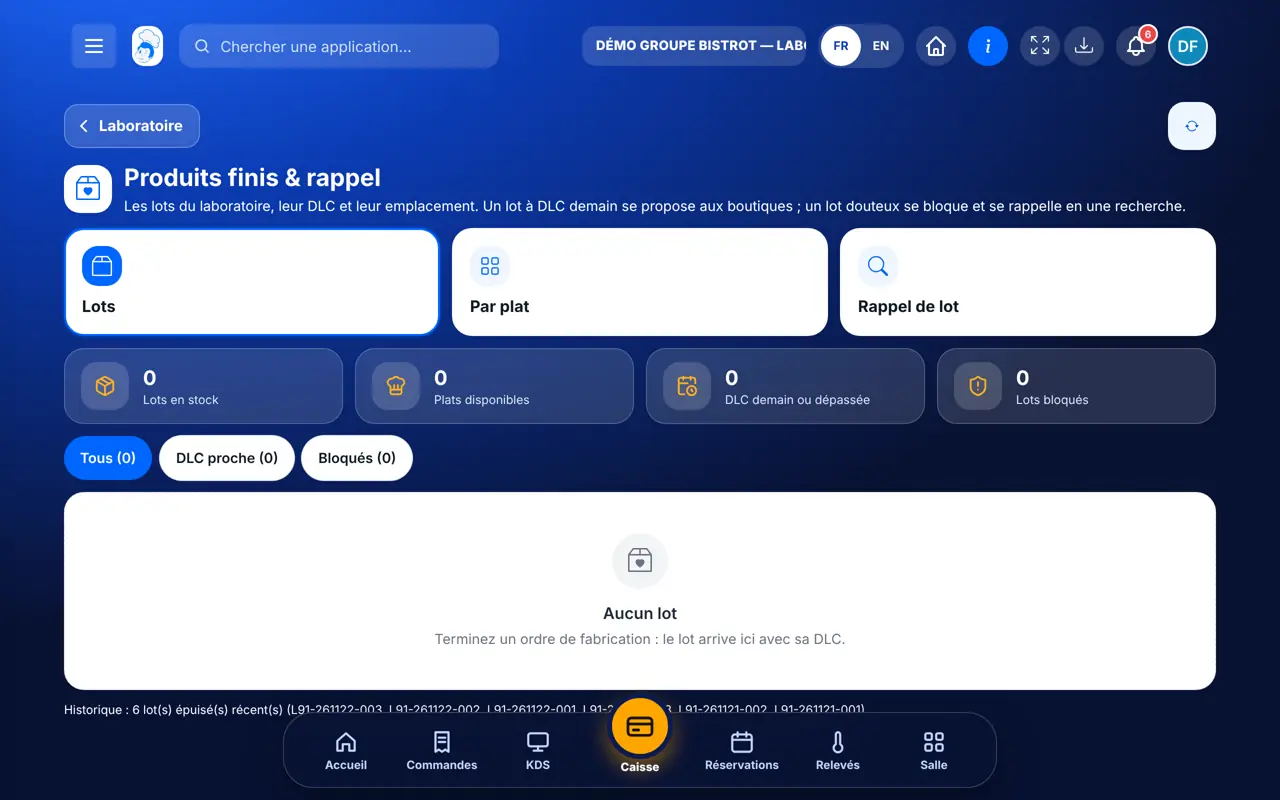
    In StockVisionAI, open “Produits finis & rappel”. The “Lots” tab lists batches in stock, with “DLC proche” and “Bloqués” filters.

    Finished batches in stock
  2. 2Step 2

    Read stock by dish

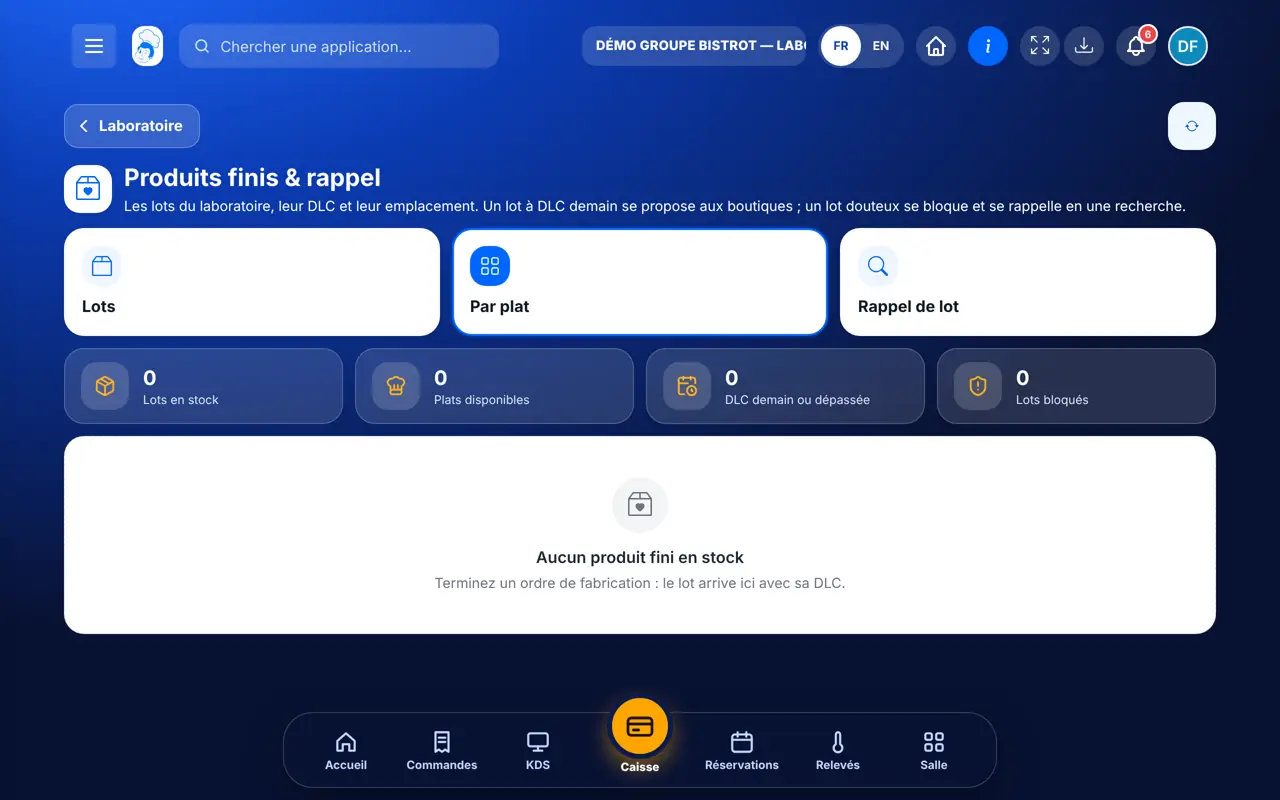
    The “Par plat” tab adds up what is available for each dish, blocked batches excluded.

    Available stock by dish
  3. 3Step 3

    Look up a batch

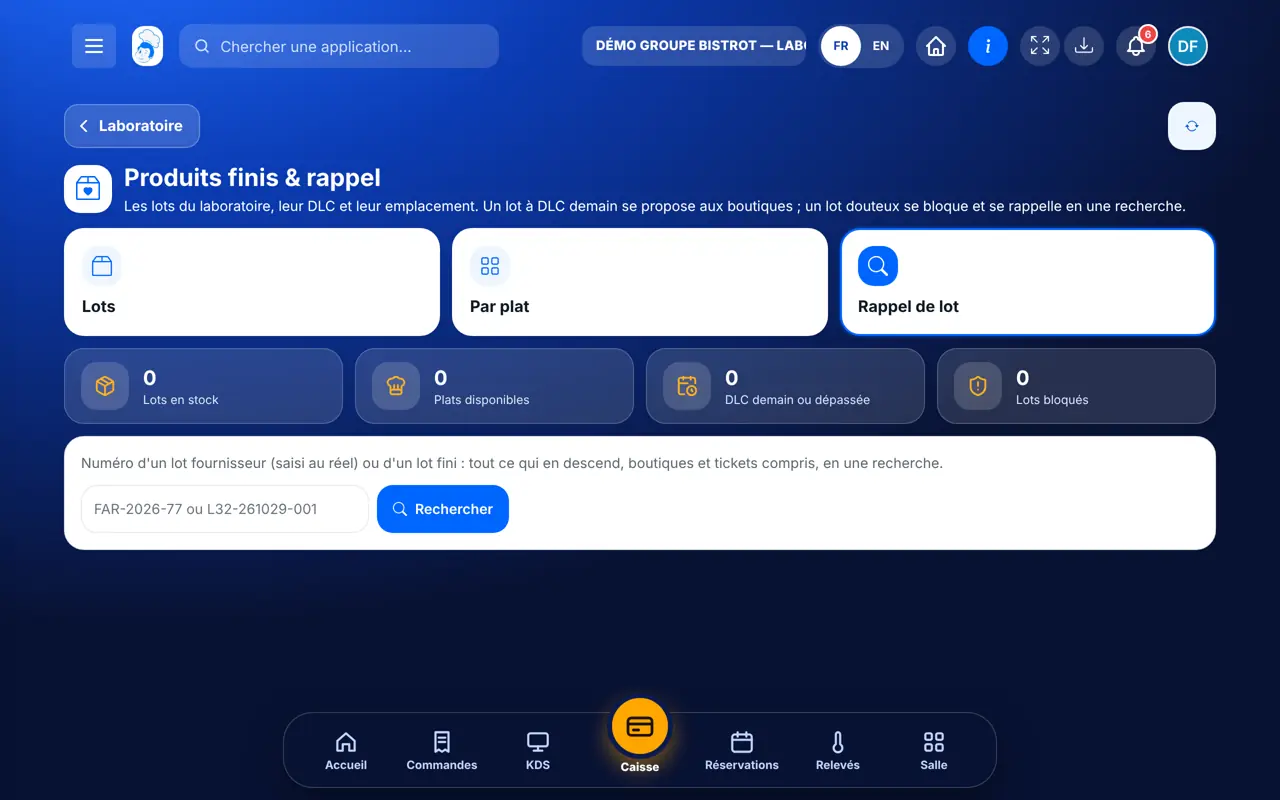
    In “Rappel de lot”, type a supplier or finished batch number, then “Rechercher”. The screen shows the supplier batches used, the finished batches, then the shops and sales concerned.

    The batch recall
  4. 4Step 4

    Block

    Write the recall reason, tap “Bloquer les lots finis”, then “Confirmer le blocage et prévenir les boutiques”. The batches become “Bloqué” and the shops served get your reason.

  5. 5Step 5

    Export

    Tap “Exporter (CSV)” to keep a record of the recall.

The result

Batches are ready to go

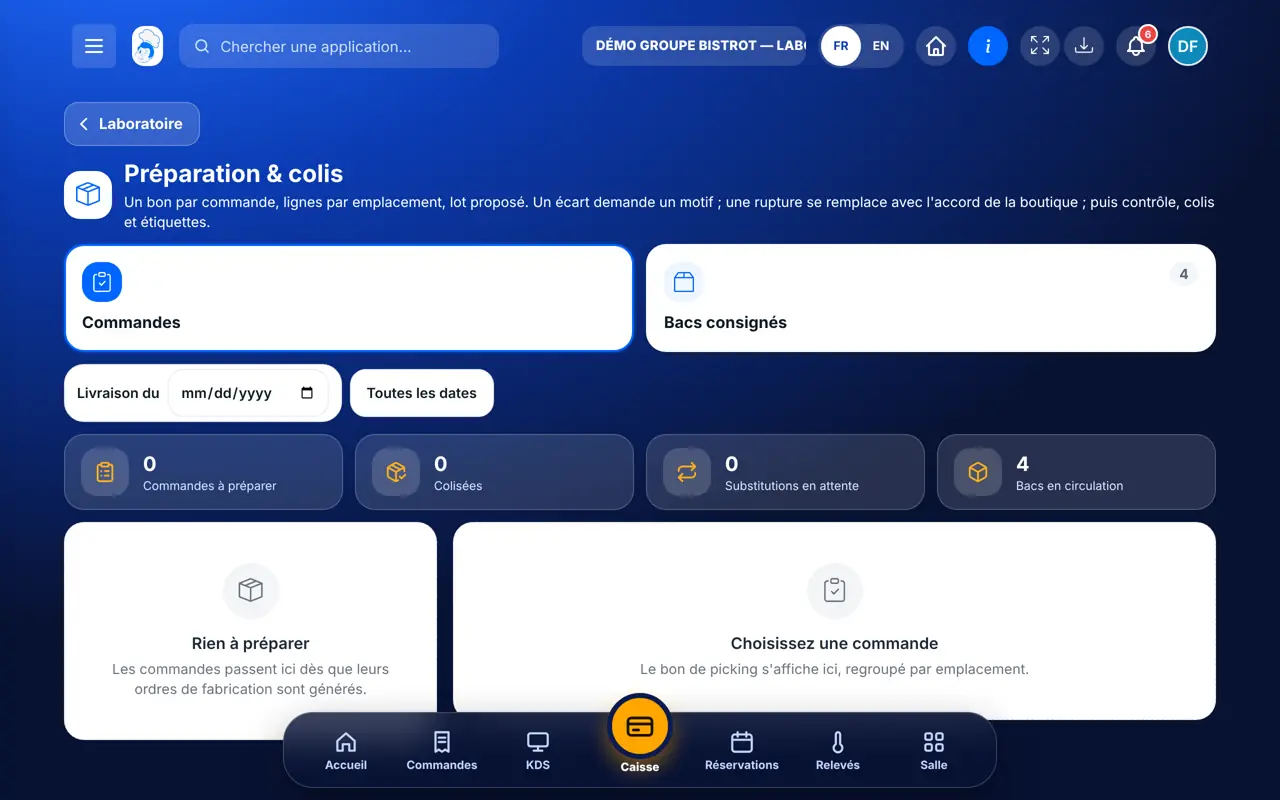
Available batches with a valid use-by date are suggested when preparing shop orders. A blocked batch no longer is.

See parcel preparation →
Batches are ready to go : Track batches and recall a batch

Owner and employee: what changes

The central kitchen manager

Tracks batches, runs recalls, blocks and unblocks.

Finished products — The central kitchen manager

The central kitchen employee

Sees batches if the role allows it. Blocking needs the right to edit production.

Do it with your assistant

Claude, ChatGPT or Mistral’s Le Chat, connected to FoodEatUp. Copy the request and replace your establishment number.

Which batches do I have in stock?

In FoodEatUp, for my establishment [number], give me the central kitchen dashboard: finished batches, close use-by dates and blocked batches.

What you getBatches, their use-by dates and those that are blocked.

Tools used : get_lab_hub

Find the traceability record

In FoodEatUp, for my establishment [number], export the HACCP traceability record for the last 30 days.

What you getThe traceability record for the period.

Tools used : get_haccp_history_tracability

Which shops were delivered?

In FoodEatUp, for my establishment [number], give me the central kitchen deliveries dashboard: rounds, stops and disputes.

What you getRounds, shops delivered and disputes.

Tools used : get_delivery_hub

What you gain

A recall in seconds

From the supplier batch to the shops.

Immediate blocking

The batch leaves available stock.

Shops told

With your reason.

Less waste

Close use-by dates are visible, a promotion can be suggested.

The Chef’s tip

Blocking takes two taps: the first shows the confirm button, the second blocks. Read the list of shops before confirming. A recall is only as good as the supplier batches entered during production.

Frequently asked questions

Which shops are listed in a recall?

Those served with the batches concerned. The sales shown are an estimate: the screen and the export say so.

Can a batch be unblocked?

Yes, with the “Débloquer” button once the alert is lifted.

Is the promotion created automatically?

No. The central kitchen tells the shops, and each shop creates its own promotion if it wants to.

Text version for AI assistants →

Share this tutorial

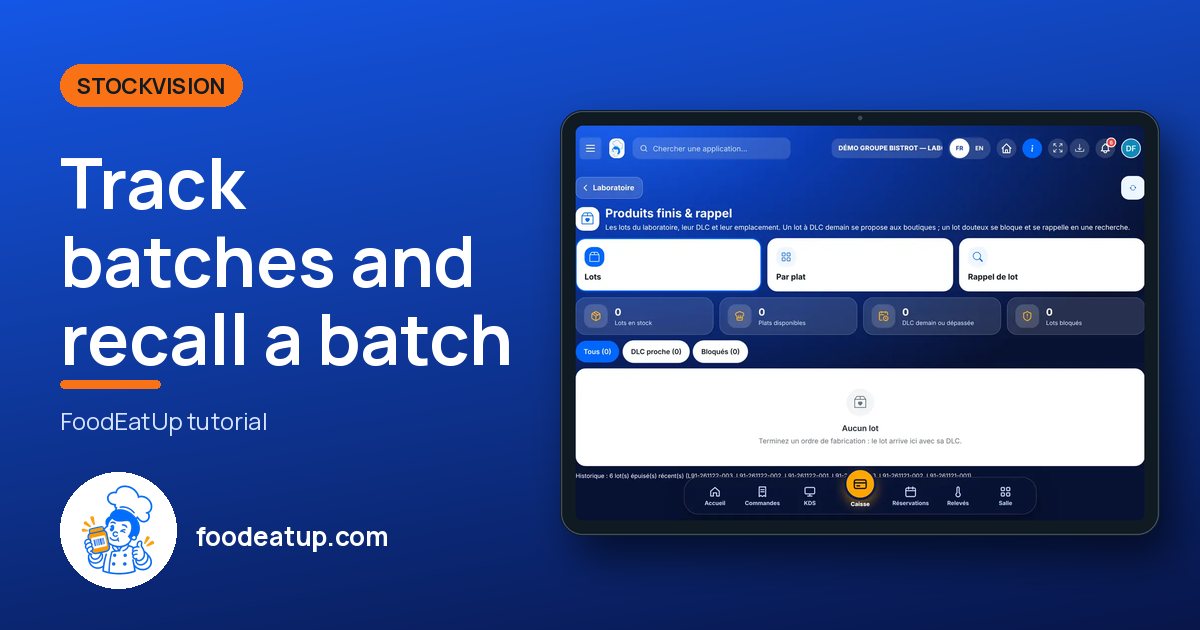
Send it to your team, your partner or your accountant. The image below appears in the message.

Share preview : Track batches and recall a batch
WhatsAppLinkedInFacebookEmail

Send to an AI assistant

Claude, ChatGPT or Le Chat read this tutorial and explain it to you. Connected to FoodEatUp, they do it with you.

Read this FoodEatUp tutorial: https://foodeatup.com/en/academy/stockvision/fabrication-stock.md Explain it to me simply, step by step, then help me do it in my restaurant. If FoodEatUp is connected to you, do it with me and show me the preview before every change.

ClaudeLe ChatChatGPT

Open in my software

Type your establishment number: the link takes you straight to this screen. The number stays on this device.

Discover the FoodEatUp central kitchen (in French) →

You can read it in the software address: foodeatup.com/establishment/number/…