How many orders to prepare?
In FoodEatUp, for my establishment [number], give me the central kitchen dashboard: orders to prepare and orders packed.
What you getOrders by picking status.
Tools used : get_lab_hub
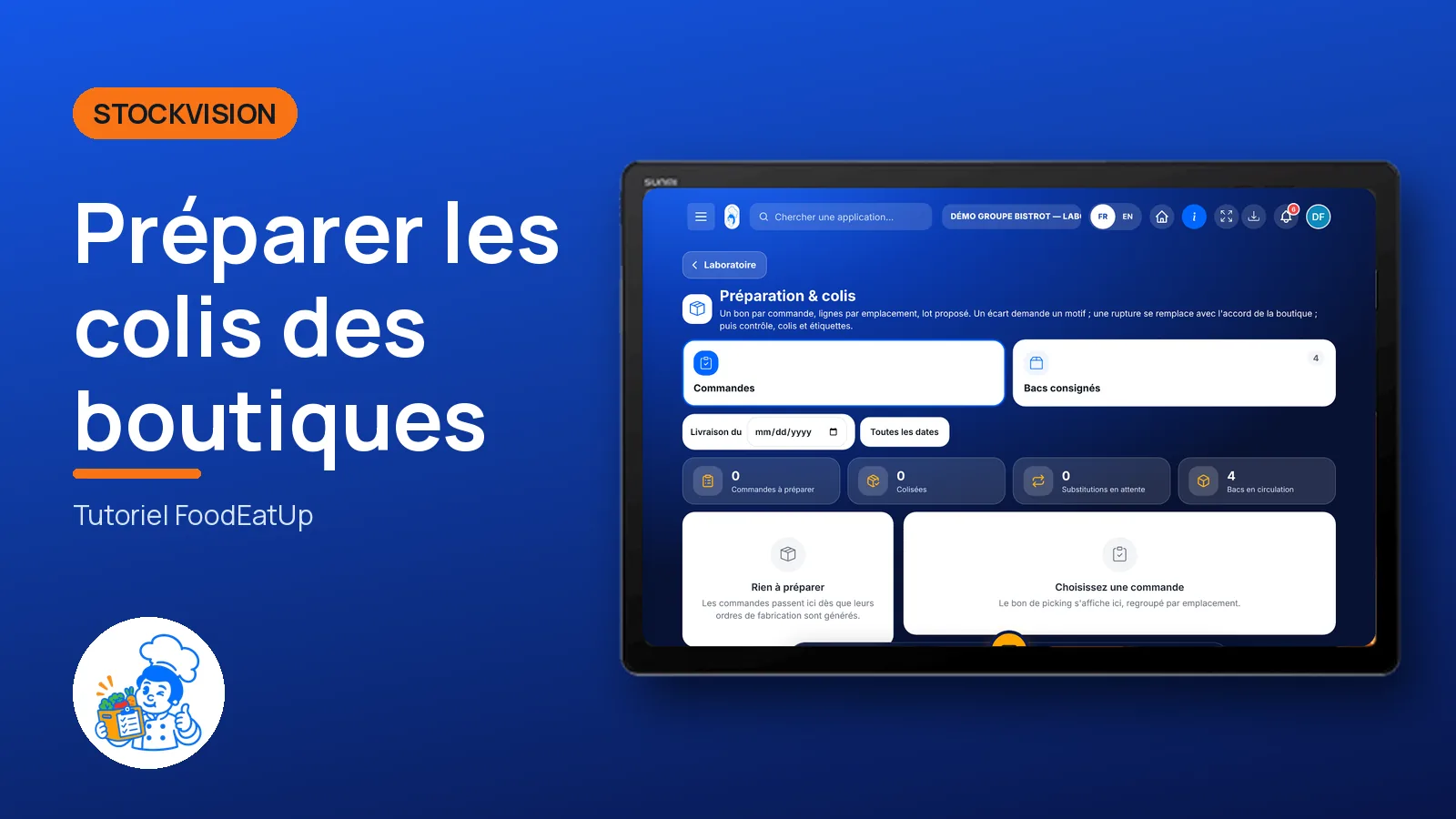
 StockVision · Picking & parcels
The central kitchen prepares each order: it picks the suggested batches, recounts, packs into crates or boxes and prints the labels. Stock goes out at picking.
 Second de cuisine
 Commis / cuisinier
 Chef de cuisine
The owner always has access. See what each role sees →
A tablet in the picking area, and the central kitchen’s label printer.
The real software screens, as they appear on each device.
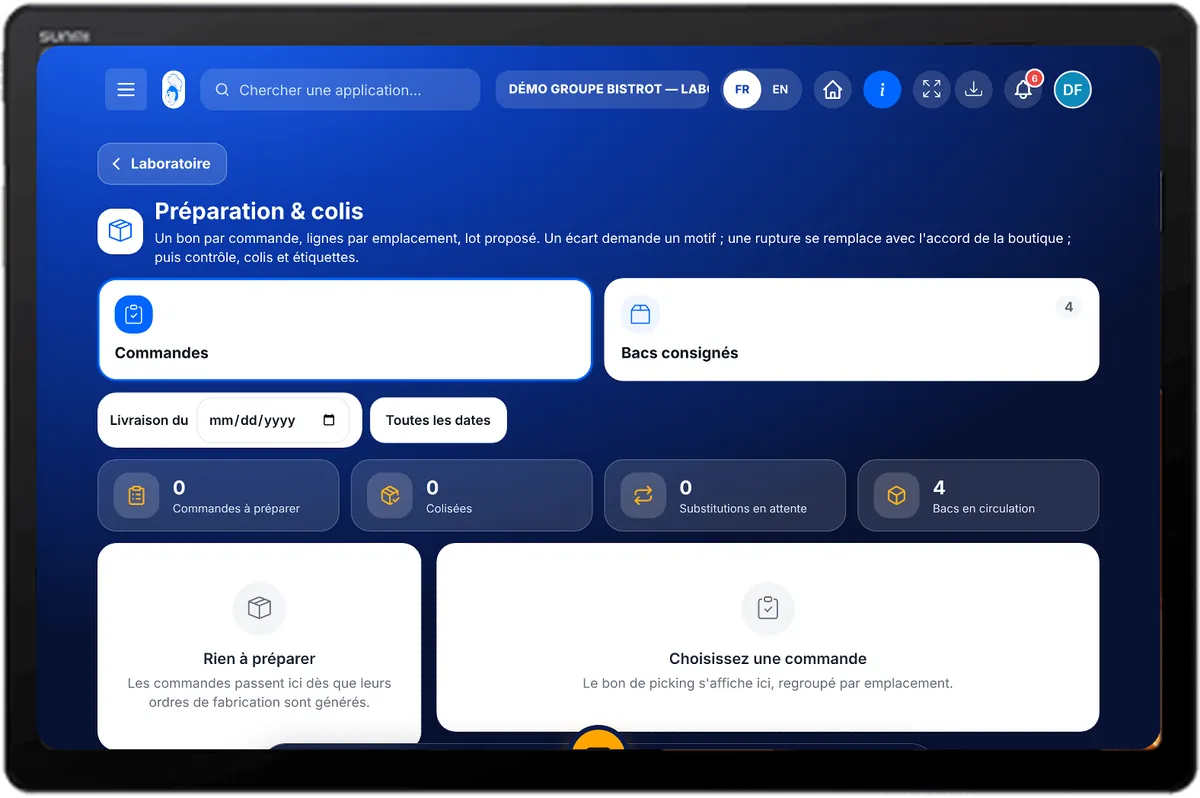
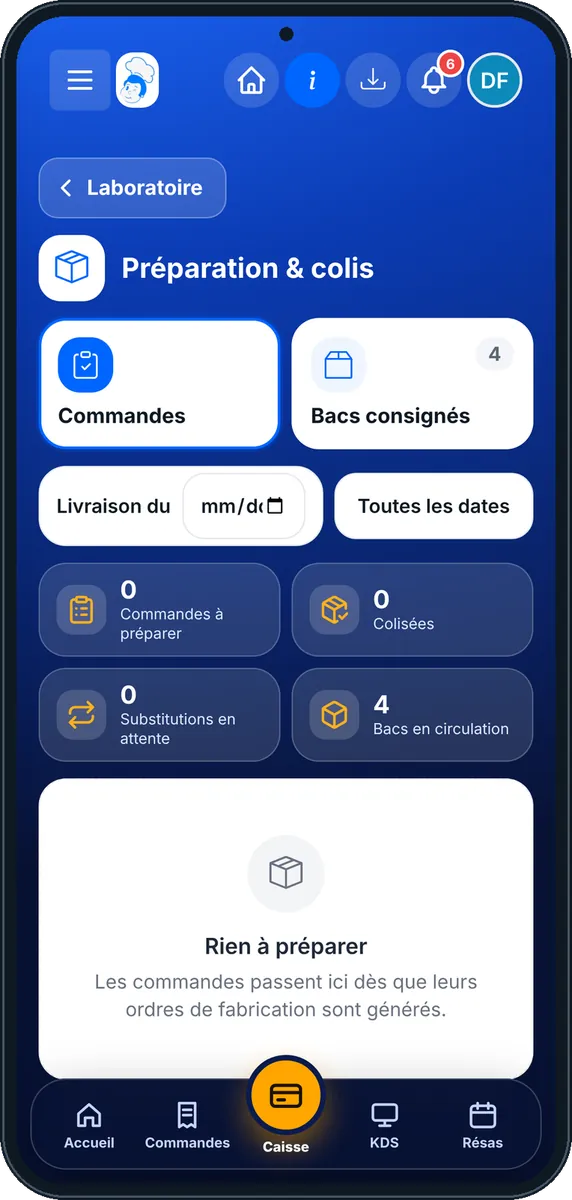
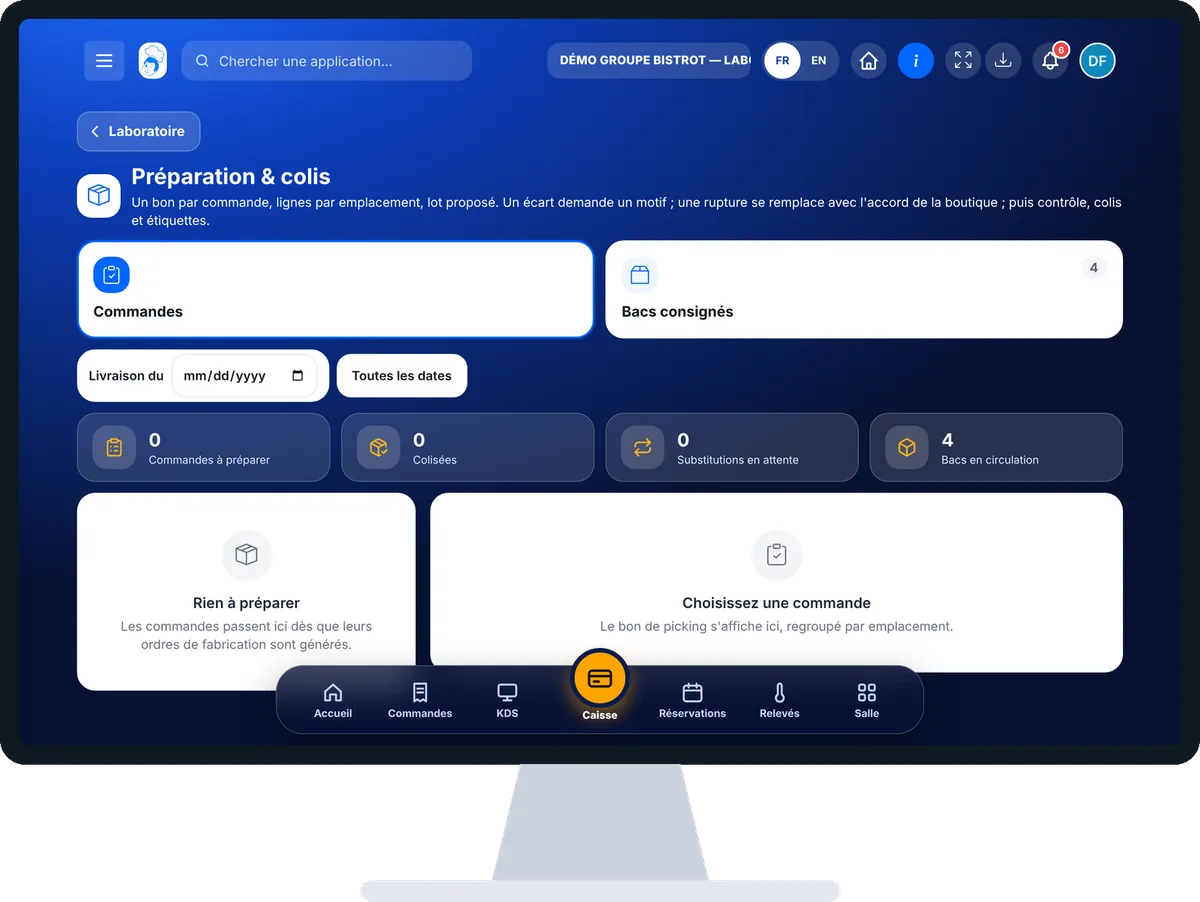
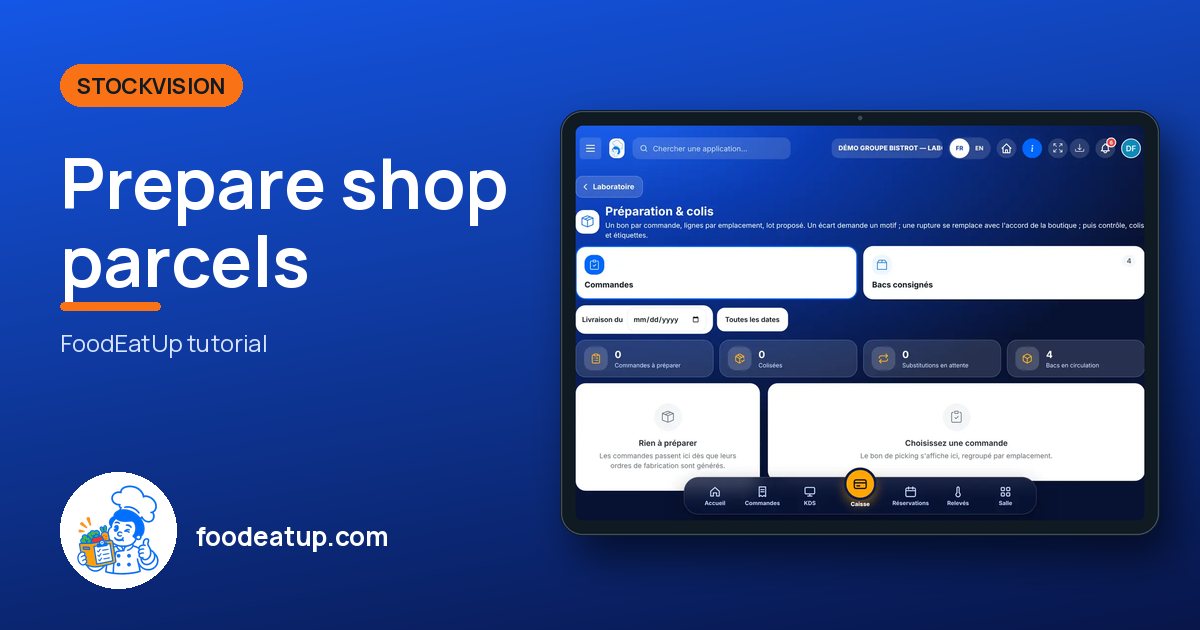
Prepare shop parcels : 5 steps, with the real software screens.
In StockVisionAI, open “Préparation & colis”. The “Commandes” tab lists orders to prepare. Tap one: the picking list shows, sorted by area.
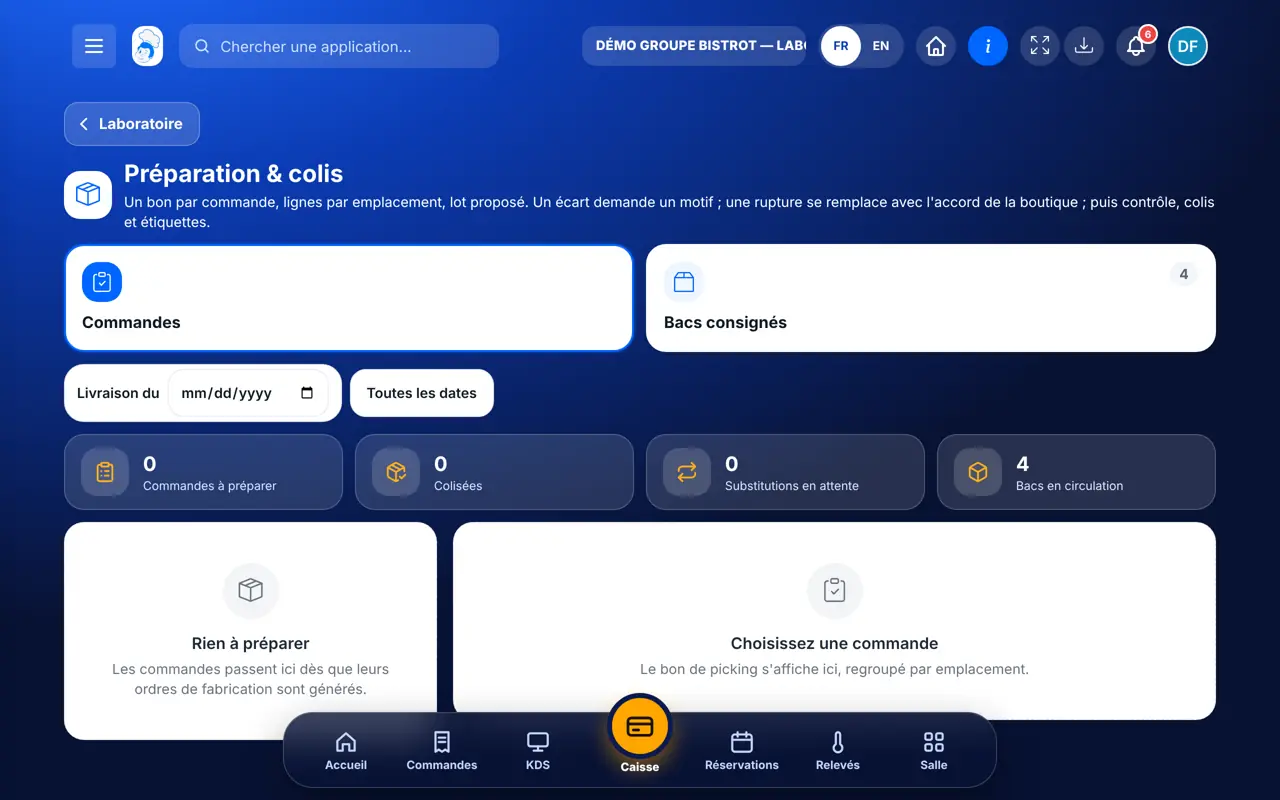
For each line, check the suggested batch, type the quantity prepared and tap “Prélever”. If the quantity differs, a reason is mandatory. If something is out of stock, tap “Rupture” to offer a replacement dish: the shop accepts or declines.
Tap “Contrôler (double comptage)”, recount each line, then “Valider le contrôle”.
Add an insulated crate or a box, tick what it holds, then “Coliser et imprimer les étiquettes”. The order becomes “prepared”.
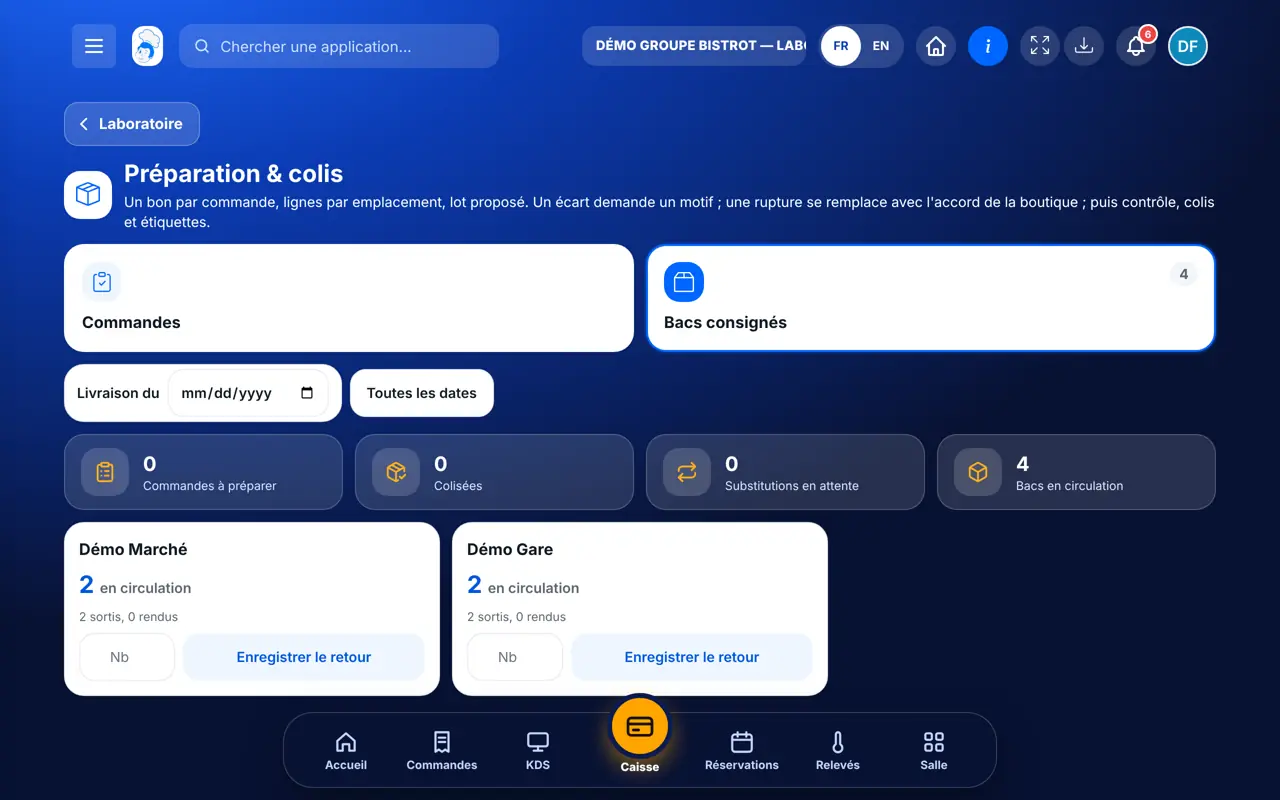
The “Bacs consignés” tab shows the crates at each shop. Note the crates returned and tap “Enregistrer le retour”.
Parcels are labelled and the order becomes “prepared”. It can be added to a delivery round.
See delivery rounds →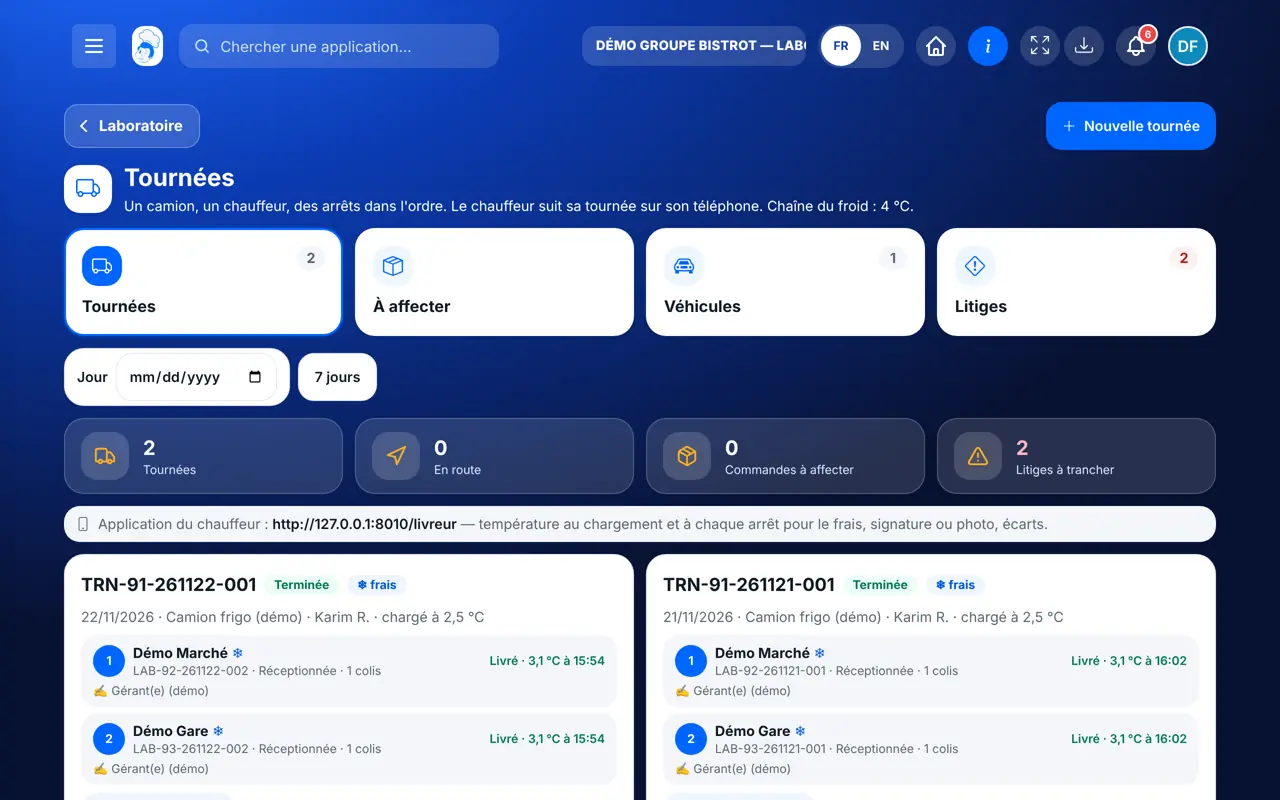
Prepares, checks, packs and tracks crates.
Does the same if the role can edit production.
Claude, ChatGPT or Mistral’s Le Chat, connected to FoodEatUp. Copy the request and replace your establishment number.
In FoodEatUp, for my establishment [number], give me the central kitchen dashboard: orders to prepare and orders packed.
What you getOrders by picking status.
Tools used : get_lab_hub
In FoodEatUp, for my establishment [number], give me the deliveries dashboard: returnable crates out at the shops.
What you getCrates out, shop by shop.
Tools used : get_delivery_hub
In FoodEatUp, for my establishment [number], list today’s stock movements.
What you getToday’s stock out, referenced by order.
Tools used : list_stock_movements
The oldest one still valid at delivery.
It goes out at picking.
A recount before the parcel.
The counter never goes below zero.
Name your batch locations the way your cold room is laid out: the picking list follows that order, and the picker does a single round.
In FoodEatUp, one action triggers others. Here are the screens that work with this one.
No. A blocked batch, or one past its use-by date on delivery day, is refused, and the screen says so.
What the line had taken is first put back into stock, then the new pick is made.
No. Until the shop has answered, packing is refused.
Send it to your team, your partner or your accountant. The image below appears in the message.
Claude, ChatGPT or Le Chat read this tutorial and explain it to you. Connected to FoodEatUp, they do it with you.
Read this FoodEatUp tutorial: https://foodeatup.com/en/academy/stockvision/picking.md Explain it to me simply, step by step, then help me do it in my restaurant. If FoodEatUp is connected to you, do it with me and show me the preview before every change.
Type your establishment number: the link takes you straight to this screen. The number stays on this device.
Discover the FoodEatUp central kitchen (in French) →
Répond avec les fiches du site, sans IA
Le chef cherche dans les fiches…
 Claude
 Le Chat
 ChatGPT