Staff needs
In FoodEatUp, for my establishment [number], how many waiters and cooks should I plan for the next 7 days?
What you getForecast covers and the need per day.
Tools used : get_predibot_staff_forecast
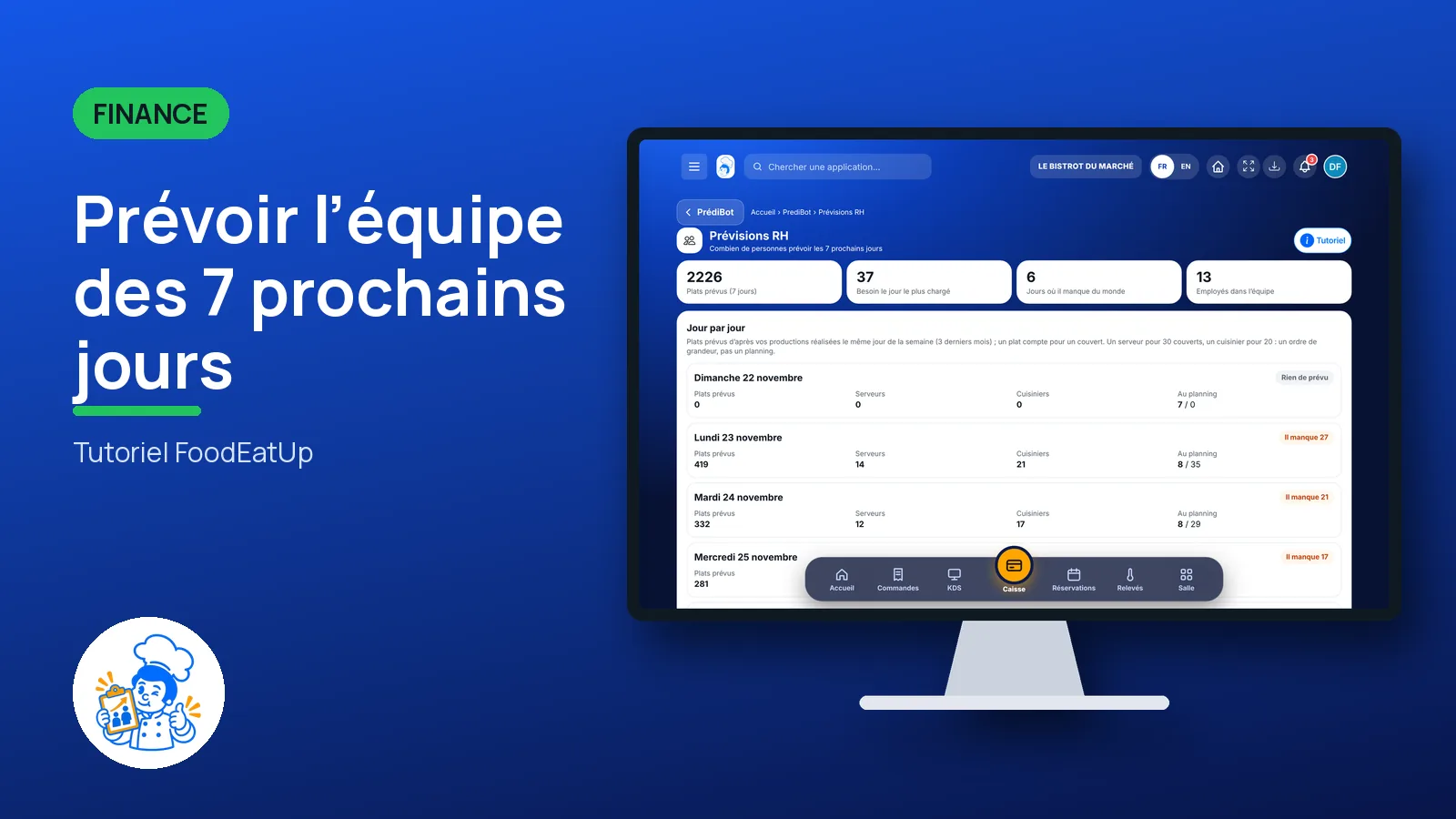
 Finance · Prévisions RH
PrédiBot estimates your covers for each day, derives a number of waiters and cooks, then compares with the number of people on the rota. You see right away the days short of staff.
 Patron / gérant
 Directeur
 Responsable de salle
 Chef de cuisine
The owner always has access. See what each role sees →
A computer or a tablet, when you prepare the rota.
The real software screens, as they appear on each device.
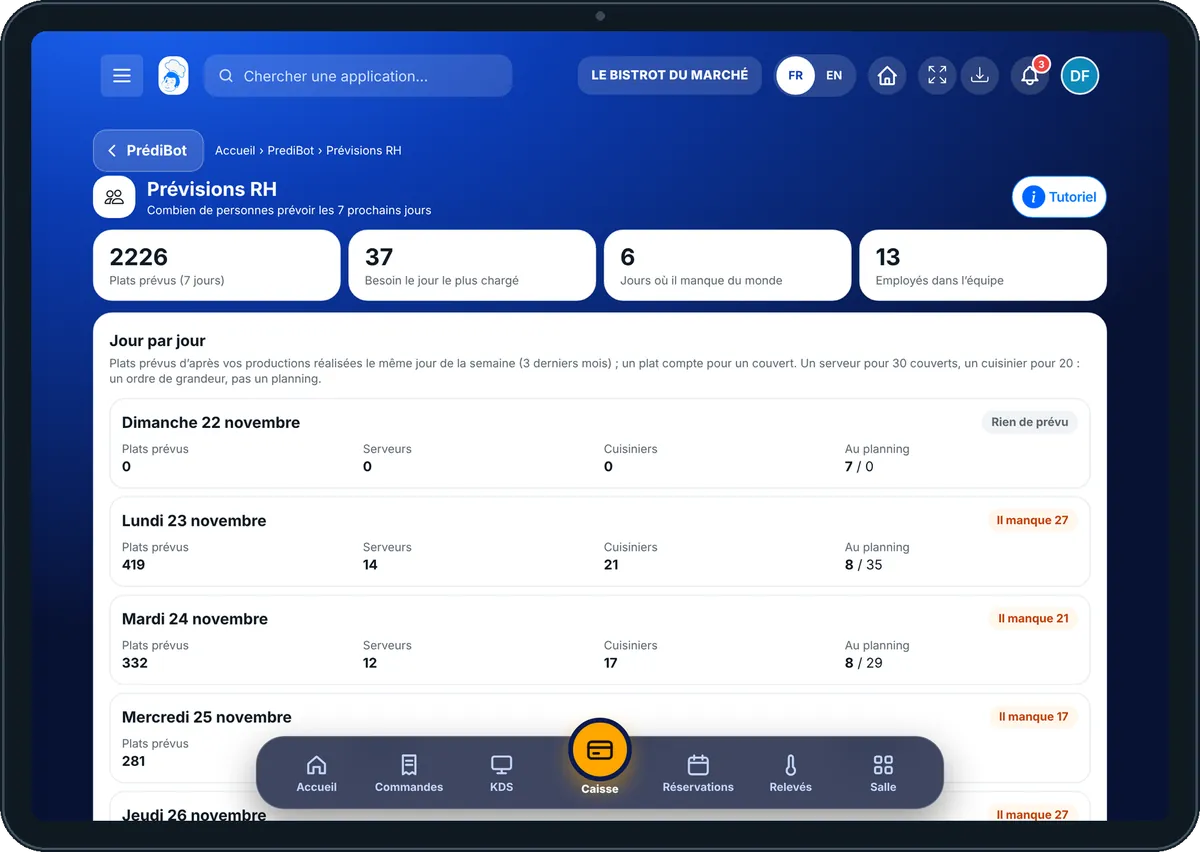
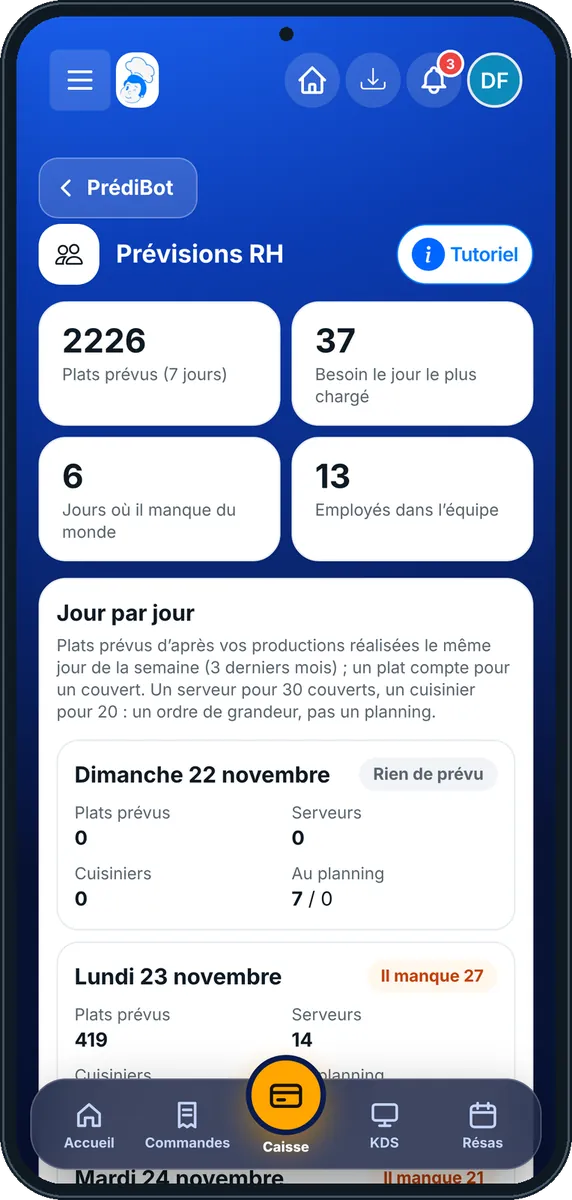
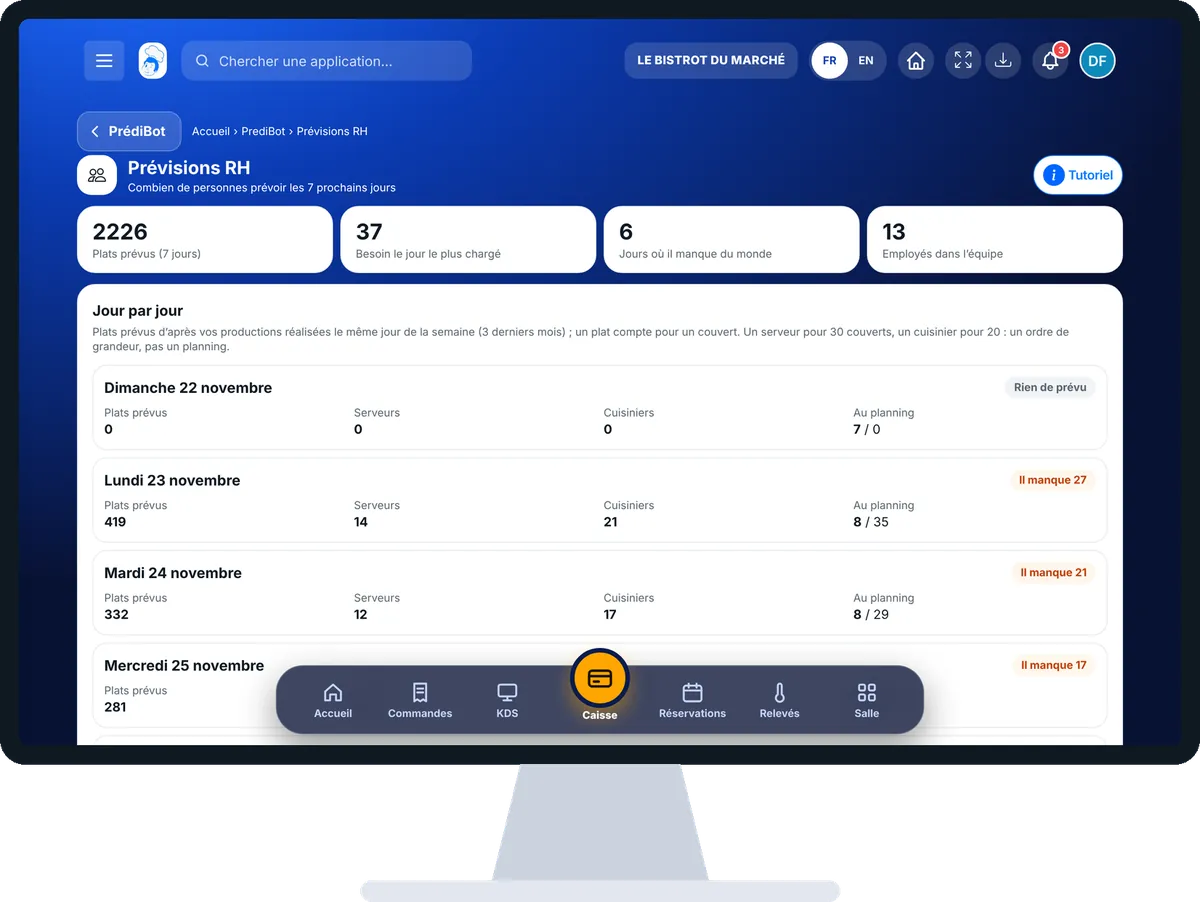
Forecast the team for the next 7 days : 4 steps, with the real software screens.
From PrédiBot’s home page, tap “Prévisions RH”. At the top, the week’s figures.
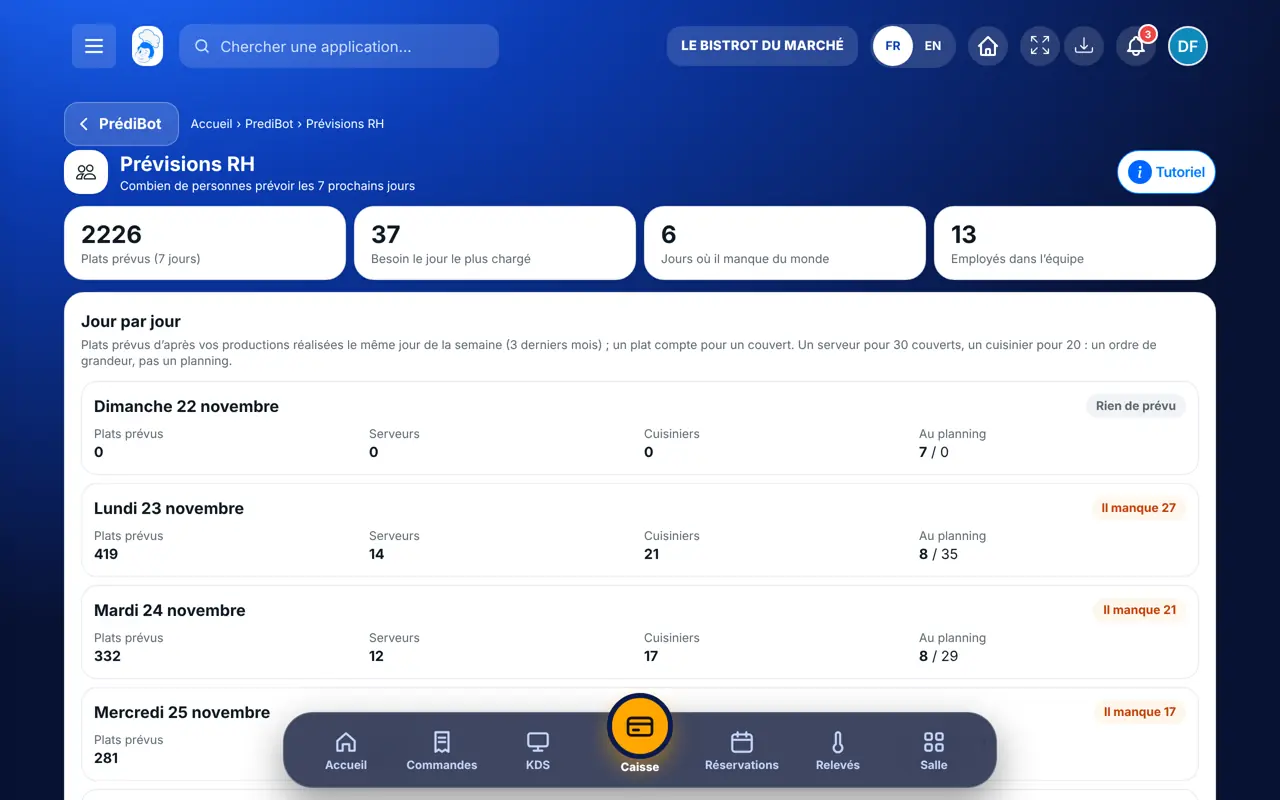
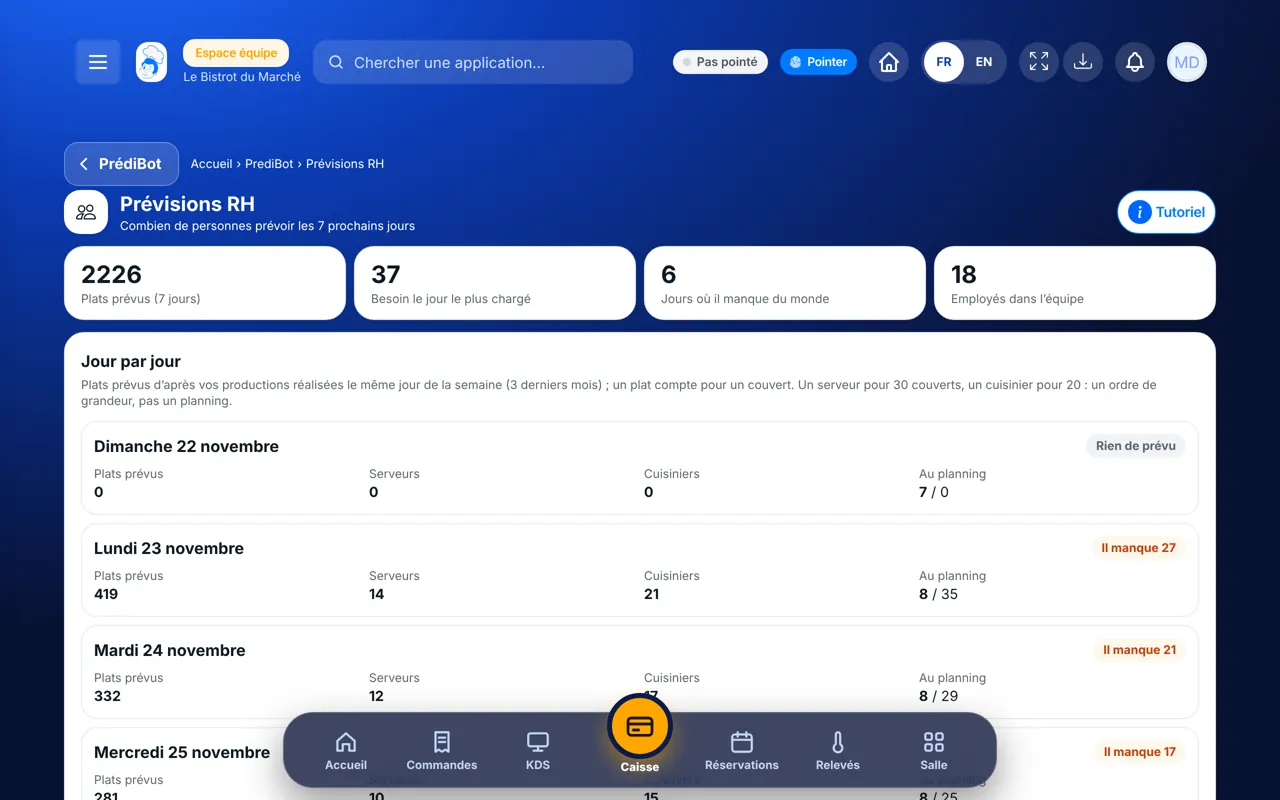
The “Jour par jour” block shows for each day the forecast covers, waiters, cooks and “Au planning”.
The badge says “Équipe suffisante” in green, or “Il manque N” in orange.
Tap “Ouvrir le planning” and add the missing shifts.
You know which days to reinforce the team before publishing the rota.
Prepare the team rota →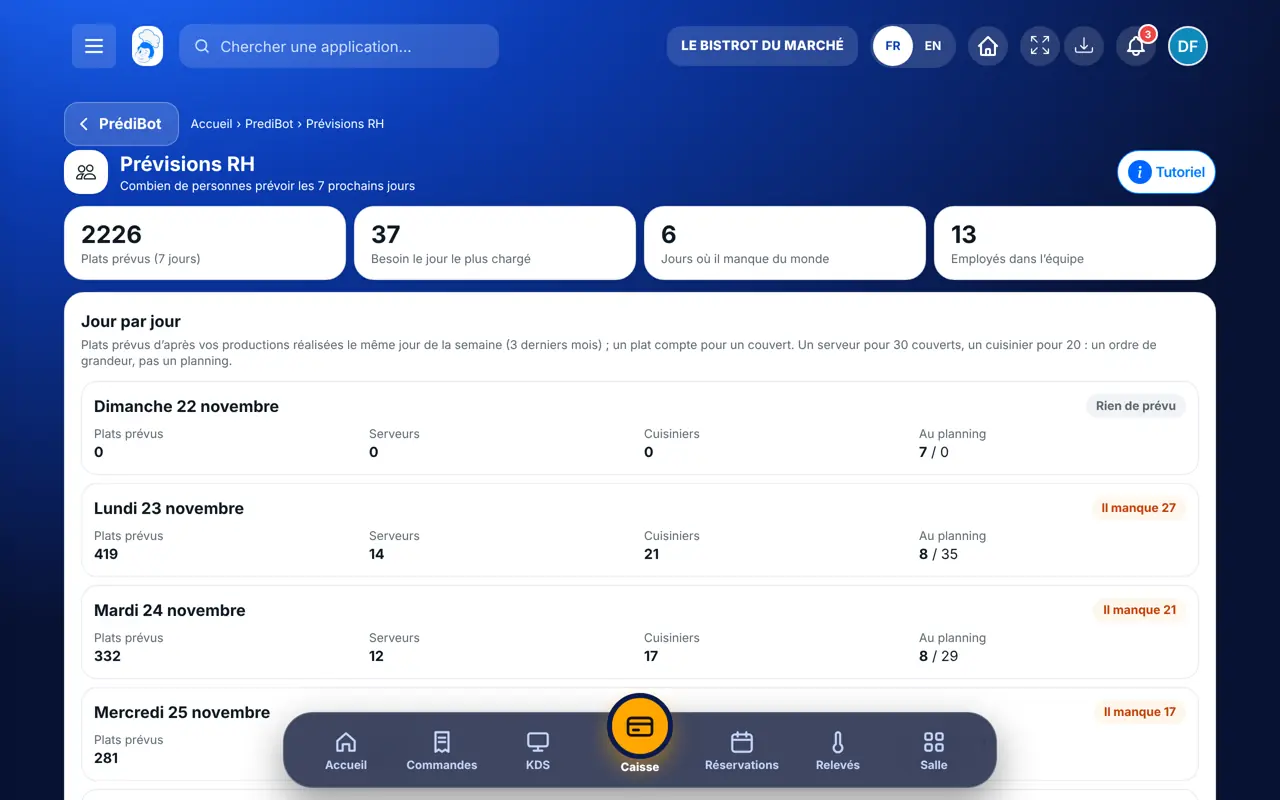
Sees the needs and fixes the rota.
With the HR-forecast right, sees the screen. Changing the rota needs the rota right.
Claude, ChatGPT or Mistral’s Le Chat, connected to FoodEatUp. Copy the request and replace your establishment number.
In FoodEatUp, for my establishment [number], how many waiters and cooks should I plan for the next 7 days?
What you getForecast covers and the need per day.
Tools used : get_predibot_staff_forecast
In FoodEatUp, for my establishment [number], compare PrédiBot’s staff needs with this week’s rota and tell me the days short of staff.
What you getThe short days and how many people to add.
Tools used : get_predibot_staff_forecast, list_plannings
In FoodEatUp, for my establishment [number], show me next week’s rota.
What you getThe planned shifts, day by day.
Tools used : list_plannings
Shortages show up before service.
Your completed productions, over 3 months.
“Équipe suffisante” or “Il manque N”.
“Ouvrir le planning” to fix it.
The ratio is a ballpark figure: adapt it to your room. A terrace service or a private evening often needs one more person.
In FoodEatUp, one action triggers others. Here are the screens that work with this one.
From your completed productions on the same weekday, over the last 3 months. It is an estimate.
PrédiBot relies on your validated productions. Validate them for a few weeks.
No, it is a ballpark figure: one waiter per 30 covers, one cook per 20. Adjusting the rota is up to you.
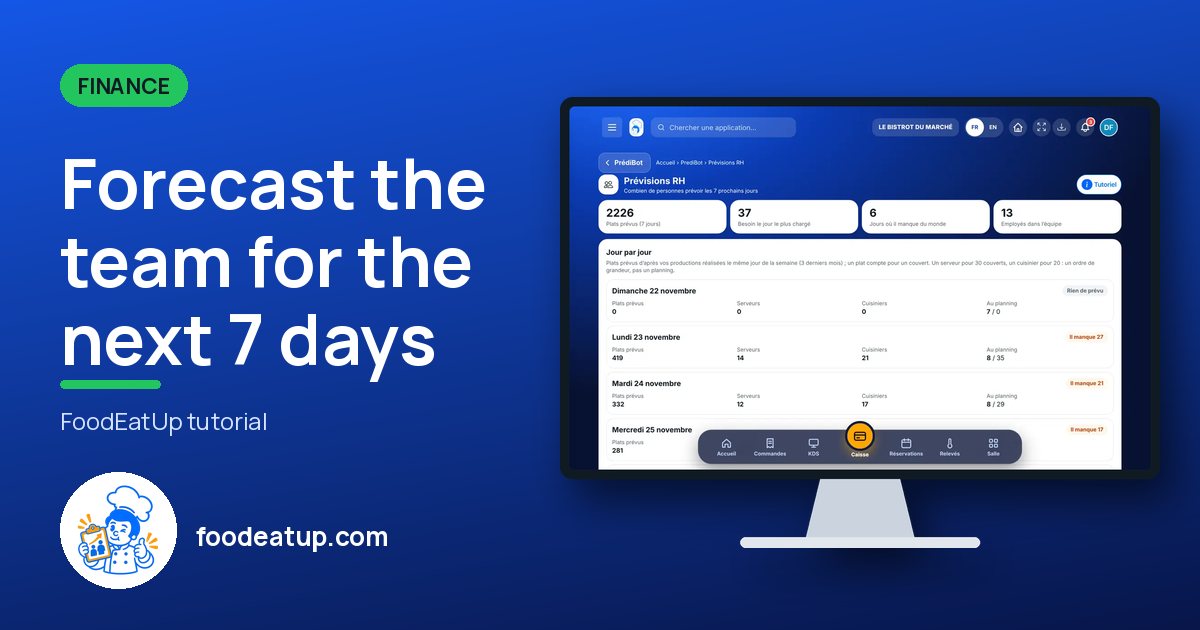
Send it to your team, your partner or your accountant. The image below appears in the message.
Claude, ChatGPT or Le Chat read this tutorial and explain it to you. Connected to FoodEatUp, they do it with you.
Read this FoodEatUp tutorial: https://foodeatup.com/en/academy/finance/predibot-hr-predictions.md Explain it to me simply, step by step, then help me do it in my restaurant. If FoodEatUp is connected to you, do it with me and show me the preview before every change.
Type your establishment number: the link takes you straight to this screen. The number stays on this device.
Discover AI-driven management (in French) →
Répond avec les fiches du site, sans IA
Le chef cherche dans les fiches…
 Claude
 Le Chat
 ChatGPT