The team’s week
In FoodEatUp, for my establishment [number], list last week’s clock-ins and tell me who forgot to clock out.
What you getEach employee’s days, including those left open.
Tools used : list_attendances
 Team · Pointages
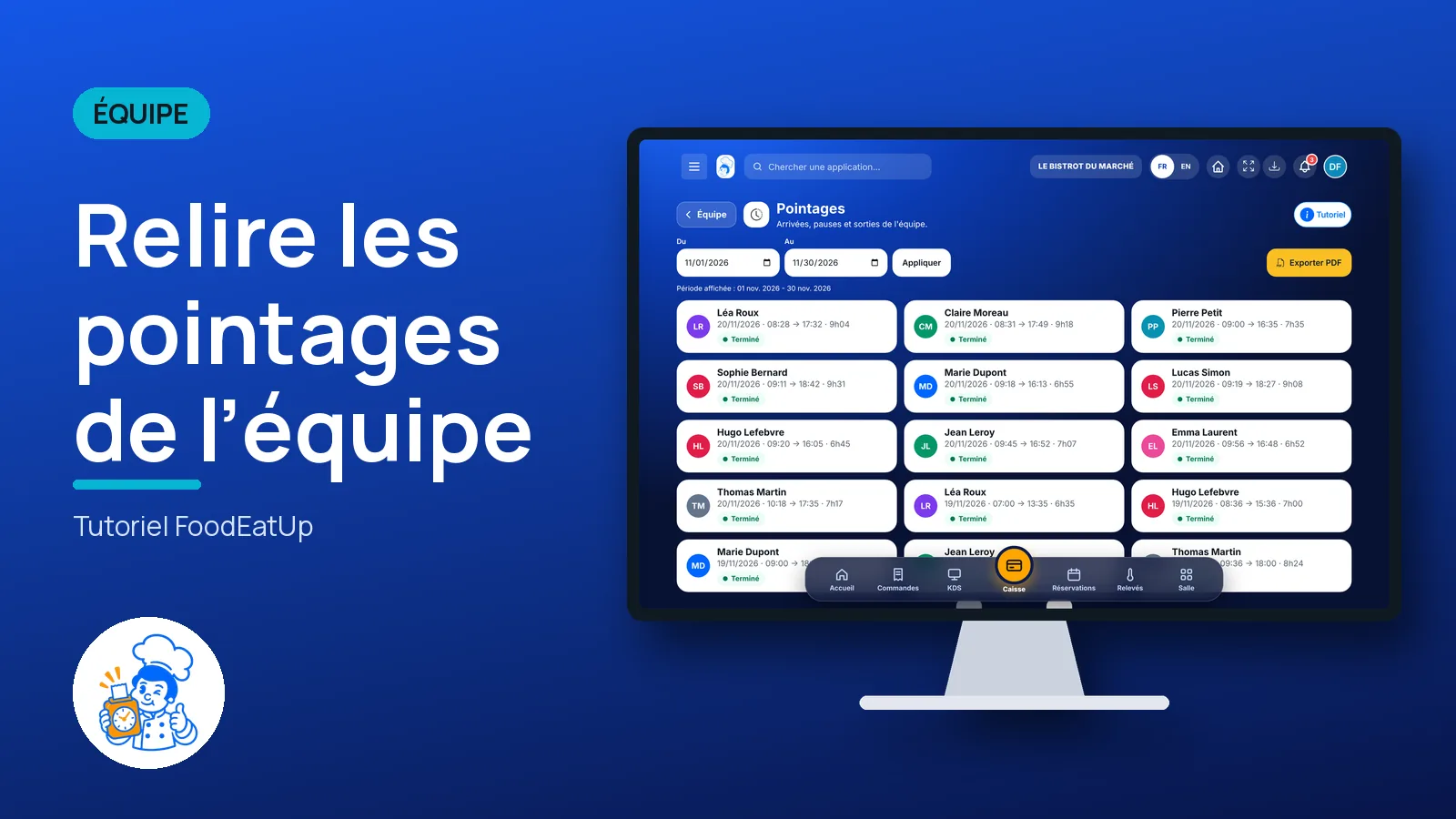
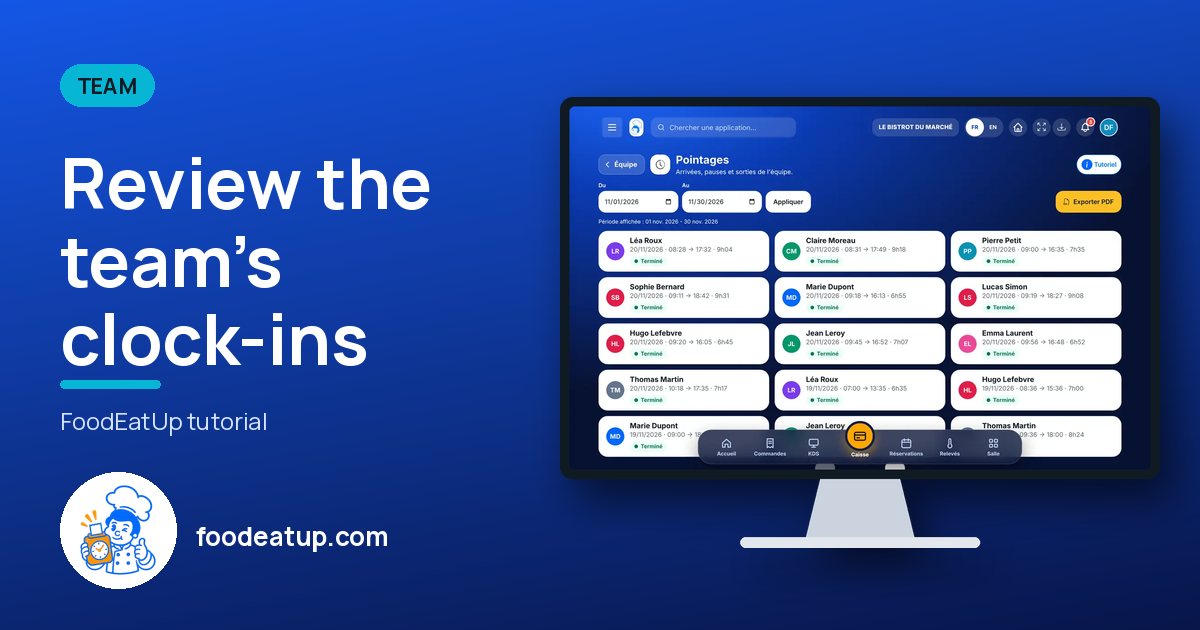
Every arrival, break and departure of the team lands here, day by day. You choose the period, open a day to see the details, and export it all as a PDF.
 Patron / gérant
 Directeur
 Responsable de salle
 Responsable multi-sites
The owner always has access. See what each role sees →
A computer or tablet to review the period and export it.
The real software screens, as they appear on each device.
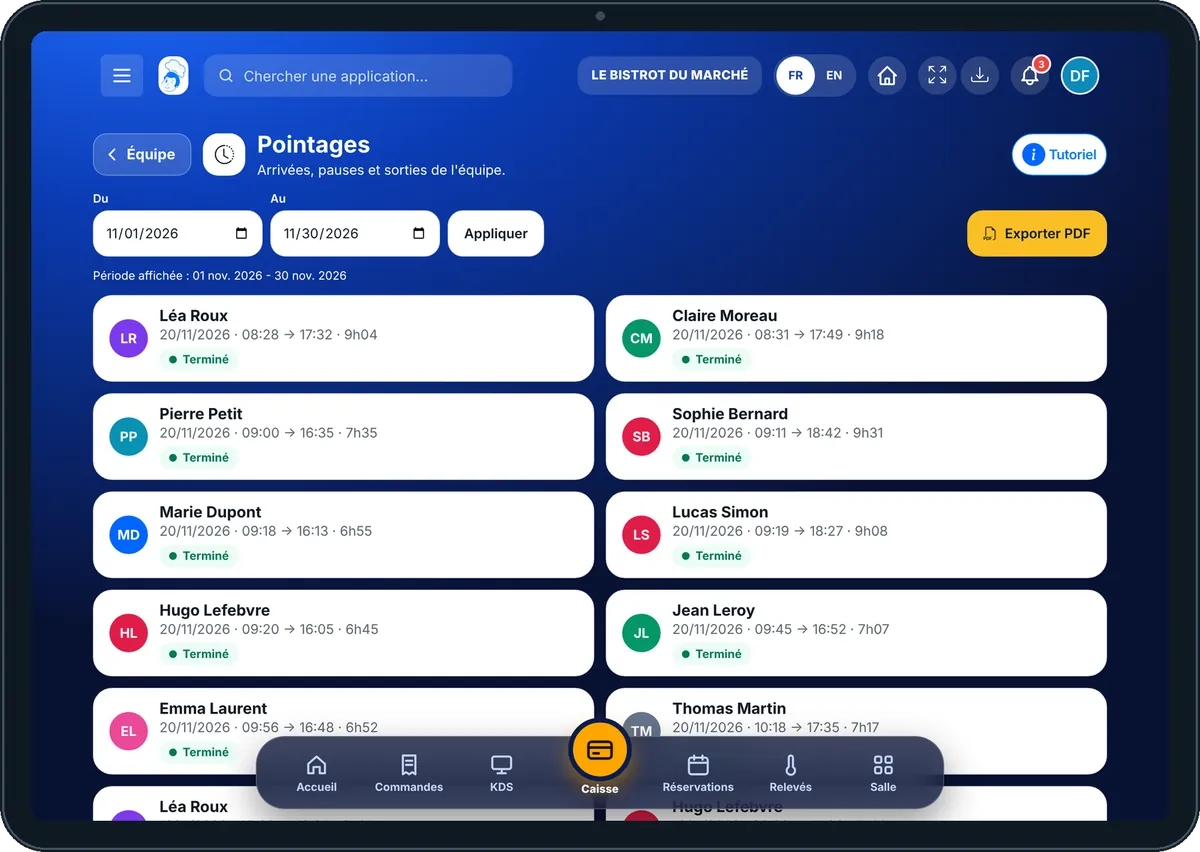
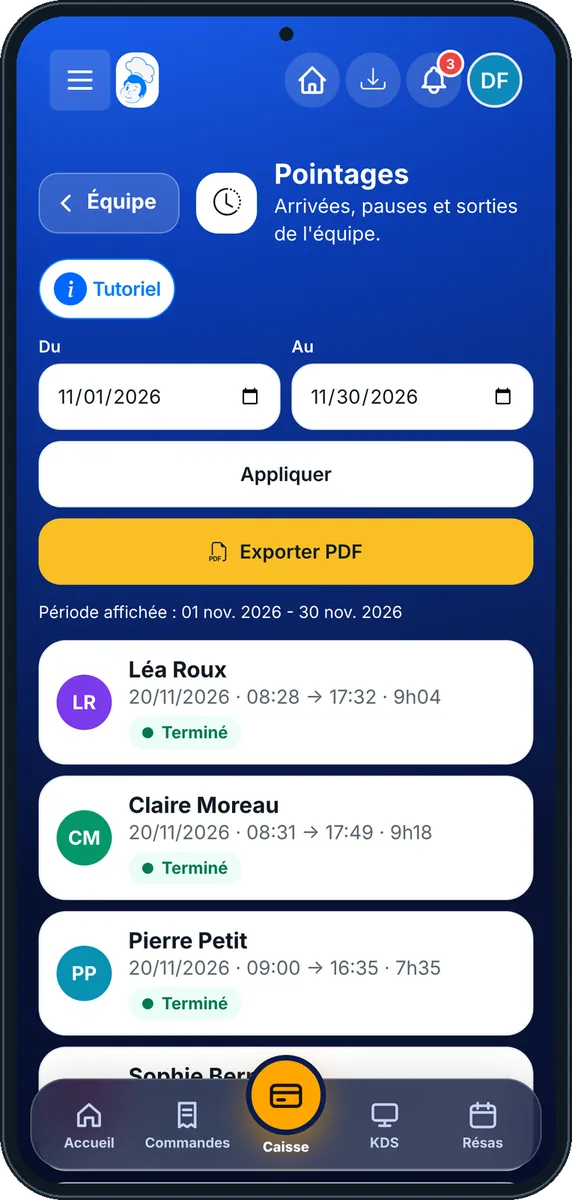
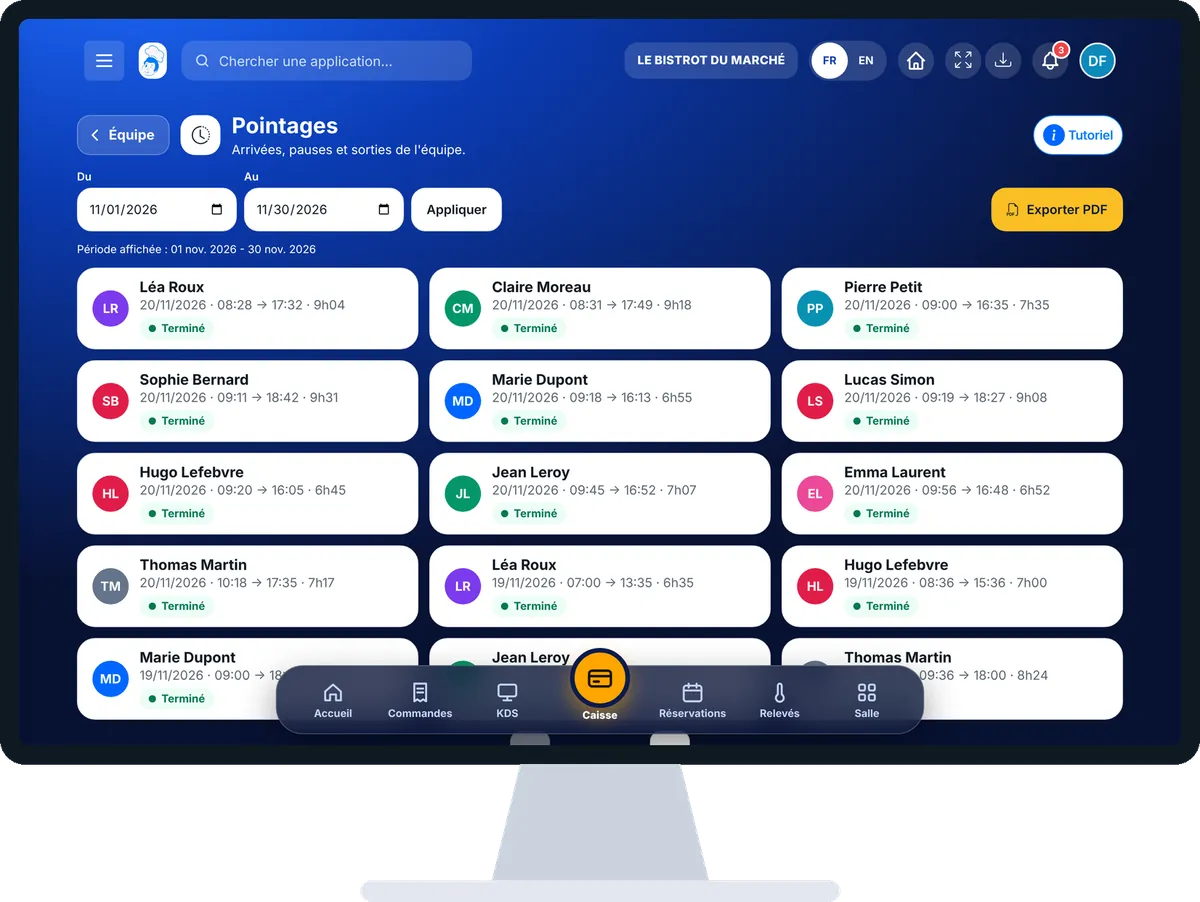
Review the team’s clock-ins : 5 steps, with the real software screens.
From the home screen, open Équipe then “Pointages”. By default, the list shows the current month.
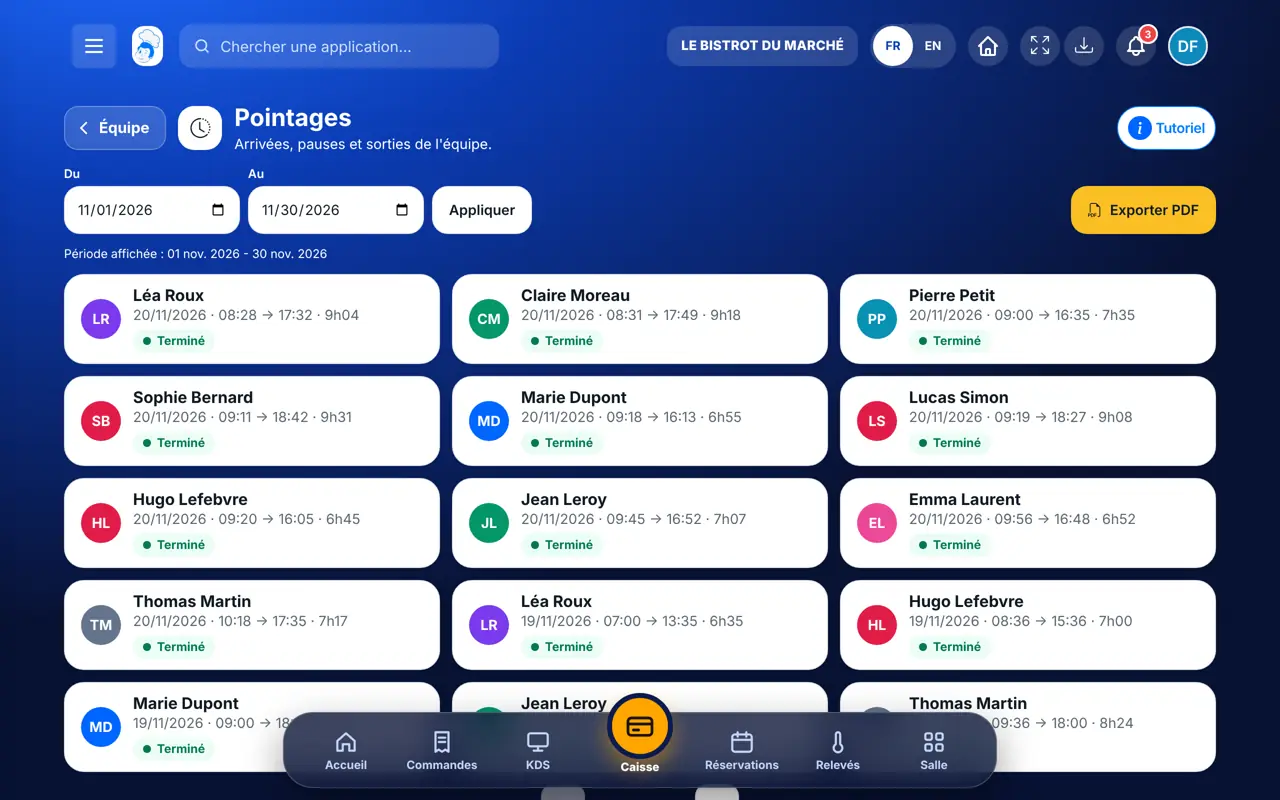
Choose “Du” and “Au”, then “Appliquer”. The period shown is repeated under the dates.
Tap a card: arrival time, departure time, break start and end, and total time.
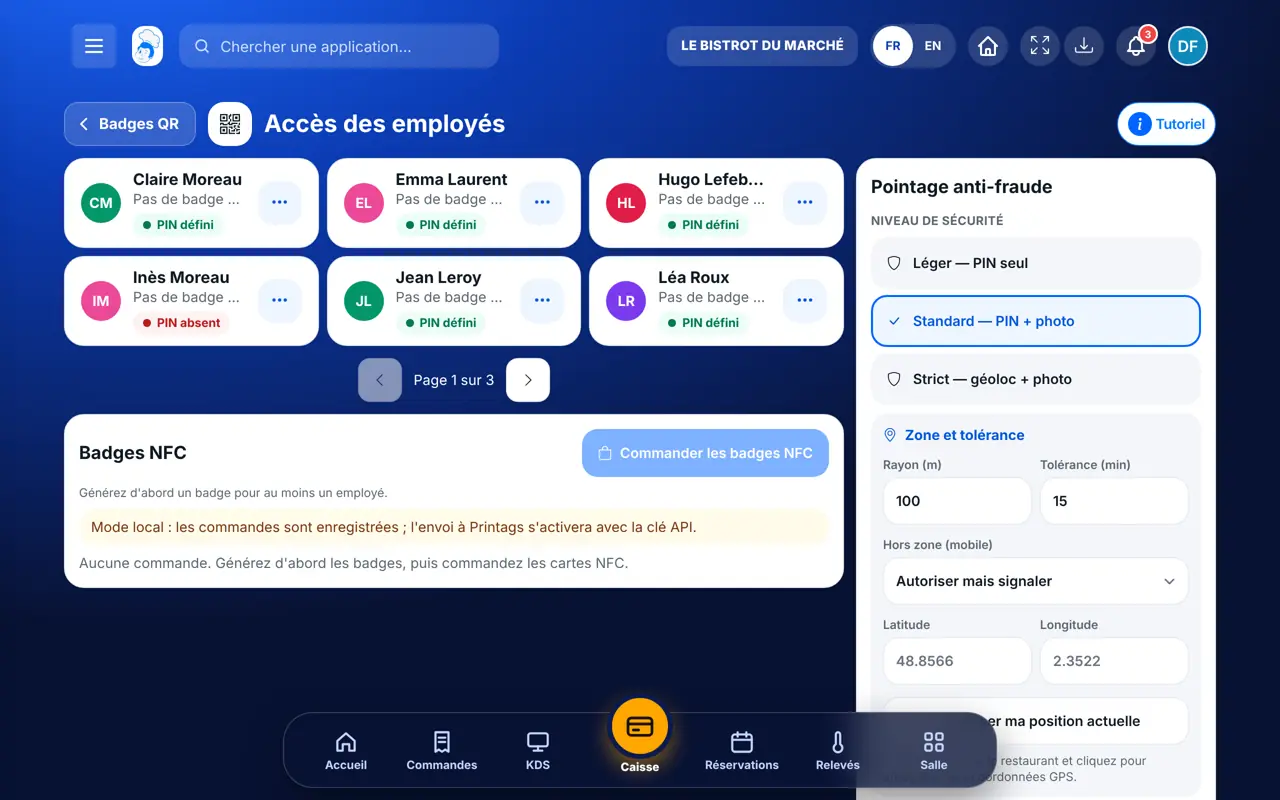
Doubtful clock-ins (out of area, missed clock-out) are approved in Équipe › Badges QR, “Pointage anti-fraude” card.
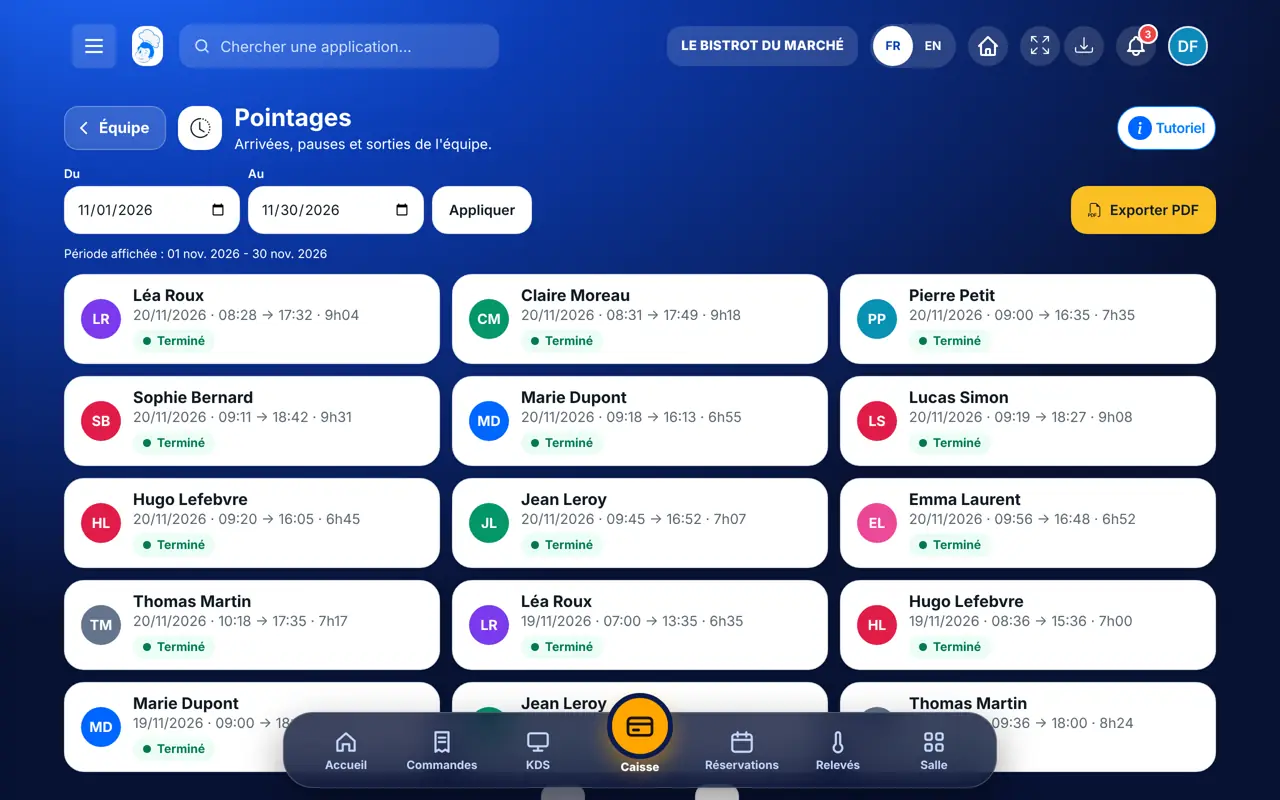
Tap “Exporter PDF”: the period’s document opens in a new tab.
The Bistrot du Marché’s clock-ins for the month: each day with its hours and status, ready to export.
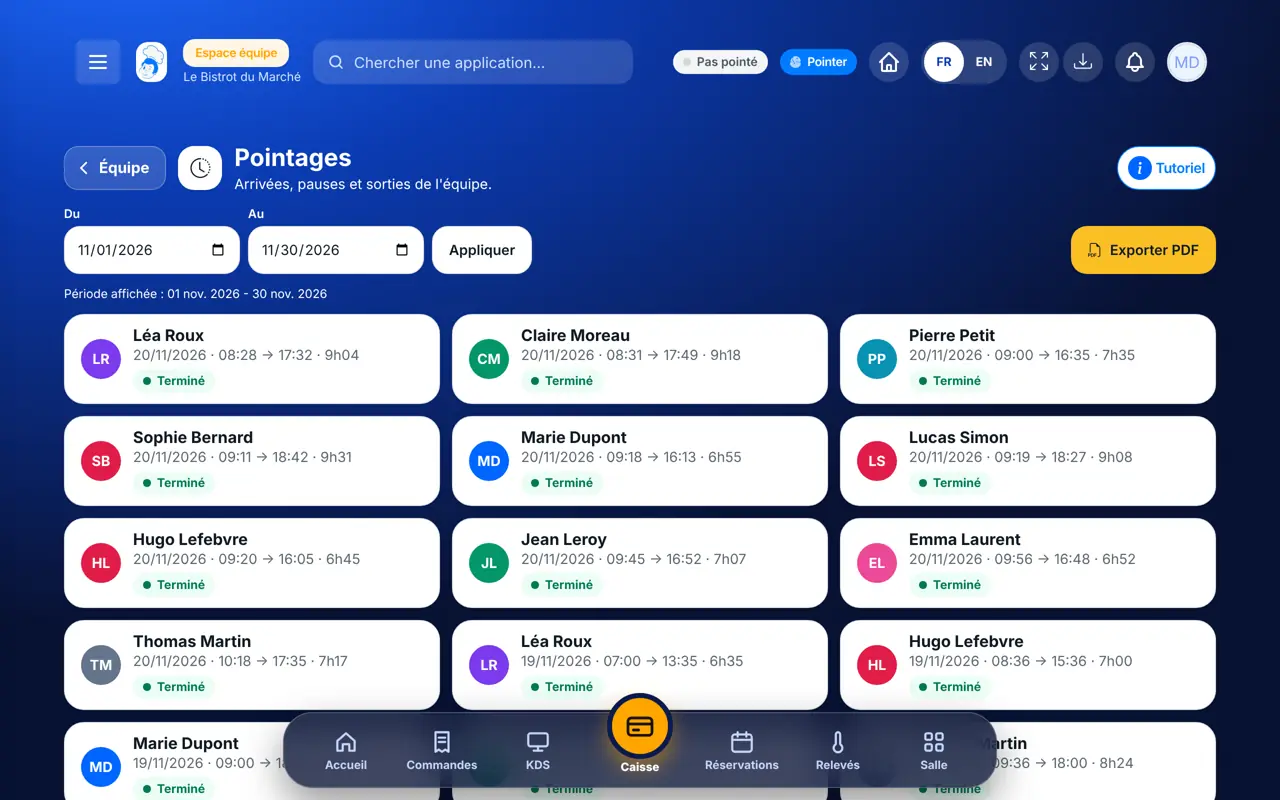
Reviews the whole team’s clock-ins and exports them.
With the right to view clock-ins, reads this screen. Exporting needs the export right.
Claude, ChatGPT or Mistral’s Le Chat, connected to FoodEatUp. Copy the request and replace your establishment number.
In FoodEatUp, for my establishment [number], list last week’s clock-ins and tell me who forgot to clock out.
What you getEach employee’s days, including those left open.
Tools used : list_attendances
In FoodEatUp, for my establishment [number], how many hours did [first and last name] clock this month?
What you getTheir clocked days and the total.
Tools used : list_attendances
In FoodEatUp, for my establishment [number], export clock-ins from [date] to [date] as CSV.
What you getA download link valid for 30 minutes.
Tools used : export_attendances_csv
Hours come from clocking.
Each day’s status in plain words.
A PDF of the period in one tap.
The same hours for the schedule and payroll.
Review clock-ins every Monday: a missed clock-out is much easier to fix the same week than at the end of the month.
In FoodEatUp, one action triggers others. Here are the screens that work with this one.
From the clocking kiosk, the QR code scanned with a phone, or clocking from the employee space.
The day has no clock-out yet: the employee is on shift, or forgot to clock out when leaving.
The screen exports as PDF. An AI assistant connected to FoodEatUp can also prepare a CSV file of the period.
Send it to your team, your partner or your accountant. The image below appears in the message.
Claude, ChatGPT or Le Chat read this tutorial and explain it to you. Connected to FoodEatUp, they do it with you.
Read this FoodEatUp tutorial: https://foodeatup.com/en/academy/equipe/attendances.md Explain it to me simply, step by step, then help me do it in my restaurant. If FoodEatUp is connected to you, do it with me and show me the preview before every change.
Type your establishment number: the link takes you straight to this screen. The number stays on this device.
Discover FoodEatUp clocking (in French) →
Répond avec les fiches du site, sans IA
Le chef cherche dans les fiches…
 Claude
 Le Chat
 ChatGPT