My daily briefing
In FoodEatUp, for my establishment [number], give me today’s briefing: sales, alerts and what needs my attention.
What you getA summary of the day, with the points to handle first.
Tools used : get_daily_brief
 Mon compte · Prompt marketplace
The Prompt marketplace holds hundreds of ready-made requests to copy into Claude, ChatGPT, Le Chat or Grok. Once your assistant is connected to FoodEatUp, it reads and acts in your restaurant, and always asks you before writing anything.
 Patron / gérant
 Directeur
 Chef de cuisine
 Responsable multi-sites
The computer is the most comfortable to connect the assistant and browse the prompts. After that, the conversation works just as well on the phone.
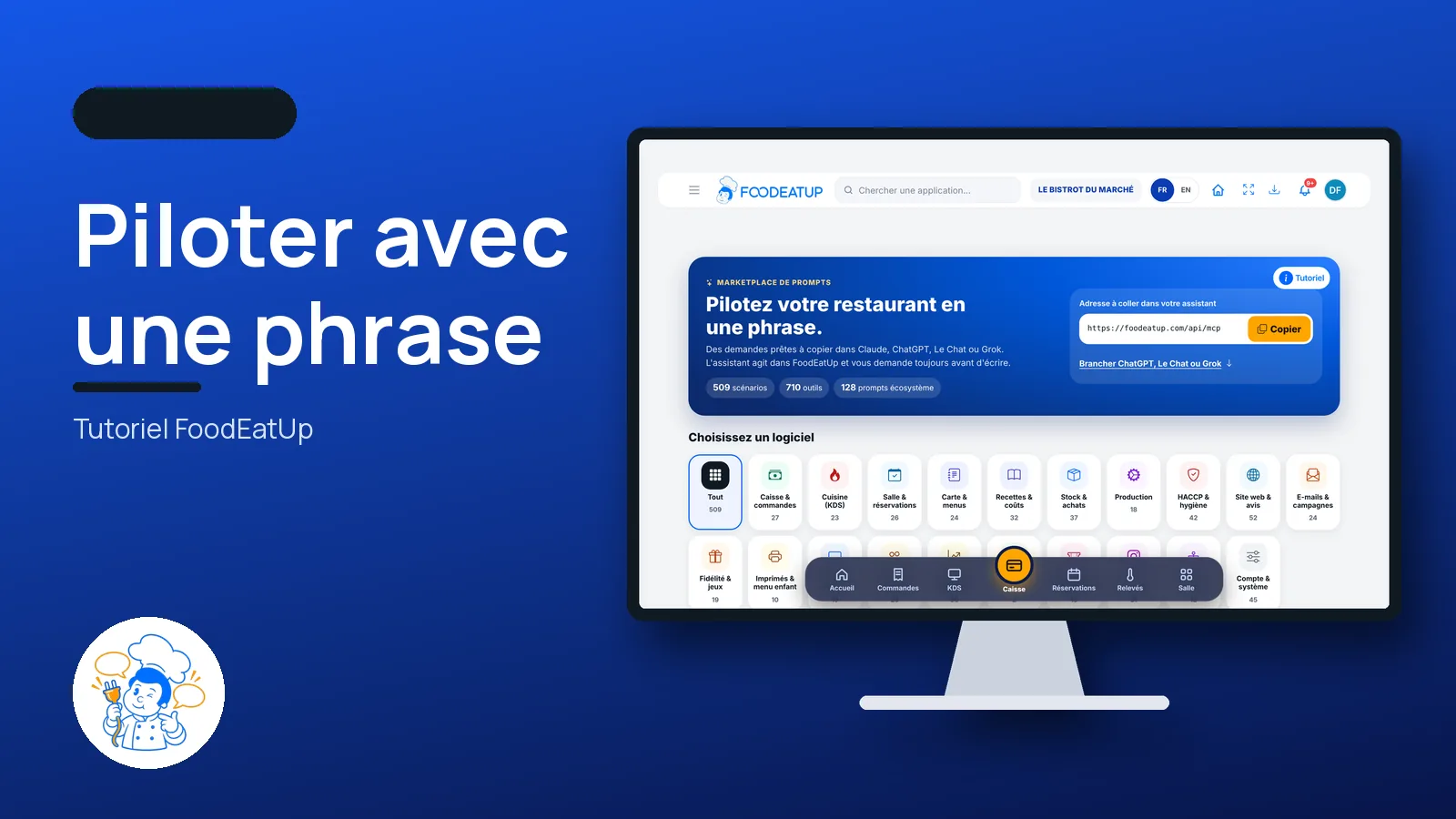
The real software screens, as they appear on each device.
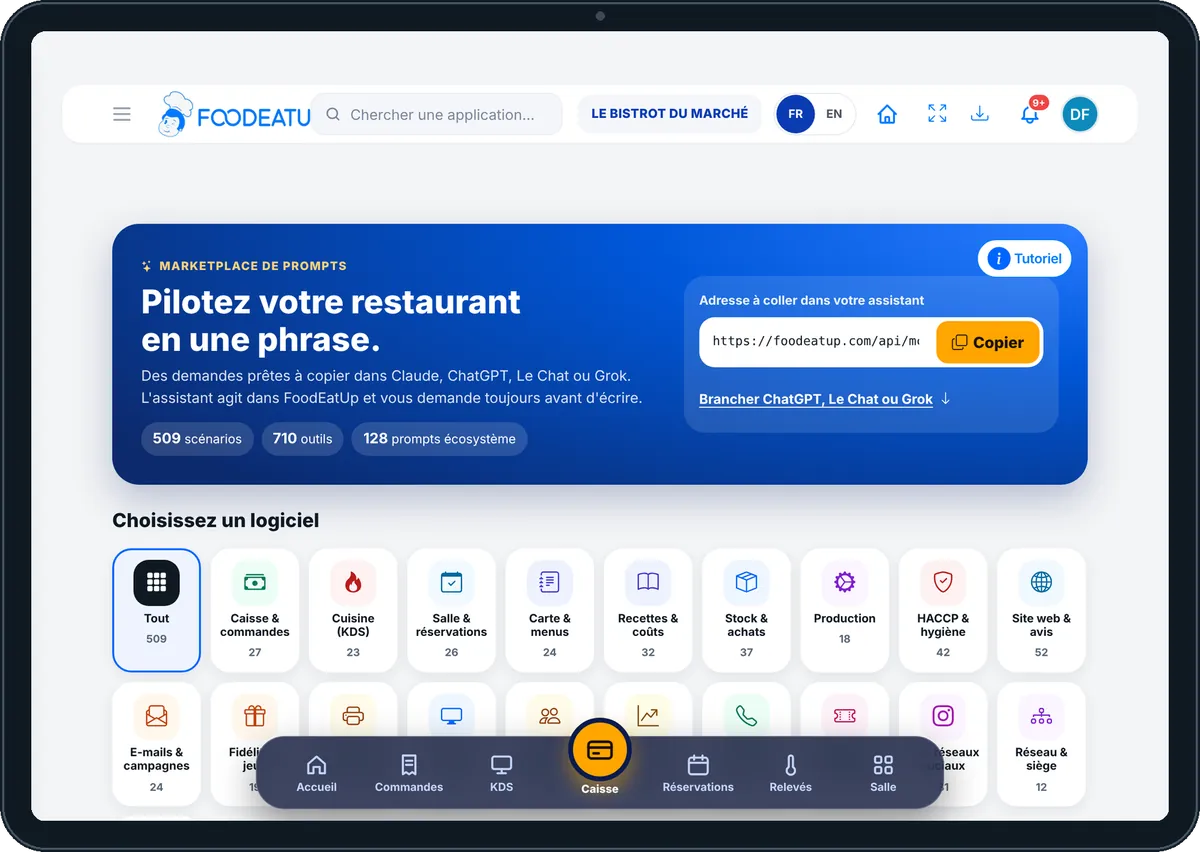
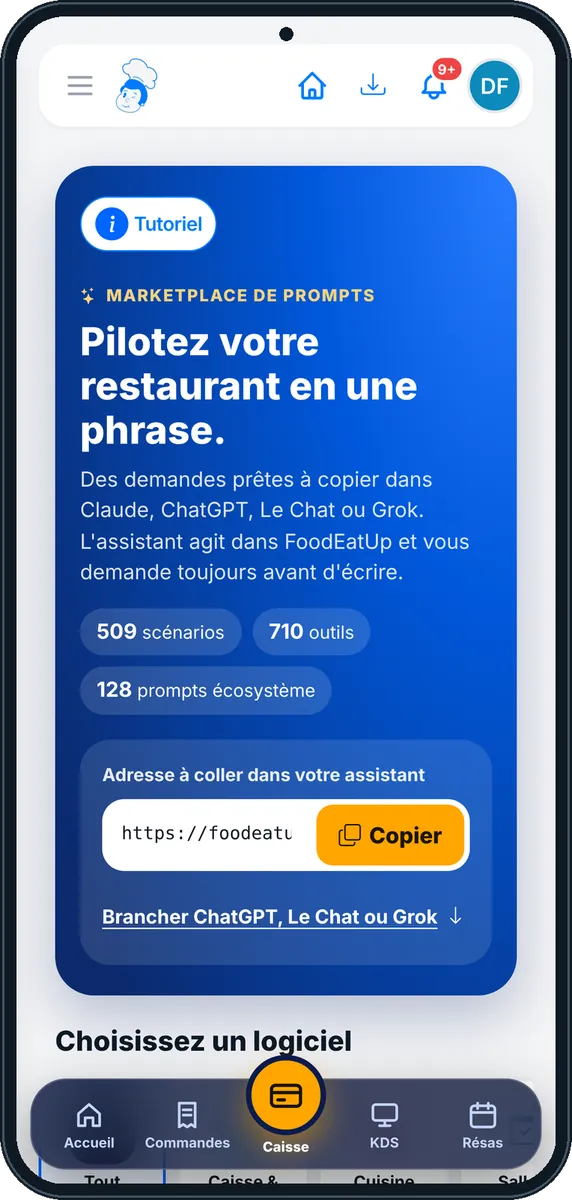
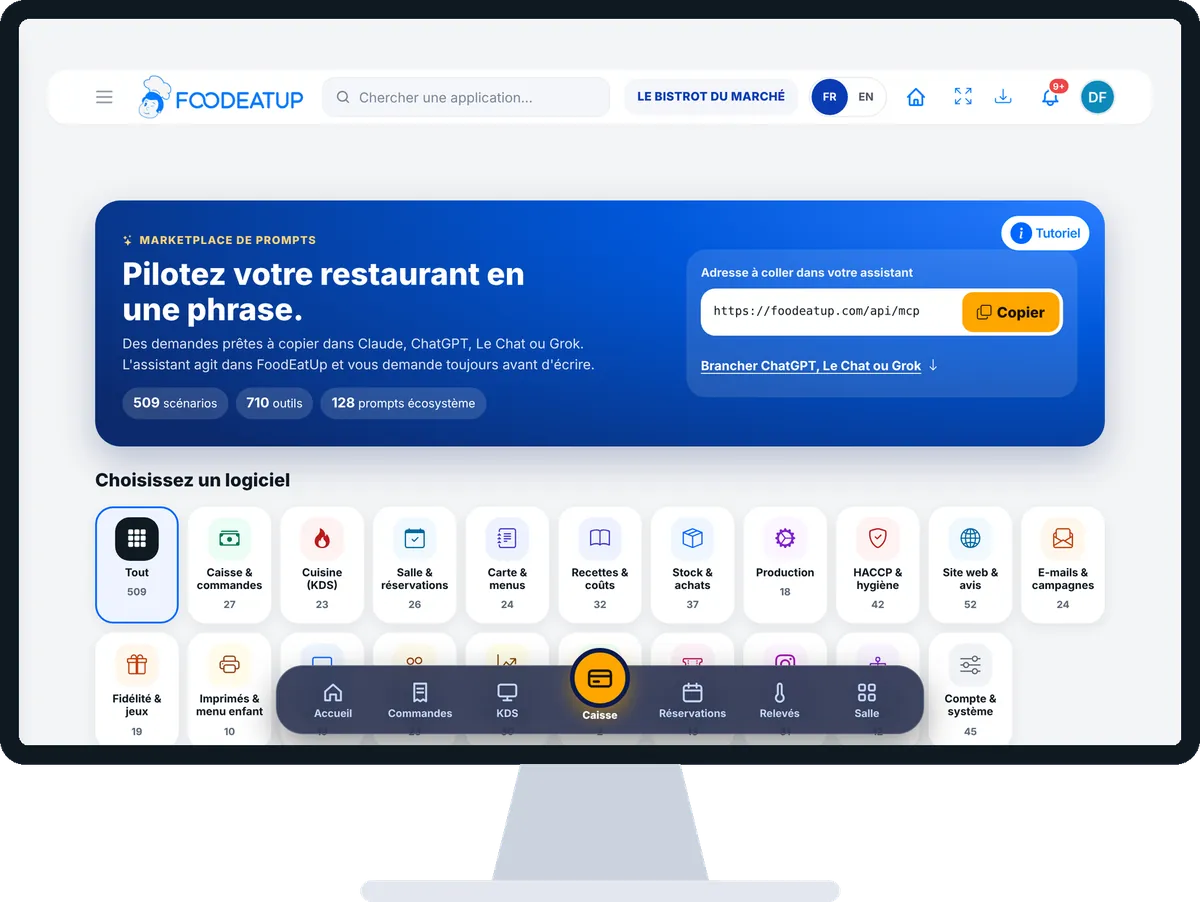
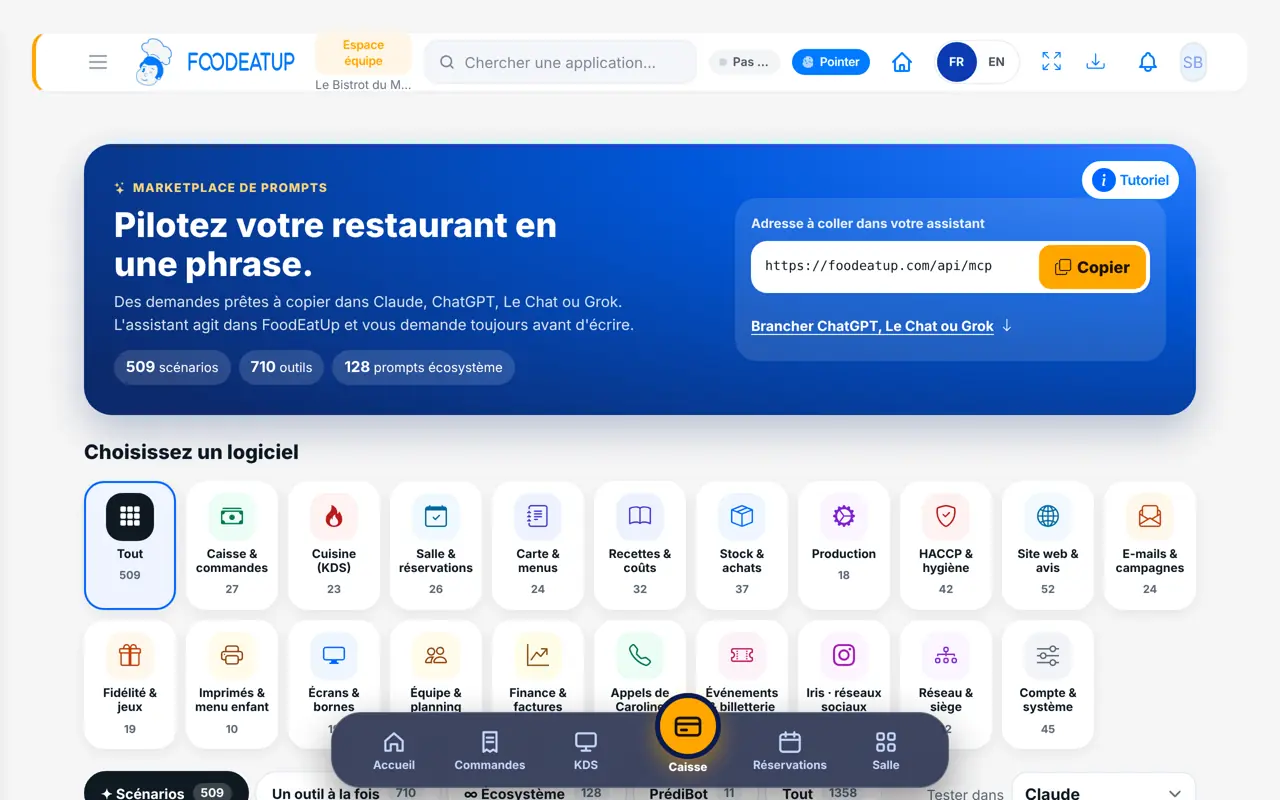
Run the restaurant with one sentence : 5 steps, with the real software screens.
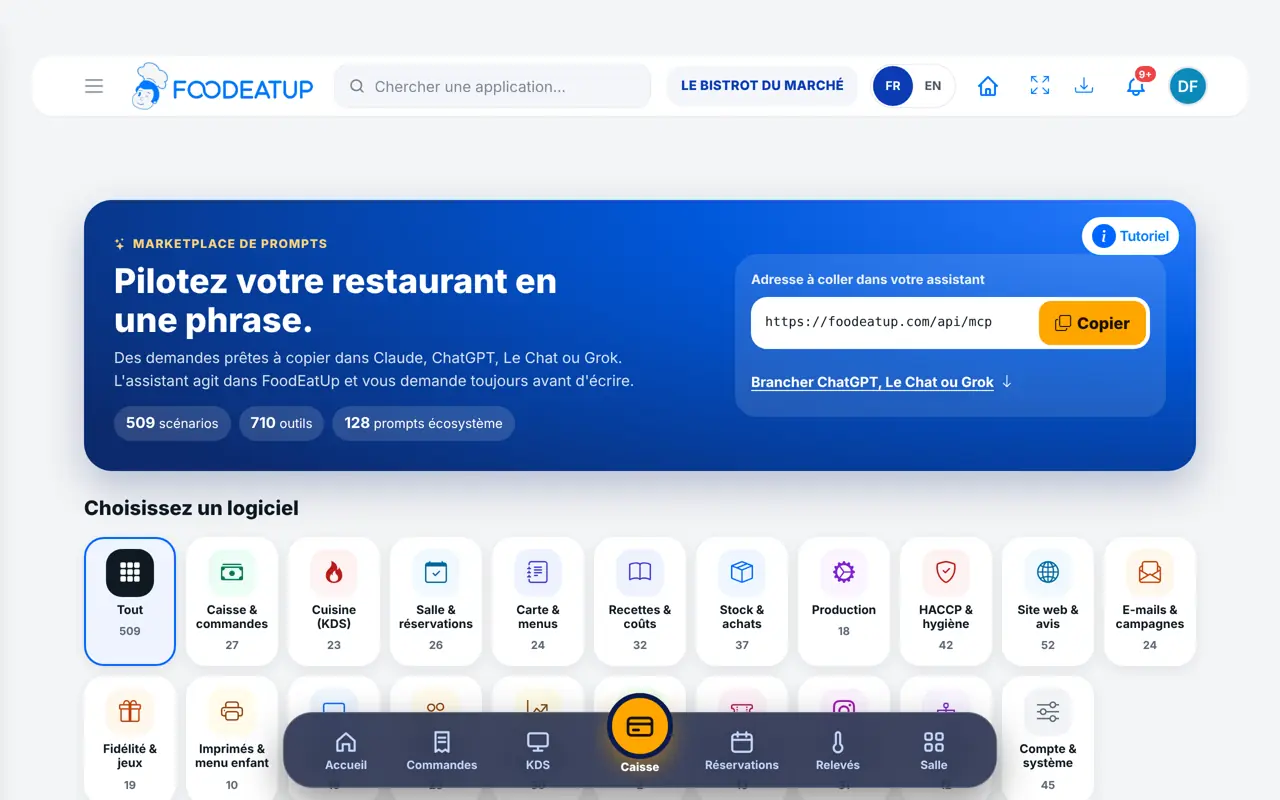
From My profile, tap “Marketplace”. At the top: “Pilotez votre restaurant en une phrase”, the address to paste into your assistant and the “Copier” button.
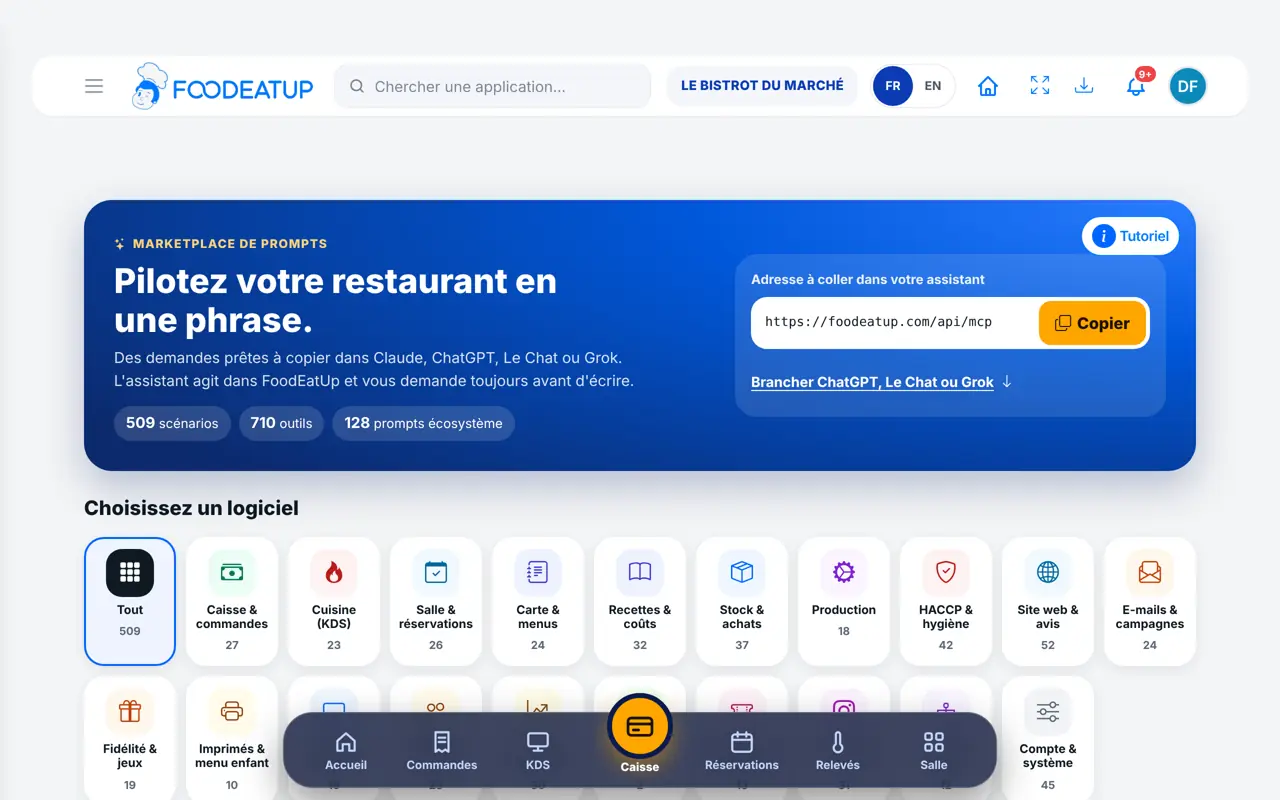
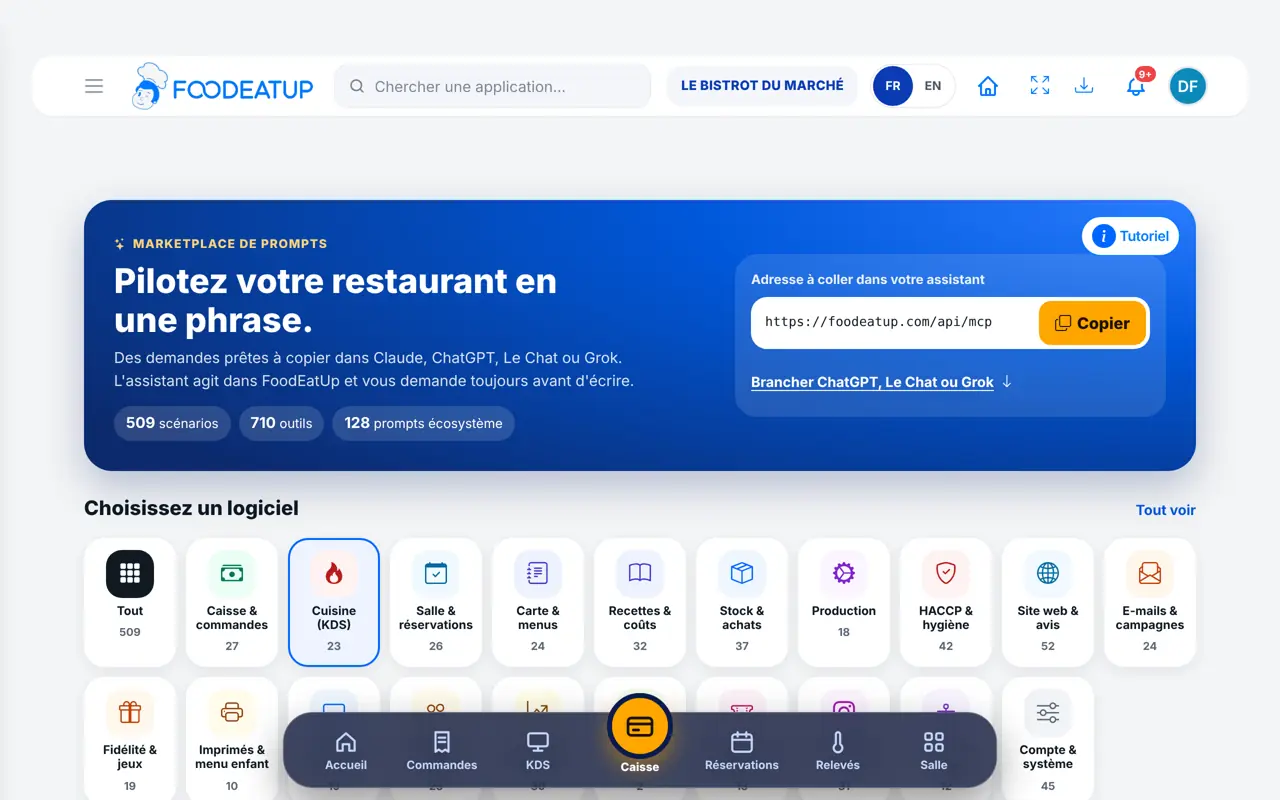
Under “Choisissez un logiciel”, tap a tile: Caisse & commandes, Cuisine (KDS), Salle & réservations, Carte & menus, HACCP & hygiène… The prompts for that software appear.
Type a word in “Rechercher un prompt, un outil…”, or filter by level. The tabs separate “Scénarios”, “Un outil à la fois”, “Écosystème” and PrédiBot.
Each card gives the text, its level, the tools used and sometimes “Confirmation demandée”. Tap “Lire tout”, then “Tester dans Claude” (or the assistant chosen in “Tester dans”), or copy the text.
Further down, “Connecter FoodEatUp à votre assistant IA” shows the steps for Claude, ChatGPT, Le Chat (Mistral) and Grok. With Claude, “Ajouter à Claude” fills in the server name and address for you.
Your assistant is connected to FoodEatUp and your favourite requests are at hand. You write one sentence, it reads your figures, prepares the action and waits for your consent.
See all the assistant tools (in French) →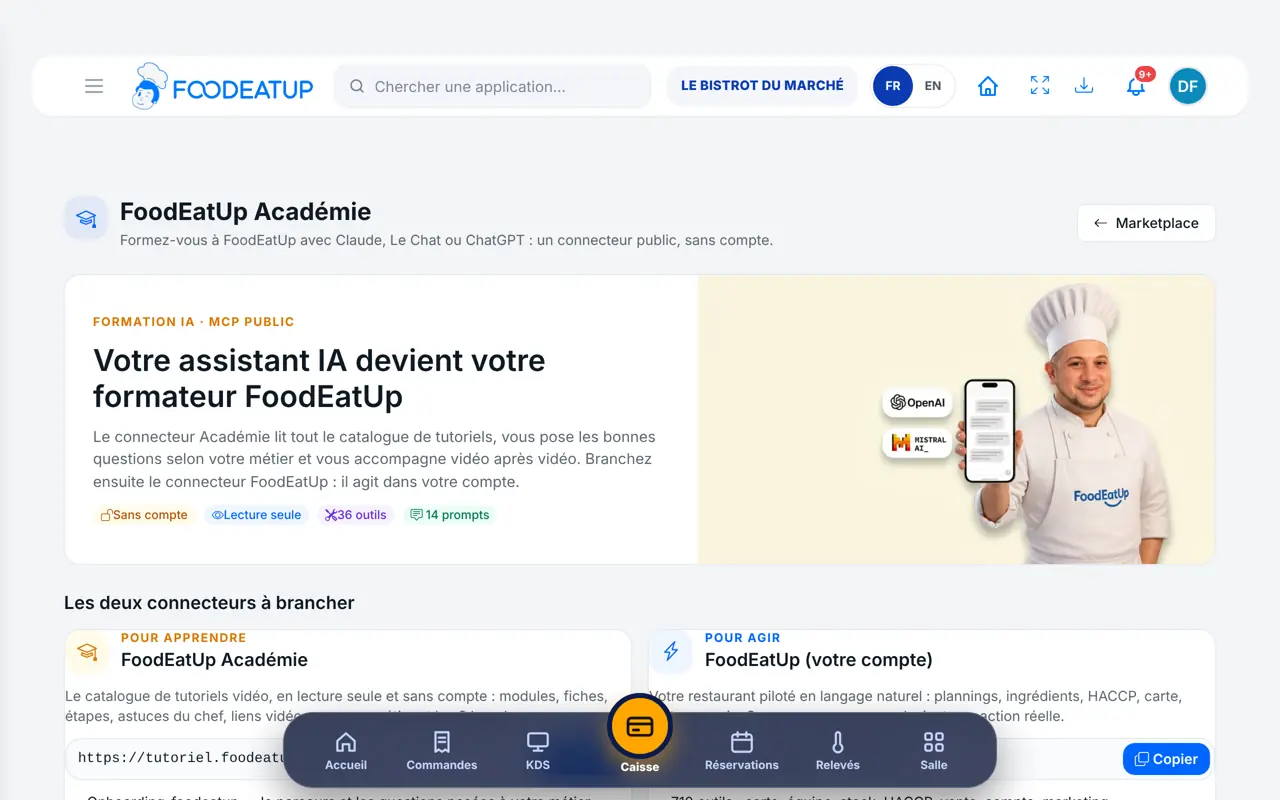
Sees every prompt and connects the assistant with their account: the assistant has the same rights.
Browses the same prompts. Connected with their own account, their assistant only sees and does what their role allows.
Claude, ChatGPT or Mistral’s Le Chat, connected to FoodEatUp. Copy the request and replace your establishment number.
In FoodEatUp, for my establishment [number], give me today’s briefing: sales, alerts and what needs my attention.
What you getA summary of the day, with the points to handle first.
Tools used : get_daily_brief
In FoodEatUp, for my establishment [number], I want to [what I want to do]. Tell me which screen to open and which tutorial to follow.
What you getThe screen to open and the tutorial that shows the gesture, step by step.
Tools used : search_foodeatup_help, get_foodeatup_tutorial
In FoodEatUp, for my establishment [number], show me the setup steps already done and the next one to do.
What you getYour progress, and the next step.
Tools used : get_onboarding_progress
The Marketplace and its prompts cost nothing.
Each prompt says what it does and which tools it uses.
Claude, ChatGPT, Le Chat or Grok, connected to your restaurant.
A write always asks for your confirmation.
Always replace “[number]” with your establishment number: you can read it in the software address, after “establishment/”. Start with a “Débutant” prompt that only reads, to see how your assistant answers.
In FoodEatUp, one action triggers others. Here are the screens that work with this one.
You need an account with the assistant you choose, under its own terms. The FoodEatUp Marketplace itself is free.
No. A write always goes through a preview first: the action only happens if you confirm.
The prompt changes something (a menu, a dish, a booking…). Your assistant will show you the preview and wait for your consent.
Send it to your team, your partner or your accountant. The image below appears in the message.
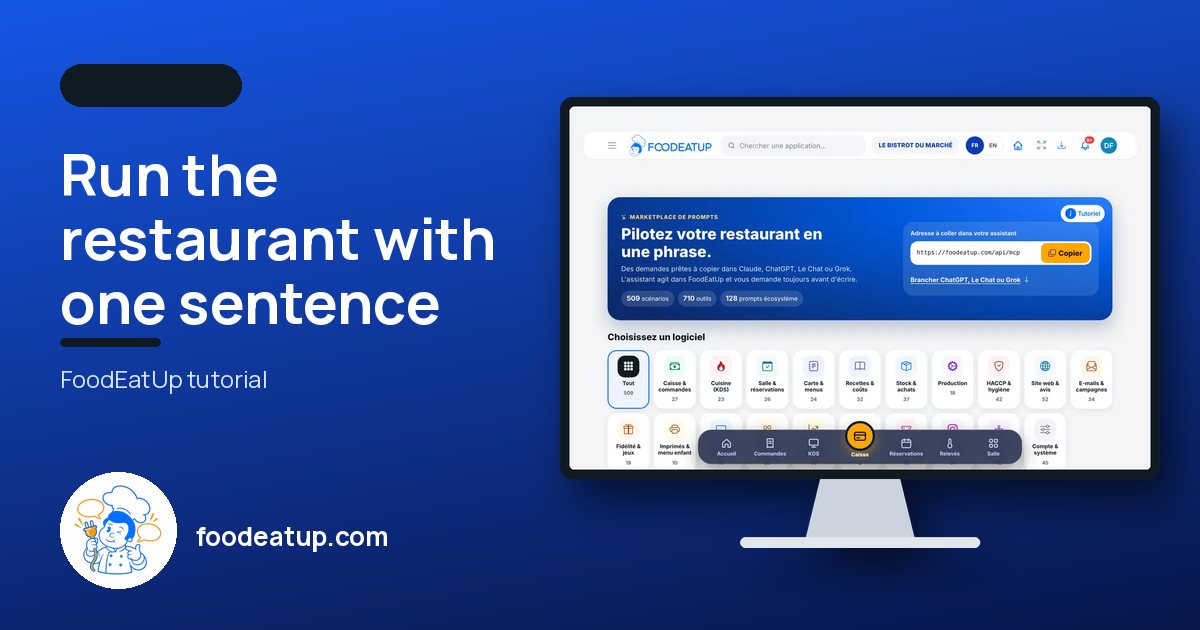
Claude, ChatGPT or Le Chat read this tutorial and explain it to you. Connected to FoodEatUp, they do it with you.
Read this FoodEatUp tutorial: https://foodeatup.com/en/academy/compte/marketplace-prompts.md Explain it to me simply, step by step, then help me do it in my restaurant. If FoodEatUp is connected to you, do it with me and show me the preview before every change.
Type your establishment number: the link takes you straight to this screen. The number stays on this device.
Discover AI in FoodEatUp (in French) →
Répond avec les fiches du site, sans IA
Le chef cherche dans les fiches…
 Claude
 Le Chat
 ChatGPT