Today’s orders
In FoodEatUp, for my establishment [number], list today’s orders still pending.
What you getToday’s pending orders, with customer, channel and amount.
Tools used : list_orders
 Finance · Mes commandes
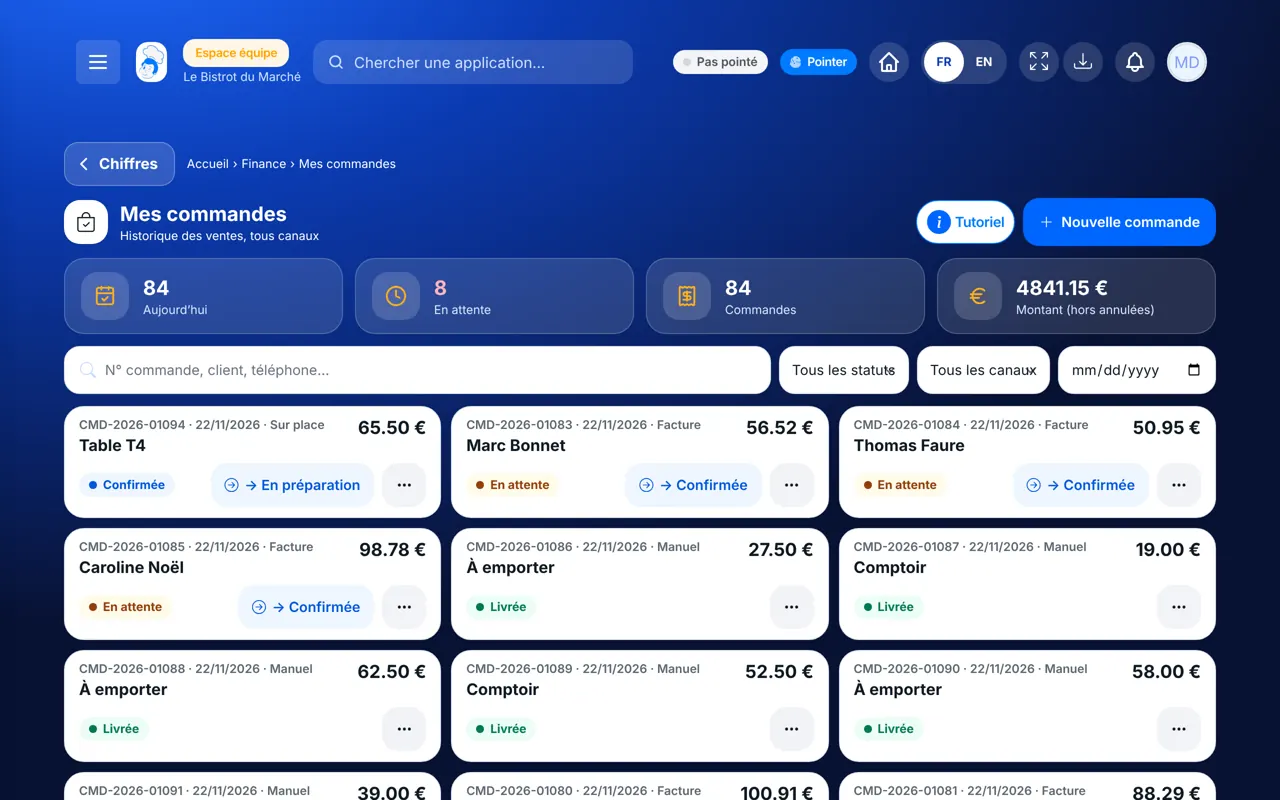
“Mes commandes” gathers orders from all your channels: till, kiosk, website, phone, voice agent. You search them, change their status and can enter one by hand.
 Patron / gérant
 Responsable de salle
 Hôte / caisse / comptoir
The owner always has access. See what each role sees →
A computer, a tablet or a phone: the list adapts to the screen.
The real software screens, as they appear on each device.
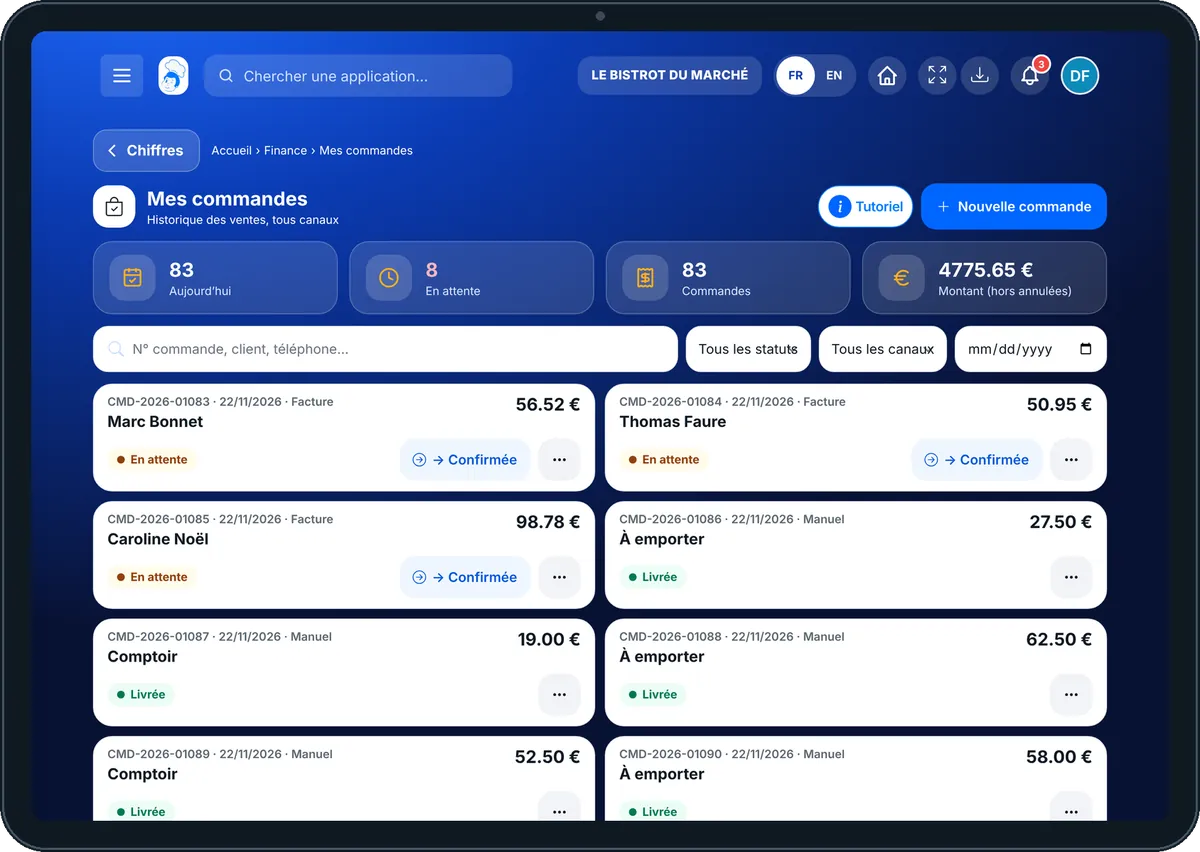
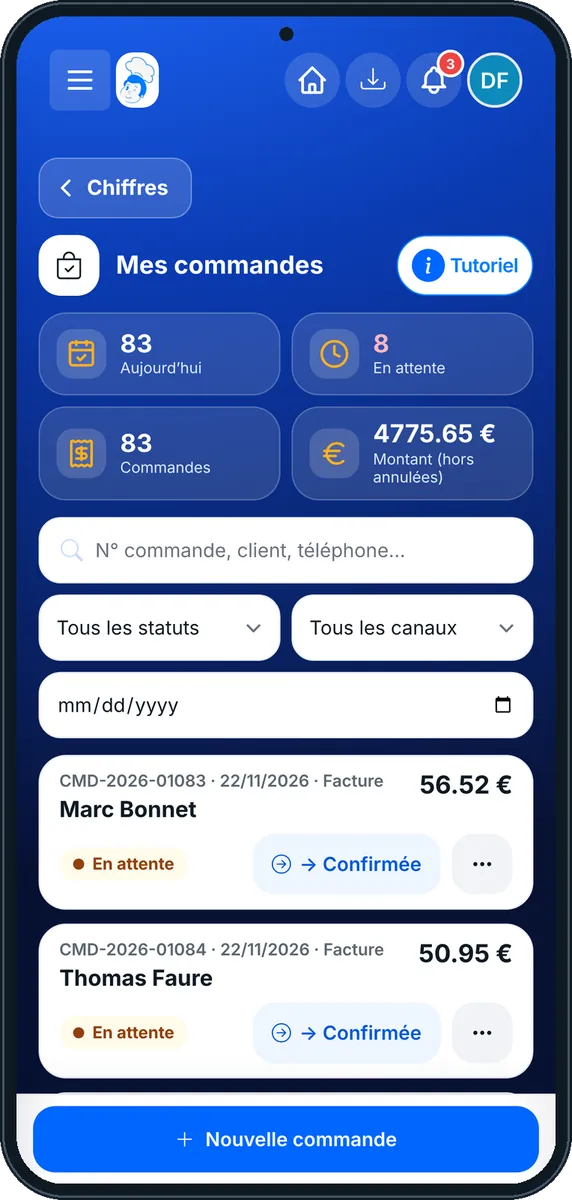
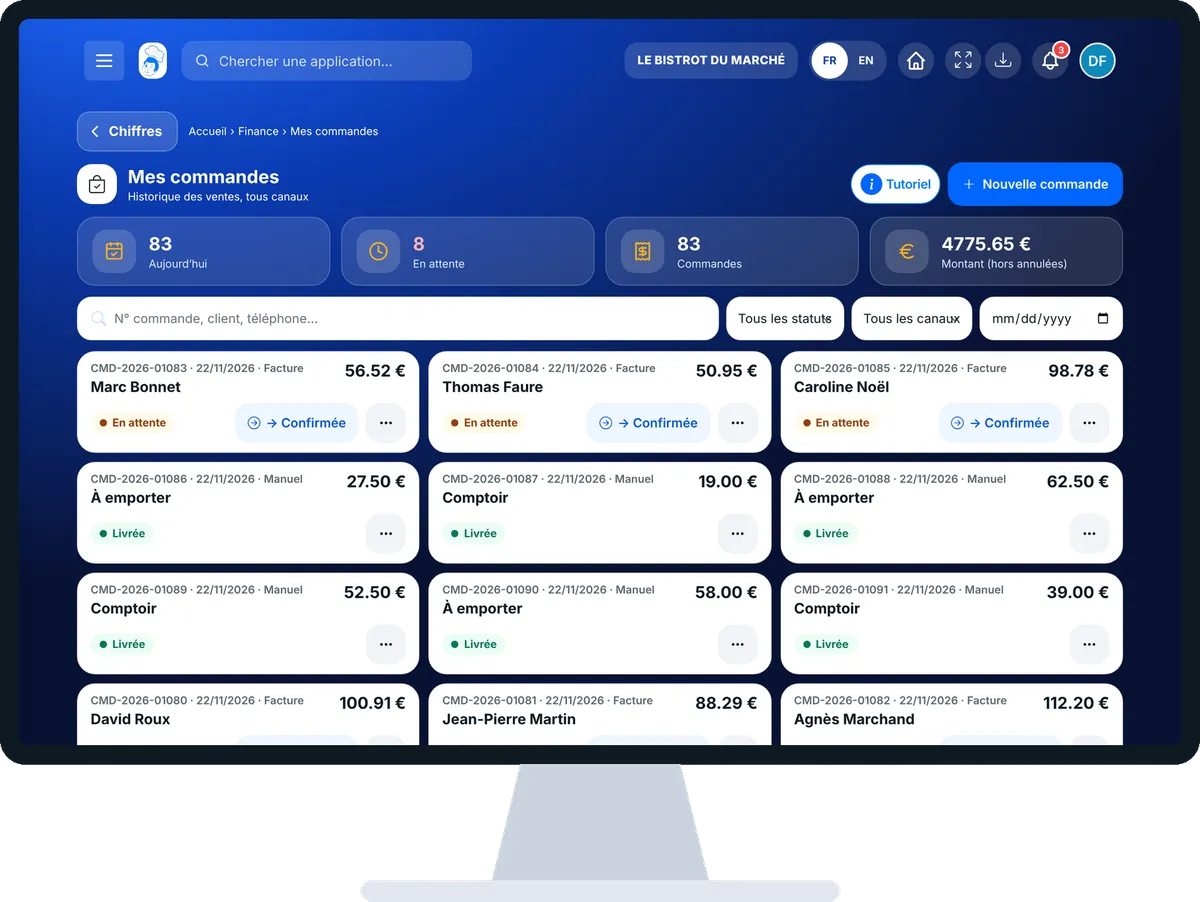
Find all my orders : 4 steps, with the real software screens.
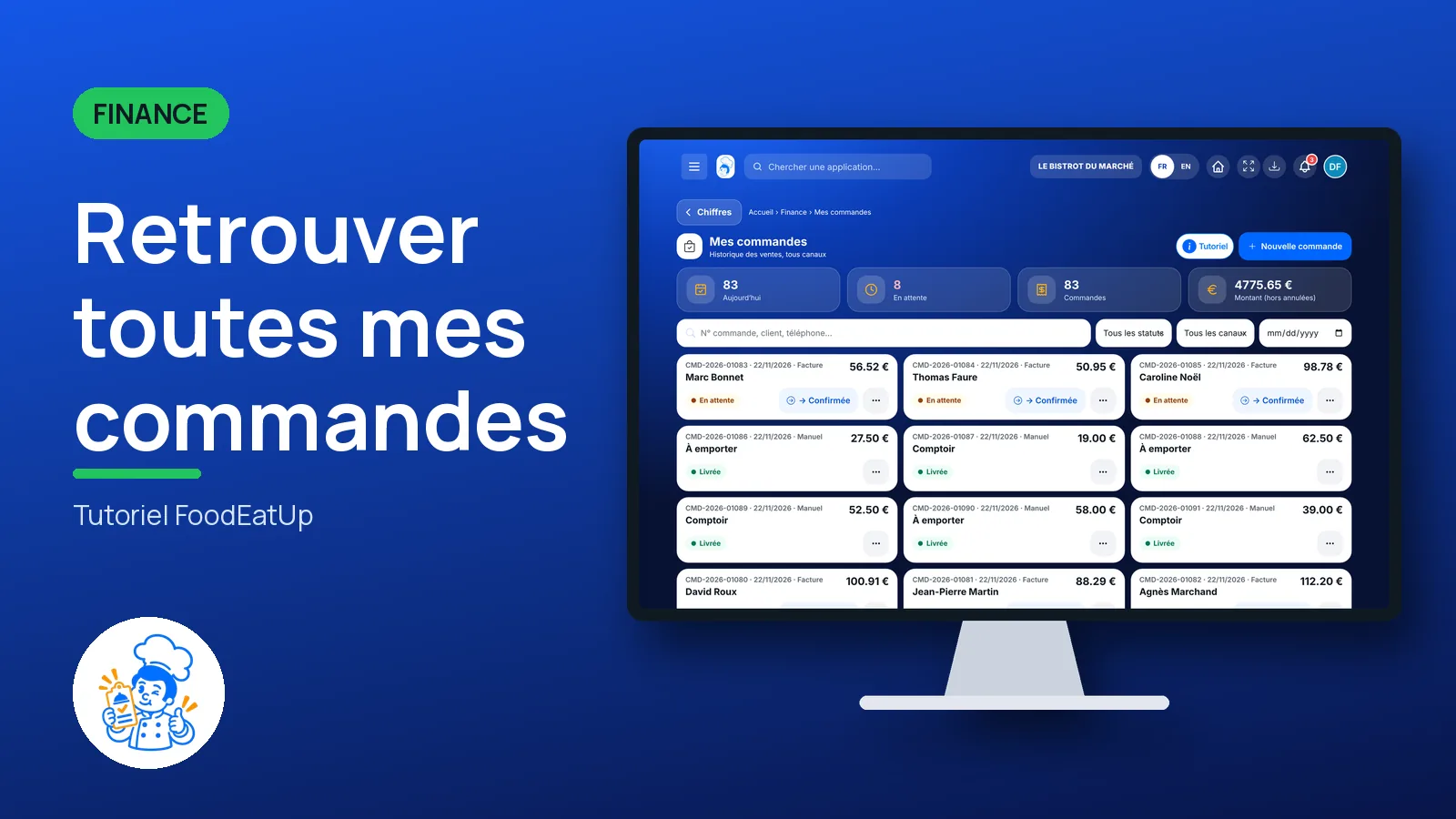
From the home screen, open Finance then “Mes commandes”. At the top: today, pending, number of orders and amount excluding cancellations.
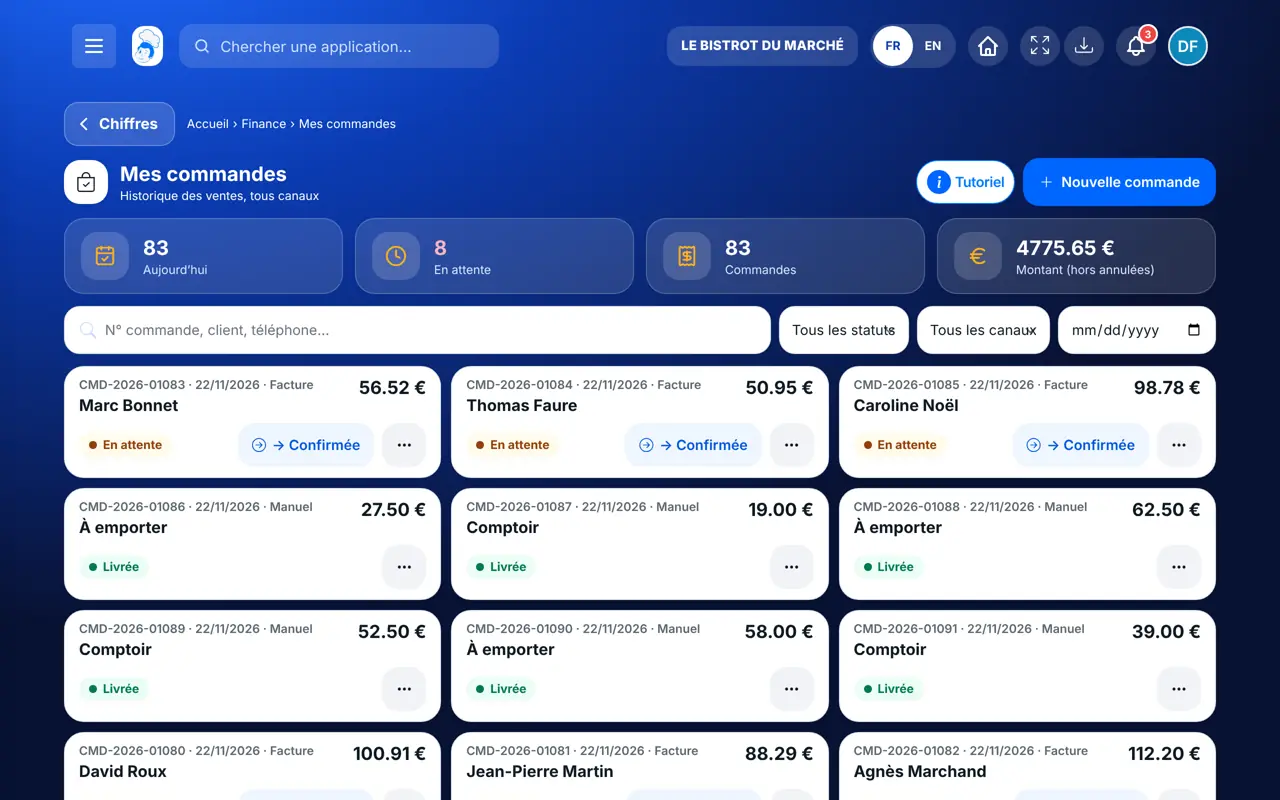
Type a number, a customer or a phone, or choose a status, a channel and a date.
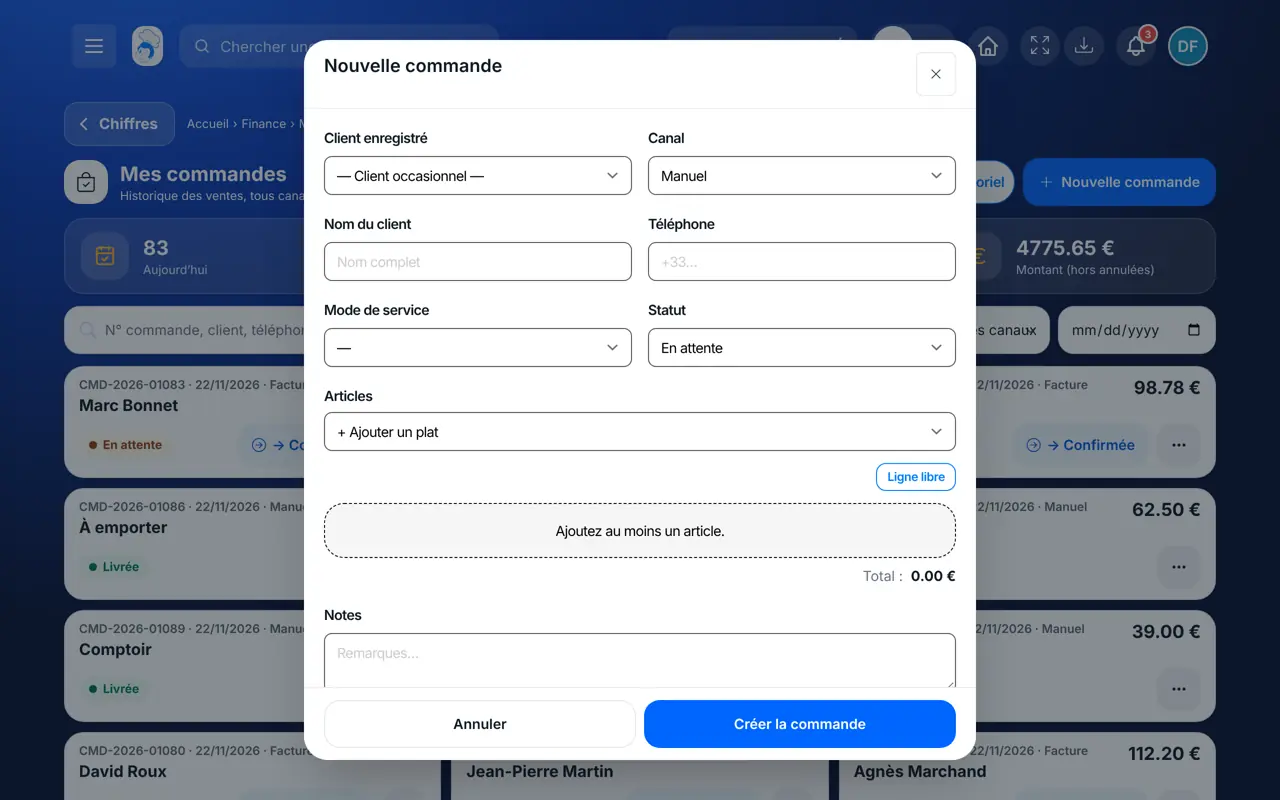
Tap “Nouvelle commande”: customer, channel, service mode (delivery, takeaway, eat-in), items and notes.
Open an order and change its status; to cancel it, give a reason.
All your orders together, with customer, channel, amount and status.
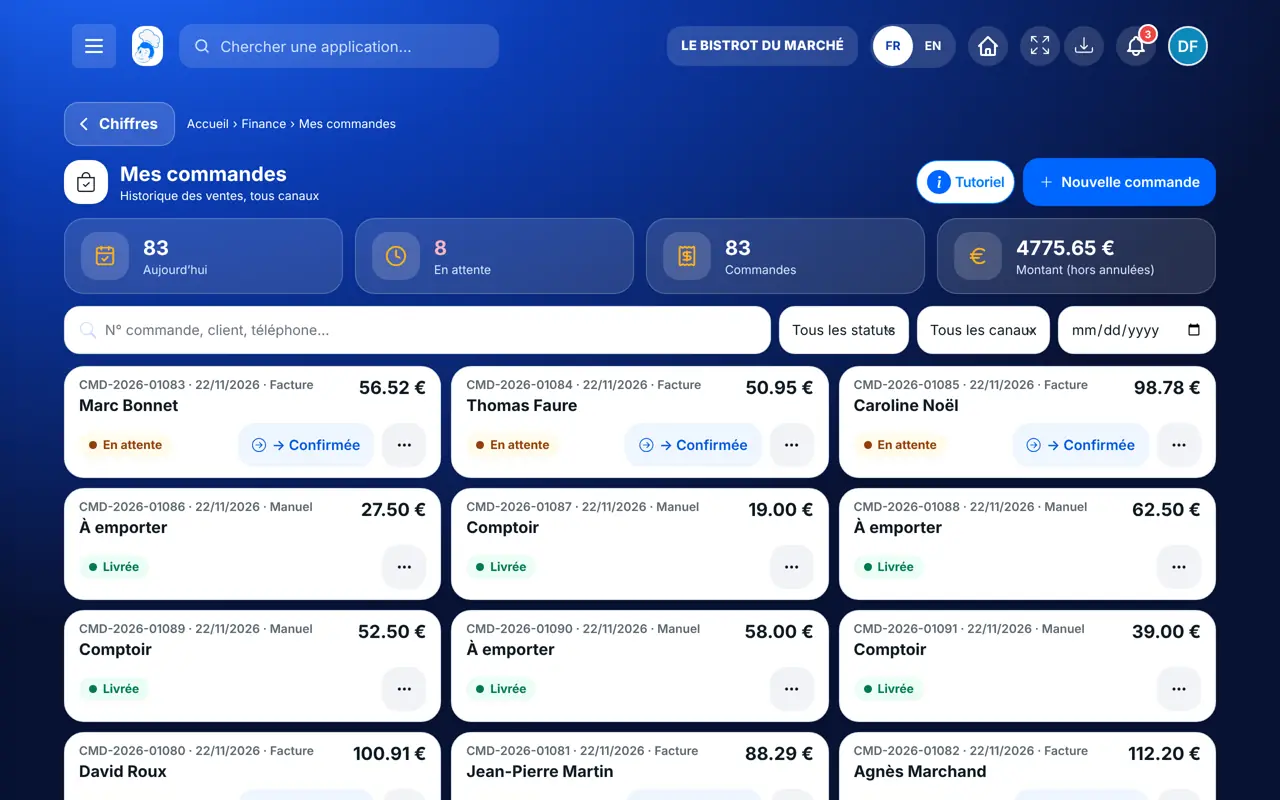
Finds, enters, moves forward and cancels orders.
With the right to view the till and orders, follows and moves orders forward.
Claude, ChatGPT or Mistral’s Le Chat, connected to FoodEatUp. Copy the request and replace your establishment number.
In FoodEatUp, for my establishment [number], list today’s orders still pending.
What you getToday’s pending orders, with customer, channel and amount.
Tools used : list_orders
In FoodEatUp, for my establishment [number], show me order [order number].
What you getThe order, its lines, its status and what is left to pay.
Tools used : get_order
In FoodEatUp, for my establishment [number], set order [order number] to status “[status]”.
What you getThe order at its new status; a cancellation needs a reason.
Tools used : update_order_status
One single list.
Number, customer, phone.
For a phone order.
Draft invoice and quote.
Filter on “En attente” at the start of service: you see at once what is left to confirm.
In FoodEatUp, one action triggers others. Here are the screens that work with this one.
Yes: the list gathers every channel, with a “Canal” filter.
The order, plus its linked invoice and quote as drafts.
Yes, with a reason (for example “Erreur de saisie”).
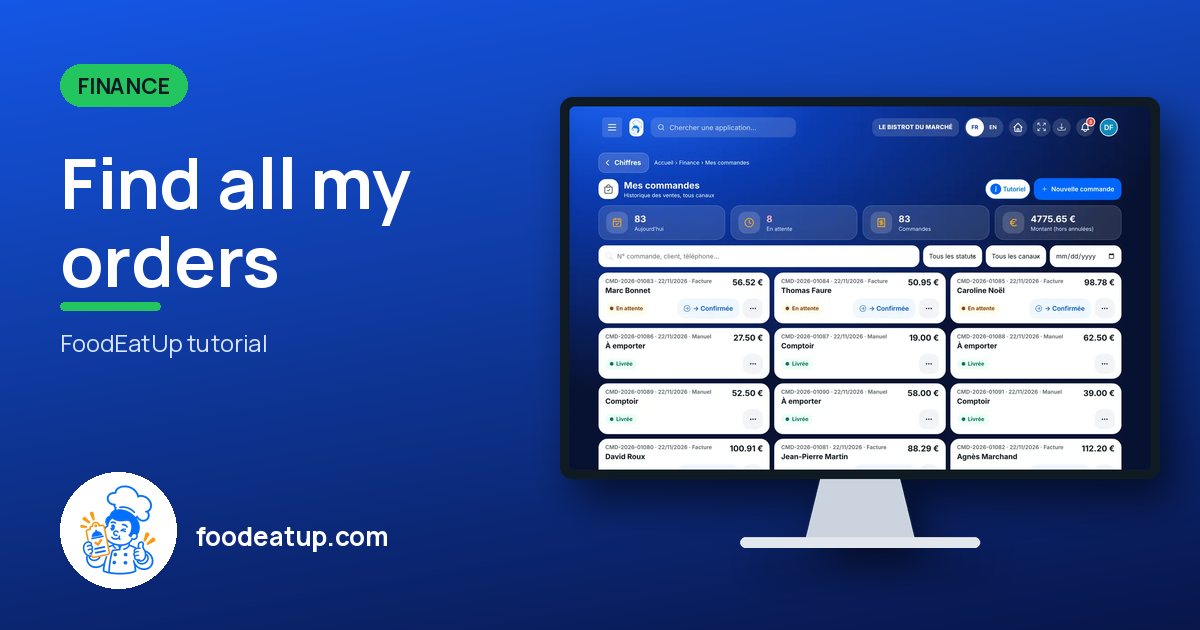
Send it to your team, your partner or your accountant. The image below appears in the message.
Claude, ChatGPT or Le Chat read this tutorial and explain it to you. Connected to FoodEatUp, they do it with you.
Read this FoodEatUp tutorial: https://foodeatup.com/en/academy/finance/commandes.md Explain it to me simply, step by step, then help me do it in my restaurant. If FoodEatUp is connected to you, do it with me and show me the preview before every change.
Type your establishment number: the link takes you straight to this screen. The number stays on this device.
Discover online ordering (in French) →
Répond avec les fiches du site, sans IA
Le chef cherche dans les fiches…
 Claude
 Le Chat
 ChatGPT