Aller au contenu
Communication · Events
Sell a ticketed evening

Events & private hire gathers your ticketed evenings, your spaces for private hire and the quote requests received from your website. You create the event and its tickets, you publish it: the website shows it and sells the tickets.

  • Computer
  • 5 steps
  • Level : Intermediate
Sell a ticketed evening : The Events & private hire screen

Who is it for?

  • Patron / gérant
  • Directeur
  • Responsable de salle
  • Serveur / chef de rang

Roles with access

  • Gérant·e
  • Boutique (réseau)
  • Franchisé·e (réseau)
  • Directeur·rice d'établissement
  • Responsable commercial · view
  • Responsable événements

The owner always has access. See what each role sees →

Recommended hardware

Computer

The computer is the most comfortable to write the event and set its tickets. At the door, tickets are scanned with a phone or a tablet.

See the hardware →

What it is for

  • Create an evening, a workshop or a themed dinner, with its tickets, prices and capacity.
  • Offer your rooms and terraces for private hire, with their capacity and price.
  • Turn a private-hire request received from the website into a quote.

Why set it up

  • Tickets are sold on your website: the customer pays online and receives a ticket with a QR code.
  • Seats are counted as they go: never more tickets than the room holds.
  • A private-hire request becomes a quote in one tap, with nothing to retype.

The same screen, on every device

The real software screens, as they appear on each device.

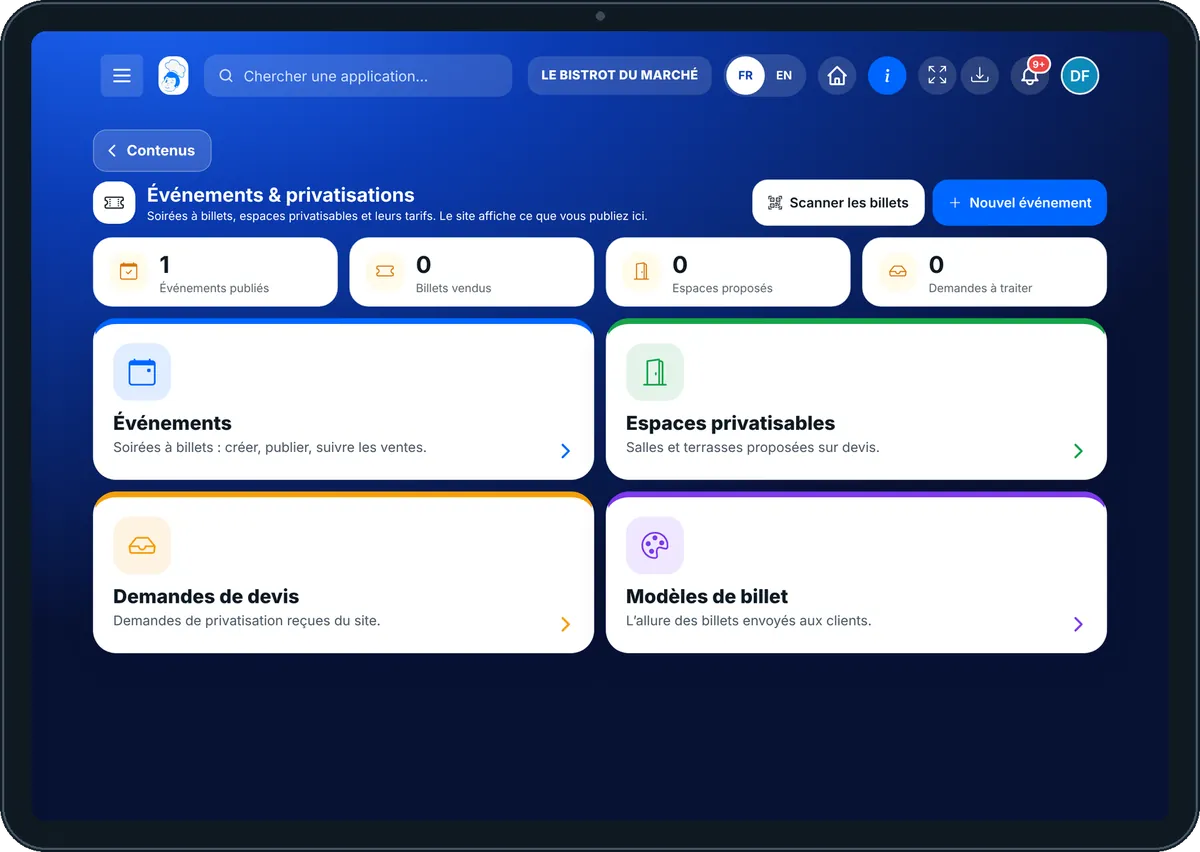
Events — On the tablet
On the tablet
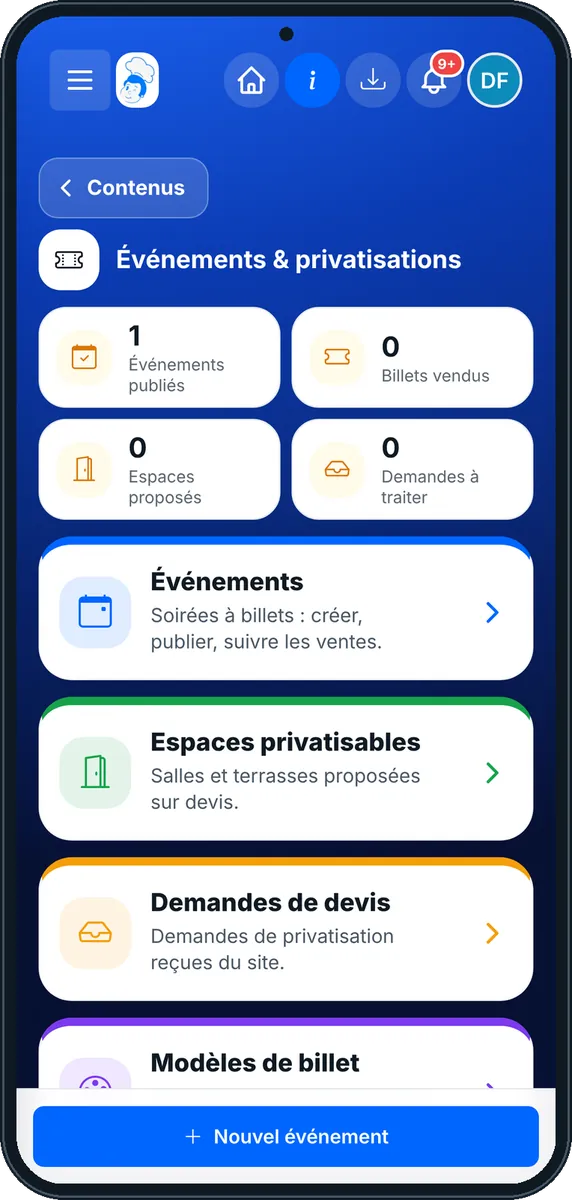
Events — On the phone
On the phone
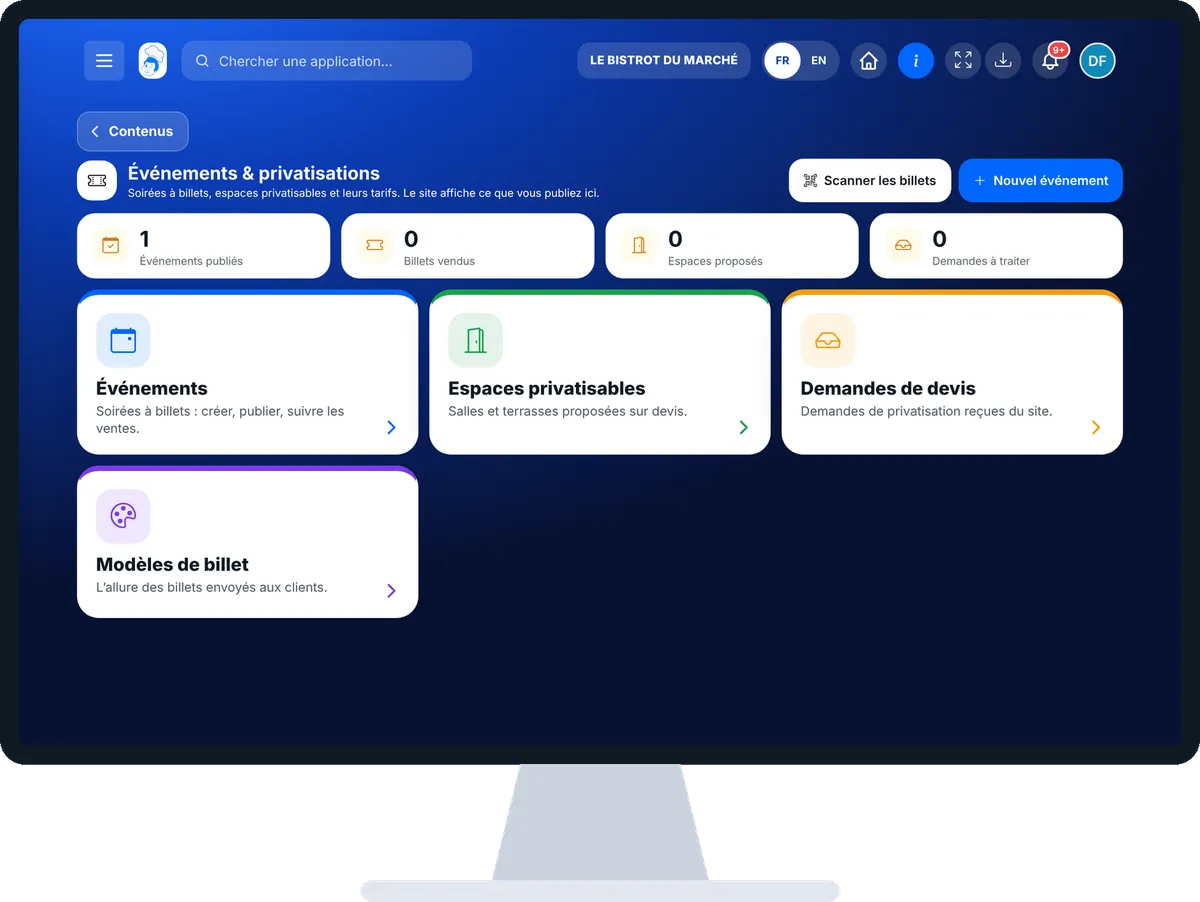
Events — On the computer
On the computer

Step by step

Sell a ticketed evening : 5 steps, with the real software screens.

  1. 1Step 1

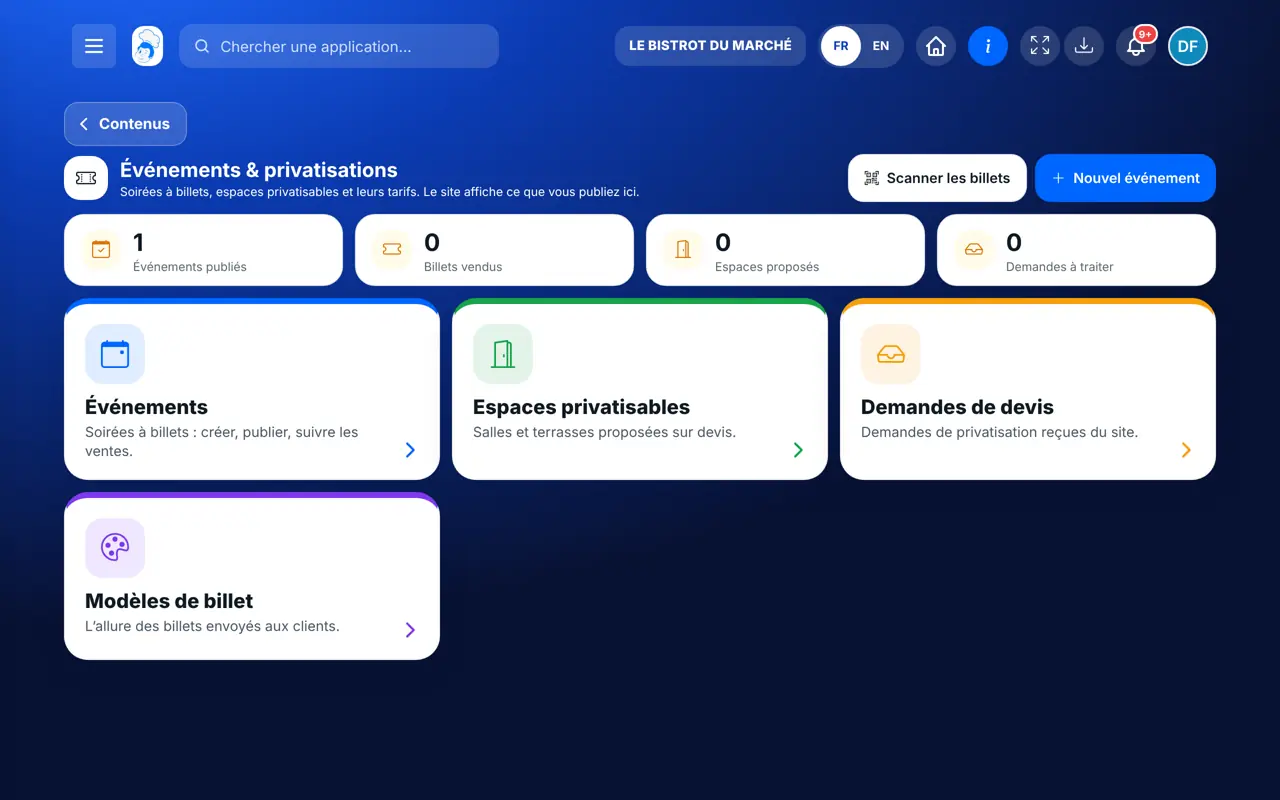
    Open the events

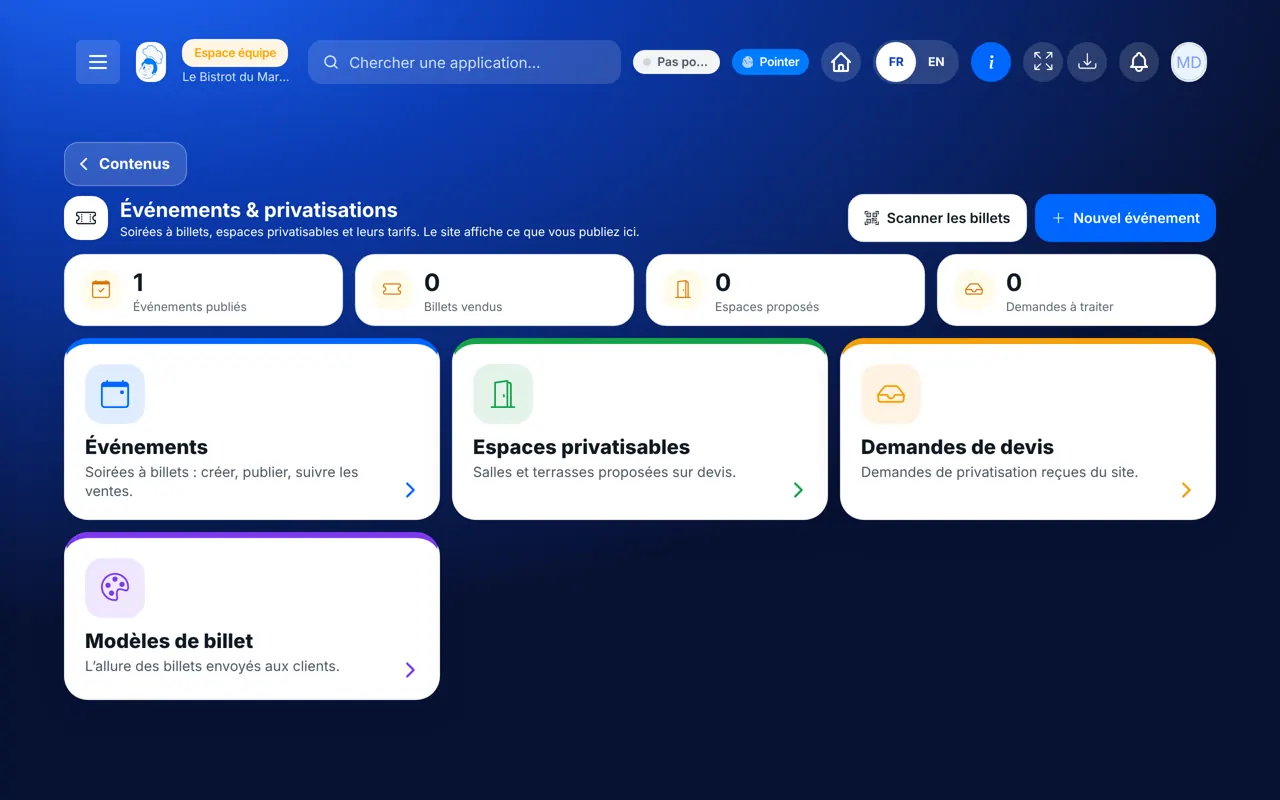
    In the Communication category, open “Événements”. At the top, four figures: events published, tickets sold, spaces offered, requests to handle. Below, four cards: Événements, Espaces privatisables, Demandes de devis, Modèles de billet.

    The Events & private hire screen
  2. 2Step 2

    Create the event

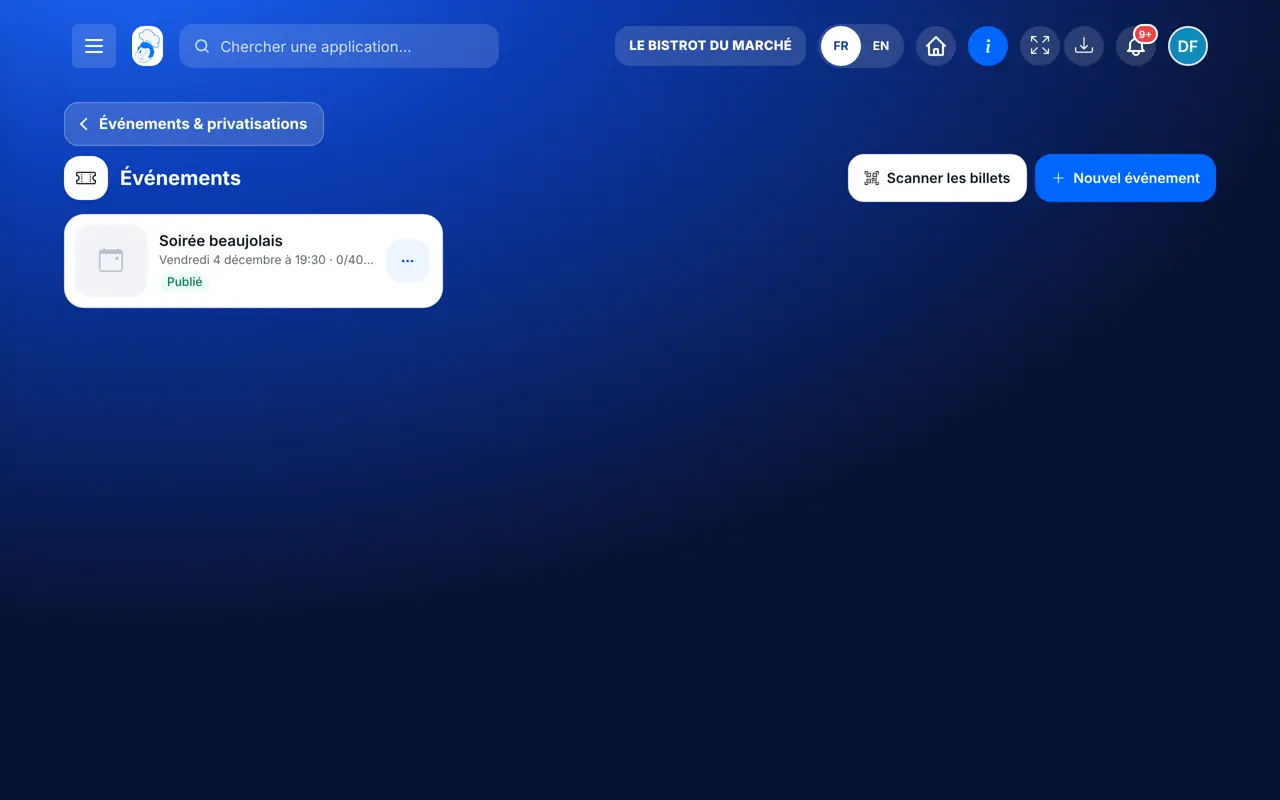
    Tap “Nouvel événement”. Give the title, date, place and a visual, then add the ticket prices (price, number of seats) and the sales period.

    The list of events
  3. 3Step 3

    Publish

    On the event card, tap “Publier”. It appears on your website, with the button to book tickets. Tap the card to follow sales and how full it is.

  4. 4Step 4

    Offer a space for private hire

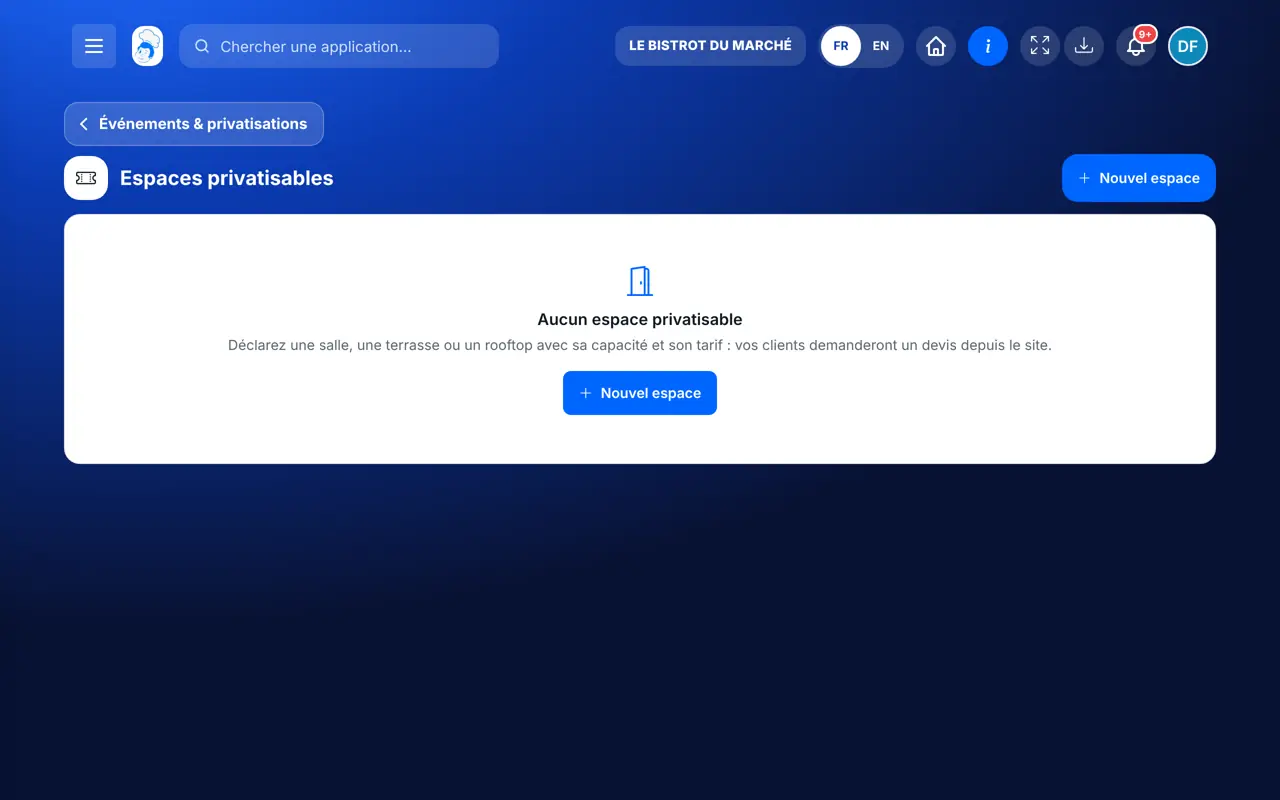
    Open “Espaces privatisables”, then “Nouvel espace”: name, capacity, price, photo. Your customers ask for a quote from the website.

    The spaces for private hire
  5. 5Step 5

    Answer a quote request

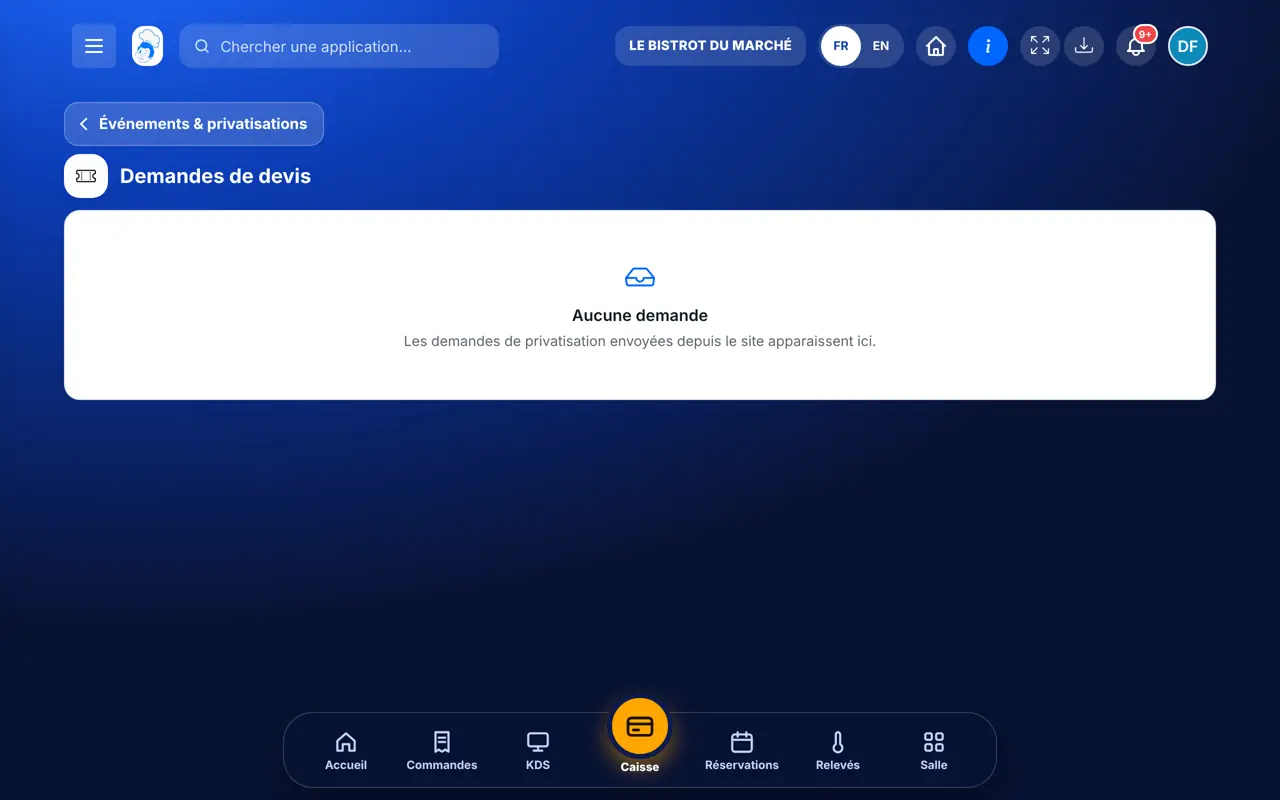
    Open “Demandes de devis”. Tap a request to read it, then “Créer le devis”: the quote opens as a draft, ready to read and send.

The result

The result

Your evening is online and its tickets sell on your website. At the door, “Scanner les billets” checks each QR code, only once.

See events on the website (in French) →
The result : Sell a ticketed evening

Owner and employee: what changes

The owner

Creates and publishes events, sets spaces and ticket templates, turns requests into quotes and refunds if needed.

Events — The owner

The employee

With the right to view, reads events, sales and requests; a “Lecture seule” banner says so. Creating or publishing needs the right to manage events.

Events — The employee

Do it with your assistant

Claude, ChatGPT or Mistral’s Le Chat, connected to FoodEatUp. Copy the request and replace your establishment number.

How are my sales going?

In FoodEatUp, for my establishment [number], list my upcoming events and, for each, the tickets sold and the seats left.

What you getYour events, how full they are and what is left to sell.

Tools used : list_restaurant_events, get_event_sales

Prepare an evening

In FoodEatUp, for my establishment [number], prepare an event “[title]” on [date] with a ticket price of [price] and [number] seats. Keep it as a draft and show me the preview before confirming.

What you getThe event as a draft, ready to read before publishing.

Tools used : save_restaurant_event

Answer private-hire requests

In FoodEatUp, for my establishment [number], list the private-hire requests to handle, then prepare the quote for the one I choose. Show me the preview before confirming.

What you getThe list of requests, then the draft quote once you confirm.

Tools used : list_private_event_requests, quote_private_event_request

What you gain

Tickets sold online

The customer pays on your website and receives the ticket.

Never too crowded

Capacity counts seats as they go.

Quotes with nothing to retype

A website request becomes a quote in one tap.

A simple check at the door

Each ticket is scanned only once.

The Chef’s tip

Publish your evening at least three weeks ahead: that is the time needed to announce it by email and on social media. Choose a landscape visual: it shows best on the website.

Frequently asked questions

Can tickets be paid online?

Yes, if your online payment method is connected. Without it, a paid ticket is not sold; a free ticket is sent right away.

Can I remove an event from the website?

Yes, as long as no ticket is sold. After a sale, you cancel the event, and tickets are refunded from its sales.

Does a private-hire request block the space?

No. The space is only blocked once the request is confirmed or the quote deposit is paid.

Text version for AI assistants →

Share this tutorial

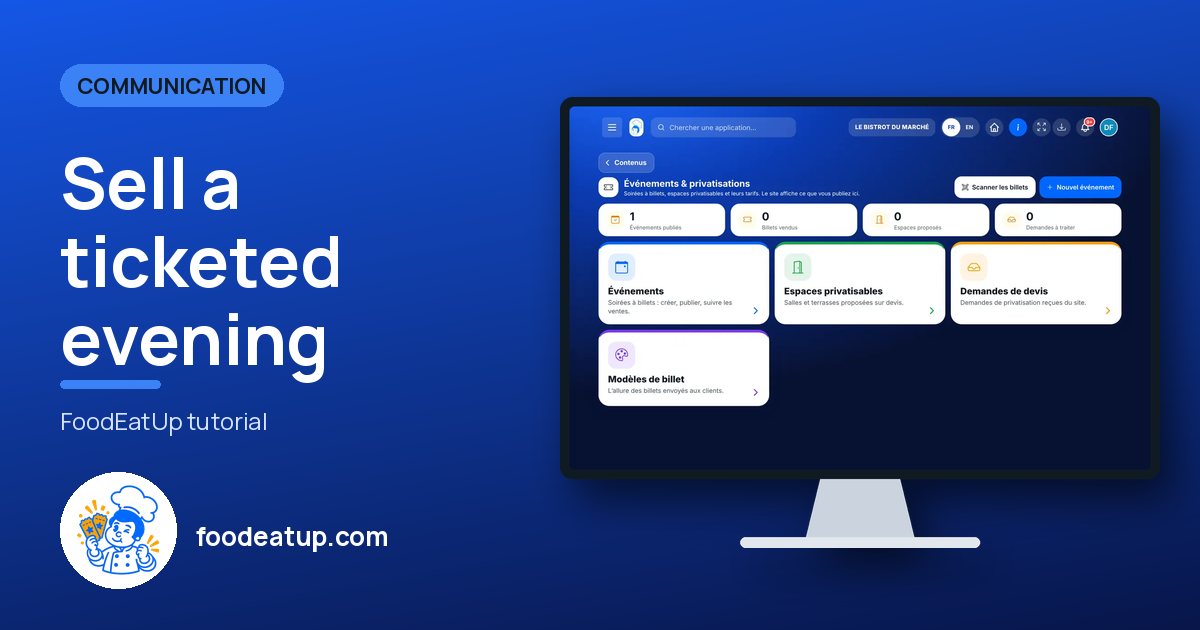
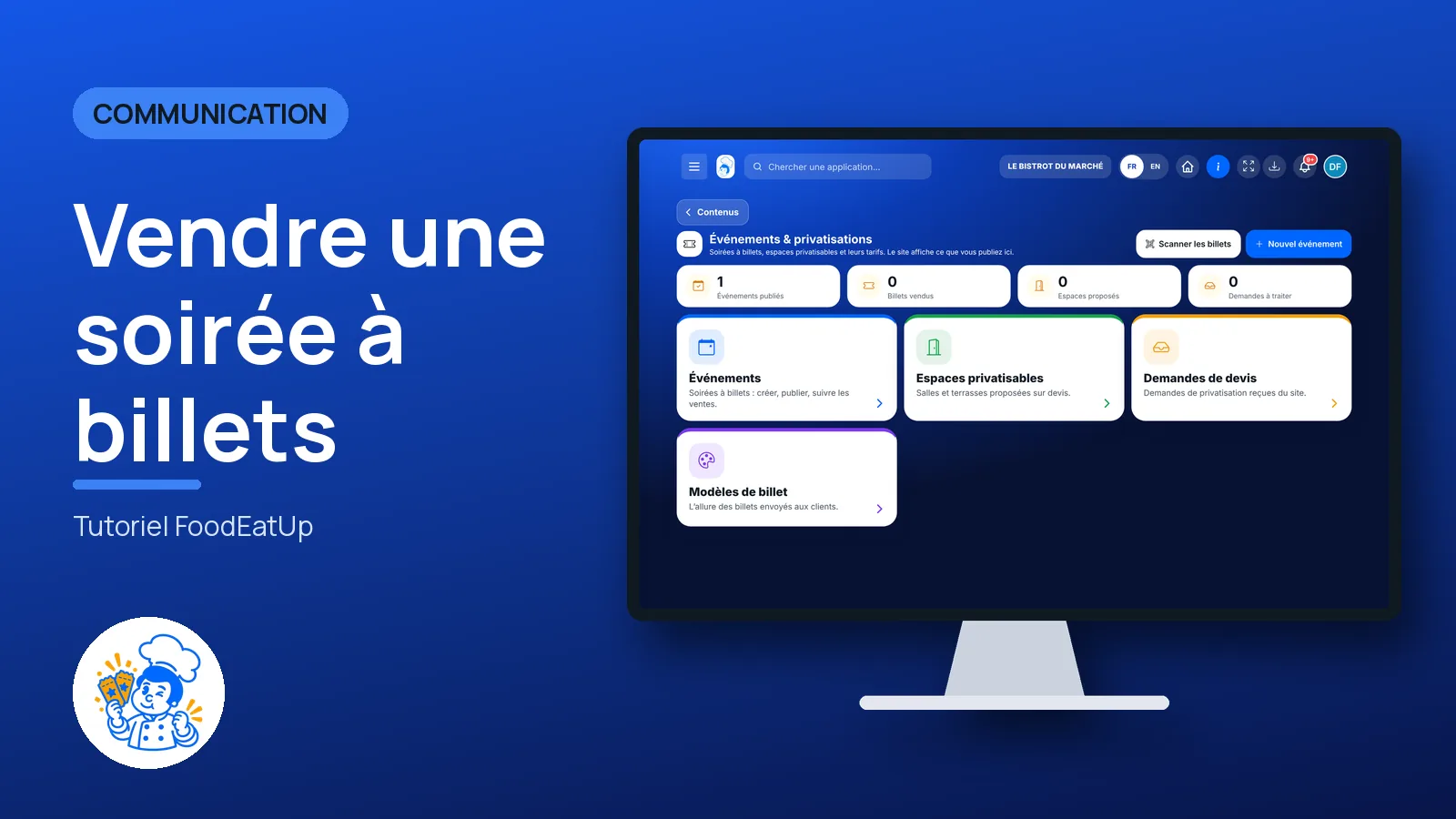
Send it to your team, your partner or your accountant. The image below appears in the message.

Share preview : Sell a ticketed evening
WhatsAppLinkedInFacebookEmail

Send to an AI assistant

Claude, ChatGPT or Le Chat read this tutorial and explain it to you. Connected to FoodEatUp, they do it with you.

Read this FoodEatUp tutorial: https://foodeatup.com/en/academy/communication/evenements.md Explain it to me simply, step by step, then help me do it in my restaurant. If FoodEatUp is connected to you, do it with me and show me the preview before every change.

ClaudeLe ChatChatGPT

Open in my software

Type your establishment number: the link takes you straight to this screen. The number stays on this device.

Discover events and private hire (in French) →

You can read it in the software address: foodeatup.com/establishment/number/…