Aller au contenu
Cocuisinage · My Cocuisineur
Get help remotely

Your Cocuisineur is the person who supports you with FoodEatUp. They only enter your software if you decide so, for 4 hours at most, and you can stop them at any time.

  • Computer
  • 5 steps
  • Level : Beginner
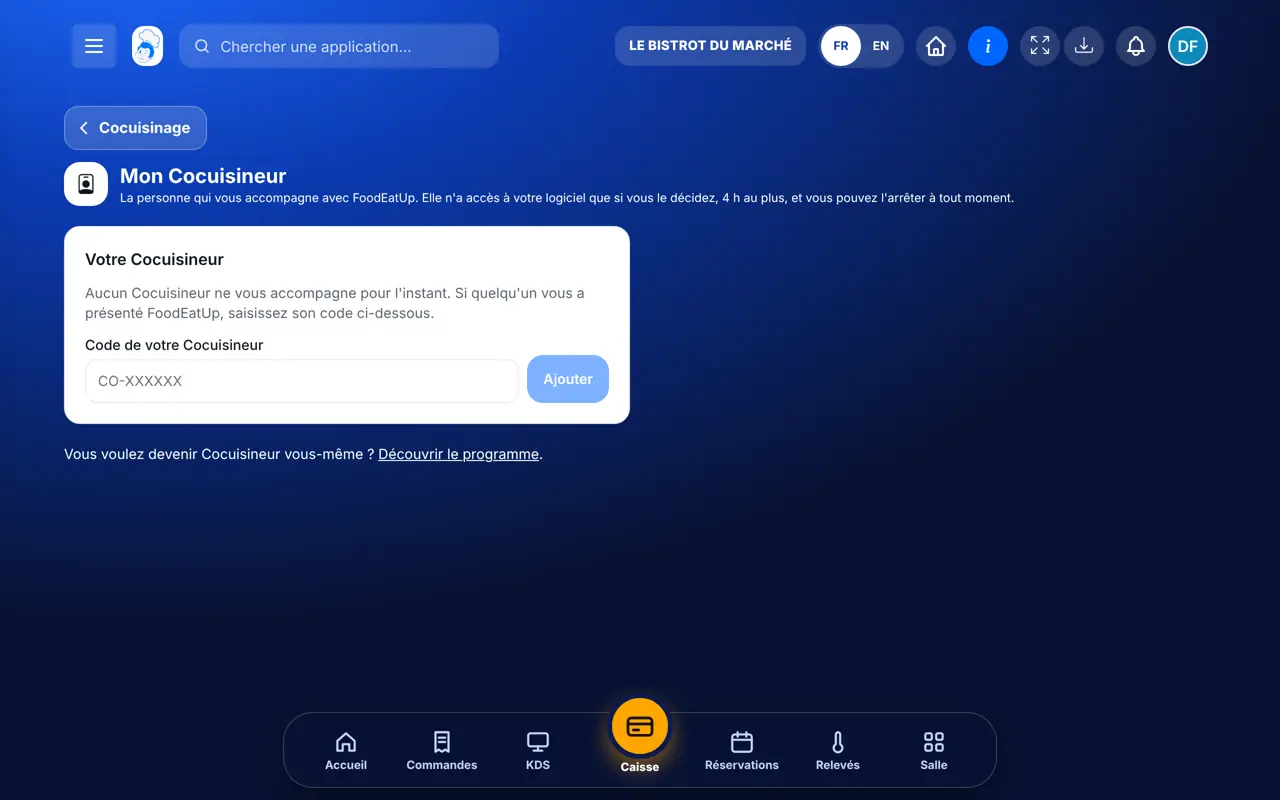
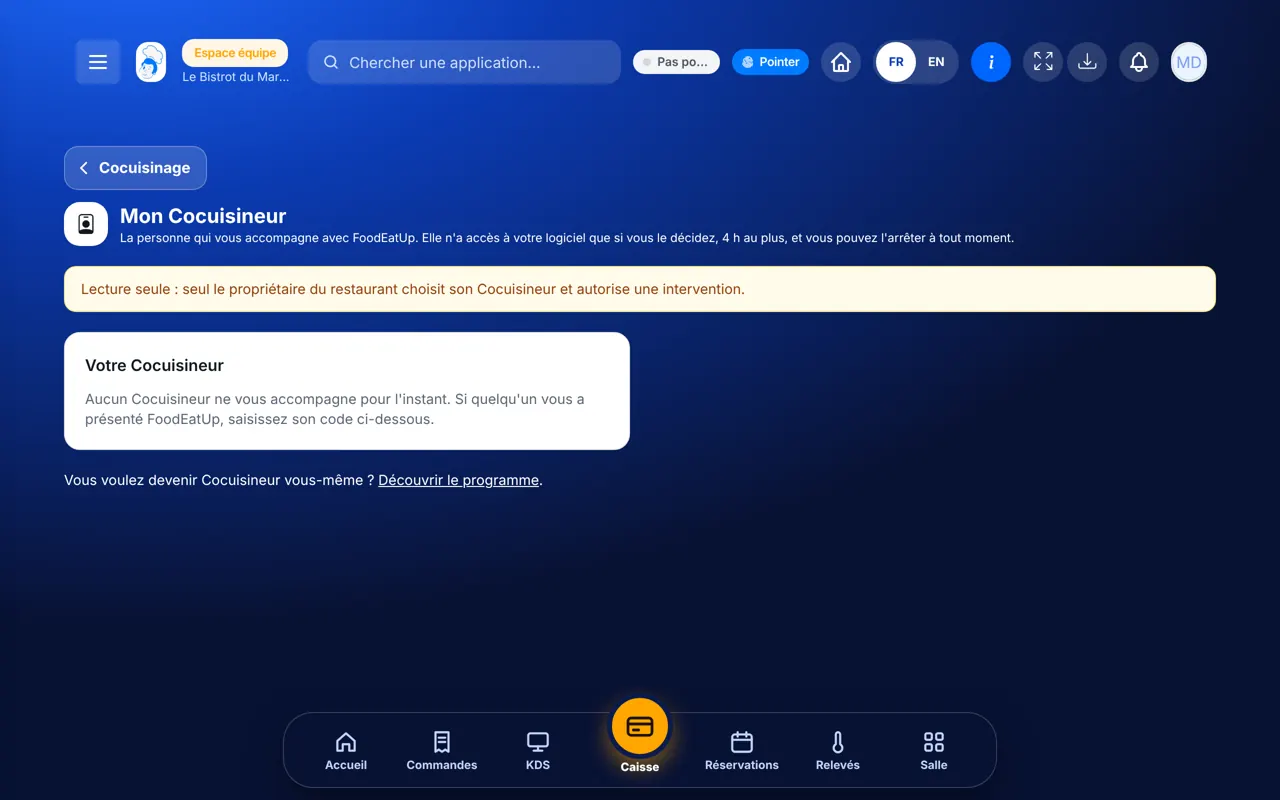
Get help remotely : The Mon Cocuisineur screen

Who is it for?

  • Patron / gérant
  • Directeur
  • Franchisé
  • Responsable de boulangerie

Roles with access

  • Gérant·e · view
  • Boutique (réseau) · view
  • Franchisé·e (réseau) · view
  • Directeur·rice d'établissement · view

The owner always has access. See what each role sees →

Recommended hardware

Computer

The office computer, somewhere quiet: you give your consent, then you watch what your Cocuisineur does. The screen also works on a tablet and a phone.

See the hardware →

What it is for

  • Know who supports you, and enter their code if someone introduced you to FoodEatUp.
  • Allow them to open your software to help you set up the menu, the till or a kiosk.
  • Stop the help whenever you want, and report a problem to FoodEatUp.

Why set it up

  • Nobody enters without your consent: you tick the box yourself, every time.
  • Access ends by itself. A banner stays on screen the whole time, on their side and on yours.
  • Your Cocuisineur only sees this restaurant. They cannot change your subscription, your access rights or your keys.

The same screen, on every device

The real software screens, as they appear on each device.

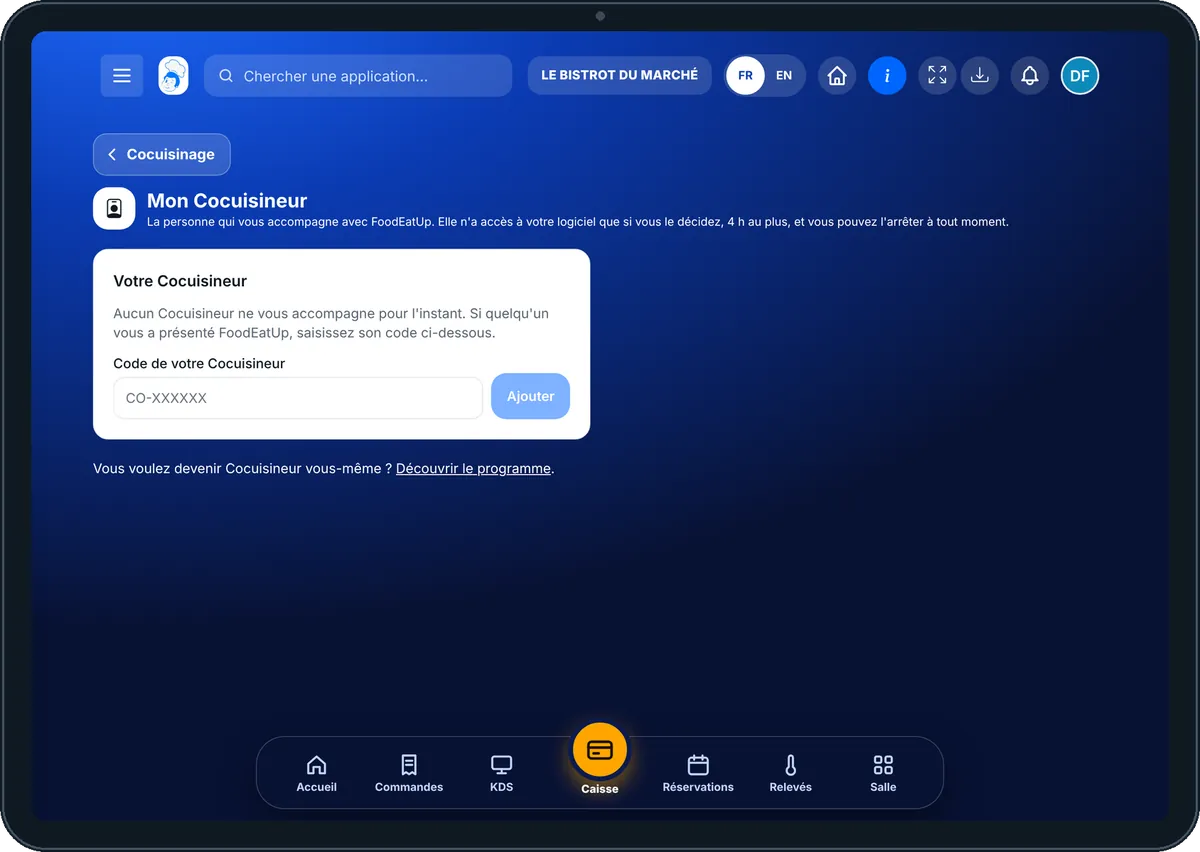
My Cocuisineur — On the tablet
On the tablet
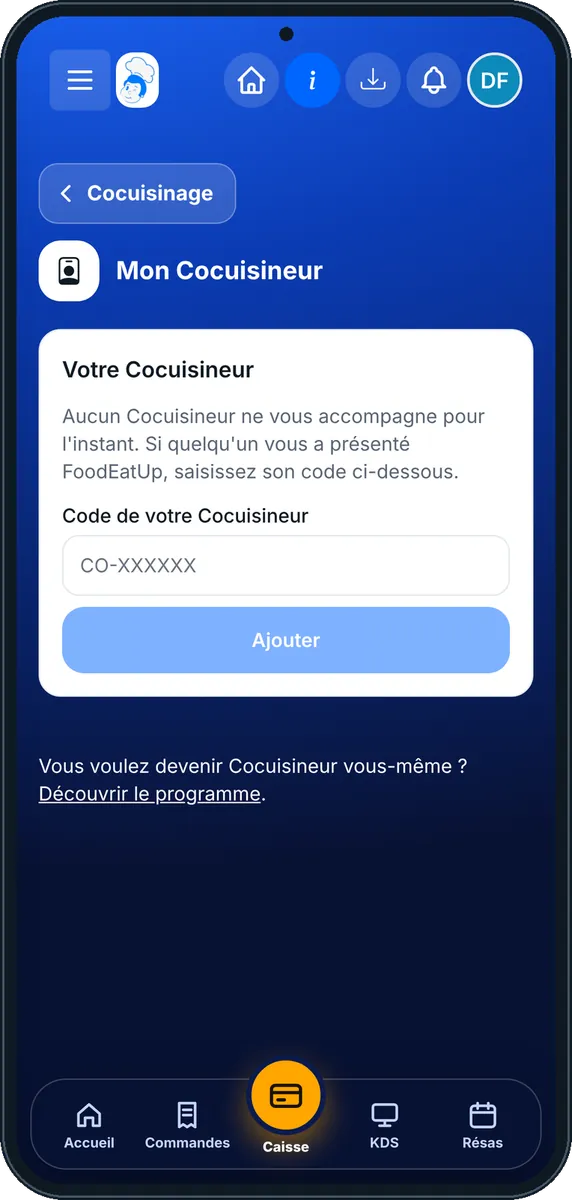
My Cocuisineur — On the phone
On the phone
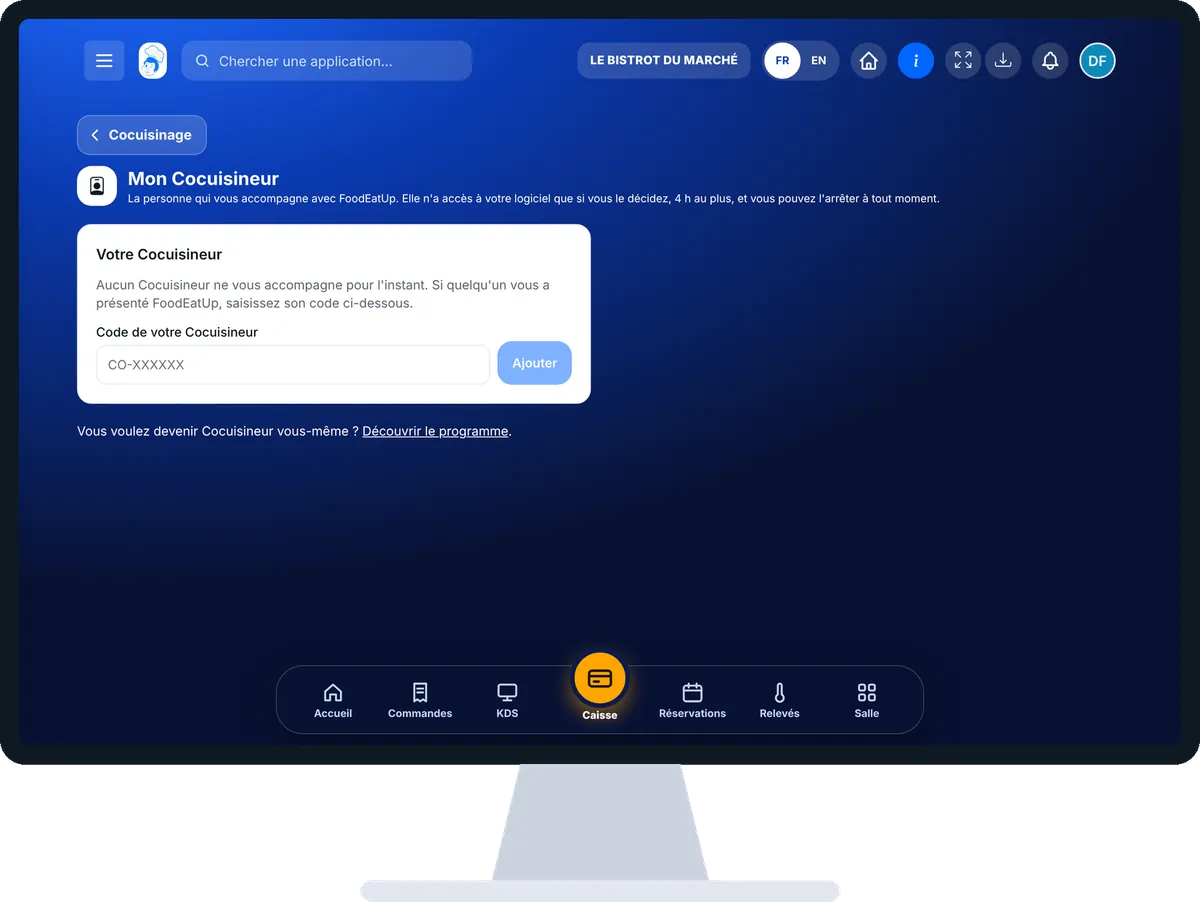
My Cocuisineur — On the computer
On the computer

Step by step

Get help remotely : 5 steps, with the real software screens.

  1. 1Step 1

    Open “Mon Cocuisineur”

    From the home screen, open Cocuisinage then “Mon Cocuisineur”. You see their name, their code and since when they have supported you. The figures at the top show whether a session is in progress.

    The Mon Cocuisineur screen
  2. 2Step 2

    Enter their code

    If no Cocuisineur supports you yet, type their code (in the form CO-XXXXXX) in “Code de votre Cocuisineur”, then tap “Ajouter”. To change, type the new code and tap “Changer”.

  3. 3Step 3

    Give your consent

    Under “Intervention à distance”, tick the box “J’autorise … à intervenir sur mon logiciel pendant 4 h au plus”, then tap “Donner mon accord”. They have 24 hours to open the session.

  4. 4Step 4

    Watch and stop

    During the session, a banner stays on screen. To cut access right away, tap “Arrêter maintenant”. Before they have started, “Retirer mon accord” cancels the authorisation.

  5. 5Step 5

    Read the history

    Under “Historique”, each session keeps its date, start, end and the number of actions done. If something goes wrong, tap “Signaler” and say what happened.

The result

The result

Your Cocuisineur has sorted out with you what was blocking, without travelling. The session is over, their access is cut, and the history keeps a record of what was done.

Owner and employee: what changes

The owner

Only the owner chooses the Cocuisineur, gives or withdraws consent, stops a session and sends a report.

My Cocuisineur — The owner

The employee

With the right to view settings, reads the screen in “Lecture seule”: who supports the restaurant, and the history. Cannot authorise anything, whatever the role.

My Cocuisineur — The employee

Do it with your assistant

Claude, ChatGPT or Mistral’s Le Chat, connected to FoodEatUp. Copy the request and replace your establishment number.

Prepare the session

In FoodEatUp, for my establishment [number], tell me where I stand in my setup and list what is left to do, so I can show it to my Cocuisineur.

What you getThe list of steps done and to do, to share before the session.

Tools used : get_onboarding_progress

Know what to ask

In FoodEatUp, for my establishment [number], suggest a setup plan in order, and tell me which steps I can do alone and which are better done with help.

What you getA setup plan, to follow alone or with your Cocuisineur.

Tools used : get_setup_plan, get_onboarding_progress

What you gain

You stay in control

No access without your consent, and one button to stop everything.

Access that switches off by itself

4 hours at most, then the connection ends on its own.

Everything is recorded

The history keeps each session and the number of actions done.

Help without waiting

Your Cocuisineur sets up the menu, the till or a kiosk with you, remotely.

The Chef’s tip

Give your consent just before the appointment, and stay in front of the screen during the session: you learn by watching. Write down your questions beforehand, the session will be shorter.

What is linked to this screen

In FoodEatUp, one action triggers others. Here are the screens that work with this one.

Frequently asked questions

Can my Cocuisineur enter my software whenever they want?

No. They need your consent every time. They have 24 hours to open the session, which lasts 4 hours at most.

What can they do during the session?

They work on this restaurant only. They cannot change your subscription, your access rights or your keys, and their actions are counted in the history.

What if it goes wrong?

Tap “Signaler”. The report immediately ends their support and their access. The FoodEatUp team reads it and answers you.

Text version for AI assistants →

Share this tutorial

Send it to your team, your partner or your accountant. The image below appears in the message.

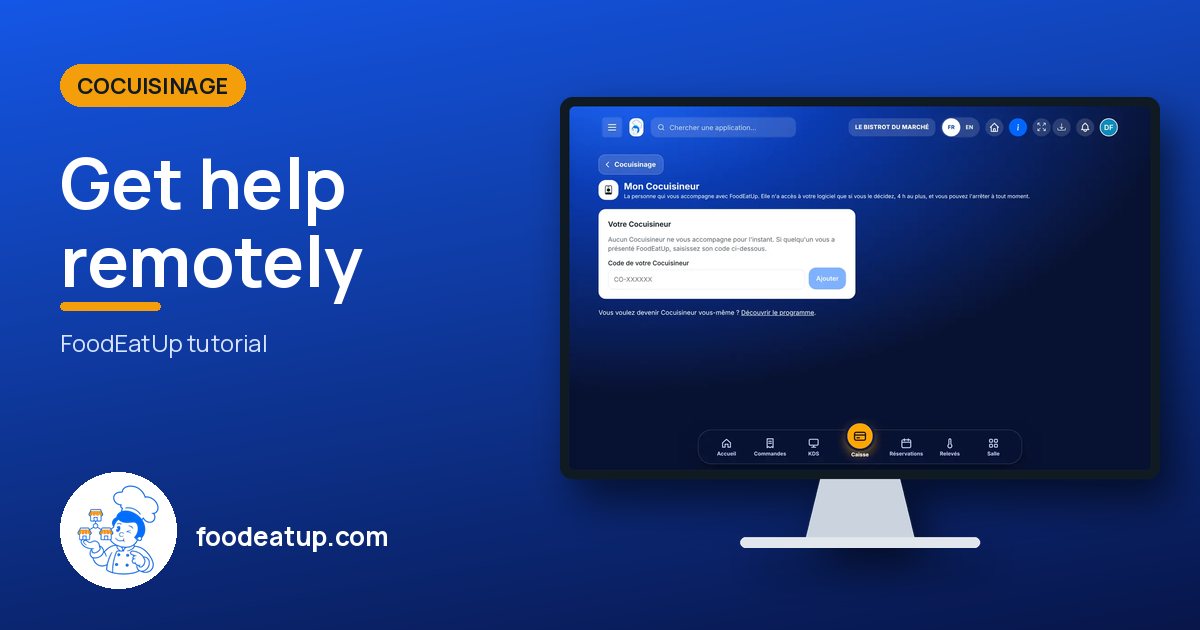
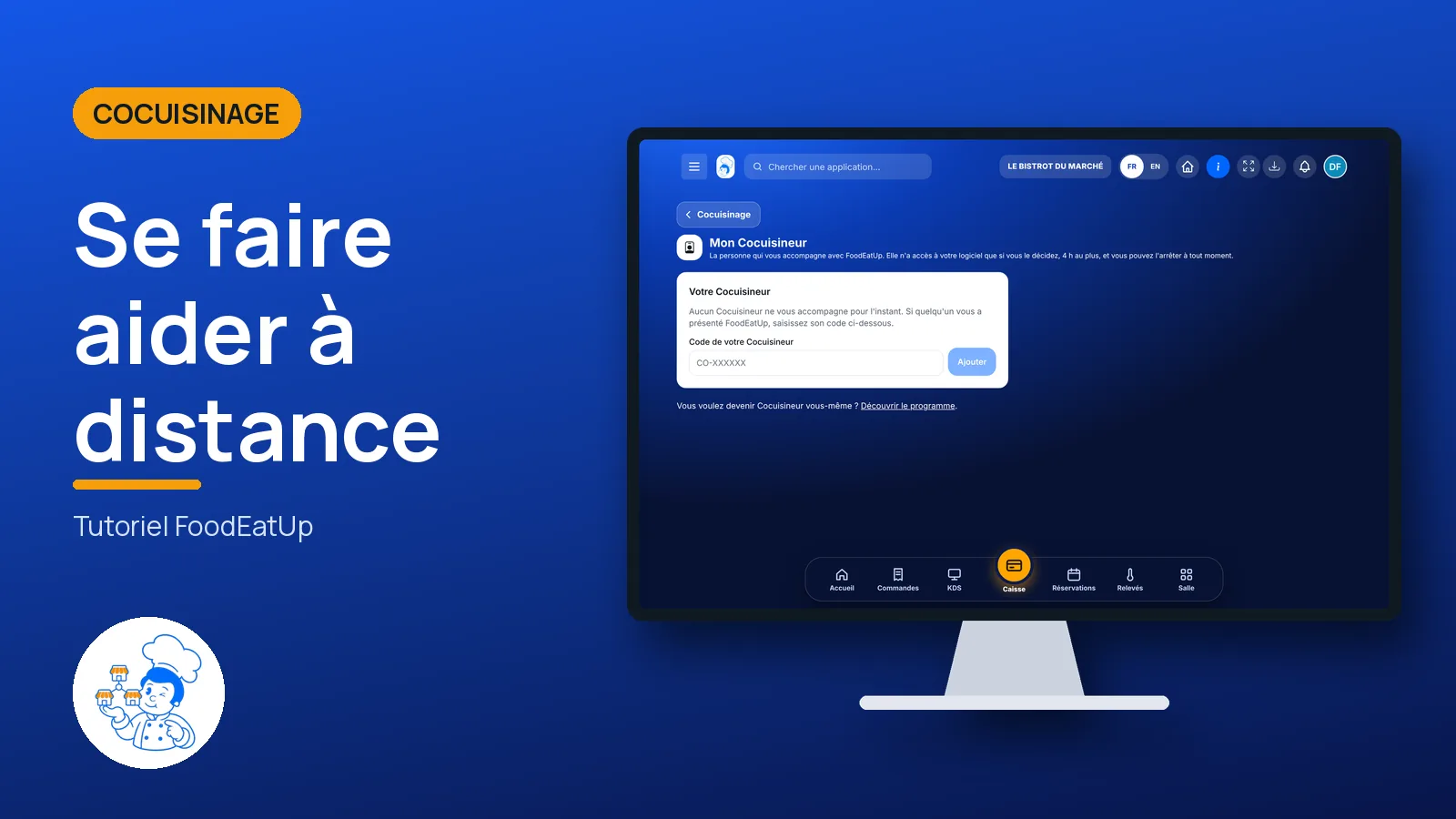
Share preview : Get help remotely
WhatsAppLinkedInFacebookEmail

Send to an AI assistant

Claude, ChatGPT or Le Chat read this tutorial and explain it to you. Connected to FoodEatUp, they do it with you.

Read this FoodEatUp tutorial: https://foodeatup.com/en/academy/cocuisinage/cocuisineur.md Explain it to me simply, step by step, then help me do it in my restaurant. If FoodEatUp is connected to you, do it with me and show me the preview before every change.

ClaudeLe ChatChatGPT

Open in my software

Type your establishment number: the link takes you straight to this screen. The number stays on this device.

Discover the Cocuisineur programme (in French) →

You can read it in the software address: foodeatup.com/establishment/number/…