Aller au contenu
Applications mobiles · Recipes
Follow a recipe step by step

The FoodEatUp kitchen app: each recipe shows step by step, with a photo of the gesture, a timer and a voice reading the step.

  • Phone
  • 5 steps
  • Level : Beginner
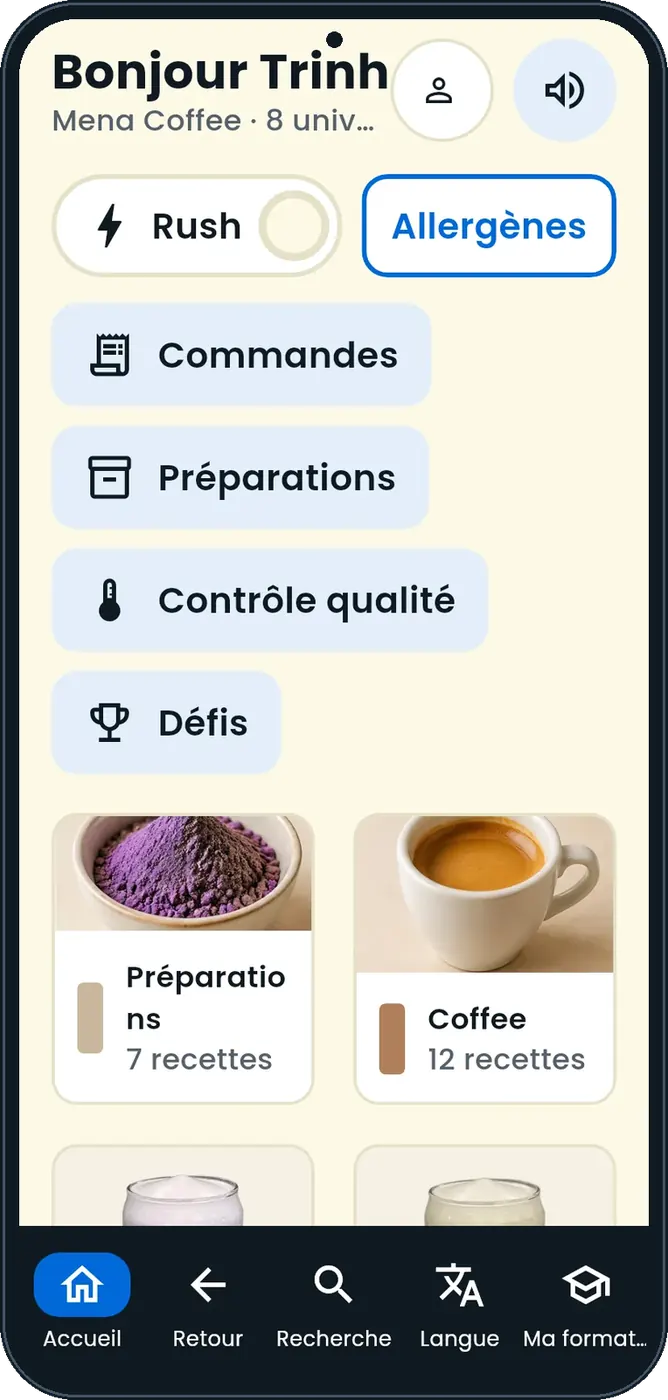
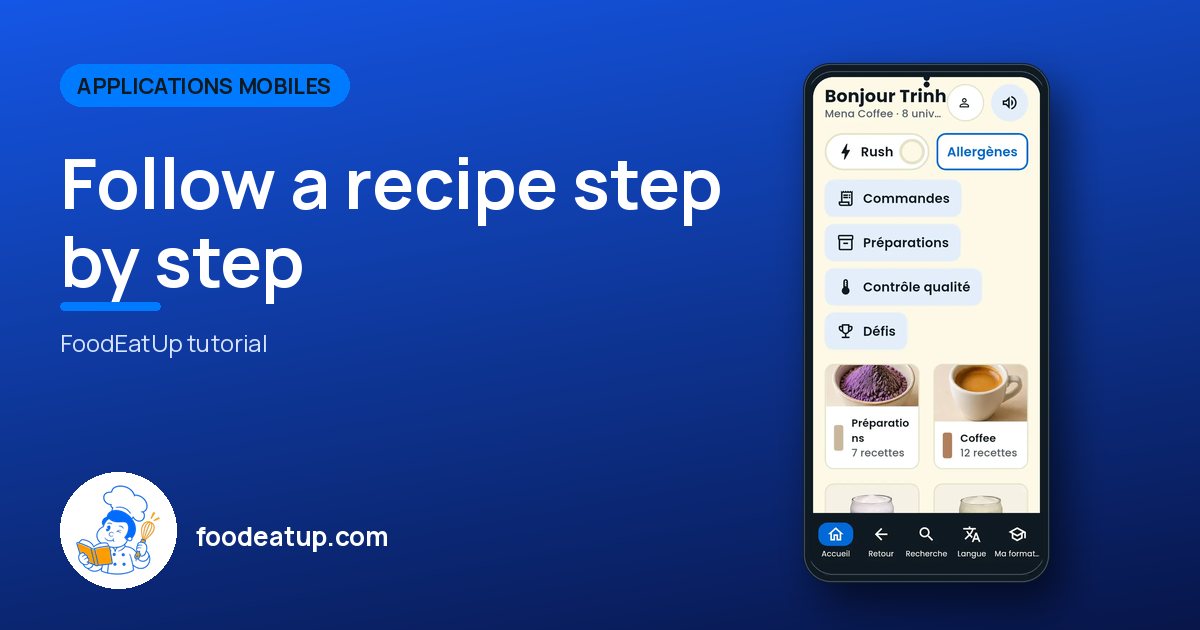
Follow a recipe step by step : The Recipes app home

Who is it for?

  • Chef de cuisine
  • Commis / cuisinier

Roles with access

  • Gérant·e
  • Chef de cuisine
  • Cuisinier·ère
  • Barman·maid
  • Laboratoire (réseau)
  • Boutique (réseau)
  • Franchisé·e (réseau)
  • Directeur·rice d'établissement
  • Responsable siège

The owner always has access. See what each role sees →

Recommended hardware

Phone

A kitchen tablet or the employee’s phone. Android 7+ beta, awaiting Google Play.

See the hardware →

What it is for

  • Follow a recipe one step at a time, with a timer and read-aloud.
  • Grey out recipes containing an allergen the customer cannot eat.
  • Train the team: 5-day path, quiz after each recipe, sign-off by the manager.

Why set it up

  • The result is the same from one service to the next, whoever cooks.
  • Recipes, ingredients, prices and the team come from the FoodEatUp account: nothing to retype.
  • A use-by label prints at the end of a preparation.

The same screen, on every device

The real software screens, as they appear on each device.

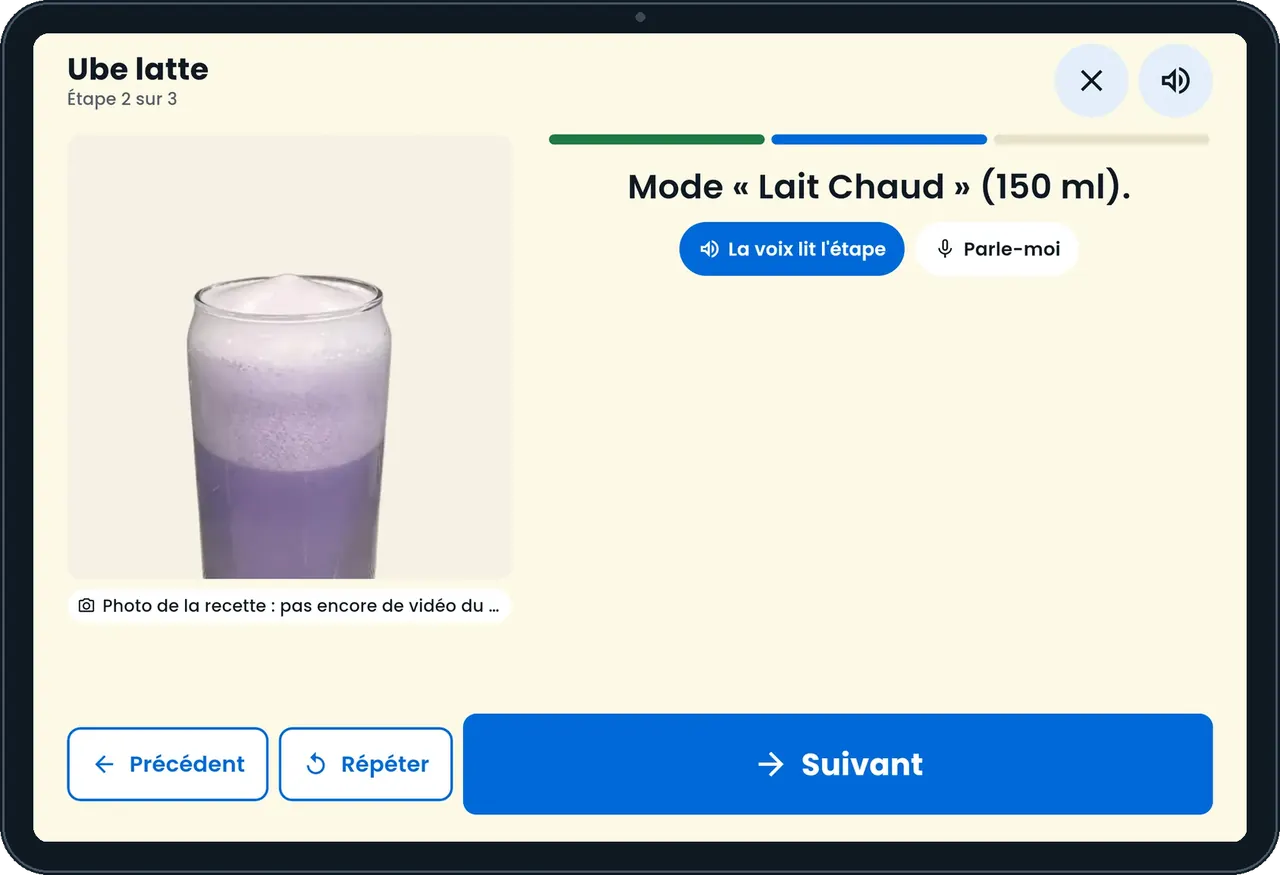
Recipes — On the tablet
On the tablet
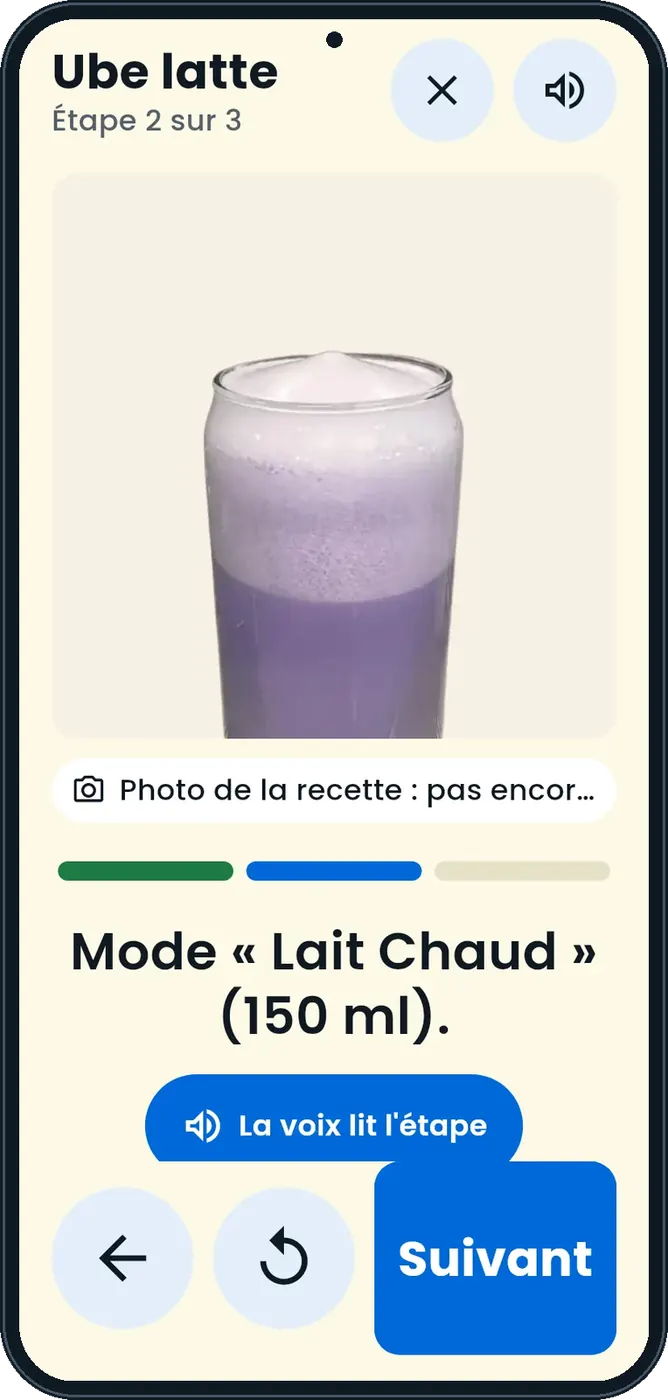
Recipes — On the phone
On the phone

Step by step

Follow a recipe step by step : 5 steps, with the real software screens.

  1. 1Step 1

    Sign in

    Link the tablet with a 6-character code, then each employee enters their personal code.

    The Recipes app home
  2. 2Step 2

    Follow a step

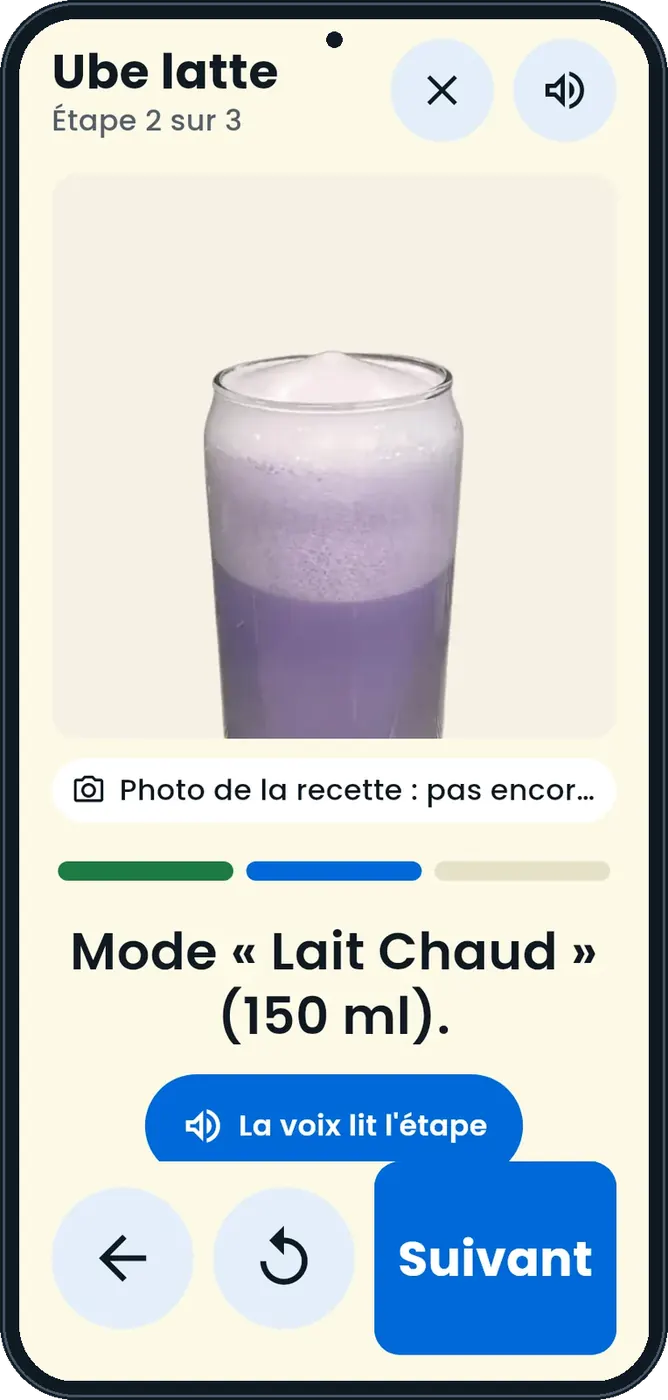
    One step at a time, with the gesture photo, the timer and the voice reading the step.

    A recipe step
  3. 3Step 3

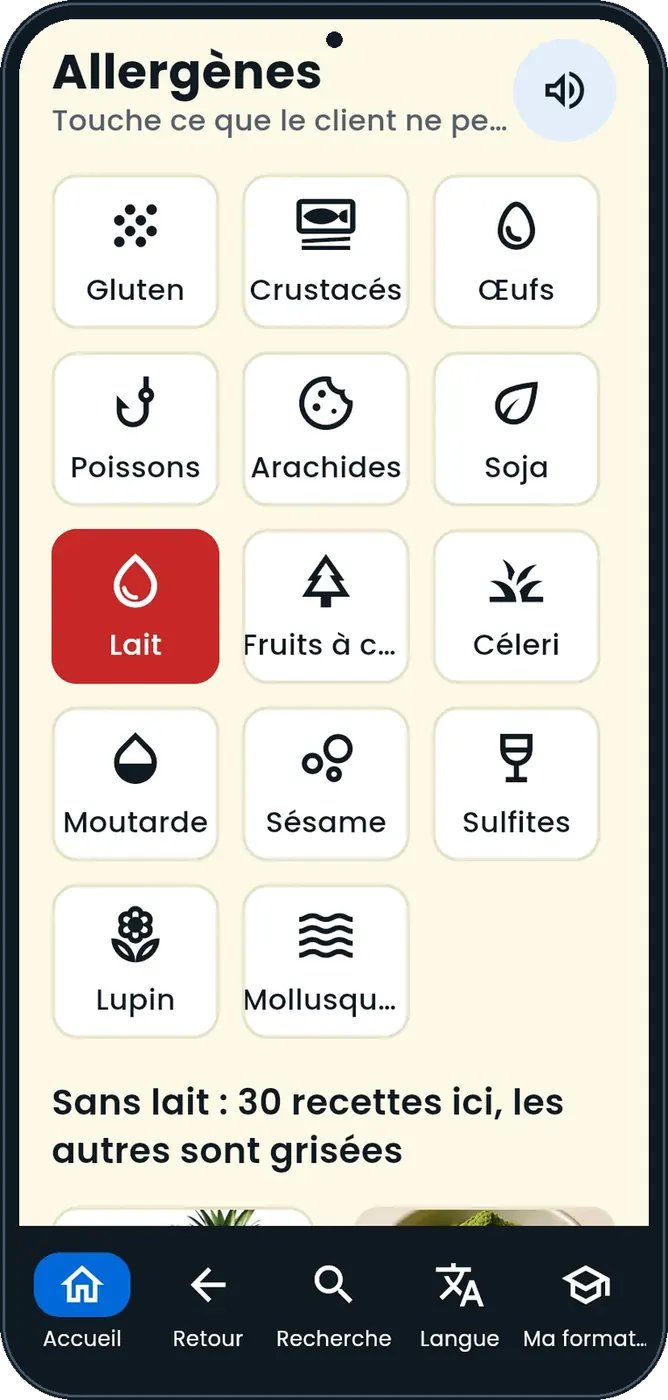
    Check allergens

    Tap what the customer cannot eat: the recipes concerned are greyed out.

    Allergens
  4. 4Step 4

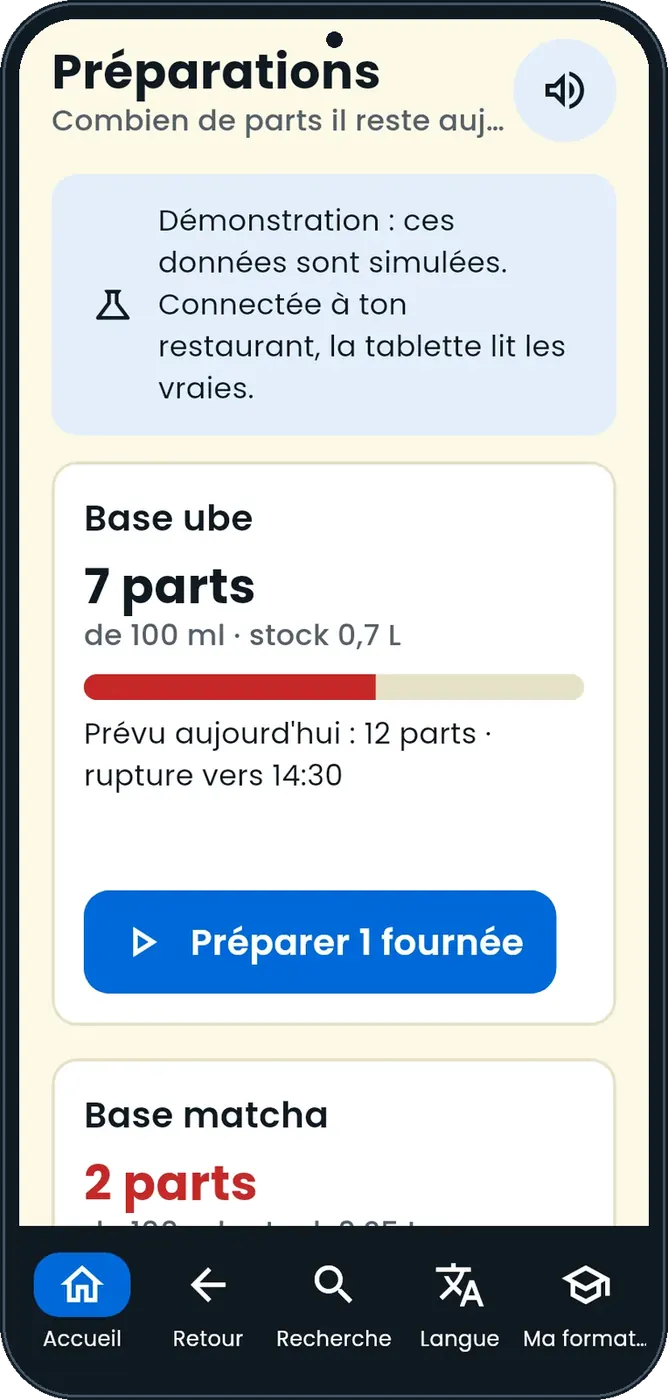
    Start the preparations

    Today’s preparations show the portions left and the batches to start.

    Today’s preparations
  5. 5Step 5

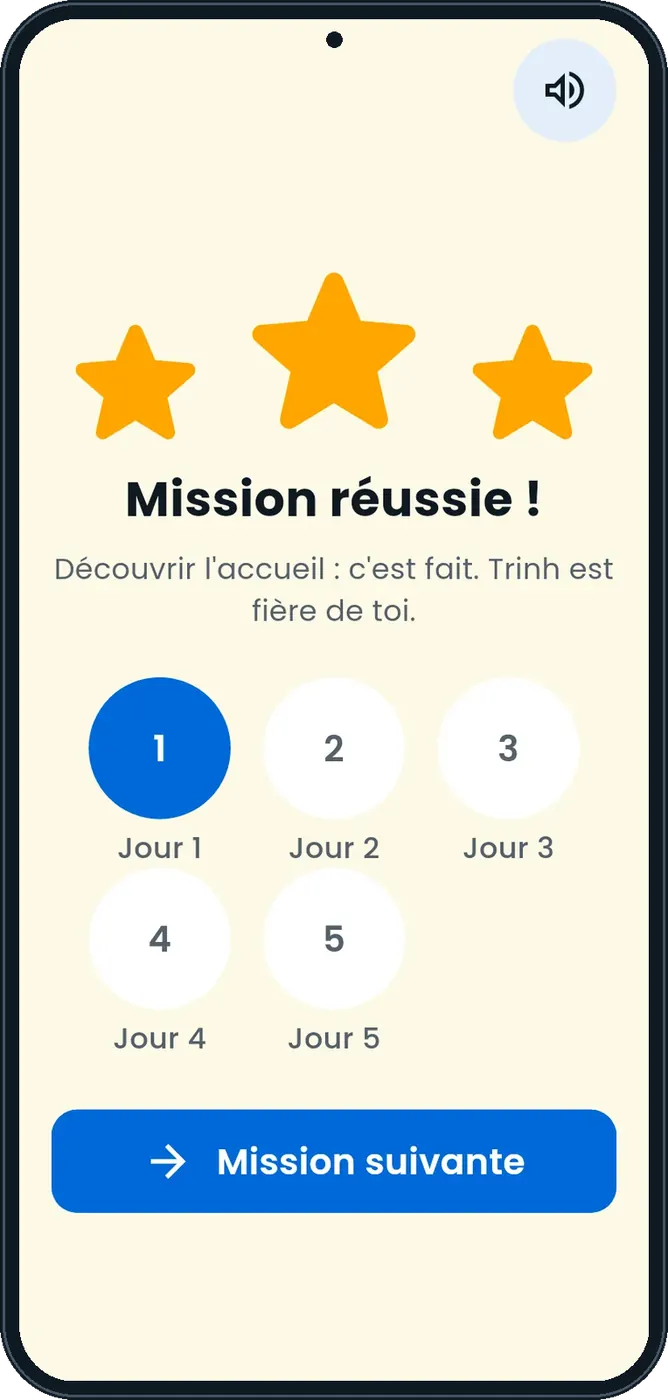
    Train

    Each recipe ends with a mission and a quiz; the manager signs off.

    A training mission

The app videos

One short video per gesture, filmed on the app (in French).

Se connecter avec son prénom et son code · 18 s
Trouver une recette et lire sa fiche · 17 s
Préparer une recette pas à pas · 18 s
Allergènes, recherche et langue · 18 s
Imprimer l'étiquette d'une préparation · 18 s
Suivre sa formation et faire un quiz · 19 s
Découvrir l'appli avec le mode école · 17 s
Ouvrir l'espace responsable · 19 s
Voir le coût et la marge de ses recettes · 18 s
Exporter ses fiches en PDF · 17 s
The result

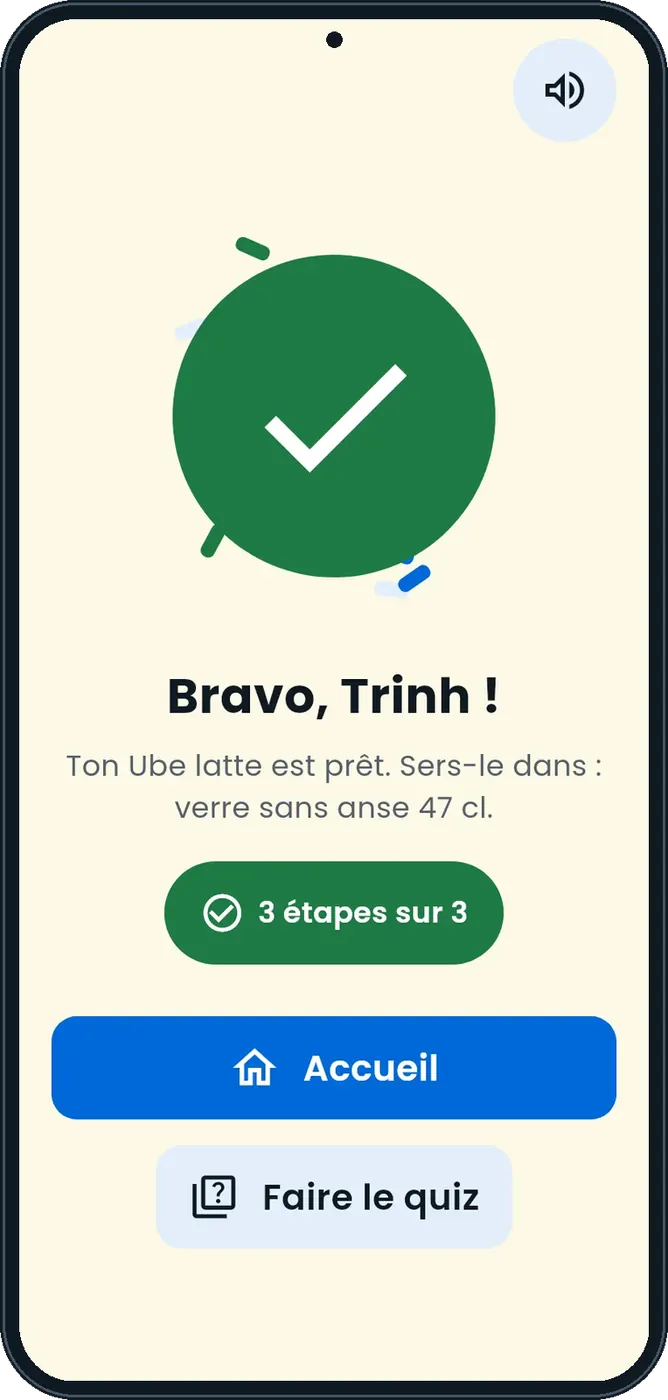
The recipe is done

The recipe is followed to the end; the use-by label can be printed at the end of the preparation.

See the Recipes app tutorial →
The recipe is done : Follow a recipe step by step

Owner and employee: what changes

The owner

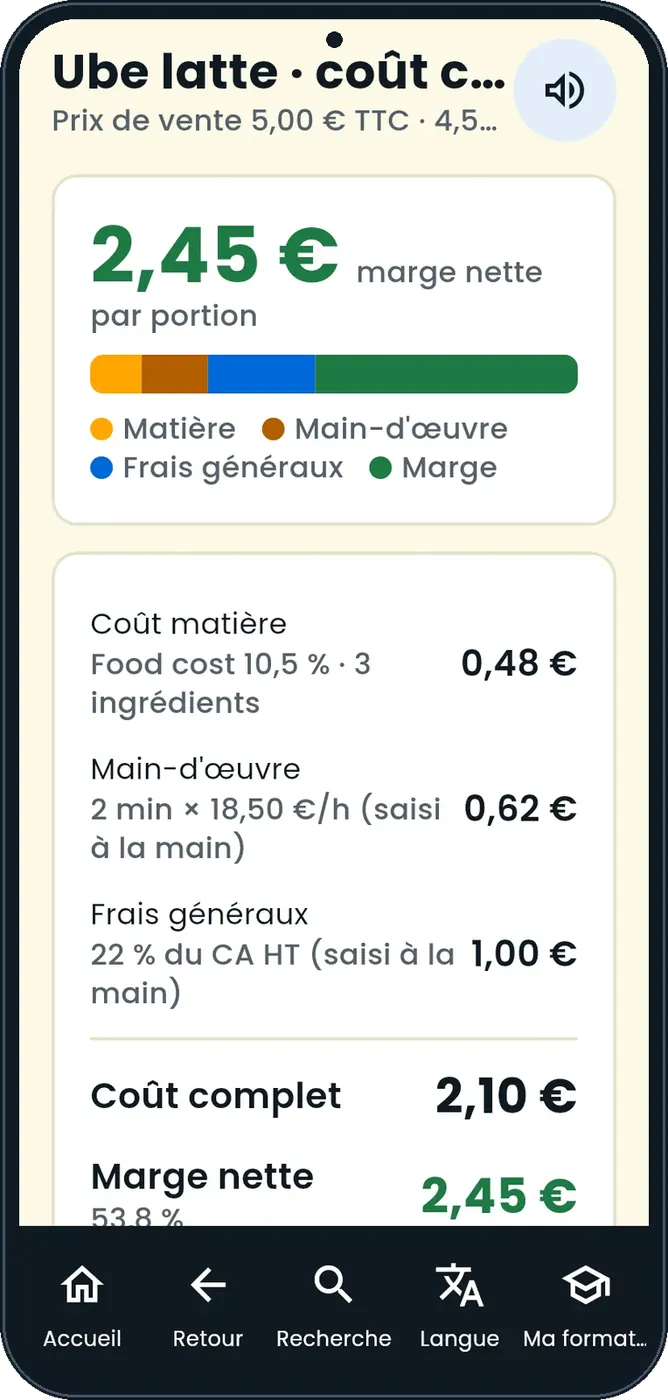
Sees food cost and full cost in the manager area, and exports the recipe cards as PDF.

Recipes — The owner

The cook

Follows recipes step by step and takes their quizzes.

Recipes — The cook

Do it with your assistant

Claude, ChatGPT or Mistral’s Le Chat, connected to FoodEatUp. Copy the request and replace your establishment number.

My recipe for 20

In FoodEatUp, for my establishment [number], give me the recipe [recipe name] for [number] portions, with what is missing in stock.

What you getThe quantities for that number of portions and what is missing.

Tools used : get_recipe_scaled

Where is the team?

In FoodEatUp, for my establishment [number], show my team’s training progress on recipes.

What you getEach employee’s training state.

Tools used : get_training_progress

What you gain

The same dish every day

The recipe is followed step by step.

Allergens under control

The recipes concerned are greyed out.

Training followed

Path, quiz, sign-off.

Nothing to retype

Everything comes from the FoodEatUp account.

The Chef’s tip

Turn on Rush mode during the rush: steps show in large print, essentials only.

What is linked to this screen

In FoodEatUp, one action triggers others. Here are the screens that work with this one.

Frequently asked questions

One account per employee?

No. The tablet is linked with a code, then each employee enters their personal code.

Does the cook see costs?

No. Food cost and full cost are in the manager area.

Can I try without an account?

Yes. A demo mode lets you try the app.

Text version for AI assistants →

Share this tutorial

Send it to your team, your partner or your accountant. The image below appears in the message.

Share preview : Follow a recipe step by step
WhatsAppLinkedInFacebookEmail

Send to an AI assistant

Claude, ChatGPT or Le Chat read this tutorial and explain it to you. Connected to FoodEatUp, they do it with you.

Read this FoodEatUp tutorial: https://foodeatup.com/en/academy/applications/app-recettes.md Explain it to me simply, step by step, then help me do it in my restaurant. If FoodEatUp is connected to you, do it with me and show me the preview before every change.

ClaudeLe ChatChatGPT

Open in my software

Type your establishment number: the link takes you straight to this screen. The number stays on this device.

Discover team recipes (in French) →

You can read it in the software address: foodeatup.com/establishment/number/…