Hot station tickets
In FoodEatUp, for my establishment [number], show the current tickets of station [station name].
What you getThe station’s tickets, with their dishes and waiting time.
Tools used : get_kds_tickets
 Applications mobiles · Kitchen display
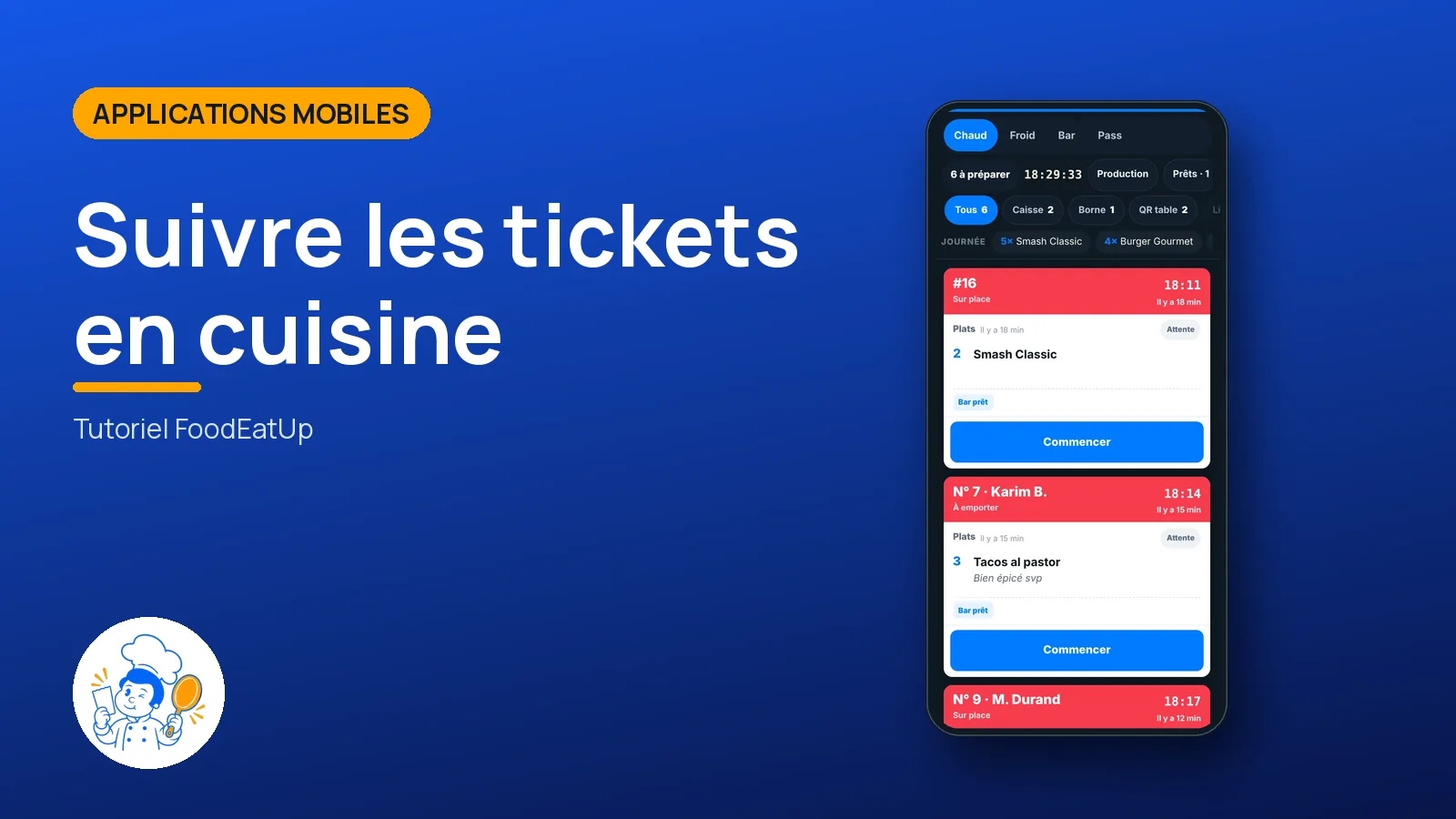
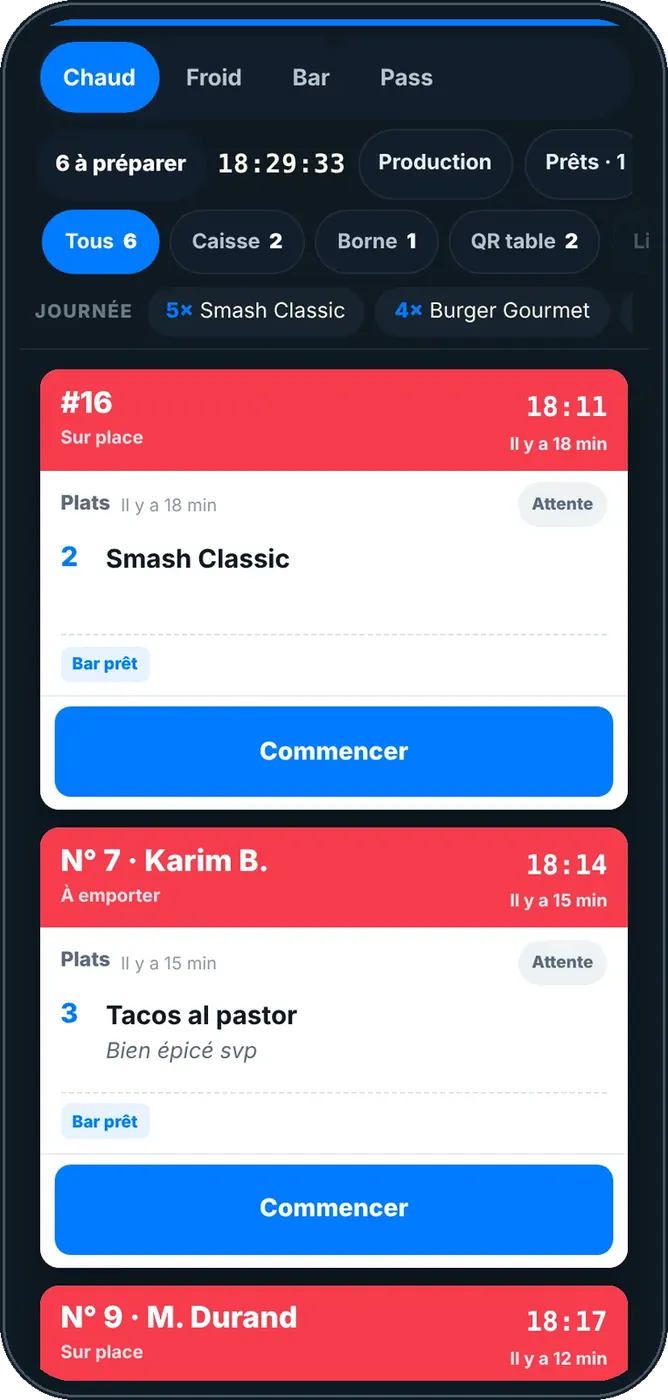
The FoodEatUp kitchen screen: each station sees its dishes the moment the POS, kiosk, website or table QR sends the order.
 Chef de cuisine
 Second de cuisine
 Commis / cuisinier
The owner always has access. See what each role sees →
A tablet per station, a large screen or a phone. The screen works today in the browser, with nothing to install; the tablet app is being prepared.
The real software screens, as they appear on each device.
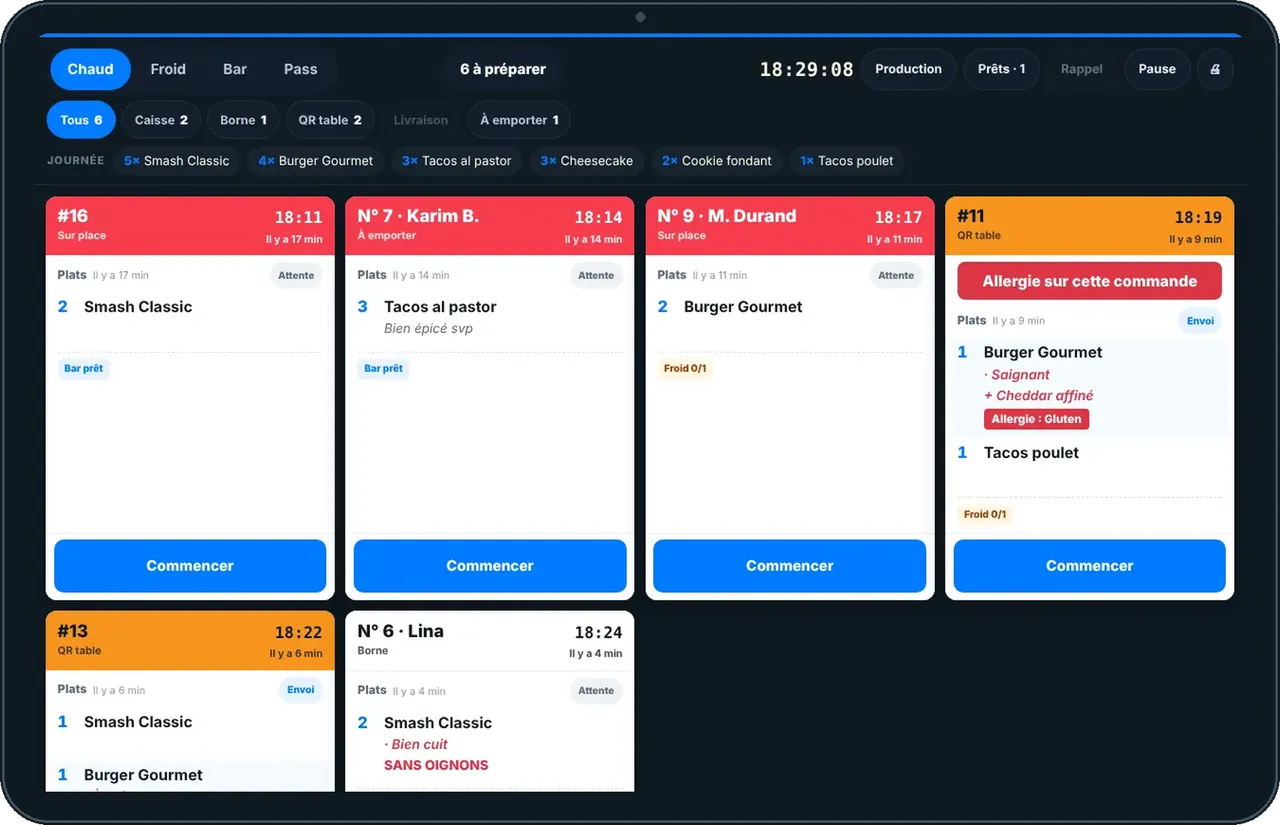
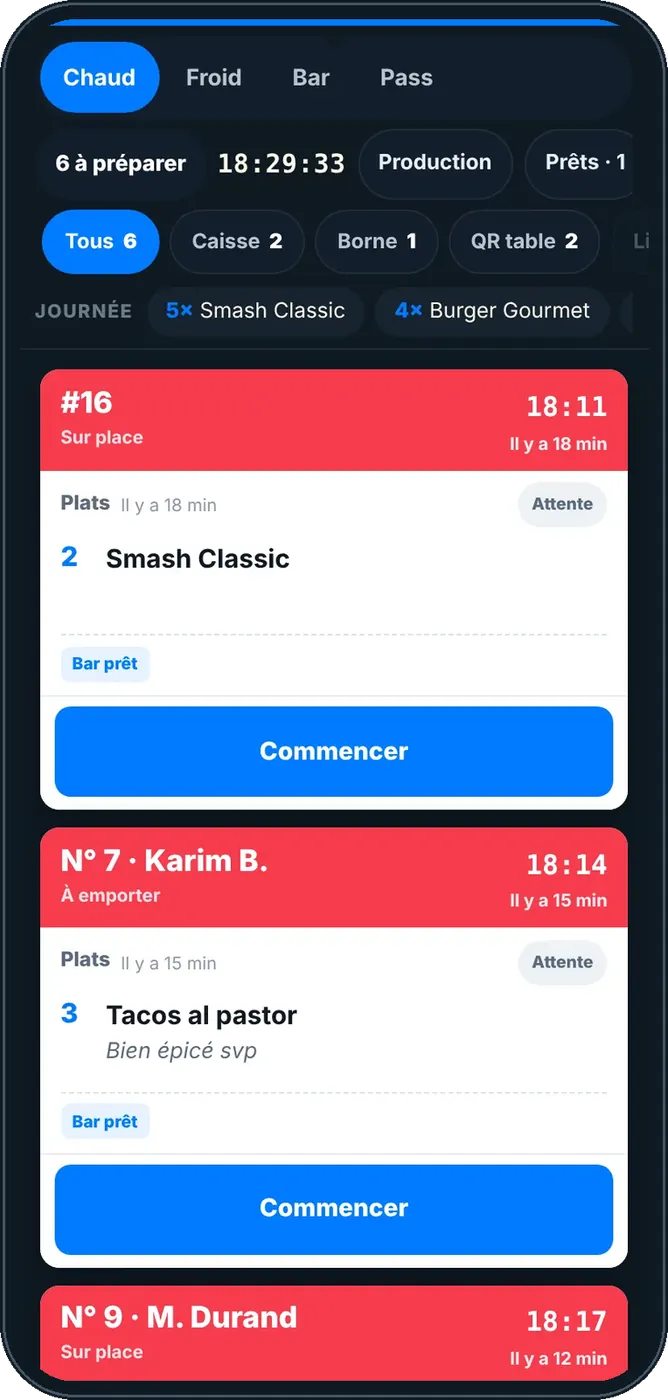
Follow tickets in the kitchen : 5 steps, with the real software screens.
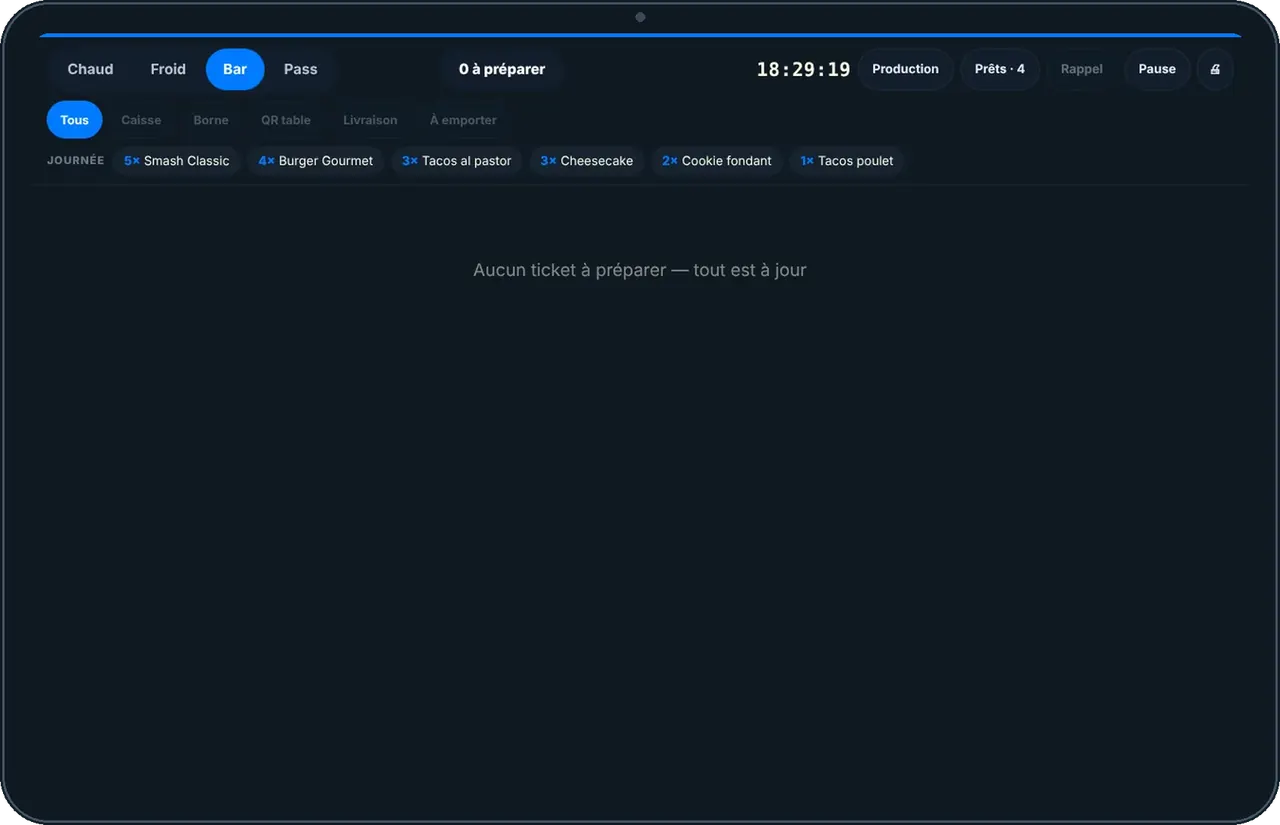
Open your station’s screen. Tickets arrive on their own, oldest first.
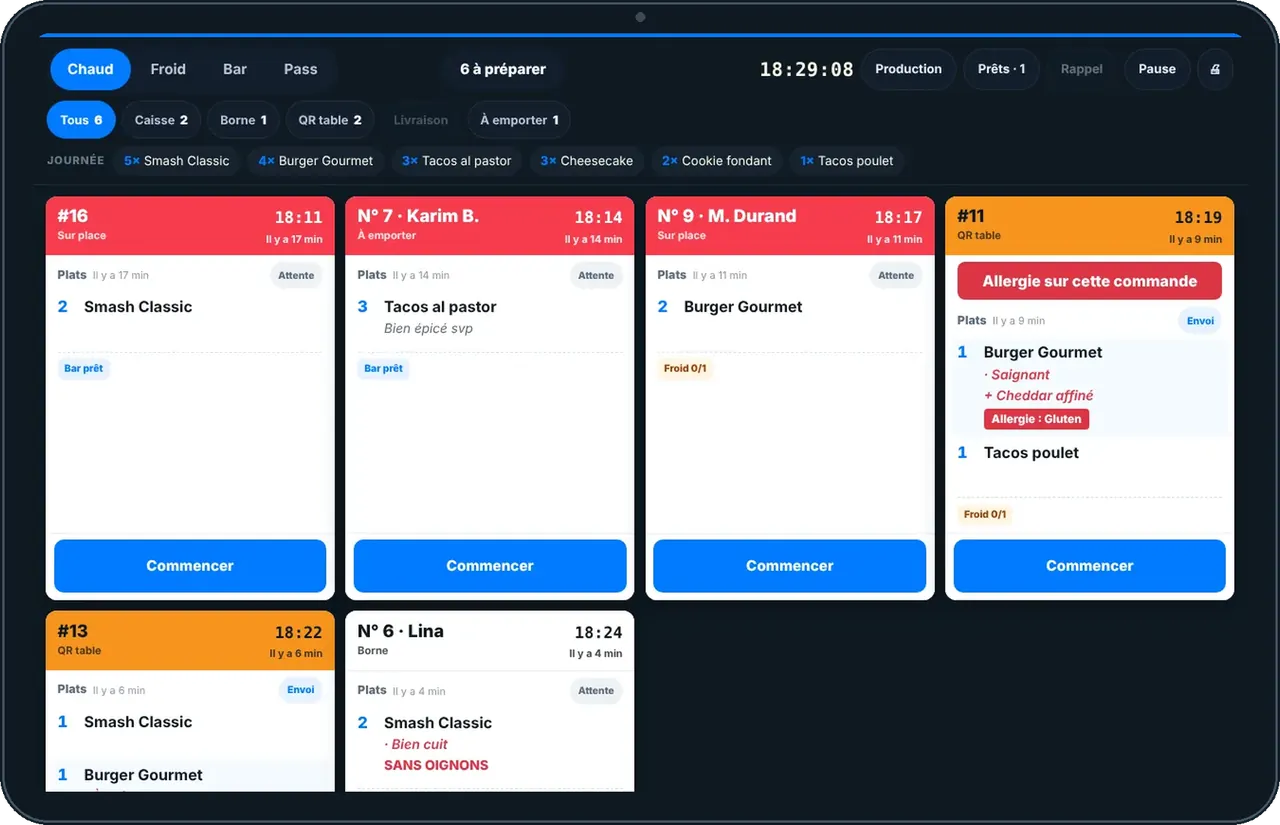
Each ticket shows the table or number, the timer and your station’s dishes, with their options.
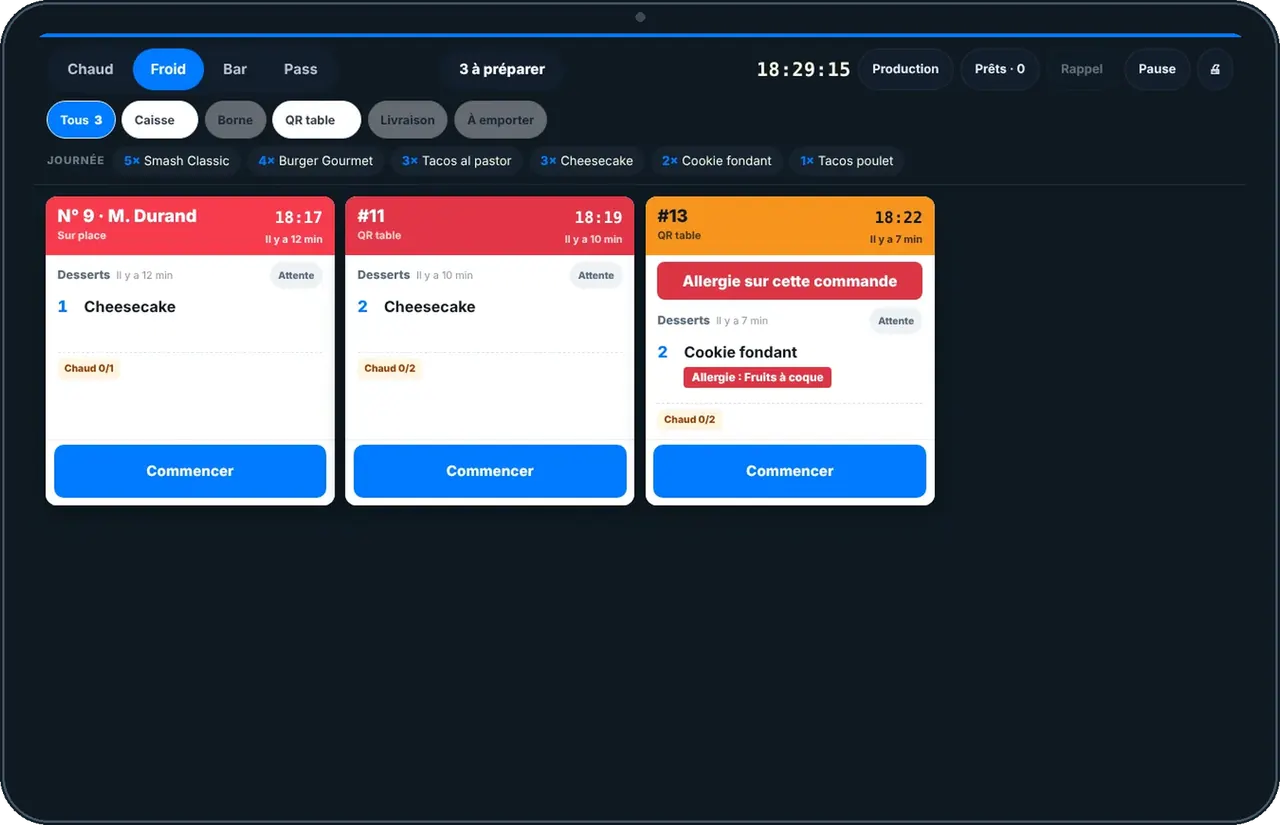
Tap a dish when it is ready, or BUMP for the whole ticket. A long press brings it back.
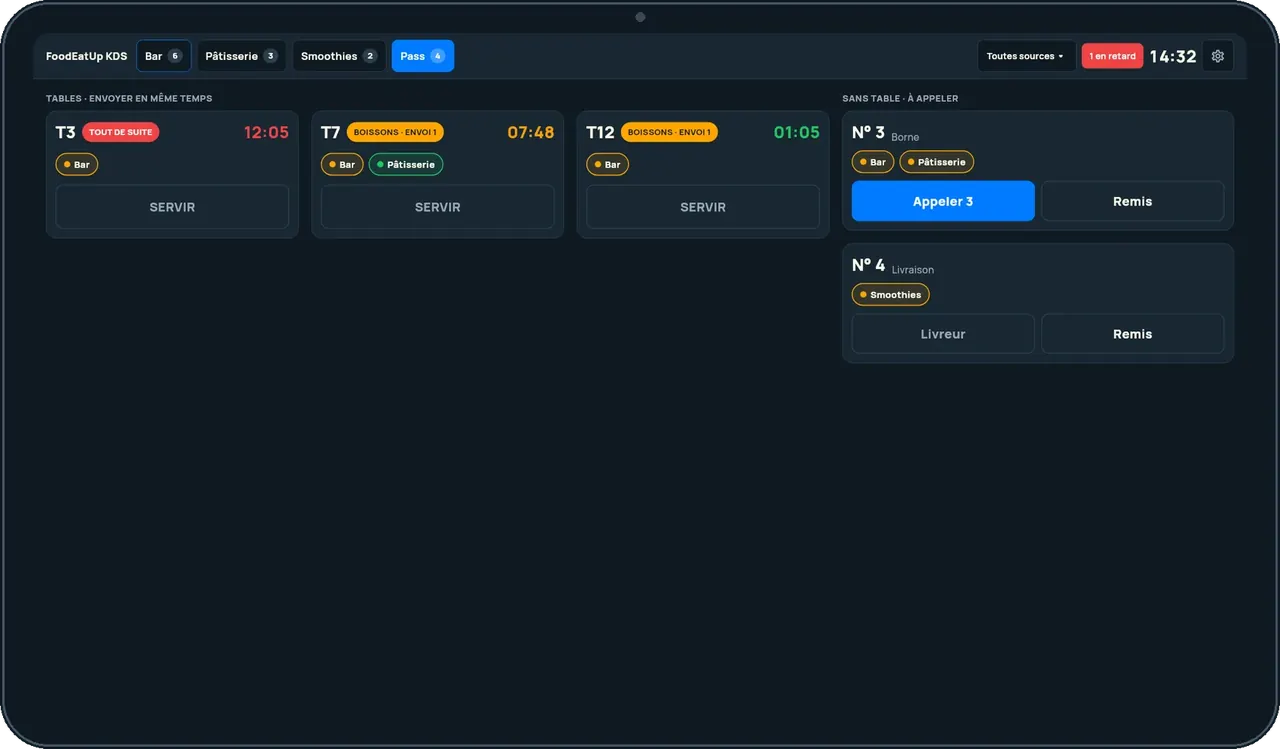
The pass gathers a table’s dishes and calls the number of takeaway orders.
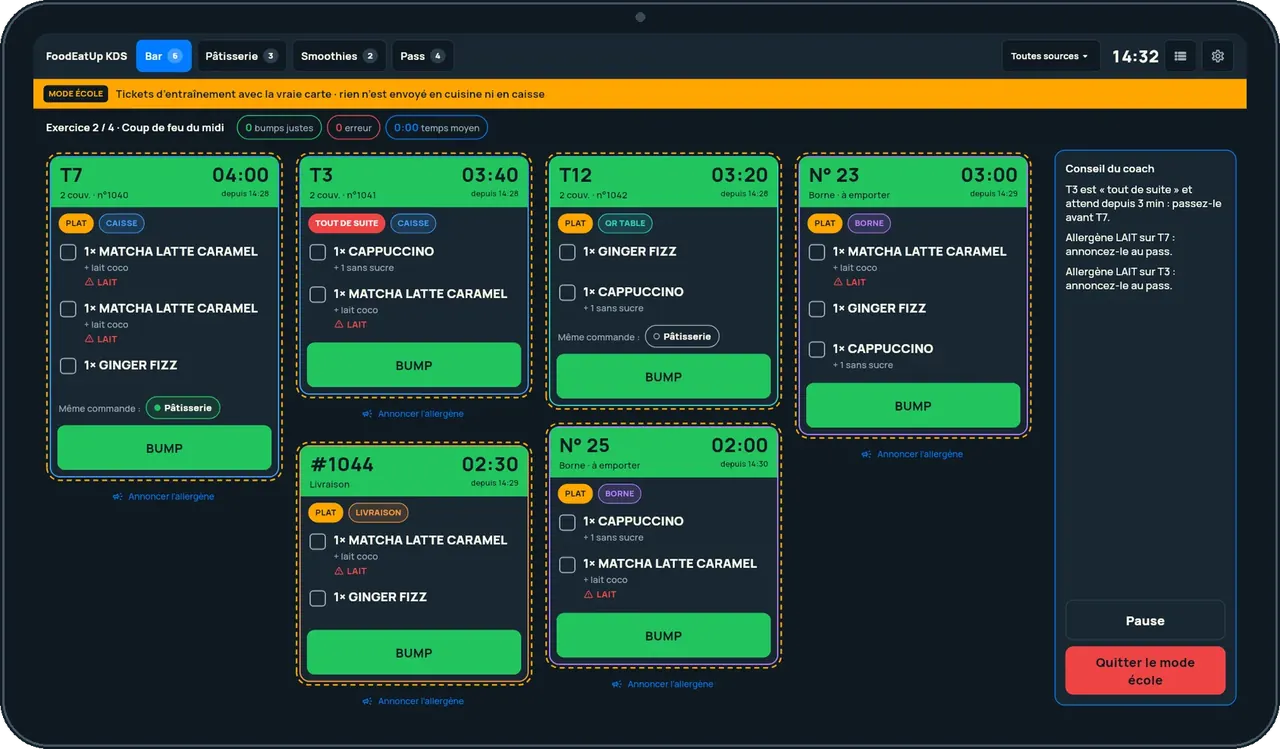
School mode sends practice tickets, with nothing sent to the kitchen or the POS.
One short video per gesture, filmed on the app (in French).
When the order is ready, its number shows on the call screen, facing the customers.
See the kitchen screen tutorial →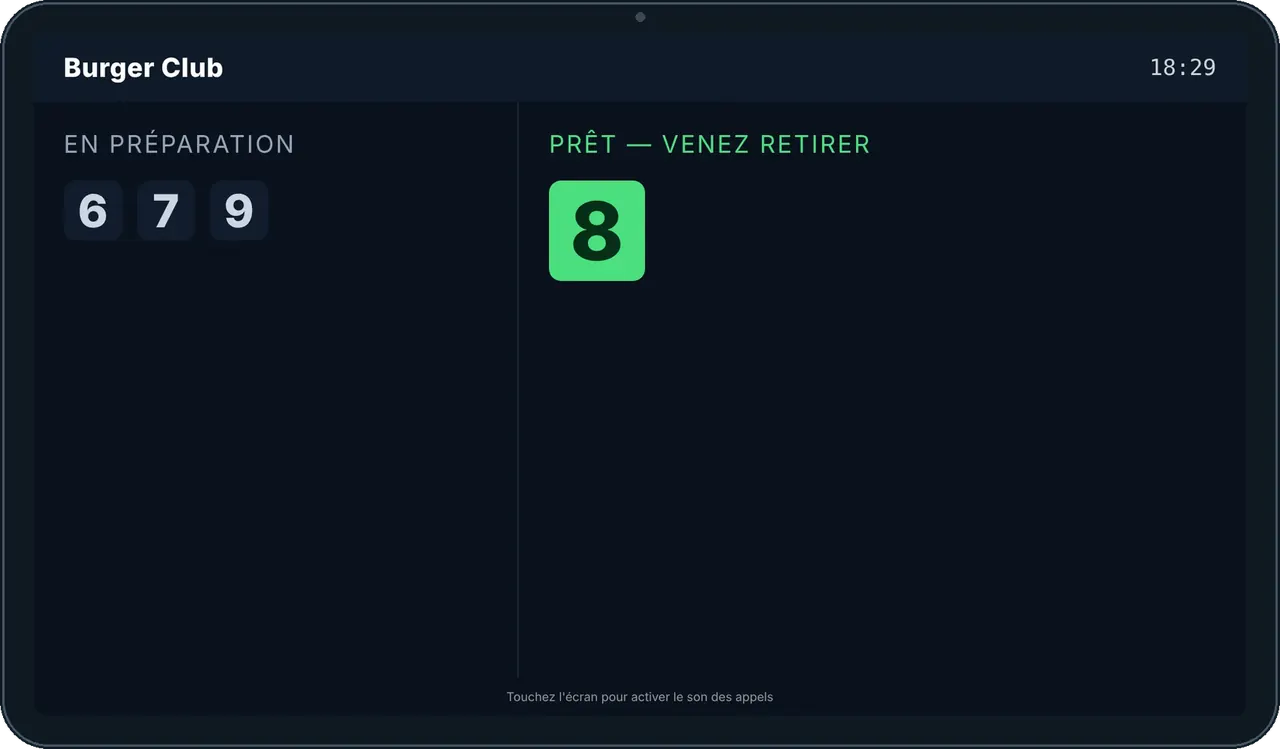
Creates the stations, sets what each one receives and the pace of service in the software.
Follows their station on the tablet, or on their phone.
Claude, ChatGPT or Mistral’s Le Chat, connected to FoodEatUp. Copy the request and replace your establishment number.
In FoodEatUp, for my establishment [number], show the current tickets of station [station name].
What you getThe station’s tickets, with their dishes and waiting time.
Tools used : get_kds_tickets
In FoodEatUp, for my establishment [number], list my kitchen stations and what they have to do.
What you getThe stations, the number of dishes to make and the oldest ticket.
Tools used : list_kds_stations
Dishes arrive on the right station’s screen.
The colour follows the wait.
They are not missed.
The same screen everywhere.
Give each station its own sound: the bar knows the order is for it without looking up.
In FoodEatUp, one action triggers others. Here are the screens that work with this one.
No. The kitchen screen works today in the browser; the tablet app is being prepared.
From the POS, the kiosk, the website and the table QR.
A long press on the dish brings it back.
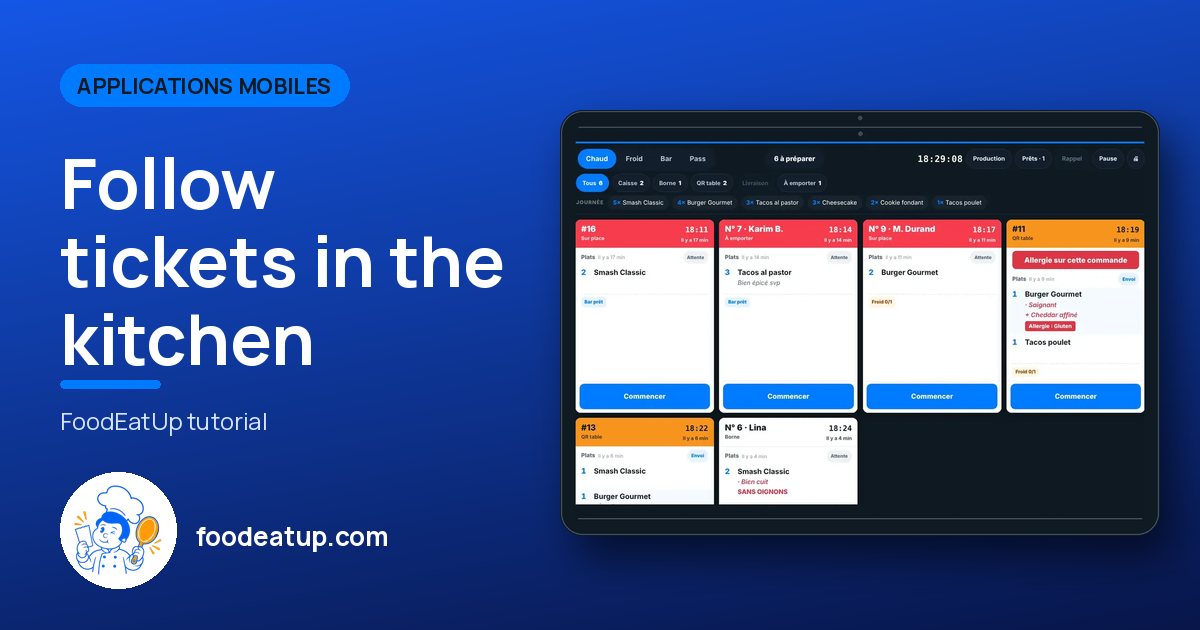
Send it to your team, your partner or your accountant. The image below appears in the message.
Claude, ChatGPT or Le Chat read this tutorial and explain it to you. Connected to FoodEatUp, they do it with you.
Read this FoodEatUp tutorial: https://foodeatup.com/en/academy/applications/app-kds.md Explain it to me simply, step by step, then help me do it in my restaurant. If FoodEatUp is connected to you, do it with me and show me the preview before every change.
Type your establishment number: the link takes you straight to this screen. The number stays on this device.
Discover the kitchen screen (in French) →
Répond avec les fiches du site, sans IA
Le chef cherche dans les fiches…
 Claude
 Le Chat
 ChatGPT