My nights
In FoodEatUp, for my establishment [number], list my Live events and their state.
What you getThe events, their dates and their state.
Tools used : list_live_events
 Applications mobiles · FoodEatUp Live
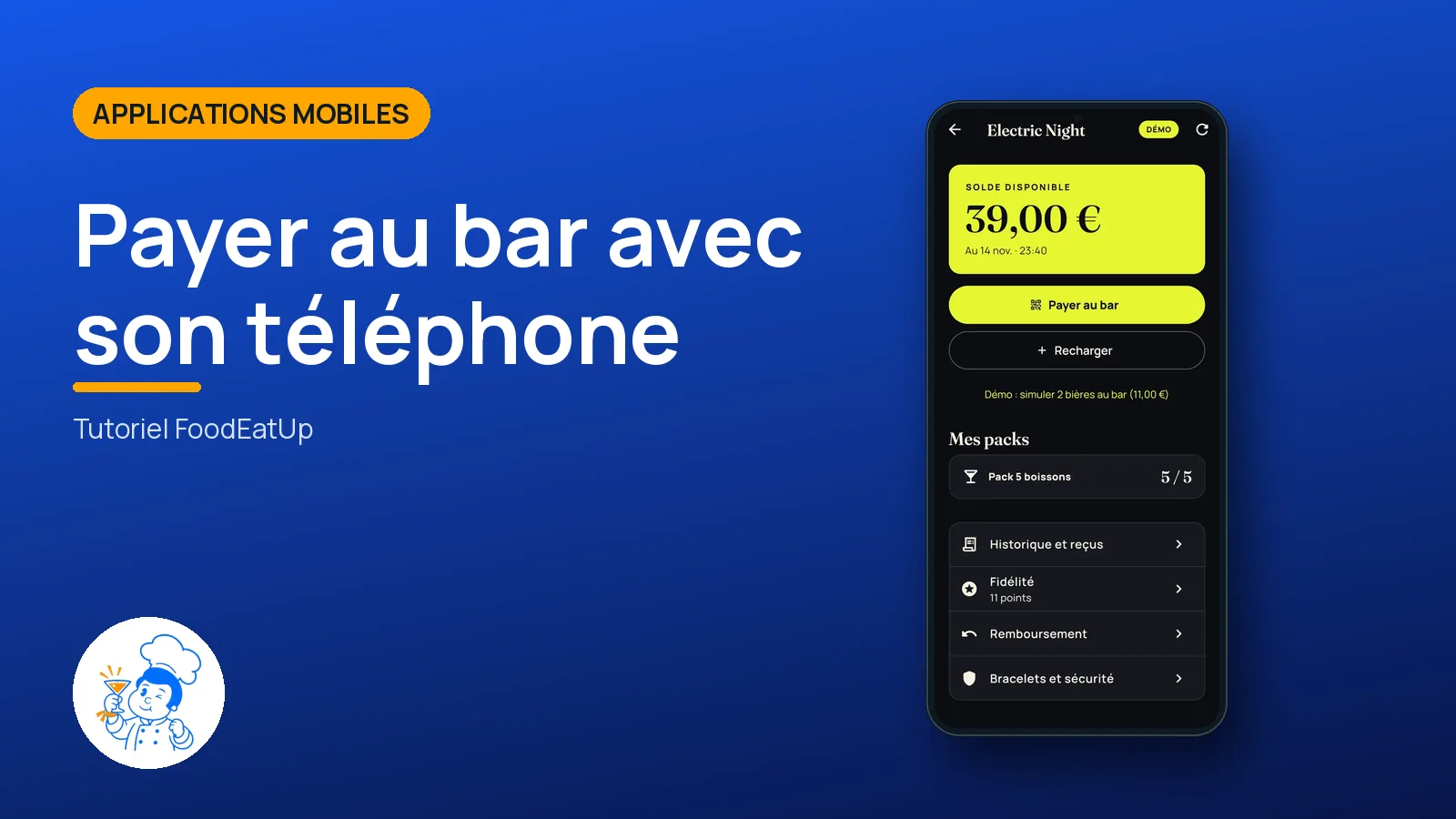
The customer app for a FoodEatUp Live night: they join the event, top up their balance and show the bar a QR that changes every minute.
 Barman
 Responsable multi-sites
The owner always has access. See what each role sees →
The customer’s Android phone. With nothing to install, the event address also opens in the browser.
The real software screens, as they appear on each device.
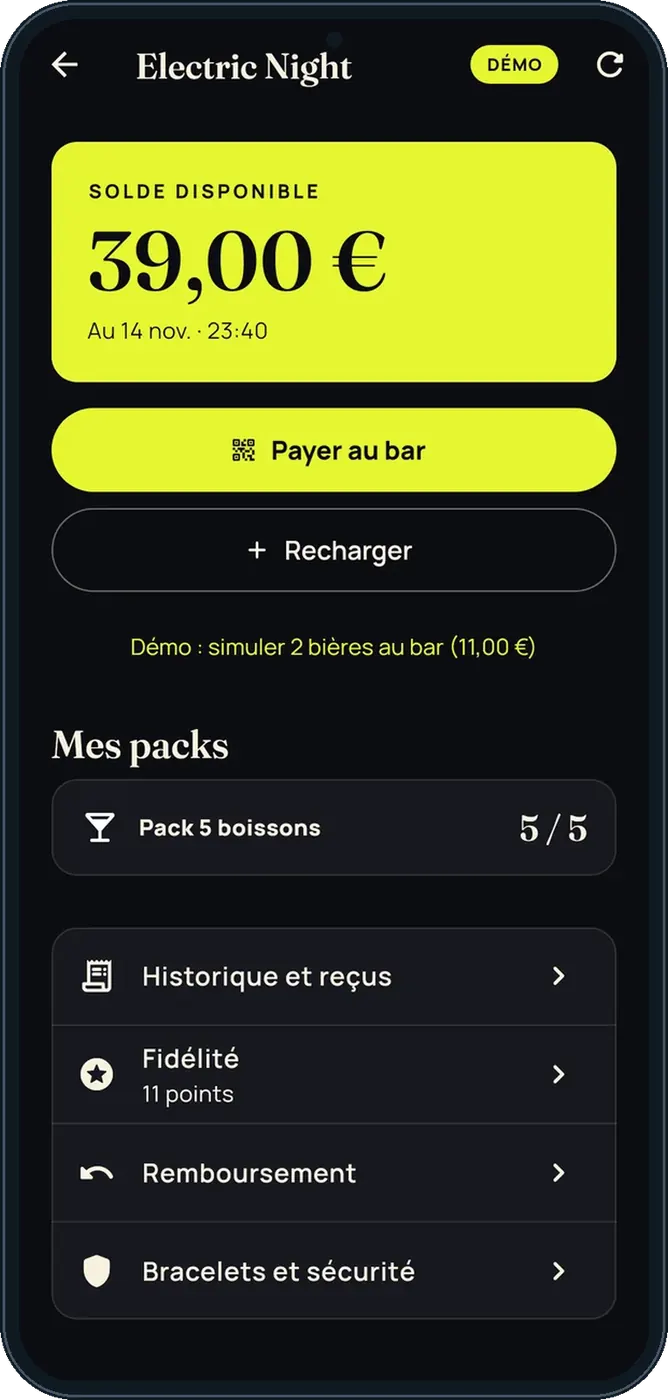
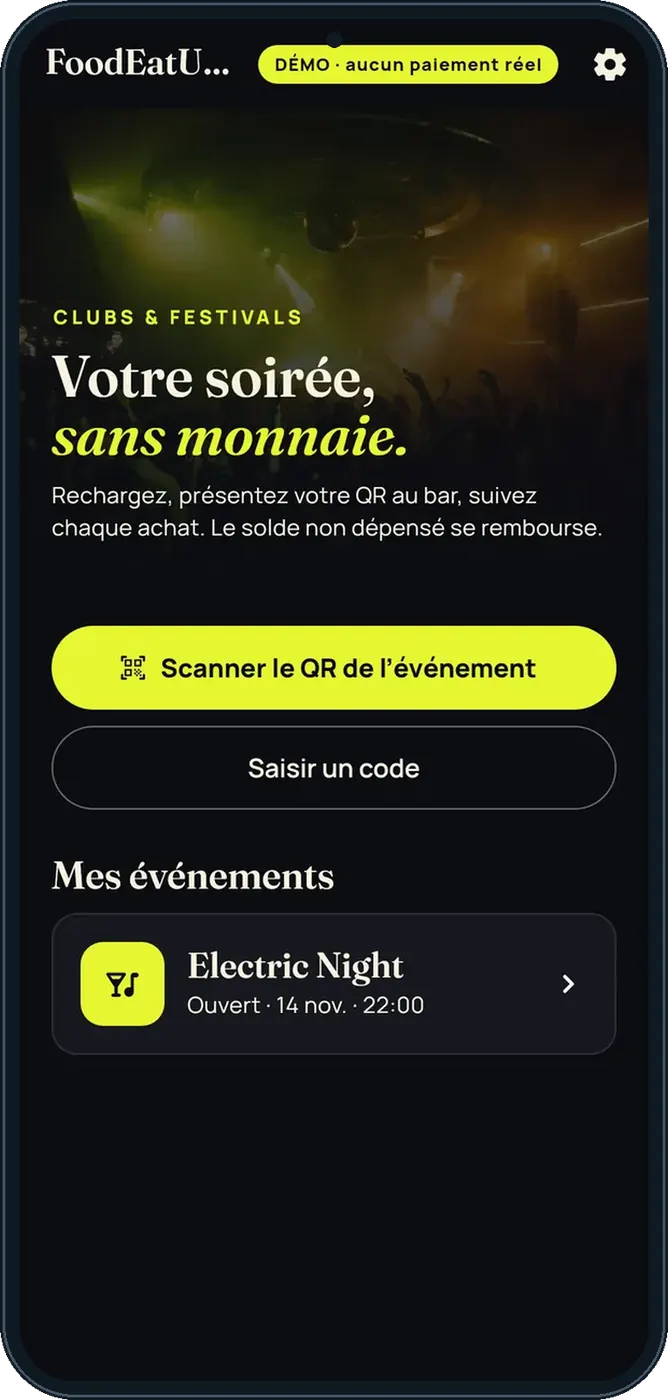
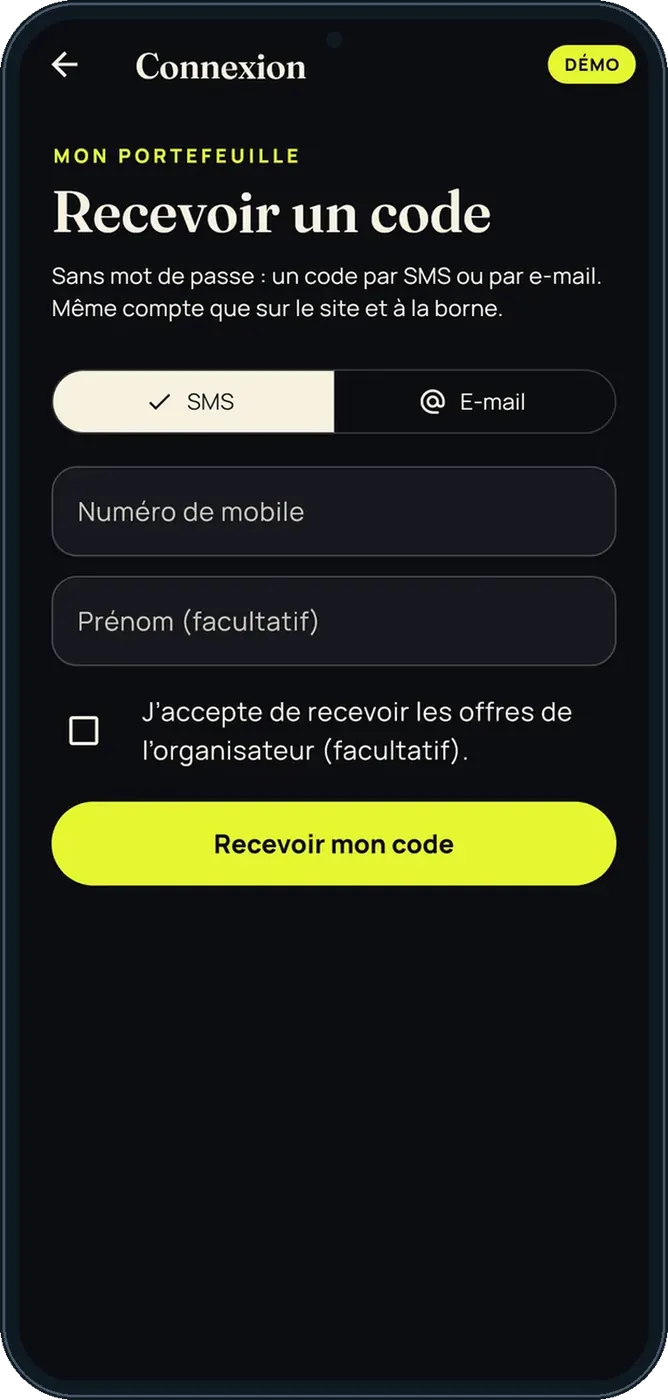
Pay at the bar with your phone : 5 steps, with the real software screens.
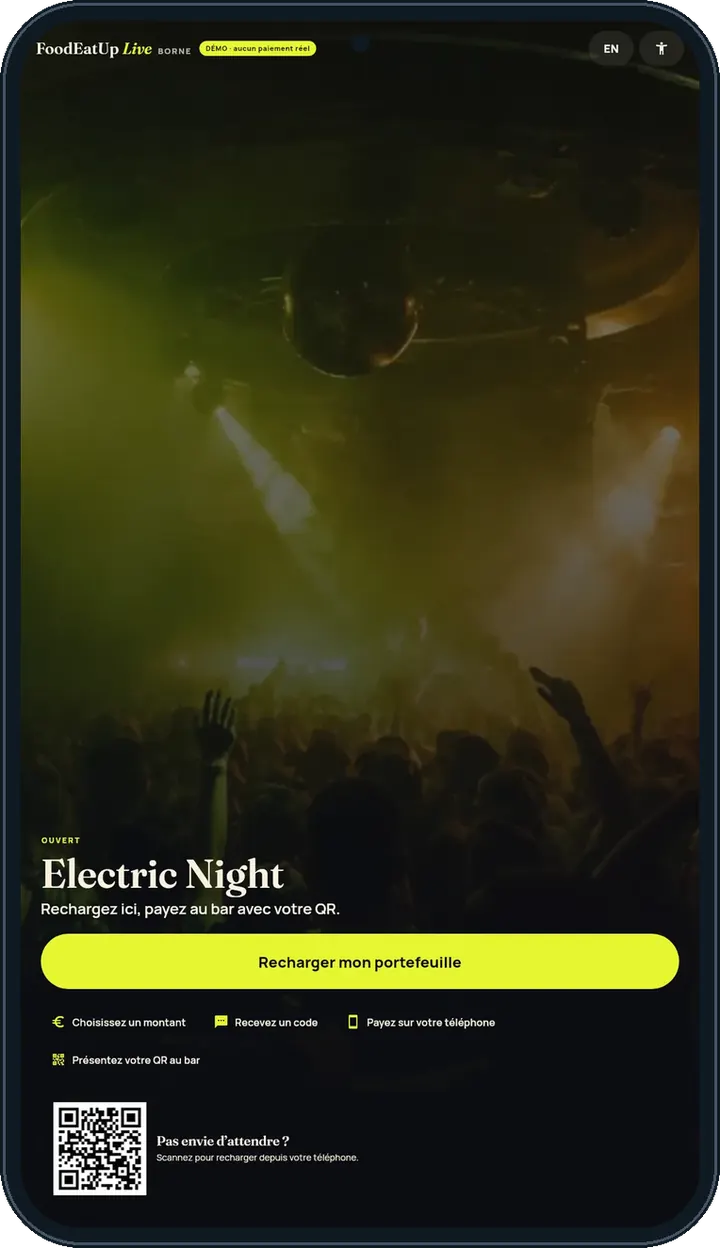
Scan the event’s QR code: the night’s home screen opens.
Enter the code received by SMS or e-mail.
Choose an offer and pay in the secure browser.
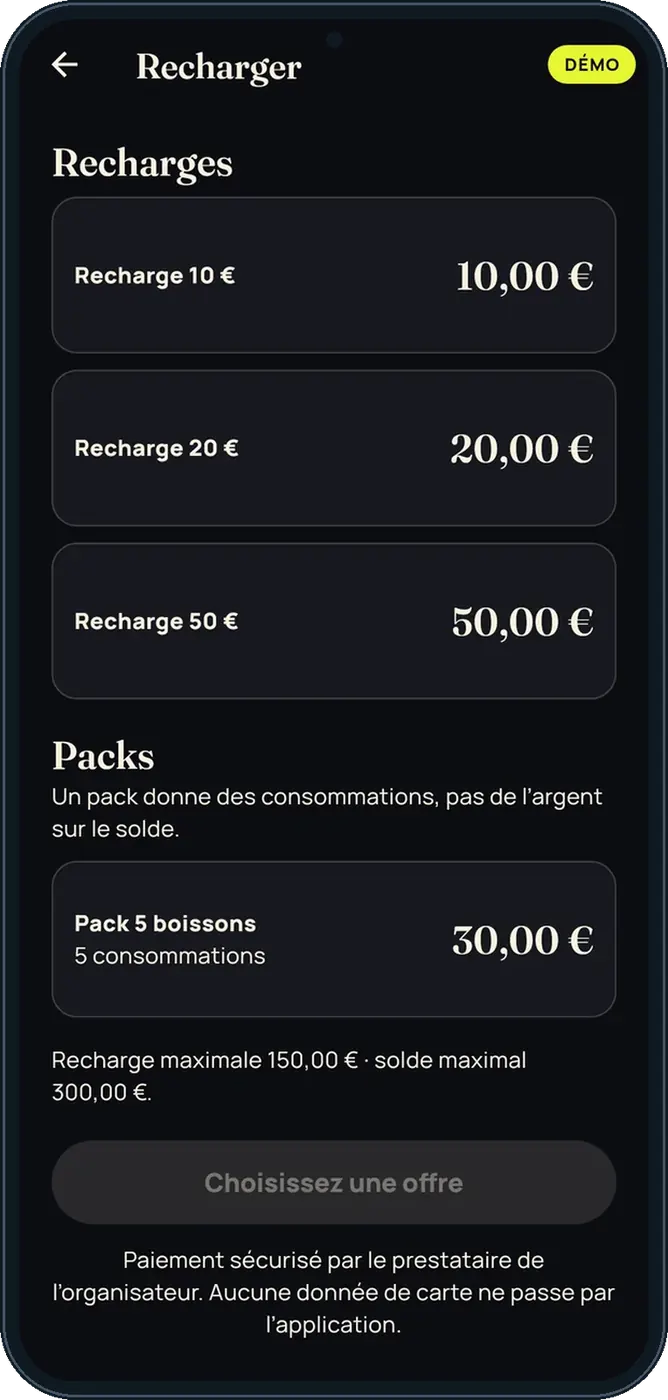
Show the QR: it changes every minute.
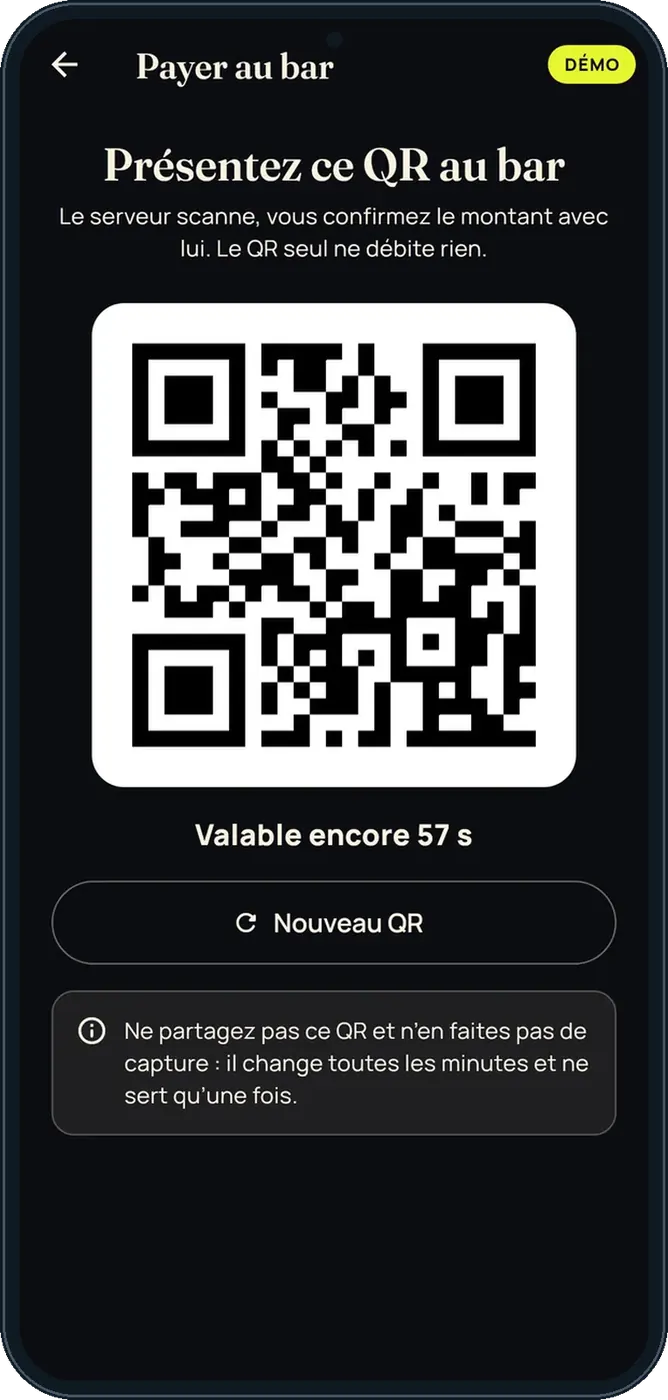
The history keeps each purchase and top-up.
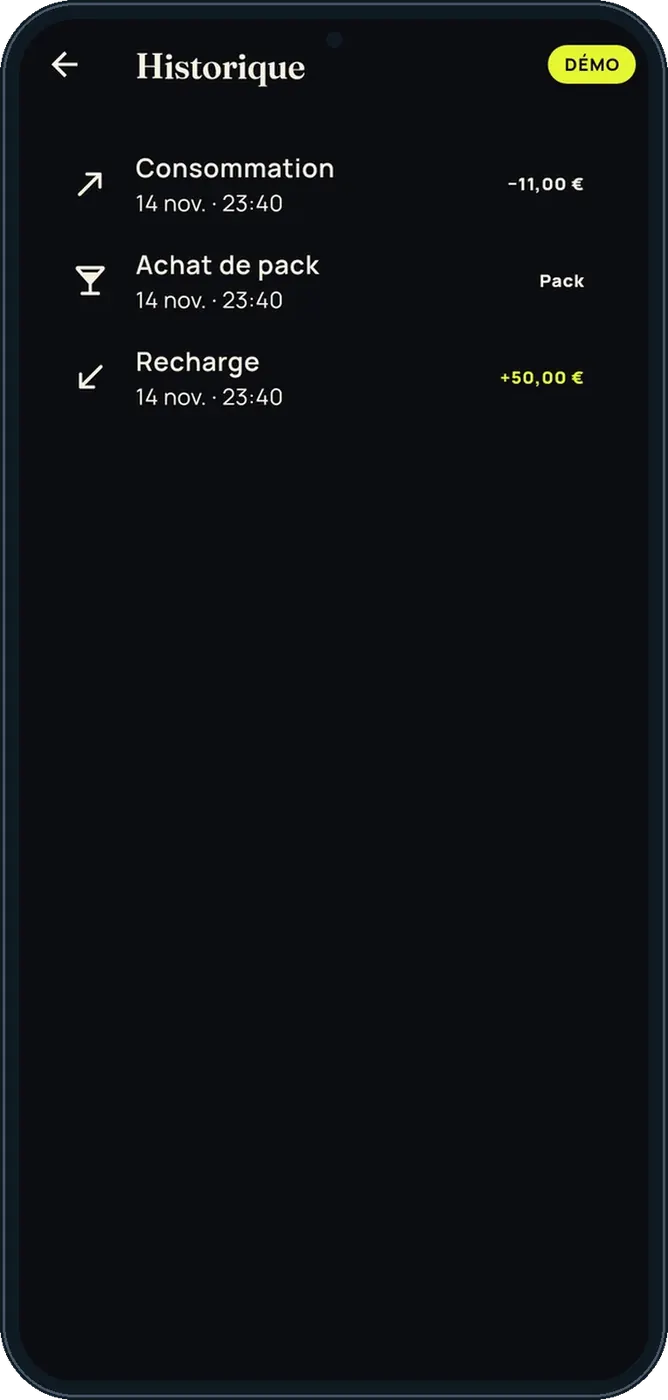
The customer sees their balance, packs and receipts; they pay at the bar with a QR.
See the FoodEatUp Live tutorial →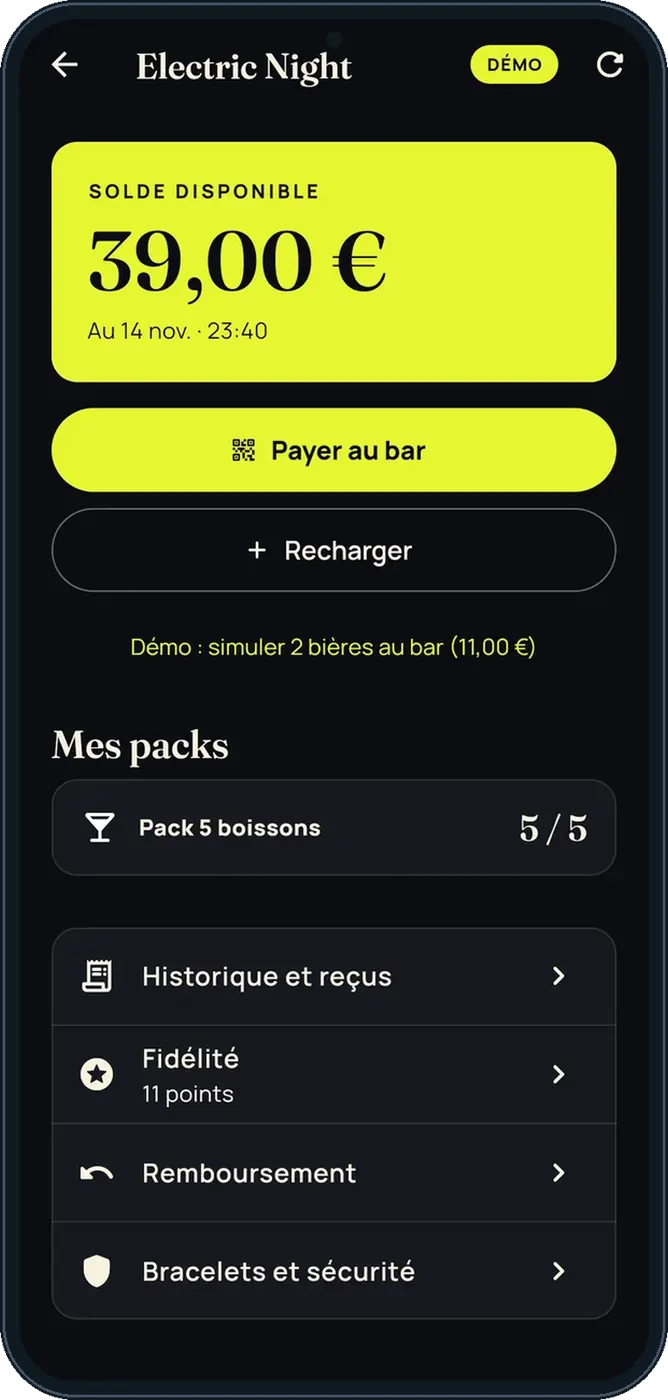
Creates the event, its top-up offers and kiosks in the software.
On site, the kiosk also lets people top up with the same account.
Claude, ChatGPT or Mistral’s Le Chat, connected to FoodEatUp. Copy the request and replace your establishment number.
In FoodEatUp, for my establishment [number], list my Live events and their state.
What you getThe events, their dates and their state.
Tools used : list_live_events
In FoodEatUp, for my establishment [number], give me the figures of the event [event name].
What you getThe night’s top-ups, sales and refunds.
Tools used : get_live_event_stats
A QR and it is paid.
Every minute.
Web, kiosk and app.
Nothing is lost.
Show the event QR code at the entrance: customers top up while queuing, not at the bar.
In FoodEatUp, one action triggers others. Here are the screens that work with this one.
No. The event address also opens in the browser.
Yes. A demo mode offers a fictional event, with the code 123456.
The customer can ask for a refund.
Send it to your team, your partner or your accountant. The image below appears in the message.
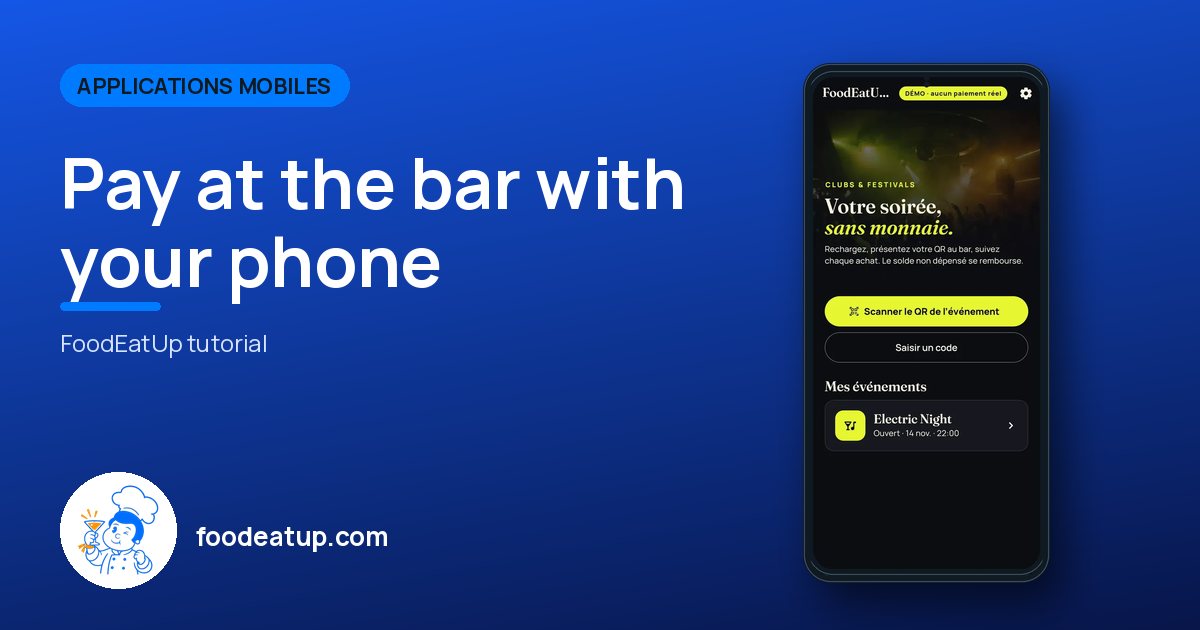
Claude, ChatGPT or Le Chat read this tutorial and explain it to you. Connected to FoodEatUp, they do it with you.
Read this FoodEatUp tutorial: https://foodeatup.com/en/academy/applications/app-live.md Explain it to me simply, step by step, then help me do it in my restaurant. If FoodEatUp is connected to you, do it with me and show me the preview before every change.
Type your establishment number: the link takes you straight to this screen. The number stays on this device.
Discover FoodEatUp Live (in French) →
Répond avec les fiches du site, sans IA
Le chef cherche dans les fiches…
 Claude
 Le Chat
 ChatGPT