What is left to do
In FoodEatUp, for my establishment [number], tell me what is left to do today in HACCP.
What you getToday’s missing readings and checks, most urgent first.
Tools used : get_haccp_todo
 Applications mobiles · HACCP
The FoodEatUp HACCP app: each hygiene reading is done with one gesture or by voice, signed with the employee’s name, and joins the FoodEatUp account.
 Chef de cuisine
 Second de cuisine
 Commis / cuisinier
The owner always has access. See what each role sees →
The employee’s phone or a kitchen tablet, Android 8 and later. On Google Play. The HACCP module is required.
The real software screens, as they appear on each device.
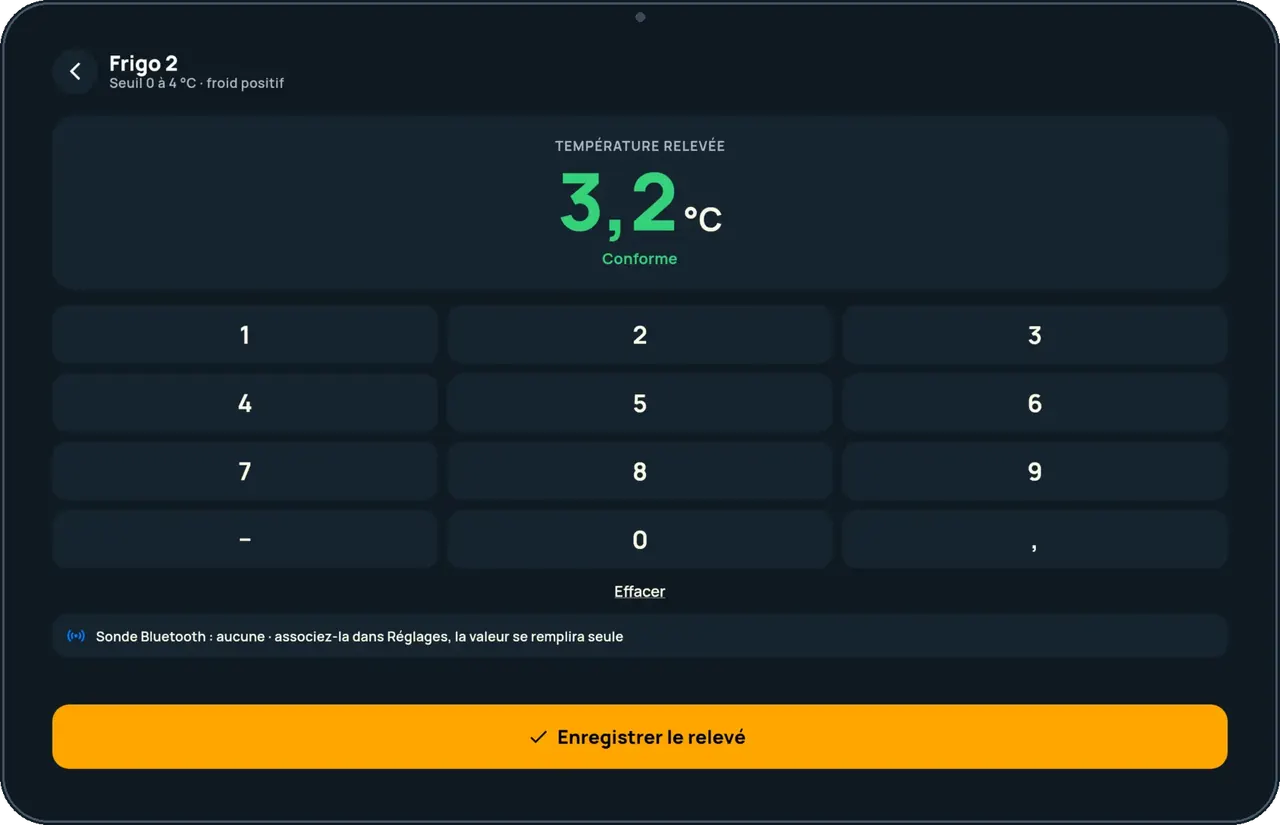
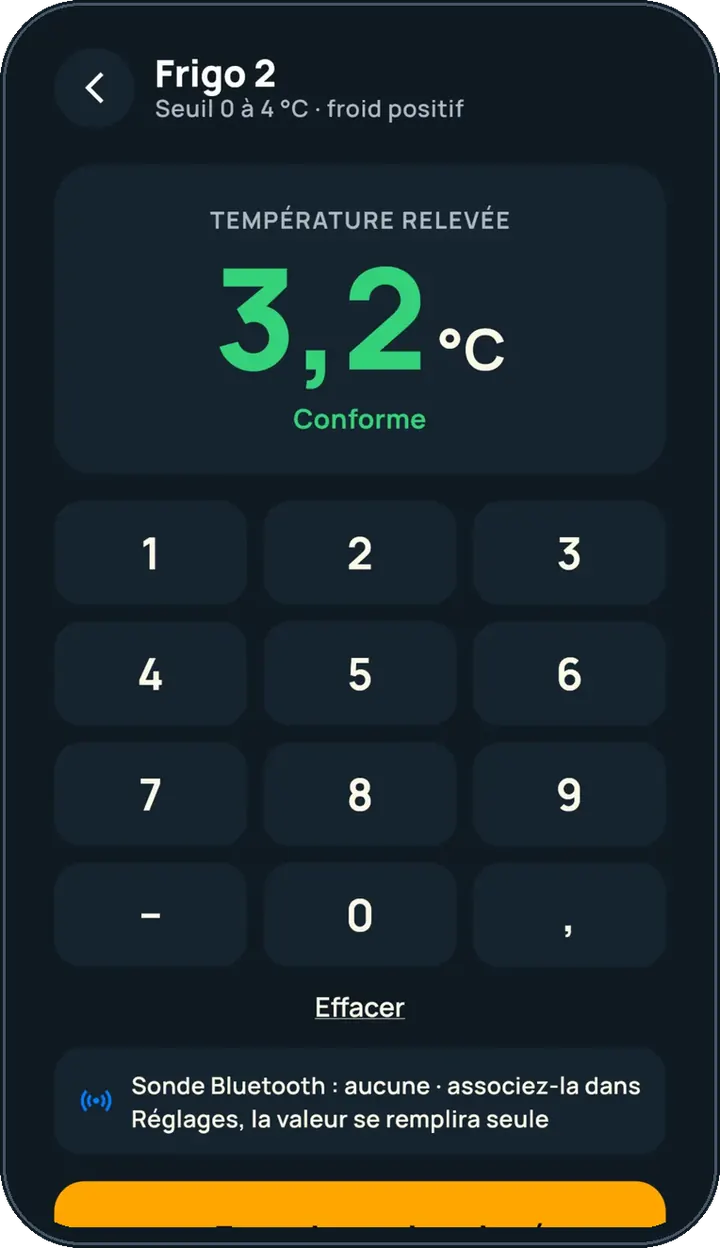
Take my readings on the phone : 5 steps, with the real software screens.
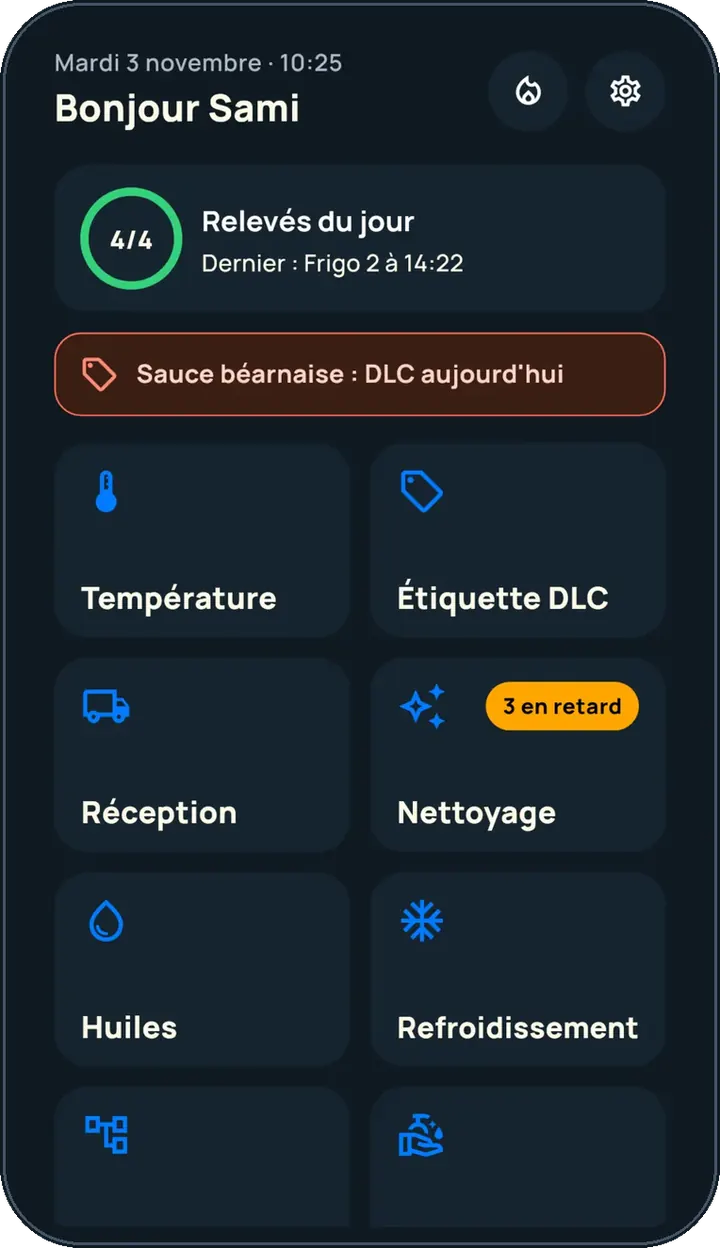
The home screen shows what is left to do today.
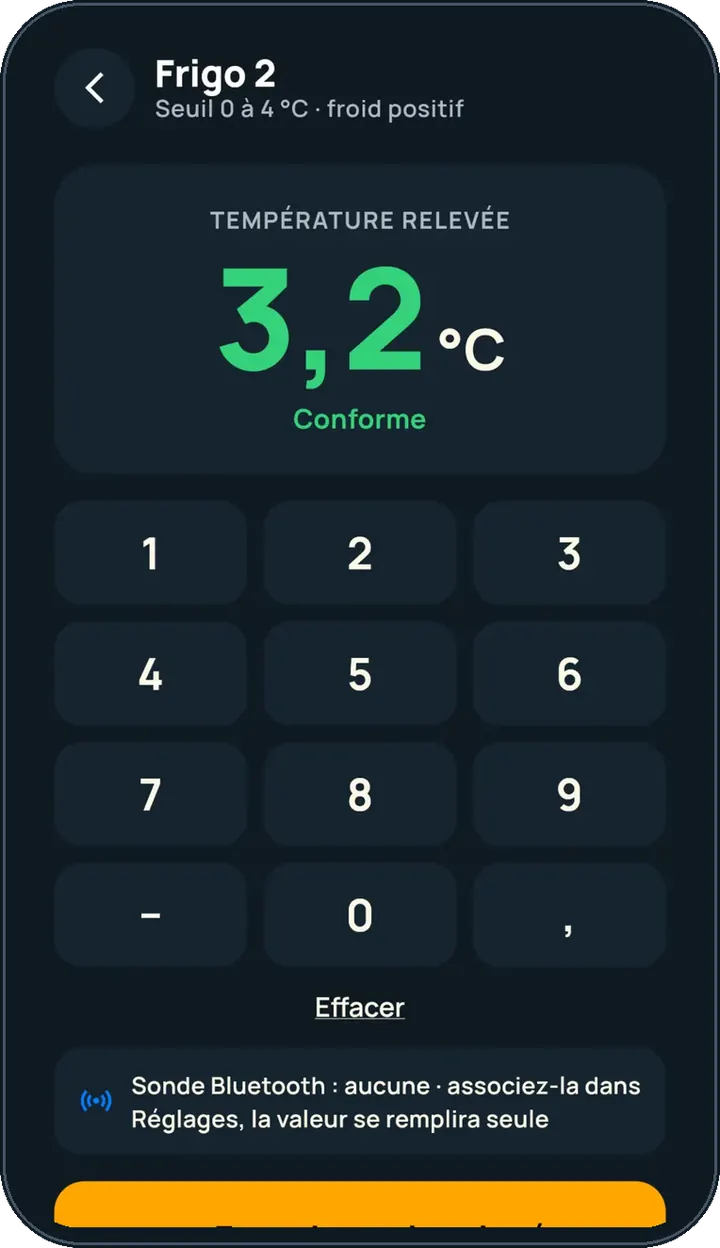
Choose the equipment and enter the temperature: the verdict shows straight away.
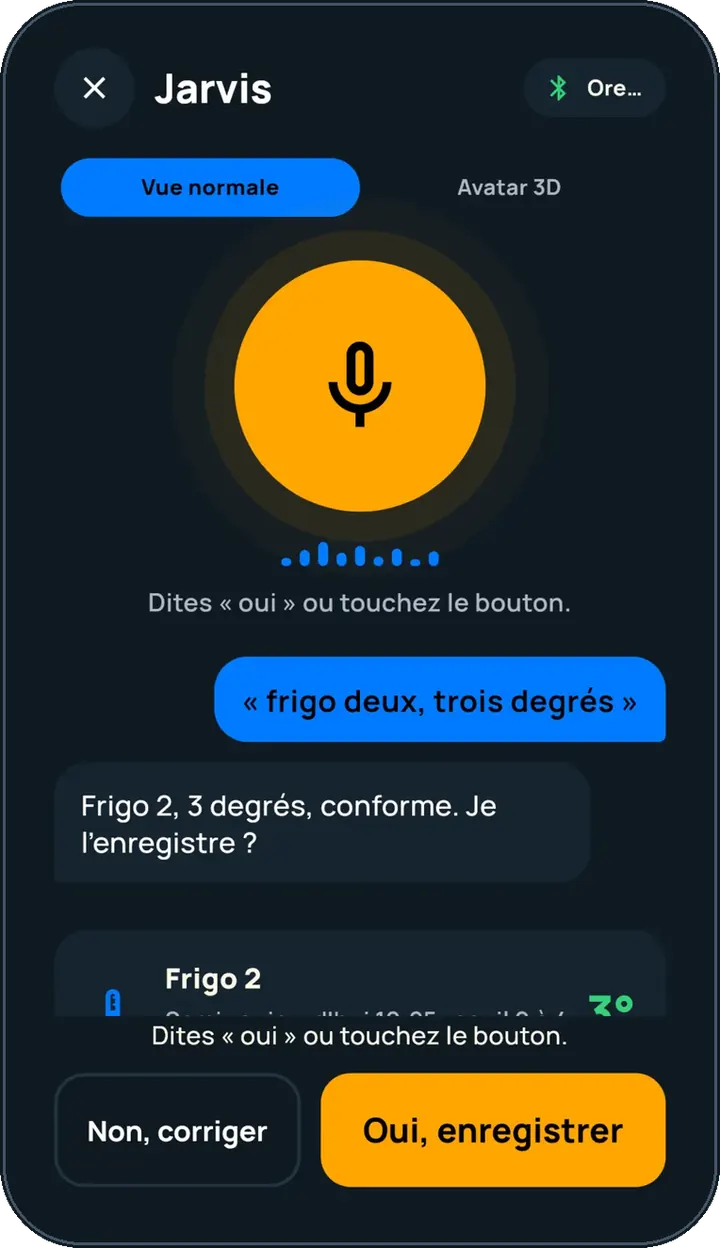
Say the reading aloud; Jarvis repeats it and waits for your “yes”.
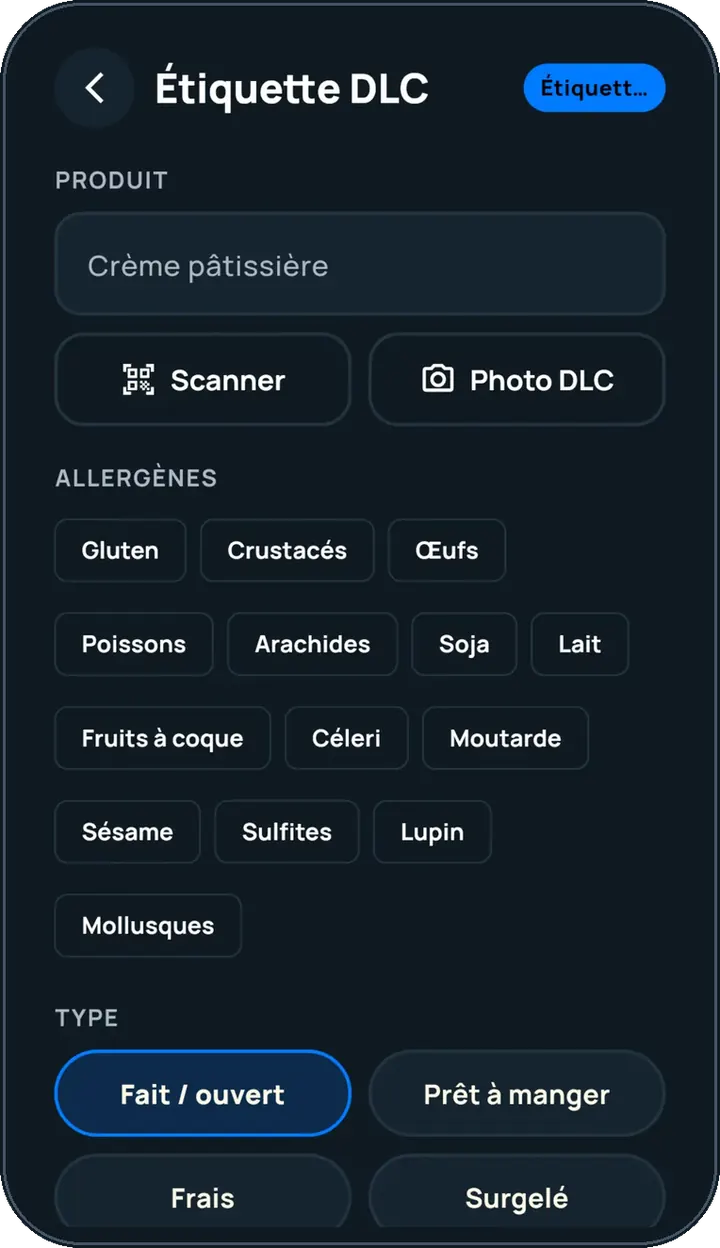
The label shows the product’s use-by date and allergens.
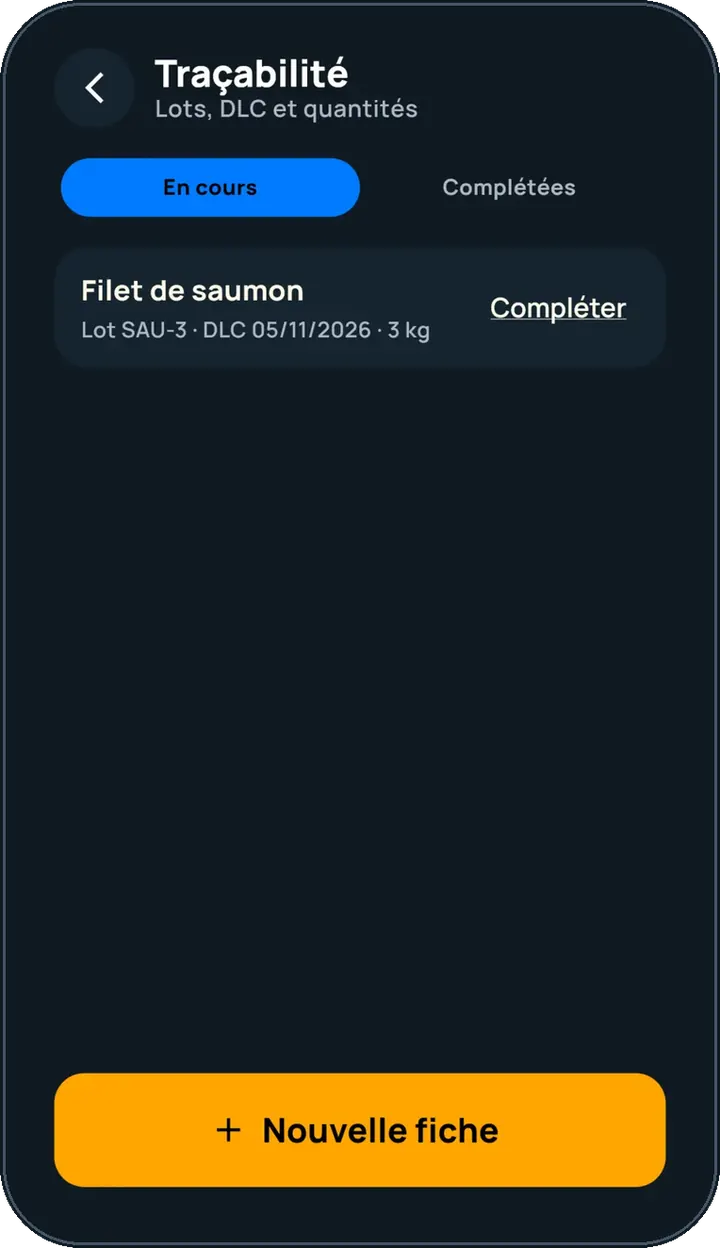
The traceability record keeps the batch and its date.
One short video per gesture, filmed on the app (in French).
Every reading is in the history, with its author and time, ready to export.
See the history tutorial →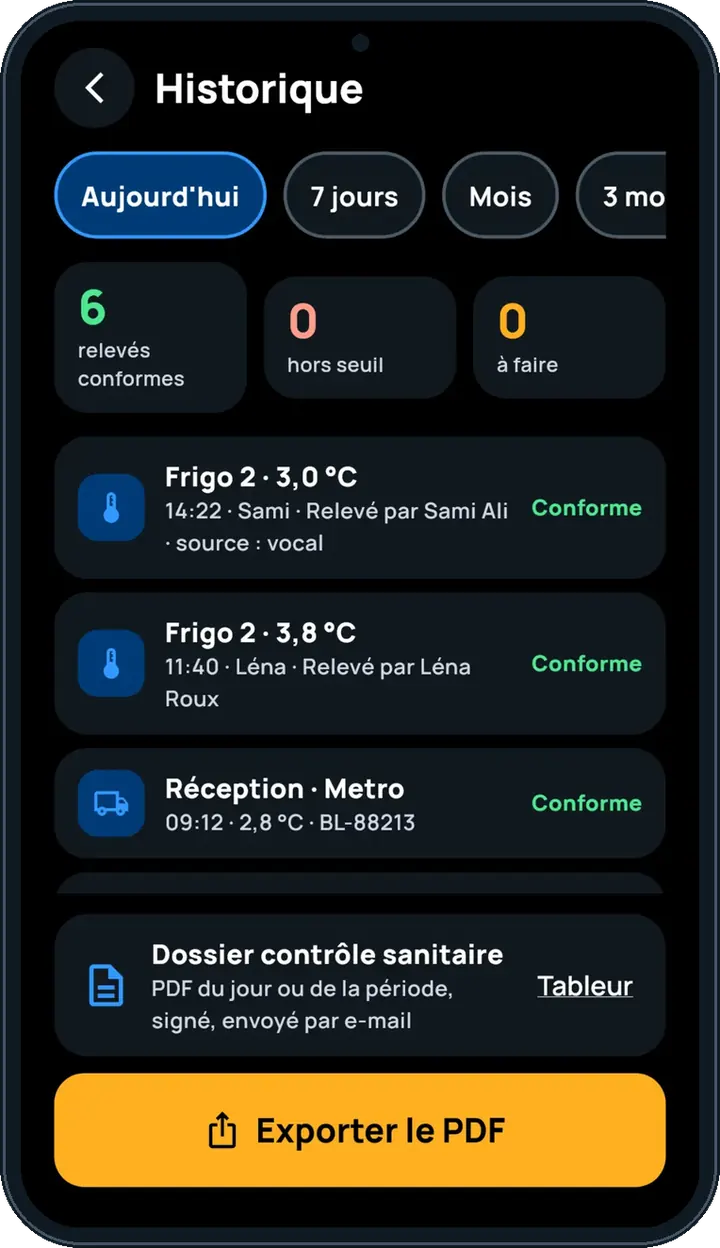
Finds every reading in the software’s register and exports it as PDF on inspection day.
Takes readings in their own name, by gesture or by voice.
Claude, ChatGPT or Mistral’s Le Chat, connected to FoodEatUp. Copy the request and replace your establishment number.
In FoodEatUp, for my establishment [number], tell me what is left to do today in HACCP.
What you getToday’s missing readings and checks, most urgent first.
Tools used : get_haccp_todo
In FoodEatUp, for my establishment [number], list the HACCP non-conformities of the last 7 days.
What you getOut-of-range readings and non-compliant checks.
Tools used : list_non_conformities
By gesture or by voice.
In the employee’s name.
Readings wait then leave.
The history exports as PDF.
Turn on phone alerts: an out-of-range reading or forgotten cleaning warns you before the inspection.
In FoodEatUp, one action triggers others. Here are the screens that work with this one.
No. It repeats the reading and only saves after your “yes”.
Readings are kept on the device, then sent.
French, English, Tamil and Arabic.
Send it to your team, your partner or your accountant. The image below appears in the message.
Claude, ChatGPT or Le Chat read this tutorial and explain it to you. Connected to FoodEatUp, they do it with you.
Read this FoodEatUp tutorial: https://foodeatup.com/en/academy/applications/app-haccp.md Explain it to me simply, step by step, then help me do it in my restaurant. If FoodEatUp is connected to you, do it with me and show me the preview before every change.
Type your establishment number: the link takes you straight to this screen. The number stays on this device.
Discover paperless HACCP (in French) →
Répond avec les fiches du site, sans IA
Le chef cherche dans les fiches…
 Claude
 Le Chat
 ChatGPT