
Aller au contenu
Voice agent · Voice

Set up Caroline

Here you decide how Caroline answers: her instructions, her voice, her greeting and her number. You create your restaurant’s agent, and you choose when she hands the call to a person.

  • Computer
  • 5 steps
  • Level : Intermediate
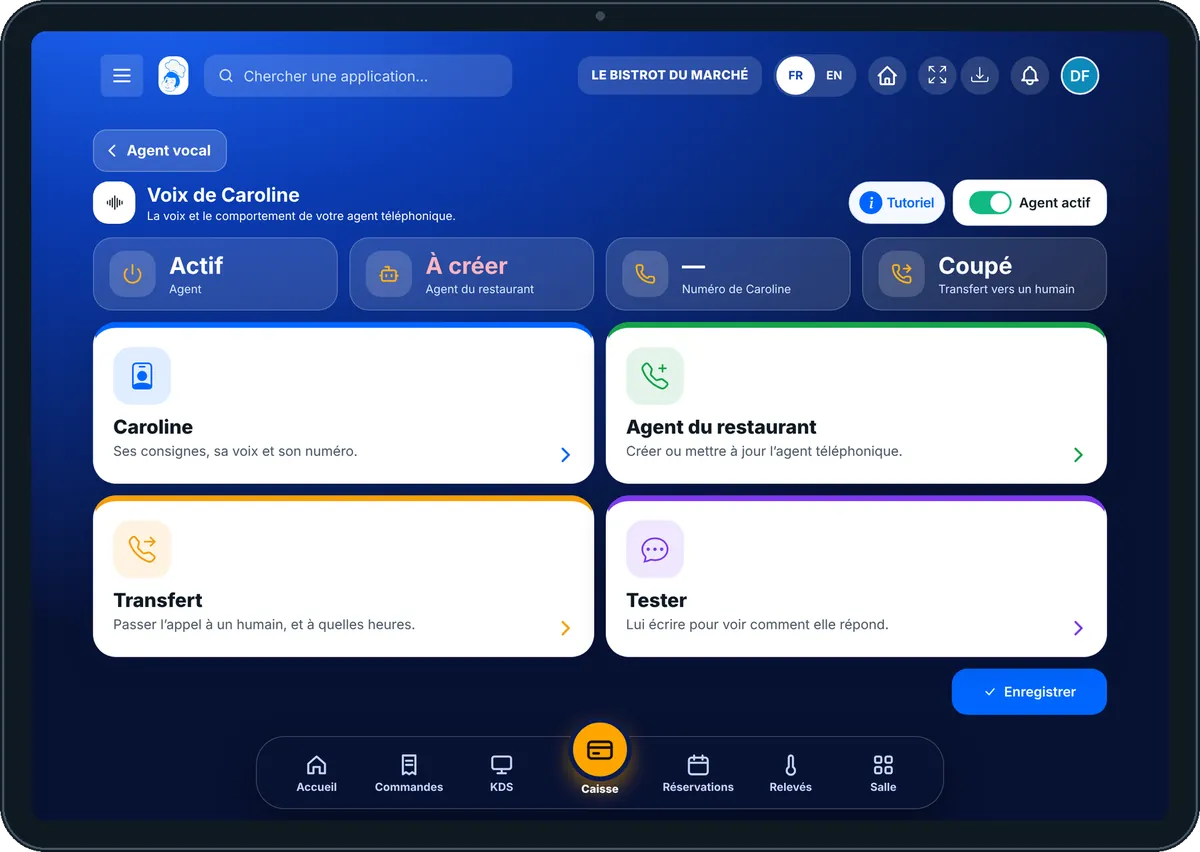
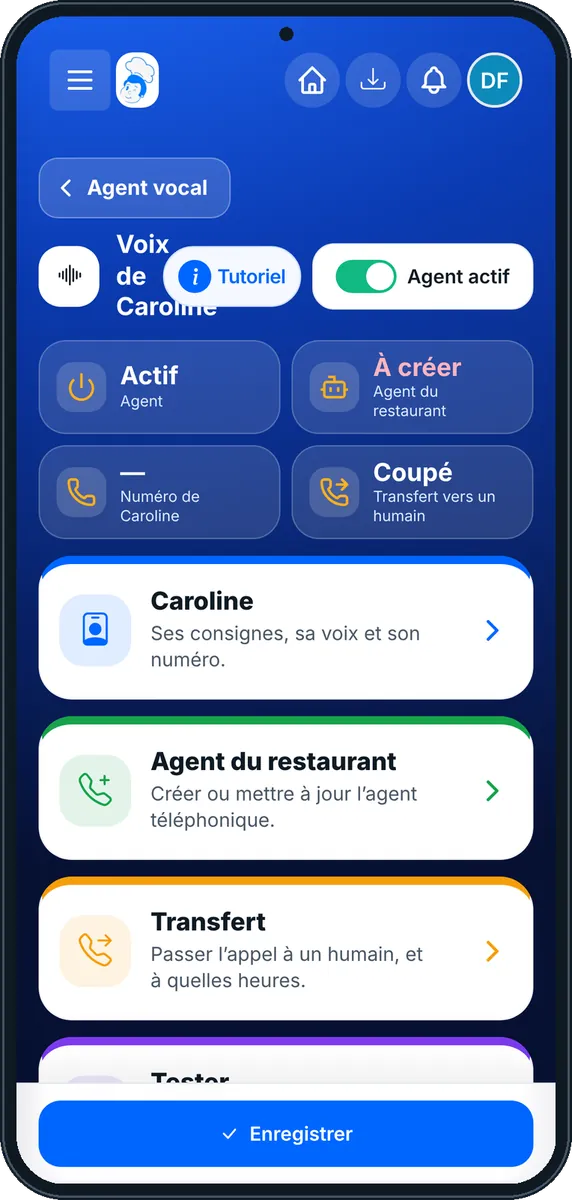
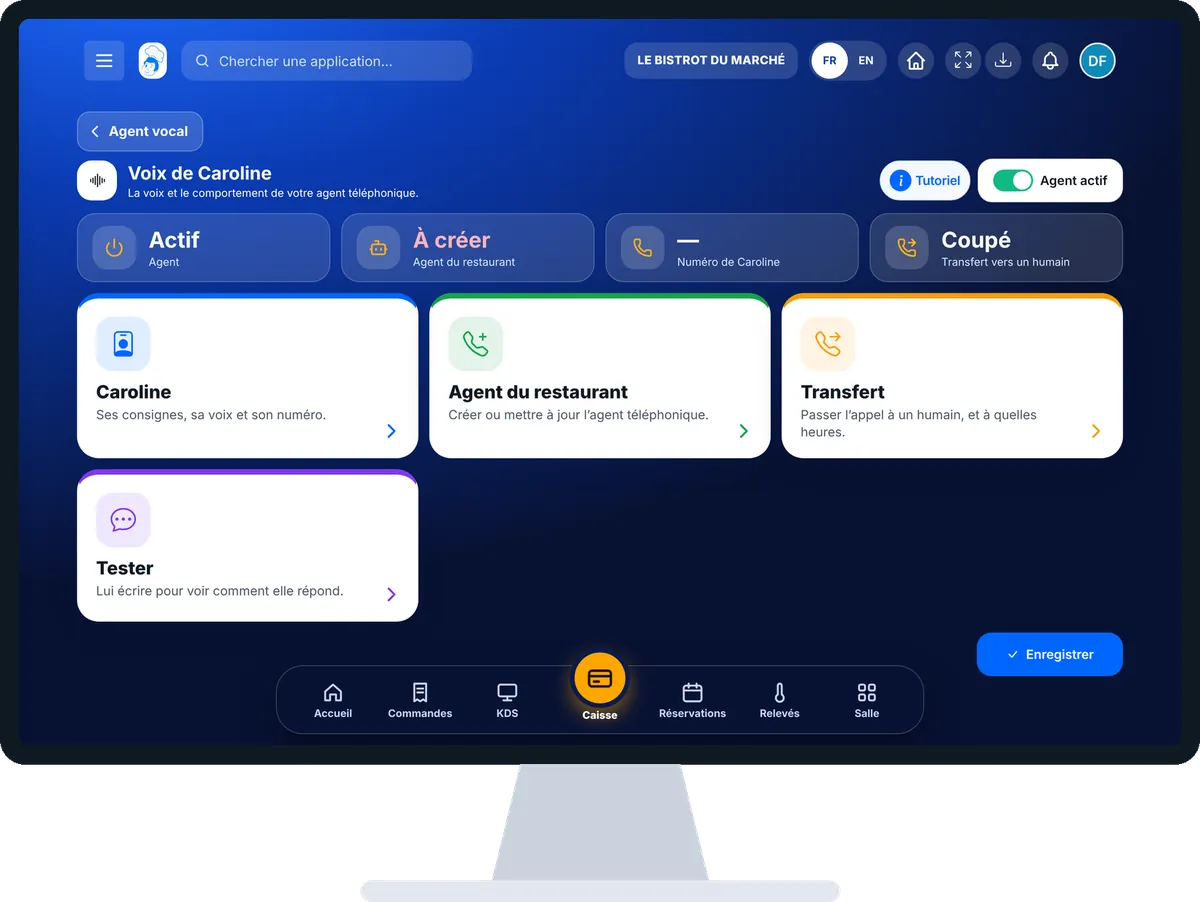
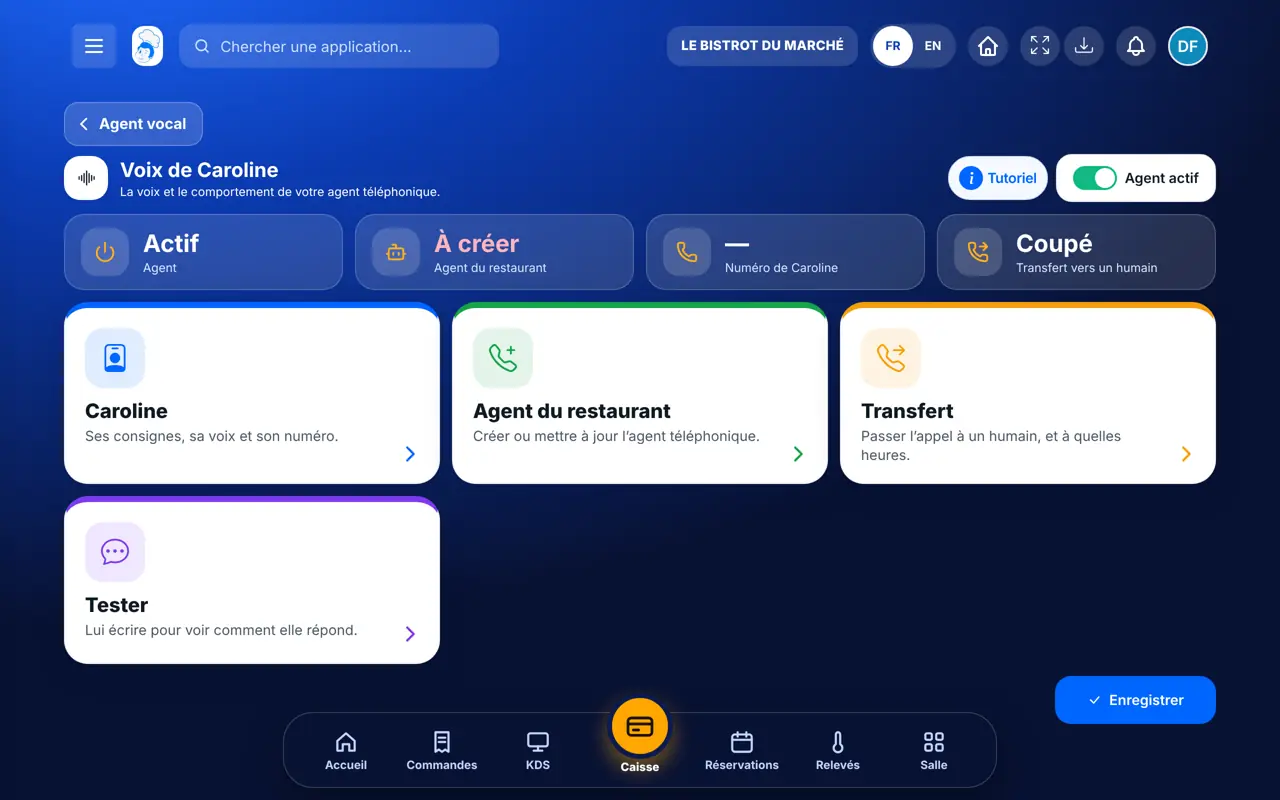
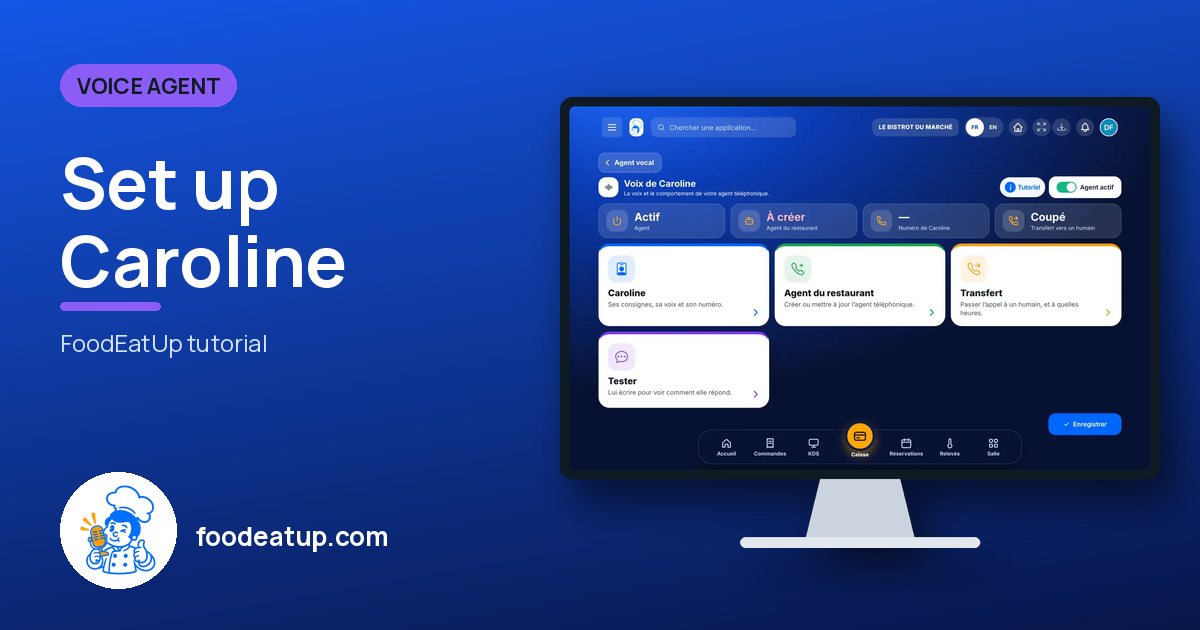
Set up Caroline : The Voix de Caroline screen: its four functions and the agent status

Who is it for?

  • Patron / gérant
  • Directeur
  • Responsable de salle

Roles with access

  • Gérant·e
  • Boutique (réseau)
  • Franchisé·e (réseau)
  • Directeur·rice d'établissement

The owner always has access. See what each role sees →

Recommended hardware

Computer

A computer, in a quiet moment. Caroline’s instructions are easier to write and read again on a large screen.

See the hardware →

What it is for

  • Write Caroline’s instructions, choose her voice, her language, her greeting and her number.
  • Create your restaurant’s phone agent, then update it after each change.
  • Set the transfer to a person: which number rings, at what times, and what to do if nobody picks up.

Why set it up

  • Each restaurant has its own agent. It only reads the menu, opening hours and customers of that restaurant.
  • A customer who wants to talk to someone is not left alone: Caroline hands over the call, or notes the request so that you call back.
  • You test her answers in writing before a real customer calls.

The same screen, on every device

The real software screens, as they appear on each device.

Voice — On the tablet
On the tablet
Voice — On the phone
On the phone
Voice — On the computer
On the computer

Step by step

Set up Caroline : 5 steps, with the real software screens.

  1. 1Step 1

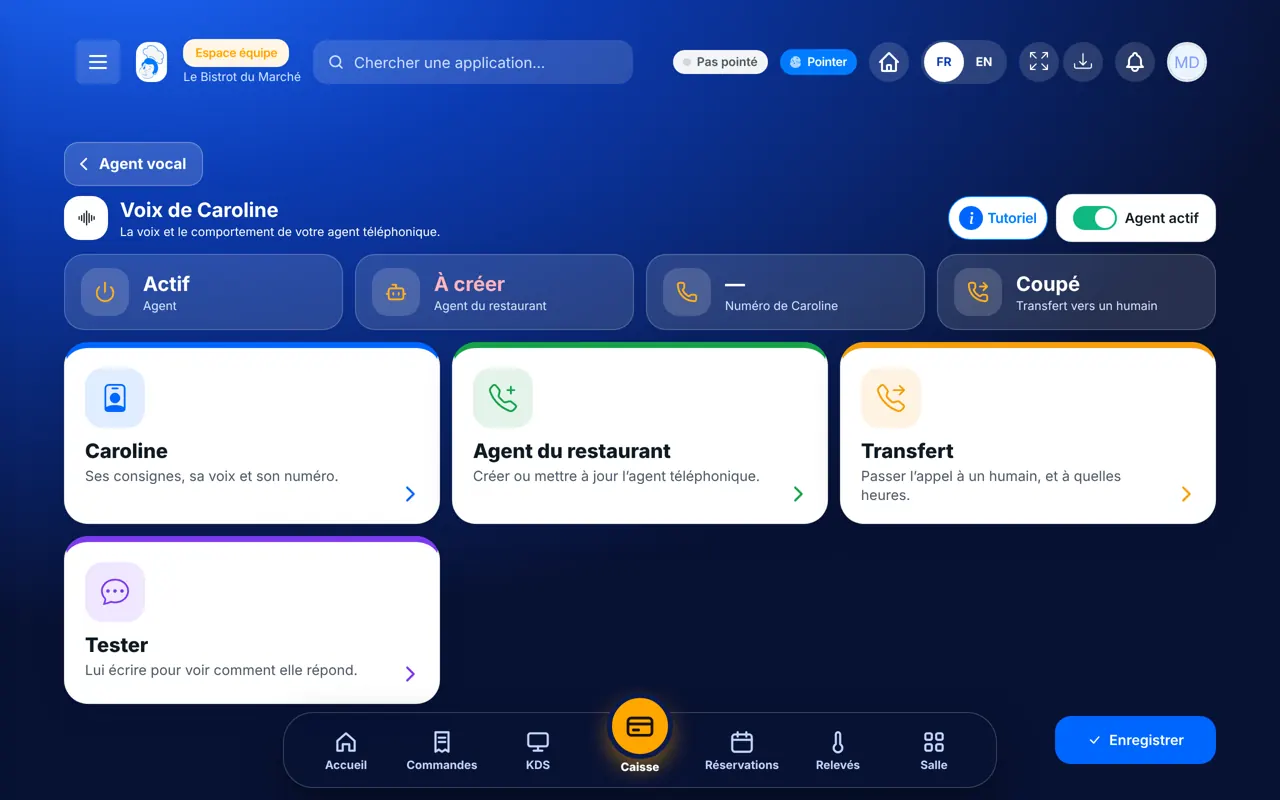
    Open Caroline’s voice

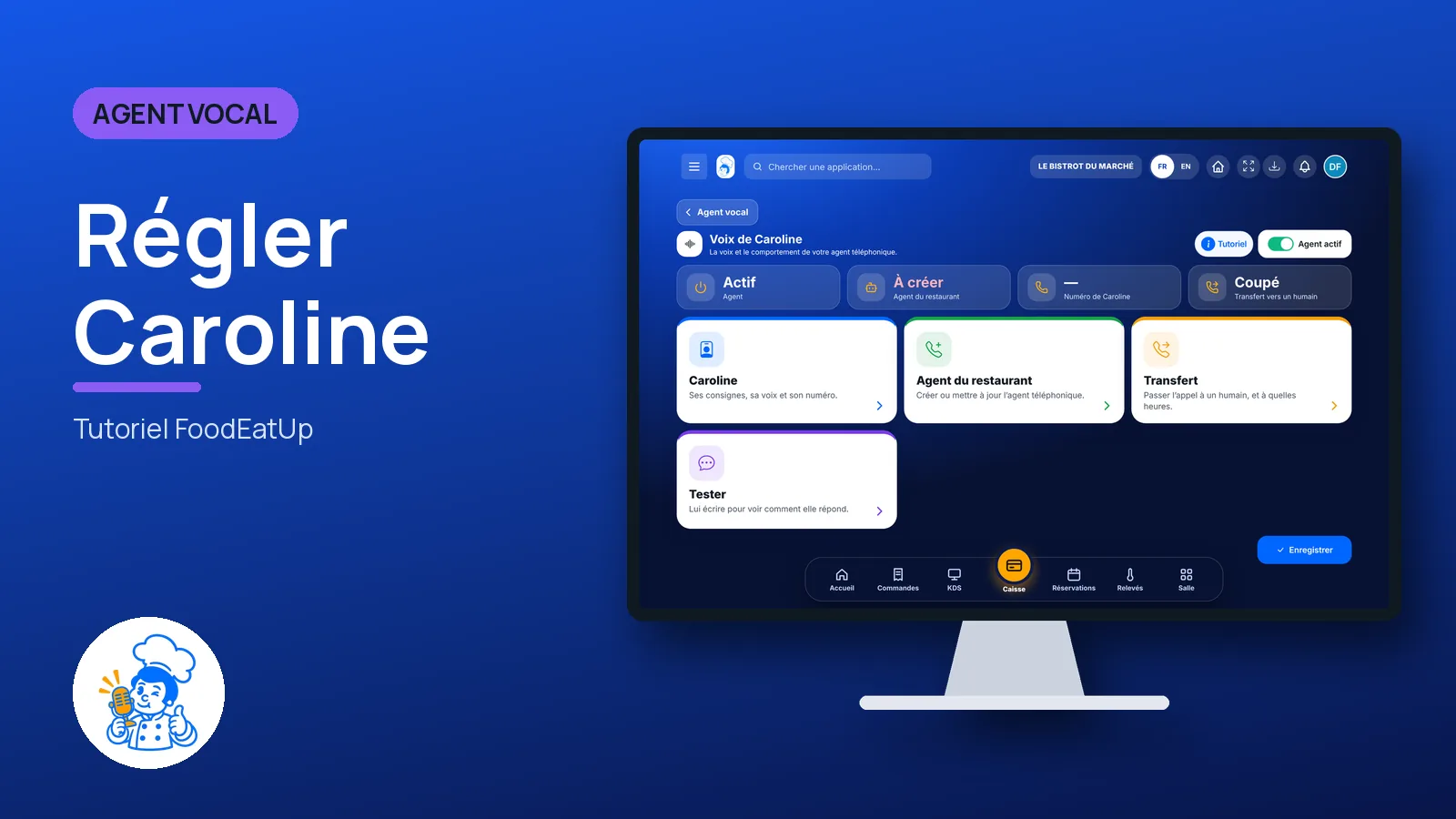
    In the Agent vocal category, open “Voix”. Four functions appear: “Caroline”, “Agent du restaurant”, “Transfert” and “Tester”. At the top, a button says whether the agent is on or off.

    The Voix de Caroline screen: its four functions and the agent status
  2. 2Step 2

    Write her instructions

    Tap “Caroline”. Fill in “Prompt système” with your instructions, choose the “Voix” and the “Langue”, enter the “Numéro de l’agent” and the “Message d’accueil”. Tap “Enregistrer”.

  3. 3Step 3

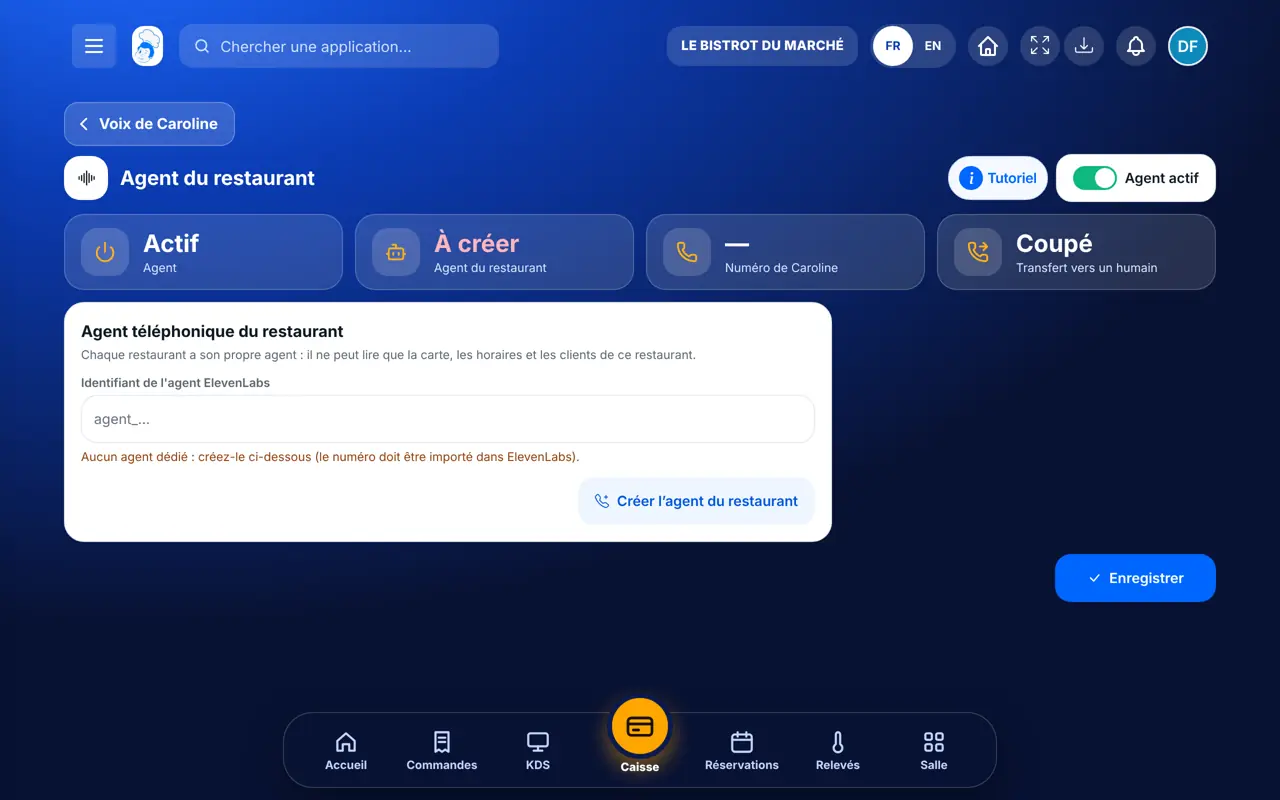
    Create the restaurant’s agent

    Tap “Agent du restaurant”, then “Créer l’agent du restaurant”. A window asks you to confirm: tap “Continuer”. If the agent already exists, the button is called “Mettre à jour l’agent et le numéro”.

    The “Agent du restaurant” function: create or update the phone agent
  4. 4Step 4

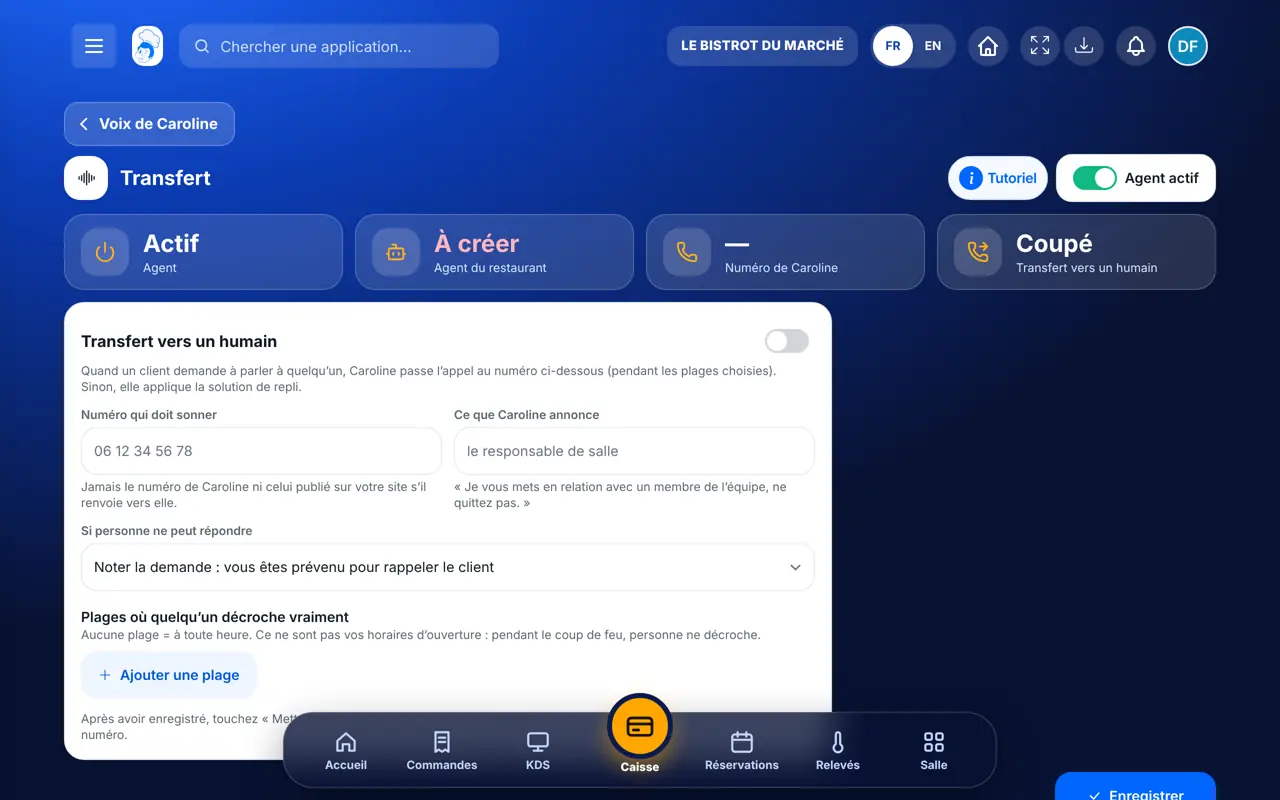
    Set the transfer

    Tap “Transfert”. Switch it on, enter the “Numéro qui doit sonner”, choose what to do under “Si personne ne peut répondre”, then “Ajouter une plage” for the hours when someone picks up. Tap “Enregistrer”, then update the agent.

    The “Transfert” function: the number that rings, the time slots and the fallback
  5. 5Step 5

    Test

    Tap “Tester”. Write like a customer in the “Simulateur de conversation” and read the answer. To hear her, call the agent’s number.

The result

The result

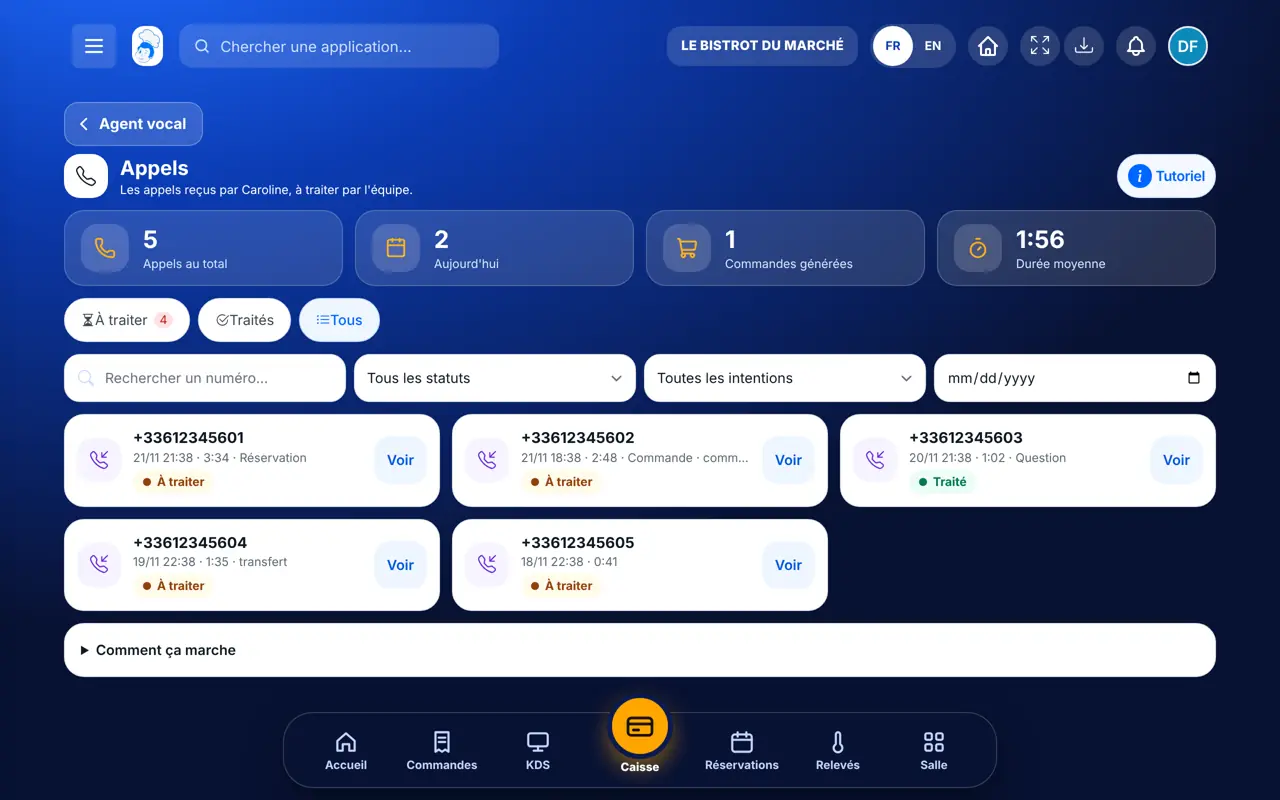
Caroline answers on the agent’s number with your greeting and your instructions. Each call then arrives in the Appels screen, with its summary.

Handle the calls Caroline received →
The result : Set up Caroline

Owner and employee: what changes

The owner

Writes the instructions, creates the agent, sets the transfer and tests. Can switch the agent off in one tap.

Voice — The owner

The employee

With the right on Caroline’s settings, opens the same screen. Without it, the screen is not in the menu.

Voice — The employee

Do it with your assistant

Claude, ChatGPT or Mistral’s Le Chat, connected to FoodEatUp. Copy the request and replace your establishment number.

Which opening hours does Caroline give?

In FoodEatUp, for my establishment [number], show me my opening hours and my upcoming exceptional closures: these are the ones Caroline gives on the phone.

What you getYour hours day by day, service by service, and upcoming closures with their reason.

Tools used : get_opening_hours, list_closure_periods

Which calls were transferred?

In FoodEatUp, for my establishment [number], list this week’s calls and tell me which ones were handed to a person and which ones are waiting for a call-back.

What you getThis week’s calls, with their status and those still to handle.

Tools used : list_calls

Check what Caroline can offer

In FoodEatUp, for my establishment [number], list the active dishes on my menu and those sold out today.

What you getThe menu Caroline can offer, and the dishes not to promise today.

Tools used : list_dishes

What you gain

One agent per restaurant

It only reads your data.

Your own words

Instructions, greeting and voice are chosen here.

A person when needed

At the times when someone really picks up.

Tested before calling

The simulator answers in writing.

The Chef’s tip

Transfer slots are not your opening hours: during the rush, nobody picks up. Choose the quiet part of the afternoon instead, and let Caroline note requests the rest of the time.

Frequently asked questions

I changed the transfer number, but Caroline does not transfer. Why?

After “Enregistrer”, tap “Mettre à jour l’agent et le numéro” in “Agent du restaurant”. This is what allows the agent to dial that number. The screen reminds you with an orange message.

Can I use Caroline’s number as the transfer number?

No. The call would loop, and the screen refuses it. Enter the number that should ring in the dining room.

Which languages does Caroline answer in?

French, English and Spanish. Arabic is in the list, but for now Caroline then answers in French.

Text version for AI assistants →

Share this tutorial

Send it to your team, your partner or your accountant. The image below appears in the message.

Share preview : Set up Caroline
WhatsAppLinkedInFacebookEmail

Send to an AI assistant

Claude, ChatGPT or Le Chat read this tutorial and explain it to you. Connected to FoodEatUp, they do it with you.

Read this FoodEatUp tutorial: https://foodeatup.com/en/academy/agent/voice.md Explain it to me simply, step by step, then help me do it in my restaurant. If FoodEatUp is connected to you, do it with me and show me the preview before every change.

ClaudeLe ChatChatGPT

Open in my software

Type your establishment number: the link takes you straight to this screen. The number stays on this device.

Discover Caroline (in French) →

You can read it in the software address: foodeatup.com/establishment/number/…