Aller au contenu
Voice agent · Memory
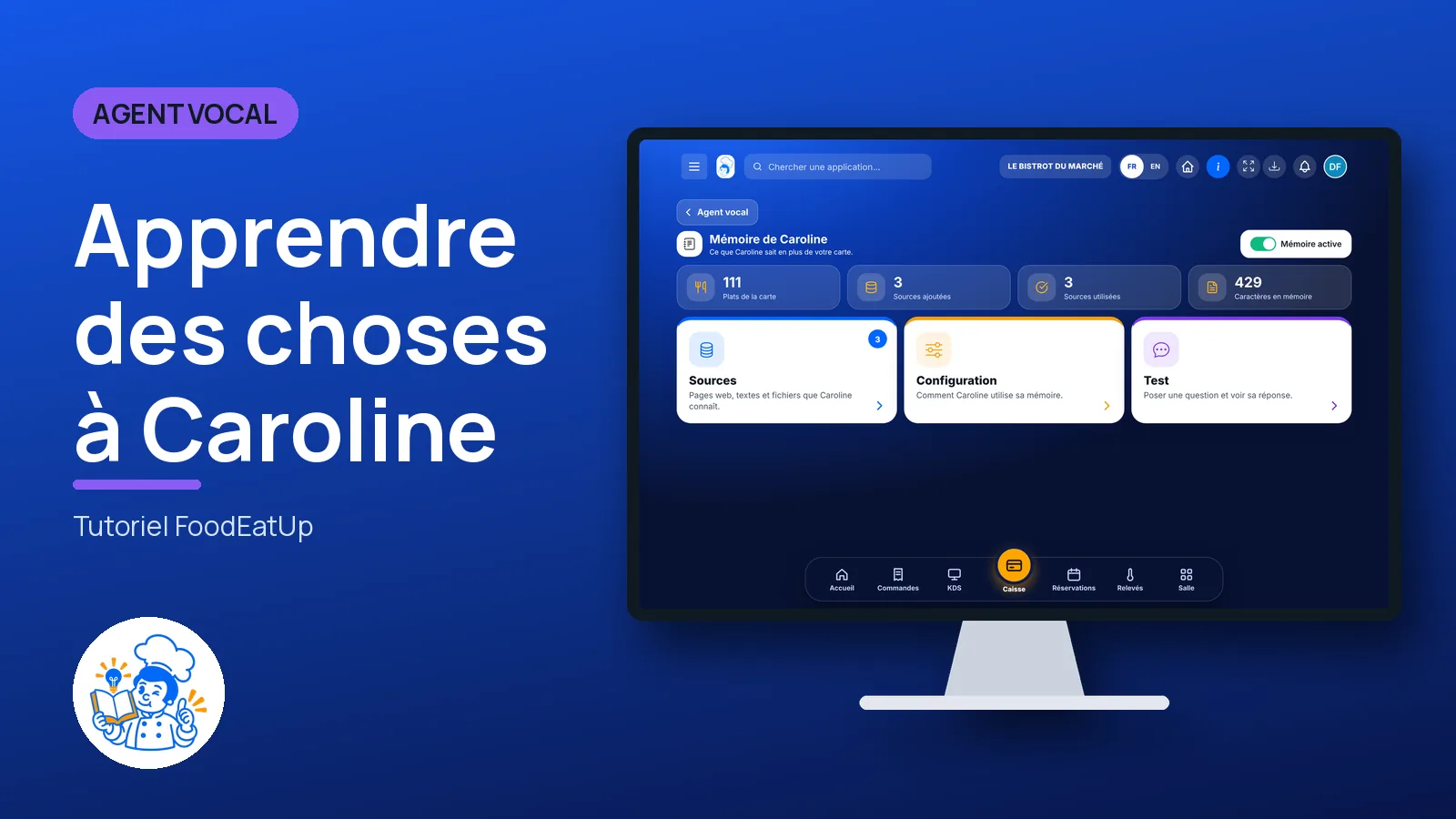
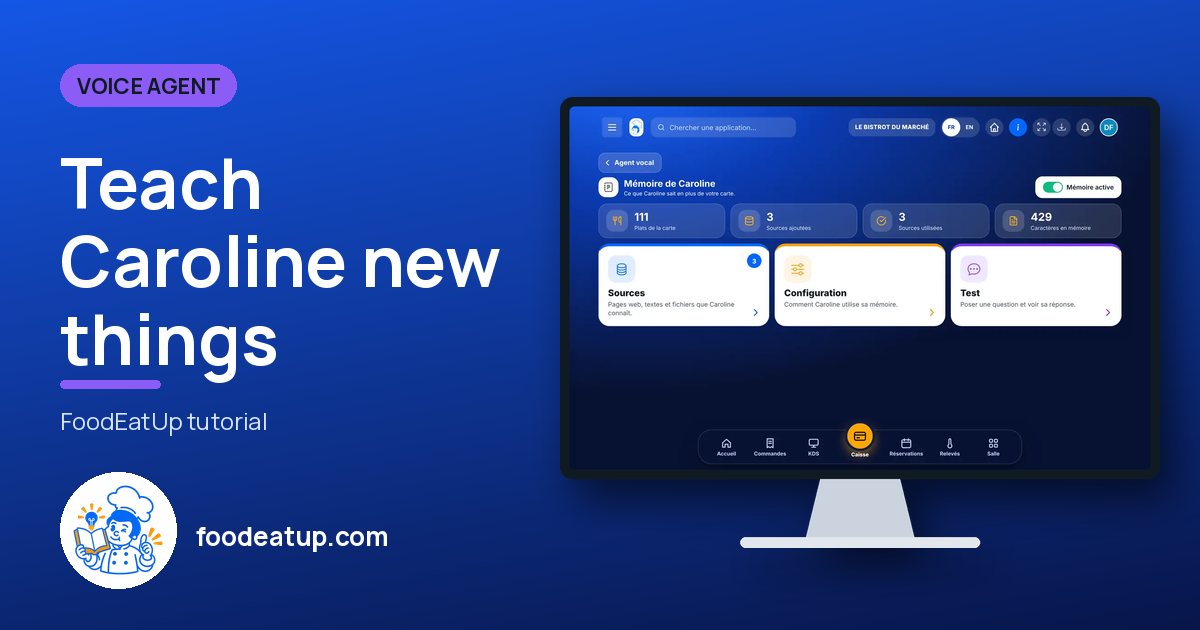
Teach Caroline new things

Caroline already knows your menu. Here you teach her the rest: parking, allergens, groups, delivery. You add a text, a web page or a file, then you test her answer.

  • Computer
  • 4 steps
  • Level : Intermediate
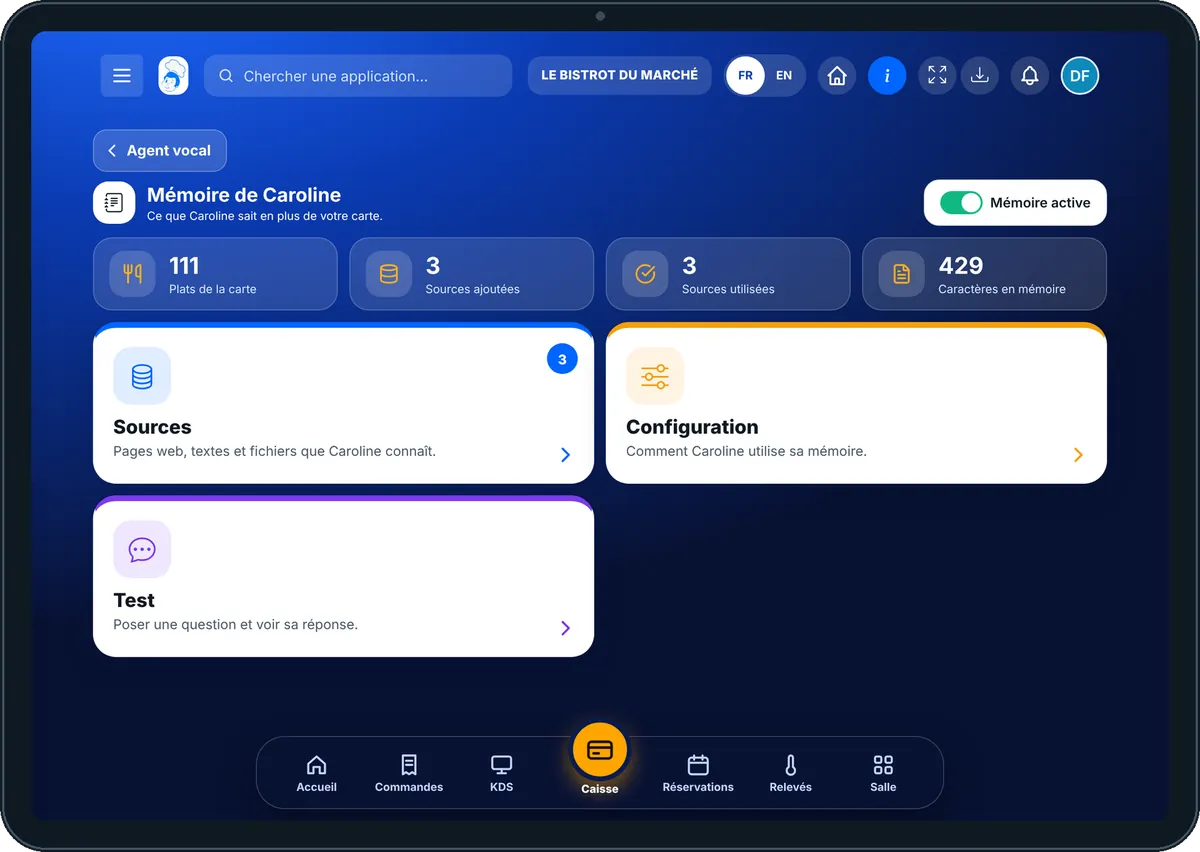
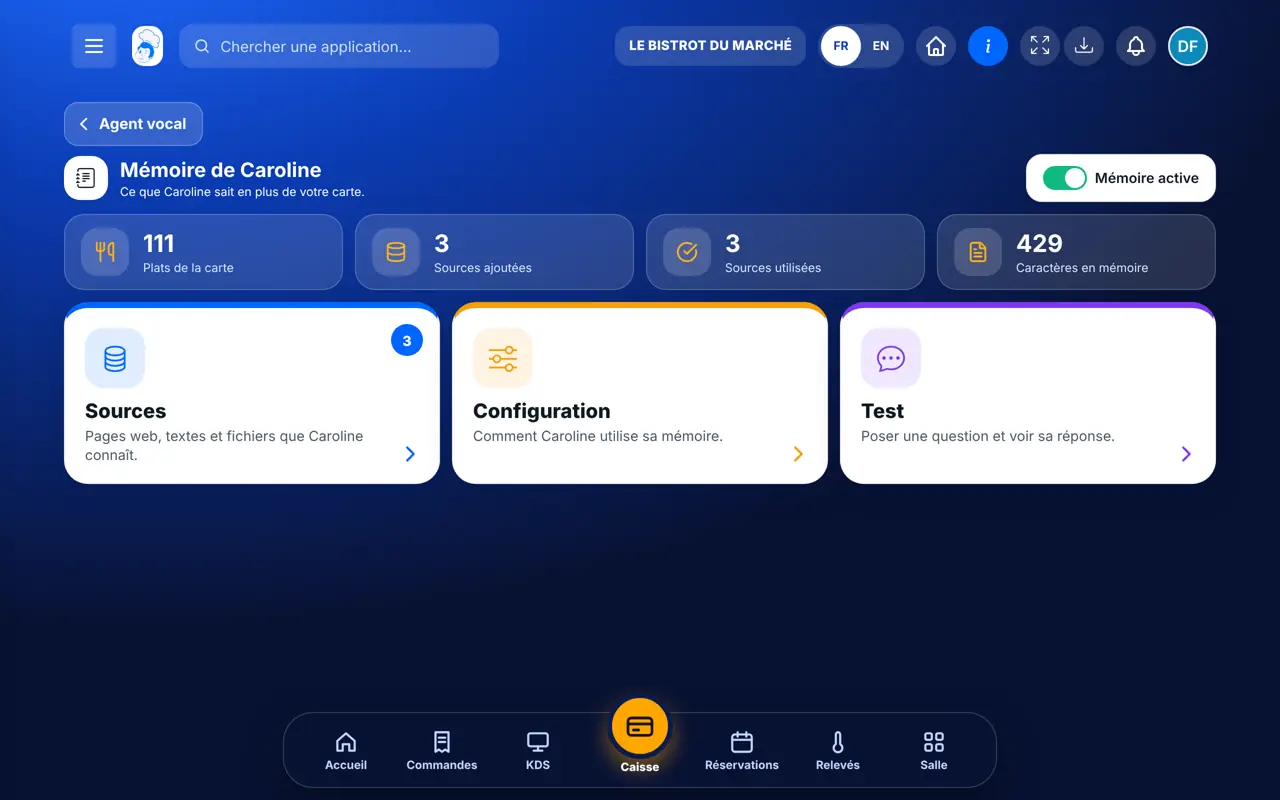
Teach Caroline new things : The Mémoire de Caroline screen: its three functions and its figures

Who is it for?

  • Patron / gérant
  • Directeur
  • Responsable de salle

Roles with access

  • Gérant·e
  • Boutique (réseau)
  • Franchisé·e (réseau)
  • Directeur·rice d'établissement

The owner always has access. See what each role sees →

Recommended hardware

Computer

A computer, to paste your texts and import your files easily.

See the hardware →

What it is for

  • Add what Caroline should know beyond the menu: a free text, a web address or a file.
  • Choose, source by source, what she uses and what she ignores.
  • Ask a customer question and read her answer, before a real customer asks it.

Why set it up

  • The questions that come back every day get an answer without disturbing the dining room.
  • The menu follows by itself: dishes and categories come from your catalogue, nothing to copy.
  • You stay in control: a source can be set aside in one tap, without being deleted.

The same screen, on every device

The real software screens, as they appear on each device.

Memory — On the tablet
On the tablet
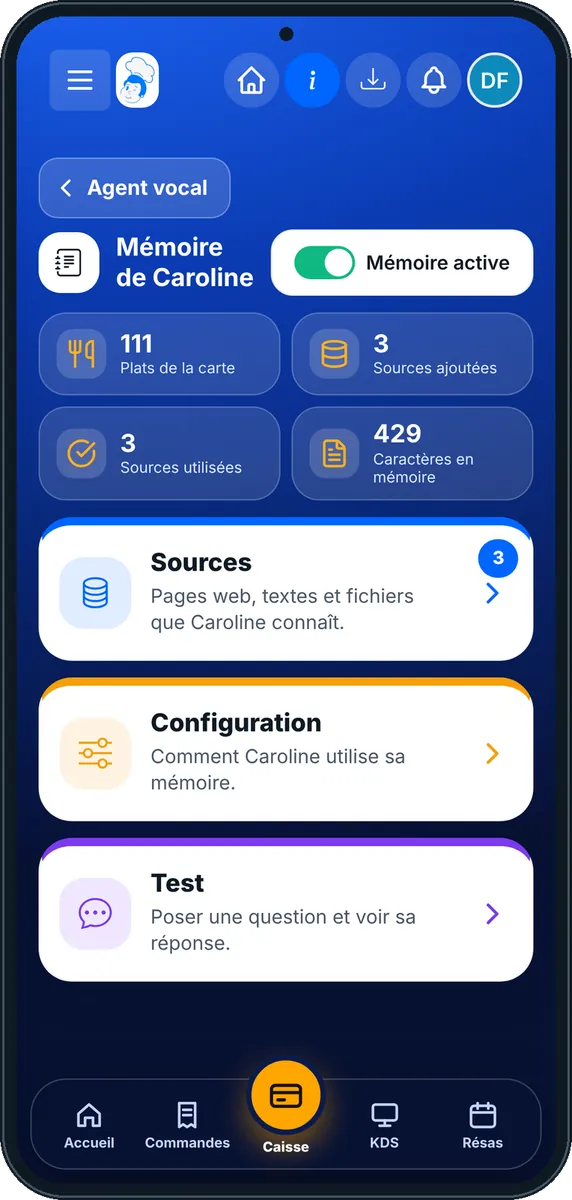
Memory — On the phone
On the phone
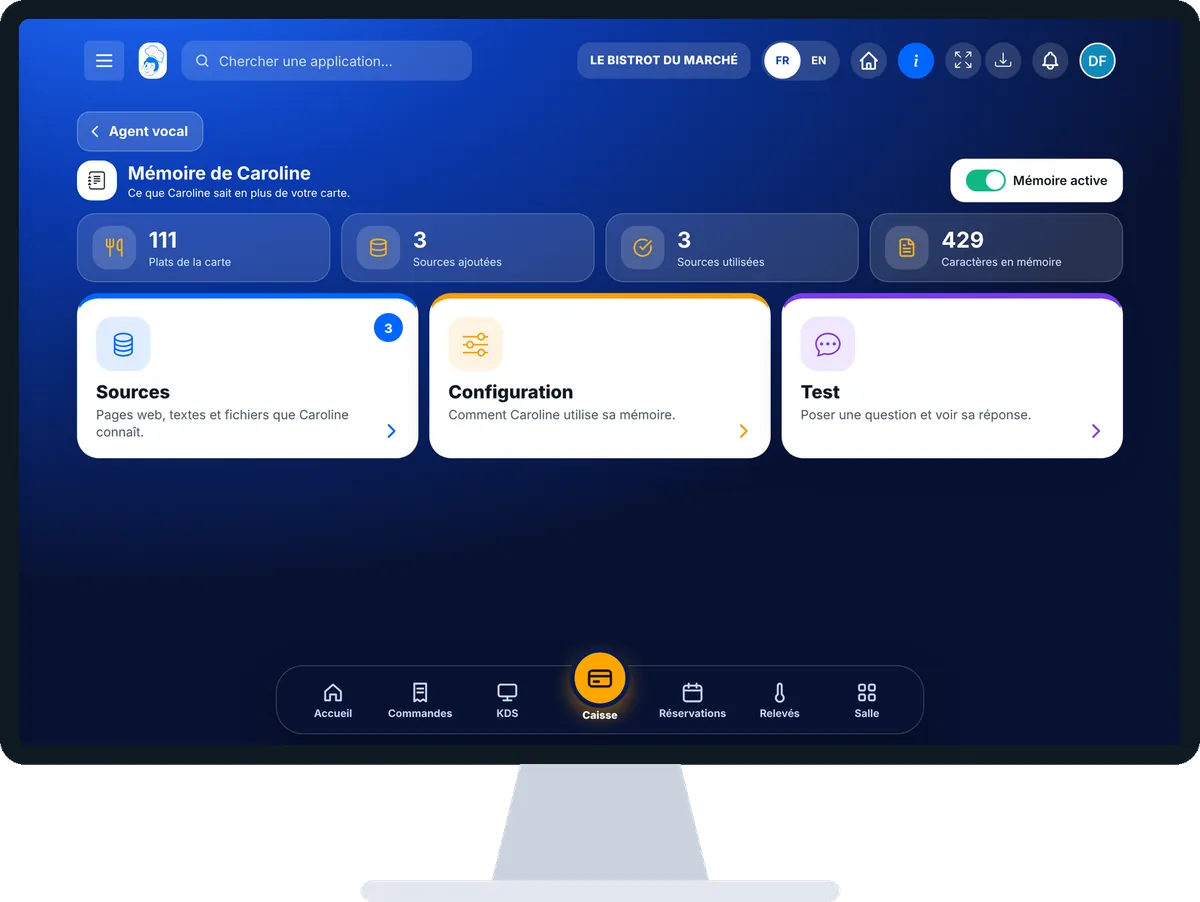
Memory — On the computer
On the computer

Step by step

Teach Caroline new things : 4 steps, with the real software screens.

  1. 1Step 1

    Open the memory

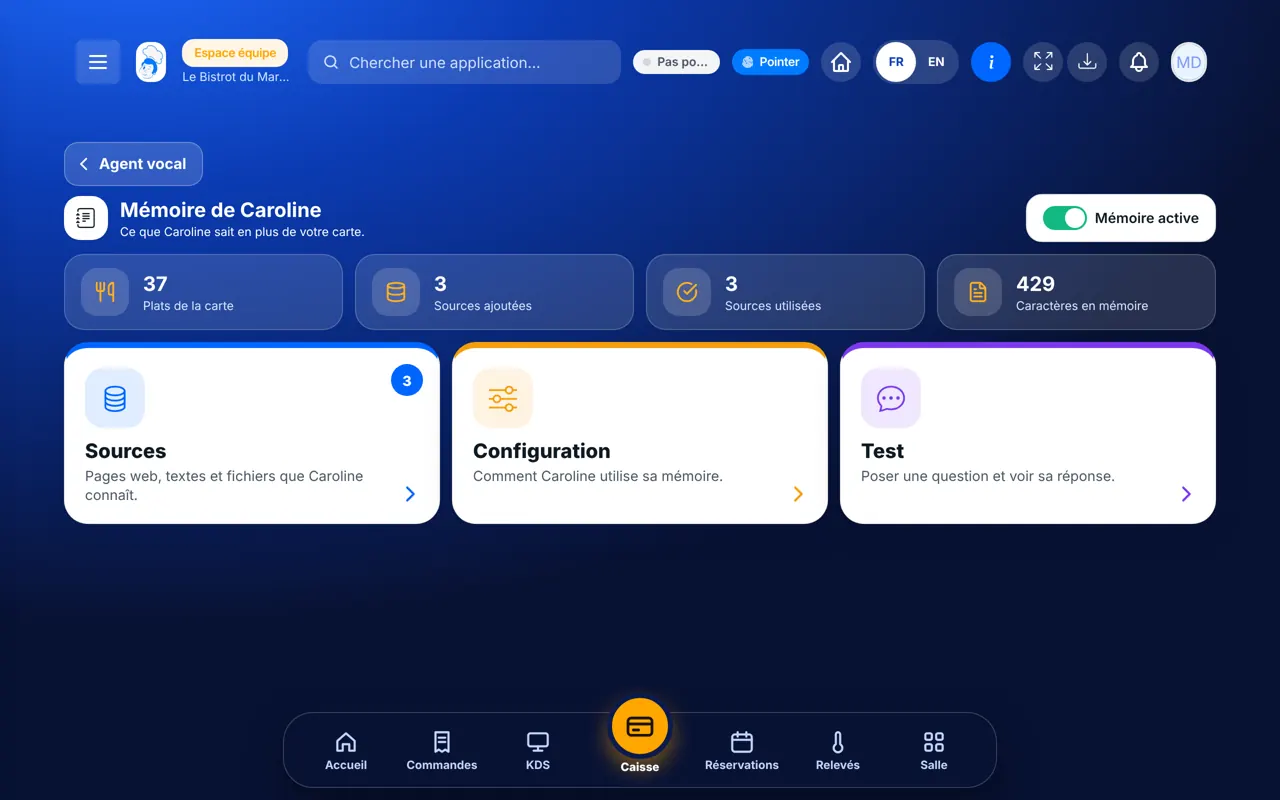
    In the Agent vocal category, open “Mémoire”. Three functions appear: “Sources”, “Configuration” and “Test”. At the top, a button says whether the memory is on or off.

    The Mémoire de Caroline screen: its three functions and its figures
  2. 2Step 2

    Add a source

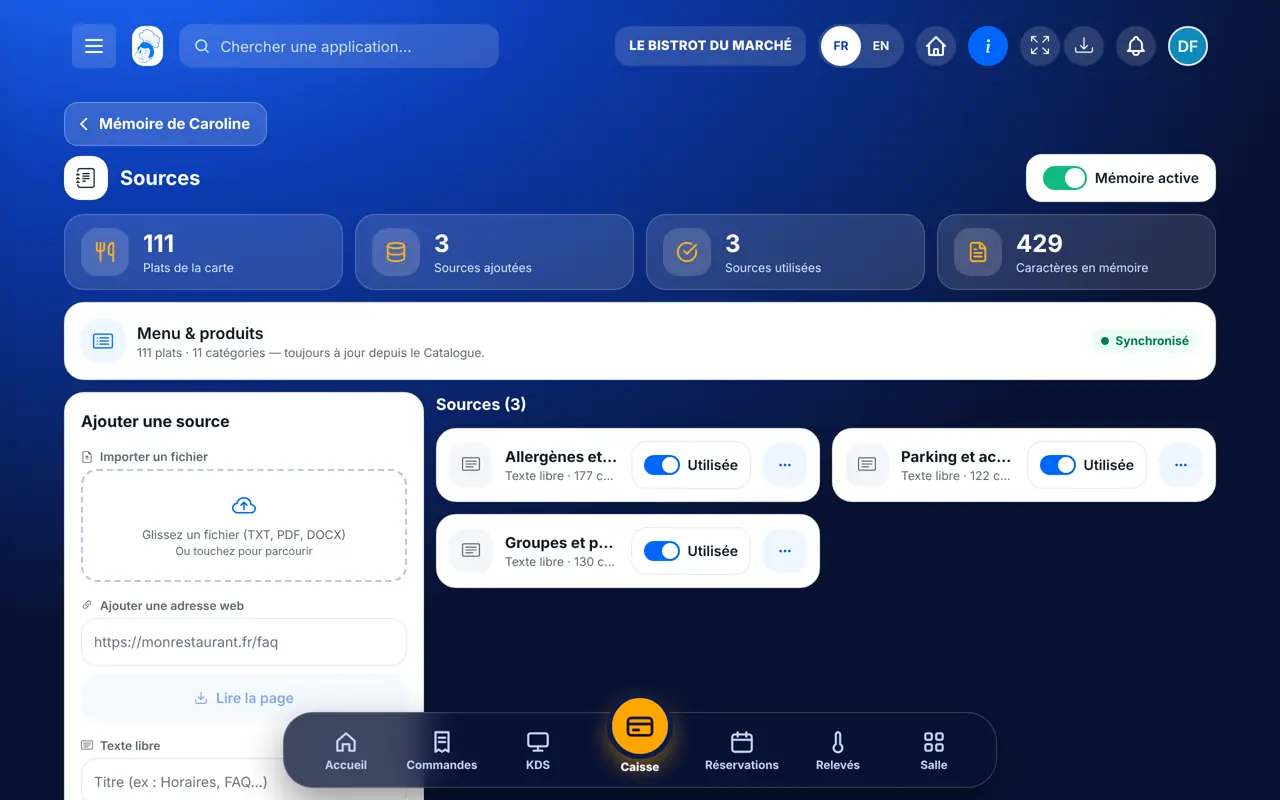
    Tap “Sources”. Under “Texte libre”, give a title, write the information, then tap “Ajouter”. You can also paste a web address and tap “Lire la page”, or import a file.

    The “Sources” function: the synced menu, adding a source and the list
  3. 3Step 3

    Choose what she uses

    Each source has a switch, “Utilisée” or “Ignorée”. To remove a source for good, open its menu and tap “Supprimer la source”.

  4. 4Step 4

    Test

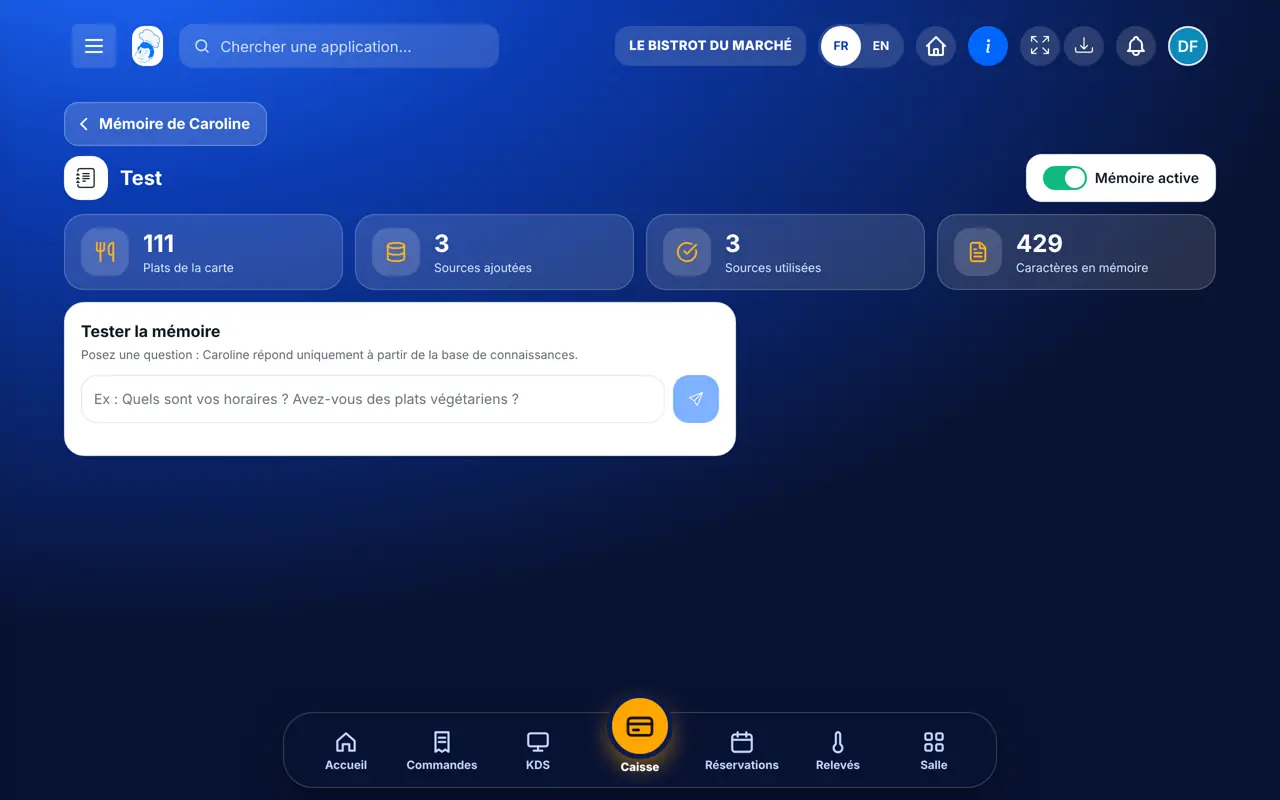
    Tap “Test”. Ask a question like a customer, for example “Do you have vegetarian dishes?”, and read the answer.

    The “Test” function: ask a question and read Caroline’s answer
The result

The result

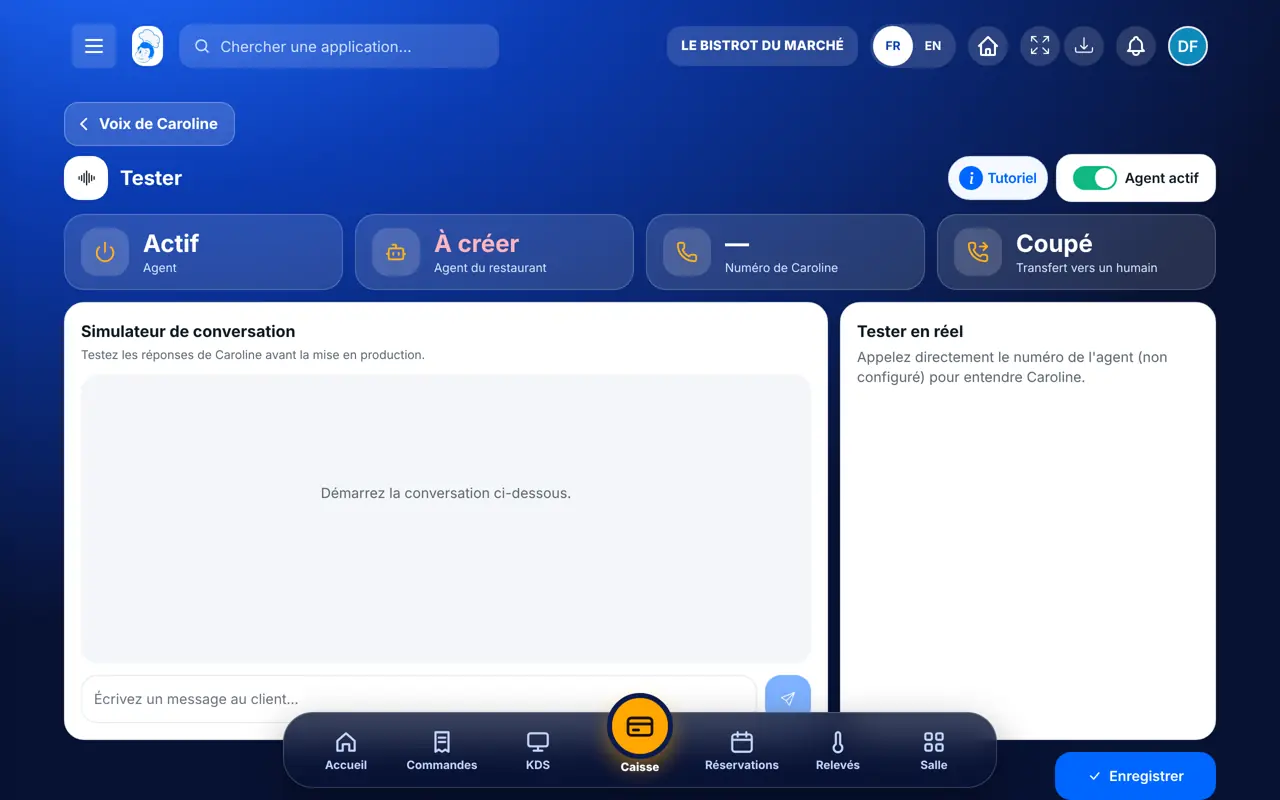
Caroline answers everyday questions with your own information, on top of the menu. For the phone agent to receive what you added, update it from the Voix screen.

Update the agent from Voix →
The result : Teach Caroline new things

Owner and employee: what changes

The owner

Adds sources, chooses which ones are used, switches the memory on or off, and tests the answers.

Memory — The owner

The employee

With the right on Caroline’s settings, opens the same screen. Without it, the screen is not in the menu.

Memory — The employee

Do it with your assistant

Claude, ChatGPT or Mistral’s Le Chat, connected to FoodEatUp. Copy the request and replace your establishment number.

What does Caroline already know about my menu?

In FoodEatUp, for my establishment [number], list the active dishes on my menu, by category, with their price.

What you getThe menu as Caroline knows it: dishes, categories and prices.

Tools used : list_dishes

Prepare a text about my opening hours

In FoodEatUp, for my establishment [number], read my opening hours and my upcoming closures, then write a short text that I will paste into Caroline’s memory.

What you getA simple text, ready to paste into “Texte libre”. Nothing is written in the software.

Tools used : get_opening_hours, list_closure_periods

Find the questions that come back

In FoodEatUp, for my establishment [number], read the calls of the last seven days again and tell me which questions customers ask most often.

What you getThe most frequent questions, to know what to add to the memory.

Tools used : list_calls, get_call

What you gain

The menu follows by itself

Dishes and categories come from the catalogue.

Your own answers

Parking, allergens, groups, delivery.

A source in one tap

Used or ignored, without deleting it.

Tested before the call

You read the answer before the customer does.

The Chef’s tip

Write the way you would answer on the phone: short sentences, one piece of information per line. A clear ten-line text helps Caroline more than a long document.

Frequently asked questions

Does Caroline read my PDF or Word files?

The file is added, but its text is not read: the source shows “texte non extrait”. Paste the useful passages into “Texte libre”. A TXT file, however, is read directly.

Do I have to copy my menu into the memory?

No. The “Menu & produits” line is always up to date from your catalogue, even with no source added.

What happens if I switch the memory off?

Caroline no longer uses your sources. They stay saved, and you switch the memory back on in one tap. Caroline herself is an option, and her agent is created from the Voix screen.

Text version for AI assistants →

Share this tutorial

Send it to your team, your partner or your accountant. The image below appears in the message.

Share preview : Teach Caroline new things
WhatsAppLinkedInFacebookEmail

Send to an AI assistant

Claude, ChatGPT or Le Chat read this tutorial and explain it to you. Connected to FoodEatUp, they do it with you.

Read this FoodEatUp tutorial: https://foodeatup.com/en/academy/agent/knowledge.md Explain it to me simply, step by step, then help me do it in my restaurant. If FoodEatUp is connected to you, do it with me and show me the preview before every change.

ClaudeLe ChatChatGPT

Open in my software

Type your establishment number: the link takes you straight to this screen. The number stays on this device.

Discover Caroline (in French) →

You can read it in the software address: foodeatup.com/establishment/number/…