What is in my library
In FoodEatUp, for my establishment [number], list the photos in my asset library and tell me which ones show dishes.
What you getThe list of your files, by type.
Tools used : list_assets
 Communication · Assets
All the restaurant’s photos, visuals, videos, icons and PDFs in one place. Iris, Studio Print, your website and your AI assistant use them for your creations.
 Patron / gérant
 Directeur
 Chef de cuisine
 Responsable multi-sites
The owner always has access. See what each role sees →
A computer to drop many files at once. On a phone, you drop a dish photo taken in the kitchen.
The real software screens, as they appear on each device.
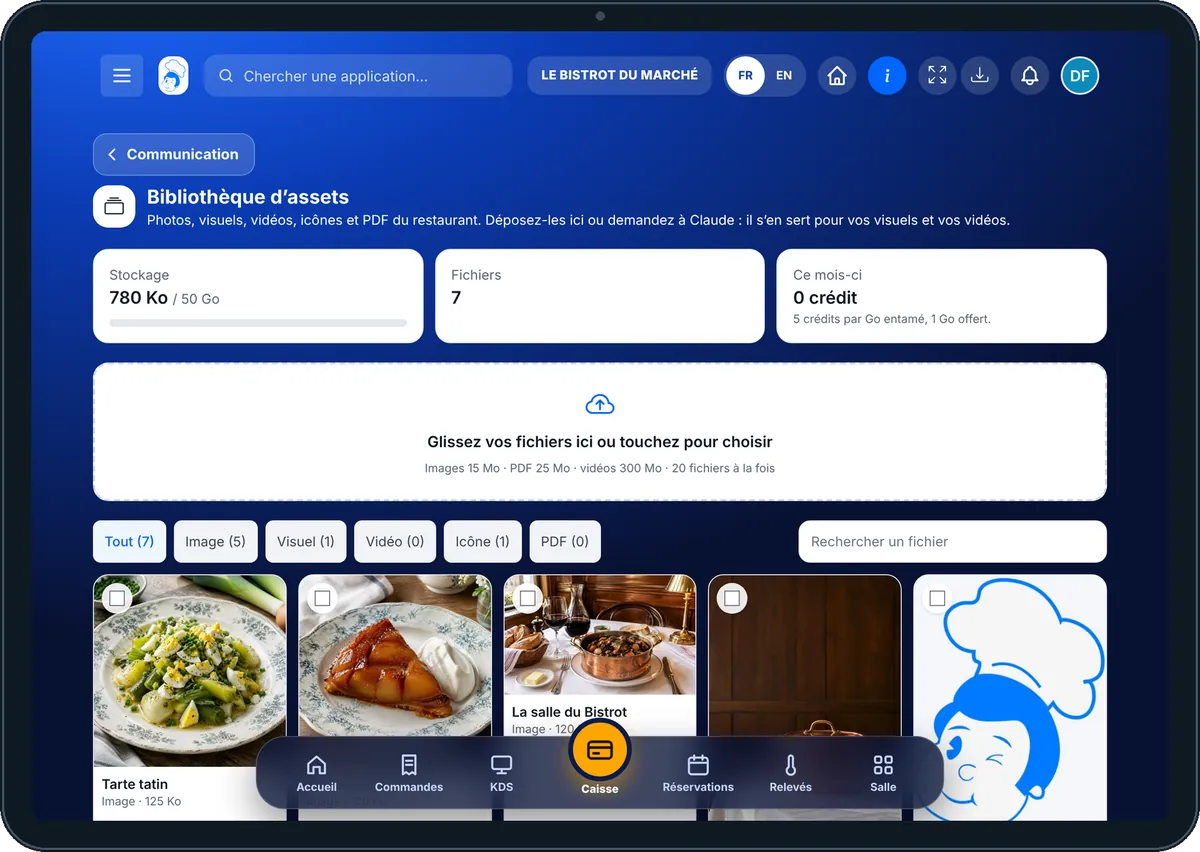
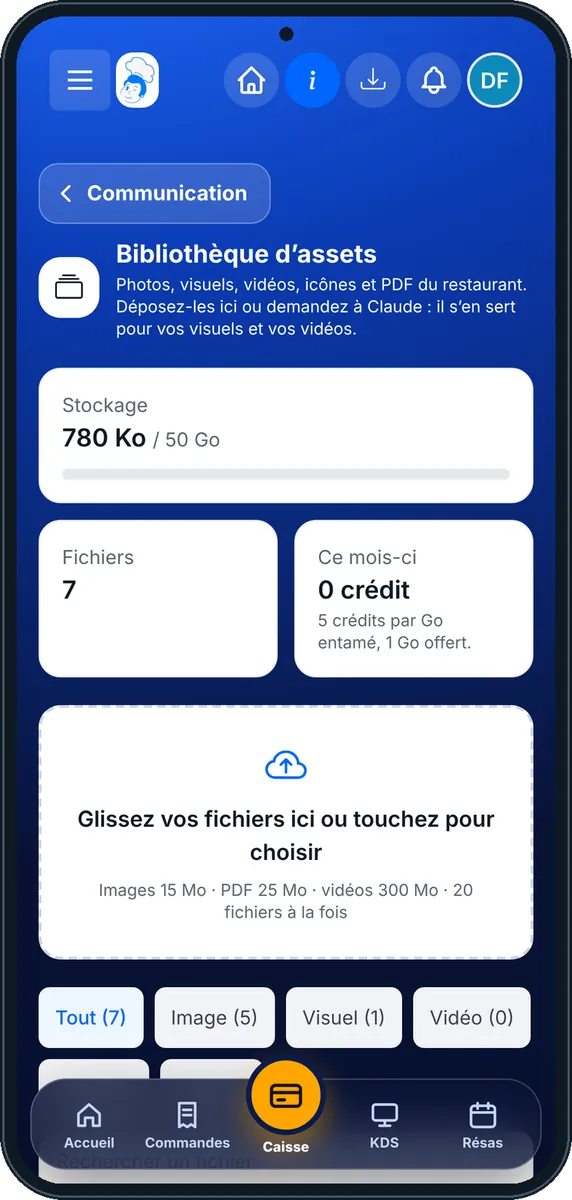
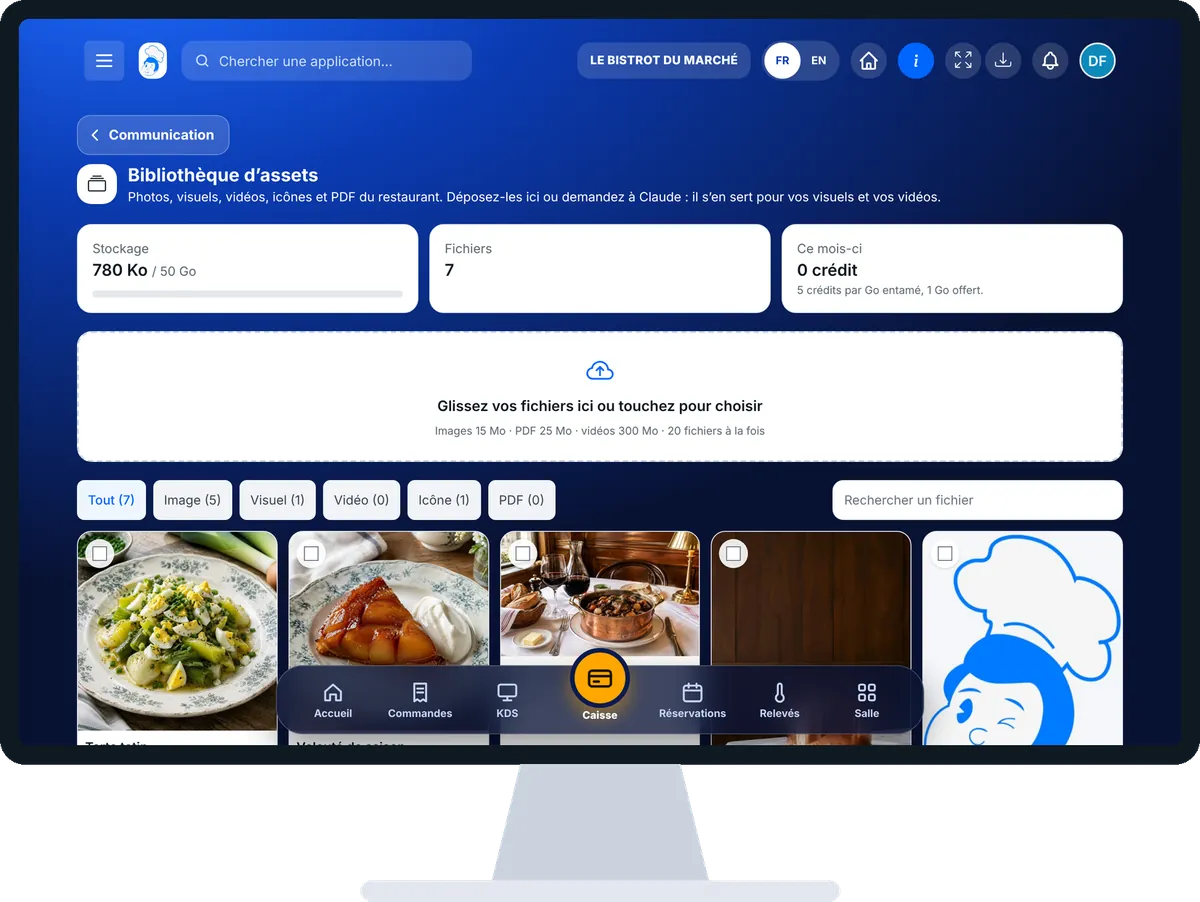
Store my photos and visuals : 5 steps, with the real software screens.
From the home screen, open Communication then “Assets”. At the top: space used, number of files and the month’s credits.
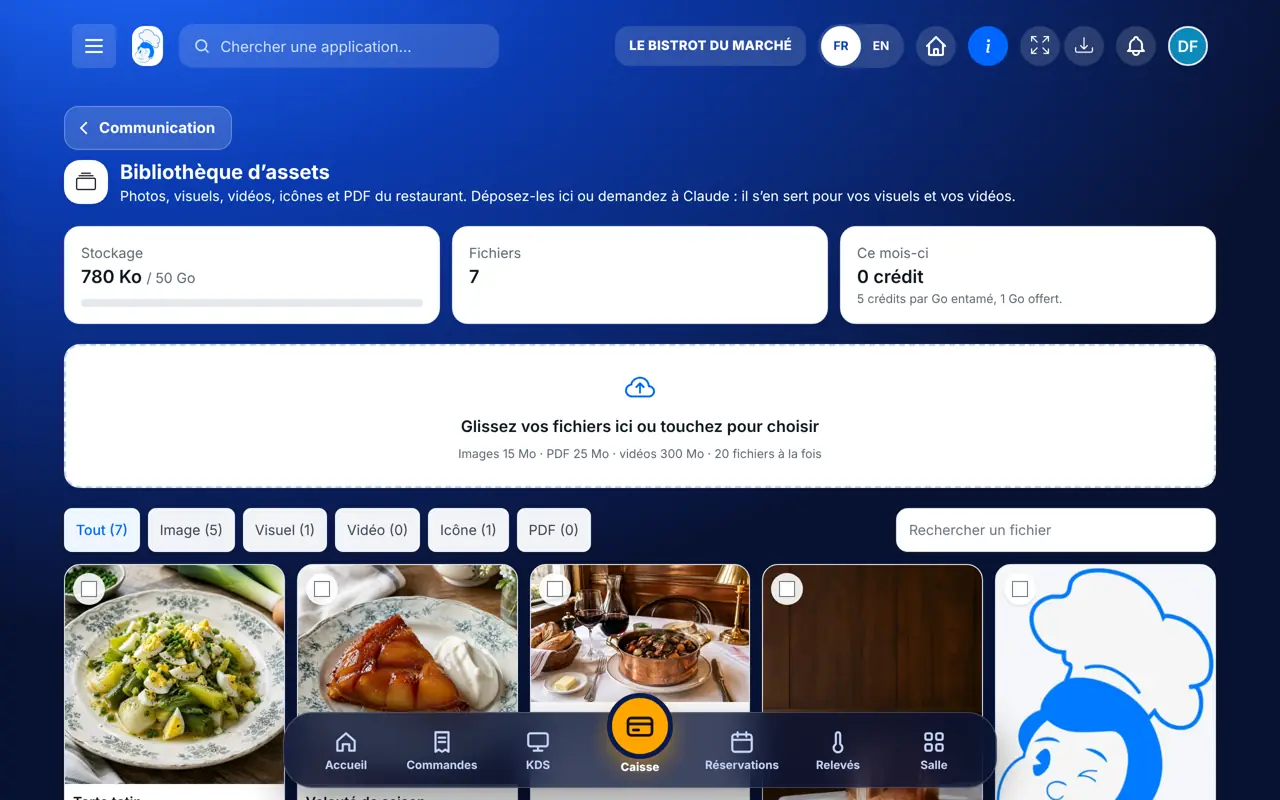
Drag your files into the “Glissez vos fichiers ici ou touchez pour choisir” box, or tap it to choose them. Up to 20 files at once: images 15 MB, PDFs 25 MB, videos 300 MB.
The “Tout”, “Image”, “Visuel”, “Vidéo”, “Icône” and “PDF” chips sort the library; search finds a file by its name.
Tap a thumbnail to open it, rename it, tag it or archive it. In Iris or Studio Print, choose “Depuis ma bibliothèque” (from my library).
Choose one to eight photos: the software suggests a short video edited from them, with its cost in credits shown before you launch it.
Your photos and visuals are stored and ready to use everywhere: on social media with Iris, on your posters, on your website and in your e-mails.
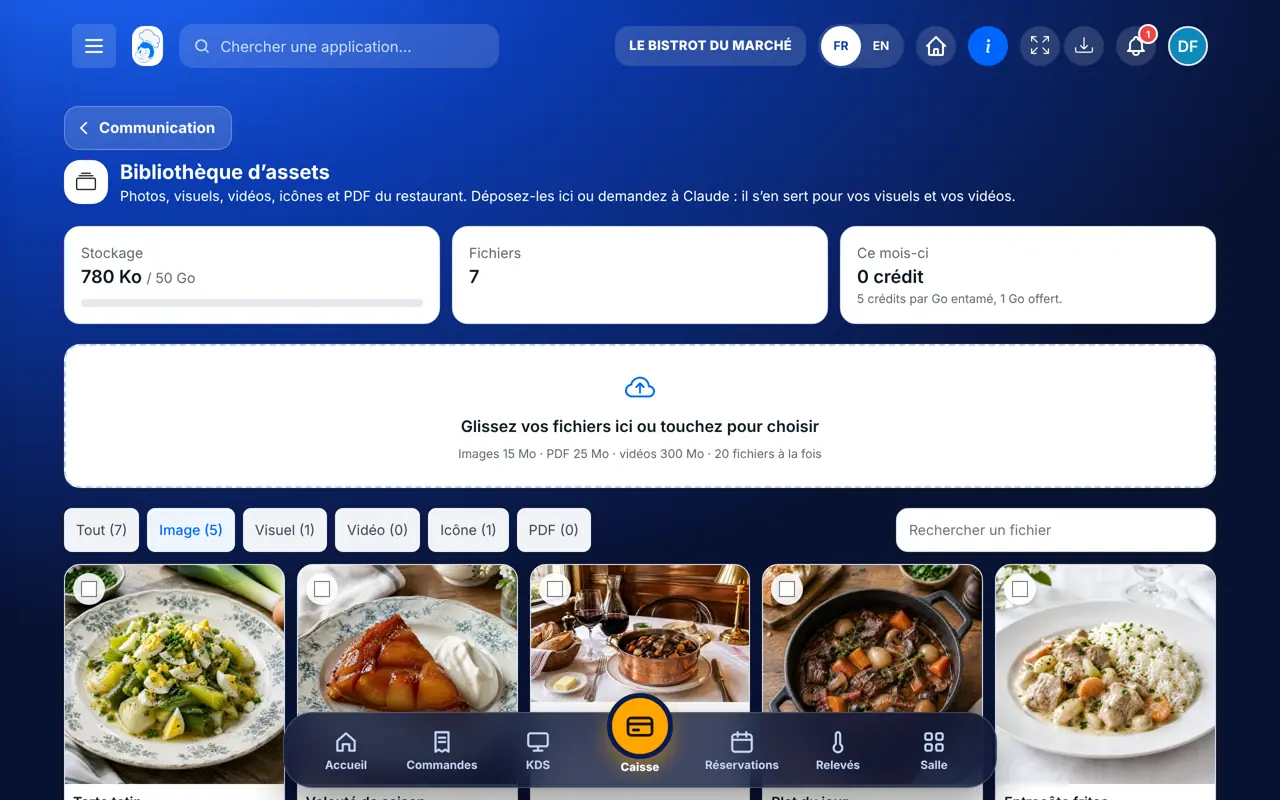
Drops, sorts, archives and reuses files.
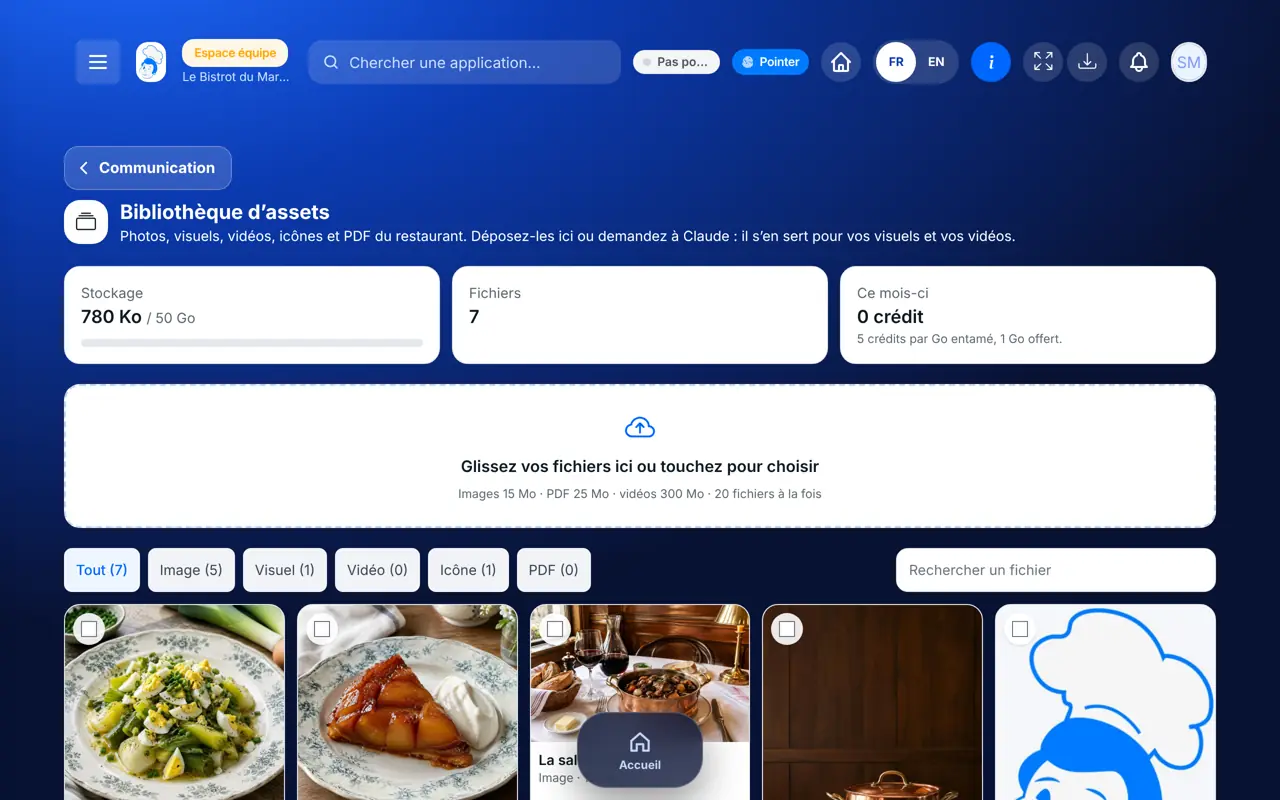
With the right to view the studio, browses the library. Drops files with the right to create.
Claude, ChatGPT or Mistral’s Le Chat, connected to FoodEatUp. Copy the request and replace your establishment number.
In FoodEatUp, for my establishment [number], list the photos in my asset library and tell me which ones show dishes.
What you getThe list of your files, by type.
Tools used : list_assets
In FoodEatUp, for my establishment [number], store in my library the photo at this address [https link], named “[name]”.
What you getThe photo is stored in your library.
Tools used : import_asset_from_url
In FoodEatUp, for my establishment [number], suggest a 15-second video with my photos [names], and give me the quote in credits before launching it.
What you getThe video quote; nothing is launched without your consent.
Tools used : list_assets, quote_asset_video
Photos, logo, posters, videos and PDFs.
Iris, Studio Print, website and e-mails.
Type verified, no duplicates.
Beyond that, a few credits per GB per month.
Photograph your dishes in daylight, near a window, and drop them here straight away with the dish’s name. A good, well-named photo then serves everywhere.
In FoodEatUp, one action triggers others. Here are the screens that work with this one.
1 GB is free; beyond that, space is paid in credits per GB per month. Nothing is deleted if credits run out: only uploads pause.
Images (JPEG, PNG, WebP), videos (MP4, MOV, WebM) and PDFs. SVG files are not accepted.
Yes, through the FoodEatUp MCP server: it stores a photo from a link or a file you give it.
Send it to your team, your partner or your accountant. The image below appears in the message.
Claude, ChatGPT or Le Chat read this tutorial and explain it to you. Connected to FoodEatUp, they do it with you.
Read this FoodEatUp tutorial: https://foodeatup.com/en/academy/communication/assets.md Explain it to me simply, step by step, then help me do it in my restaurant. If FoodEatUp is connected to you, do it with me and show me the preview before every change.
Type your establishment number: the link takes you straight to this screen. The number stays on this device.
Discover the asset library (in French) →
Répond avec les fiches du site, sans IA
Le chef cherche dans les fiches…
 Claude
 Le Chat
 ChatGPT