My Cocuisinage page
In FoodEatUp, for my establishment [number], show what my Cocuisinage page displays.
What you getConsent, category and what is shown to consumers.
Tools used : get_social_network_profile
 Applications mobiles · Cocuisinage
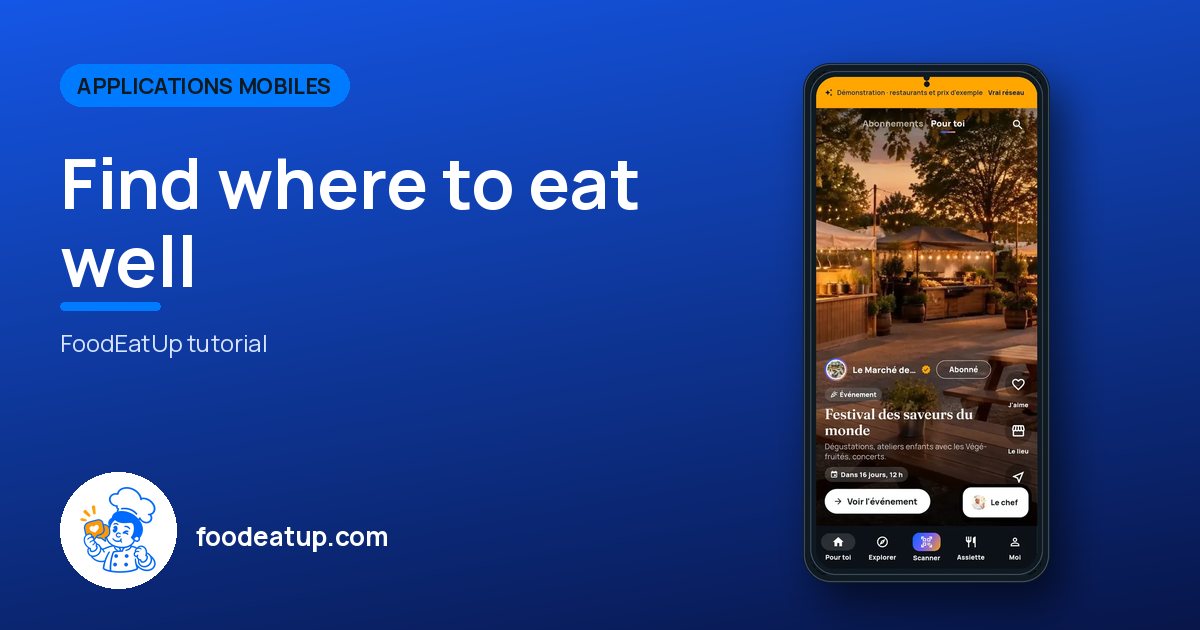
The Cocuisinage by FoodEatUp app: the feed of places and recipes, local shops, the meal plan, the shopping list and the product scanner.
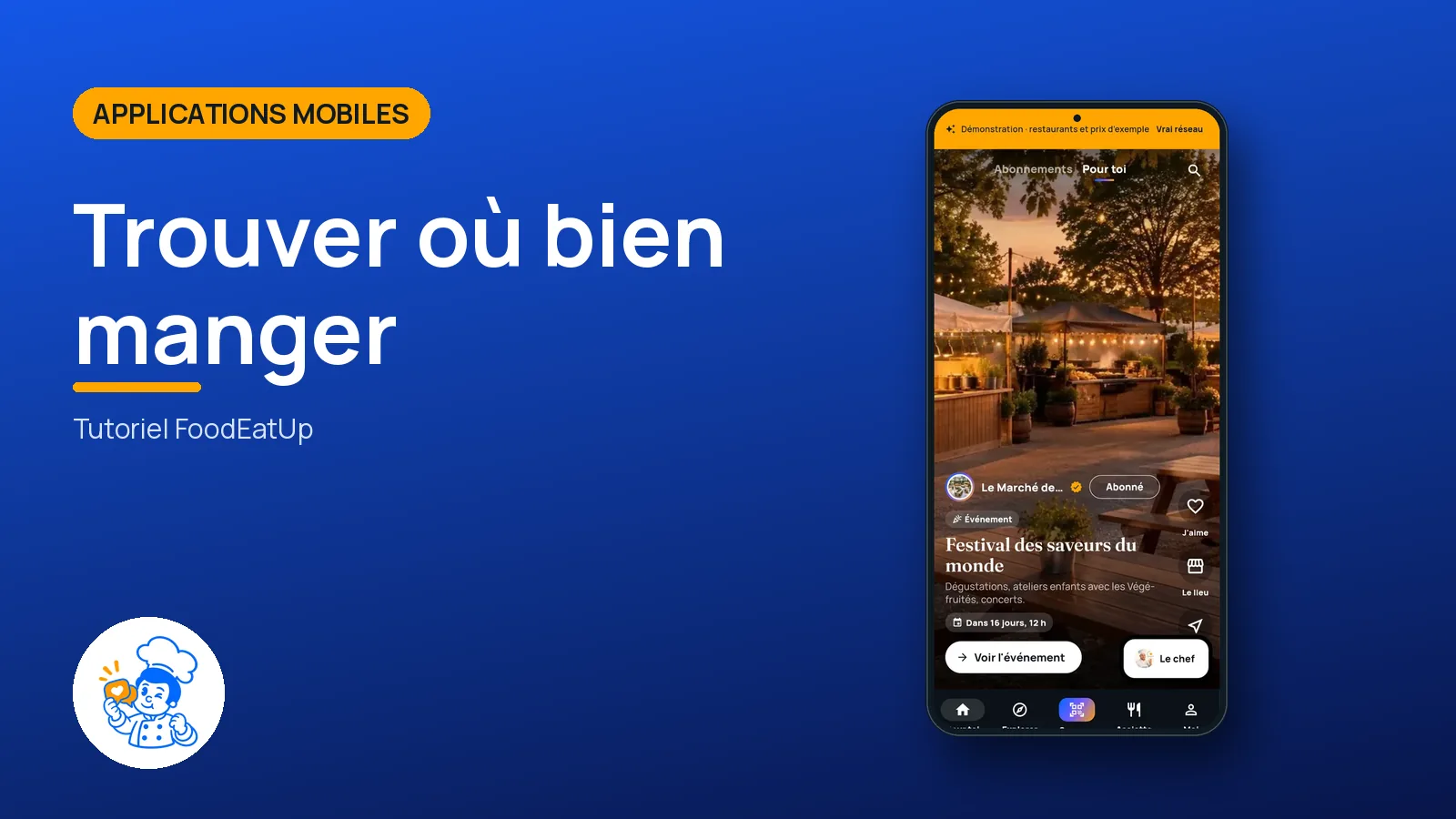
 Patron / gérant
 Hôte / caisse / comptoir
The owner always has access. See what each role sees →
The consumer’s phone. The Android app downloads from the Cocuisinage page; everything also exists on the web.
The real software screens, as they appear on each device.
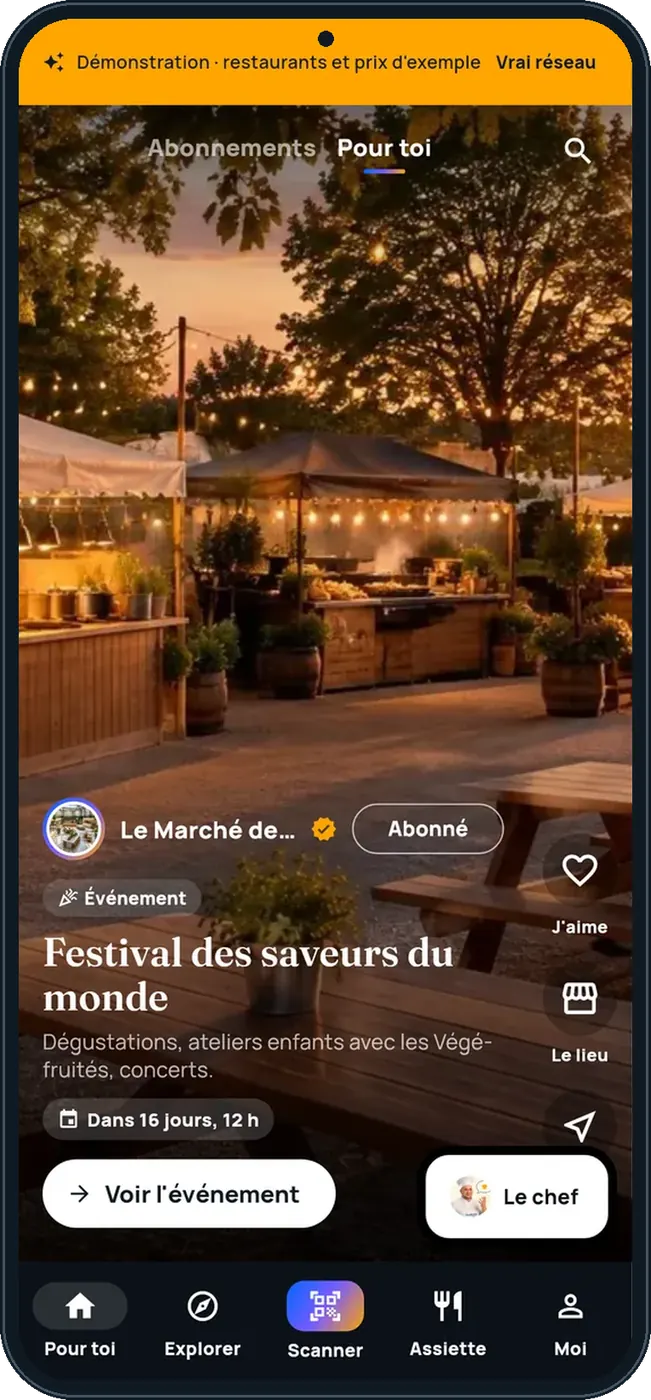
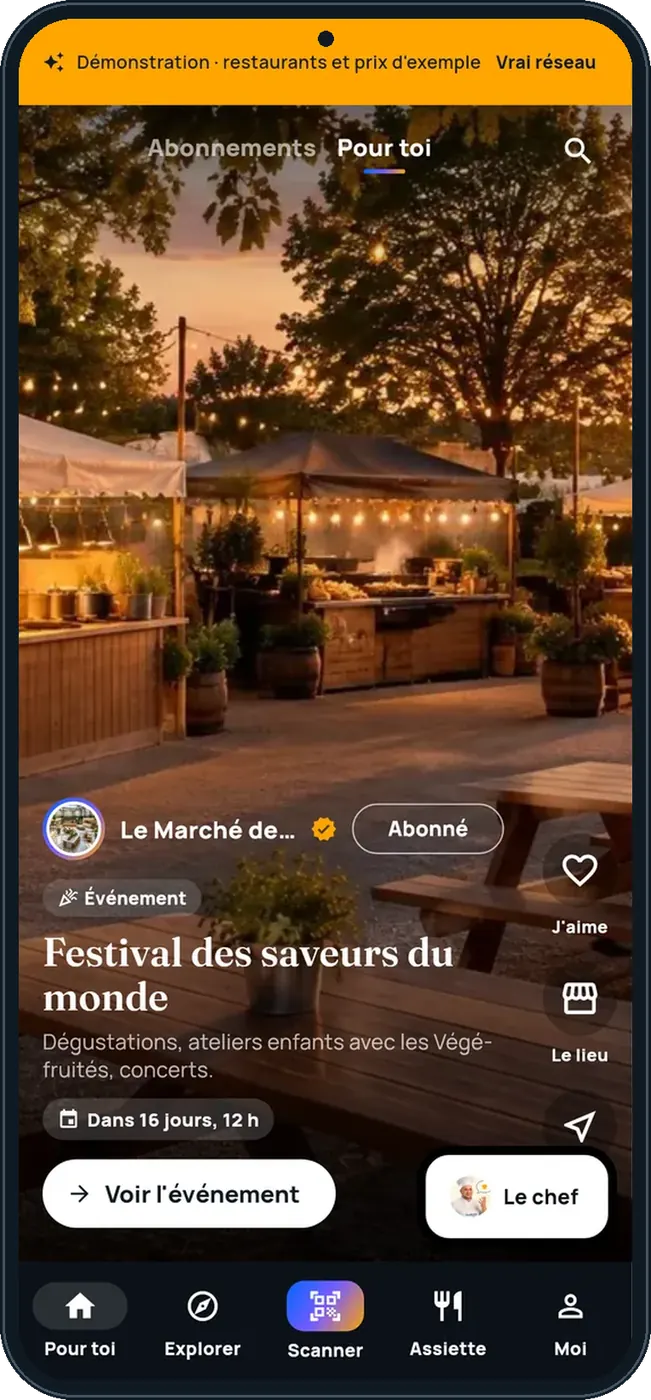
Find where to eat well : 5 steps, with the real software screens.
“Pour toi” mixes followed places, recipes and posts.
The network’s shops, by category and near you.
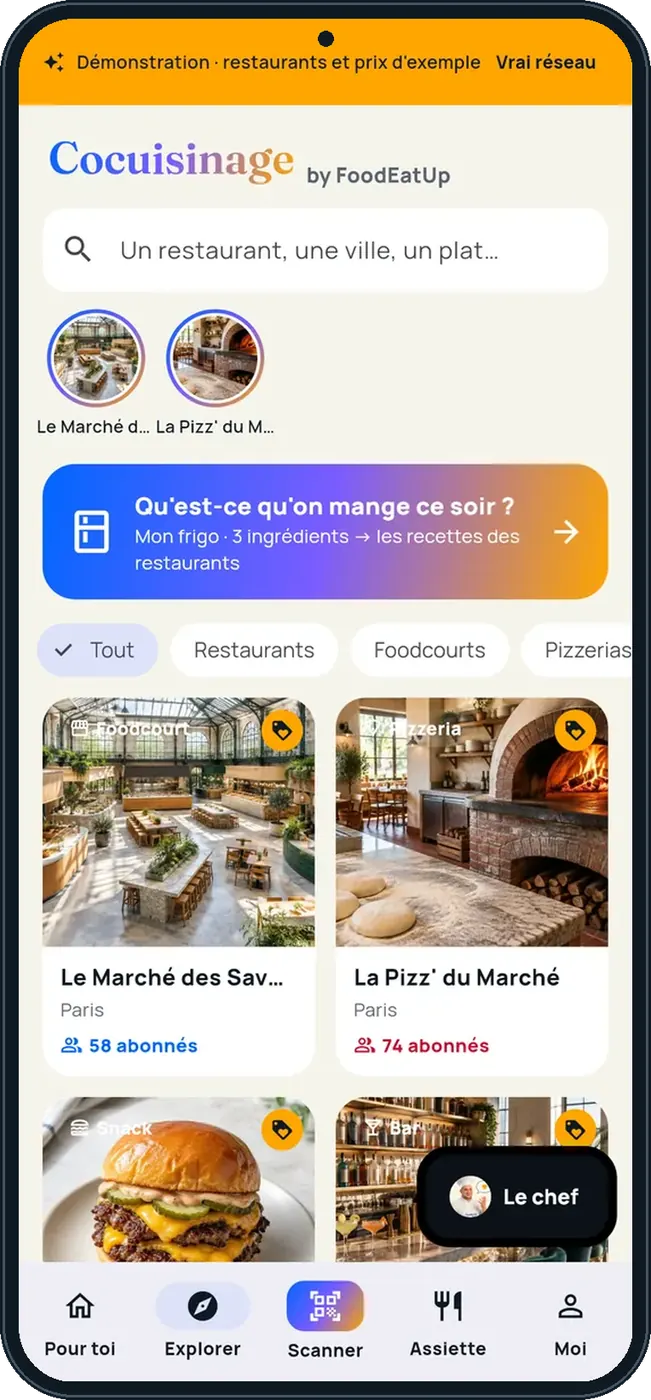
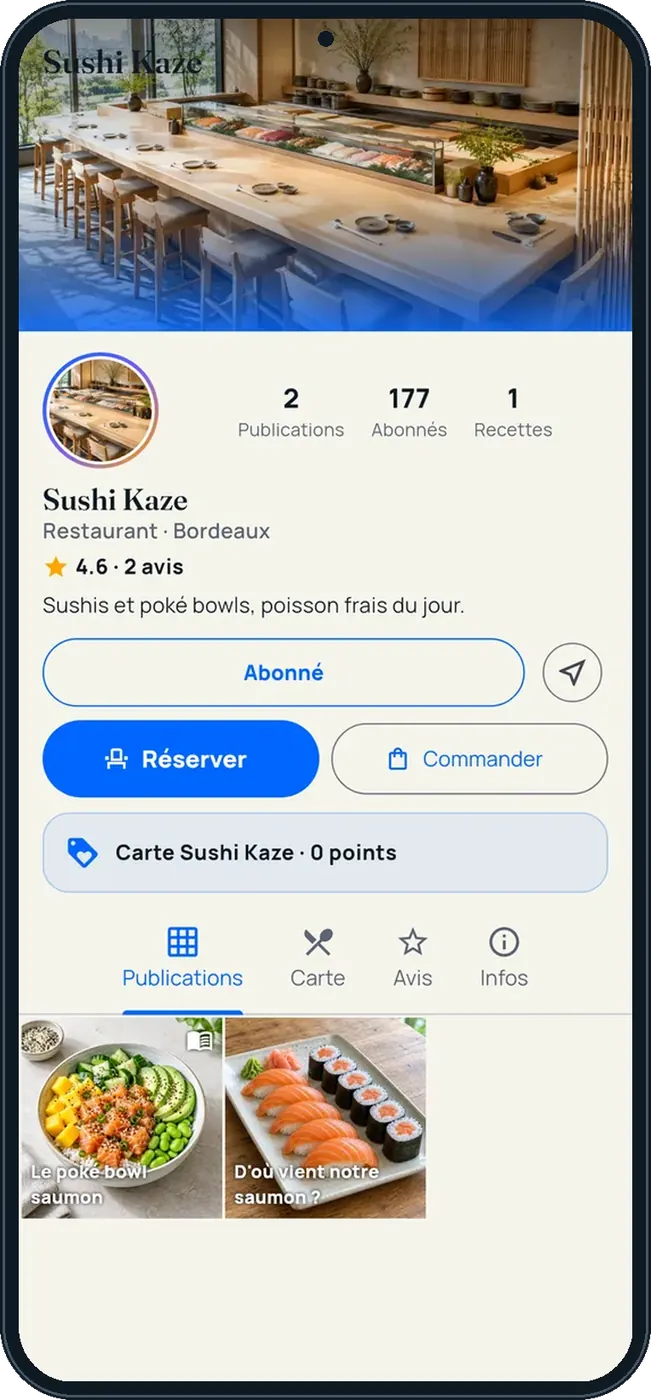
The place page shows its menu, hours, reviews and events.
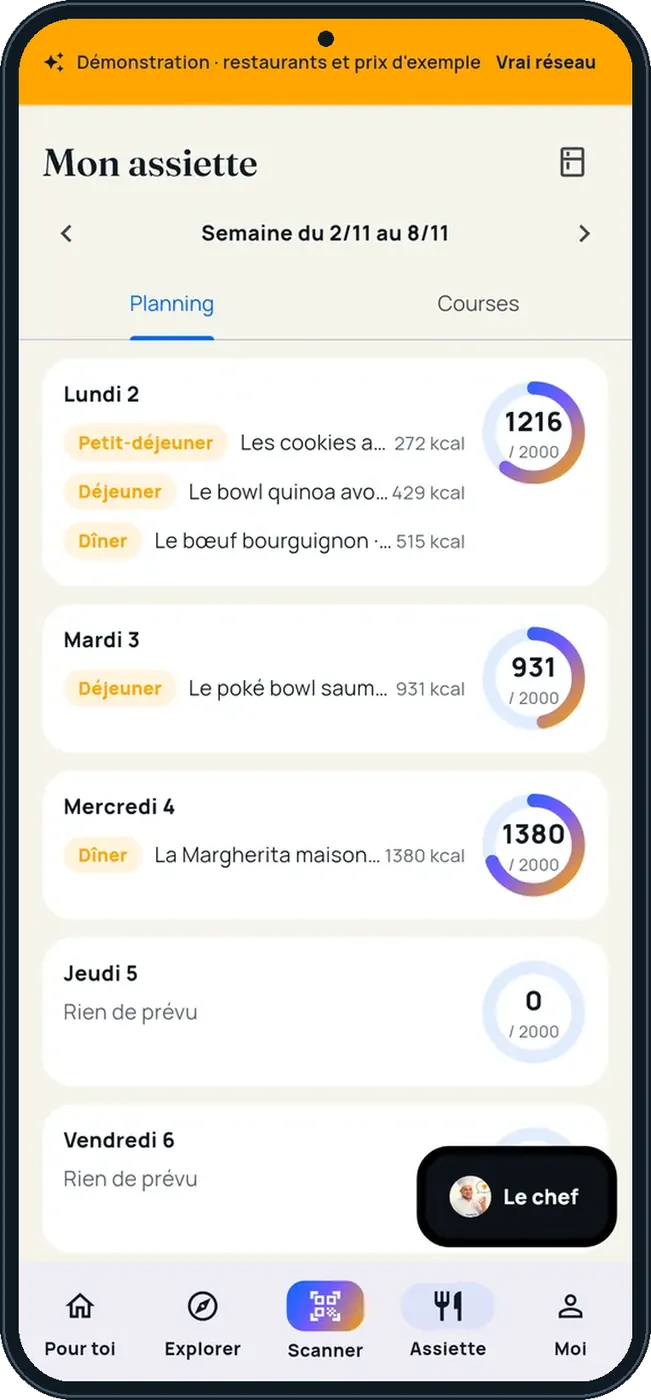
“Mon assiette” sorts the week’s meals and prepares the shopping list.
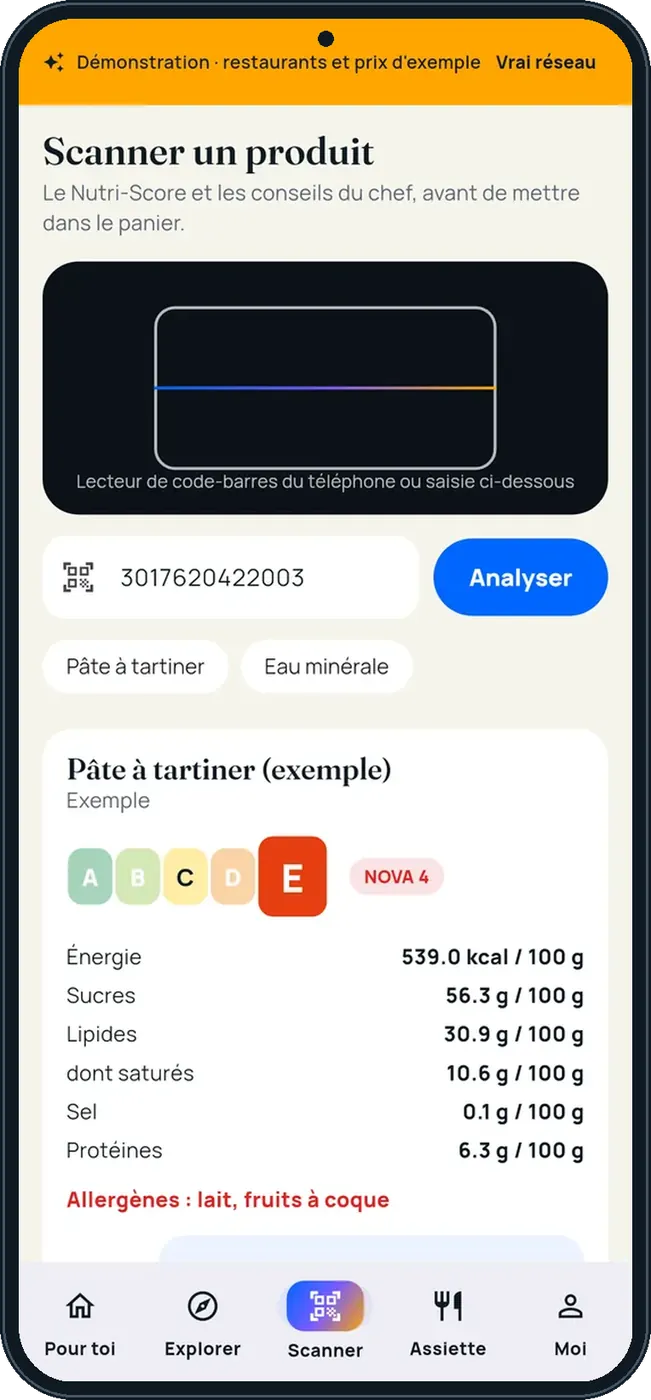
The scanner reads the barcode and gives the product’s score.
Planned meals become a shopping list, showing which dishes each line is for.
See the Cocuisinage tutorial →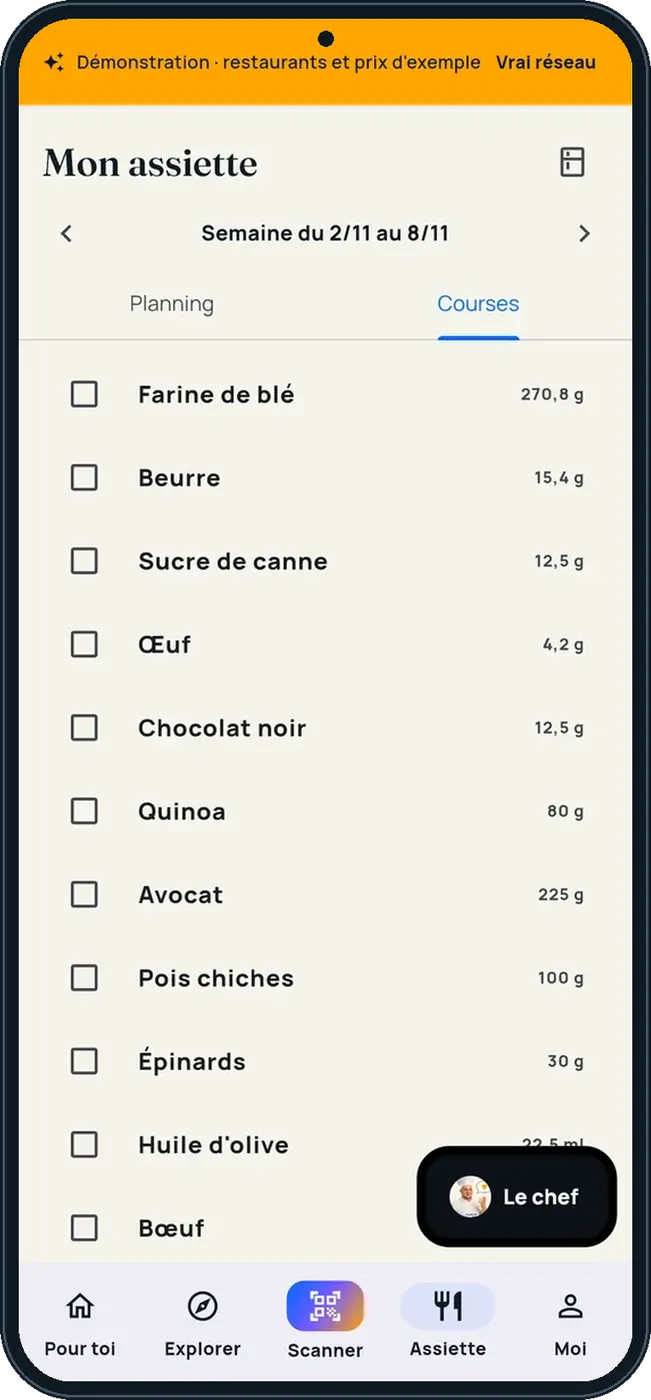
Gives consent and sets what is shown in Configuration › Cocuisinage.
Follows places, cooks recipes and does their shopping.
Claude, ChatGPT or Mistral’s Le Chat, connected to FoodEatUp. Copy the request and replace your establishment number.
In FoodEatUp, for my establishment [number], show what my Cocuisinage page displays.
What you getConsent, category and what is shown to consumers.
Tools used : get_social_network_profile
In FoodEatUp, for my establishment [number], suggest recipes from the library around [ingredient].
What you getPublished library recipes, to add to my recipes.
Tools used : list_master_recipes
By local food lovers.
Follows and loyalty.
With its consent.
On the web and in the app.
Complete your page’s gallery and services: that is what consumers look at first.
In FoodEatUp, one action triggers others. Here are the screens that work with this one.
No. Nothing is shown without your consent in Configuration › Cocuisinage.
No. It is an indicative FoodEatUp calculation, not medical advice.
No. Everything also exists on the web, at the Cocuisinage address.
Send it to your team, your partner or your accountant. The image below appears in the message.
Claude, ChatGPT or Le Chat read this tutorial and explain it to you. Connected to FoodEatUp, they do it with you.
Read this FoodEatUp tutorial: https://foodeatup.com/en/academy/applications/app-cocuisinage.md Explain it to me simply, step by step, then help me do it in my restaurant. If FoodEatUp is connected to you, do it with me and show me the preview before every change.
Type your establishment number: the link takes you straight to this screen. The number stays on this device.
Discover Cocuisinage (in French) →
Répond avec les fiches du site, sans IA
Le chef cherche dans les fiches…
 Claude
 Le Chat
 ChatGPT