Ad sales revenue
In FoodEatUp, for my establishment [number], give me the ad sales dashboard: active contracts, plays and revenue this month.
What you getThe ad sales figures, to date.
Tools used : get_display_regie_dashboard
 Display · Régie publicitaire
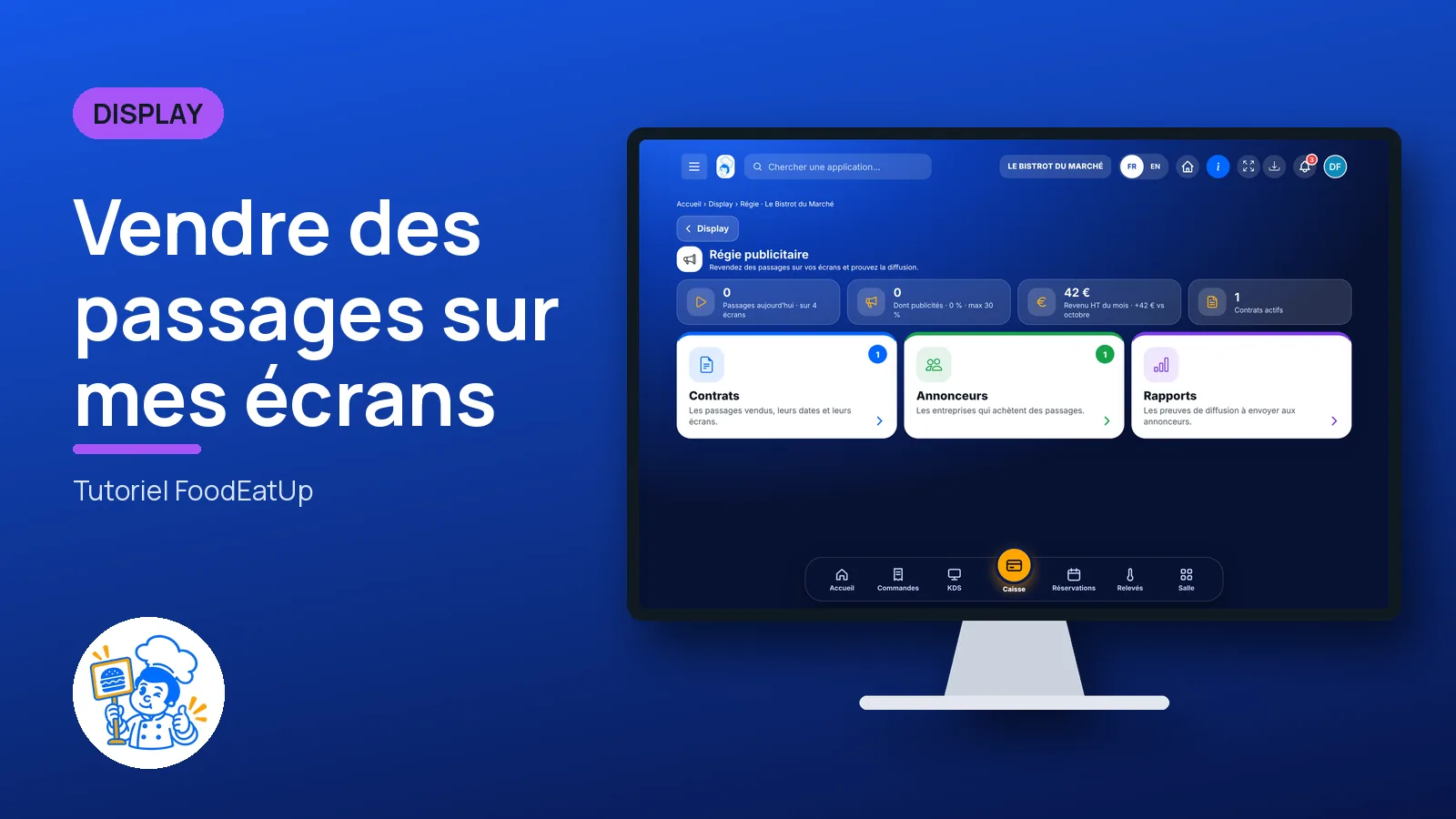
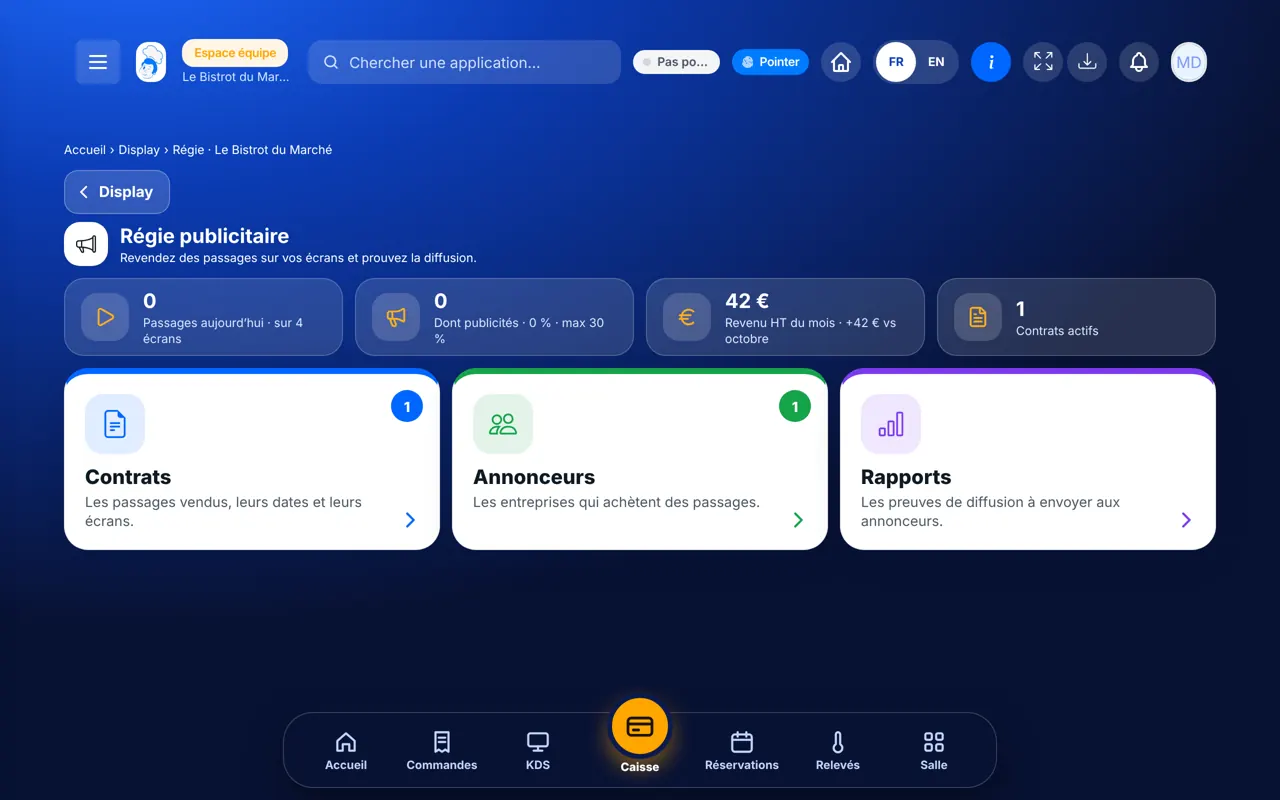
Your screens can earn money: a wine shop, a producer or a nearby business buys slots between your posters. You sign the contract, send the report, and ads stay a minority.
 Directeur
 Patron / gérant
 Responsable multi-sites
The owner always has access. See what each role sees →
A computer to create contracts and send reports to advertisers.
The real software screens, as they appear on each device.
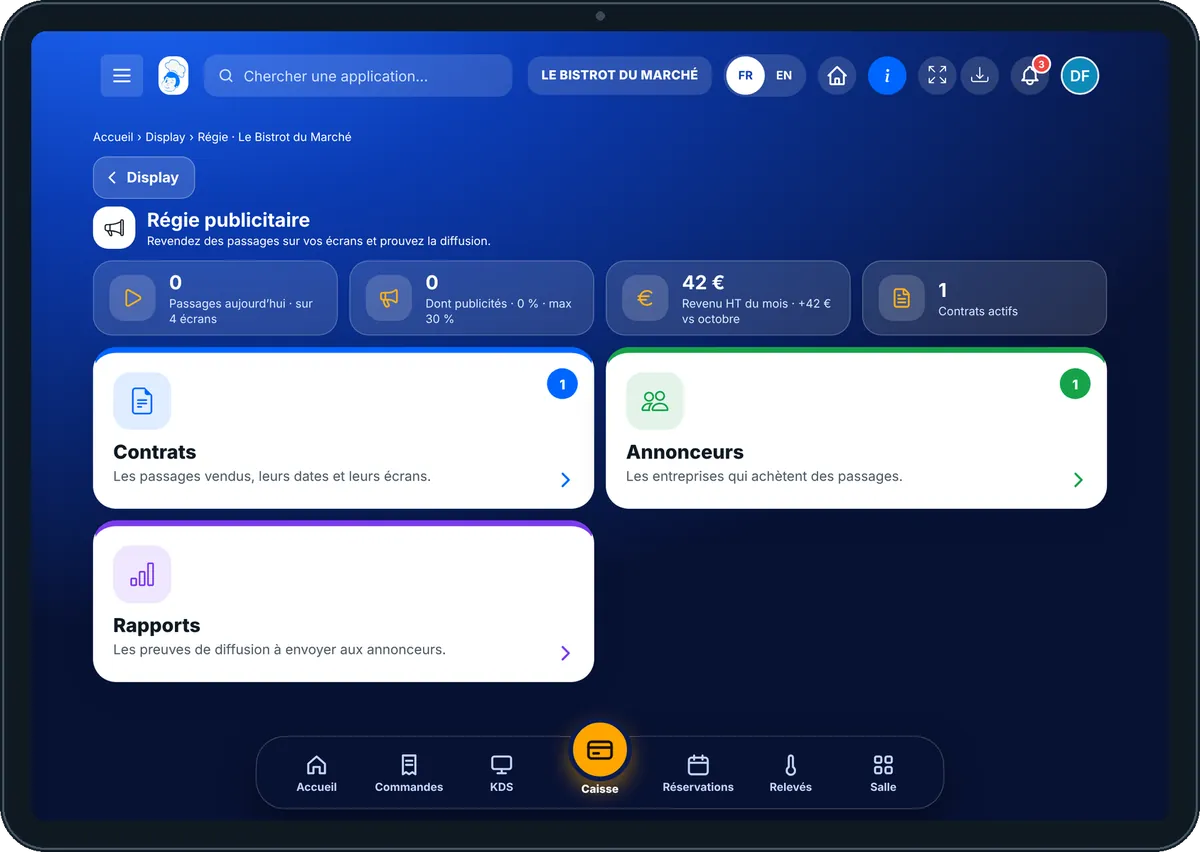
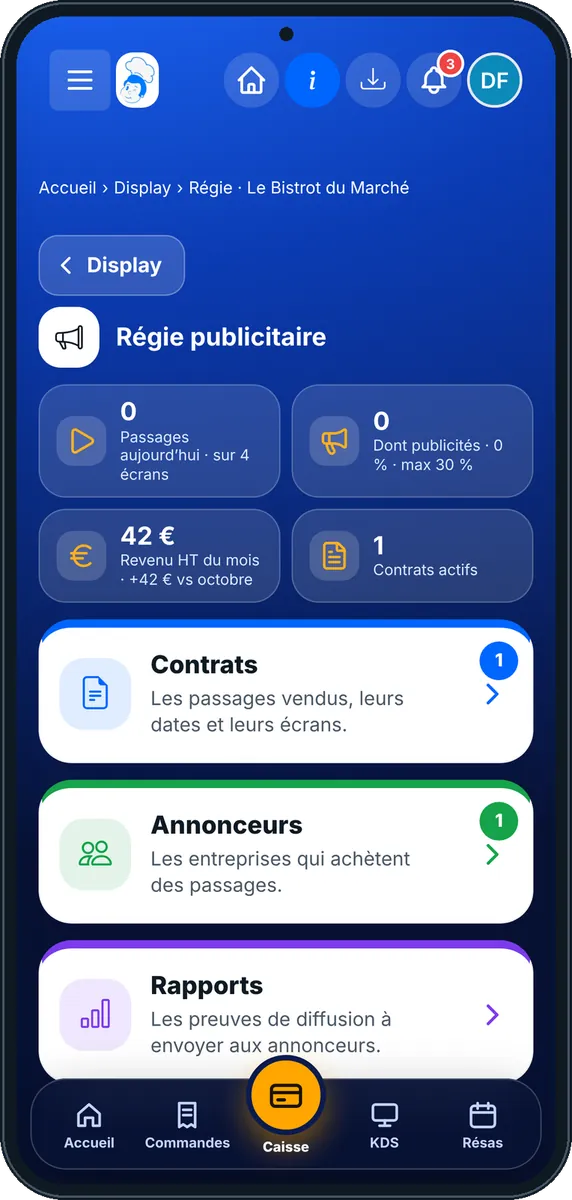
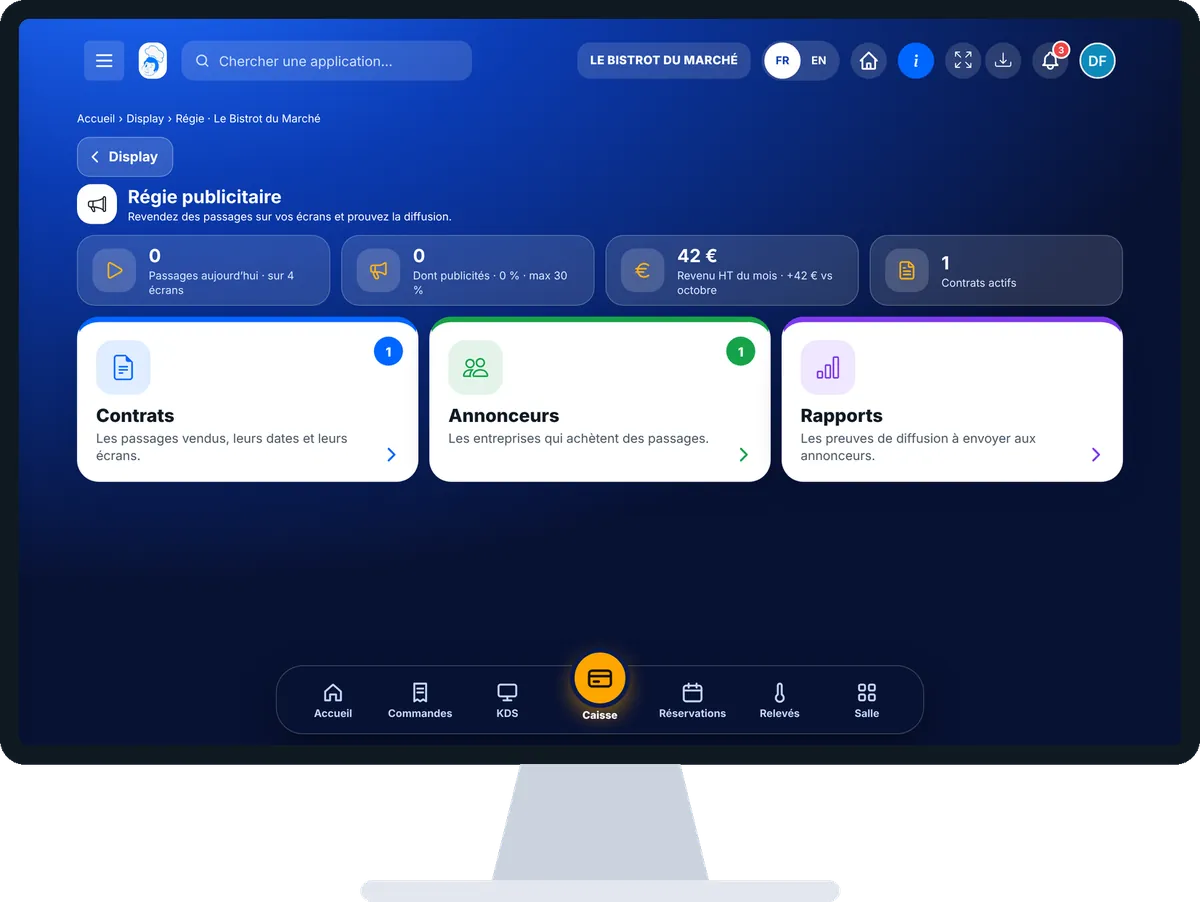
Sell slots on my screens : 5 steps, with the real software screens.
From the home screen, open Display then “Régie publicitaire”. At the top: today’s plays, ad share, revenue this month, active contracts.
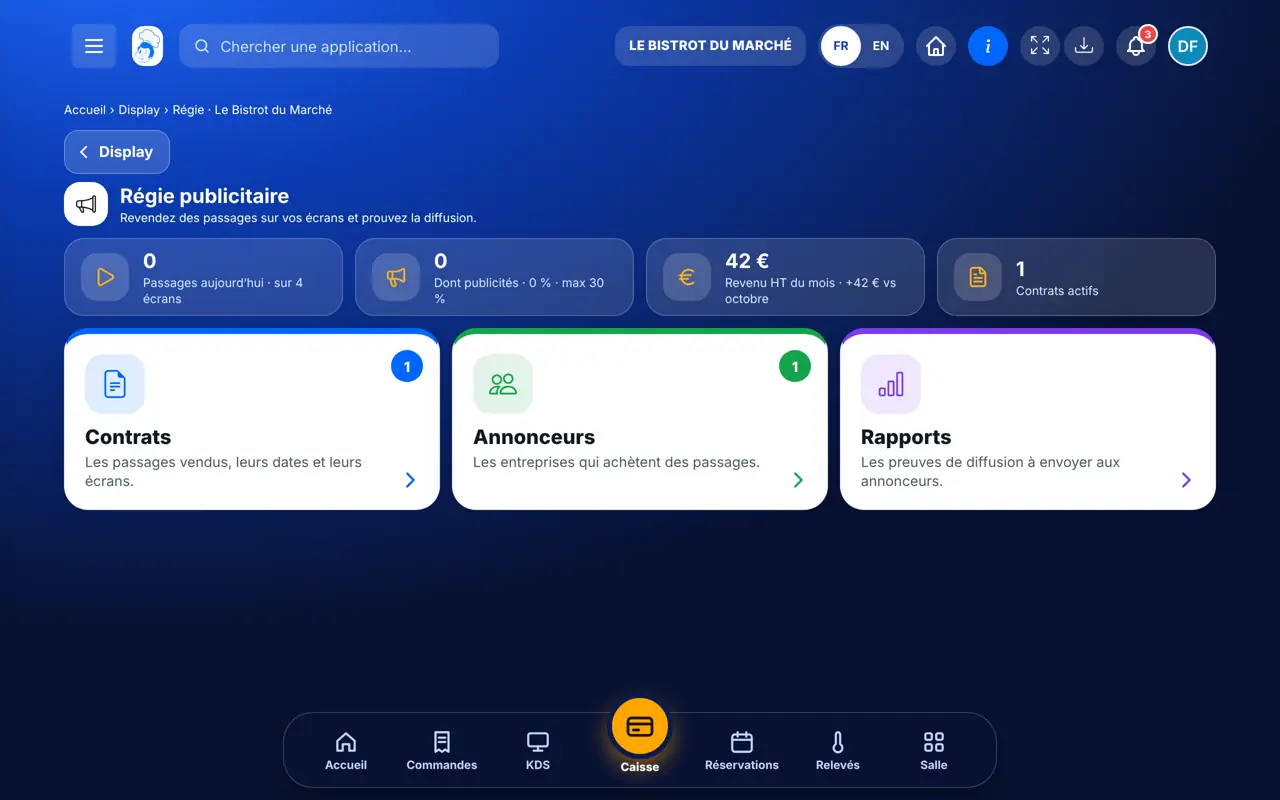
Tap “Annonceurs” then “Nouvel annonceur”: name, contact, e-mail.
Tap “Contrats” then “Nouveau contrat”: the advertiser, their posters, dates, screens, plays per loop and monthly rate.
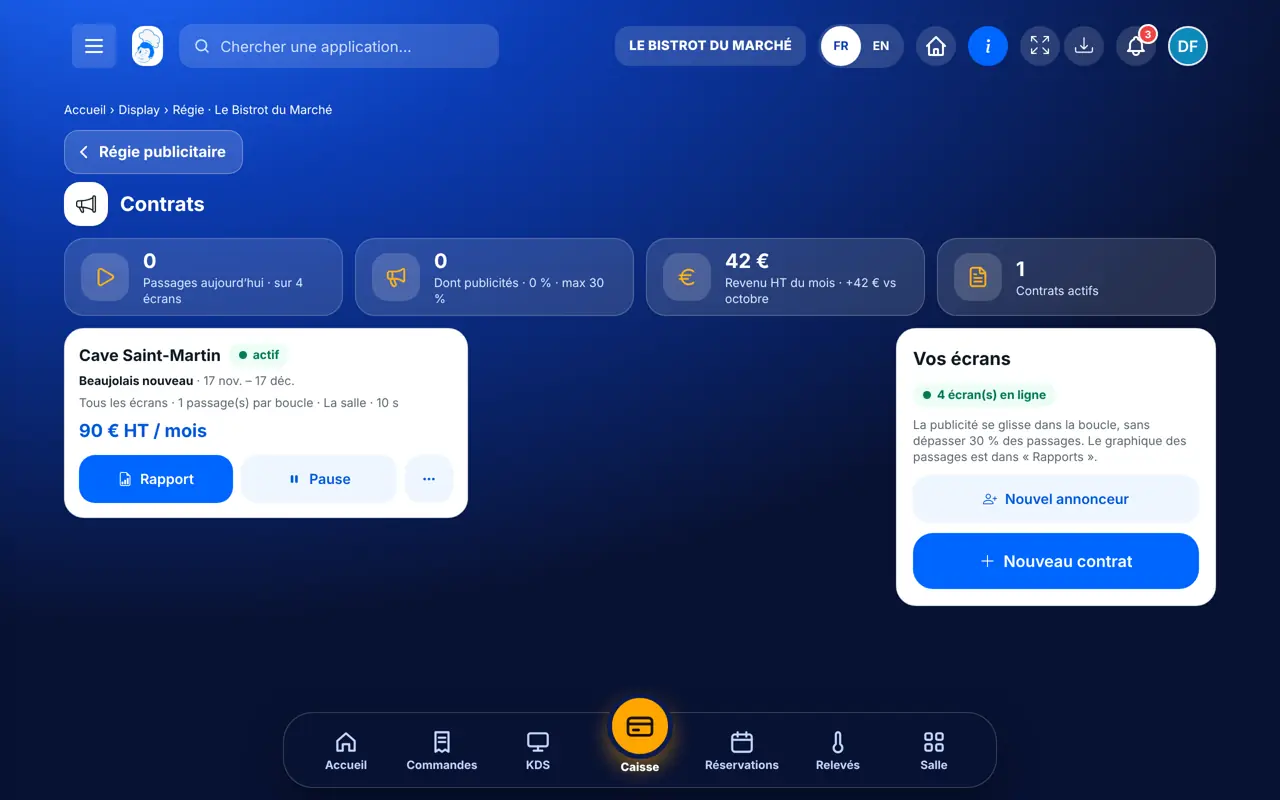
The ad slips into your screens’ loop. Pause a contract in one tap.
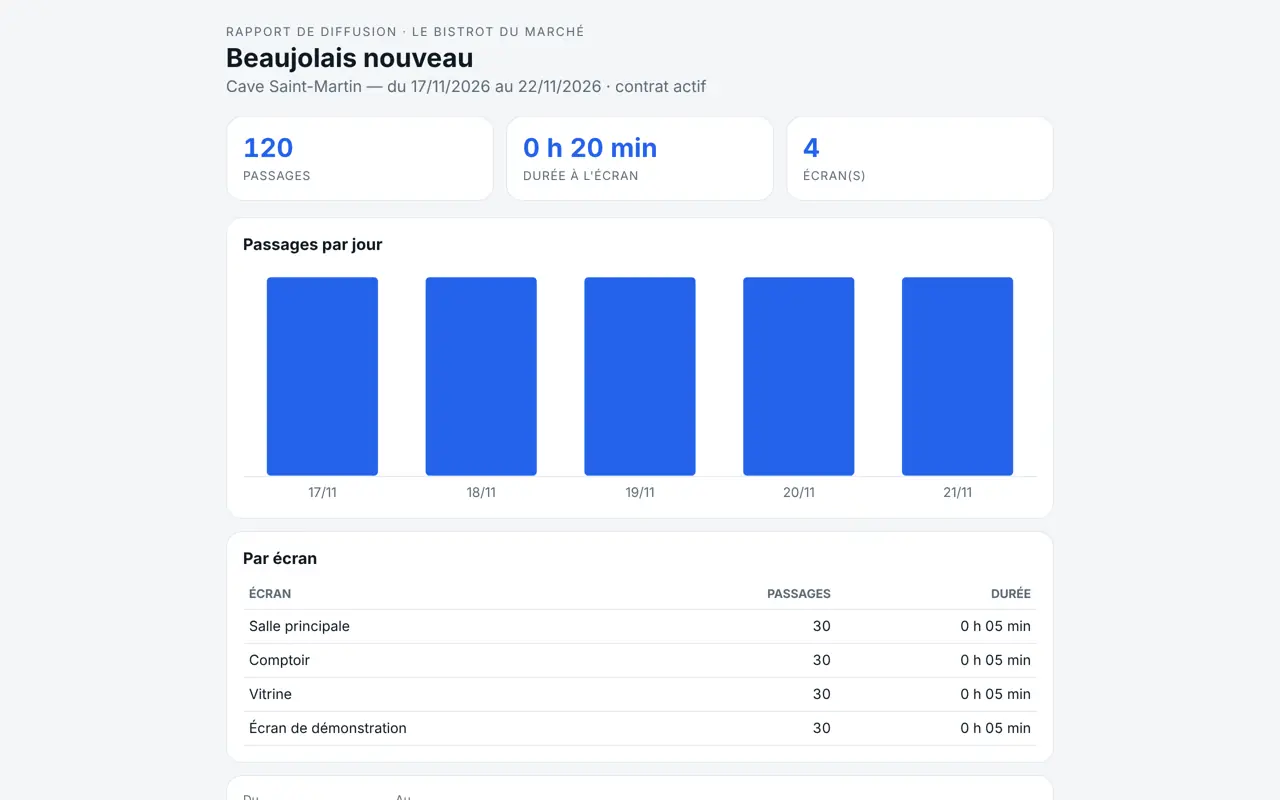
Tap “Rapport” on the contract: plays per screen and per day. Copy the link for the advertiser, or download the PDF and CSV.
The report the advertiser receives: plays, total time, detail by screen and by day, with no account to create.
Creates advertisers and contracts, and sends reports.
Ad sales is a commercial job: it only opens with its own rights (view, manage).
Claude, ChatGPT or Mistral’s Le Chat, connected to FoodEatUp. Copy the request and replace your establishment number.
In FoodEatUp, for my establishment [number], give me the ad sales dashboard: active contracts, plays and revenue this month.
What you getThe ad sales figures, to date.
Tools used : get_display_regie_dashboard
In FoodEatUp, for my establishment [number], show me this week’s plays by screen and by poster.
What you getThe broadcast log, screen by screen.
Tools used : rapport_diffusion
Your screens also work for your partners.
Each play is counted by the screen.
Ads never go above 30 %.
One link, one report, no account.
Offer ad slots to your suppliers first: the wine merchant or producer you already serve has every reason to be seen by your customers.
In FoodEatUp, one action triggers others. Here are the screens that work with this one.
30 % of the plays in a loop. Beyond that, plays are shared between advertisers.
No. They only see their report, through a link you can revoke.
No. Ad sales computes the month’s revenue; invoicing is done in Finance.
Send it to your team, your partner or your accountant. The image below appears in the message.
Claude, ChatGPT or Le Chat read this tutorial and explain it to you. Connected to FoodEatUp, they do it with you.
Read this FoodEatUp tutorial: https://foodeatup.com/en/academy/display/display-regie.md Explain it to me simply, step by step, then help me do it in my restaurant. If FoodEatUp is connected to you, do it with me and show me the preview before every change.
Type your establishment number: the link takes you straight to this screen. The number stays on this device.
Discover display screens (in French) →
Répond avec les fiches du site, sans IA
Le chef cherche dans les fiches…
 Claude
 Le Chat
 ChatGPT